 ProMapRanker
Best No-Code Platforms in 2026

Key takeaways
- Bubble is the strongest choice for full web apps with complex logic, but its usage-based pricing needs careful budgeting.
- Webflow remains the best no-code option for polished marketing sites, while Glide and Softr win for internal tools built on spreadsheets.
- FlutterFlow is the pick if you want to export code later, while Adalo suits simple native mobile apps with flat pricing.
- Free plans are useful for learning, but publishing a live app with a custom domain almost always requires a paid plan.
- Check row limits, user limits, and usage meters before you build, since those limits, not the headline price, usually force an upgrade.
Quick comparison
| Pick | Great for | Pricing starts at | Free tier | |
|---|---|---|---|---|
 Bubble | Full web apps | $32 per month | Yes | Visit |
 Webflow | Marketing websites | Free | Yes | Visit |
 Glide | Spreadsheet to app tools | $25 per month | Yes | Visit |
 Softr | Client portals | $19 per month | Yes | Visit |
 Adalo | Simple native mobile apps | $36 per month | Yes | Visit |
 FlutterFlow | Apps with code export | $39 per month | Yes | Visit |
 Framer | Fast design-led sites | $10 per month | Yes | Visit |
 Airtable | Data-first apps | $20 per user per month | Yes | Visit |
 AppSheet | Google Workspace apps | $5 per user per month | Yes | Visit |
 Xano | No-code backends | See website | Yes | Visit |
The best no-code platforms
No-code platforms let you build software with visual tools instead of writing code, but they are not interchangeable. Some are built for websites, some for mobile apps, and some for internal tools that sit on top of a spreadsheet. We compared official pricing pages, publishing limits, data options, and code export, and we focused on tools that are live, maintained, and usable by a non-developer in October 2026.
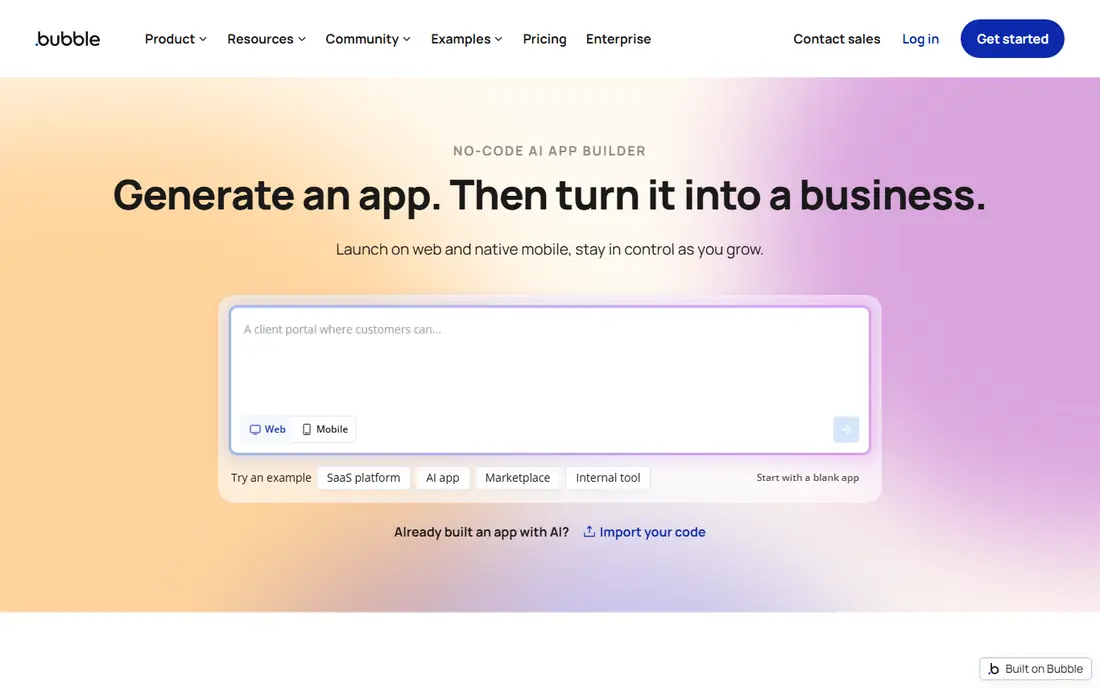
Bubble is the closest no-code tool to a full application platform. You design pages visually, define a database, and build workflows that respond to clicks, form submissions, and API calls, all without writing code. Paid web plans start at 32 dollars per month billed annually, or 39 dollars billed monthly, for the Starter plan, with higher tiers for more capacity.
The catch is workload units, Bubble's meter for server work. Searches, workflows, and API calls consume units, and a poorly designed search can burn through an allowance fast. Bubble suits founders and small teams building a real product, not just a landing page, and it rewards builders who learn to design efficient workflows. If you need to own source code, look elsewhere, since Bubble apps stay on Bubble.
- Visual workflows and database in one place
- Plugin library
- AI-assisted building
- Usage is metered in workload units
- Learning curve is steep for complex apps
- No code export
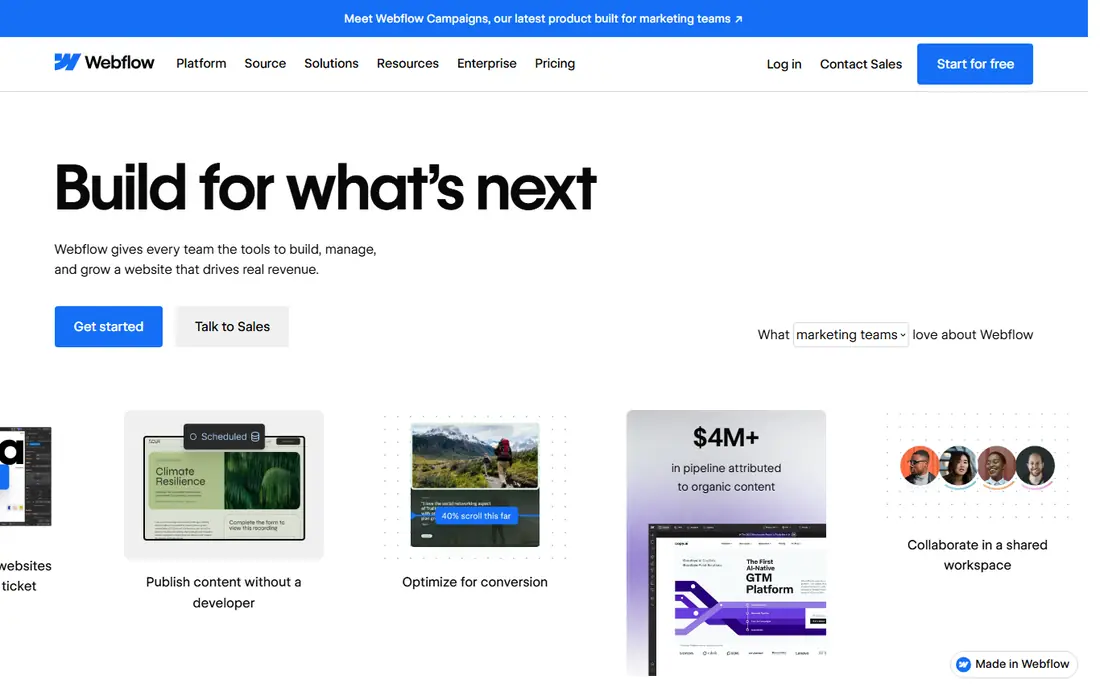
Webflow is our pick for a polished marketing site built without code. The Designer gives pixel-level control over layout, animation, and responsive behavior, while the CMS handles blogs, case studies, and directories. Site plans start free on a webflow.io subdomain, with Basic at 15 dollars per month billed annually and Premium, which adds the full CMS, at 25 dollars per month billed annually. Hosting, SSL, and backups are included, so you do not manage a server.
The pricing structure is the part to study. A site plan pays for each published site, while a workspace plan pays for the people who build, starting free for one seat and rising to 19 dollars per month for Core.
- Precise visual design control
- Built-in hosting and CMS
- Strong SEO controls
- Site and workspace plans are billed separately
- Not a full app builder
- Learning curve for the Designer
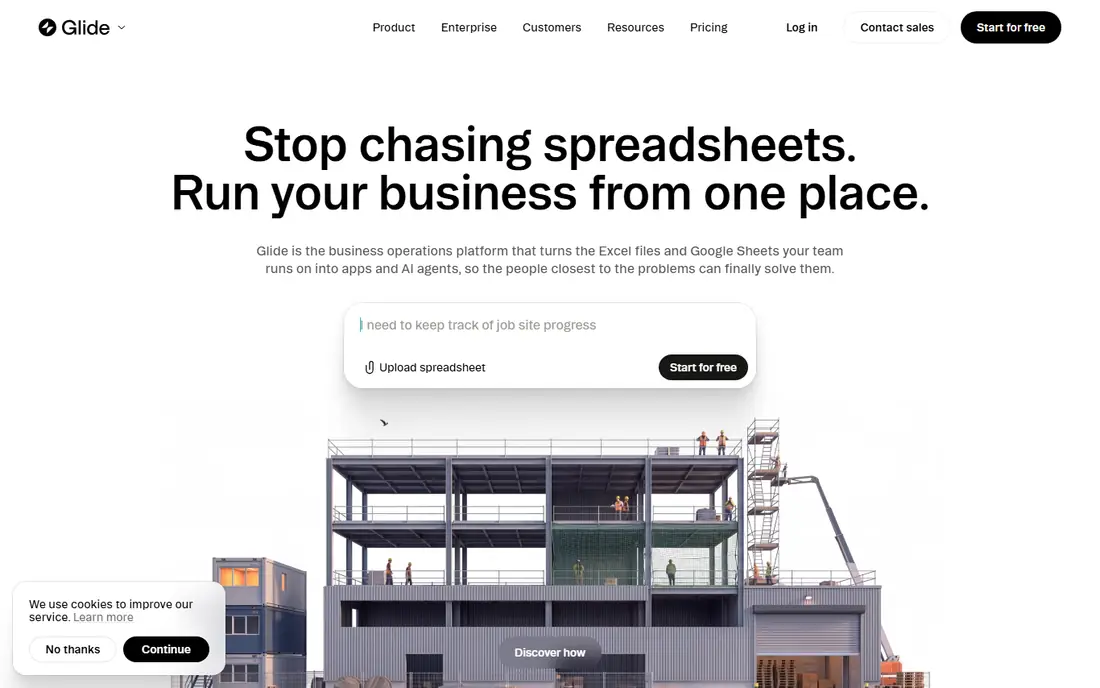
Glide is the fastest route from a spreadsheet to a working internal tool. Point it at Google Sheets, Excel, Airtable, or its own tables, and you get a clean app with lists, forms, dashboards, and user permissions in hours rather than weeks. The September 2026 GlideOS pricing starts at 25 dollars per month for Basic, with Plus at 50 dollars and Pro from 125 dollars, each with different limits on published apps, workflows, and credits. A free plan lets you build and test, but publishing requires a paid plan.
Glide is excellent for inventory trackers, field tools, and dashboards, but it is not built for complex logic. Row caps and update metering can push you up a tier sooner than expected.
- Turns spreadsheets into clean mobile-friendly apps fast
- Strong templates
- AI-assisted building
- Pricing changed with GlideOS in 2026 and needs careful reading
- Row and update limits can force upgrades
Softr is built for portals and internal tools where who sees what matters. You can build a client portal, membership site, directory, or dashboard from Airtable or Softr Databases, then set permissions so each user group sees only its own records. Plans start free, with Basic at 19 dollars per month billed annually, Pro at 99 dollars, and Business at 329 dollars, each with different user, record, and workflow limits.
If you need complex app logic or public scale, Bubble or a code-based stack will fit better.
- Strong permissions and user groups
- Works with Airtable and its own databases
- Unlimited apps on paid plans
- Pricing scales with user counts
- Custom code and advanced integrations sit on higher tiers
Adalo is the most direct path from an idea to a native mobile app without code. One project produces a web app plus native iOS and Android apps, with a built-in database, drag-and-drop screens, and publishing to the App Store and Google Play on paid plans. Paid plans start at 36 dollars per month billed annually, or 45 dollars billed monthly, for one published app, and pricing is flat rather than usage-metered, which makes budgeting simpler.
Adalo does not export code, so you are committed to the platform, and it is less suited to heavy custom logic than Bubble or FlutterFlow. Adalo suits small businesses that need a phone app more than a web app.
- Native iOS and Android publishing
- Built-in database
- Flat pricing with no usage charges
- No code export
- Less suited to complex logic
- External backends need higher plans
FlutterFlow sits between no-code and low-code. You build visually, but the output is Flutter code, and paid plans let you download that code, which means a developer can later take over the project outside the platform. Paid plans start at 39 dollars per month, with a free plan for up to two projects and no code download.
FlutterFlow rewards builders who understand how apps and databases work, and you still need to set up a backend yourself. It suits teams that want a visual start and a code exit.
- Code download on paid plans
- Builds for mobile, web, and desktop
- Works with Firebase and Supabase
- Steeper learning curve
- GitHub integration needs a higher plan
- Backend setup is on you
Paid site plans start at 10 dollars per month for Basic, with Mini at 15 dollars, Pro at 30 dollars, and Scale at 100 dollars, each with different visitor, page, and CMS limits.
Framer is not a substitute for Bubble or Glide. It has no native ecommerce, and it is not built for user accounts, complex workflows, or database-heavy apps. Its strength is speed and design quality for sites where the content is mostly static or CMS-driven. If you need a site live this week and design matters, Framer is hard to beat. If you need an app, pick a different tool from this list.
- Very fast site building
- Strong design and animation tools
- Free publishing on a subdomain
- Not a full app platform
- No native ecommerce
- CMS and traffic limits on lower tiers
Airtable starts as a spreadsheet with database power, and its Interface Designer lets you turn that data into simple apps, dashboards, and portals without code. That makes it a good no-code platform for teams whose work is already organized as records, such as content pipelines, project trackers, and lightweight CRMs. Team plans start at 20 dollars per seat per month billed annually, with Business at 45 dollars per seat, and a free plan for small bases.
The cost model is the main warning. Airtable also has limits on records, automations, and attachment storage that push larger teams upward. It suits data-heavy teams that want flexible views and automations and are happy to pay per editor, rather than teams that need a polished public app.
- Flexible databases with views, forms, and automations
- Strong templates
- Interface designer for simple apps
- Per-seat pricing adds up fast
- Not a full app builder
- Heavy apps can feel slow
AppSheet, part of Google Cloud, turns spreadsheets and databases into mobile and web apps, with forms, maps, barcode scanning, and workflow automation. Pricing starts at 5 dollars per user per month for Starter, with Core at 10 dollars and Enterprise Plus at 20 dollars, and test apps are free for up to ten users.
The learning curve is real. AppSheet's expression language and automation setup reward technical users, and non-technical builders take longer to get comfortable than they do in Glide. AppSheet suits organizations already on Google Workspace that need reliable, per-user-priced operations apps and are willing to invest a few days in learning the tool.
- Builds apps from Google Sheets and other data
- Per-user pricing is predictable
- Strong for field and operations apps
- Expression language takes time to learn
- Design options are more limited than Glide or Softr
Xano is different from the rest of this list because it is a backend, not a front end. It gives you a visual database, API builder, and business logic layer that front-end tools such as Bubble, FlutterFlow, Adalo, or a custom site can call. That makes it the right pick when a spreadsheet backend is no longer enough, but you still do not want to write server code. A free tier exists for learning and small projects, and paid pricing is published on the vendor site and varies with usage and scale.
The trade is that Xano alone does not give you screens. You still need a front-end builder, and you need a basic grasp of APIs, data models, and authentication to use it well. For a team building a product that will outgrow a spreadsheet, Xano is a practical middle path between no-code and a fully coded backend.
- Visual backend with database, APIs, and logic
- Scales beyond spreadsheet backends
- Connects to many front ends
- Pricing is not a simple flat rate for larger use
- Front end still needs a separate builder
- Learning curve for API concepts
How we picked these
We compared official pricing pages, free tiers, publishing limits, data sources, and code export, and we favored tools that are actively maintained in October 2026 and usable by a non-developer for a real project. We excluded tools that had shut down, tools that only generate code with no visual builder, and tools whose pricing could not be checked on an official or clearly sourced page. We weighed website builders, mobile builders, internal tools, and backends separately, since a single ranking across those jobs would mislead readers.
How to choose the right no-code platform
Start with the job, not the tool
Write down what the software must do in one sentence: a marketing site, a client portal, a field app, a marketplace, or a backend. A site builder will disappoint you as an app platform, and an app builder will frustrate you as a design tool. Match the category first, then compare tools inside that category on price and limits.
Count users, rows, and usage before you build
Free plans look generous until you hit a row cap, a user cap, or a usage meter. Estimate how many people will use the app, how many records it will hold in a year, and how often data will change. Then read the plan limits for those numbers, not just the headline price. A tool that is cheap for ten users can become expensive at one hundred.
Test publishing early
Build a small version, publish it, and connect a custom domain before you invest weeks in design. Publishing reveals the real limits: domain rules, app store steps, workflow caps, and performance on a phone. If publishing is painful on a trial, it will not get easier after you pay.
Plan your exit
Check whether you can export code, export data, or move your database elsewhere. FlutterFlow and Xano give you clearer exits than closed platforms, while Bubble, Glide, and Adalo keep you on their systems. A clear exit does not mean you will leave, but it changes how much risk you take when you build a business on the tool.
Frequently asked questions
What are the best no-code tools?
The strongest all-round tools are Bubble for full web apps, Webflow for marketing sites, Glide and Softr for internal tools and portals, and FlutterFlow for mobile apps with code export. The best tool depends on the job, so start with whether you need a site, a mobile app, or an internal tool, then compare inside that group.
Which no-code platform is the best?
There is no single best platform for every job. Bubble is the best for complex web apps, Webflow is the best for design-led sites, Glide is the best for spreadsheet-based internal tools, and FlutterFlow is the best if code export matters. Pick the platform whose limits fit your user count, data size, and publishing needs, and test it with a small project first.Framer is the easiest for a simple site, while Adalo is the easiest for a simple native mobile app. Bubble and FlutterFlow are more powerful, but they ask more of a first-time builder.
What are the best no-code platform solutions for businesses?
For businesses, Softr and Glide suit portals and internal tools, Airtable suits data-heavy operations, and AppSheet suits Google Workspace field teams. Bubble suits product teams building a customer-facing web app, while Xano suits teams that need a stronger backend behind any front end. Compare per-user costs against flat-rate plans, since the total bill differs sharply at team scale.
Are no-code platforms free?
Most no-code platforms offer a free plan for building and testing, but publishing a live app with a custom domain usually requires a paid plan. Free tiers also carry limits on users, rows, apps, or usage, so treat free as a trial for learning and prototyping, not as a permanent home for a business tool.
Can I build a real business app without code?
Yes, for many jobs. Teams build portals, dashboards, booking tools, marketplaces, and field apps on no-code platforms today, and several of the tools here support paying customers and real data. The limits appear with very complex logic, very high traffic, or a need to own source code, and that is where a low-code tool or a coded build becomes the better choice.
Sources
See where you really rank - block by block
ProMapRanker scans Google Maps across a grid of your service area. Simple monthly plans from $19, white-label on every plan.
Start freeKeep reading
 zscaler alternatives
Best Zscaler Alternatives in 2026
Looking for zscaler alternatives? We compare 9 SASE and zero trust platforms on architecture, data protection, pricing, and fit for your network and team.
Read → zapier alternatives free
Best Zapier Alternatives Free in 2026
Nine automation tools for zapier alternatives free in 2026, all with genuinely free tiers, plus free plan limits, starting prices and upgrade paths explained.
Read → which platform is best for online reputation
Which Platform Is Best for Online Reputation in 2026
Wondering which platform is best for online reputation? We compare 8 review, listing, and response tools for small and multi-location businesses and agencies.
Read →