 ProMapRanker
Best No-Code App Builders Comparison in 2026

Key takeaways
- Bubble is our pick for complex web apps with deep logic, databases and workflows.
- Glide and Softr are the fastest routes from a spreadsheet or Airtable base to a working internal tool or portal.
- Adalo and FlutterFlow are the strongest choices when you need a native mobile app on iOS and Android.
- AppSheet and Power Apps suit teams already inside Google Workspace or Microsoft 365.
- Pricing models differ sharply, so compare workload, users and row limits, not just the headline monthly price.
Quick comparison
| Pick | Great for | Pricing starts at | Free tier | |
|---|---|---|---|---|
 Bubble | Complex full stack web apps | $59 per month | Yes | Visit |
 Glide | Spreadsheet to app internal tools | $19 per month | Yes | Visit |
 Softr | Portals on Airtable and Sheets | $19 per month | Yes | Visit |
 Adalo | Native mobile apps without code | $36 per month | Yes | Visit |
 FlutterFlow | Native apps with code export | $39 per month | Yes | Visit |
 Webflow | Design led websites and web apps | See website | Yes | Visit |
 AppSheet | Data driven business apps on Google | $5 per user per month | Yes | Visit |
 Microsoft Power Apps | Enterprise apps on Microsoft 365 | $20 per user per month | Yes | Visit |
 Thunkable | Beginner mobile apps with blocks | See website | Yes | Visit |
 Lovable | Prompt to web app prototypes | $25 per month | Yes | Visit |
The best no-code app builders
No-code builders now split into two broad groups. Visual builders such as Bubble, Glide and Softr give you a database, a design canvas and workflows you can edit. Prompt based builders such as Lovable generate a first version from a description, which is fast for prototypes but needs checking before launch. We compared official pricing pages, feature documentation and recent October 2026 comparisons, and we kept only builders that are live and truly let you build and publish an app without writing code for the core product.
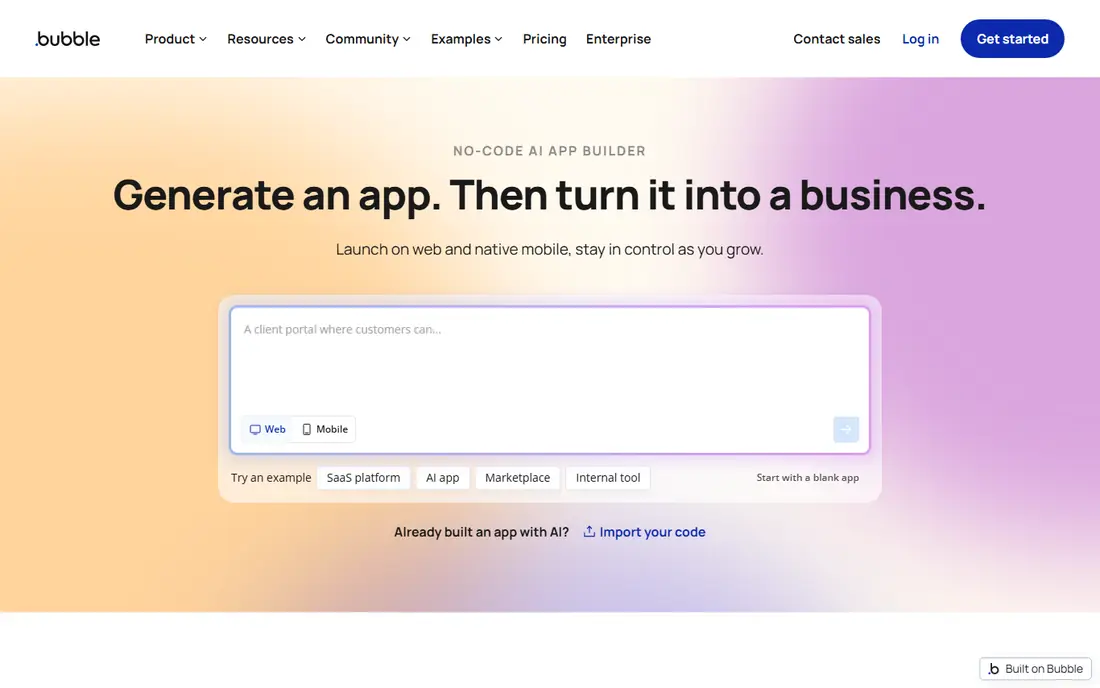
Bubble is the most powerful visual builder in this comparison. You design pages, define your own database and build workflows that handle multi step logic, user roles and payments. That depth is why marketplaces, dashboards and SaaS products are often built on Bubble rather than on simpler tools.
The cost to understand is workload units, Bubble's measure of server work. The Starter plan starts at $59 per month when billed annually, with higher tiers for growth and team use. Inefficient searches and workflows can burn units quickly, so Bubble suits builders who will learn its performance habits or who need power that simpler tools cannot offer.
- Deep visual workflows and database
- Large plugin and template set
- Built in hosting
- Steep learning curve
- Workload based pricing can surprise
- No code export

Glide is the fastest route from a spreadsheet to a usable app. Connect a sheet, choose a layout, add actions and publish, often in an afternoon. For internal tools, directories, order trackers and field apps, that speed is the whole point.
Glide is less suited to highly custom consumer apps with complex logic or unique designs. Paid plans start at $19 per month when billed annually, and row and user limits rise with price, so check data size before you commit to a plan.
- Fast build from Sheets, Excel or Airtable
- Clean mobile friendly apps
- Good for internal tools
- Design limits for custom consumer apps
- Large data sets need higher plans
- Web apps rather than true native apps
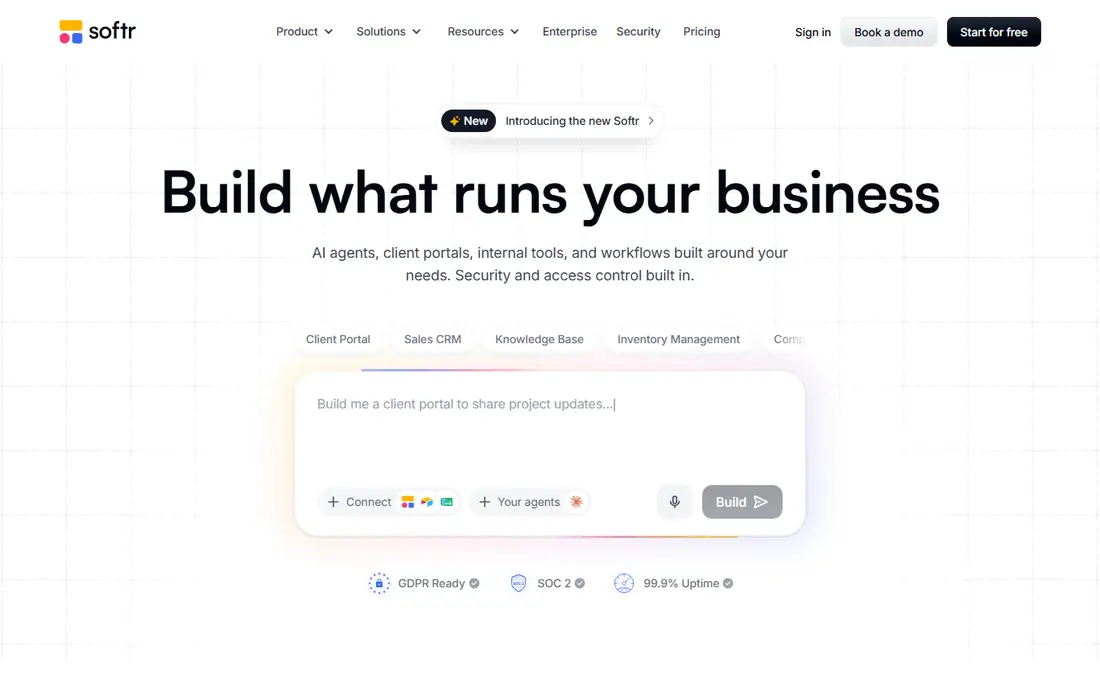
Softr is best when your data already lives in Airtable or Google Sheets and you need a portal on top of it. Client portals, member directories, internal dashboards and resource hubs are natural fits, with user permissions and login built in. Building with blocks keeps the learning curve low.
The limit is logic. Softr handles portals and structured apps well, but it will not match Bubble for custom workflows or complex app behaviour. Paid plans start at $19 per month when billed annually, which makes it an affordable portal choice for small teams.
- Fast portals from Airtable, Sheets and Notion
- Membership and permissions
- Block based building
- Logic depth is lower than Bubble
- Design is block based, not fully freeform
- Data source limits apply
Adalo is the straightforward native mobile choice. You build screens with drag and drop components, connect a database, and publish to iOS, Android and web from the same project. For booking apps, directories, marketplaces and simple social apps, that single canvas saves a lot of time.
Adalo is not the best choice for very large or logic heavy apps, where performance and database limits can show. Starter pricing is $36 per month when billed annually, with a free plan for building and testing, so it is easy to try before you pay for publishing.
- Native iOS and Android apps from one canvas
- Component marketplace
- Database included
- Scaling limits on larger apps
- Fewer advanced logic options than Bubble
- Published app fees vary by plan
FlutterFlow suits builders who want native apps and an exit path. Because it generates Flutter code you can export, you are less locked in than with most no-code tools, and you can hand the code to developers later. Design control is also stronger than in simpler mobile builders.
The trade off is setup. Firebase configuration for login and data sits outside FlutterFlow, and the learning curve is higher than Adalo or Glide. Basic pricing starts at $39 per month, with a free plan for building, so test the workflow before you commit.
- True native apps with Flutter code export
- Firebase integration
- Strong design control
- Steeper learning curve than Adalo
- Firebase setup is separate work
- Free plan limits apply
Webflow is the design first pick. If your app is really a content rich website, marketing site, portfolio or membership site with CMS content, Webflow gives you design control that other builders cannot match. Animations, responsive layouts and CMS collections are built in.
For apps with complex user logic, databases and workflows, Webflow alone is not enough, and many builders pair it with other tools. Check current site and workspace pricing before you choose, since Webflow splits plans in a way that can confuse first time buyers.
- Professional visual design control
- CMS collections
- Hosting and animations included
- App logic is weaker than Bubble
- Learning curve for advanced design
- Pricing splits site and workspace plans
AppSheet, from Google, turns spreadsheets and databases into business apps for web and mobile. It suits field data capture, inspections, inventory checks and approval workflows, especially for teams already using Google Sheets or Drive. Automation rules can send alerts and update records without code.
Design is functional rather than beautiful, and the interface takes time to learn. Pricing starts at $5 per user per month, with prototype testing available free, which makes it a low cost choice for internal business apps.
- Builds from Sheets and databases
- Automation and data capture
- Strong Google Workspace fit
- Design flexibility is limited
- Interface can feel complex at first
- Google centred ecosystem
Power Apps is the enterprise pick for Microsoft shops. It connects to SharePoint, Teams, Outlook and Dataverse, with governance and security controls that IT teams expect. Internal apps for approvals, requests, asset tracking and reporting fit well here.
Licensing is the catch, with per user and per app options that need careful reading. Pricing starts at $20 per user per month for the standard plan, with a developer plan for learning. Outside Microsoft 365, the value drops, so Power Apps suits teams already committed to that ecosystem.
- Deep Microsoft 365 and Dataverse integration
- Enterprise security and governance
- Automation with Power Automate
- Licensing can be complex
- Best value inside Microsoft ecosystem
- Learning curve for makers
Thunkable is a friendly entry point for first time mobile builders. Block based logic, live device testing and a component library make it easy to build a simple app and see it working quickly. Schools, hobby builders and small teams often start here.
For complex or data heavy apps, Thunkable will feel limited sooner than Adalo or FlutterFlow. Check current pricing before publishing, since free building and paid publishing are separate, and plan an upgrade path if your app grows.
- Block based building for beginners
- Live testing on device
- IOS and Android publishing
- Database and logic limits for complex apps
- Design options are basic
- Higher plans needed for publishing
Lovable represents the newer prompt based group. Describe an app in plain language, and it generates a working web app with code you can view and edit. For prototypes, landing pages with app features, and fast MVPs, that speed is a real advantage over starting from a blank canvas.
The honest limit is quality control. Generated apps can have bugs, weak security habits or messy logic, and fixing them needs some technical judgement. Pricing starts at $25 per month, with a free plan for trying, so use Lovable to prove an idea, then review the code before you launch to real users.
- Very fast prompt to working web app
- Code you can inspect and edit
- Good for prototypes and MVPs
- Generated code needs review
- Complex apps need manual fixes
- Credit and plan limits apply
How we picked these
We compared official pricing pages, feature documentation and recent October 2026 builder comparisons, and we kept only tools that let you build and publish without code for the core product. We included visual builders, mobile builders, enterprise platforms and prompt based tools, so the comparison covers different app types rather than only one style of building.
How to choose the right builder for your app
Start with app type, not with the tool list. If you need a web app with complex logic, start with Bubble. If you need an internal tool from a spreadsheet, start with Glide or Softr. If you need a native mobile app, compare Adalo for simplicity and FlutterFlow for code export. If your team lives in Google or Microsoft tools, AppSheet or Power Apps will fit faster.
Then test the limits that matter. Build a small version with your real data, test user roles, test on a phone, and check pricing at your expected user and row counts. A builder that looks cheap at ten users can become expensive at one hundred, and a builder that looks simple can stall when logic gets complex. A week of testing saves months of rebuilding.
Frequently asked questions
What is the best no-code app builder overall?
Bubble is the most powerful visual builder for complex web apps, while Glide is the fastest for internal tools from spreadsheets. The best choice depends on whether you need deep logic, native mobile publishing or a simple portal.
Which no-code builder is best for mobile apps?
Adalo is best for simple native mobile apps without code, and FlutterFlow is best when you want native apps plus code export. Glide and Softr produce web apps that work well on mobile, but they are not true native apps in the same way.
Can I build an app with no code for free?
Yes, most builders here offer a free plan for building and testing, including Bubble, Glide, Softr, Adalo, FlutterFlow and Lovable. Publishing, custom domains, higher user limits and removing branding usually need a paid plan.
Is Bubble better than Glide?
Bubble is better for complex logic and custom web apps, while Glide is better for fast internal tools from spreadsheets. Choose Bubble for power and Glide for speed, and do not force one tool to do the other's job.
Do no-code apps scale?
Some do, with the right plan and design, but scaling depends on data size, user count and workflow efficiency. Bubble, FlutterFlow and Power Apps handle larger apps better than simple builders, yet all need performance testing as use grows.
What happens if I outgrow a no-code builder?
Options vary by tool. FlutterFlow and Lovable let you export code, while Bubble, Glide and Softr keep your app on their platform. Check export and data options before you build a product you plan to run for years.
Sources
- https://bubble.io
- https://www.glideapps.com
- https://www.softr.io
- https://www.adalo.com
- https://flutterflow.io
- https://webflow.com
- https://about.appsheet.com
- https://www.microsoft.com/en-us/power-platform/products/power-apps
- https://thunkable.com
- https://lovable.dev
- https://rankite.com/blog/best-no-code-ai-app-builders-for-startups
- https://www.cluboo.com/best-no-code-app-builders
See where you really rank - block by block
ProMapRanker scans Google Maps across a grid of your service area. Simple monthly plans from $19, white-label on every plan.
Start freeKeep reading
 zscaler alternatives
Best Zscaler Alternatives in 2026
Looking for zscaler alternatives? We compare 9 SASE and zero trust platforms on architecture, data protection, pricing, and fit for your network and team.
Read → zapier alternatives free
Best Zapier Alternatives Free in 2026
Nine automation tools for zapier alternatives free in 2026, all with genuinely free tiers, plus free plan limits, starting prices and upgrade paths explained.
Read → which platform is best for online reputation
Which Platform Is Best for Online Reputation in 2026
Wondering which platform is best for online reputation? We compare 8 review, listing, and response tools for small and multi-location businesses and agencies.
Read →