 ProMapRanker
Best No Code App Builder in 2026

Key takeaways
- Glide is our pick for most business users who want to turn a spreadsheet into a working internal app fast.
- Bubble suits complex web apps with custom logic, while FlutterFlow suits native mobile apps where code export matters.
- Softr and Adalo are better starting points for portals and phone apps, since their building blocks are simpler to learn.
- Free tiers are for building and testing in most cases, so budget for a paid plan before you publish to real users.
Quick comparison
| Pick | Great for | Pricing starts at | Free tier | |
|---|---|---|---|---|
 Glide Glide | Spreadsheet to internal app | $25 per month | Yes | Visit |
 Bubble Bubble | Complex web apps | See website | Yes | Visit |
 Softr Softr | Client portals on existing data | See website | Yes | Visit |
 FlutterFlow FlutterFlow | Native apps with code export | $39 per month | Yes | Visit |
 Adalo Adalo | Native mobile apps | $36 per month | Yes | Visit |
 AppSheet AppSheet | Data driven business apps | $5 per user per month | Yes | Visit |
 Thunkable Thunkable | Phone first native apps | See website | Yes | Visit |
 GoodBarber GoodBarber | Design led content and commerce apps | See website | Free trial | Visit |
 Appy Pie Appy Pie | Simple small business apps | See website | Free trial | Visit |
The best no code app builders
We compared official pricing pages, product documentation, and feature pages for builders that are live in October 2026. Prices in this category change often, and many builders charge by users, rows, workload, or app publishes, so we used See website where a single starting price could not be verified cleanly from the vendor. The best app builder for you depends first on the app type: web portal, native phone app, or internal business tool.
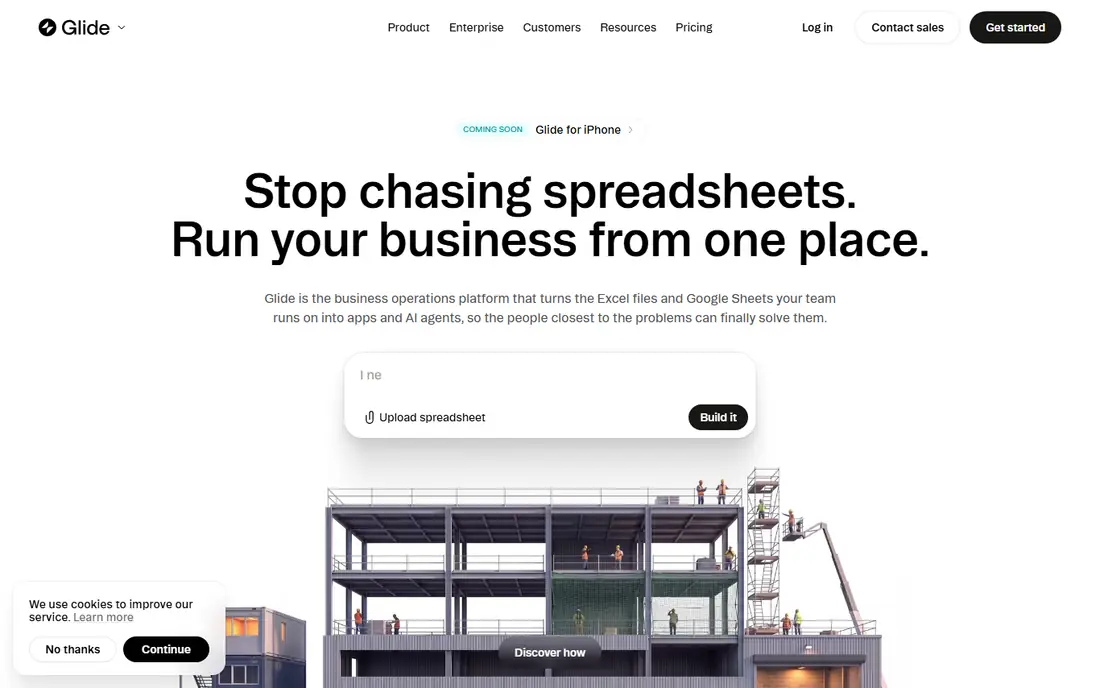
Glide is the fastest route from data you already have to an app your team can use. Connect a sheet or database, pick a layout, add forms and actions, and you have a working internal tool, directory, inventory app, or portal. The $25 per month starting plan in recent vendor pricing covers individual publishing, with higher plans for business use.
The limit to understand is publishing type. Glide apps are web apps that work well on phones, not native apps built for the App Store in the same way Adalo or FlutterFlow apps are. If your goal is an internal tool, that rarely matters. If your goal is a consumer app in both stores, look at Adalo or FlutterFlow instead.
- Turns Google Sheets, Airtable, and other data into an app fast
- Built in AI helpers for data and actions
- Good for internal tools and portals
- Not a true native app store builder
- Row and user limits apply on lower plans
- Design control is more limited than Bubble
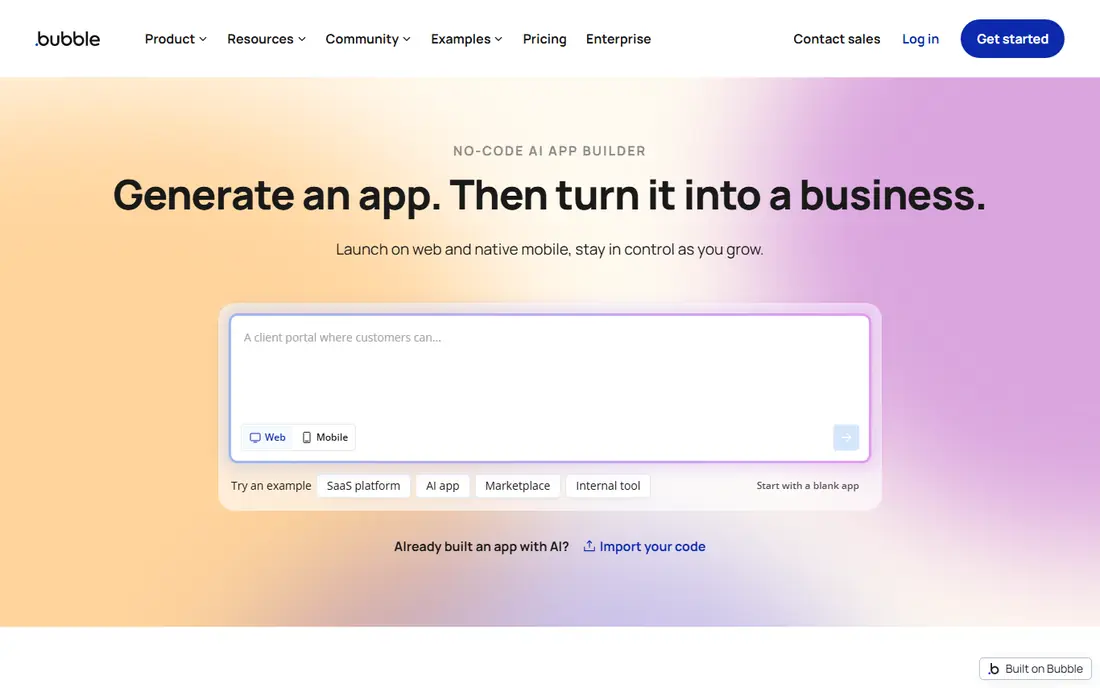
Bubble is the most powerful no code builder for web apps on this list. The visual editor covers pages, data types, workflows, and user accounts, and the plugin library adds payments, maps, and third party services without code. Startups use it for MVPs and full products, not just prototypes, because the logic depth goes far beyond a simple form app.
That power comes with a learning curve and a pricing model to study. Workload units, database limits, and plan tiers affect the total bill as an app grows, so test with real data before launch. Bubble is the right pick when your app needs custom logic, and the wrong pick when you need a simple phone app in a week.
- Visual workflows and a built in database
- Large plugin and template library
- Suitable for full web products and MVPs
- Steep learning curve
- Workload based pricing can be hard to predict
- Native mobile support is newer than web support
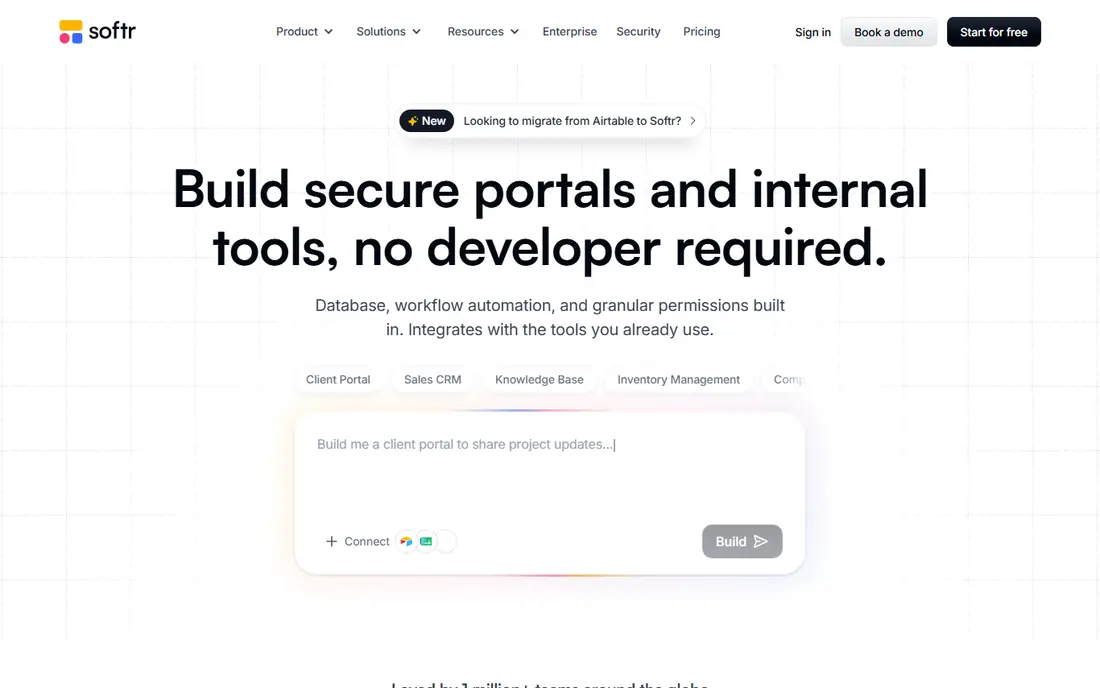
Softr is the best builder for a polished portal on data you already keep. Blocks for lists, details, forms, and user accounts let you build a client portal, internal directory, or membership site without designing every screen from scratch. Airtable and Google Sheets users get the most value, since Softr is built to sit on top of those sources.
It is not a general app builder for complex products. Logic is simpler than Bubble, and phone apps are web style rather than native store apps. For portals, directories, and dashboards, that simplicity is a strength, since you can publish in days rather than weeks.
- Block based building on Airtable, Google Sheets, or its own database
- Client portals and membership areas
- Fast setup for data apps
- Less custom logic than Bubble
- Native mobile apps are not the focus
- Record and user limits apply by plan
FlutterFlow is the pick for teams that want a real codebase at the end. You build visually, then export Flutter code that a developer can maintain outside the tool. That export option reduces lock in, which matters for products you plan to run for years. Firebase covers login, data, and storage for many apps, and the builder supports iOS, Android, web, and desktop targets.
The trade-off is complexity. FlutterFlow assumes more comfort with app structure, data models, and Firebase than Glide or Softr. The $39 per month starting plan covers core building, with higher plans for teams and code download features. If you want a production mobile app with an exit route, this is the strongest choice here.
- Builds native iOS, Android, web, and desktop apps
- Full Flutter code export
- Firebase integration for auth and data
- More technical than Glide or Softr
- Database setup needs planning
- Paid plan needed to download code and publish fully
Adalo is the most direct route to a native phone app without code. You design screens, connect a database, add actions, and publish to the web and to both app stores from one build. The $36 per month Starter plan in recent pricing covers paid publishing, and the free plan lets you build and test before paying.
Complex apps with heavy logic or large data sets can strain Adalo, and the database tools are simpler than Bubble or FlutterFlow with Firebase. For a straightforward consumer or small business app, such as a booking app, directory, or ordering app, Adalo hits a good balance of simplicity and store publishing.
- Publishes the same app to web, iOS, and Android
- Visual builder with component marketplace
- Flat style pricing on paid plans
- Performance can lag on very complex apps
- Database and logic depth are below Bubble
- Paid plan needed for store publishing
AppSheet, from Google, is built for work apps rather than consumer apps. Field teams use it for inspections, inventory, deliveries, and approvals, with forms, barcode scanning, maps, and automation driven by spreadsheet data. The $5 per user per month starting price makes it cheap to test with a small team, and prototype testing is free for a limited group.
Design polish is not the strength. AppSheet apps look clean and functional, but they do not match the custom design of a Bubble or FlutterFlow product. If your users are staff, not shoppers, that trade-off is usually worth it.
- Builds apps from Google Sheets, Excel, and databases
- Strong for field work, inspections, and workflows
- Google Workspace integration
- Design is functional rather than polished
- Per user pricing adds up for large teams
- Publishing is business focused, not consumer app store focused
Thunkable suits beginners and small teams who want a native phone app with a visual block system. You can test on your own phone as you build, which makes the learning loop fast, and templates cover common app types such as directories, quizzes, and simple commerce. The free plan covers public projects for learning and prototyping.
Serious products with complex data or heavy custom logic will outgrow Thunkable sooner than FlutterFlow. Use it for a first app, a school or community app, or a prototype you plan to rebuild later, and check the current paid tiers before you commit to store publishing.
- Drag and drop blocks for native iOS and Android apps
- Live testing on your phone
- Templates and AI assisted building
- Logic depth is below Bubble and FlutterFlow
- Larger apps need careful structure
- Paid plan needed for full publishing
GoodBarber is a design first builder for content and commerce apps. Restaurants, shops, news outlets, and communities use its templates to publish native apps with menus, catalogs, articles, and push notifications, without designing every screen. The result looks polished fast, which is the main reason to choose it over a more general builder.
Flexibility is the limit. Custom workflows and complex data apps are harder here than in Bubble or AppSheet, and there is no free ongoing plan, only a trial period. GoodBarber fits best when your app is mostly content or products, and you value a finished look over custom logic.
- Polished templates for content, commerce, and community apps
- Native iOS and Android publishing
- Built in push notifications
- No ongoing free plan, only a trial
- Less custom logic than Bubble
- Costs rise with add ons and store features
Appy Pie is the simplest commercial builder on this list for a small business that needs an app quickly. Templates cover restaurants, shops, churches, fitness studios, and many other small business types, and feature modules add bookings, menus, loyalty, and push alerts. Pricing is per app, which can suit a single business app better than a per user platform price.
The catch is depth. Template based apps look and behave like templates, and custom logic is limited compared with Bubble or FlutterFlow. Appy Pie is best for a straightforward business app where speed and low cost matter more than a unique product.
- Templates and feature modules for small business apps
- Builds for web, PWA, and native stores
- Low entry cost per app
- Free tier is trial based, not ongoing
- Advanced customization is limited
- App quality depends heavily on the template chosen
How we picked these
We kept only builders that are live in October 2026, offer a real no code building experience, and can publish a working app to the web, a phone, or both. We checked official pricing and product pages, and we used See website where plans, billing periods, or per user math made a single starting price misleading. We left out builders that had shut down, code only tools, and website builders with no real app publishing.
How to choose the right builder
Start with the app type, not the feature list. If the app is an internal tool on a spreadsheet, Glide or AppSheet will get you live fastest. If it is a client portal on Airtable or Sheets, Softr is the natural fit. If it is a consumer phone app, Adalo, Thunkable, or FlutterFlow are the serious options, with FlutterFlow winning when code export matters.
Next, test with real data and real users before you pay for a year. Build one core workflow end to end, test it on a phone, and check the limits that apply to your plan: rows, users, workload, publishes, and storage. A builder that feels fast with ten test rows can feel slow or costly with ten thousand real rows. Finally, ask how you leave. Code export, data export, and API access matter more after launch than during the first week, so favor tools that let you take your data and, where possible, your code with you.
Budget beyond the headline price
The headline monthly price rarely tells the full cost. Add app store accounts, domain and hosting fees where they apply, paid plugins, extra users, and higher tiers for publishing or removing branding. Usage based pricing, in particular, needs a monthly cap or alert, since a popular app can push workload or row limits higher than expected. Set a budget for the first three months, then review actual usage before renewing annually.
Frequently asked questions
What is the best no code app builder for beginners?
Glide is the easiest start for business apps, since it turns a spreadsheet into an app with little setup. For a native phone app, Adalo and Thunkable are easier first steps than Bubble or FlutterFlow.
What is the best app maker for mobile apps?
FlutterFlow is our pick for production native apps, because it publishes to iOS, Android, web, and desktop and offers Flutter code export. Adalo is a simpler alternative when you want store publishing without the technical setup of FlutterFlow.
Can I build an app without coding for free?
Yes, for building and testing. Glide, Bubble, Softr, FlutterFlow, Adalo, AppSheet, and Thunkable all offer free tiers or free building, but publishing to real users, removing branding, or using full features usually needs a paid plan.
What is the best no code platform for business apps?
Glide and AppSheet lead for internal business tools, while Softr leads for client portals. Pick Glide for speed on spreadsheet data, AppSheet for field workflows in Google Workspace, and Softr for polished portals on Airtable or Sheets.
Is Bubble better than Glide?
Neither is better in general. Bubble is better for complex web products with custom logic, while Glide is better for fast internal apps on existing data. Choose by app type: custom product versus data driven business tool.
Do no code apps work in the App Store?
Yes, when the builder supports native publishing. Adalo, FlutterFlow, Thunkable, GoodBarber, and Appy Pie all offer native iOS and Android publishing, subject to Apple and Google review. Web only builders such as Glide and Softr produce web apps that work on phones but are not native store apps in the same way.
Sources
See where you really rank - block by block
ProMapRanker scans Google Maps across a grid of your service area. Simple monthly plans from $19, white-label on every plan.
Start freeKeep reading
 youtube alternatives
Best YouTube Alternatives in 2026
Looking for youtube alternatives in 2026? We compare Vimeo, Dailymotion, Twitch, Rumble, and more on price, audience, monetization, control and privacy.
Read → what's the best ai tool for photo editing
What Is the Best AI Tool for Photo Editing in 2026
What is the best AI tool for photo editing? We compare ten tools for 2026, from Photoshop and Lightroom to Luminar, Topaz, Canva and mobile editors today.
Read → twitter alternatives
Best Twitter Alternatives in 2026
Compare the best twitter alternatives for 2026, from Bluesky, Threads, and Mastodon to Reddit, Tumblr, and Micro.blog, with free plans and audience notes.
Read →