 ProMapRanker
Best No Code AI App Builder in 2026

Key takeaways
- Lovable and Bolt are our picks for turning a written prompt into a working web app quickly, with code you can export and edit.
- Bubble remains the strongest choice for complex web apps with real workflows, user roles and a built-in database.
- Glide and Softr suit teams turning spreadsheets or Airtable data into internal tools, portals and directories.
- FlutterFlow and Adalo are better when you need a native mobile app for the App Store and Google Play.
- AI builders save time on a first version, but budget time for testing, fixes and the credit or usage limits on each plan.
Quick comparison
| Pick | Great for | Pricing starts at | Free tier | |
|---|---|---|---|---|
 Bubble | Complex web apps | $29 per month | Yes | Visit |
 Lovable | Prompt-to-web MVPs | $25 per month | Yes | Visit |
 Bolt | Fast prompt-to-code apps | $25 per month | Yes | Visit |
 Glide | Spreadsheet-to-app tools | $19 per month | Yes | Visit |
 Softr | Portals on existing data | $19 per month | Yes | Visit |
 Adalo | Native mobile apps | $36 per month | Yes | Visit |
 FlutterFlow | Mobile apps with code export | $39 per month | Yes | Visit |
 Base44 | Full apps with built-in backend | $16 per month | Yes | Visit |
 Replit | AI plus full code environment | $20 per month | Yes | Visit |
 Thunkable | Beginner mobile apps | $39 per month | Yes | Visit |
The best no code AI app builders
We compared the builders on AI generation, editing control, database and hosting, app output, pricing and free tiers. Prices below are entry paid plans, billed annually where that applies.
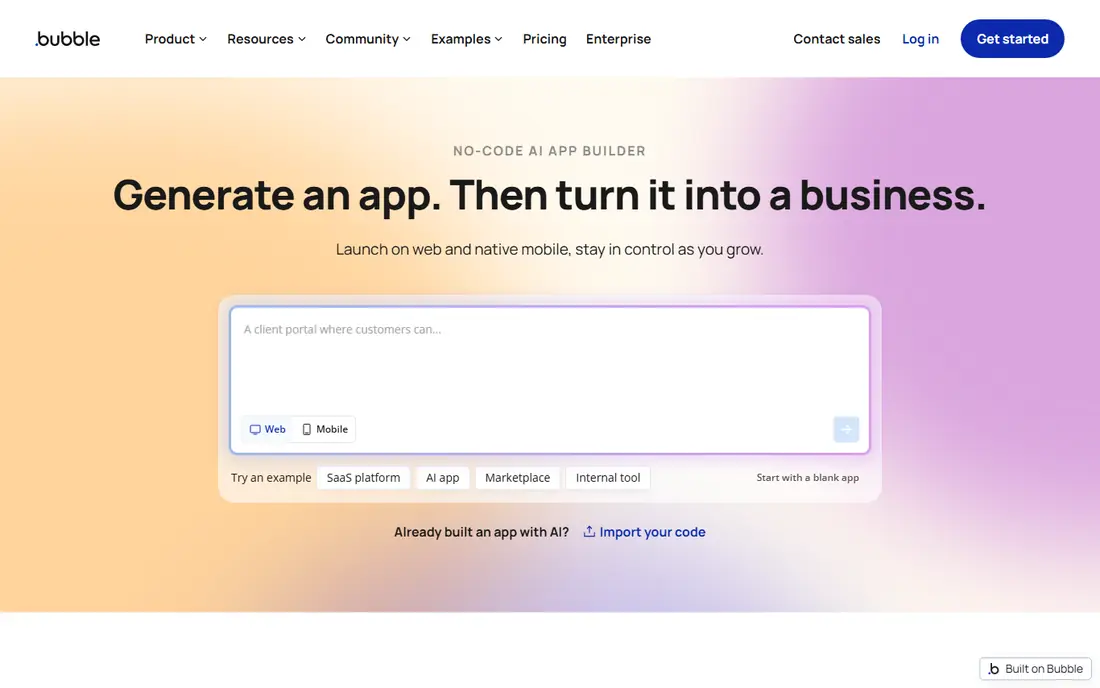
Bubble is the most capable visual builder in this list, and its AI layer now helps generate a first version of an app, database and workflows from a plain-language description. Everything the AI creates stays editable in the visual editor, which is the key difference from prompt-to-code tools: you can inspect and change the logic rather than inheriting code you cannot read. That control suits marketplaces, dashboards and multi-role SaaS apps.
The trade-offs are learning time and pricing. Bubble is visual, not simple, and building well takes weeks of learning. Paid plans are metered by workload units, which measure server processing, so inefficient workflows can raise costs. There is also no code export, so your app lives on Bubble. For a serious product you plan to run for years, that trade-off is usually worth it.
- Deepest visual workflows and database
- AI-assisted building
- Large plugin and template ecosystem
- Steep learning curve
- Workload-unit pricing can surprise
- No code export

Lovable turns a written description into a full-stack web app with a front end, database and hosting, and it does so faster than any visual builder here. Founders can describe a product, review the generated app, and keep iterating by chatting with the AI. The generated code can be synced to GitHub, which gives technical founders a path out if they later want to edit the code directly.
Iteration uses credits, so long or vague prompts can burn through a monthly allowance quickly. Complex logic, payments and edge cases also need careful testing, and sometimes manual code work. For a clickable MVP, a landing page with a working product behind it, or a demo for investors, Lovable is the fastest route in this list.
- Fast prompt-to-app generation
- Full-stack web apps
- Code ownership and GitHub sync
- Credit-based iteration
- Complex apps need manual code fixes
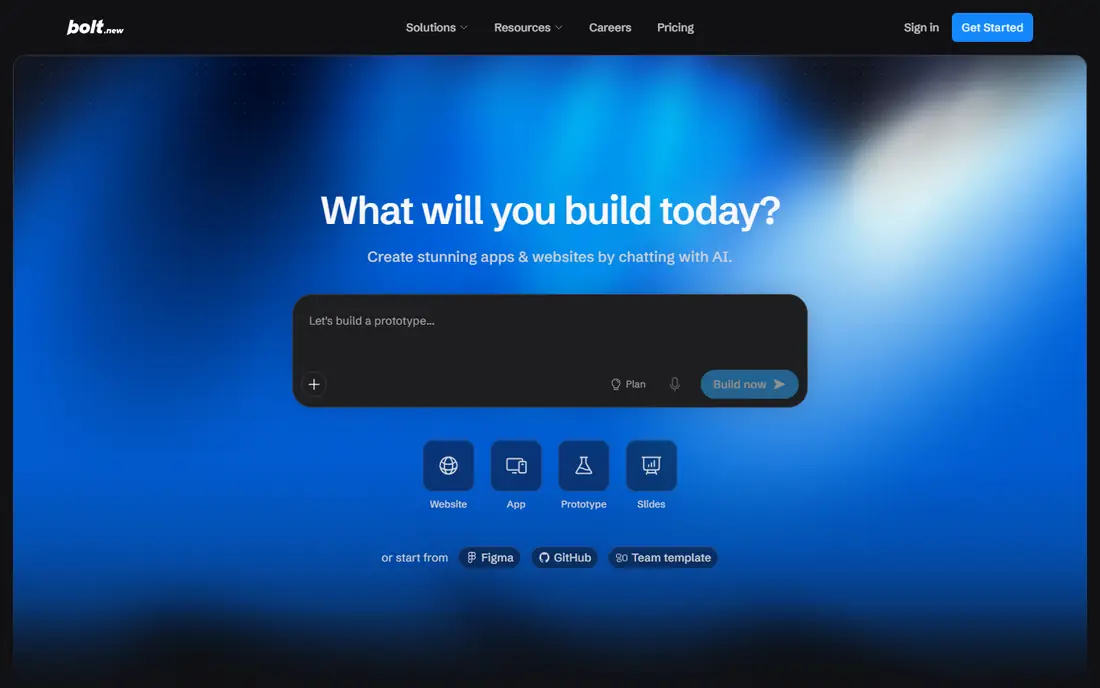
Bolt, from StackBlitz, builds full-stack web apps in the browser from a prompt, with deployment included. Technical founders like it because the AI writes real code that can be inspected, edited and exported, rather than locking the app inside a visual editor. The browser environment means you can start building without installing tools, and iteration is quick for small to medium apps.
Pricing is token-based, so heavy iteration costs more, and the free tier has daily and monthly token caps. Bolt suits builders who are comfortable reading code and fixing what the AI gets wrong. For a fast, code-owned web app from a prompt, Bolt is a strong rival to Lovable.
- Browser-based building
- Fast deployment
- Full-stack code you can export
- Token-based pricing
- Best for technical founders
Glide is the fastest way to turn a Google Sheet, Excel file or Airtable base into a working app. Internal tools, inventory trackers, field data collection and staff directories can be built in hours, with AI helping to generate layouts and logic from your data. The apps work on web and mobile, and updates to the sheet flow through to the app.
Glide is less suited to complex public-facing apps with deep custom logic, where Bubble or Lovable fit better. Larger user counts and advanced features also require higher tiers. For operations teams that already live in spreadsheets, Glide turns that data into a usable app with the least effort.
- Turns spreadsheets into apps quickly
- AI-assisted building
- Good for internal tools
- Less suited to complex public apps
- Paid tiers needed for larger user counts
Softr builds portals, directories, membership sites and internal tools on top of Airtable or Google Sheets. Granular permissions control who sees what, which suits client portals where each client should only see their own projects, invoices or resources. AI features help generate pages and blocks from a description, while the underlying data stays in a tool your team already knows.
The dependence on an external data source is both a strength and a limit. Softr is excellent when your data already lives in Airtable, but less flexible for apps that need their own complex logic and database. For portals and directories built on existing data, Softr is the most polished option here.
- Client portals and directories
- Granular permissions
- Airtable and Google Sheets data
- Depends on external data sources
- Less flexible for standalone app logic
Adalo is a visual builder focused on native mobile apps, and it publishes to the App Store and Google Play. The drag-and-drop builder, database and actions cover common app needs such as user accounts, lists, forms and payments, without writing code. Templates help beginners start with a booking app, marketplace or directory.
Complex apps with heavy data or advanced logic can hit performance limits, and costs rise on higher tiers. Adalo is not the best choice for a complex web SaaS product, where Bubble fits better. For a straightforward native mobile app built without code, Adalo remains one of the most accessible options.
- Native iOS and Android apps
- Visual builder
- Publishing to app stores
- Performance limits on complex apps
- Higher cost for larger apps
FlutterFlow builds apps for iOS, Android, web and desktop from one visual project, using Google Flutter under the hood. The key advantage is code export: you can download the Flutter code, hand it to developers, or continue building outside FlutterFlow. Visual logic, Firebase integration and custom actions support more complex mobile apps than simpler builders.
Beginners will face a learning curve, since FlutterFlow exposes more concepts than Adalo or Glide. The free plan also limits publishing and export, so a paid plan is needed for a real release. For teams that want a native mobile app plus a path to full code ownership, FlutterFlow is the strongest choice.
- Cross-platform mobile apps
- Flutter code export
- Visual builder with custom logic
- Learning curve for beginners
- Paid plan needed for export and publishing
Base44 lets you describe an app in plain language and generates a working app with a backend, authentication, payments and hosting already built in. That all-in-one approach suits non-technical founders who want a complete product, not just a front-end demo. The entry paid plan is the cheapest in this list, and the free plan lets you test building before paying.
Iteration uses credits, so vague or repeated prompts can use the allowance quickly, and the template ecosystem is smaller than Bubble. Base44 is also a newer platform, so long-term track record matters less than its current feature set. For a full app on a budget, built from a prompt, Base44 is excellent value.
- Prompt-to-app with built-in backend
- Auth, payments and hosting included
- Low entry price
- Credit-based iteration
- Newer platform with a smaller template ecosystem
Replit combines an AI agent with a full online code environment, so builders get AI help plus the ability to read, edit and deploy real code. That suits technical founders and small teams who want AI speed without giving up code control. Hosting is built in, and the platform supports many languages and frameworks, which makes it flexible for web apps, tools and prototypes.
Replit is more technical than Lovable or Base44, and beginners who want a purely visual builder may find it demanding. Usage-based costs also vary with the project. For builders who are comfortable with code and want AI assistance inside a real development environment, Replit is a powerful and flexible choice.
- AI agent plus a real code editor
- Instant hosting
- Wide language and framework support
- More technical than pure no-code tools
- Usage costs vary
Thunkable uses block-based logic, similar to visual programming tools used in education, to build native mobile apps. That approach makes it one of the easiest builders for beginners, students and small teams to grasp, since logic is assembled from blocks rather than written as code. Apps can be published to iOS and Android, and templates cover common app types.
The block model limits complex apps, and publishing requires a paid plan. Thunkable is not the best choice for a large SaaS product or a data-heavy business app. For learning, prototyping and simple mobile apps, especially in education, Thunkable is a friendly and capable starting point.
- Block-based mobile building
- Good for beginners and educators
- IOS and Android output
- Limited for complex apps
- Paid plan needed for publishing
How we picked these
We compared official feature pages, pricing pages and public reviews for no-code AI app builders operating in October 2026. We kept builders that generate or assist building a real app with AI, and we favored a mix of prompt-to-code tools, visual builders and mobile-focused options. We excluded code-only AI editors and tools that only generate landing pages without app logic.
How to choose an AI app builder without wasting credits
Start with the app type, not the AI demo. Choose Bubble for complex web logic, Lovable or Bolt for a fast web MVP with code ownership, Glide or Softr for data-driven internal tools, and FlutterFlow or Adalo for native mobile apps. A builder that excels at one type will disappoint at another, however good its AI looks in a video.
Then protect your budget. Write a clear spec before your first prompt, build in small steps, and test each step before adding more features, since credits and tokens are spent on every iteration. Check what happens after launch: hosting, database limits, user counts and export options all affect long-term cost. Finally, plan for maintenance, because an AI-generated app still needs testing, bug fixes and updates as your users grow.
Frequently asked questions
What is the best no code AI app builder?
Bubble is best for complex web apps, Lovable and Bolt are best for fast prompt-to-web MVPs, and Glide and Softr are best for data-driven internal tools. The best no code AI app builder depends on whether you need a web app, a mobile app or an internal tool.
What is the best AI app builder with no code for beginners?
Base44, Softr and Glide are the most beginner-friendly, since they generate apps from a description or existing data without code. Thunkable is also a good beginner choice for mobile apps, thanks to its block-based logic.
Can AI app builders make a native mobile app?
Yes, Adalo, FlutterFlow and Thunkable build native iOS and Android apps, while Glide and Softr mainly produce web and progressive web apps. Check store publishing, push notifications and offline needs before choosing a mobile builder.
Do no code AI builders let you export your code?
Some do, including Lovable, Bolt and FlutterFlow, which offer code export or GitHub sync. Bubble does not offer code export, so your app stays on Bubble, which is an important long-term trade-off to weigh before building a large product.
How much does a no code AI app builder cost?
Entry paid plans in this list range from 16 dollars a month for Base44 to 39 dollars a month for FlutterFlow and Thunkable, with most prompt builders around 25 dollars a month. Credits, tokens, workload units and user limits can raise the total, so check usage terms before launching.
Is an AI-generated app ready for real users?
A first version can be ready for testing, but real users need proper testing, security checks, backup and support. Test payments, user accounts and edge cases, fix AI errors, and start with a small group before opening the app to everyone.
Sources
See where you really rank - block by block
ProMapRanker scans Google Maps across a grid of your service area. Simple monthly plans from $19, white-label on every plan.
Start freeKeep reading
 zscaler alternatives
Best Zscaler Alternatives in 2026
Looking for zscaler alternatives? We compare 9 SASE and zero trust platforms on architecture, data protection, pricing, and fit for your network and team.
Read → zapier alternatives free
Best Zapier Alternatives Free in 2026
Nine automation tools for zapier alternatives free in 2026, all with genuinely free tiers, plus free plan limits, starting prices and upgrade paths explained.
Read → which platform is best for online reputation
Which Platform Is Best for Online Reputation in 2026
Wondering which platform is best for online reputation? We compare 8 review, listing, and response tools for small and multi-location businesses and agencies.
Read →