 ProMapRanker
Best Network Traffic Analysis Tools in 2026

Key takeaways
- The best network traffic analysis tools split into packet tools for deep inspection, flow tools for bandwidth and behaviour over time, and cloud tools for hybrid networks.
- Wireshark remains the default for packet analysis because it is free and supports hundreds of protocols, while Kentik leads for large flow and cloud networks.
- PRTG and ManageEngine NetFlow Analyzer suit mid-size teams that want ongoing monitoring, not just one-off captures.
- Only capture traffic you are authorised to inspect, and store captures carefully, since packets can contain passwords, tokens and personal data.
Quick comparison
| Pick | Great for | Pricing starts at | Free tier | |
|---|---|---|---|---|
 Wireshark | Deep packet analysis | Free | Yes | Visit |
 SolarWinds NetFlow Traffic Analyzer | Enterprise flow analysis | See website | Free trial | Visit |
 Paessler PRTG | All-round network monitoring | $200 per month | Yes | Visit |
 ManageEngine NetFlow Analyzer | Flow-based bandwidth analysis | See website | Free trial | Visit |
 Kentik | Large hybrid and cloud networks | $2,000 per month | No | Visit |
 ExtraHop | Network detection and response | See website | No | Visit |
 Zeek | Open network security monitoring | Free | Yes | Visit |
 ntopng | Affordable flow and host analysis | Free | Yes | Visit |
 Plixer Scrutinizer | Flow collection at scale | See website | Free trial | Visit |
 Colasoft Capsa | Windows packet analysis | See website | Free trial | Visit |
The best network traffic analysis tools
Network traffic analysis answers a simple question: what is actually moving across the network, between which hosts, and is any of it wrong. Packet tools open individual conversations, flow tools summarise who talked to whom and how much data moved, and detection tools flag behaviour that looks like an attack. The right tool depends on which question you ask most.
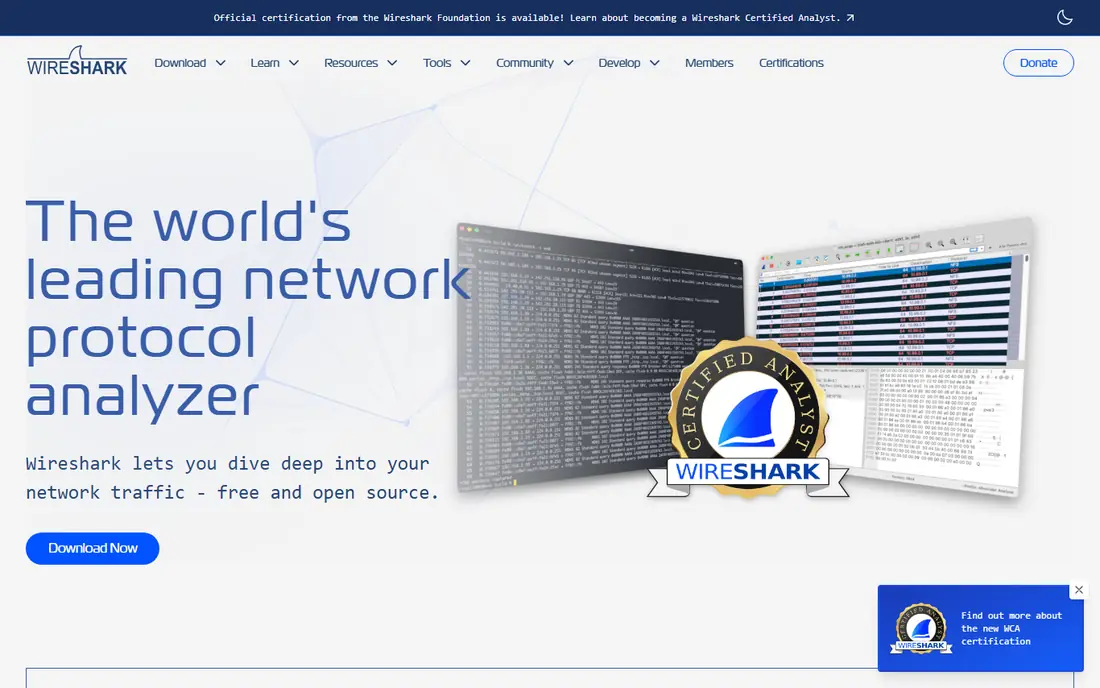
Wireshark is the default packet analyser, and for good reason. It captures traffic on wired and wireless interfaces, decodes hundreds of protocols, and lets you filter down to a single conversation, a single host or a single error. When a connection fails in a strange way, Wireshark shows what actually crossed the wire, rather than what a log claims happened.
The limit is scope. Wireshark is a capture and analysis tool, not a monitoring platform, so it will not alert you overnight when a link saturates or a host starts scanning. It also needs care: captures can contain credentials and personal data, so only capture traffic you are authorised to inspect and store captures securely. For troubleshooting and protocol work, Wireshark is the first tool to install.
- Free and cross-platform
- Supports hundreds of protocols
- Deep packet inspection with filters and dissectors
- One-off captures, not ongoing monitoring
- Large captures need skill and disk space to handle well
SolarWinds NetFlow Traffic Analyzer, usually bought with Network Performance Monitor, turns flow records from routers and switches into bandwidth, application and conversation views. Network teams can see which hosts and apps consume a link, spot unusual traffic patterns, and build reports for capacity planning without capturing every packet.
The trade-off is enterprise weight. Pricing is quoted through SolarWinds channels, and the full Orion platform setup suits larger teams with dedicated network staff. Smaller teams may find PRTG or ntopng simpler. SolarWinds fits large, multi-vendor networks that already run SolarWinds monitoring and need flow analysis inside the same console.
- Flow-based bandwidth and application analysis
- Integrates with SolarWinds Network Performance Monitor
- Alerting and reporting for large networks
- Quote-based pricing in practice
- Setup and licensing suit larger teams better than small offices
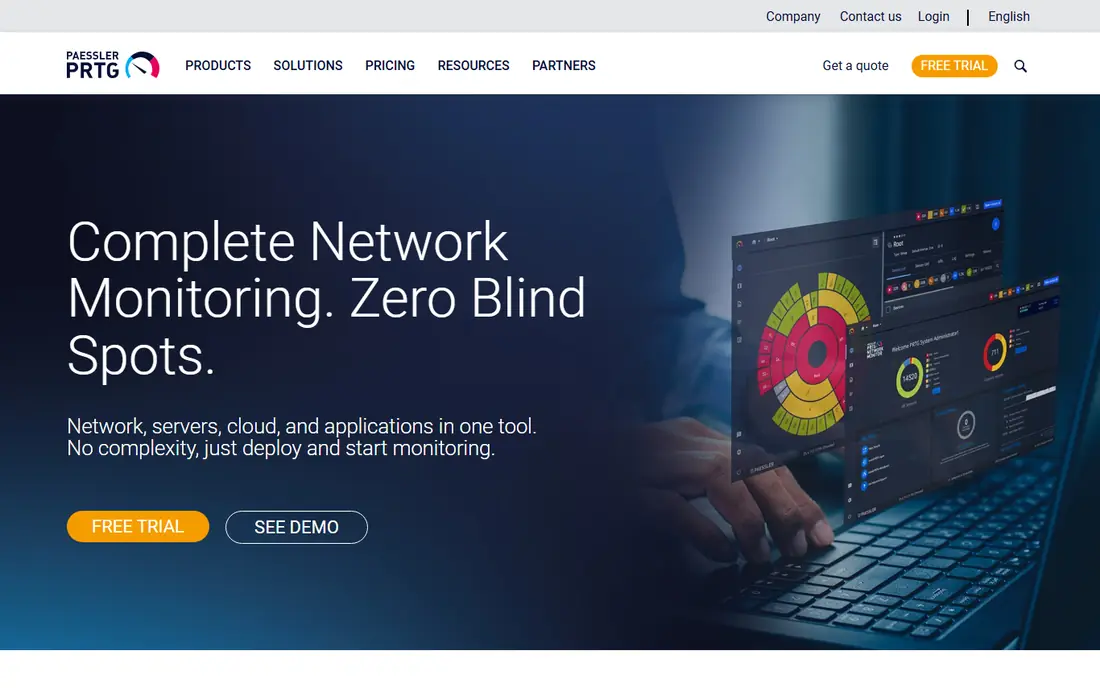
PRTG monitors networks through sensors, each watching one metric on one device, from ping and SNMP through NetFlow and packet sniffing sensors. That model suits mixed infrastructure: switches, servers, cloud services and traffic flows in one dashboard, with alerts when a sensor crosses a threshold. A freeware tier covers up to 100 sensors for small networks.
Sensor maths is the catch. A growing network consumes sensors quickly, and the paid subscription starts at $200 per month for the published tier. PRTG is our pick for small and mid-size teams that want one monitoring tool rather than separate packet, flow and uptime tools. Specialist flow teams should still compare Kentik or Scrutinizer.
- Sensor-based monitoring for network, servers and flows
- Freeware up to 100 sensors
- Published subscription pricing
- Sensor counting needs planning as networks grow
- Flow analysis is one part of a broad monitor, not a specialist tool
ManageEngine NetFlow Analyzer collects NetFlow, sFlow, J-Flow and similar records and turns them into bandwidth, application and host views. Teams use it to find top talkers, spot bandwidth hogs, plan capacity and investigate slow links, without the storage cost of full packet capture. It also supports traffic shaping reports and billing-style usage views for service providers.
Pricing varies by deployment size, with a trial for evaluation, so get a quote on your flow volume and device count. ManageEngine fits mid-size teams and MSPs that want flow analysis with clear reporting, especially those already using ManageEngine monitoring. Packet-level troubleshooting still belongs with Wireshark.
- Flow collection and bandwidth reporting
- Application and conversation views
- Trial available for evaluation
- Pricing is quoted for larger deployments
- Deepest value comes with ManageEngine device coverage
Kentik is the traffic intelligence pick for large networks. It combines NetFlow and sFlow with SNMP, BGP routing data and cloud flow logs from major providers, so engineers can see traffic across on-prem, WAN and cloud in one view. Capacity planning, peering analysis and DDoS investigation are the jobs where that combined view pays off.
The price reflects the scope. Published comparisons place the Pro tier from $2,000 per month billed annually, with Premier quoted, so Kentik is an enterprise purchase. Smaller teams should start with PRTG or ntopng. Kentik fits network engineering teams at scale, especially those running hybrid and multicloud networks where traffic crosses providers.
- Flow, SNMP, BGP and cloud flow data in one platform
- Strong for capacity planning and DDoS visibility
- Published Pro tier
- Enterprise pricing puts it beyond small teams
- Setup needs flow and BGP knowledge to get full value
ExtraHop analyses network traffic in real time to detect threats and performance problems, using packet data and machine learning rather than only flow summaries. Security teams use it to spot lateral movement, data exfiltration and compromised hosts, while operations teams use the same data for application performance views. That dual use is the draw for firms that want security and operations on one traffic platform.
The cost is enterprise pricing by quote and tuning effort. Busy networks generate noise until detection rules match the environment, so plan for a tuning period. ExtraHop fits mid-size to large security teams that want network detection and response. Teams that only need bandwidth reporting will get better value from a flow tool.
- Real-time packet-based detection
- Behaviour analysis for threats and performance
- Cloud and on-prem deployment
- Quote-based enterprise pricing
- Needs tuning to reduce noise in busy networks
Zeek, formerly Bro, is the open source network security monitor that turns traffic into structured logs: connections, DNS, HTTP, TLS, files and more. Security teams feed those logs into a SIEM or analysis platform to hunt threats, investigate incidents and build detections, without paying licence fees for the sensor itself.
The trade-off is effort. Zeek has no polished console on its own, and deployment, scripting and log management need skilled staff. It also needs a platform to store and query logs at scale. Zeek is the pick for security teams that want open, scriptable network logs and have the skill to run them. Teams that want a ready console should consider ExtraHop or a commercial flow platform.
- Free and open source
- Rich network logs for security analysis
- Scriptable for custom detection
- No graphical console out of the box
- Needs skill to deploy, tune and query logs
ntopng answers the question other polling tools cannot: which host is using the bandwidth, and talking to whom. It collects flows, profiles hosts and applications, and presents traffic in a web interface at a price far below commercial flow platforms, with a free community edition. For small teams and labs, that value is hard to beat.
The limits are modular licensing and assumed knowledge. Flow export and disk capture modules are licensed separately, and the interface expects the user to understand traffic analysis. ntopng is our pick for budget teams, labs and small networks that want real flow analysis without enterprise pricing. Large teams needing alerting and enterprise support should compare commercial tools.
- Free community edition
- Clear host and flow views
- Flow export and packet capture modules available
- Some modules are licensed separately
- Interface assumes traffic analysis knowledge
Plixer Scrutinizer collects flow data at scale and keeps it for long-term reporting, capacity planning and security investigation. Network teams use it to track usage trends over months, spot behaviour changes, and investigate incidents from flow history when packet captures have long expired. That retention is the reason to choose Scrutinizer over a basic flow collector.
Pricing is quoted and a trial is available for evaluation. Flow data alone cannot show packet payloads, so deep troubleshooting still needs Wireshark or a packet tool. Scrutinizer fits large networks and service providers that need flow collection, retention and reporting at scale, especially where compliance or billing needs long flow history.
- Scalable flow collection and reporting
- Long-term flow retention
- Security and behaviour views from flow data
- Quote-based pricing
- Flow-only view means packet detail needs a separate tool
Colasoft Capsa is the Windows-friendly packet analyser for teams that find Wireshark powerful but dense. It captures packets, decodes protocols, diagnoses network problems and presents conversations in a dashboard aimed at Windows network staff. For a Windows-only team that needs packet work without learning Wireshark filters first, Capsa lowers the barrier.
The limit is platform and depth. Cross-platform teams will prefer Wireshark, and the full feature set needs a paid edition, with pricing available from the vendor. Capsa fits Windows network teams, support desks and small IT departments that want packet analysis in a familiar Windows tool. Power users should still keep Wireshark installed alongside it.
- Windows packet capture and analysis with a clear interface
- Protocol decoding and diagnostics
- Free trial for evaluation
- Windows focus limits cross-platform teams
- Enterprise features need a paid edition
How we picked these
We compared official product pages, pricing pages and public documentation for each tool, and checked third-party comparisons for published prices where vendors do not publish their own. We kept only tools that are live in October 2026 and that truly analyse network traffic, meaning packet capture, flow analysis, cloud flow analysis or network detection. We left out general uptime monitors with no traffic analysis and generic SIEMs with no traffic collection of their own.
We also split packet and flow work honestly. A packet tool and a flow platform answer different questions, and a list that ranked them on one scale would mislead buyers. That is why this list includes both kinds, with the job stated for each, and why the buying guide below tells you to choose by question first and vendor second.
What to check before you buy
Start with the question you need answered daily. If you troubleshoot broken connections, a packet tool is the priority. If you manage bandwidth, capacity and top talkers, a flow tool is the priority. If you hunt threats, a detection tool is the priority. Many teams end up with one of each, and that is normal, since no single tool does all three jobs equally well.
Next, check collection points and retention. Flow tools need routers and switches that export flows, packet tools need capture points or taps, and cloud tools need flow logs enabled in each cloud account. Ask how long data is kept, how much storage it needs, and how alerts are tuned, since a tool that floods the team with alerts will be ignored. Finally, check legal and privacy rules: only capture traffic you are authorised to inspect, limit who can view captures, and set retention that matches your policy.
Questions to ask in the sales call
Ask which flow formats and cloud providers are supported, and what happens when a device cannot export flows. Ask how the tool handles encrypted traffic, since payload inspection stops at encryption. Ask about scale limits in flows per second and devices, and what the price does when you cross them. Ask for a trial on your own traffic, since vendor demos rarely match a real network.
Frequently asked questions
What is the best network traffic analysis software?
Wireshark is the best free packet tool, Kentik is the strongest large-scale flow and cloud platform, and PRTG is the best all-round monitor for mid-size teams. The best choice depends on whether you need packet detail, flow trends or threat detection. Most mature teams run a packet tool alongside a flow or detection platform.
What is the difference between packet analysis and flow analysis?
Packet analysis opens individual packets to see protocol detail, errors and payloads, which suits troubleshooting and forensics. Flow analysis summarises conversations into records of who talked to whom, for how long and how much data moved, which suits bandwidth, capacity and behaviour trends. Packet tools need more storage, while flow tools scale further and keep history longer.
Is Wireshark free for business use?
Yes, Wireshark is free and open source, and it is widely used in businesses for troubleshooting and protocol analysis. The cost is staff skill and capture storage, not licences. Commercial tools add ongoing monitoring, alerting, retention and support that Wireshark alone does not provide.
How much does network traffic analysis software cost?
It ranges from free for Wireshark, Zeek and ntopng community editions, through PRTG from $200 per month and Kentik Pro from $2,000 per month, to quoted enterprise pricing for SolarWinds, ExtraHop and Scrutinizer. Price usually scales with devices, flows per second, retention and modules, so quote on your real scale.
Can traffic analysis tools see encrypted traffic?
They can see metadata such as hosts, ports, timing, volume and TLS handshake details, but they cannot read encrypted payloads without decryption keys. That metadata still supports bandwidth, behaviour and threat analysis, but it limits content inspection. Teams that need payload visibility must use endpoint tools or lawful decryption points, with proper authorisation.
Do I need permission to capture network traffic?
Yes, in most workplaces you should only capture traffic you are authorised to inspect, under a clear policy. Captures can contain passwords, tokens and personal data, so limit access, store captures securely and set retention. When in doubt, check with your security and legal teams before starting a capture.
Sources
See where you really rank - block by block
ProMapRanker scans Google Maps across a grid of your service area. Simple monthly plans from $19, white-label on every plan.
Start freeKeep reading
 zscaler alternatives
Best Zscaler Alternatives in 2026
Looking for zscaler alternatives? We compare 9 SASE and zero trust platforms on architecture, data protection, pricing, and fit for your network and team.
Read → zapier alternatives free
Best Zapier Alternatives Free in 2026
Nine automation tools for zapier alternatives free in 2026, all with genuinely free tiers, plus free plan limits, starting prices and upgrade paths explained.
Read → which platform is best for online reputation
Which Platform Is Best for Online Reputation in 2026
Wondering which platform is best for online reputation? We compare 8 review, listing, and response tools for small and multi-location businesses and agencies.
Read →