 ProMapRanker
Best Network Diagram Software Free in 2026

Key takeaways
- diagrams.net is our pick for most people because it is fully free, works offline, and includes network shape libraries with no account required.
- Lucidchart has the strongest free tier among the polished collaboration tools, though free documents and objects are limited.
- yEd Graph Editor is the best free desktop option for large, complex diagrams, thanks to its automatic layout tools.
- Every tool here has a genuinely free tier or edition, and we say plainly where the free version ends and paid plans begin.
Quick comparison
| Pick | Great for | Pricing starts at | Free tier | |
|---|---|---|---|---|
 diagrams.net | Free diagrams with no account | Free | Yes | Visit |
 Lucidchart | Polished team collaboration | Free | Yes | Visit |
 Miro | Free whiteboard diagrams | Free | Yes | Visit |
 Creately | Free visual workspace | Free | Yes | Visit |
 Cacoo | Free team diagrams | Free | Yes | Visit |
 Whimsical | Fast simple diagrams | Free | Yes | Visit |
 yEd Graph Editor | Automatic layouts on desktop | Free | Yes | Visit |
 Excalidraw | Free hand-drawn style sketches | Free | Yes | Visit |
 Dia | Free open source diagrams | Free | Yes | Visit |
The best network diagram software free
A network diagram does not need an expensive license to be clear. The tools below all let you draw routers, switches, servers, and connections without paying, and they cover the main ways people work: solo desktop drawing, browser-based sketching, and team collaboration. We only included tools with a real free tier or a free edition, and we note the limits of each free version so you are not surprised later.
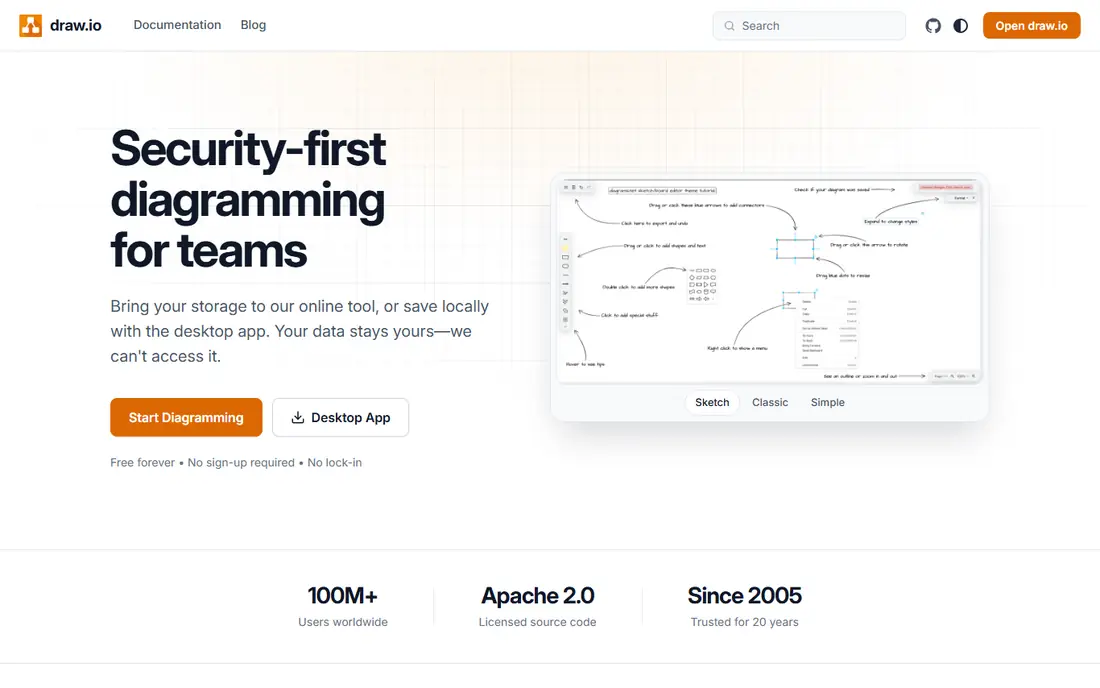
diagrams.net, formerly draw.io, is the free diagramming tool we recommend first. Open it in a browser or desktop app, pick network shapes for routers, switches, firewalls, and servers, and start drawing without creating an account or entering payment details. Files save to your own device or cloud storage, and exports to PNG, SVG, PDF, and Visio format cover most sharing needs.
The honest catch is that it draws what you tell it. There is no discovery of live devices, no monitoring data, and no automation, so documenting a network you already understand is fast, while mapping an unknown network takes manual work. For a clean, accurate network map at zero cost, nothing else here matches it.
- Completely free with no seat limit
- Offline desktop apps
- Network shape libraries included
- No automatic network discovery
- Collaboration is basic next to Lucidchart
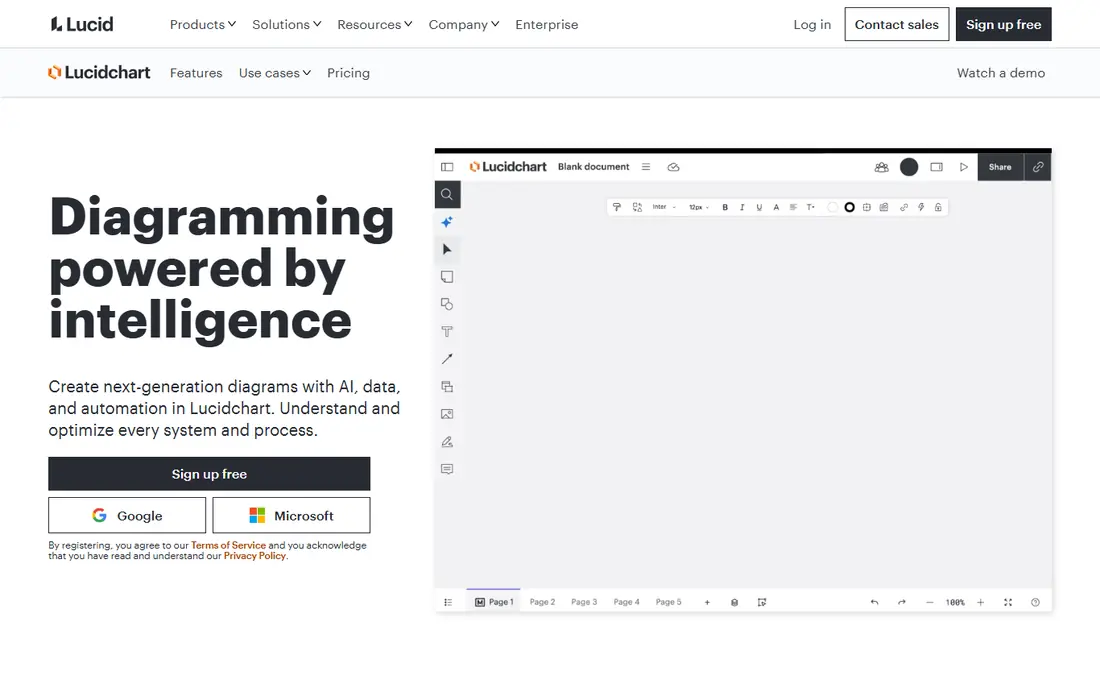
Lucidchart is the collaborative upgrade from solo drawing. Teams can edit a network diagram together in real time, comment on changes, and use shape libraries for cloud infrastructure alongside standard network symbols. Data linking and AI-assisted diagram features sit on paid plans, but the core drawing experience is polished even on the free tier.
The free tier covers basic use, with limits on the number of documents and objects per diagram that push serious users toward paid plans. If you document networks with a team and want a professional, shared workspace, Lucidchart is the strongest free starting point. Solo users who never collaborate will get more from diagrams.net for free.
- Real-time co-editing
- Cloud infrastructure shape libraries
- Visio file import and export
- Free tier limits documents and objects
- Advanced features need paid plans

Miro is a whiteboard first and a diagram tool second, which is exactly why some teams prefer it for network planning. You can sketch a topology on a shared board during a meeting, move devices around as the discussion changes, and keep the result as living documentation. The free plan includes editable boards, which is enough for small teams and one-off diagrams.
Precision is the trade-off. Miro lacks the strict connectors, shape libraries, and export control of a dedicated diagram tool, so final documentation for an operations manual is better finished elsewhere. Use Miro free for collaborative planning sessions, then move the agreed design into diagrams.net or Lucidchart for the permanent record.
- Free plan with editable boards
- Easy drag and drop
- Good for workshop sessions
- Free plan limits editable boards
- Less precise than dedicated diagram tools
Creately offers a free plan that includes network diagram templates, shape libraries, and basic collaboration, which makes it a practical choice for IT teams that also draw flowcharts and org charts. Templates give new users a head start on common topologies, and the workspace keeps related diagrams together instead of scattered across files.
The free plan limits the number of canvases and some features, so heavy users will hit the ceiling. Performance on very large diagrams can also slow down. For a team that wants one free visual workspace for several diagram types, Creately is a credible alternative to Lucidchart, with a gentler learning curve.
- Free plan with network templates
- Multiple diagram types in one workspace
- Real-time collaboration
- Free plan limits canvases and features
- Desktop app is limited next to the browser version
Cacoo is a long-running diagram tool with a free plan that suits small teams. Network shapes, cloud infrastructure symbols, and real-time co-editing cover the core needs, and the interface stays simple enough that new team members can contribute without training. Diagrams can be shared by link and embedded in wikis and documents.
The free plan caps the number of sheets and storage, so it fits occasional diagramming better than a large documentation library. Template choice is also thinner than Lucidchart. For a small team that draws a handful of network diagrams and values simplicity, Cacoo is a fine free pick.
- Free plan for small teams
- Network and AWS shape libraries
- Real-time collaboration
- Free plan caps sheets and storage
- Fewer templates than larger rivals
Whimsical is the fastest tool here for a simple network sketch. The interface has few distractions, shapes snap into place cleanly, and a readable diagram comes together in minutes. That speed makes it a good choice for explaining a network to non-technical colleagues or drafting a design before it is finalized.
The network shape library is basic next to diagrams.net, and the free plan limits boards and collaborators. Whimsical is best for communication diagrams rather than detailed engineering documentation. If clarity and speed matter more than exhaustive symbols, it earns its place.
- Very fast to learn
- Clean, readable output
- Free plan for personal use
- Free plan limits boards and features
- Network shape library is basic
yEd Graph Editor, from yWorks, is a free desktop tool that shines on large diagrams. Its automatic layout algorithms can arrange hundreds of nodes into a readable structure in seconds, which is a lifesaver when a hand-arranged diagram has grown into a tangle. It imports data from spreadsheets and GraphML files, so a device list can become a diagram without redrawing every node.
The interface looks dated and there is no real-time collaboration, so teams that co-edit online should look elsewhere. yEd also runs as a desktop download rather than a quick browser tool. For a single engineer documenting a complex network on their own machine, it is the most capable free option here.
- Free desktop editor
- Powerful automatic layouts
- Imports spreadsheet and GraphML data
- No real-time collaboration
- Interface looks dated
- Learning curve for advanced layouts
Excalidraw is an open source whiteboard with a hand-drawn look that makes early-stage network sketches feel approachable. It runs free in the browser, saves locally, and supports real-time collaboration with end-to-end encryption on shared sessions. Export to PNG and SVG covers slides and documents, and the open format keeps your files portable.
There is no built-in network shape library, so routers and switches become labeled boxes you draw yourself, and the sketch style is wrong for formal operations documentation. Use Excalidraw free for whiteboard sessions, architecture discussions, and rough topologies, then redraw the final version in a dedicated tool when precision matters.
- Free and open source
- Hand-drawn style that reads well
- Local-first saving and collaboration
- No network shape library
- Sketch style suits drafts, not formal documentation
Dia is a veteran open source diagram editor that still does the core job for free. It includes shape libraries for networks, UML, flowcharts, and circuits, and it runs on Linux, Windows, and macOS. For users on older hardware or Linux desktops, Dia is a dependable way to draw a network map without a browser or a subscription.
The interface shows its age, and development moves slowly, so do not expect modern collaboration or polished exports. Dia suits solo users who want a simple, free, offline diagram tool and do not mind a plain interface. For most readers, diagrams.net is the better free choice, but Dia remains a valid option for open source purists.
- Free and open source
- Network and UML shape libraries
- Runs on Linux, Windows, and macOS
- Interface is dated
- Development is slow
- Export polish lags behind modern tools
How we picked these
We compared official product pages and pricing pages for diagram tools, and we kept only tools with a genuinely free tier or a free edition that can draw network diagrams. Tools with trials only, or with no free version at all, were left out even if they are strong paid products. We checked shape libraries, export options, collaboration, and offline use, and we noted free limits honestly rather than describing a capped trial as free.
What to check before you buy
Count what the free tier actually allows
Free can mean unlimited diagrams, three boards, or a handful of objects per diagram. Before committing a team, draw a realistic network map on the free plan and check whether document caps, object caps, or storage caps block you. A free tier that fits one diagram may not fit a documentation library.
Decide between manual drawing and discovery
None of the free tools here discover live devices automatically. If you need a map generated from a real network, that is a different product category, and free options are thinner. For documentation of a known network, manual drawing tools are faster, clearer, and free.
Pick an export format your team can open
Check that exports open cleanly for the people who will read them: operations staff, auditors, and future engineers. PNG and PDF work for reading, SVG works for editing in other tools, and Visio compatibility matters if your organization standardizes on it. Keep the source file, not just the export, so the diagram stays editable.
Frequently asked questions
What is the best network diagram software?
For free use, diagrams.net is the strongest overall pick because it is fully free and offline capable. Lucidchart is the best free option for team collaboration, and yEd is the best free desktop tool for large diagrams. The right choice depends on whether you work alone, with a team, or on complex topologies.
What is the best free network diagram software?
diagrams.net wins on free value: unlimited diagrams, network shapes, offline apps, and no account required. Lucidchart, Miro, Creately, Cacoo, and Whimsical all offer free tiers with limits, while yEd, Excalidraw, and Dia are free outright. Start with diagrams.net and move to a collaboration tool only if your team needs real-time editing.
Can I draw network diagrams without paying?
Yes. Every tool in this list has a free tier or free edition, and diagrams.net, yEd, Excalidraw, and Dia cost nothing at all. Paid plans add collaboration, admin controls, and advanced features, but a clear, professional network map does not require a subscription.
Do free tools support network shapes?
Most do. diagrams.net, Lucidchart, Creately, Cacoo, and Dia include network or infrastructure symbols. Excalidraw and Whimsical are more general, so you draw labeled boxes instead of vendor-style device icons. Check the shape library during a trial diagram before choosing.
Is there free network diagram software that works offline?
Yes. diagrams.net and yEd both offer free desktop apps that work offline, and Dia runs offline as a desktop program. Browser-only tools like Lucidchart, Miro, and Creately need an internet connection for full use, so offline workers should favor the desktop options.
Sources
See where you really rank - block by block
ProMapRanker scans Google Maps across a grid of your service area. Simple monthly plans from $19, white-label on every plan.
Start freeKeep reading
 zoro.to alternatives
Best Zoro.to Alternatives in 2026
We compare the best zoro.to alternatives in 2026, listing only legal licensed anime streaming services, from Crunchyroll to free options for fans today.
Read → zip alternatives
Best Zip Alternatives in 2026
We compare the best zip alternatives for buy now, pay later in 2026, covering pay-in-4 plans, fees, spending limits, and credit reporting options today.
Read → yesware alternatives
Best Yesware Alternatives in 2026
Compare the best yesware alternatives for sales email tracking, templates, and sequences, with current pricing and honest tradeoffs for small sales teams.
Read →