 ProMapRanker
Best NAS Software in 2026: 8 Systems Compared

Key takeaways
- TrueNAS SCALE gives the strongest free data protection, while Synology DSM gives the easiest setup.
- Unraid is the best fit for mixed drives and media apps, and OpenMediaVault is the best free pick for old hardware.
- Turnkey systems tie software to hardware, so check app support and drive rules before you buy a box.
- Keep your NAS behind your home network and back up irreplaceable files offsite as well.
Quick comparison
| Pick | Great for | Pricing starts at | Free tier | |
|---|---|---|---|---|
 TrueNAS SCALE | Data safety on your own hardware | Free | Yes | Visit |
 Synology DSM | Easiest turnkey home NAS | Free | Yes | Visit |
 QNAP QTS | Flexible turnkey NAS with many apps | Free | Yes | Visit |
 Unraid | Mixed drives and home media apps | See website | Free trial | Visit |
 OpenMediaVault | Low-cost NAS on old hardware | Free | Yes | Visit |
 Rockstor | Btrfs NAS with a web interface | See website | Yes | Visit |
 XigmaNAS | FreeBSD NAS for experienced users | Free | Yes | Visit |
 ASUSTOR ADM | Middle-ground turnkey NAS | Free | Yes | Visit |
The best NAS Software in 2026
We compared eight NAS systems on data protection, hardware freedom, app support, and ease of setup.
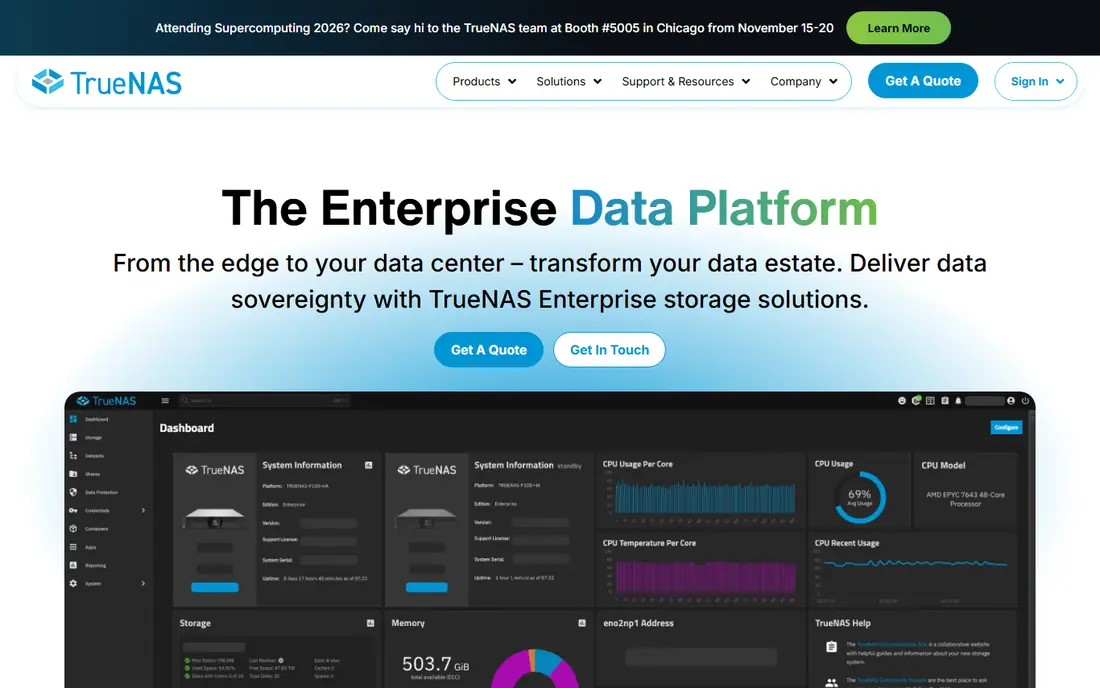
TrueNAS SCALE is the pick when your files cannot be replaced. Its ZFS file system checks data for silent corruption and lets you roll back with snapshots, which is a strong safety net for photos and business backups.
The cost is complexity. You need to plan drive groups and RAM, and the interface assumes you are willing to learn storage basics. For a set-and-forget box, a turnkey system below may fit better.
For a short trial, use TrueNAS SCALE for a real week of normal use before you judge it, since first-day setup rarely shows daily friction.
- ZFS checksums and snapshots
- Free and open source
- Apps and virtual machines in one system
- Needs more RAM and care with drive setup
- Learning curve is steep for beginners
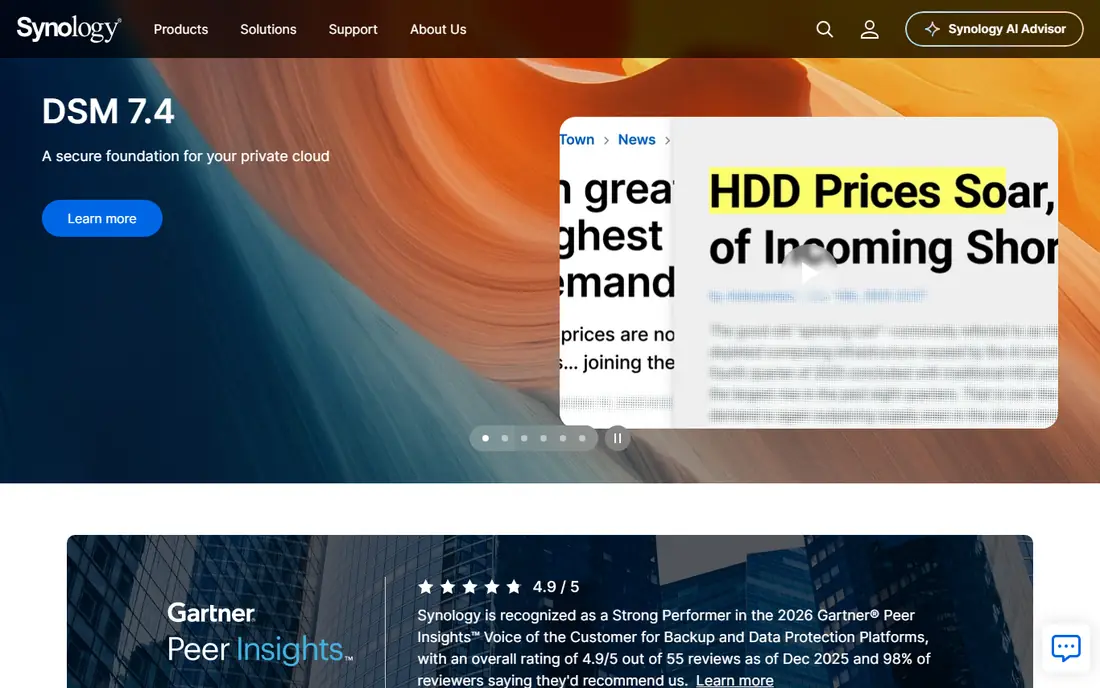
Synology DSM remains the easiest NAS software to live with. Setup is guided, backup and photo apps are polished, and the interface rarely asks you to think about storage internals.
You pay for that polish in hardware, and you cannot install DSM on a home-built box. If you want a box that just works and you accept the hardware lock-in, DSM is still hard to beat.
Before you pay, check the free tier against the feature you will use most, because that one limit usually decides if Synology DSM stays on your phone or desktop.
- Polished interface
- Strong backup and photo apps
- Wide app catalog
- Only runs on Synology hardware
- Some models limit drive choices
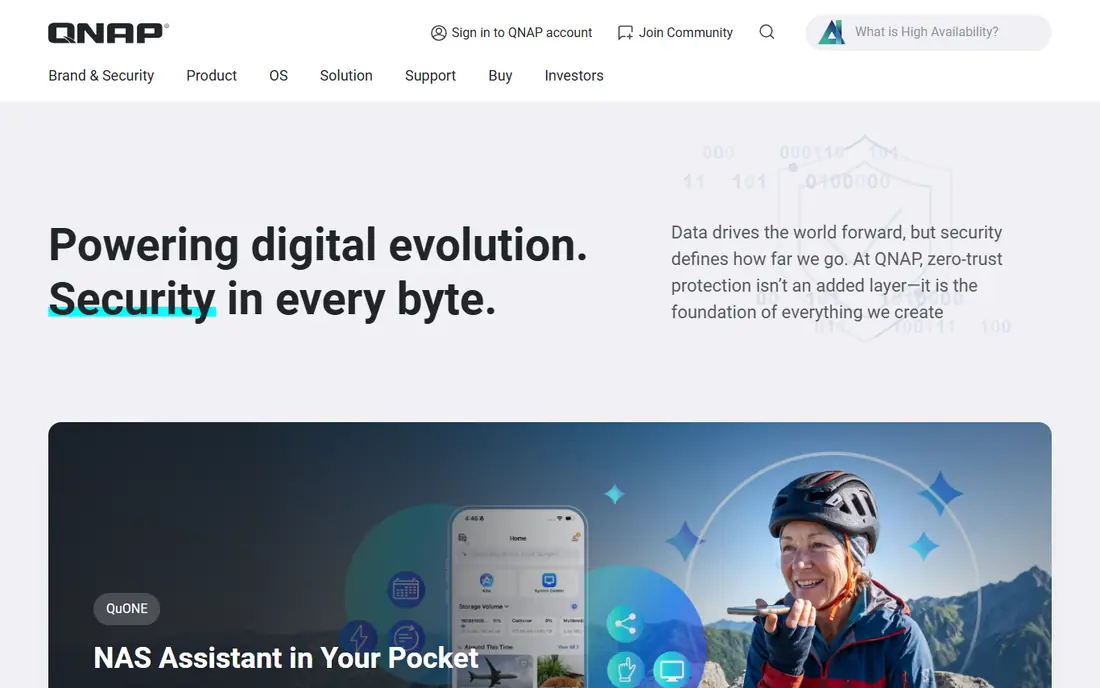
QNAP QTS gives power users more knobs than DSM, with virtual machines, containers, and a large app store. QuTS hero adds ZFS for users who want stronger data checks on QNAP hardware.
That flexibility comes with a busier interface and more setup choices. Beginners should expect a longer first setup, but tinkerers will like the control.
A quick check helps here: open QNAP QTS, search for your own neighborhood, class, or portfolio, and see if the results feel current and complete.
- Wide app and virtualization options
- QuTS hero adds ZFS
- Many hardware choices
- Interface can feel busy
- Setup needs more decisions than DSM
Unraid is the practical pick for a home media server built from drives you already own. You can mix sizes, add one drive at a time, and run media and home apps through Docker with little fuss.
It is not the strongest choice for irreplaceable data alone, since it lacks ZFS-style checksums. Pair it with offsite backup for anything you cannot lose.
If you are torn between two picks, run Unraid beside the other option for a few days and keep the one that fits your routine with less effort.
- Add drives of different sizes
- Strong Docker app support
- Parity protection without full RAID rebuilds
- Paid license
- No per-block checksums like ZFS
- Write speed can trail striped pools
OpenMediaVault is the best free route for an old PC or a low-power board. It gives you shared folders, users, and plugins for common services without a license fee.
It asks more of you than DSM or Unraid when you add apps and virtual machines. If you enjoy setting up services by hand, that is fine, but beginners may prefer a more guided system.
The practical test for OpenMediaVault is simple: does it save time on a busy day, or does it add steps you will skip when you are tired?
- Free and open source
- Runs on modest hardware
- Plugin system for extra services
- App and virtualization experience is less integrated
- Setup needs more manual steps
Rockstor brings Btrfs snapshots and pooling to a web-managed NAS. It is a neat middle path for users who want snapshot protection without the full weight of TrueNAS.
Its smaller community means fewer guides and apps than the leaders. It suits a user who is comfortable with Linux basics and wants a clean storage-focused system.
When you trial Rockstor, note what happens at the edge cases, such as a busy night, a large class set, or an unusual food or sound, since those moments reveal limits.
- Btrfs snapshots and pooling
- Web interface for storage tasks
- Open source base
- Smaller community than TrueNAS or Unraid
- Fewer ready-made apps
XigmaNAS is a long-running free option built on FreeBSD, with ZFS support for users who want data checks without paying. It can run from a USB stick, which suits a spare machine.
The interface and docs assume you already know NAS basics. It is a solid pick for an experienced user on a zero budget, and a poor first NAS for a beginner.
For most buyers, the decision on XigmaNAS comes down to fit, not to a single feature, so weigh the daily workflow more than the feature list.
- Free and open source
- ZFS support
- Runs from USB or embedded installs
- Interface feels dated
- Documentation assumes experience
ASUSTOR ADM sits between DSM ease and QNAP flexibility. It offers a capable app center, photo and backup tools, and hardware that often gives good value for the price.
Its ecosystem is smaller than Synology, so a niche app you want may be missing. Check the app list for your must-have services before you buy the hardware.
Keep ASUSTOR ADM only if it still feels useful after the novelty fades, since a tool you stop opening cannot help, no matter how strong its list looks.
- Good app center
- Btrfs on many models
- Competitive hardware value
- Smaller app ecosystem than Synology
- Interface polish varies by app
How we picked these
We checked each vendor site and documentation in October 2026 for current status, file system support, and license terms. We favored systems that are still maintained, that state their file system and backup options clearly, and that fit a clear home use, from simple file sharing to media serving and offsite backup. We did not treat a NAS as a backup on its own, since a single box in one home can still fail, burn, or be stolen.
We also checked for gaps that matter in daily use, such as whether a free plan covers the core job, whether a paid plan is needed for a common feature, and whether the product is still maintained. Where a vendor page and a store listing disagreed, we favored the vendor page for price and the store listing for platform availability, and we used See website when the price could not be confirmed cleanly.
Choosing the right NAS software
Start with your data. If the files are irreplaceable, pick ZFS or Btrfs with snapshots and plan an offsite copy. If the main job is media streaming, drive flexibility and app support matter more than checksum depth. Write down your must-have apps before you pick, since switching systems later takes time.
Next, match software to hardware. Turnkey systems such as DSM, QTS, and ADM only run on their own boxes, so you buy hardware and software together. TrueNAS, Unraid, OpenMediaVault, Rockstor, and XigmaNAS run on your own PC, which gives freedom but puts setup and updates on you.
Finally, plan backup and access. Keep the management interface off the open internet, use strong passwords, and test a restore from backup before you trust the system. A NAS that is easy to use but never backed up offsite is still a single point of failure.
Before you commit, read the current terms on the vendor site, check the cancellation steps, and confirm the price for your region and billing period. Prices and free tiers change, and a short trial with your real data will tell you more than any feature list. Keep a note of what you liked and what frustrated you during the trial, then choose the option that still feels easy after a full week.
Frequently asked questions
What are the best NAS apps for home use?
Synology DSM and QNAP QTS are the leading turnkey options, while TrueNAS SCALE, Unraid, and OpenMediaVault are the leading systems for your own hardware. The best choice depends on whether you want a ready box or a DIY build.
What is the best home NAS software for beginners?
Synology DSM is the easiest for beginners because setup is guided and its backup and photo apps are polished. The trade-off is that it only runs on Synology hardware.
Is TrueNAS free?
Yes, TrueNAS SCALE is free and open source. You still need hardware, drives, and enough RAM for ZFS, so the total cost is not zero even though the license is.
Can I mix drive sizes in a NAS?
Unraid handles mixed sizes most easily, and Synology Hybrid RAID also mixes sizes on its own hardware. ZFS groups in TrueNAS work best with matched drives, so plan drive sizes before you build.
Do I still need offsite backup with a NAS?
Yes. A NAS protects against a single drive failure, but not against fire, theft, or a fault that affects the whole box. Keep a second copy offsite for files you cannot replace.
Sources
See where you really rank - block by block
ProMapRanker scans Google Maps across a grid of your service area. Simple monthly plans from $19, white-label on every plan.
Start freeKeep reading
 zscaler alternatives
Best Zscaler Alternatives in 2026
Looking for zscaler alternatives? We compare 9 SASE and zero trust platforms on architecture, data protection, pricing, and fit for your network and team.
Read → zapier alternatives free
Best Zapier Alternatives Free in 2026
Nine automation tools for zapier alternatives free in 2026, all with genuinely free tiers, plus free plan limits, starting prices and upgrade paths explained.
Read → which platform is best for online reputation
Which Platform Is Best for Online Reputation in 2026
Wondering which platform is best for online reputation? We compare 8 review, listing, and response tools for small and multi-location businesses and agencies.
Read →