 ProMapRanker
Best Music Editing Software in 2026

Key takeaways
- Audacity and GarageBand cover most basic editing for free, while Ocenaudio is a lighter free choice for quick waveform work.
- REAPER at $60 for a discounted license and FL Studio from $99 as a one-time purchase are the strongest value picks for people who want a full music tool without a monthly bill.
- Adobe Audition at $22.99 per month suits podcast and video audio cleanup, while Logic Pro at $199.99 one-time suits Mac owners who want a complete studio in one purchase.
- Ableton Live from $99 suits beat makers and performers, and Descript suits spoken-word editors who prefer to edit audio by editing text.
Quick comparison
| Pick | Great for | Pricing starts at | Free tier | |
|---|---|---|---|---|
 Audacity Audacity | Free waveform editing and cleanup | Free | Yes | Visit |
 GarageBand GarageBand | Free music making on Mac and iOS | Free | Yes | Visit |
 Adobe Audition Adobe Audition | Podcast and video audio cleanup | $22.99 per month | Free trial (7 days) | Visit |
 Logic Pro Logic Pro | Complete Mac music production | $199.99 one-time | No | Visit |
 FL Studio FL Studio | Beat making and electronic production | $99 one-time | Free trial | Visit |
 REAPER REAPER | Best value full DAW | $60 one-time | Free trial (60 days) | Visit |
 Ableton Live Ableton Live | Live performance and clip-based production | $99 one-time | Free trial | Visit |
 Ocenaudio Ocenaudio | Lightweight free editing | Free | Yes | Visit |
 Descript Descript | Text-based podcast and video editing | Free | Yes | Visit |
The best music editing software
We compared free editors, full digital audio workstations, and spoken-word tools on price, platform, editing style, and who each one actually serves.
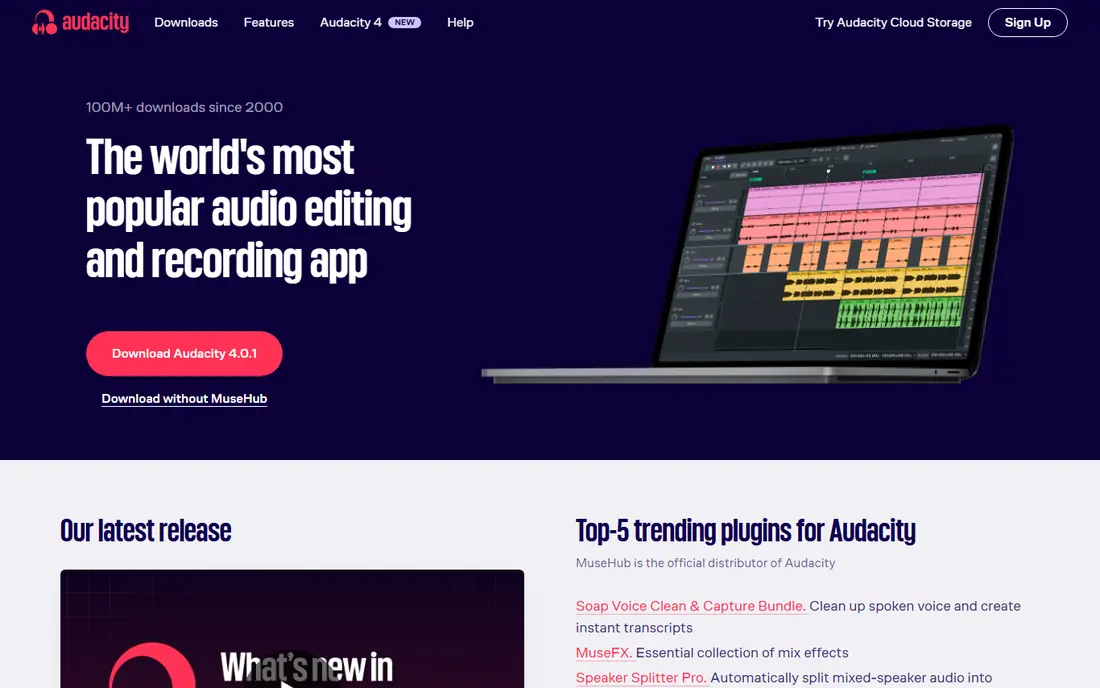
Audacity remains the first tool we suggest when someone needs to cut, clean, and export audio without spending anything. It records, trims, fades, normalizes, and removes steady background noise, and it opens a wide range of common audio formats. For a podcast intro, a voice memo, a school project, or a song demo that needs a tidy edit, it is hard to beat at this price, because the price is zero.
The trade-off is workflow rather than capability. Audacity edits the waveform itself in many operations, so undo history and saved backups matter more than they do in a non-destructive workstation. It also has limited MIDI and virtual instrument support compared with a full music production tool. If your goal is recording a band or building a track from software instruments, pair Audacity with a DAW, or start with one of the DAWs below instead.
- Completely free and open source
- Works on Windows, Mac, and Linux
- Strong noise reduction and format support
- Interface looks dated
- Editing is largely destructive, so planning matters
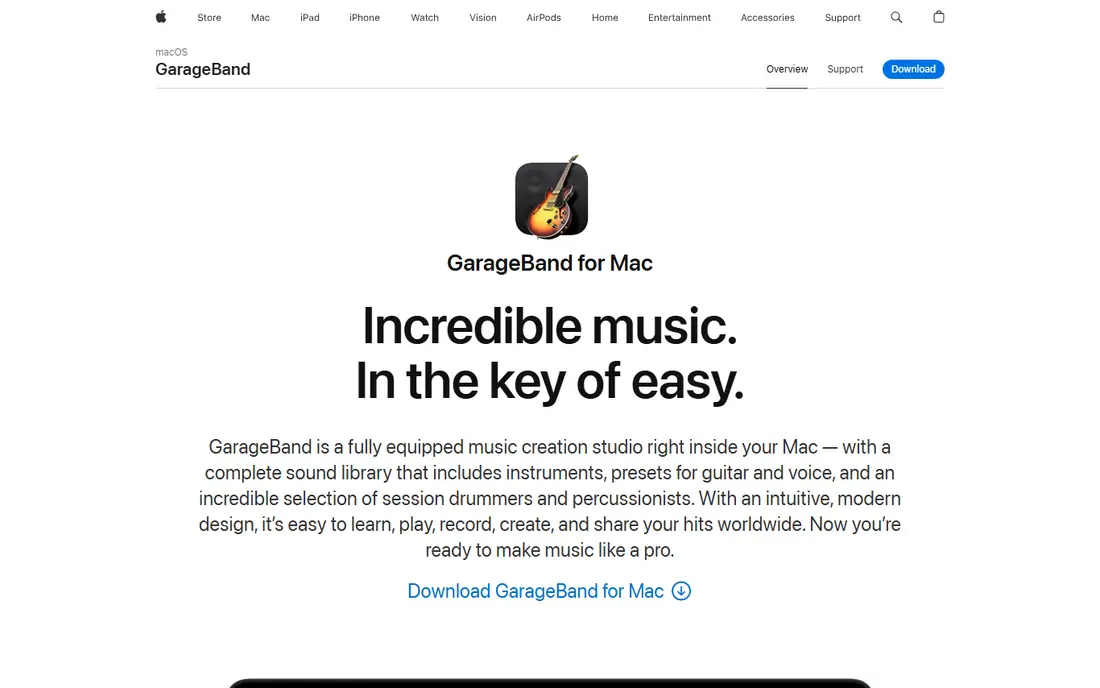
GarageBand is the easy starting point for anyone who already owns a Mac, iPhone, or iPad. It gives you virtual instruments, Apple Loops, a virtual drummer, and multitrack recording in a layout that most beginners can grasp in an afternoon. Songwriters can sketch a full demo, record vocals and guitar, and add drums without buying extra sounds first.
The main limit is the platform, not the sound. GarageBand does not run on Windows or Android, and its mixing tools stay simpler than those in Logic Pro. That simplicity is a feature for beginners, and it becomes a ceiling only when a project needs detailed automation, advanced routing, or large track counts. When that day comes, moving a GarageBand project into Logic Pro keeps your work intact.
- Free on Apple devices
- Large loop and instrument library
- Projects open in Logic Pro
- Mac and iOS only
- Fewer mixing and editing controls than Logic Pro
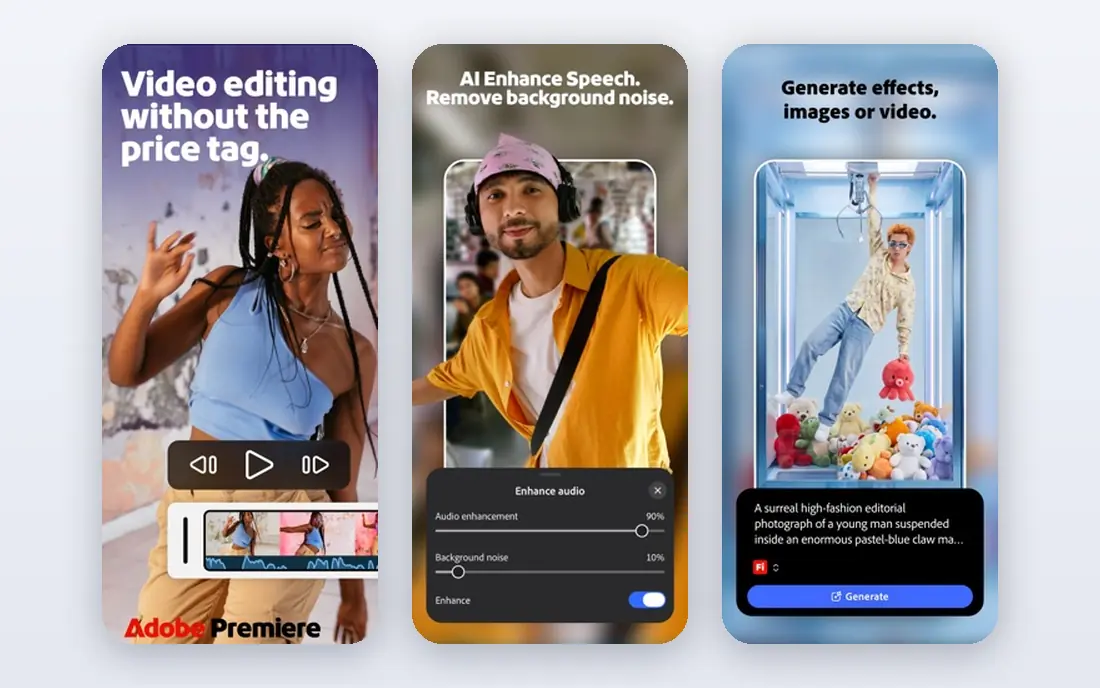
Adobe Audition is built for people who finish spoken audio for a living, or who clean dialogue for video. Its spectral view lets you see and remove clicks, hums, and isolated noises that a simple noise filter would miss, and its loudness tools help keep episodes consistent from start to finish. The Essential Sound panel also speeds up common jobs like dialogue cleanup and music ducking.
The price is the honest catch. At $22.99 per month on an annual plan, Audition costs far more over a year than a one-time DAW, and it is overkill if you only trim a recording now and then. It earns its place here for editors who already work in Adobe video tools, or who need restoration and multitrack finishing every week. Everyone else should try Audacity first and spend the difference elsewhere.
- Waveform, spectral, and multitrack views
- Strong restoration and loudness tools
- Works with Premiere Pro
- Subscription only
- More than most casual editors need
Logic Pro is our pick for Mac owners who want one purchase that covers the whole song process. It records live instruments, hosts virtual instruments, edits MIDI in detail, mixes with a full set of effects, and includes mastering tools, so most projects never need another DAW. The included sounds and loops are broad enough that many writers can finish a track without buying extra sample packs at the start.
New users should expect a few weekends of learning, because Logic Pro packs a professional toolset behind its clean surface. It also stays tied to Apple hardware, so Windows users need a different pick from this list. For Mac musicians who plan to produce for years, the one-time $199.99 price is easier to justify than a monthly fee that never ends.
- Full recording, mixing, and mastering in one purchase
- Large instrument and loop library
- No subscription on Mac
- Mac only
- Large download and a learning curve for beginners
FL Studio starts with the step sequencer and piano roll, and that focus shapes everything else it does well. Beat makers can build drum patterns fast, layer melodies, and arrange sections by moving patterns around, rather than editing long audio takes. The lifetime free updates policy also means the entry purchase keeps receiving new versions, which helps the long-term value case.
Vocal and band recording works in FL Studio, but it is not the main strength, and some editors prefer a timeline-first DAW for that job. Higher editions add more instruments and effects, so check which tier includes the sounds you actually want before you buy. For producers who live in patterns, loops, and MIDI, FL Studio remains one of the most direct routes from an idea to a finished beat.
- Pattern-based workflow and strong piano roll
- Lifetime free updates
- Good for hip-hop and electronic styles
- Audio recording and editing feel secondary to beat making
- Higher tiers cost much more
REAPER gives you a complete recording, editing, mixing, and mastering environment for $60 on a discounted license, with a 60-day fully functional evaluation period. It runs well on older machines, handles many track types and plugin formats, and lets you reshape menus, themes, and shortcuts to match how you work. That combination makes it a favorite for podcasters, bands, and home studios on a tight budget.
The first impression can feel spare, because REAPER ships with fewer polished virtual instruments and loops than its bigger rivals. You will likely add free or paid plugins to fill that gap, and you may spend time setting up templates that other DAWs provide out of the box. If you value flexibility and low cost over a ready-made sound library, REAPER is the best value on this list.
- Full DAW at a low discounted price
- Runs on Windows, Mac, and Linux
- Lightweight and highly customizable
- Plain default interface
- Fewer included instruments than Logic Pro or FL Studio
Ableton Live thinks in clips first, and that makes it different from most DAWs here. In Session View you can trigger loops, try arrangements, and perform a set without committing to a fixed timeline, then move the best ideas into Arrangement View to finish them. Electronic producers, DJs, and live performers use that two-view setup to test ideas quickly and to play them on stage.
The $99 Intro edition is a real starting point, but it caps tracks and scenes, so larger projects will push you toward Standard at $349 or Suite at $749. That step-up cost is worth weighing before you build a library of Ableton-only projects. If live playing, looping, and electronic production drive your work, the workflow is worth it. If you mainly record bands, a timeline-first DAW may feel more natural.
- Session View for clips and live sets
- Strong warping and electronic instruments
- Works with Push hardware
- Intro edition limits tracks and scenes
- Standard and Suite editions cost much more
Ocenaudio is the quiet free editor for people who found Audacity a little heavy or dated. It opens fast, shows a clean waveform, and previews effects in real time, so you can hear an EQ or filter change before you apply it. For trimming interviews, normalizing lectures, converting files, and removing simple noise, it does the job with less friction.
It is not a music production workstation, and it does not try to be one. There is no piano roll, no virtual instrument rack, and no full mixing console for a band session. Treat Ocenaudio as a focused editing tool, keep Audacity or a DAW nearby for bigger jobs, and you will get a fast, free editor that stays out of your way.
- Free and easy to learn
- Real-time effect preview
- Runs on Windows, Mac, and Linux
- No multitrack music production
- Smaller community than Audacity
Descript changes the editing job for spoken word. It transcribes your recording, and deleting a sentence in the transcript deletes that audio, which lets podcasters and video creators cut filler, fix order, and tighten an episode by reading rather than scrubbing a waveform. It also supports multitrack podcast editing, studio sound cleanup, and direct publishing workflows.
That strength is also its boundary. Descript is not a music DAW, and it will not replace Logic Pro, FL Studio, or REAPER for composing and mixing songs. Heavy users will also need a paid plan once free limits run out, so check current pricing before building a weekly show around it. For spoken-word teams, though, the transcript workflow can save more time than any waveform editor on this list.
- Edit audio by editing a transcript
- Good for podcast and video teams
- Includes transcription and publishing tools
- Music production features are limited
- Paid plans needed for heavier use
How we picked these
We compared official feature pages, pricing pages, and app store listings, plus public reviews that describe real workflows, and we kept only tools that exist and work today. We favored a mix of free editors, one-time DAWs, and one subscription editor, so readers can match budget to job rather than paying for features they will never use. Where a price was unclear or varied by tier, we listed the entry price we could verify and noted the higher tiers in the write-up.
We did not claim hands-on testing we did not do, and we did not rank on sound quality alone, because the right tool depends on whether you edit speech, produce beats, record a band, or perform live. Check the vendor pricing page before you buy, since subscription and edition prices change, and confirm your operating system is supported.
What to check before you choose
Start with the job, not the brand. A podcast editor needs cleanup, loudness, and fast cuts. A beat maker needs patterns, MIDI editing, and sounds. A band needs reliable multitrack recording and mixing. Write down your top three jobs, then cross off every tool that does not do them well, even if it is popular.
Free or paid, and for how long
Free tools cover most basic editing, and a $60 or $99 one-time DAW can last for years. A subscription makes sense only when you use the tool every week, or when it is bundled with software you already pay for. Add up a year of monthly fees before you compare it with a one-time price, and check what happens to your projects if you cancel.
Platform, plugins, and file export
Confirm the tool runs on your computer or phone, supports the plugins you own, and exports the formats your listeners or clients need. A great editor that cannot export a clean WAV or MP3, or that locks projects into one platform, will cost you time later. If you collaborate, ask what your partners use, since sharing project files is easier inside the same tool family.
Learning time
A simple editor pays off in an afternoon. A full DAW pays off over months. If you have a deadline this week, pick the simpler tool and finish the job. If you plan to produce music for years, invest the learning time in a DAW that will grow with you, and use free tutorials from the vendor before you buy extra courses or sample packs.
Frequently asked questions
What is the best music editing software for beginners?
Audacity is the safest free start for basic editing, and GarageBand is the best free start on Mac and iOS for making music. Both teach core skills like trimming, fades, and levels without a purchase. Move to REAPER or FL Studio when you need multitrack production, MIDI, or a deeper mixing toolset.
What are the best apps for editing music on a phone?
GarageBand on iOS is the strongest free phone option for music creation, while Descript and Audacity suit desktop editing better than phone work. For quick phone edits, look for an app that exports clean audio and lets you trim precisely, then finish the mix on a computer when quality matters. Check the app store listing for your device before you rely on a phone-only workflow.
What is the best music editing app for podcasts?
Adobe Audition suits professional podcast cleanup, while Audacity and Descript cover most independent shows at far lower cost. Audition wins on spectral repair and loudness control. Descript wins when you prefer to edit by transcript. Audacity wins when budget is the main concern and you are comfortable with waveform editing.
Is Audacity really free, and is it enough for music?
Audacity is free and open source, and it is enough for recording, trimming, cleaning, and exporting finished audio. It is less suited to composing with virtual instruments, detailed MIDI editing, or large multitrack mixing. Use it for editing and cleanup, and add a DAW when composition becomes the main job.
What is the top music editing software for professionals?
Logic Pro, Pro Tools style workflows, Adobe Audition, and Ableton Live all serve professionals, but for different jobs. Logic Pro suits Mac song production, Audition suits dialogue and podcast finishing, and Ableton Live suits electronic performance. The best professional pick is the one that matches your daily workflow, your collaborators, and your platform.
Do I need to pay for music editing software?
No, not for basic editing. Audacity, GarageBand, and Ocenaudio are free, and REAPER offers a long evaluation period before its $60 discounted license. Pay when you need a full DAW, a large instrument library, advanced restoration, or a transcript workflow that saves hours each week.
Sources
- https://www.audacityteam.org
- https://www.apple.com/mac/garageband/
- https://www.adobe.com/products/audition.html
- https://www.apple.com/logic-pro/
- https://www.image-line.com/fl-studio/
- https://www.reaper.fm
- https://www.ableton.com/en/live/
- https://www.ocenaudio.com
- https://www.descript.com
- https://rankite.com/blog/best-audio-editing-software
See where you really rank - block by block
ProMapRanker scans Google Maps across a grid of your service area. Simple monthly plans from $19, white-label on every plan.
Start freeKeep reading
 zendesk alternatives
Best Zendesk Alternatives in 2026
Compare the best Zendesk alternatives in 2026, from budget help desks to AI-first support tools, with current pricing, free plans, and honest trade-offs.
Read → wordpress alternatives
Best WordPress Alternatives in 2026
Looking for the best WordPress alternatives? We compare 8 free and paid options for blogs, business sites, stores, and developer-led projects in 2026.
Read → which real estate company has the best training
Best Real Estate Company Training in 2026
Compare which real estate company has the best training, from Keller Williams and eXp to Compass and Coldwell Banker, by program, mentor, and fit in 2026.
Read →