 ProMapRanker
Best Multi Streaming Platform in 2026

Key takeaways
- Restream gives the lowest paid entry point here and the widest destination reach for most creators.
- StreamYard leads for browser-based guest shows, with a simpler studio and guest links.
- Castr and OneStream Live suit always-on and scheduled streams better than a weekly live show.
- Check destination limits, video quality, and branding rules before you pay, since those limits drive most upgrades.
Quick comparison
| Pick | Great for | Pricing starts at | Free tier | |
|---|---|---|---|---|
 Restream | Widest platform reach | $16 per month | Yes | Visit |
 StreamYard | Browser guest shows | $35.99 per month | Yes | Visit |
 Castr | Always-on channels and playout | See website | Free trial | Visit |
 Streamlabs | Gaming streams and overlays | See website | Yes | Visit |
 OneStream Live | Scheduled and pre-recorded streams | $12 per month | Yes | Visit |
 Switchboard Live | Unlimited destinations | $35 per month | Free trial | Visit |
 LiveReacting | Pre-recorded streams as live | See website | Yes | Visit |
 Upstream | Multistream plus 24/7 streams | $24 per month | Yes | Visit |
 Dacast | Business video and simulcast | See website | Free trial | Visit |
The best multi streaming platforms
We compared destination counts, video quality, studio tools, chat handling, scheduling, and pricing, and we kept only platforms that send one live feed to several destinations today.
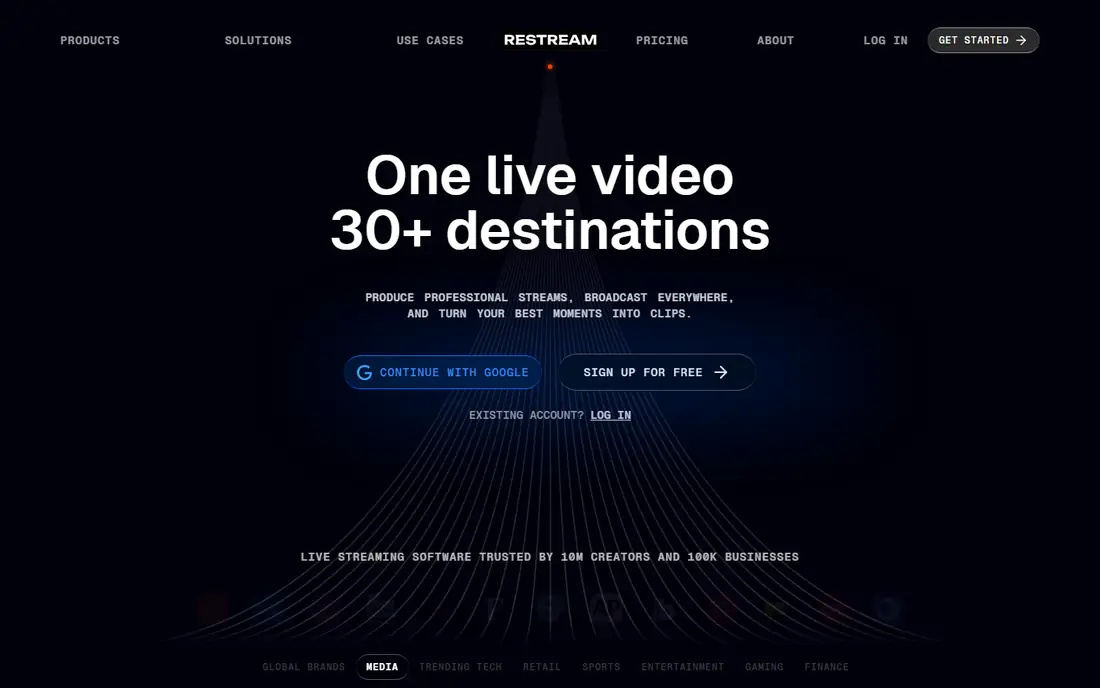
Restream is our pick for most creators because it covers the widest destination set at a low entry price. You can send one feed to YouTube, Twitch, LinkedIn, Facebook, and custom RTMP destinations, while combined chat pulls comments into one window. The browser studio handles guests, or you can send a feed from OBS or vMix through the cloud relay.
The free plan covers two destinations with Restream branding, which is enough to test YouTube plus Twitch. Paid plans remove branding, raise destination limits, and add Full HD studio quality on higher tiers. For creators who already produce a show and want maximum distribution, Restream is the simplest route.
- Support for 30-plus platforms
- Combined cross-platform chat
- Browser studio plus encoder ingest
- Free plan caps destinations and adds branding
- Full HD studio needs a higher tier
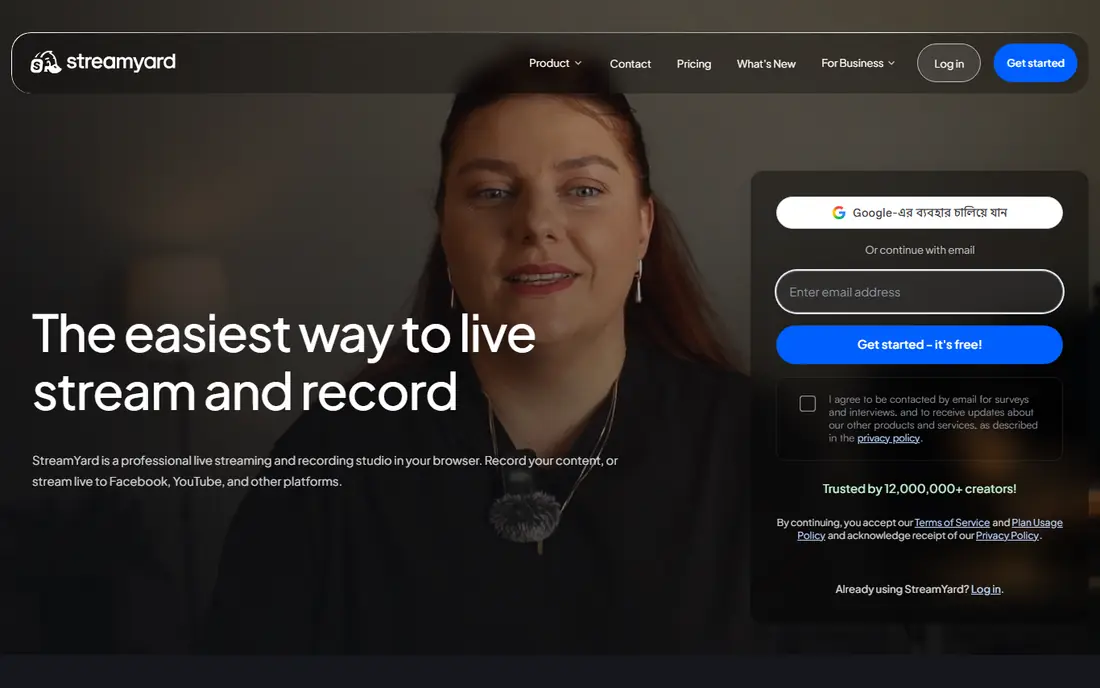
StreamYard suits interview shows, panels, and talk formats where guests join from a browser link. Hosts can add guests, show comments on screen, share screens, and record sessions without installing software. The studio layout is clear, which helps new hosts run a show without a producer.
The entry price is more than double Restream Standard on annual billing, so pure multistreaming costs more here. Destination limits also vary by plan, with higher tiers needed for more simultaneous destinations. If guest handling and a polished browser studio matter most, StreamYard justifies the higher price.
- Simple browser studio
- Guest links and on-screen comments
- Recordings and clips
- Higher entry price than Restream
- Destination limits vary by plan
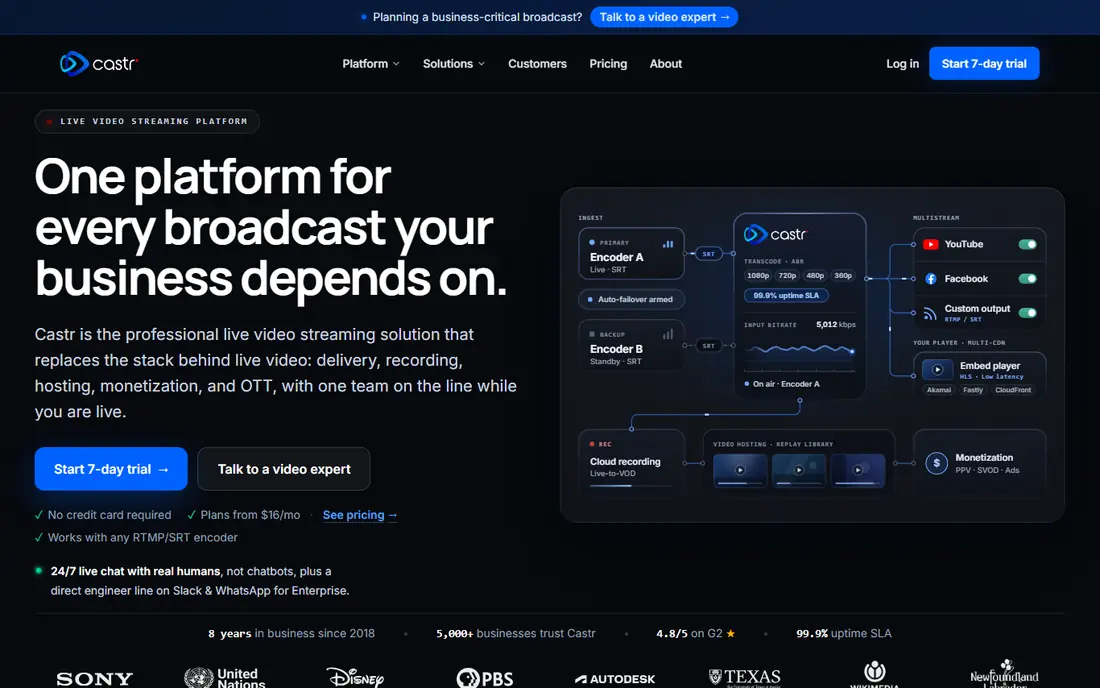
Castr fits creators and businesses that run always-on channels, scheduled playlists, or TV-style playout. You can schedule videos, loop playlists, and send one feed to many destinations without keeping a local encoder running. Cloud hosting and playout controls make it useful for channels that must stay live around the clock.
Castr is less of a guest studio than StreamYard, so live interview shows may still need a separate studio tool. Pricing also varies by plan, bandwidth, and destination count, so check the tier that matches your hours and reach. For always-on and scheduled distribution, Castr is a strong specialist.
- 24/7 playout and scheduled streams
- Many destinations
- Cloud hosting for video
- Less of a live studio than Restream or StreamYard
- Pricing varies by plan and bandwidth
Streamlabs suits gamers who want alerts, overlays, chat widgets, and multistreaming in one creator suite. Dual Output lets a creator send a horizontal stream to one platform and a vertical stream to another, which helps reach both desktop and mobile audiences. The desktop app and cloud tools cover production, tipping, and merch links as well.
Simple multistreaming alone may feel buried under many creator features, and the fullest output options sit on paid tiers. Creators who only need a relay may prefer Restream. For gaming creators who use alerts and overlays every stream, Streamlabs keeps production and distribution together.
- Alerts, overlays, and widgets for gaming
- Dual Output for horizontal and vertical streams
- Desktop and cloud tools
- Full multistream features sit on paid tiers
- Setup can feel busy for simple shows
OneStream Live fits creators who schedule videos as live events or run pre-recorded streams on a timetable. You can upload a video, set a schedule, and send it to several platforms at once, which helps with webinars, product launches, and repeat shows. The free tier covers two destinations at 720p, and paid plans raise destination counts.
Live guest production is lighter here than in a full browser studio, so interview shows may need another tool. Quality and destination limits also vary by plan, so confirm the tier for your main platforms. For scheduled distribution at a low price, OneStream Live is hard to beat.
- Low entry price
- Scheduled and pre-recorded distribution
- Many destinations on higher plans
- Live studio features are lighter than StreamYard
- Video quality limits vary by plan
Switchboard Live suits creators and agencies that push one feed to many destinations without a destination cap. You send a feed from OBS, vMix, or another encoder, and Switchboard relays it onward, with controls for each destination. That relay model keeps production in the encoder while distribution stays in the cloud.
There is no full browser studio for guests, so talk shows need a separate production tool. The entry price also sits above Restream Standard, which matters for a single creator. For agencies and multi-destination publishers, the unlimited destination model is the main draw.
- Unlimited destinations on suitable plans
- Encoder ingest from OBS and vMix
- Multi-stream management
- No full browser studio
- Price is higher than Restream entry tier
LiveReacting fits creators who want to present pre-recorded video as a live broadcast. You can schedule a video, loop it, and send it to platforms where a live label draws more viewers, without staying live in person. Setup runs in a browser, which keeps the workflow simple for solo creators.
Guest interviews and live interaction are limited compared with StreamYard, since the focus is pre-recorded playout. Destination counts and quality also vary by plan, so check limits for your main channels. For repeat shows, launches, and scheduled content, LiveReacting gives a focused tool.
- Pre-recorded video streamed as live
- Scheduling and looping
- Browser-based setup
- Live guest studio is limited
- Destination and quality limits vary by plan
Upstream combines multistreaming with always-on and pre-recorded workflows in one product. The free tier offers a stream with a set number of hours a month and no watermark, which is generous for testing. Paid plans add unlimited hours and keep 10 destinations per stream, which suits creators who mix live shows with scheduled content.
The brand footprint is smaller than Restream, so community guides and integrations are fewer. Studio tools are also lighter than a dedicated interview studio. For creators who want one tool for live, scheduled, and always-on streams, Upstream covers more ground than a relay alone.
- Multistreaming with 24/7 and pre-recorded streams built in
- No watermark on free tier
- 10 destinations per stream
- Smaller brand footprint than Restream
- Studio features are lighter than StreamYard
Dacast suits businesses that need video hosting, live streaming, and simulcast in a professional package. Teams can host on-demand video, run live events, simulcast to social platforms and custom destinations, and gate content with paywalls. Analytics and player controls support business use cases such as training, events, and marketing.
Solo creators will find the price and setup heavier than Restream or OneStream Live. Dacast is built for teams with a video library and business goals, not just a weekly show. For business video with simulcast, it gives hosting and distribution in one account.
- Business video hosting and live streaming
- Simulcast to platforms and custom RTMP
- Paywall and analytics options
- Business pricing is higher than creator tools
- Setup suits teams more than solo creators
How we picked these
We compared official pricing pages, destination lists, and product documentation for each platform. We kept only platforms that multistream today, and we favored clear destination limits, video quality tiers, and chat or scheduling tools. We did not claim hands-on testing, and we left out encoder-only tools that cannot relay a feed on their own.
How to choose a multistreaming setup
Start with destinations. List every platform where your audience already watches, and confirm each one is supported and counted in your plan limit. Some platforms cap simultaneous destinations, while others cap total supported platforms, and that difference matters. Then check video quality, since 720p may look soft on a large screen while 1080p often needs a higher tier.
Next, decide how you produce. A browser studio suits guest shows, an encoder suits gaming and complex production, and a scheduler suits pre-recorded events. Test one real broadcast to all destinations, watch the chat flow, and check recordings before you pay for a year. A free tier is the best trial for this test.
Watch the fine print
Check branding rules, recording storage, and whether custom RTMP destinations count toward limits. Check platform rules too, since some destinations restrict simulcasting for partner or monetized accounts. Those rules can change, so confirm them before a major launch.
Frequently asked questions
What is the best multistreaming service?
Restream is our pick for most creators, with StreamYard best for guest shows and OneStream Live best for scheduled streams. The best service depends on destinations, production style, and budget. Test a free tier with your real platforms before you pay.
Can I multistream for free?
Yes, Restream, StreamYard, OneStream Live, and Upstream offer free tiers with limits on destinations, quality, or branding. Free tiers suit testing and small shows. Paid plans remove branding, raise quality, and add destinations for regular creators.
Does multistreaming hurt reach on YouTube or Twitch?
Reach depends on platform rules, audience habits, and content quality, not multistreaming alone. Some partner programs restrict simulcasting, so check your account terms. Many creators multistream to reach different audiences on each platform without harming a main channel.
Do I need OBS to multistream?
No, browser studios such as StreamYard and Restream Studio work without OBS. Encoders such as OBS give more production control and pair well with relay services such as Restream, Castr, and Switchboard Live. Choose the production style that fits your show, not the tool with the most features.
How many destinations should I stream to?
Start with two or three platforms where your audience is active, then add more once chat and production feel manageable. More destinations add chat load and support work. Quality on your main platforms matters more than a long destination list.
Sources
See where you really rank - block by block
ProMapRanker scans Google Maps across a grid of your service area. Simple monthly plans from $19, white-label on every plan.
Start freeKeep reading
 zscaler alternatives
Best Zscaler Alternatives in 2026
Looking for zscaler alternatives? We compare 9 SASE and zero trust platforms on architecture, data protection, pricing, and fit for your network and team.
Read → zapier alternatives free
Best Zapier Alternatives Free in 2026
Nine automation tools for zapier alternatives free in 2026, all with genuinely free tiers, plus free plan limits, starting prices and upgrade paths explained.
Read → which platform is best for online reputation
Which Platform Is Best for Online Reputation in 2026
Wondering which platform is best for online reputation? We compare 8 review, listing, and response tools for small and multi-location businesses and agencies.
Read →