 ProMapRanker
Best Multi-Factor Authentication Software in 2026


Rolling out MFA quickly across many apps · Pricing starts at: $3 per user per month
Key takeaways
- The best multi-factor authentication software is the one your whole team will actually use, including on a lost or replaced phone.
- Push approvals and passkeys reduce friction compared with codes typed by hand, but you still need a tested recovery process.
- If your team already uses Microsoft 365 or Google Workspace, the bundled identity option is often the cheapest and simplest starting point.
- Hardware keys remain the strongest option for admins, finance staff, and anyone targeted by phishing, even when they cost more up front.
- Price per user, per month hides the real total when you add premium tiers, hardware, support, and admin time, so ask for a full quote.
Quick comparison
| Pick | Great for | Pricing starts at | Free tier | |
|---|---|---|---|---|
| Cisco Duo | Rolling out MFA quickly across many apps | $3 per user per month | Yes | Visit |
 Okta | Vendor-neutral identity and MFA at scale | $6 per user per month | Free trial | Visit |
 Microsoft Entra ID | Organizations already running Microsoft 365 | See website | Yes | Visit |
 Ping Identity | Large or hybrid estates with complex federation needs | $3 per user per month | Free trial | Visit |
 OneLogin | Mid-market teams wanting SSO plus MFA in one place | $4 per user per month | Free trial | Visit |
 JumpCloud | Small teams replacing on-premises directories | $9 per user per month | Yes | Visit |
 LastPass Authenticator | Individuals and small teams already using LastPass | Free | Yes | Visit |
 RSA SecurID | Regulated teams needing hardware and software tokens | See website | No | Visit |
 CyberArk Workforce Identity | Teams combining workforce MFA with privileged access control | $2 per user per month | Free trial | Visit |
The best multi-factor authentication software
Multi-factor authentication adds a second check beyond a password, such as a push approval, a one-time code, a passkey, or a hardware key. We compared official feature and pricing pages, and we focused on setup effort, supported methods, recovery options, and fit for different team sizes.
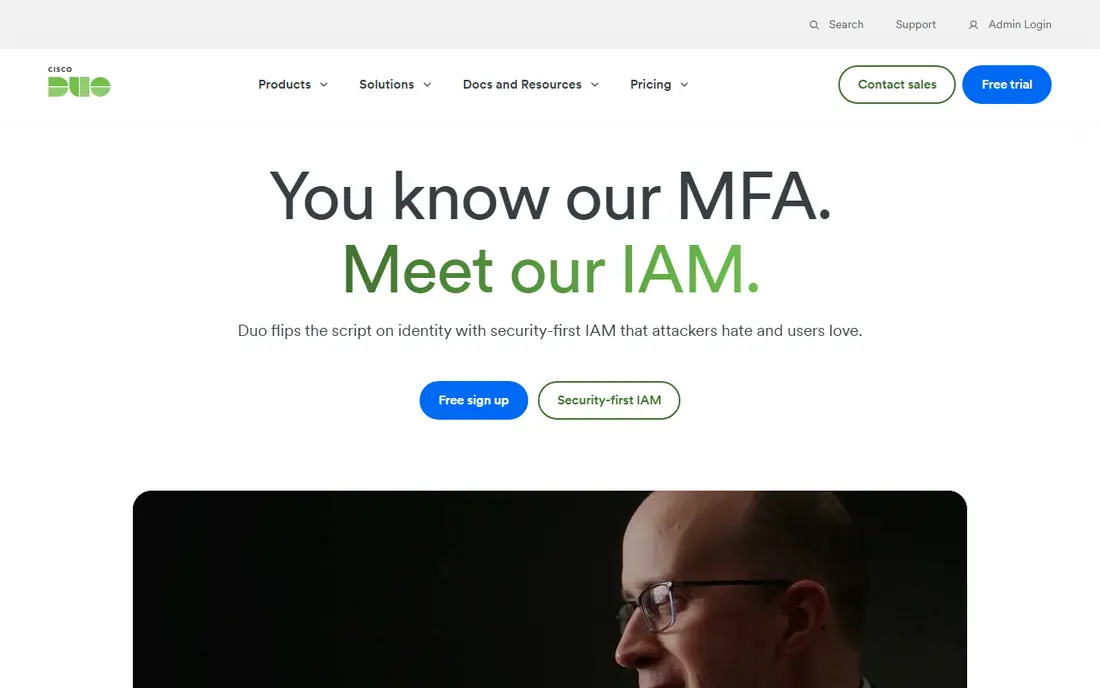
Duo is often the fastest route to MFA for a mixed workforce. Admins can protect VPNs, cloud apps, and on-premises systems, and users approve a push on their phone instead of typing codes. That simplicity matters, since a system that staff find annoying will generate workarounds, shared codes, and support tickets.
Duo also offers device health checks and adaptive policies on higher plans, which help teams that want more than a basic second factor. The free tier covers up to ten users in published materials, which suits a tiny team or a pilot. Larger teams should price the tier they actually need, not just the entry tier, since the controls that matter for remote work often sit above it.
- Simple push approvals
- Broad app catalog
- Device trust checks on paid plans
- Advanced controls sit on higher tiers
- Per-user cost grows with headcount
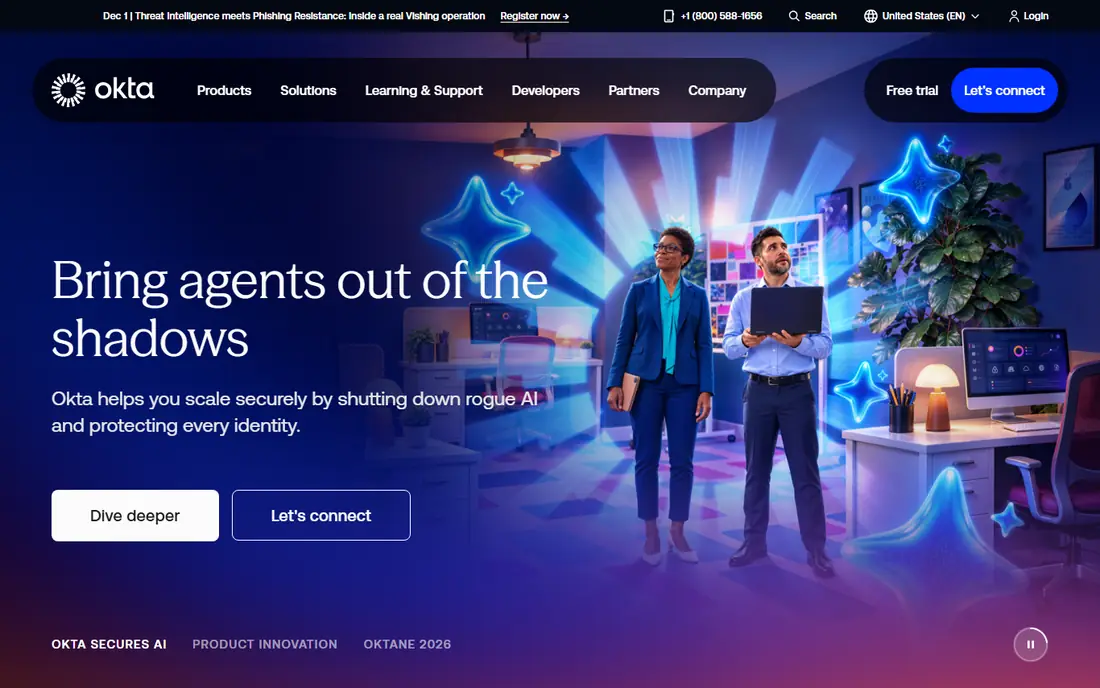
Okta suits companies that use many different SaaS tools and want one identity layer across them. Its catalog covers thousands of pre-built integrations, and its adaptive MFA can step up checks when sign-in risk looks higher, such as a new device or an unusual location. Lifecycle features also help when staff join, move teams, or leave, since access can follow a single identity record.
The trade-off is scope and price. Okta is a full identity platform, not just an authenticator app, so a team that only needs MFA for one app may pay for more than it uses. Pricing also depends on which suite and add-ons you choose, so get a quote that lists MFA, single sign-on, and any governance features separately before comparing it with a simpler tool.
- Large integration catalog
- Adaptive MFA on higher plans
- Strong lifecycle management
- Costs rise as modules are added
- Smaller teams may find it more platform than they need
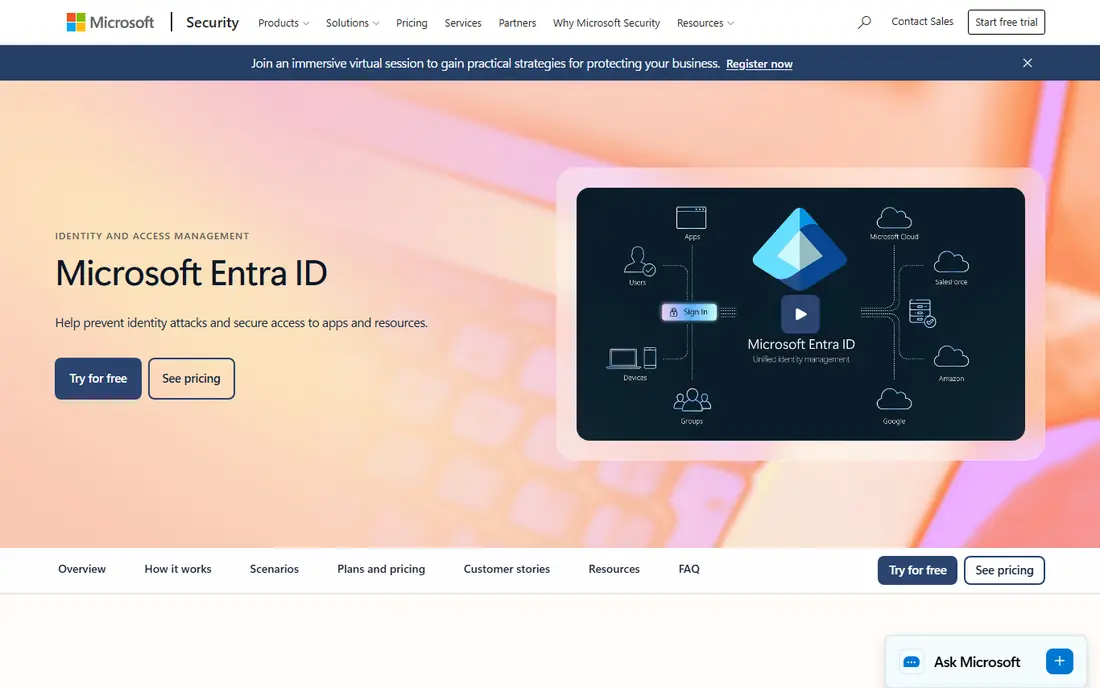
For a team already on Microsoft 365, Entra ID is usually the path of least resistance. Basic MFA is available with eligible subscriptions, and the Microsoft Authenticator app supports push approvals and passkeys. Paid P1 and P2 plans add Conditional Access, risk-based policies, and identity protection features that larger teams often need.
Licensing is the main headache. The difference between a free tier, P1, and P2 is not always obvious, and some features require a separate plan or bundle. Check exactly which subscription your users already hold, and confirm that every app you need to protect, including non-Microsoft tools, works with Entra policies before you rely on it alone.
- Built-in MFA for Microsoft accounts
- Conditional Access on paid plans
- Passkey and Windows Hello support
- Licensing tiers can be confusing
- Non-Microsoft apps need careful integration checks
Ping Identity
Great for: Large or hybrid estates with complex federation needs
Ping Identity fits organizations with a mix of cloud apps, older on-premises systems, and partner access. Its strength is orchestration, meaning it can shape sign-in flows, federation, and step-up checks across different systems rather than treating every app the same. That flexibility helps when a company has strict compliance rules or a complex partner network.
That power comes with implementation effort. Ping is not a five-minute install for a ten-person team, and its full value shows when an identity team owns the design. Smaller teams should trial it against a simpler option and weigh setup time honestly. For large, mixed estates, though, Ping is a credible alternative to Okta and Entra.
- Strong federation and orchestration
- Hybrid and multi-cloud support
- Adaptive authentication
- More setup effort than simpler tools
- Quote-based pricing for larger deals
OneLogin pairs single sign-on with MFA, which appeals to mid-market teams that want staff to sign in once and still pass a second check for sensitive apps. Its catalog covers common business tools, and its admin console is approachable for a small IT team. That combination makes it a practical middle ground between a free authenticator app and a large enterprise platform.
The watch-out is bundling. Entry pricing may not include every advanced policy, reporting, or lifecycle feature a growing team expects, so read the plan table closely. OneLogin still earns its place for teams that want one vendor for sign-on and MFA without the scope or price of a full enterprise identity suite.
- Clear SSO and MFA pairing
- Broad app catalog
- Useful for mid-sized teams
- Some advanced features need higher bundles
- Support quality can vary by plan
JumpCloud is useful when MFA is only part of a bigger problem, such as managing user accounts, devices, and access without a local server. It combines a cloud directory with device management and multi-factor authentication, and it supports Windows, Mac, and Linux. That breadth helps small teams that have moved away from traditional Active Directory.
The bundled price reflects that breadth, so a team that only needs MFA may find a cheaper standalone option. The free tier, covering up to ten users and ten devices in published materials, is a good way to test the directory and MFA together. If you already have a directory you like, compare JumpCloud on MFA alone before paying for the bundle.
- Directory, device management, and MFA in one service
- Free tier for up to ten users
- Cross-platform support
- Bundled price is higher than a standalone authenticator
- Some features suit IT-led teams best
LastPass Authenticator
Great for: Individuals and small teams already using LastPass
LastPass Authenticator is a straightforward authenticator app that stores time-based codes and supports push approvals for LastPass accounts. For an individual or a small team that already uses LastPass for passwords, it removes one more app from the daily routine. It is free as an app, which makes it easy to recommend to family members or contractors.
It is not a replacement for Duo, Okta, or Entra for a larger workforce, since it does not provide central policy control, lifecycle management, or broad app enforcement on its own. Use it as a personal or small-team authenticator, and choose a workforce platform when you need admin control, reporting, and enforced policies across many apps.
- Free authenticator app
- Push approvals for LastPass logins
- Simple one-time code storage
- Best value is tied to LastPass
- Not a full workforce identity platform
RSA SecurID remains a familiar name in banks, government, and other regulated settings, largely because of its hardware tokens and long history. A physical token that generates codes, or a software token on a phone, gives a second factor that does not depend on a push notification or a single phone app. That independence matters for staff who work in secure areas or without reliable mobile data.
The cost is administration. Tokens must be issued, replaced, and revoked, and pricing is quote-based rather than a simple per-user list price. Smaller teams will likely find a push-based tool simpler and cheaper. For regulated teams with strict token requirements, though, SecurID is still a defensible and well-understood choice.
- Long record in regulated industries
- Hardware token options
- Strong authentication controls
- Quote-based pricing
- Setup and token management need admin time
CyberArk Workforce Identity
Great for: Teams combining workforce MFA with privileged access control
CyberArk is best known for privileged access management, which controls powerful admin accounts, and its workforce identity offering extends MFA and single sign-on to everyday staff. That pairing helps when the same company needs to protect both normal logins and high-risk admin access, and wants consistent policy across both. It is a sensible shortlist option for security-led teams.
The catch is that CyberArk's strongest case is as part of a broader identity security program. A team that only needs MFA for a handful of apps may find a simpler tool faster to run. If admin access, secrets, and workforce logins are all on your risk list, though, CyberArk lets you address them under one vendor and one set of policies.
- Strong privileged access heritage
- SSO and MFA for workforce users
- Useful for admin accounts
- Full value needs CyberArk's broader platform
- Pricing varies by bundle
How we picked these
We compared official feature pages, pricing pages, and documentation for MFA and identity tools that are actively sold and supported in 2026, and we left out discontinued authenticator apps and tools that only cover one consumer service. We favored tools with push approvals, passkey or hardware support, admin policy controls, and clear recovery options, and we noted where pricing is per user, bundled, or quote-based. We did not run hands-on tests for this roundup, and we did not invent ratings, customer counts, or feature claims that vendor pages did not support.
What to check before you buy
Start with recovery, not with the sign-in screen. Ask what happens when a phone is lost, stolen, or replaced, and test that process with a small group before rolling out to everyone. A system with strong MFA but no tested recovery path will lock out real staff and push them toward risky workarounds. Also confirm support for passkeys and hardware keys for admins, since those accounts are the most attractive targets.
Next, map your apps. List every system that holds sensitive data, and check whether each MFA tool can enforce a second factor on it, either directly or through single sign-on and federation. A tool that covers your main SaaS apps but not your VPN or legacy system leaves a gap that attackers will find. Finally, compare total cost, including premium tiers, hardware keys, and admin time, and run a pilot with a mix of technical and non-technical users before you commit.
Frequently asked questions
What is multi-factor authentication software?
It is software that requires a second check beyond a password when you sign in, such as a push approval, a one-time code, a passkey, or a hardware key. The goal is to stop an attacker who has stolen a password from getting in with that password alone. Most workforce tools also let admins set policies, such as requiring a stronger check for admin accounts or for sign-ins from new devices.
Is an authenticator app enough for a business?
An app alone is often enough for an individual, but a business usually needs central control as well. Workforce tools let admins enforce MFA, revoke access when staff leave, review sign-in logs, and set different rules for different apps. If you only install an app on each phone without enforcement, staff can simply skip the second check.
Are push approvals safe?
Push approvals are safer than codes sent by text message in most cases, since they are tied to a registered device and a specific sign-in attempt. They can still be abused if a user approves a prompt they did not request, so training matters. Number matching, where the user types a number shown on the login screen into the app, reduces accidental approvals and is worth turning on where available.
Should we use hardware security keys?
Hardware keys are a strong choice for admins, finance staff, executives, and anyone who handles sensitive data, since phishing a hardware key is much harder than phishing a code. They cost more up front and need a replacement process for lost keys, so many teams give keys to high-risk roles and use push or passkeys for everyone else. That tiered approach balances security and cost.
What happens if an employee loses their phone?
With a good system, the admin can revoke the lost device, issue a temporary access method, and help the employee register a new device after identity checks. Test this process before rollout, and make sure help desk staff know the steps and the identity checks required. A clear recovery plan is as important as the MFA method itself.
Sources
See where you really rank - block by block
ProMapRanker scans Google Maps across a grid of your service area. Simple monthly plans from $19, white-label on every plan.
Start freeKeep reading
 zoro.to alternatives
Best Zoro.to Alternatives in 2026
We compare the best zoro.to alternatives in 2026, listing only legal licensed anime streaming services, from Crunchyroll to free options for fans today.
Read → zip alternatives
Best Zip Alternatives in 2026
We compare the best zip alternatives for buy now, pay later in 2026, covering pay-in-4 plans, fees, spending limits, and credit reporting options today.
Read → yesware alternatives
Best Yesware Alternatives in 2026
Compare the best yesware alternatives for sales email tracking, templates, and sequences, with current pricing and honest tradeoffs for small sales teams.
Read →