 ProMapRanker
Best Moving Apps in 2026: 9 Apps Compared

Key takeaways
- MoveAdvisor is the closest thing to a single moving planner, with a timeline, checklist, and mover search in one free app.
- Sortly earns its place for box and item tracking, while Dolly, HireAHelper, and Bellhop cover the physical move itself.
- Updater is most useful after the truck is booked, because it focuses on address changes and utility transfers.
- No single app does everything well, so most movers will use one planner, one inventory tool, and one hiring service.
- Prices for labor and full moving services vary by job, so get a written quote before you confirm a booking.
Quick comparison
| Pick | Great for | Pricing starts at | Free tier | |
|---|---|---|---|---|
 MoveAdvisor | All-in-one moving planning | Free | Yes | Visit |
 Sortly | Visual box and item inventory | $49 per month | Yes | Visit |
 Dolly | Small and same-day moves | See website | No | Visit |
 TaskRabbit | Hourly help for packing and lifting | See website | No | Visit |
 Updater | Address and utility changes | Free | Yes | Visit |
 magicplan | Room plans and furniture fit | Free | Yes | Visit |
 HireAHelper | Comparing local moving labor | See website | No | Visit |
 Bellhop | Full-service local moves | See website | No | Visit |
 Unpakt | Comparing mover quotes | Free | Yes | Visit |
The best moving apps
Moving is a project with a deadline, a budget, and a lot of small tasks that are easy to forget. The apps below cover different parts of that project, from the first checklist to the last box. We compared official feature pages, pricing pages, and app store listings to see what each app actually does in October 2026.
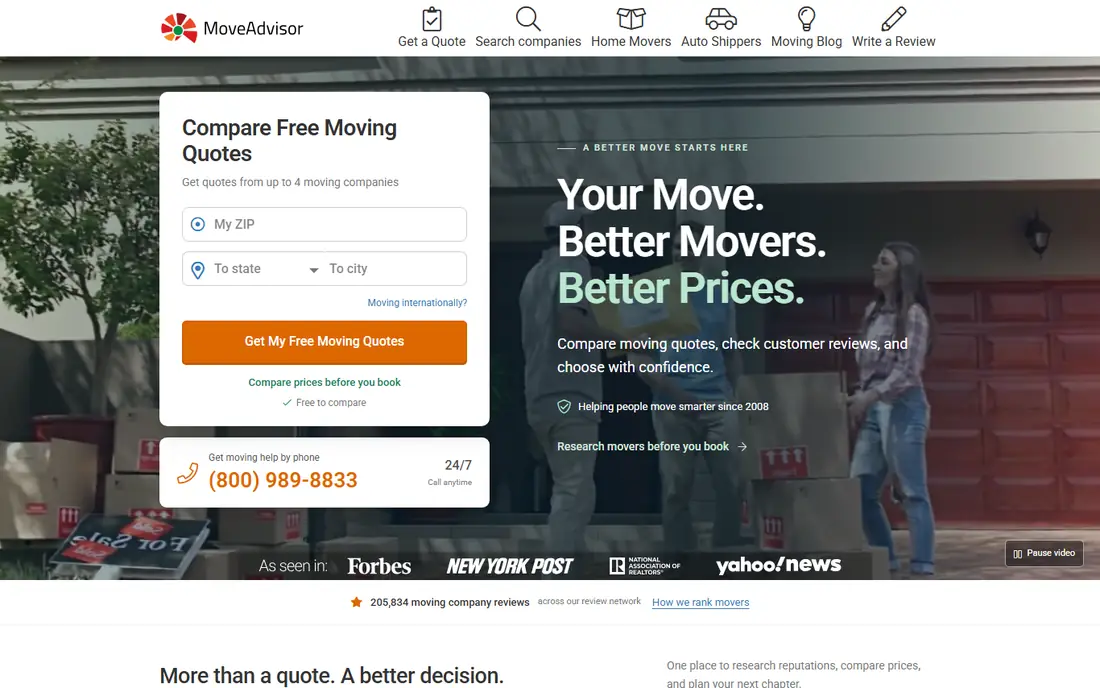
MoveAdvisor builds a timeline around your move date and property size, then turns that timeline into a week-by-week checklist. That structure is its main strength. Instead of starting with a blank list, you get tasks for packing, booking, changing addresses, and settling in, with reminders as the date gets closer.
The inventory tool lets you record items room by room, and the mover search helps you find companies and request quotes. The app is free, which makes it a low-risk starting point for a first move. Its limits show up when you want detailed box tracking with photos and labels, where a dedicated inventory app does more.
- Moving timeline and checklist in one place
- Room-by-room inventory
- Mover search and cost estimates
- Design feels dated in places
- Inventory tools are simpler than dedicated inventory apps
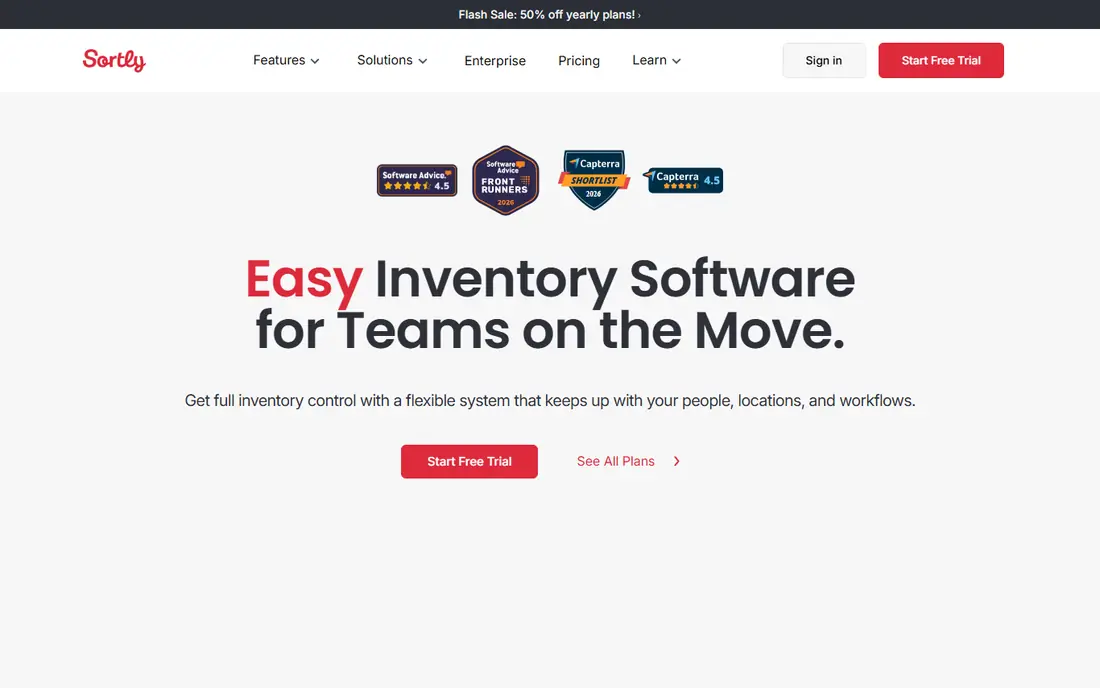
Sortly treats packing as an inventory job. You photograph items, assign them to a box or room, and add notes about condition or value. When you arrive at the new home, you can search for an item instead of opening every box to find the coffee maker.
The QR label feature is the part that saves the most time on a larger move. Print or attach a label, scan it, and see what is inside without unpacking. Sortly is not a mover booking service, so pair it with a planner or a hiring app if you also need labor. For a small apartment move, the free tier may be enough, but check the item limit before you start packing.
- Photo-based inventory that is easy to search
- QR and barcode labels for boxes
- Works well on a phone during packing
- Free plan limits item counts
- Paid plans cost more than a simple checklist app

Dolly sits between renting a truck yourself and hiring a full moving company. You describe the items, the pickup and delivery points, and the help you need, then book helpers with a truck for that job. It works well for furniture delivery, a storage unit clear-out, or a small apartment move.
The trade-off is scale. A three-bedroom house with a long-distance route is not the job Dolly is designed for, and coverage depends on your city. Check availability early, and confirm what is included in the price, such as stairs, disassembly, or waiting time, before moving day.
- Good fit for single items and small loads
- Upfront pricing for the job
- Helpers with trucks for local jobs
- Not built for large long-distance moves
- Availability varies by city
TaskRabbit is a practical choice when the gap in your plan is people, not a truck. You can hire help for a few hours to pack boxes, carry heavy items, or assemble furniture at the new home. Profiles, reviews, and hourly rates let you compare options before you book.
The honest catch is scope. A tasker can lift and pack, but a full move also needs a vehicle, insurance details, and a plan for fragile or valuable items. Use TaskRabbit for the parts of the move that fit hourly work, and use a mover for the transport itself when the load is large or the distance is long.
- Wide range of local taskers
- Useful for packing, lifting, and assembly
- Reviews help you compare taskers
- Taskers are not a licensed moving company
- You still need transport for a larger move
Updater focuses on the admin work that follows a move. Address changes, utility setup, and related services can take hours of phone calls and forms, and Updater tries to bring much of that into one flow. That makes it a useful second app alongside a planner like MoveAdvisor.
It will not hire movers or track your boxes, so do not expect it to replace a planning app. Its value depends on which partners and services are available in your area, so check that your utilities and accounts are covered before you rely on it for everything.
- Central place for address updates
- Helps with utility transfers and related services
- Useful for apartment and real estate partners
- Does not book the physical move
- Some features depend on partner availability
magicplan answers a question that causes a lot of moving day trouble: will the sofa fit through the door and in the new living room. You scan a room with your phone, build a floor plan, and place furniture in the layout. That plan also helps you decide what to sell, donate, or leave behind.
The app is not a checklist or a mover service, so it works best as a planning companion. The free plan covers a small number of projects, which is enough for one home if you plan carefully. If you are measuring several properties, expect to move to a paid plan.
- Creates floor plans from room scans
- Helps you check whether furniture fits
- Useful for planning a new layout before moving day
- Free plan limits projects
- Advanced features need a paid plan
HireAHelper is built for people who want to compare moving help in one marketplace. You enter the job, see providers and prices, and read reviews before you choose. Labor-only bookings are a strong fit here, for example when you have rented a truck and need a crew to load it.
Because providers differ, read the details closely. Check what the price covers, how many helpers are included, and what happens if the job runs long. A cheaper quote that sends one helper for a large load can cost more in time and stress than a slightly higher quote with the right crew.
- Compare movers and labor-only help by price and reviews
- Useful when you already have a truck
- Clear job descriptions for loading and unloading
- Service quality varies by provider
- Pricing depends on the job and location
Bellhop is closer to a traditional moving company with an online booking flow. You describe your home and items, get pricing, and book a team to handle loading, transport, and unloading. That full-service approach suits movers who want one provider to own the physical move.
The main limit is geography. Bellhop does not serve every city, and long-distance service depends on the route. Check coverage for both addresses early in your planning, and confirm the inventory list, because missing items can change the final price.
- Full-service move with a dedicated team
- Online booking and pricing for local moves
- Useful for apartment and house moves in covered cities
- Coverage is limited to certain cities
- Long-distance options vary
Unpakt helps you compare moving companies without calling each one separately. You enter your inventory and move details, then review quotes from movers in your area. That inventory step matters, because a quote based on a real item list is more useful than a rough guess.
Unpakt itself is not the mover, so the quality of the move depends on the company you pick. Read reviews, confirm insurance and licensing details, and get the final terms in writing before you pay a deposit. Use it as a comparison tool, then verify the winner directly.
- Compare mover pricing in one place
- Inventory-based quotes can be more accurate
- Free to use for comparing
- Mover availability varies by area
- Final price still depends on the mover's own terms
How we picked these
We compared official feature pages, pricing pages, and app store listings for apps that cover planning, inventory, room measurement, address changes, and hiring help. We kept only apps that are live and useful in October 2026, and we left out general to-do apps that add no moving-specific value beyond a blank checklist. Where a price could not be verified on the vendor site, we wrote See website rather than guessing.
What to check before moving day
Start with the move date and work backward. Book movers or labor first if your date falls at the end of a month or on a weekend, because those slots fill early. Build your inventory as you pack, not after, and photograph valuable or fragile items before they go into a box.
Confirm three details in writing for any hired service: the total price and what it includes, the arrival window, and the policy for damage or delays. For a long-distance move, also confirm licensing and insurance details with the mover directly. A short call to confirm these points can prevent most moving day disputes.
Use the planner for tasks, the inventory app for boxes, and the hiring app for people and trucks. Keeping those jobs separate makes it easier to spot a gap. If one app tries to do all three and does none of them well, replace it rather than forcing your whole move through it.
Frequently asked questions
What is the best app for moving?
MoveAdvisor is a strong starting point for most people because it combines a timeline, checklist, inventory, and mover search for free. Add Sortly if you have many boxes, and a hiring service like Dolly or HireAHelper if you need labor or transport.
What is the best moving app for a small apartment move?
For a small move, Dolly or TaskRabbit often fits better than a full moving company, because you can book help for a few hours or a single load. Pair either one with MoveAdvisor for the checklist and Sortly for box tracking if you want more structure.
Is there a free app for moving?
Yes. MoveAdvisor, Updater, and Unpakt offer free use for planning, address changes, and quote comparison. Sortly and magicplan also have free tiers, but both limit items or projects, so check those limits before you rely on them.
What is the best moving software for tracking boxes?
Sortly is our pick for box tracking, because photo inventory and QR labels let you find items without opening every box. Label boxes by room and contents as you pack, and keep a separate list for essentials you will need on the first night.
How do I choose between hiring movers and hiring hourly help?
Hire a full mover when the load is large, the distance is long, or you want one provider to handle transport and liability. Hire hourly help when you have a truck, a small load, or a single task such as packing or furniture assembly.
Do moving apps replace getting quotes from movers?
No. Apps help you compare and organize, but the final price and terms should come from the mover in writing. Confirm what is included, how extra time is charged, and what insurance applies before you confirm.
Sources
See where you really rank - block by block
ProMapRanker scans Google Maps across a grid of your service area. Simple monthly plans from $19, white-label on every plan.
Start freeKeep reading
 zscaler alternatives
Best Zscaler Alternatives in 2026
Looking for zscaler alternatives? We compare 9 SASE and zero trust platforms on architecture, data protection, pricing, and fit for your network and team.
Read → zapier alternatives free
Best Zapier Alternatives Free in 2026
Nine automation tools for zapier alternatives free in 2026, all with genuinely free tiers, plus free plan limits, starting prices and upgrade paths explained.
Read → which platform is best for online reputation
Which Platform Is Best for Online Reputation in 2026
Wondering which platform is best for online reputation? We compare 8 review, listing, and response tools for small and multi-location businesses and agencies.
Read →