 ProMapRanker
Best Morse Code Practice Apps in 2026

Key takeaways
- Learn by sound, not by counting dots and dashes on screen, and pick an app that plays code at a steady speed with space between characters.
- Morse Mania is the friendliest starting point, while LCWO and Morse Code Ninja suit learners who want deeper drills and head copy practice.
- Structured classes from CW Academy and Long Island CW Club help learners who need a schedule and live feedback.
- Short daily sessions beat long rare sessions, and a sending practice tool matters as soon as you plan to get on the air.
Quick comparison
| Pick | Great for | Pricing starts at | Free tier | |
|---|---|---|---|---|
 Morse Mania | Guided beginner lessons | Free | Yes | Visit |
 LCWO | Free browser drills | Free | Yes | Visit |
 Morse Code Ninja | Head copy practice | Free | Yes | Visit |
 CW Academy | Structured classes | Free | Yes | Visit |
 Long Island CW Club | Live classes and practice | See website | No | Visit |
 Morse Code World | Browser sending and receiving | Free | Yes | Visit |
 ditto CW Player | Ninja practice sets on Android | Free | Yes | Visit |
 Morse Machine | Letter recognition drills | Free | Yes | Visit |
 Ham Morse | Simulated contacts on iOS | See website | No | Visit |
The best morse code practice apps
We compared Morse code tools on lesson structure, audio quality, speed control, sending practice and current availability. The list mixes mobile apps, browser trainers and class based programs, because different learners need different kinds of practice.
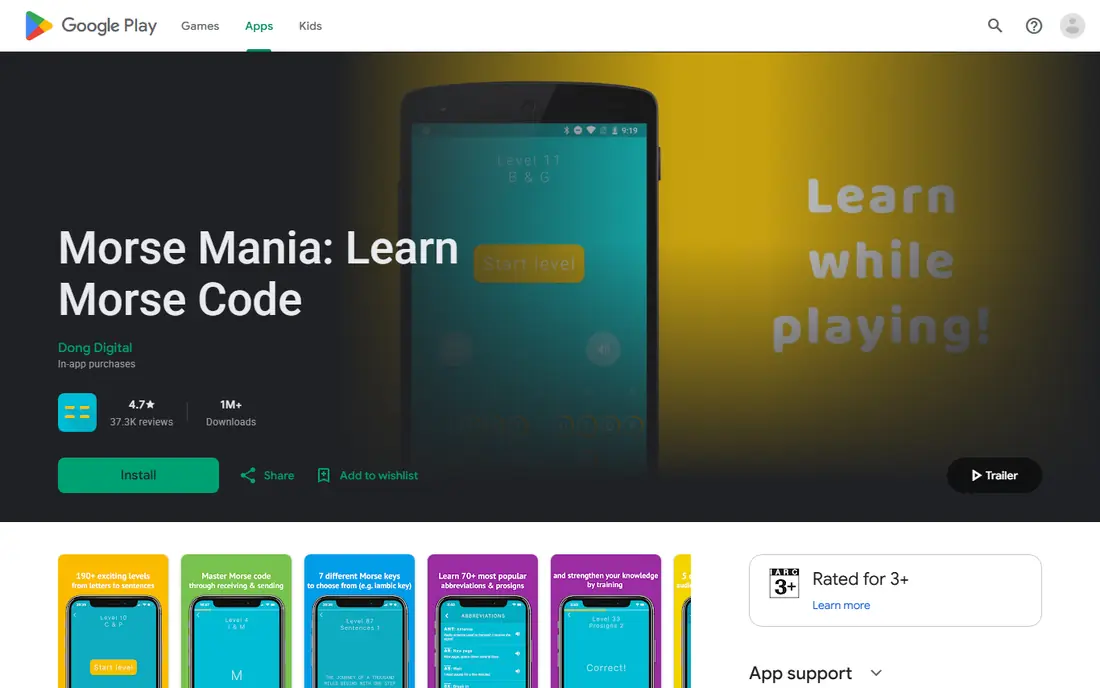
Morse Mania starts with easy letters and builds toward numbers, punctuation, prosigns, Q codes, abbreviations, words, callsigns and sentences. That step by step path helps a beginner avoid guessing, because each level adds a small amount of new material. Sending practice is included too, with several key types and a playground for free practice.
The app is free to download with in app purchases listed on its store page, and it works offline. The main drawback is discovery: Dong Digital does not appear to publish a standalone product homepage, so buyers should check the current store listing for device support and purchase details. For most beginners, it is still the easiest place to start.
- 270 levels across receiving and sending
- Speed control from 5 to 45 words per minute
- Offline play with no ads in the core app
- No standalone official homepage was found, so the store listing is the main source
- Progression can feel long for impatient learners
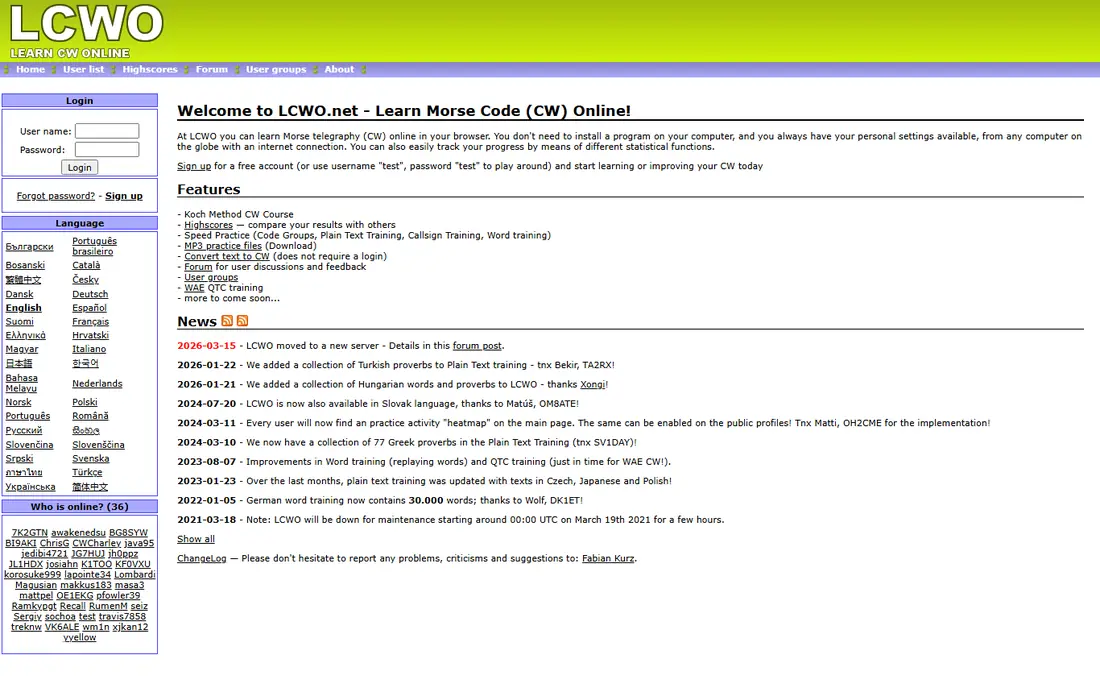
LCWO, short for Learn CW Online, is a long running free trainer used by many amateur radio learners. It teaches characters with the Koch method, adding new characters only after earlier ones are solid, and it offers drills for callsigns, words and plain text. Speed and spacing can be adjusted, which helps learners move from slow recognition to fluent copy.
Because it runs in a browser, it works on almost any device without an install. That is also its limit: it does not feel like a modern mobile app, and offline use is limited. For a learner who wants serious free drills and does not mind a plain interface, LCWO is hard to beat.
- Free Koch method lessons in a browser
- Callsign, word and plain text training
- Progress tracking without an install
- Browser only, so no native mobile app experience
- Interface is functional rather than polished
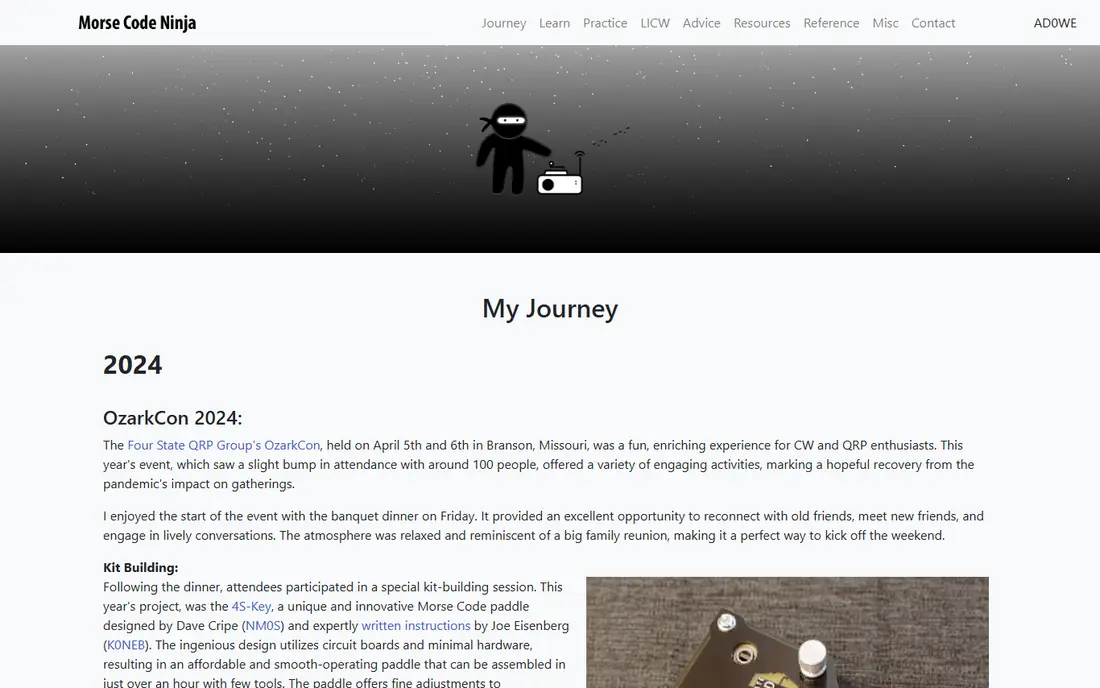
Morse Code Ninja provides practice material for learners who want to copy code in their head, without writing every character down. Its sets cover instant character recognition, words and callsigns, and they are useful once the alphabet is familiar. The site also lists companion tools, including ditto CW Player for Android.
New learners may find the open library less guided than Morse Mania or LCWO. It works best as a second tool: learn the characters in a structured app, then use Ninja sets for daily listening and speed building. The free access makes that combination easy to try.
- Free practice sets on video and audio
- Instant character recognition drills
- Material aimed beyond beginner speeds
- Less structured as a first course
- Learners need to choose their own practice path
CW Academy, run by CWops, offers free structured courses for learning and improving Morse code. Classes follow a set schedule, with mentors and fellow learners, which helps people who drift when they study alone. Levels cover beginners through advanced operators, so a learner can continue past the alphabet into conversational speed.
The structure is the trade off. Fixed times and class places mean a learner needs to apply and commit to the schedule. For someone who wants accountability and live feedback, that structure is exactly the point, and the free classes make it worth trying before paying for a tutor.
- Semester style classes with mentors
- Clear levels from beginner to advanced
- Community and accountability
- Fixed class times may not suit every schedule
- Places depend on class availability
Long Island CW Club offers a large carousel of live classes, with many sessions each week and a browser based practice tool for members. Its approach puts learners on the air early, rather than waiting until copy feels perfect. That focus helps people who learn best by doing, and the range of times suits shift workers and learners in different time zones.
Membership is paid, so learners should check the current fee on the club site before joining. The sheer number of classes can also be confusing at first. Starting with one beginner class and one practice session, then adding more, keeps the experience manageable.
- Many live classes each week
- Browser practice tool
- Flexible times and early on air focus
- Membership fee applies
- Class volume can feel overwhelming at first
Morse Code World is a browser trainer for listening and sending practice. It suits learners who want a quick session on a shared computer, tablet or phone without installing an app. The web format also makes it easy to pair with a class or a structured app: use the class for lessons, then use the browser tool for extra reps.
It is not a full course on its own. Learners who need a guided path should start with Morse Mania or LCWO and treat Morse Code World as a supplementary drill tool. For short daily practice, that role is valuable, and the free access removes any barrier to trying it.
- Browser based practice without an install
- Useful for quick listening and sending drills
- Works across devices
- Less lesson structure than Morse Mania or LCWO
- Feature set depends on the current site version
ditto CW Player is listed by Morse Code Ninja as an Android option for its practice sets. It generates exercises in the Ninja format, playing code, then a spoken answer, then the code again. That pattern helps head copy, because the learner hears the answer after trying to copy, rather than reading it first.
The main limits are platform and scope. It is an Android companion to Ninja material, not a standalone beginner course. Learners on Android who already use Ninja sets will find it the most convenient way to practice on the move.
- Dynamically generated Ninja format exercises
- Code, spoken answer and repeat pattern
- Mobile practice away from a desk
- Android focused
- Tied closely to Morse Code Ninja material
Morse Machine is a drill app that many learners use to sharpen individual letter recognition. It suits the stage where most letters are known, but a few still cause hesitation. Short focused sessions on weak letters can lift overall copy speed more than repeating the whole alphabet again.
It is not a complete learning system. There is no deep lesson path for sending, callsigns or on air exchanges. Used as a supplement to Morse Mania, LCWO or a class, it fills a specific gap well. Learners should check the current store listing for their device before relying on it.
- Focused drills for individual letter recognition
- Useful for fixing weak characters
- Simple practice loop
- Narrow focus
- Not a full course for sending or conversational code
Ham Morse is an iOS code generator and trainer that can produce simulated contacts, which helps learners practice the exchanges they will hear on the air. It supports the Koch method and can generate practice material beyond simple letter drills. That bridge matters, because copying isolated letters is easier than copying a callsign, signal report and name in sequence.
The catch is platform and availability. It is an iOS tool, and learners should confirm the current listing, price and device support before planning around it. For iPhone users preparing for their first contacts, it is a useful step between drills and a real QSO.
- Simulated QSO practice for on air exchanges
- Koch method support
- Useful bridge to real contacts
- IOS focused
- Availability and pricing should be checked on the current store listing
How we picked these
We compared app store listings, official trainer sites, club pages and ham radio resource guides. We kept tools that are still available in October 2026 and that focus on listening and sending by sound, rather than visual dot and dash charts alone. Where a small app had no standalone homepage, we used its store listing or the resource page that lists it, and we noted that in the write up. Prices were left as See website where a current price could not be verified.
How to practice without stalling
Start with sound first. Learn two characters at full character speed, with extra space between characters, then add characters only when the first ones feel automatic. That Koch style approach avoids the common trap of counting dots and dashes, which breaks down as speed rises. Keep sessions short, daily if possible, and use headphones when you can focus on the sound.
Add sending practice early, even if your first goal is only receiving. Sending forces you to recall each character from memory, which strengthens recognition. Once letters are solid, move to callsigns and common words, then to simulated contacts. A class or club helps at that stage, because live feedback catches timing and spacing habits that solo drills miss.
Frequently asked questions
What is the best morse code practice app?
Morse Mania is the best starting point for most beginners, because it guides receiving and sending in small steps. LCWO is the best free browser alternative, and CW Academy suits learners who want classes. The best app is the one you will use daily.
How long does it take to learn Morse code?
Time varies with daily practice and target speed. Many learners recognize the alphabet in a few weeks of short daily sessions, but fluent conversational copy takes months of steady practice. Regular short sessions work better than occasional long sessions.
Should I learn with the Koch method?
The Koch method helps many learners, because it teaches characters at full speed from the start and adds new characters gradually. Morse Mania, LCWO and Ham Morse all support Koch style learning. If a different method keeps you practicing, consistency matters more than the method name.
Can I practice Morse code without a radio?
Yes. All the tools on this list work without a radio, using audio on a phone or computer. A radio only becomes necessary when you want to make real contacts, and many clubs help new operators with that first step.
What speed should a beginner use?
Beginners often start around 5 words per minute for recognition, with characters sent at a higher speed and extra spacing between them. Morse Mania supports 5 to 45 words per minute, so you can raise speed gradually as recognition becomes automatic.
Is Morse code still used in ham radio?
Yes, CW remains a popular mode in amateur radio, especially for low power operation and contests. It is no longer required for most amateur licenses in the United States, but many operators learn it for the operating style and community.
Sources
See where you really rank - block by block
ProMapRanker scans Google Maps across a grid of your service area. Simple monthly plans from $19, white-label on every plan.
Start freeKeep reading
 zscaler alternatives
Best Zscaler Alternatives in 2026
Looking for zscaler alternatives? We compare 9 SASE and zero trust platforms on architecture, data protection, pricing, and fit for your network and team.
Read → zapier alternatives free
Best Zapier Alternatives Free in 2026
Nine automation tools for zapier alternatives free in 2026, all with genuinely free tiers, plus free plan limits, starting prices and upgrade paths explained.
Read → which platform is best for online reputation
Which Platform Is Best for Online Reputation in 2026
Wondering which platform is best for online reputation? We compare 8 review, listing, and response tools for small and multi-location businesses and agencies.
Read →