 ProMapRanker
Best Money Tracking Apps in 2026

Key takeaways
- Monarch Money is the best all-round dashboard for households that want budgeting, net worth and investments in one place.
- YNAB is the best choice for hands-on budgeting, with a zero-based method that changes spending habits.
- Quicken Simplifi is the cheapest capable all-rounder, with forecasting at a lower annual price.
- Empower is the best free starting point for net worth and investment tracking.
- Goodbudget and Rocket Money offer useful free tiers for envelope budgeting and subscription tracking.
Quick comparison
| Pick | Great for | Pricing starts at | Free tier | |
|---|---|---|---|---|
 YNAB | hands-on zero-based budgeting | $14.99 per month | Free trial | Visit |
 Monarch Money | household dashboard | $99.99 per year | Free trial | Visit |
 Copilot Money | Apple users and design | $95 per year | Free trial | Visit |
 Quicken Simplifi | low-cost all-round tracking | $5.99 per month | Free trial | Visit |
 Empower | free net worth tracking | Free | Yes | Visit |
 Rocket Money | subscription tracking | Free | Yes | Visit |
 Goodbudget | envelope budgeting | Free | Yes | Visit |
 PocketGuard | safe-to-spend number | $74.99 per year | Yes | Visit |
 EveryDollar | simple zero-based budgeting | Free | Yes | Visit |
The best money tracking apps
These apps track spending, budgets and accounts, with bank sync, alerts and reports that help you see where money actually goes. This is general information only, not financial advice.
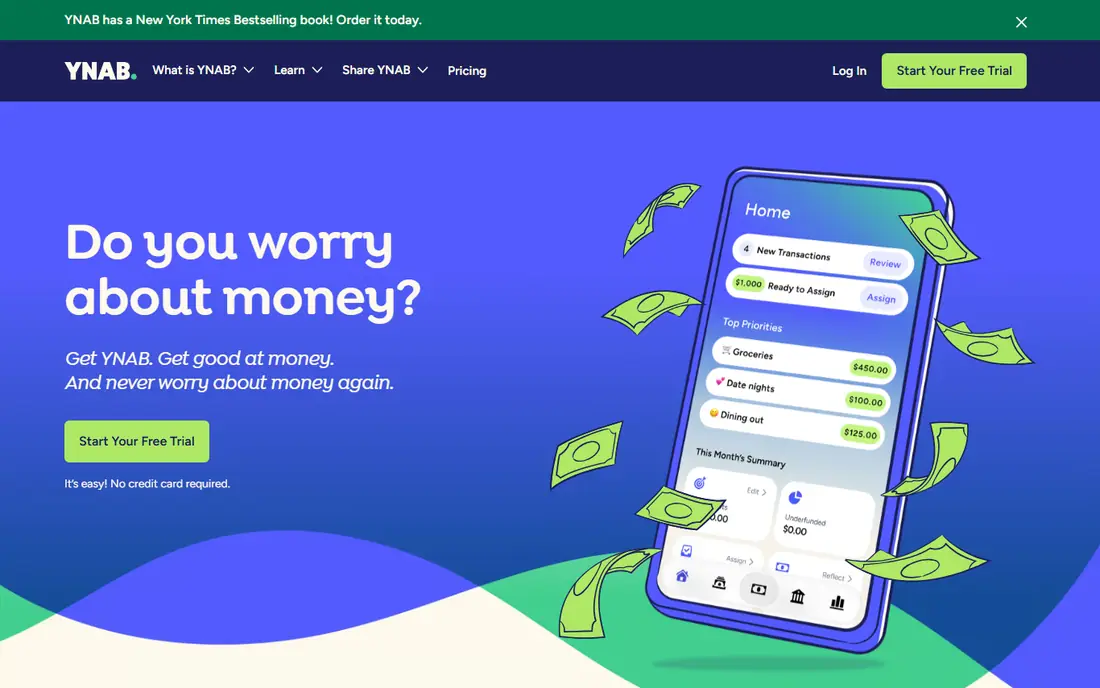
YNAB, short for You Need A Budget, asks you to give every dollar a job before the month begins. That rule sounds simple, but it changes how you handle irregular income, large bills and savings goals. The app tracks progress toward goals and debt payoff, and the method behind it is taught through guides and workshops.
The first weeks take effort, since the method requires regular attention rather than passive tracking. If you want an app that watches spending without changing habits, YNAB may feel like too much work. If you want a system that changes behavior, it is the strongest pick here.
- Clear zero-based method with goals and debt tools
- Bank sync and manual entry options
- Strong learning resources and community
- Learning curve in the first weeks
- No free tier beyond the trial
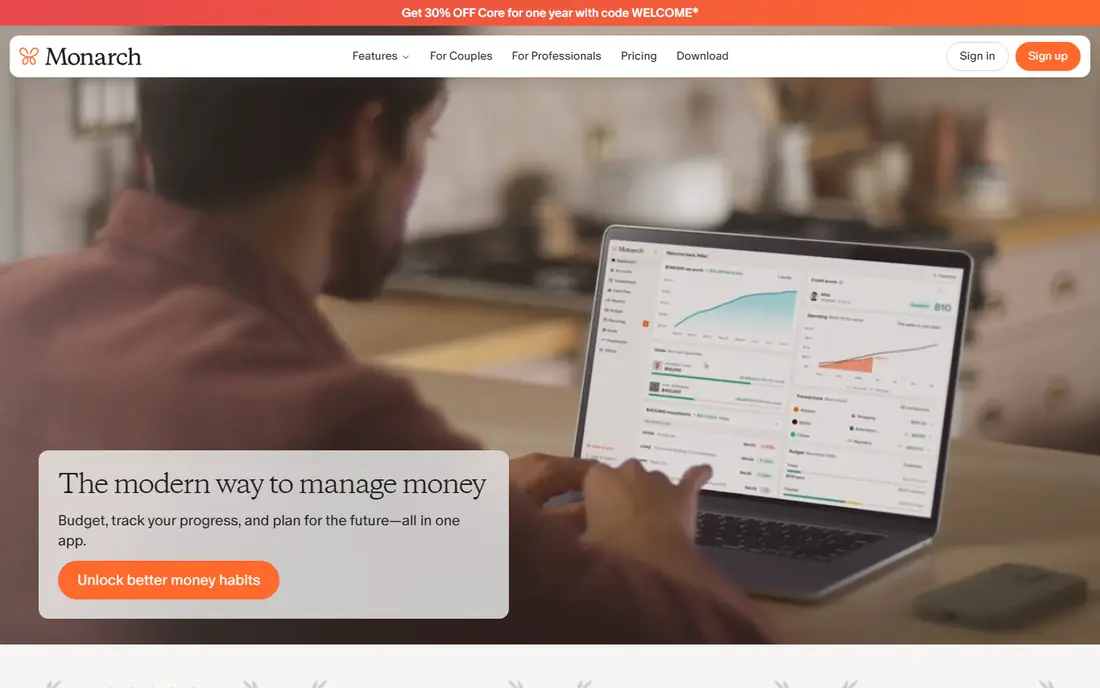
Monarch Money is the closest replacement for the old Mint dashboard, with a cleaner design and stronger household tools. Budgets, bills, investments and net worth sit in one place, and couples can share a budget without sharing every account detail. Automatic categorization keeps daily tracking light.
The price is higher than some rivals, and the seven-day trial gives little time to judge bank sync quality. For a household that wants one complete view and is willing to pay for it, Monarch is the best all-round choice in this list.
- Budgeting, net worth and investments in one dashboard
- Bank sync across many institutions
- Sharing tools for couples and households
- Higher annual price than Simplifi
- Trial period is short at seven days
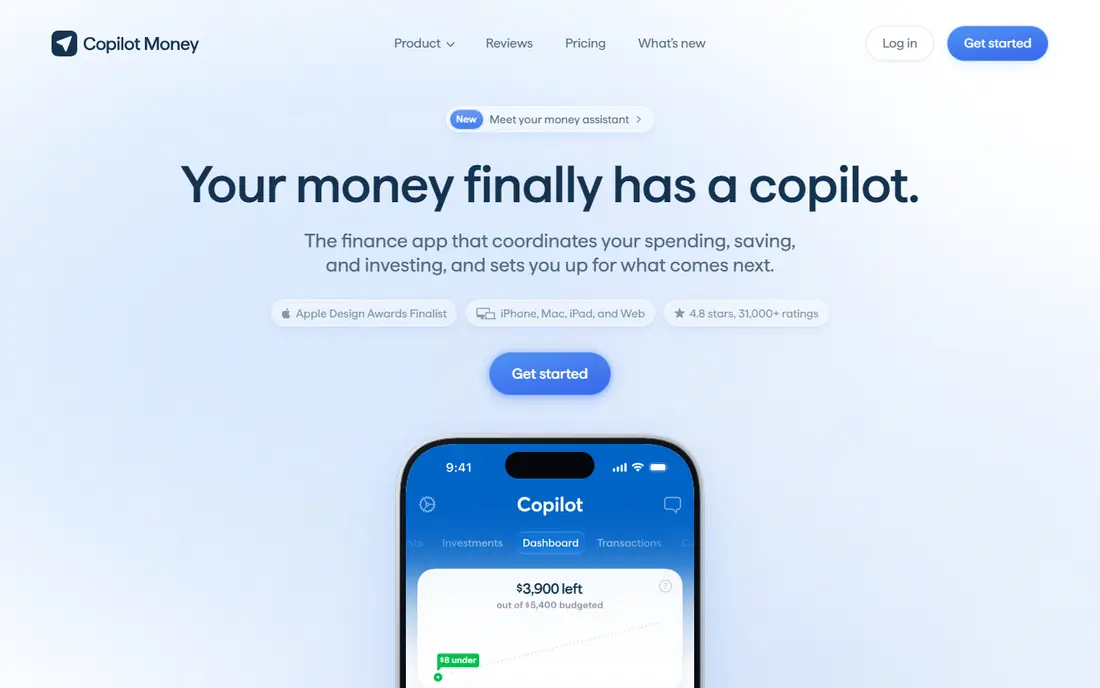
Copilot Money stands out for design and clarity. Transactions are easy to read, budgets are simple to adjust, and investment tracking sits alongside daily spending without cluttering the view. Apple users get the most polished experience, with iPhone, Mac and web apps that feel consistent.
Android users should check the current app experience before subscribing, since the platform has historically focused on Apple devices. The trial is generous enough to test bank connections, which is the step that matters most. If design keeps you opening the app, Copilot has a real advantage.
- Polished design on iPhone, Mac and web
- Bank sync with detailed transaction views
- Budgeting and investment tracking
- Apple-focused design may feel less native on Android
- No free tier beyond the trial
Quicken Simplifi gives you most of the tracking that matters at a lower price than its polished rivals. A spending plan replaces a strict budget, cash-flow forecasting shows upcoming bills and balances, and bill tracking helps you avoid missed payments. Bank sync covers the accounts most households use.
The interface is functional rather than beautiful, and that may matter if design is what keeps you engaged. For value, though, Simplifi is hard to beat. It is the pick for readers who want a capable tracker without paying a premium for polish.
- Low annual cost for a full tracker
- Spending plan and cash-flow forecasting
- Bank sync and bill tracking
- Design is less polished than Monarch or Copilot
- Some features need a paid plan after the trial
Empower offers a free dashboard that tracks bank accounts, investments, spending and net worth in one place. For readers who mainly want to see the full picture without a monthly budget, it is the best free starting point. Retirement and investment tools add context beyond daily spending.
Detailed budgeting is lighter here than in YNAB or Monarch, so hands-on budgeters may find it thin. Some users also report sales outreach for advisory services. If you can ignore that, the free dashboard is genuinely useful and costs nothing to keep.
- Free dashboard for accounts, spending and net worth
- Investment tracking and retirement tools
- No subscription for the core dashboard
- Tracking is lighter on detailed budgeting
- Sales calls for advisory services are a known annoyance
Rocket Money earns its place by finding money you forgot about. It scans linked accounts for recurring subscriptions and bills, highlights price rises, and helps cancel some subscriptions from the app. Spending tracking and alerts cover daily use, though budgeting is simpler than in dedicated budget apps.
Premium pricing is pay-what-you-want within a range, which can confuse comparison shopping. Start with the free tier to see which subscriptions it finds, since that result alone may justify the app. For subscription cleanup, it is the most focused tool here.
- Finds recurring subscriptions and bills
- Spending tracking with alerts
- Cancellation help for some subscriptions
- Premium pricing varies and can be confusing
- Budgeting features are basic compared with YNAB
Goodbudget recreates the cash envelope method in digital form. You fill envelopes for groceries, rent, transport and other categories, then spend from each envelope until it is empty. That visible limit helps households that overspend in specific categories, and the free tier covers twenty envelopes.
Automatic bank sync is a paid feature, so free users enter transactions by hand. That manual step slows the process, but some users find that entering each purchase makes spending more conscious. If you prefer not to link bank accounts at all, Goodbudget is a good fit.
- Digital envelope system that is easy to understand
- Free tier with twenty envelopes
- Sharing for couples and households
- Bank sync is limited to the paid plan in the US
- Manual entry takes more time than automatic sync
PocketGuard answers one question well: how much can I spend right now without breaking bills or goals. It subtracts upcoming bills and savings goals from your balance and shows the remaining safe amount. That single number helps daily decisions more than a detailed budget report.
The free tier limits linked accounts, so households with many accounts will need the paid plan. Investment tracking is also lighter than Empower or Monarch. For readers who want a simple guardrail rather than a full financial dashboard, PocketGuard is a good fit.
- Clear safe-to-spend figure after bills and goals
- Bank sync
- Simple interface for daily decisions
- Limited free tier with few accounts
- Investment and net worth tools are lighter than Monarch
EveryDollar offers zero-based budgeting without the learning curve of YNAB. You plan each dollar for the month, track spending against categories, and adjust as the month goes on. The free manual version suits readers who do not mind entering transactions themselves.
Bank sync sits on the premium plan, which costs more than Simplifi for a simpler feature set. If you want automatic sync, compare Simplifi and Monarch before choosing EveryDollar premium. If you want a simple free budget, EveryDollar is a solid starting point.
- Simple zero-based budget that is easy to learn
- Free manual version
- Premium bank sync for connected accounts
- Bank sync requires the premium plan
- Reports and features are simpler than YNAB
How we picked these
We compared official pricing pages, feature pages and app listings for money tracking apps that are live in October 2026. We favored apps with bank sync, budgeting or net worth tracking, and we included manual and envelope options for readers who do not want to link accounts. We checked free tiers, trial lengths and bank sync limits, since those details change the real cost.
We did not claim hands-on testing that did not happen. Our comparison rests on published features, pricing and public reviews. This article is general information only and is not financial advice, and prices change, so check the vendor page before subscribing.
How to choose a money tracking app
Start with the job you want the app to do. A hands-on budgeter needs YNAB or EveryDollar, a household dashboard needs Monarch or Simplifi, and a net worth watcher needs Empower. Choosing a tracker when you need a budget, or a budget when you need a tracker, leads to an app you stop opening.
Next, test bank connections during the trial, not after you pay. Sync quality varies by bank, and a failed connection can make even a great app useless. Link your main accounts first, check that transactions categorize sensibly, and confirm that balances match your bank before the trial ends.
Finally, pick a routine you can keep. A daily two-minute check beats a monthly review that never happens, and a simple app you open often beats a powerful app you avoid. Set alerts for large spending and low balances, and review subscriptions monthly, since those two habits catch most surprises.
Frequently asked questions
What is the best app for tracking money?
Monarch Money is the best all-round money tracking app for households, while YNAB is best for hands-on budgeting and Empower is best for free net worth tracking. The best choice depends on whether you want a budget, a dashboard or a free overview.
What is the best money tracking app for couples?
Monarch Money and Goodbudget both suit couples, with sharing tools that let partners see shared budgets without sharing every account. Monarch offers automatic sync and a full dashboard, while Goodbudget offers envelope budgeting with a free tier.
Is there a free money tracking app?
Yes. Empower offers a free dashboard, Rocket Money and Goodbudget offer free tiers, and EveryDollar offers a free manual version. Free tiers differ on bank sync and account limits, so check those details before relying on a free plan for all accounts.
Does money tracking require linking my bank?
No. Goodbudget and EveryDollar both work with manual entry, and YNAB supports manual entry as well. Linking a bank makes tracking automatic, but manual entry suits readers who prefer not to share bank credentials or who want to notice each purchase.
Is this financial advice?
No. This article is general information about money tracking apps, not financial advice for your situation. For decisions about debt, investing or retirement, consider speaking with a qualified financial professional.
Sources
See where you really rank - block by block
ProMapRanker scans Google Maps across a grid of your service area. Simple monthly plans from $19, white-label on every plan.
Start freeKeep reading
 zoho inventory alternatives
6 Alternatives to Zoho Inventory, Compared on Price and Fit
Zoho Inventory alternatives: 6 tools compared on price, free plans and fit. Katana leads the list for manufacturers. Fit and flaws are laid out for each entry.
Read → zoho crm alternatives
Best Zoho CRM Alternatives (2026)
Need Zoho CRM alternatives? We compare 7 tools on cost, free access and who each suits. Every pick gets a straight assessment. Built for quick decisions.
Read → zelle alternatives
Best Zelle Alternatives in 2026
Compare the best Zelle alternatives for sending money to friends, paying sellers and moving funds abroad, with honest notes on fees, speed and safety in 2026.
Read →