 ProMapRanker
Best Money Saving Apps in 2026

Key takeaways
- Chime, Ally Bank and SoFi offer free automatic saving, which makes them the best starting point if you do not want a monthly app fee.
- Acorns, Qapital and Oportun charge a monthly fee, but they add round-ups, rules or automatic transfers that some savers find easier to stick with.
- The best savings app for you depends on whether you want cash savings, invested spare change, goal rules or help cutting subscriptions.
- Acorns invests spare change, so its balance can fall, while bank savings apps hold cash that is easier to use for an emergency fund.
- This is not financial advice. Check current rates, fees and account terms on each provider site before you move money.
Quick comparison
| Pick | Great for | Pricing starts at | Free tier | |
|---|---|---|---|---|
 Acorns Acorns | Investing spare change automatically | $4 per month | No | Visit |
 Qapital Qapital | Goal-based saving rules | $3 per month | Free trial | Visit |
 Oportun Oportun | Hands-off automatic transfers | $5.99 per month | Free trial | Visit |
 Chime Chime | Free banking with automatic saving | Free | Yes | Visit |
 Ally Bank Ally Bank | Goal buckets in a high-yield account | Free | Yes | Visit |
 SoFi SoFi | Banking, vaults and high-yield saving | Free | Yes | Visit |
 Rocket Money Rocket Money | Cutting subscriptions and saving the difference | Free | Yes | Visit |
 Current Current | Free round-ups with rewards | Free | Yes | Visit |
 Empower Empower | Free budgeting and net worth tracking | Free | Yes | Visit |
The best money saving apps
We compared apps that help US savers put money aside automatically, track goals or cut spending, and that are available in October 2026. Fees and interest rates change, so confirm the current terms on the provider site before you sign up.
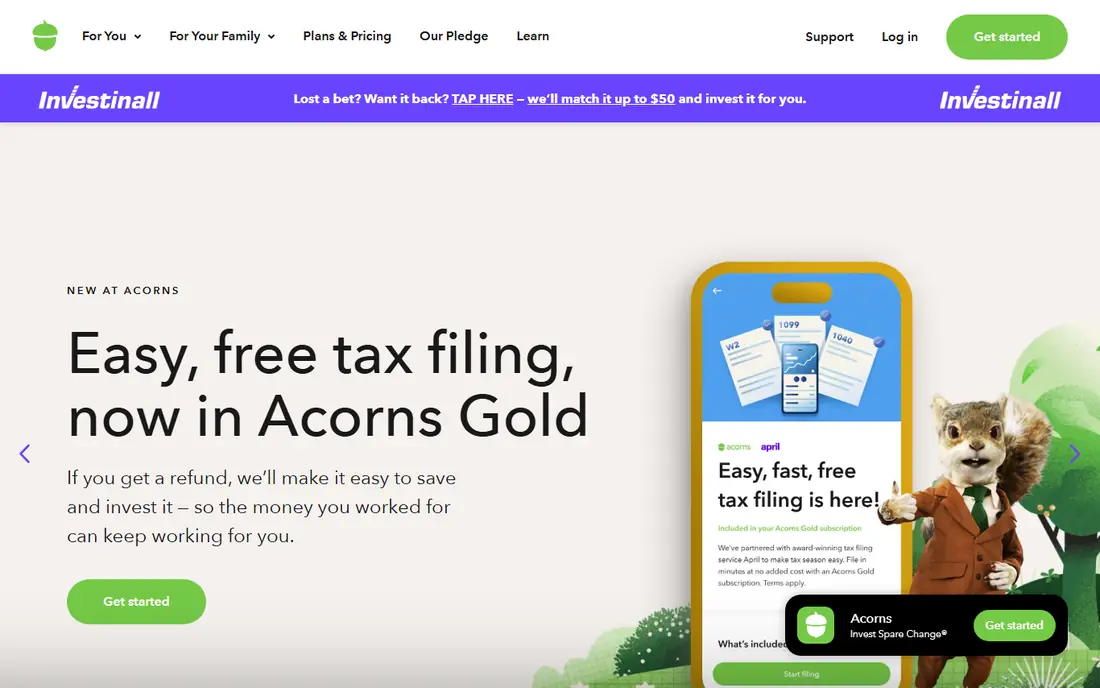
Acorns is built around one habit: rounding each purchase up to the next dollar and investing the difference. That small, automatic step suits people who struggle to save a lump sum at month end. You can add a recurring investment, and the app places the money in a ready-made portfolio based on your risk answers.
The catch is cost and risk. Bronze starts at $4 per month, with Silver at $8 and Gold at $12 in recent listings, so a small balance pays a high percentage in fees. Because the money is invested, it can fall as well as rise, which makes Acorns a poor home for rent money or an emergency fund you may need next week. Use it for long-term spare change, and keep emergency cash in a bank savings account.
- Round-Ups invest spare change with little effort
- Recurring investments from $5
- Simple portfolios for beginners
- Monthly fee can be high on a small balance
- Invested money can fall in value
- Not a substitute for an emergency cash fund
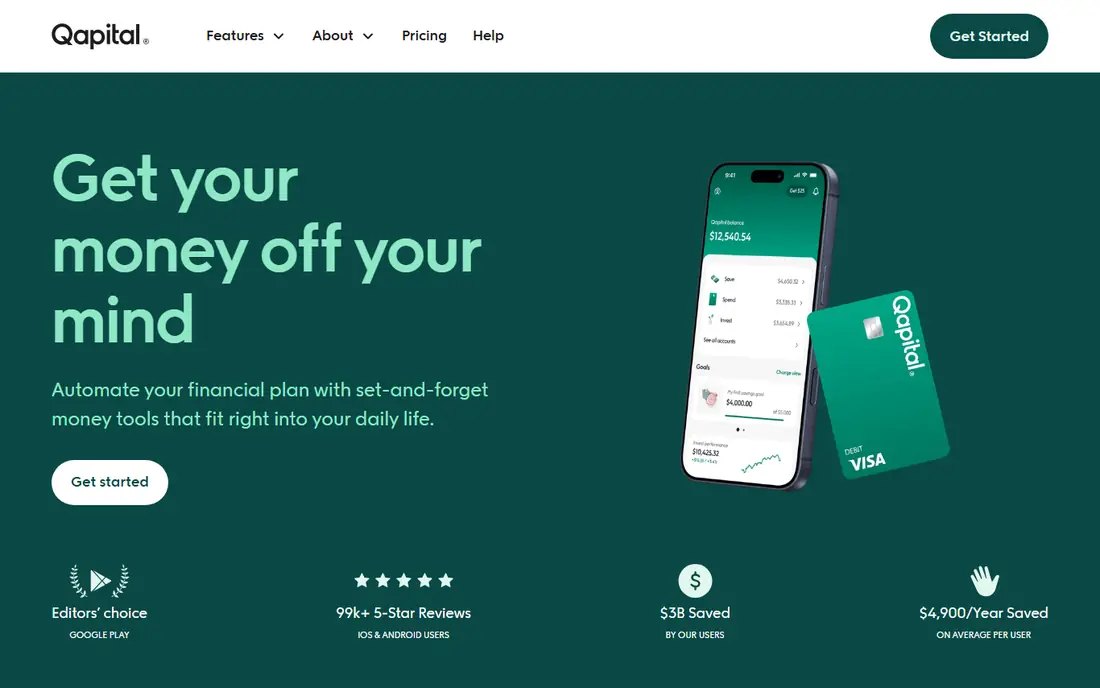
Qapital appeals to savers who like control. You set goals, such as a holiday, a car repair fund or a deposit, then attach rules that move money when you spend, get paid or hit a trigger. That structure turns saving into a set of small, visible wins, rather than one vague target.
The app starts at $3 per month in recent listings, with higher tiers at $8 and $12, and a 30-day trial. That fee is worth it only if you actually use the rules. If you set one goal and forget the app, a free bank transfer may save the same money for less.
- Flexible rules tied to goals
- Visual goal tracking
- 30-day free trial in recent listings
- Monthly fee for full features
- Rules need setup to work well
- Interest and account terms should be checked before joining
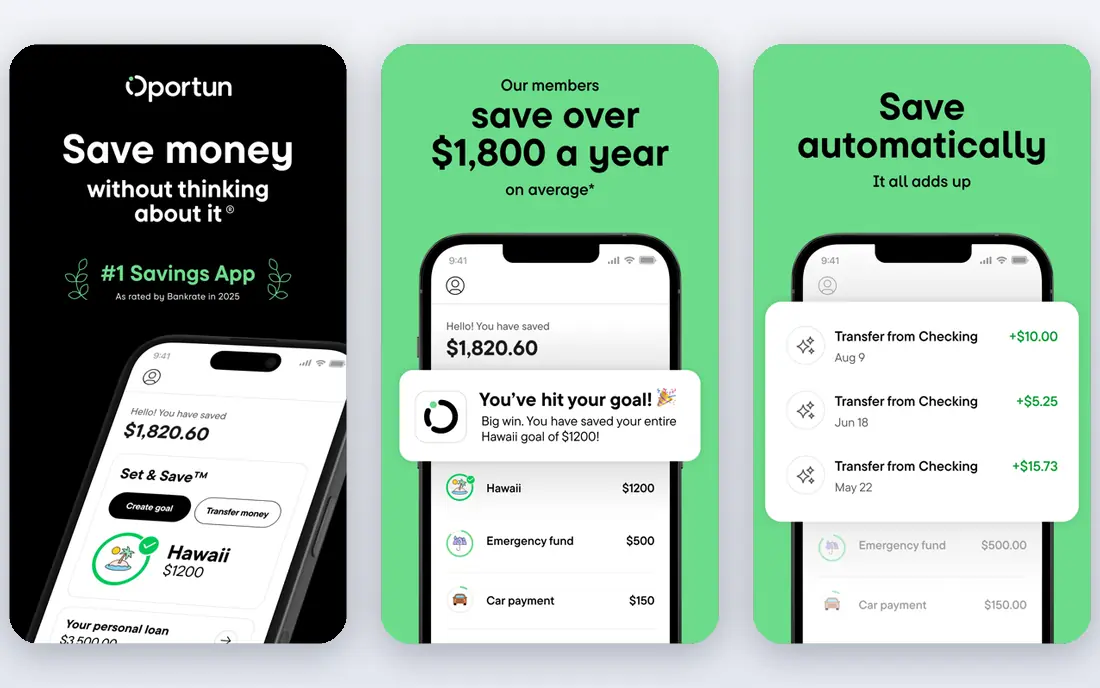
Oportun Set and Save, formerly Digit, is the most hands-off app on this list. It studies your cash flow and moves small amounts to savings when it judges you can afford them, rather than asking you to set a fixed amount. For busy savers, or gig workers with uneven income, that flexibility can help money move in good weeks and pause in tight weeks.
The price is $5.99 per month, or $47.88 per year, after a 30-day trial in recent listings. That is a real cost for a service that mainly moves your own money, so weigh it against a free recurring transfer from your bank. If you have tried manual saving and always moved the money back, paying for automation may still be the cheaper choice in practice.
- Automatic saving decisions based on cash flow
- Set and Save feature for hands-off users
- Annual option at $47.88 in recent listings
- Monthly fee is higher than some rivals
- App chooses amounts, which suits some savers and frustrates others
- Not a bank account on its own
Chime is the best free option for many savers, because automatic saving is built into its checking and savings accounts rather than sold as a separate app. Round-Ups move spare change to savings, and Save When You Get Paid moves a percentage of each direct deposit. There is no monthly fee for the account itself, which removes the main objection to paid saving apps.
The trade-off is that you need to use Chime as your banking home, or at least for the account you save into. Rates and terms change, so check the current savings rate and fee schedule before you switch direct deposit. For savers who want free, simple automation without another subscription, Chime is a strong default.
- No monthly fee for the account
- Round-Ups and Save When You Get Paid
- Simple setup inside banking
- Chime is a financial technology company, not a bank, with banking services through partner banks
- Interest rates change
- Features require a Chime account
Ally Bank suits savers who like named goals inside a traditional bank account. Savings Buckets let you split one savings account into up to 30 virtual buckets, each with its own goal and transfer schedule. A bucket named for car repairs feels harder to raid than a generic balance, and that mental separation helps many people stick to a plan.
Ally charges no monthly maintenance fee for its savings account, and it offers a competitive high-yield rate that changes with market conditions. It does not offer the same playful rule set as Qapital, but for long-term planners who want interest, goal separation and a familiar bank, it is a solid, low-cost choice. This is not financial advice, and rates should be checked at account opening.
- Savings Buckets for separate goals
- No monthly maintenance fee for the savings account
- Scheduled transfers
- No round-up automation as rich as Acorns or Qapital
- Bank interface suits planners more than rule tinkerers
- Rates change over time
SoFi combines checking, savings, investing and lending in one app, which suits savers who want banking and goal saving without several accounts. Vaults let you separate money for different goals inside savings, and you can set recurring transfers or direct deposit splits. That makes it easy to pay yourself first on payday, rather than saving what is left at month end.
The main caution is that headline rates and bonuses often depend on direct deposit or other conditions, so read the current terms carefully. SoFi is a good fit if you already bank there or want one app for several money jobs. If you only want a simple savings bucket, Ally or Chime may feel less cluttered.
- Checking and savings in one place
- Vaults for goal saving
- Automated transfers and direct deposit features
- Best rates and features often tie to direct deposit
- Broad product range can feel busy
- Terms and bonuses change
Rocket Money saves money in a different way: by finding spending you can stop. The free plan tracks subscriptions and budgets, while premium adds automatic savings through Financial Goals, subscription cancellation help and bill negotiation. For households with many subscriptions, cancelling even two unused services can free more cash than a round-up app saves in months.
Premium pricing is flexible, with users choosing an amount in a typical $7 to $14 per month range, and a trial is available. That model suits people who want help with bills, but the free plan alone will not move money to savings automatically. Use Rocket Money to cut costs first, then send the freed money to a savings account you control.
- Free budgeting and subscription tracking
- Premium adds automatic savings and bill negotiation
- Helps find money you already spend
- Automatic savings requires premium
- Premium price is chosen in a $7 to $14 per month range in recent listings
- Bill negotiation results vary
Current offers free round-up saving inside a mobile banking account, with rewards for qualifying activity. For savers who want Acorns-style round-ups without paying $4 per month, and without investing the money, Current is a useful middle path. The money stays as cash savings, which is easier to use for short-term goals.
As with Chime, Current is a financial technology company, not a bank itself, so check which partner bank holds deposits and what protections apply. Rewards are a bonus, not a reason to spend more. If you like round-ups and want them free, Current deserves a look alongside Chime.
- Free account with round-up saving
- Rewards and points features
- Simple mobile banking
- Banking services are through partner banks
- Rewards should not drive spending
- Savings rate and terms should be checked
Empower does not save money for you, but it helps you see where saving is possible. Its free dashboard pulls accounts together, tracks spending, cash flow and net worth, and shows retirement projections. For savers who have tried automation and still feel stuck, seeing the full picture can reveal subscriptions, fees or spending patterns to fix first.
Use Empower as a companion, not a replacement. Pair its tracking with a free recurring transfer to Chime, Ally or SoFi, or with a paid rule app if you need stronger automation. The core tools are free, which makes it a low-risk way to start a saving plan, even if you later add a dedicated saving app.
- Free budgeting, cash flow and net worth tools
- Helps find spare money to save
- No fee for the core dashboard
- Does not move money to savings by itself
- Wealth management services are separate and paid
- Best as a tracker, not a saver
How we picked these
We compared official pricing pages, app store listings, account terms and public reviews for saving apps available to US users in October 2026. We favored apps that clearly automate saving, track goals or cut spending, that publish a price or free plan, and that cover different saving styles, from free banking to paid rules and invested round-ups. Where a price came from a recent third-party review rather than a live vendor page, we used the most consistent figure and noted that terms change.
We also weighed total cost against likely benefit. A $4 or $6 monthly fee can be reasonable if it helps you save hundreds more, but it is a poor deal if it eats a small balance. That is why free banking options rank highly here. This is not financial advice, and you should compare current fees, rates and account protections before you choose.
How to pick the best money saving app for you
The best app is the one you will still use in six months. Use the questions below to narrow the list, then trial one app for a month before you add another.
Start with free if you are unsure
If you have no emergency fund yet, start with Chime, Ally or SoFi and set a small recurring transfer on payday. Free saving beats paid saving when the habit is still forming, because fees do not eat early progress. You can add a paid app later if free transfers keep failing.
Match the app to your money problem
If you spend spare cash and never save, round-ups or automatic transfers help. If you save but raid the fund, goal buckets or separate vaults help. If you have too many subscriptions, Rocket Money helps first. If your money is invested and you need cash safety, move emergency savings to a bank account, not an investing app.
Check fees, rates and access
Read the monthly fee, any transfer limits, withdrawal times and interest rate conditions. Check whether deposits are held by an FDIC member bank, and how long a transfer takes in an emergency. A saving app that locks money away for days may be fine for a holiday fund, but not for an emergency fund.
Review after one month
After a month, check how much you saved, what you paid in fees, and whether you moved money back. If the balance grew and you did not miss the money, keep the setup. If fees ate the gain, or you kept withdrawing, switch to a simpler free transfer and try again with a smaller amount.
Frequently asked questions
What are the best money saving apps free?
Chime, Ally Bank, SoFi, Current and Empower all offer free core saving or tracking features, and Rocket Money has a free plan for budgeting and subscription tracking. The best free option depends on whether you want a bank account, goal buckets or just tracking. Free apps still require you to check rates, transfer times and account terms.
What is the best app for saving money automatically?
Chime and Ally Bank are strong free choices for automatic transfers, while Oportun is the most hands-off paid choice because it chooses amounts based on cash flow. Qapital suits savers who want to set their own rules, and Acorns suits savers who want round-ups invested. Trial one app for a month and keep the one that saves without causing overdrafts.
Is Acorns a good saving app?
Acorns is good for building an investing habit with spare change, but it is not a cash savings account. Its Bronze plan starts at $4 per month, and invested balances can fall. Use Acorns for long-term spare change, and keep emergency money in a bank savings account where the balance does not move with markets. This is not financial advice.
What is the best savings app for goals?
Qapital is built for goals and rules, with visual tracking for each target. Ally Bank Savings Buckets and SoFi Vaults offer a free, bank-based way to separate goals inside a savings account. Choose Qapital if you want flexible rules, and choose Ally or SoFi if you want goal separation without a monthly app fee.
Do money saving apps really save you money?
They can help, mainly by making saving automatic and by cutting forgotten spending. An app does not create money on its own, and fees, overdrafts or invested losses can offset gains. The best results come from a small, regular transfer you do not miss, plus a monthly check that you are not moving the money back.
Are money saving apps safe?
Reputable apps use bank-level security, encryption and account protections, and bank partners are usually FDIC members, but app safety still depends on your password, device and account terms. Use a unique password, turn on two-factor authentication where available, and check whether deposits are held by an FDIC member bank. Never share login codes, and review transfers regularly.
Sources
See where you really rank - block by block
ProMapRanker scans Google Maps across a grid of your service area. Simple monthly plans from $19, white-label on every plan.
Start freeKeep reading
 zendesk alternatives
Best Zendesk Alternatives in 2026
Compare the best Zendesk alternatives in 2026, from budget help desks to AI-first support tools, with current pricing, free plans, and honest trade-offs.
Read → wordpress alternatives
Best WordPress Alternatives in 2026
Looking for the best WordPress alternatives? We compare 8 free and paid options for blogs, business sites, stores, and developer-led projects in 2026.
Read → which real estate company has the best training
Best Real Estate Company Training in 2026
Compare which real estate company has the best training, from Keller Williams and eXp to Compass and Coldwell Banker, by program, mentor, and fit in 2026.
Read →