 ProMapRanker
8 Best Money Management Apps in 2026

Key takeaways
- YNAB suits hands-on budgeters who want a zero-based plan, while Monarch Money suits households that want a full view of accounts, budgets, and investments.
- Rocket Money is the strongest free start for finding subscriptions, and EveryDollar offers a free manual budget for zero-based fans.
- Copilot Money suits Apple users who want automatic tracking, while Empower suits free net worth and investment tracking.
- Mint closed in 2024, so former Mint users should look at Monarch, Empower, or a paid budget app rather than waiting for a direct replacement.
- Bank sync, fees, and data sharing vary by app, so check current pricing and privacy terms before linking accounts.
Quick comparison
| Pick | Great for | Pricing starts at | Free tier | |
|---|---|---|---|---|
 YNAB YNAB | Zero-based budgeting | $14.99 per month | Free trial | Visit |
 Monarch Money Monarch Money | Households and full view | $14.99 per month | No | Visit |
 Rocket Money Rocket Money | Finding subscriptions | Free | Yes | Visit |
 Copilot Money Copilot Money | Apple users and auto tracking | See website | Free trial | Visit |
 EveryDollar EveryDollar | Free manual zero-based budget | Free | Yes | Visit |
 PocketGuard PocketGuard | Simple safe-to-spend number | Free | Yes | Visit |
 Goodbudget Goodbudget | Envelope budgeting | Free | Yes | Visit |
 Empower Empower | Free net worth tracking | Free | Yes | Visit |
The best money management apps
This article is general information, not financial advice. Terms, rates, and features vary by app and account, so check current details on each vendor site before deciding or linking a bank account.
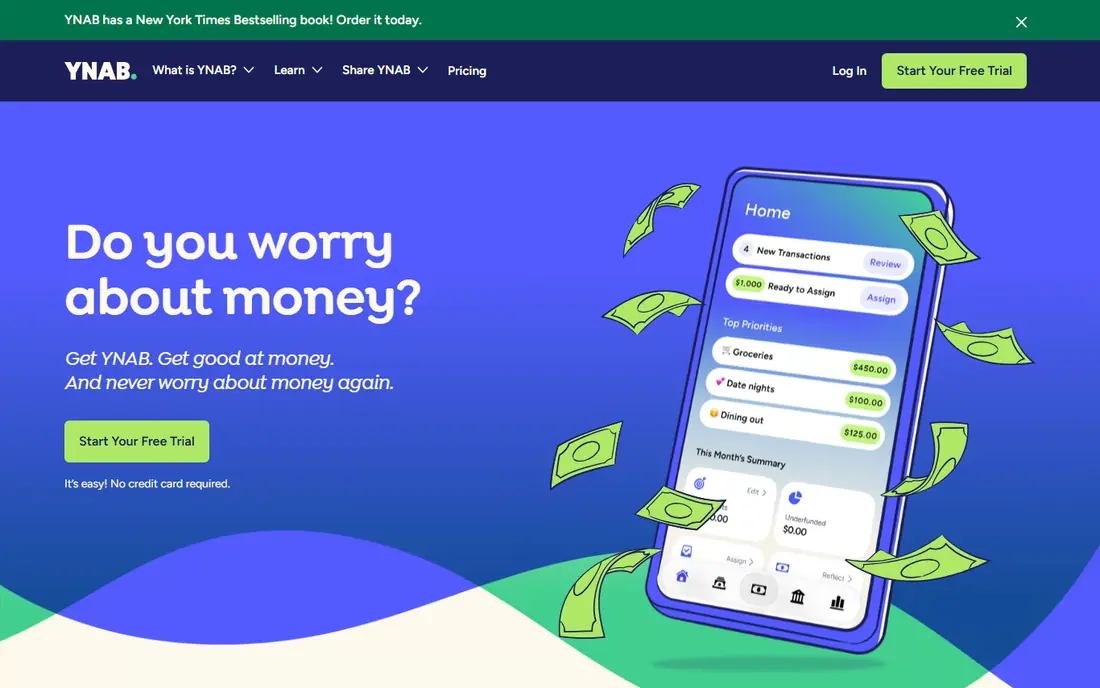
YNAB, short for You Need A Budget, asks users to give every dollar a job before spending it. That method forces a plan for bills, savings, and debt, rather than only tracking what already happened. Bank sync, goal tracking, and debt payoff tools support the plan, and the learning material helps new users understand the method in the first month. Before you commit, test the core workflow with a realistic example from your own work, and note where it saves time and where it adds friction. The drawback is effort and cost. YNAB needs regular attention, and there is no free tier after the trial period. YNAB fits people who want to change spending habits, pay down debt, or stop living paycheck to paycheck, and who are willing to check the budget several times a week. Before you commit, test the core workflow with a realistic example from your own work, and note where it saves time and where it adds friction.
- Clear zero-based method
- Goal and debt tools
- Bank sync and strong learning resources
- No free plan after trial
- Learning curve for new budgeters
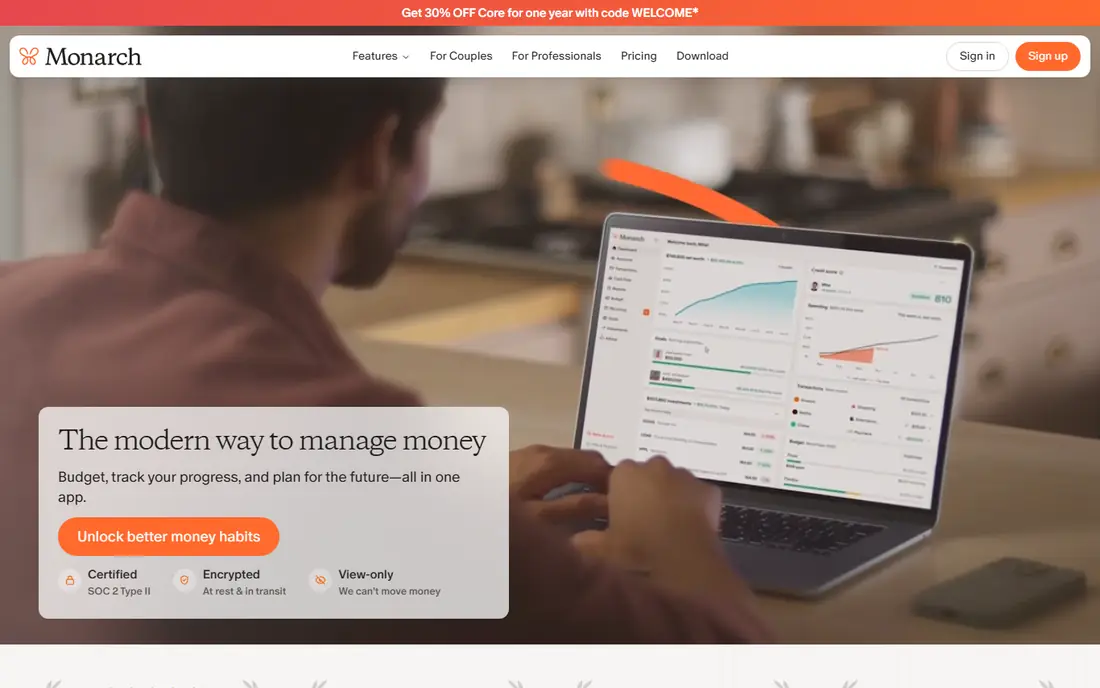
Monarch Money is a full personal finance hub, combining bank and investment sync with budgets, cash flow, goals, and net worth views. That breadth suits households that want one place to see spending and long-term progress, rather than separate apps for budgets and investments. Shared access lets partners view the same budget without extra cost on the main plan. Before you commit, test the core workflow with a realistic example from your own work, and note where it saves time and where it adds friction. The main weakness is price. Monarch has no free tier, so users must pay to test the full experience beyond a trial. Monarch fits couples, households, and former Mint users who want a polished, all-in-one view and are ready to pay for it. Check the current pricing page and terms before you buy, because plans, limits, and included features change over time. Compare two or three options side by side on the same task, because a demo alone rarely shows everyday limits.
- Account sync, budgets, and investments together
- Shared access for households
- Flexible categories
- Paid only, with no free tier
- Price is higher than some simpler trackers
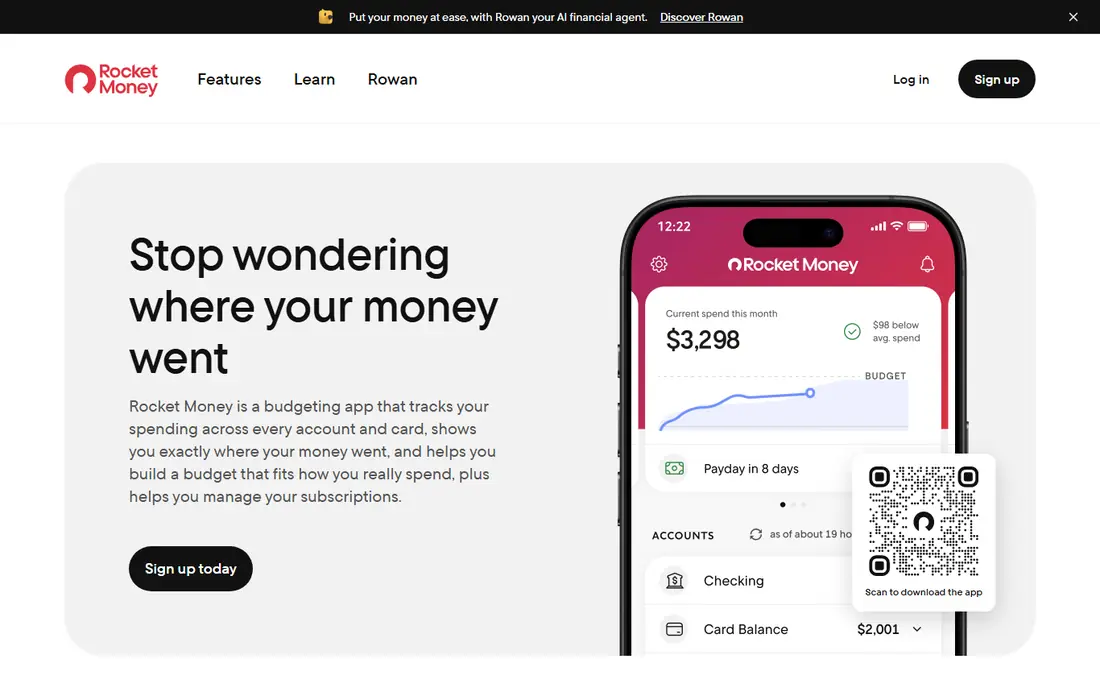
Rocket Money starts with a simple, valuable job, which is finding recurring charges that users forgot about. The free tier tracks spending and flags subscriptions, and premium adds fuller budgeting and bill negotiation. For many users, canceling one or two unused subscriptions covers the interest in the app, even before budgeting begins. Before you commit, test the core workflow with a realistic example from your own work, and note where it saves time and where it adds friction. The limit is depth. Free budgeting is basic, and the negotiation service is not free, with terms that should be read before use. Rocket Money fits people who suspect they pay for unused subscriptions and want a free, quick check before committing to a paid budget app. Check the current pricing page and terms before you buy, because plans, limits, and included features change over time. Compare two or three options side by side on the same task, because a demo alone rarely shows everyday limits.
- Free tier for tracking
- Subscription detection
- Bill negotiation service for some users
- Budget tools are thinner on the free plan
- Negotiation service takes a share of savings where used
Copilot Money is built for Apple users who want tracking to feel automatic and visual. Bank sync feeds transactions into smart categories, and the app presents cash flow, budgets, and net worth in a clear, modern interface. That design makes it easy to spot spending patterns without building spreadsheets or manual rules. Before you commit, test the core workflow with a realistic example from your own work, and note where it saves time and where it adds friction. The drawback is platform scope. Full mobile use is Apple-focused, so Android users should look elsewhere. Copilot Money fits iPhone, iPad, and Mac users who want a polished tracker with strong automatic categorization and are willing to pay after a trial. Check the current pricing page and terms before you buy, because plans, limits, and included features change over time. Compare two or three options side by side on the same task, because a demo alone rarely shows everyday limits.
- Automatic categorization
- Clean Apple-focused design
- Insights and cash flow views
- Apple-only for full mobile use
- No free tier after trial
EveryDollar offers a simple zero-based budget that anyone can start for free with manual entry. Users plan income and expenses for the month, assign each dollar, and track spending against the plan. That clarity helps people who want a strict monthly structure without a complex setup or many extra features. Before you commit, test the core workflow with a realistic example from your own work, and note where it saves time and where it adds friction. The limit is automation. Bank sync and automatic transaction import need the paid plan, so free users must enter spending by hand. EveryDollar fits zero-based fans, Ramsey-style budgeters, and anyone who prefers manual control and a free start over automatic sync. Check the current pricing page and terms before you buy, because plans, limits, and included features change over time. Compare two or three options side by side on the same task, because a demo alone rarely shows everyday limits.
- Free manual budget
- Simple zero-based layout
- Clear month-to-month flow
- Bank sync needs a paid plan
- Structure is rigid for flexible spenders
PocketGuard answers one question clearly, which is how much money is safe to spend after bills, goals, and savings are covered. That single number helps users who overspend by accident, because it shows what remains rather than only listing past transactions. Bill tracking and goal views add context without a complex budget setup. Before you commit, test the core workflow with a realistic example from your own work, and note where it saves time and where it adds friction. The weakness is that the free tier covers less than some rivals, and the most useful automation sits in the paid plan. PocketGuard fits people who want a simple guardrail, not a detailed budget, and who need a quick daily check before spending. Check the current pricing page and terms before you buy, because plans, limits, and included features change over time. Compare two or three options side by side on the same task, because a demo alone rarely shows everyday limits.
- Free tier for basic tracking
- Clear safe-to-spend figure
- Bill and goal views
- Free tier is limited
- Fuller features need a paid plan
Goodbudget uses the envelope method, where money is divided into virtual envelopes for groceries, rent, transport, and other categories. That visual limit helps households see when an envelope is empty before spending more. The free tier supports a small number of envelopes and accounts, with sharing across two devices, which suits couples starting out. Before you commit, test the core workflow with a realistic example from your own work, and note where it saves time and where it adds friction. The limits are caps and manual work. More envelopes, accounts, and devices need the paid plan, and users who want full bank sync may prefer another app. Goodbudget fits envelope fans, couples, and manual budgeters who want clear spending limits without automatic tracking. Check the current pricing page and terms before you buy, because plans, limits, and included features change over time. Compare two or three options side by side on the same task, because a demo alone rarely shows everyday limits.
- Free tier with envelopes
- Shared budgeting for households
- Manual entry keeps control
- Free tier caps envelopes and accounts
- Bank sync is not the main focus
Empower Personal Dashboard, formerly Personal Capital, gives a free, broad view of bank accounts, investments, and net worth in one place. Investment views, including fees and allocation, are stronger than in many budget apps, which makes it useful for people who want to track long-term wealth alongside daily spending. Cash flow views add a basic budget picture. Before you commit, test the core workflow with a realistic example from your own work, and note where it saves time and where it adds friction. The trade-off is budgeting depth and marketing. Budget tools are simpler than YNAB or Monarch, and free users may receive offers for paid wealth management. Empower fits people who want a free net worth and investment overview, especially when budgeting is secondary to tracking overall wealth. Check the current pricing page and terms before you buy, because plans, limits, and included features change over time. Compare two or three options side by side on the same task, because a demo alone rarely shows everyday limits.
- Free dashboard for accounts and net worth
- Investment and fee views
- Cash flow tracking
- Budget tools are less detailed than YNAB
- Users may get wealth management offers
How we picked these
We compared official feature pages, pricing pages, app store listings, privacy policies, and public reviews for apps that track spending, budgets, or net worth in 2026. We looked for bank sync or manual entry options, budget methods, free access, household sharing, and investment views.
Choosing the right money app
Start with the habit you want. If you want to plan every dollar, choose YNAB or EveryDollar.
Safety and privacy checks
Before linking a bank account, read the privacy policy, check how data is stored and shared, and turn on two-factor authentication where available. Use a unique password, review connected accounts each month, and remove any app you no longer use.
Frequently asked questions
What is the best money management app for free?
Rocket Money and Empower offer the strongest free starts, with Rocket Money best for subscriptions and Empower best for net worth. EveryDollar and Goodbudget also offer useful free budgets with manual entry.
Is YNAB worth the cost?
YNAB is worth it for users who follow the zero-based method and check the budget often, because the structure can change spending habits. It is less worth it for passive trackers who only want a spending overview, since free tools cover that job.
What happened to Mint?
Mint closed in 2024, and Intuit pointed users toward Credit Karma, which does not offer the same monthly budgeting and custom categories. Former Mint users often choose Monarch Money for a similar full view, Empower for free net worth tracking, or YNAB for a stricter budget method.
Are money management apps safe to link to a bank?
Reputable apps use bank-level security and read-only connections through aggregators, but no connection is risk-free. Check the privacy policy, use strong authentication, and review permissions regularly.
Which money app is best for couples?
Monarch Money is the strongest couple option here, because household sharing is built in and budgets, accounts, and investments sit in one view. Goodbudget also suits couples who prefer envelope budgeting and manual entry.
Sources
See where you really rank - block by block
ProMapRanker scans Google Maps across a grid of your service area. Simple monthly plans from $19, white-label on every plan.
Start freeKeep reading
 zendesk alternatives
Best Zendesk Alternatives in 2026
Compare the best Zendesk alternatives in 2026, from budget help desks to AI-first support tools, with current pricing, free plans, and honest trade-offs.
Read → wordpress alternatives
Best WordPress Alternatives in 2026
Looking for the best WordPress alternatives? We compare 8 free and paid options for blogs, business sites, stores, and developer-led projects in 2026.
Read → which real estate company has the best training
Best Real Estate Company Training in 2026
Compare which real estate company has the best training, from Keller Williams and eXp to Compass and Coldwell Banker, by program, mentor, and fit in 2026.
Read →