 ProMapRanker
Best Mobile Testing Tools in 2026


Largest real-device fleet · Pricing starts at: $199 per month
Key takeaways
- Mobile testing splits into two jobs: writing tests and running them on devices, and the best tools cover one of those jobs well rather than both.
- BrowserStack, TestMu AI and Sauce Labs are the leading hosted device clouds, while Appium, Maestro and Detox are the leading frameworks for writing tests.
- Open source frameworks cost $0 in licences but need engineering time to set up and maintain, while device clouds charge by parallel session or minutes.
- Our pick for most teams is Appium plus a device cloud such as BrowserStack or TestMu AI, with Maestro or Detox for teams that want simpler test writing.
- Test on real devices before release, since emulators and simulators miss device-specific bugs in cameras, sensors, network handling and performance.
Quick comparison
| Pick | Great for | Pricing starts at | Free tier | |
|---|---|---|---|---|
| BrowserStack | Largest real-device fleet | $199 per month | Free trial | Visit |
 TestMu AI | Lower-cost device cloud | $15 per month | Yes | Visit |
 Sauce Labs | Enterprise device cloud | $39 per month | Free trial | Visit |
 Kobiton | Mobile-first real devices | $83 per month | Free trial | Visit |
 Appium | Cross-platform automation | Free | Yes | Visit |
 AWS Device Farm | AWS-native device testing | $0.17 per device minute | Free trial | Visit |
 Perfecto | Regulated enterprise testing | See website | Free trial | Visit |
 Maestro | Simple YAML UI flows | Free | Yes | Visit |
 Detox | React Native end-to-end tests | Free | Yes | Visit |
 TestingBot | Budget device cloud | See website | Free trial | Visit |
The best mobile testing tools
We compared vendor pricing pages, documentation and public comparisons for tools that are live in October 2026, and we focused on how each tool fits a real mobile team.
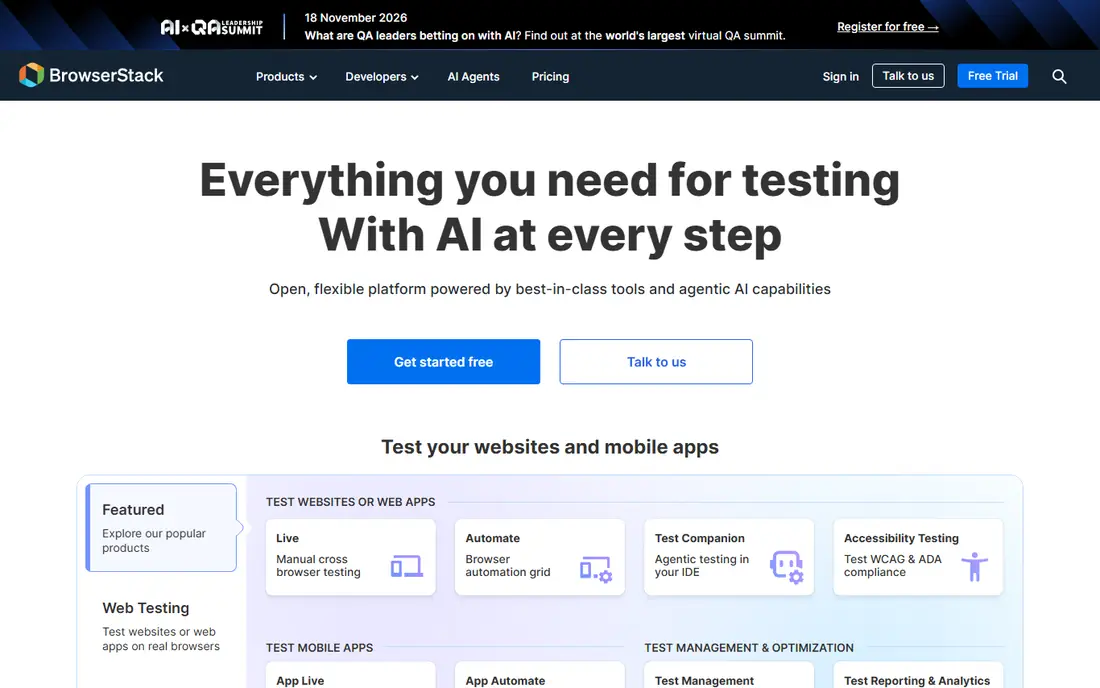
BrowserStack is the default device cloud for many teams because of its fleet size and framework support. You can run the same Appium, Espresso or XCUITest suite across many real devices, watch video and logs for failures, and plug runs into your CI pipeline. Manual testing plans start lower, but automation is where most teams spend.
The pricing model is the thing to plan around. App Automate starts at $199 per month per parallel session billed annually, so a team that wants many devices running at once will pay for each parallel. Start with one parallel, measure your CI wait times, and add parallels only when queues actually slow releases.
- Very large fleet of real iOS and Android devices
- Supports Appium, Espresso, XCUITest, Maestro and Detox
- Strong CI integrations
- Automation pricing is per parallel session, so costs rise with concurrency
- Manual plans do not include automation
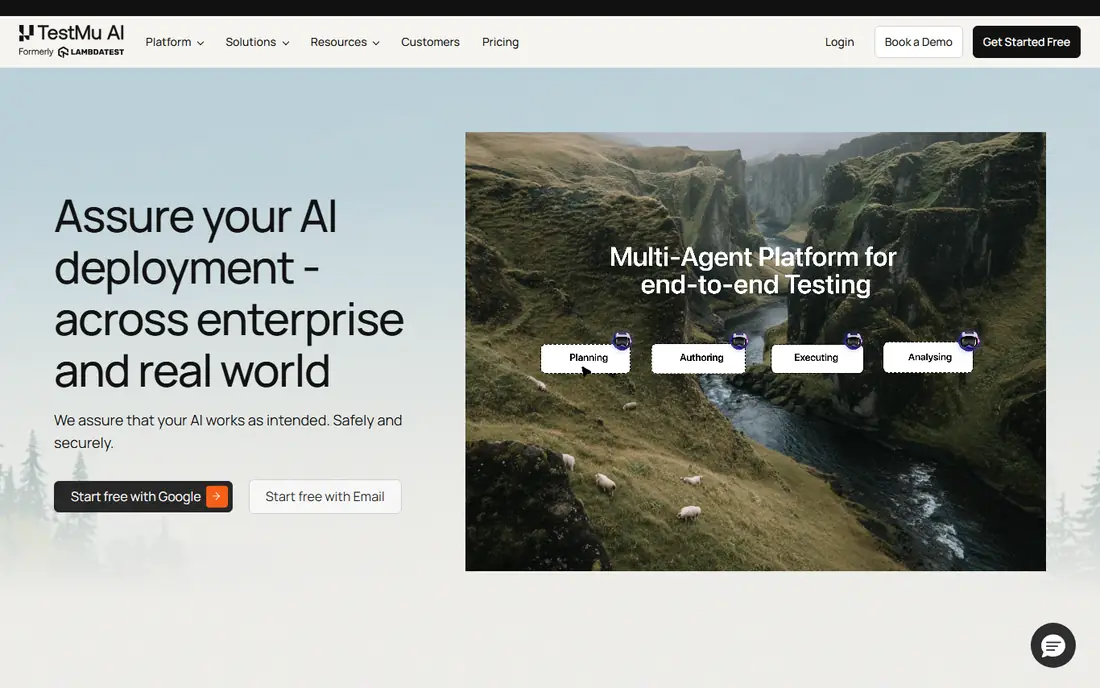
TestMu AI, formerly LambdaTest, is the value pick among hosted device clouds. A free plan and live testing from $15 per month make it easy to try real devices, and it supports the main automation frameworks plus AI-assisted test authoring. For teams that want BrowserStack-style coverage at a lower entry price, it is a strong first look.
Real-device automation still costs more than the headline live price, at around $199 per month per parallel in published comparisons, so budget for automation separately from manual testing. If your suite is large, compare total parallel costs across clouds rather than entry prices alone.
- Free plan available
- Live testing from $15 per month
- Supports Appium, Selenium, Cypress and Playwright
- Real-device automation is priced per parallel, like rivals
- Fleet is smaller than BrowserStack
Sauce Labs suits larger teams that need governance as much as devices. You get real devices plus emulators and simulators, support for Appium, Espresso and XCUITest, and enterprise controls such as SSO and analytics that help platform teams track quality across projects. Its long history in testing also means broad CI and framework support.
Pricing follows the same pattern as other clouds: live testing from $39 per month, with Real Device Cloud from $199 per month for automation. Smaller teams may find TestMu AI cheaper, but enterprises that need compliance features and support will value what Sauce Labs adds.
- Real and virtual devices
- Strong enterprise controls and SSO
- Detailed test analytics
- Real Device Cloud starts at $199 per month
- Entry live plan does not include automation
Kobiton is built only for mobile, which is a strength if phones and tablets are your whole product. It offers real devices, manual and automated testing, and private device lab options for teams that need devices inside their own network. Scriptless testing helps QA staff who do not code to build checks.
The mobile-only focus is also a limit for teams that also test web apps, since you will need a second tool for browsers. Pricing from $83 per month with a minutes allowance means heavy automation can push costs up, so track minutes per run before you commit.
- Mobile-only focus with real devices
- Flexible deployment including private labs
- Scriptless testing options
- No desktop browser testing
- Pricing is based on minutes and plans, so heavy use adds up
Appium is the most widely used open source framework for mobile automation. You write tests in Java, JavaScript, Python, Ruby or .NET, run them on real devices, emulators or simulators, and point them at a local device lab or a cloud such as BrowserStack. That freedom is why so many teams standardise on it.
Freedom has a cost in effort. You own the test infrastructure, driver updates, device management and flaky test fixes, and poor locators will make suites unreliable. Appium is best for teams with engineers who can maintain a test framework, not for teams that want a managed service.
- Free and open source
- One framework for iOS and Android
- Works with your own devices or any device cloud
- Setup and maintenance take engineering time
- Test stability depends on good locators and waits
AWS Device Farm fits teams whose infrastructure already lives in AWS. You can run Appium, instrumentation and XCTest tests on real devices, connect to private endpoints through a VPC, and pay $0.17 per device minute after a one-time trial of 1,000 free minutes. That pay-as-you-go model suits occasional or bursty testing.
Limits matter here. Device Farm runs in US West (Oregon), automated runs stop at 150 minutes, and large suites can cost more per minute than a parallel-based cloud plan. If your team is not AWS-native, a general device cloud will usually be simpler.
- Real Android and iOS devices
- Supports Appium and native frameworks
- Pay per device minute
- Runs in one AWS region
- Automated runs have time limits
- Per-minute costs add up for large suites
Perfecto targets enterprises and regulated teams that need control over devices, networks and data. It offers real devices, private and hybrid lab options, and integrations with CI tools, plus reporting that helps large QA organisations track results. Scriptless mobile testing also helps teams with mixed coding skills.
Quote-based pricing is the drawback for smaller buyers, since you cannot compare a list price without talking to sales. Published third-party reports put entry pricing in the hundreds of dollars per month range, so treat Perfecto as an enterprise shortlist item rather than a budget pick.
- Real devices in the cloud with private and hybrid options
- Strong Appium and XCUITest support
- Enterprise reporting
- Pricing is quote-based, so budgeting needs a sales conversation
- Setup suits larger teams better than small ones
Maestro lowers the barrier to mobile automation by letting you write user flows in YAML instead of code. Tapping, scrolling, typing and asserting on screen content read almost like a script of what a user does, which makes it easy for QA staff and developers alike to add tests. It runs on Android devices and emulators, with iOS support through simulators and some device clouds.
Complex logic, heavy data setup and deep native integration are not its strengths, and teams with large existing Appium suites may not want to rewrite them. For a team starting automation from scratch, though, Maestro gets a first useful suite running faster than most frameworks.
- Free core framework
- Tests written in simple YAML flows
- Fast to start for basic user journeys
- Less suited to very complex test logic
- IOS real-device support depends on device clouds
Detox is built by Wix for React Native apps, and its grey-box design is the reason teams pick it. It watches the app internals to know when animations finish and network requests settle, so tests run when the app is ready rather than after fixed waits. That cuts a large share of timing-based flakiness that plagues mobile suites.
The limit is scope. Detox only fits React Native, and setup couples tightly to your native build, so onboarding takes longer than a ten-minute trial. If your app is React Native and flaky tests are your main pain, Detox is worth the setup effort.
- Free and open source
- Grey-box synchronisation cuts timing flake
- IOS and Android from one JavaScript test file
- React Native only
- Setup is tied closely to the native build configuration
TestingBot is a good budget alternative for teams that want a hosted cloud without enterprise pricing. It offers live and automated testing, real devices and browsers, and a free trial with minutes across the platform. European hosting also suits teams with data residency needs in the EU.
Fleet size and framework breadth are smaller than BrowserStack, and automated plans are priced in euros on some pages, so convert totals before comparing. For small teams and EU-focused companies, it is a solid, lower-cost device cloud.
- European-hosted cloud
- Live and automated testing on real devices and browsers
- Published per-parallel pricing
- Smaller fleet than the largest clouds
- Some plans are priced in euros, so compare totals carefully
How we picked these
We compared vendor pricing pages, documentation and recent public comparisons, and we kept only tools that are live in October 2026. We covered both halves of mobile testing: frameworks that write tests and clouds that run them on real devices. We did not claim hands-on testing, and we based our picks on published features, pricing models and fit for different team sizes.
Mobile app testing best practices
Start by testing the journeys that matter most, such as sign-up, purchase and core tasks, rather than trying to automate everything at once. Run those tests on a small set of popular real devices first, then widen coverage to older models and OS versions that your users actually use.
Keep suites stable by using reliable locators, avoiding fixed waits where your framework offers synchronisation, and treating flaky tests as bugs to fix, not noise to ignore. Finally, run tests in CI on every pull request for fast feedback, and save a full device sweep for nightly runs and release candidates, so speed and coverage stay in balance.
Frequently asked questions
What is the best mobile app testing tool?
It depends on the job. Appium is the best general framework for writing cross-platform tests, while BrowserStack and TestMu AI are the best clouds for running those tests on real devices. Most teams need one of each, not a single tool.
What are the best tools for testing mobile apps on real devices?
BrowserStack, TestMu AI, Sauce Labs, Kobiton and AWS Device Farm all run tests on real devices, with different pricing models. BrowserStack has the largest fleet, TestMu AI has the lowest entry price, and AWS Device Farm suits AWS-native teams that want per-minute billing.
Is Appium still a good choice in 2026?
Yes. Appium remains the most widely supported open source framework for iOS and Android automation, and it works with most device clouds. It needs engineering time to maintain, so teams without that capacity should pair a simpler framework such as Maestro with a managed cloud.
What is the best free mobile testing tool?
Appium, Maestro and Detox are free and open source, and TestMu AI offers a free plan for live testing. Free frameworks still cost engineering time, and free cloud plans have limits, so compare total effort and limits, not just licence cost.
How much does mobile testing cost?
Costs vary by model. Open source frameworks are free to use, device clouds charge from around $15 per month for manual testing to $199 per month per parallel for automation, and AWS Device Farm charges $0.17 per device minute. Budget for parallels or minutes based on your suite size and CI frequency.
Should I test on emulators, simulators or real devices?
Use emulators and simulators for fast feedback during development, and real devices before release. Real devices catch bugs in cameras, sensors, network handling, battery use and performance that virtual devices often miss.
Sources
See where you really rank - block by block
ProMapRanker scans Google Maps across a grid of your service area. Simple monthly plans from $19, white-label on every plan.
Start freeKeep reading
 who has the best home internet service
Who Has the Best Home Internet Service in 2026
Who has the best home internet service in 2026? Compare fiber, cable, and 5G providers on speed, price, data caps, and availability at your address today.
Read → visio alternatives
Best Visio Alternatives in 2026
Compare 9 Visio alternatives for flowcharts, org charts, and network diagrams, with free plans, pricing, and the best pick for teams and solo users in 2026.
Read → top 10 logistics software
Top 10 Logistics Software in 2026
We compared the top 10 logistics software tools for transport, warehousing, visibility and shipping, for shippers, carriers and 3PL teams in 2026 today.
Read →