 ProMapRanker
Best Mobile Learning Platforms in 2026


Small and mid-size teams that want a fast start · Pricing starts at: $119 per month
Key takeaways
- TalentLMS is the clearest self-serve start, with a free plan for up to 5 users and a Core plan at $119 per month billed yearly for up to 40 users.
- 360Learning offers the lowest published per-user price on this list, at $8 per active user per month on its Team plan.
- Docebo, Absorb LMS, and LearnUpon suit larger programs, but all three price by quote, so budget planning takes a sales conversation.
- iSpring LMS publishes annual totals by user count, which makes it easier to compare against quote-only rivals at 100 users and above.
- Offline access, not just a mobile app, is the feature to test first for field, retail, and frontline teams.
Quick comparison
| Pick | Great for | Pricing starts at | Free tier | |
|---|---|---|---|---|
| TalentLMS | Small and mid-size teams that want a fast start | $119 per month | Yes | Visit |
 Docebo | Large enterprise training across audiences | See website | No | Visit |
 Absorb LMS | Mid-size to enterprise compliance training | See website | Free trial | Visit |
 iSpring LMS | Structured training with offline mobile access | $8,286 per year | Free trial | Visit |
 360Learning | Collaborative, expert-led learning | $8 per user per month | Free trial | Visit |
 LearnUpon | Employee and customer training portals | See website | Free trial | Visit |
 Moodle | Open-source flexibility at low license cost | Free | Yes | Visit |
 SC Training | Mobile-first frontline training | See website | Yes | Visit |
 LearnWorlds | Selling courses with mobile delivery | See website | Free trial | Visit |
The best mobile learning platforms
A mobile learning platform has to work well on a phone, not just shrink a desktop course onto a small screen. We looked for native apps or strong mobile delivery, offline options where they matter, tracking and certificates, and pricing that a team can actually plan around. These nine cover small teams, frontline workforces, and large enterprises.
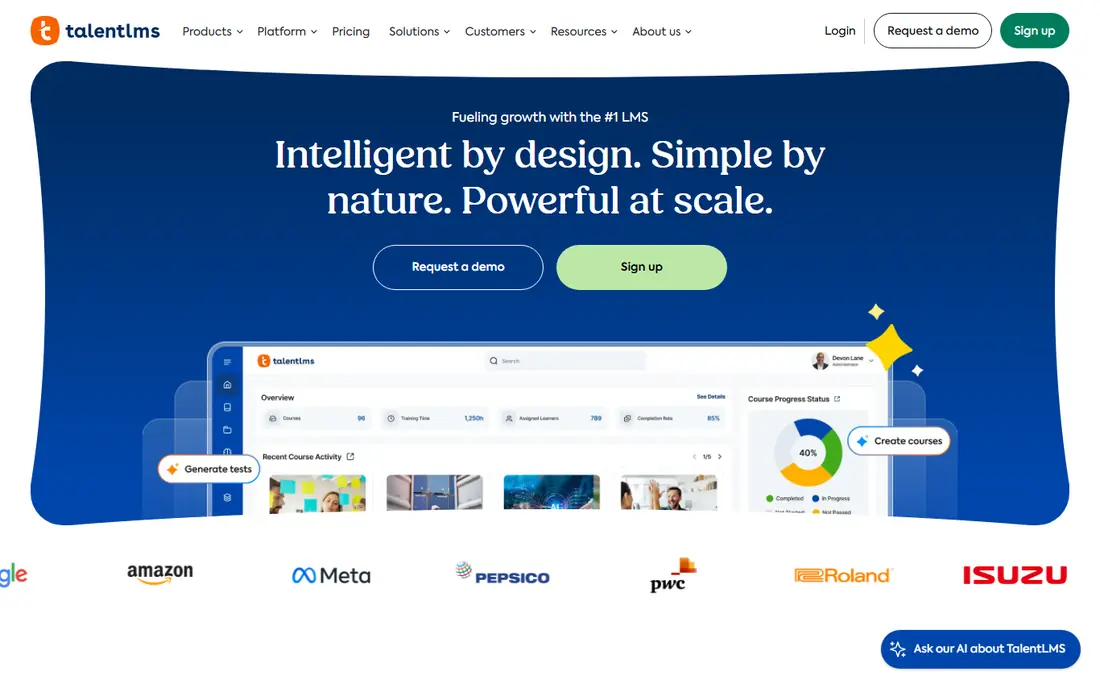
TalentLMS is the easiest place to start on this list. The free plan supports up to 5 users and 10 courses with no time limit, which is enough to test course building and the learner experience. Core costs $119 per month billed yearly for up to 40 users, with Grow at $229 and Pro at $449 for larger brackets. Branches let you run separate portals for teams, customers, or partners, and the platform supports SCORM, xAPI, gamification, and certificates.
The limit is scale and depth. Larger enterprises with complex skills mapping or many audiences may outgrow it, and some features that larger teams expect, such as learning paths on every plan, start higher up. For a team that needs training live in days rather than months, TalentLMS is a practical first choice, and the published prices make budgeting simple.
- Free plan for up to 5 users and 10 courses
- Published plan prices
- Course builder with AI help and branches
- Free plan ends at the sixth user
- Advanced reporting and branding sit on higher plans
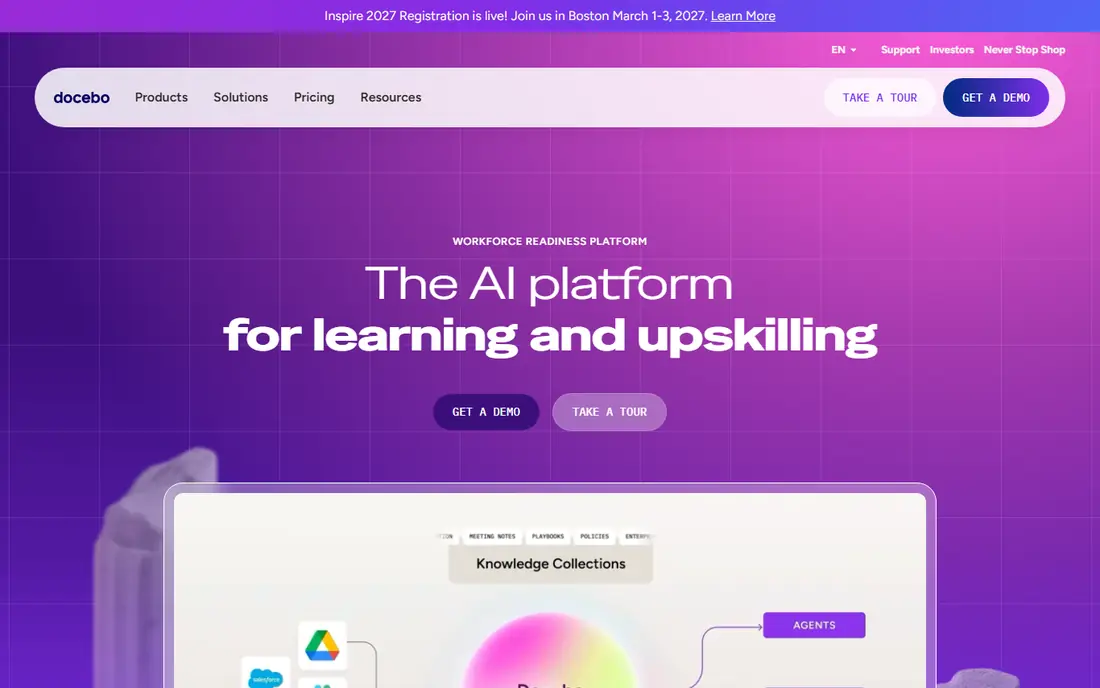
Docebo is built for organizations that train employees, customers, and partners from one system, often across regions and languages. It offers branded portals, AI-assisted content discovery, admin reporting, and integrations with HR and business tools. For a large program with several audiences, that structure saves a lot of manual work compared with running separate tools for each group.
The trade-off is transparency. Docebo prices by quote, with annual terms, so a small team cannot compare it quickly against TalentLMS or 360Learning. It also suits buyers with at least a few hundred learners better than a team of twenty. If your program is large, regulated, or spread across audiences, ask for a scoped quote early and compare the annual total, not just the feature list.
- Multi-audience portals and AI-assisted search and reporting
- Wide integration options
- Strong compliance support
- No published pricing
- Minimum scale suits larger buyers better than small teams
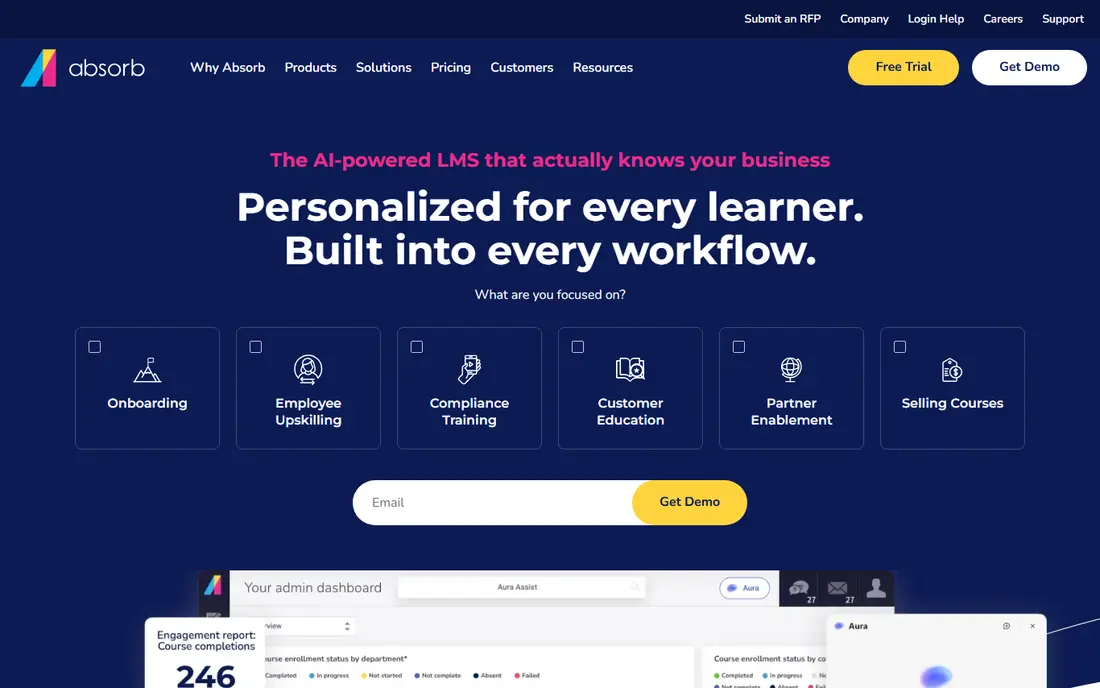
Absorb LMS focuses on making training easy to administer at scale. It supports employee, customer, and partner training, with dashboards, reporting, certificates, and ecommerce for teams that sell courses. The mobile experience is designed for learners who dip in and out of training between other work, which matters for compliance programs with deadlines.
As with Docebo, pricing is by quote, so buyers need a sales conversation to get a firm number. That is normal at this scale, but it makes a direct price comparison harder. Absorb fits best when a team has outgrown a simple tool, needs stronger reporting and compliance controls, and has a clear owner for the rollout.
- Clean learner experience
- Strong reporting and compliance tools
- Ecommerce options for external training
- Pricing is quote only
- Setup for complex programs takes planning
iSpring LMS, formerly iSpring Learn, suits teams that run structured, formal training and need it to work away from a desk. Its native iOS and Android apps support offline learning, with progress syncing once a connection returns. That feature alone can decide the choice for field teams, retail staff, and anyone who trains without steady internet access. It also supports SCORM content, certificates, competency profiles, and scheduled reports.
Pricing is clearer than most enterprise rivals: the listed 100-user plan costs $8,286 per year, which works out to $6.91 per user per month across the year, with larger user counts priced lower per user. The catch is that the published list starts at 100 users, so a team of 40 or 60 will need to talk to sales. Billing counts active users who log in during a month, so confirm that definition in writing before signing.
- Published annual prices by user count
- Native mobile apps with offline access
- Active-user billing
- Published plans start at 100 users
- Smaller teams fall outside the price list
360Learning turns subject experts into course creators, rather than leaving all content to a central training team. Colleagues can build, review, and update courses together, which helps when knowledge lives with people doing the work. The Team plan costs $8 per active user per month for up to 100 users, with a 30-day free trial, which makes it easy to test with a real group.
The platform is less focused on offline frontline delivery than iSpring or SC Training, so test the mobile experience with your actual learners before committing. Business and Enterprise plans are priced by quote for larger needs. For office and hybrid teams that want learning to feel like a shared activity rather than a top-down assignment, 360Learning is a strong, affordable pick.
- Low published per-user price
- Experts can co-create courses
- 30-day trial of the Team plan
- Mobile experience is less offline-focused than iSpring
- Business and Enterprise are quote only
LearnUpon is a good fit when one team must serve several audiences well. It supports separate branded portals for employees, customers, and partners, with ecommerce, certificates, and reporting for each. That structure helps a company that trains staff internally and also runs a customer academy, without buying two systems.
The main drawback is the same as other enterprise tools here: pricing is by quote, so early budgeting is harder. LearnUpon also suits buyers with a clear portal plan, since the value comes from running several audiences cleanly. Smaller teams with a single audience and a tight budget will usually get faster value from TalentLMS or 360Learning.
- Separate portals for different audiences
- Strong customer training support
- Integrations with HR and CRM tools
- Pricing is quote only
- Needs a demo to get a firm number
Moodle is the open-source option, and it remains a serious choice for schools, universities, and companies with technical staff. There is no license fee for the software itself, and the plugin range covers quizzes, certificates, badges, competencies, and integrations. The mobile app gives learners access to courses, assignments, and notifications on a phone.
The cost is time and skill, not a license. Self-hosting needs setup, updates, backups, and security care, and paid hosting or support can close much of the price gap with a hosted tool. Moodle fits best when a team wants full control, has technical help, or needs a setup that a hosted vendor cannot match. Teams without that help should compare the total cost, including hosting and admin time, before choosing it for price alone.
- No license fee for the open-source software
- Huge plugin range
- Mobile app for learners
- Self-hosting needs technical skill
- Hosting, support, and setup can add real cost
SC Training, formerly EdApp, is built for workers who learn on a phone between shifts or jobs. Courses are short, visual, and mobile-first, with gamification and tracking that suit retail, hospitality, logistics, and field teams. Managers can assign training, track completion, and send reminders without asking staff to sit at a desktop.
The free plan makes it easy to test with a real frontline group, which is the right way to judge it, since short-form mobile training feels very different from a traditional course catalog. The limit is depth: long, complex courses with heavy assessment or academic structure fit better on Moodle, Docebo, or Absorb. For frontline compliance and skills refreshers, SC Training is one of the most practical options here.
- Built for phone-first, short-form training
- Free plan available
- Simple authoring for non-specialists
- Less suited to long, complex academic courses
- Published pricing varies by plan and region
LearnWorlds suits creators, training companies, and teams that sell courses to the public, as well as companies running a customer academy. It combines course building, interactive video, assessments, and sales tools such as coupons and subscriptions, with mobile delivery for learners. That mix saves a separate storefront and marketing setup for many sellers.
Internal-only teams should weigh the commerce features against the price, since a simpler tool may cover employee training for less. LearnWorlds also offers a free trial, so test the learner app and the checkout flow with a real course before committing. For teams whose training is also a product, it is a strong all-in-one choice.
- Strong course sales and marketing tools
- Mobile apps for learners
- Interactive video and assessment options
- Commerce focus can be more than an internal training team needs
- Pricing varies by plan
How we picked these
We compared official feature pages, published pricing, and public reviews, and we kept only platforms that offer mobile learning in October 2026. We favored tools with a real mobile app or strong mobile delivery, tracking and certificates, and a clear fit for phone-first learners. We noted where pricing was published and where it required a quote, and we did not claim hands-on testing. Where a price varied by source, we used See website rather than picking a disputed number.
How to choose a mobile learning platform
Start with where your learners actually are. Desk-based staff can use almost any tool, but field and frontline learners need offline access, short lessons, and an app that opens fast on a modest phone. Ask a small group of real learners to complete a lesson on their own phones before you sign, and watch where they get stuck. That short test tells you more than a sales demo.
Content, tracking, and certificates
Check how courses are built and reused. Can your team import SCORM content, build short lessons quickly, and update a course without breaking completions? Check tracking too: completions, quiz scores, time spent, and certificate expiry matter for compliance programs. If certificates must renew, ask whether re-enrollment is automatic or manual, since manual renewal creates steady admin work.
Pricing models that change the bill
Mobile learning pricing varies in ways that matter. Some tools charge per registered user, some per active user, and some charge a flat monthly price for a user bracket. A flat bracket can be cheaper for a stable team, while active-user pricing can be cheaper for a large roster with uneven use. Ask for the annual total at your real headcount, and ask what happens when you cross into the next bracket mid-year.
Pilot before a company-wide rollout
Run a pilot with one team, one real course, and a deadline. Track completion, support questions, and mobile problems, and ask learners what they would change. A pilot also reveals admin workload: course setup, user imports, reminders, and reporting. If the pilot feels heavy for one team, it will feel heavier at full scale, and that is useful information before a long contract.
Frequently asked questions
What is the best mobile learning platform?
For small and mid-size teams, TalentLMS is a strong default because of its free plan and published prices. For frontline teams, SC Training and iSpring LMS deserve a close look for mobile and offline delivery. For large, multi-audience programs, Docebo, Absorb LMS, and LearnUpon are the enterprise options.
What is the best mobile learning software for frontline workers?
SC Training is built for short, phone-first lessons, while iSpring LMS adds offline access and formal tracking. Both suit retail, field, and shift-based teams better than a desktop-first course catalog. Test both with real workers on their own phones before choosing.
Are there top mobile learning software options with a free plan?
Yes. TalentLMS offers a free plan for up to 5 users and 10 courses, Moodle is free as open-source software, and SC Training offers a free plan. Free plans are useful for testing, but they carry limits on users, courses, or support, so check those limits before planning a rollout around one.
How much does mobile learning software cost?
Published prices on this list include TalentLMS Core at $119 per month billed yearly for up to 40 users, 360Learning Team at $8 per active user per month, and iSpring LMS at $8,286 per year for 100 users. Docebo, Absorb LMS, and LearnUpon price by quote, so their totals depend on scale and scope.
Does mobile learning work offline?
Some platforms do, and some do not. iSpring LMS offers native apps with offline access, and SC Training is built for mobile delivery, but offline support varies by plan and content type. Confirm offline access for your exact course types, including video and quizzes, before you buy for a field team.
Can I sell courses with a mobile learning platform?
Yes, especially with LearnWorlds, TalentLMS, and Absorb LMS, which offer ecommerce features. Check transaction fees, payment providers, and whether marketing tools such as coupons and subscriptions are included, since those details affect the real cost of selling.
Sources
See where you really rank - block by block
ProMapRanker scans Google Maps across a grid of your service area. Simple monthly plans from $19, white-label on every plan.
Start freeKeep reading
 zscaler alternatives
Best Zscaler Alternatives in 2026
Looking for zscaler alternatives? We compare 9 SASE and zero trust platforms on architecture, data protection, pricing, and fit for your network and team.
Read → zapier alternatives free
Best Zapier Alternatives Free in 2026
Nine automation tools for zapier alternatives free in 2026, all with genuinely free tiers, plus free plan limits, starting prices and upgrade paths explained.
Read → which platform is best for online reputation
Which Platform Is Best for Online Reputation in 2026
Wondering which platform is best for online reputation? We compare 8 review, listing, and response tools for small and multi-location businesses and agencies.
Read →