 ProMapRanker
Best Mobile Field Service App in 2026

Key takeaways
- Jobber is the easiest starting point for small crews, with scheduling, quoting, invoicing, and a clear mobile app.
- Housecall Pro suits home service teams that want booking, payments, and customer communication in one mobile-first system.
- ServiceTitan fits larger contractors with complex dispatch, marketing, and reporting needs, but it is quote-based and takes longer to adopt.
- Service Fusion, Workiz, and Kickserv give growing teams different strengths, from flat-rate pricing to phone tools and low-cost simplicity.
- Offline access, photo capture, signatures, and payment options matter more in the field than a long desktop feature list.
Quick comparison
| Pick | Great for | Pricing starts at | Free tier | |
|---|---|---|---|---|
 Jobber | Small crews and owner-operators | $29 per month | Free trial | Visit |
 Housecall Pro | Home service teams | $59 per month | Free trial | Visit |
 ServiceTitan | Large contractors | See website | No | Visit |
 FieldEdge | HVAC, plumbing, and electrical teams | See website | No | Visit |
 Service Fusion | Flat-rate team pricing | See website | No | Visit |
 Workiz | Phone and booking-led teams | See website | Free trial | Visit |
 Kickserv | Low-cost simple field teams | See website | No | Visit |
 Salesforce Field Service | Enterprise Salesforce teams | See website | No | Visit |
 Fergus | Trades teams and job costing | See website | No | Visit |
The best mobile field service apps
Here are nine apps that cover the field workflow, from scheduling to payment on site.
We judged these apps on the work a technician actually does on a phone: seeing the day, getting to the job, capturing notes and photos, collecting a signature, and getting paid. Office tools matter too, but a field app that is slow or confusing in a customer's home will fail no matter how good the desktop dashboard looks.
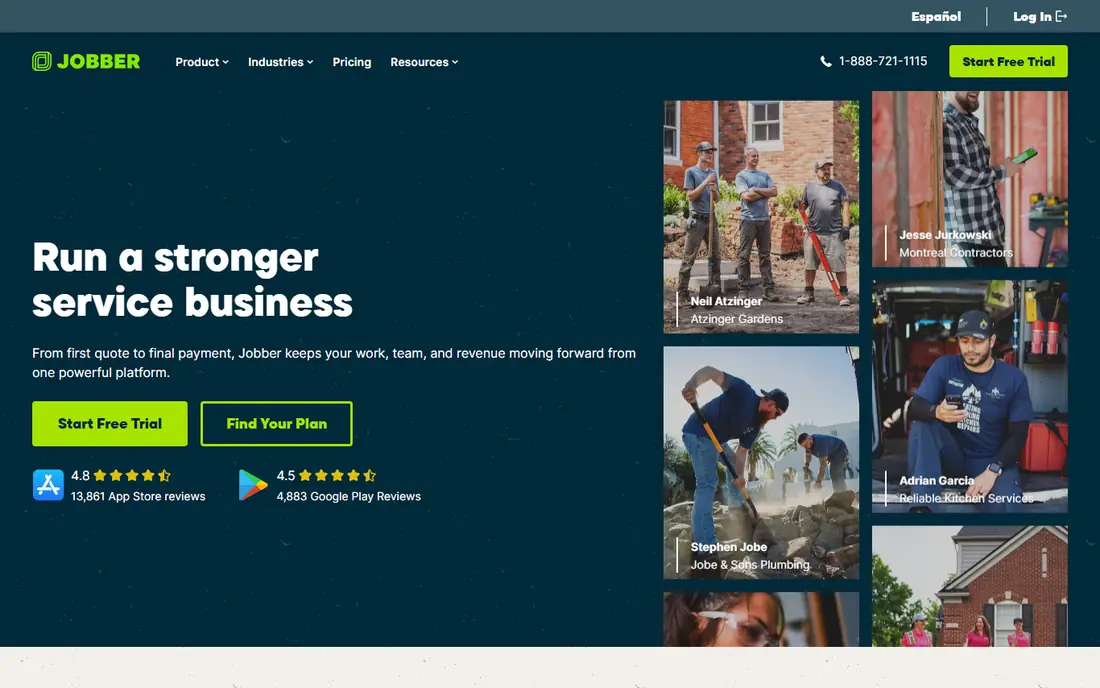
Jobber is built for small field service teams that need to get organised without a long setup project. The mobile app shows jobs, routes, customer details, and notes in a clear layout, while the office side handles quotes, scheduling, invoicing, and payments. Customers can approve quotes and pay through a client hub, which cuts phone chasing.
The limit is depth at larger scale. Teams with complex dispatch, fleet tracking, or advanced job costing may need a higher tier or a larger platform. For a crew of one to fifteen people, though, Jobber gives the best balance of price, simplicity, and mobile usability.
- Clear scheduling and invoicing
- Client hub for quotes and payments
- QuickBooks and Xero links
- Marketing tools are basic
- Advanced dispatch and reporting need higher tiers
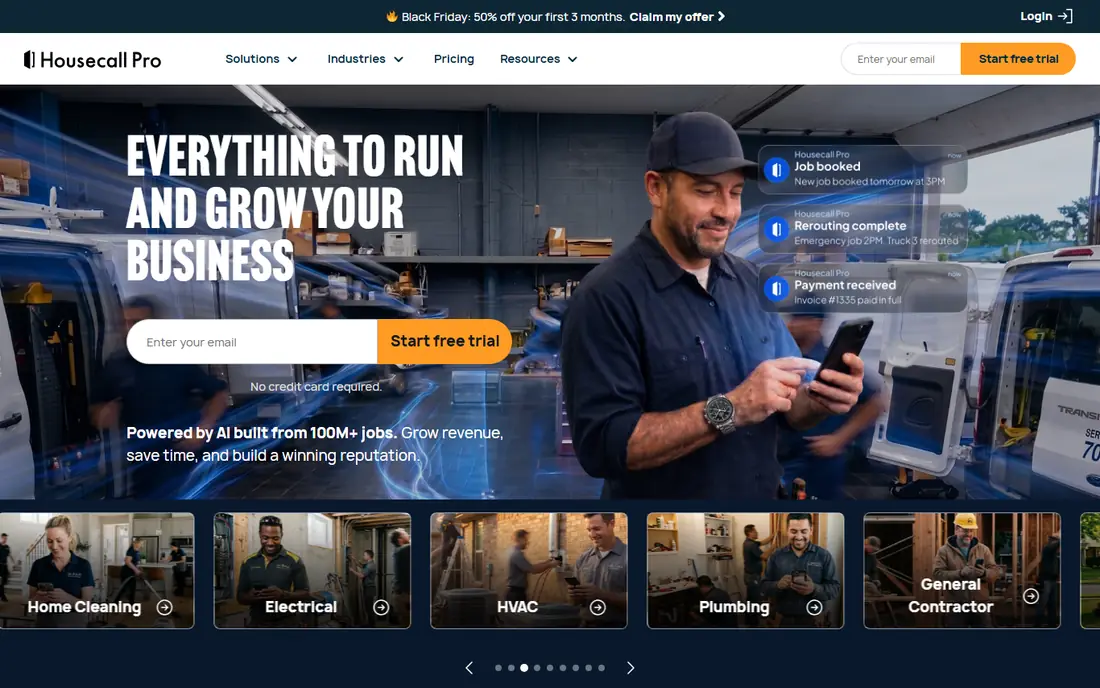
Housecall Pro puts the technician experience first, with a mobile app for job details, customer communication, estimates, and payments. Office tools cover dispatch, scheduling, online booking, and automated review requests, which help home service firms win repeat work. The system also includes card processing, so payment can happen on site rather than by invoice later.
The entry price is higher than Jobber for a solo operator, and larger teams should check per-user costs on higher tiers. For home service firms that rely on booking, reviews, and fast payment, that premium can be justified by the customer tools alone.
- Mobile-first design
- Online booking and review tools
- Payments built in
- Higher entry price than Jobber
- Costs rise with users on higher tiers
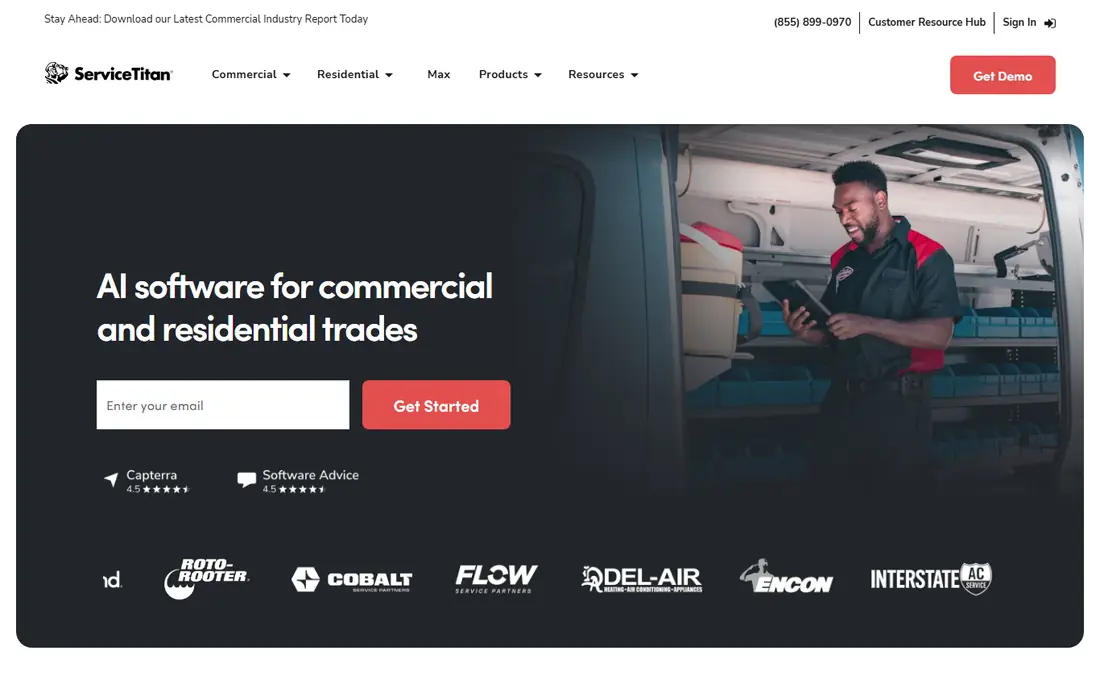
ServiceTitan is the enterprise choice for established contractors, with dispatch, scheduling, estimating, invoicing, marketing, call tracking, and reporting in one platform. Its mobile app gives technicians job details, forms, photos, and payment tools, while the office gains a full view of capacity, revenue, and marketing performance. That depth suits multi-location firms and larger teams.
Small crews should be cautious. Pricing is quote-based and usually far higher than Jobber or Housecall Pro, and onboarding takes real time. ServiceTitan pays off when a firm has the volume and staff to use its full toolset, not when a solo operator only needs scheduling and invoicing.
- Advanced dispatch board
- Marketing and call tools
- Deep reporting and integrations
- Quote-based pricing
- Longer onboarding
- May be too much for a small crew
FieldEdge is built for trade contractors, with tools for dispatch, scheduling, quoting, invoicing, and customer management that match how HVAC, plumbing, and electrical firms work. Technicians can view job history, capture photos, and update job status from the field, while the office tracks invoices and payments. QuickBooks integration helps keep accounting in step.
Pricing is quote-based, so a demo and a written quote are needed for a firm figure. The interface is less modern than Jobber or Housecall Pro, which may matter for teams that value a very clean mobile experience. For trade firms that want a focused, proven system, FieldEdge remains a solid shortlist option.
- Trade-focused workflows
- Dispatch and invoicing
- QuickBooks integration
- Quote-based pricing
- Interface can feel dated next to newer rivals
Service Fusion suits contractors who want predictable costs as the team grows, since its pricing model does not charge per user in the same way as many rivals. It covers customer management, scheduling, dispatch, estimates, invoicing, payments, and GPS fleet tracking, with a technician mobile app for field updates. Recurring jobs and tiered estimates also help service firms with maintenance contracts.
The main drawback is that current pricing is quote-based, so published older figures should not be treated as current. Teams should also test the mobile app with their lead technicians, since field usability varies by workflow. For a growing crew that hates per-user price jumps, the model is a real advantage.
- Flat-rate pricing helps growing teams
- GPS fleet tracking
- Estimates and recurring jobs
- Pricing varies by quote
- Mobile app can feel less polished than newer rivals
Workiz stands out for teams where phone calls and online bookings drive the work. Its built-in phone system logs calls, masks numbers, and supports routing, while the booking widget turns website visits into jobs. Technicians get a mobile app for job details, communication, and payments, and the office gains scheduling, invoicing, and automation tools.
The trade-off is that pricing is now quote-based, so a demo is needed for a firm figure. Reporting and some integrations are also less deep than ServiceTitan. For on-demand service firms that lose work through missed calls, the phone-first design can matter more than advanced reporting.
- Built-in phone system
- Online booking widget
- Scheduling and payments in one place
- Pricing is quote-based
- Some integrations and reporting are limited
Kickserv is a simple, low-cost option for small service firms that want scheduling, customer management, and invoicing without a complex platform. Technicians can pick it up quickly, and the office can manage jobs, estimates, and payments with little training. QuickBooks and Stripe links cover the accounting and payment basics.
The limits are clear. There is no inventory management, reporting is basic, and some advanced dispatch features are missing. For a small team that values speed and low cost over depth, Kickserv is a good fit. For a firm that needs inventory, fleet tracking, or deep reporting, a larger platform will serve better.
- Simple to learn
- Scheduling and invoicing
- QuickBooks and Stripe links
- No inventory management
- Reporting is basic
- Pricing needs a current quote
Salesforce Field Service is not a standalone small-business app, but it belongs here for firms that already run on Salesforce. It adds appointment scheduling, dispatch optimisation, mobile field tools, and asset tracking to the Salesforce platform, with strong reporting and permission controls. Large service organisations can manage complex territories, skills, and service contracts in one system.
The cost and complexity are enterprise-scale, and a team without Salesforce experience will need help to set it up well. Small firms should not choose it for scheduling alone. For an enterprise already committed to Salesforce, though, it avoids adding a separate system and keeps customer data in one place.
- Deep scheduling and optimisation
- Strong enterprise controls
- Fits existing Salesforce setups
- Needs Salesforce skill to run well
- Pricing and setup are enterprise-scale
Fergus is built for trade firms that need to track job costs as work happens, not just at invoicing time. It covers quoting, scheduling, job management, and invoicing, with a mobile app for technicians to log time, materials, and job updates. That costing view helps owners see which jobs make money and which lose money before the month ends.
The focus on trades means general field service firms, such as cleaning or pest control, may find some workflows less tailored. Pricing is also quote-based, so a demo is needed. For plumbing, electrical, and similar trades that live by job margins, Fergus is a strong, focused alternative to general platforms.
- Job costing and quoting for trades
- Mobile job tracking
- Accounting links
- Best fit is trades, not general field service
- Pricing is quote-based
How we picked these
We compared official pricing pages, mobile app listings, feature pages, and public pricing snapshots from October 2026. We kept only apps with a live mobile app for technicians and core field tools such as scheduling, job details, and invoicing. Where pricing was quote-based or had changed across sources, we wrote See website rather than repeating an outdated figure.
How to choose a mobile field service app
Start with your crew size and pricing model. A solo operator or small crew usually saves money on Jobber or Kickserv, while a growing team should compare flat-rate and per-user pricing over a full year, not just the first month. Count every technician, office user, and dispatcher who needs a login, since that number changes the total fast.
Next, test the mobile app in the field, not just in the office. Give a technician a real job: find the address, read the notes, add a photo, collect a signature, and take a payment. Check what happens with weak signal, since some apps handle offline work better than others. A clean office dashboard cannot fix a field app that fails at the job site.
Finally, check payments, accounting, and exit terms. Confirm card fees, payout timing, and whether the app links to your accounting tool without manual re-entry. Ask about contract length, data export, and what happens to customer history if you leave. Those terms matter as much as the monthly fee once the system holds your customer base.
Frequently asked questions
What is the best mobile app for field service?
Jobber is the best starting point for small crews, while Housecall Pro suits home service teams and ServiceTitan suits large contractors. The best choice depends on crew size, pricing model, and how much dispatch and reporting depth you need.
What is the best field service software with a mobile app?
All nine apps above include a mobile app, but Jobber, Housecall Pro, and Workiz offer the most mobile-first experience for small and mid-size teams. Test the technician app with your own jobs before committing, since field usability varies.
Is there a free field service mobile app?
Most full platforms are paid, though Jobber, Housecall Pro, and Workiz offer free trials. Kickserv and others may offer limited free tiers in some markets, but confirm the current plan on the vendor site, since free tiers change often.
Do field service apps work offline?
Some do, for basic job viewing and data capture, while others need a steady connection for full updates. Ask each vendor what a technician can do without signal, and test photo capture, signatures, and payment steps in a low-signal area before rollout.
How much does mobile field service software cost?
Small teams often pay from $29 to $59 per month for an entry plan, while larger platforms are quote-based and can cost far more per technician. Always add payment processing fees, extra users, and add-ons to the subscription figure for a true monthly total.
Sources
See where you really rank - block by block
ProMapRanker scans Google Maps across a grid of your service area. Simple monthly plans from $19, white-label on every plan.
Start freeKeep reading
 zscaler alternatives
Best Zscaler Alternatives in 2026
Looking for zscaler alternatives? We compare 9 SASE and zero trust platforms on architecture, data protection, pricing, and fit for your network and team.
Read → zapier alternatives free
Best Zapier Alternatives Free in 2026
Nine automation tools for zapier alternatives free in 2026, all with genuinely free tiers, plus free plan limits, starting prices and upgrade paths explained.
Read → which platform is best for online reputation
Which Platform Is Best for Online Reputation in 2026
Wondering which platform is best for online reputation? We compare 8 review, listing, and response tools for small and multi-location businesses and agencies.
Read →