 ProMapRanker
Best Mobile Apps in 2026: 9 Apps Compared

Key takeaways
- The best mobile apps earn a place on your home screen by solving one daily job well, not by trying to do everything.
- Google Maps, WhatsApp and Spotify cover travel, messaging and music for most people, and all three offer a strong free tier.
- Duolingo, Khan Academy and Notion cover learning and notes, which makes them a good second layer for work and study.
- Canva and Google Photos help you create and organise visual content without a desktop computer.
- Start free, remove apps you do not open in two weeks, and only pay for a subscription when a feature saves you real time each week.
Quick comparison
| Pick | Great for | Pricing starts at | Free tier | |
|---|---|---|---|---|
 WhatsApp | Everyday messaging and calls | Free | Yes | Visit |
 Spotify | Music and podcasts | Free | Yes | Visit |
 Google Maps | Directions and local places | Free | Yes | Visit |
 Duolingo | Daily language practice | Free | Yes | Visit |
 Notion | Notes, tasks and shared pages | Free | Yes | Visit |
 Canva | Fast design for social and work | Free | Yes | Visit |
 Todoist | Simple task lists and reminders | Free | Yes | Visit |
 Google Photos | Photo backup and search | Free | Yes | Visit |
 Khan Academy | Free learning for school and adults | Free | Yes | Visit |
The best mobile apps
We compared official product pages and app store listings, and we focused on apps that work well on a phone, offer a useful free tier and cover a job most people do every week. The list mixes communication, travel, music, learning, notes and design, so it works as a starter set rather than a list for one narrow task.
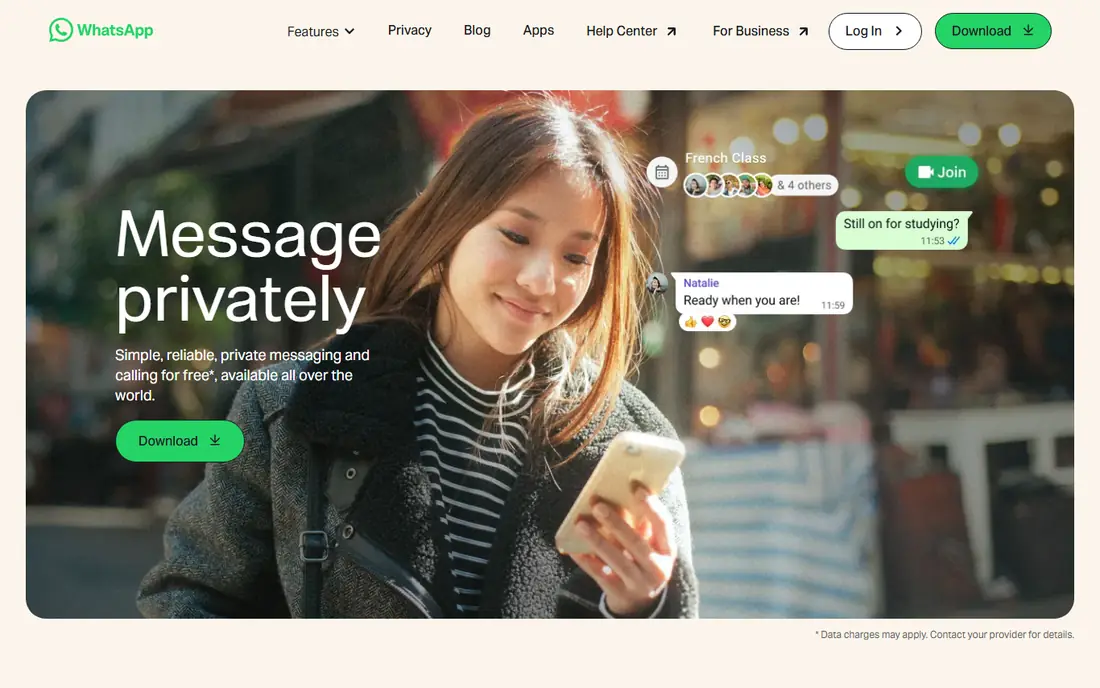
WhatsApp earns its place because almost everyone you know already has it. Messages, voice notes, voice calls and video calls work over mobile data or Wi-Fi, and group chats cover family, work and school in one place. Personal chats use end to end encryption, which means only you and the people in the chat can read them. The main drawback is control. Group chats can grow noisy, and the app offers fewer organisation tools than a dedicated work chat app. Still, for everyday contact, WhatsApp is the simplest choice, and it costs nothing to keep on your phone.
- Free messages and calls
- Group chats
- End to end encryption for personal chats
- Works on phone and desktop
- No built in scheduling for most users
- Large groups can become noisy
- Backup settings need checking
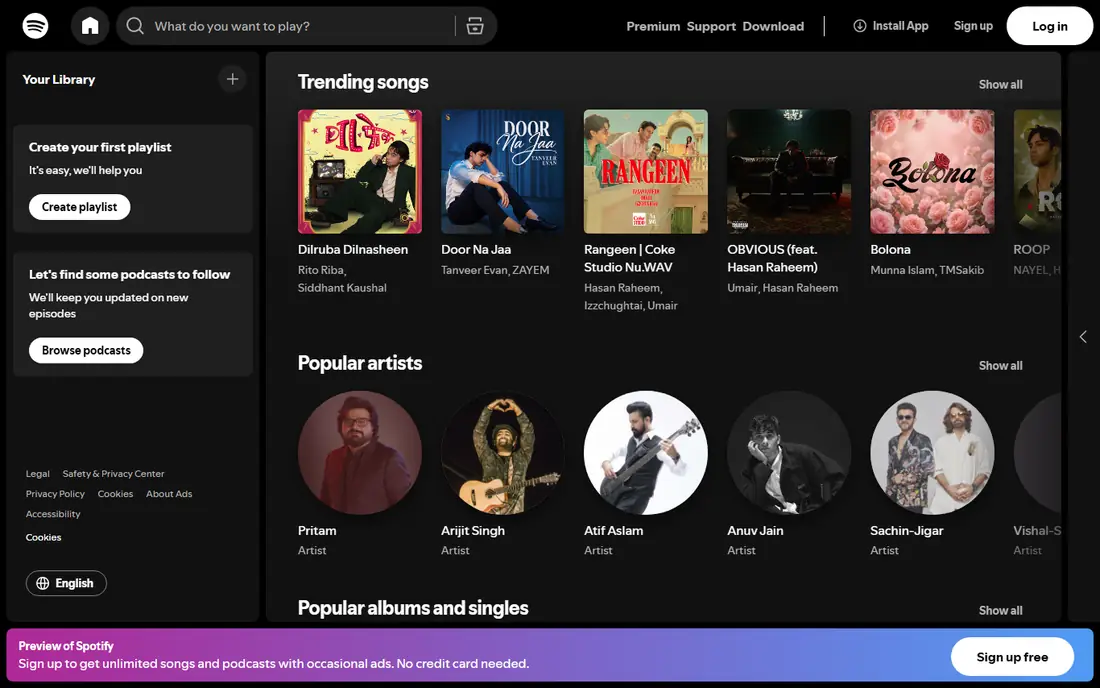
Spotify is the easiest music app for most listeners because its library, playlists and podcast catalogue sit in one place. You can start with a free account, follow artists and podcasts, and build playlists for work, travel and workouts. Paid Premium removes ads, allows offline downloads and gives full control over track order on mobile. The free tier is the catch. Ads interrupt listening, and mobile playback is limited for some playlists. Premium pricing varies by individual, duo, family and student plans, so check the price page for your household before subscribing. If you listen daily, Premium is usually worth it, but casual listeners can stay free.
- Large music and podcast library
- Playlists and offline listening on paid plans
- Works across devices
- Free tier has ads and shuffle limits on mobile
- Offline listening needs Premium
- Prices vary by plan
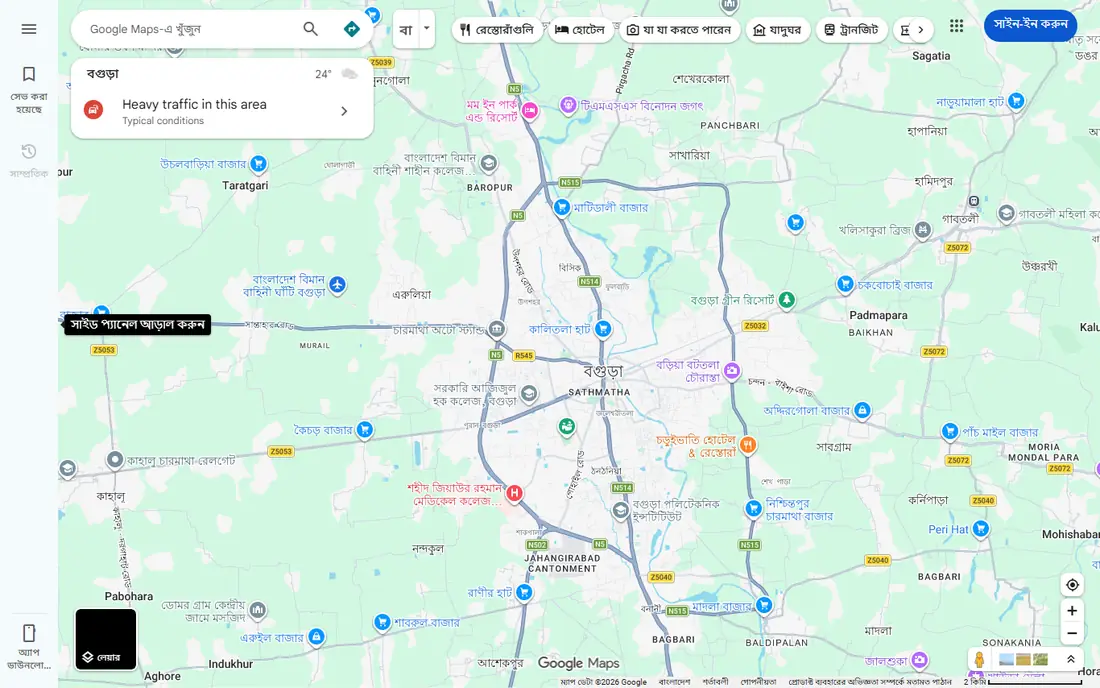
Google Maps is the most useful travel app on a phone, and it is free. It gives turn by turn directions for driving, walking, cycling and public transit, shows live traffic, and lets you check opening hours, reviews and photos before you visit a place. You can also save places, share a live location and download a map for offline use. Battery use is the main cost on long drives, so keep a car charger handy. Offline maps also need to be downloaded before you lose signal, which is easy to forget. For daily travel, errands and trips to new places, no other single app covers as much ground.
- Driving, walking, cycling and transit directions
- Live traffic
- Reviews, hours and photos for places
- Heavy battery use on long trips
- Offline maps need downloading in advance
- Some rural data is thinner
Duolingo works because its lessons are short, visual and built around a daily streak. Five minutes a day is enough to learn new words and simple sentences, and the app reminds you, tracks progress and repeats words you missed. For a beginner, that habit loop matters more than a thick textbook. The free tier includes ads and, on mobile, a hearts system that can pause practice after mistakes, which some users find annoying. Paid Super removes ads and limits, and Max adds AI features in some languages. Duolingo will not make you fluent alone, but it is a strong daily starter, especially paired with real conversation practice later.
- Short gamified lessons
- Streaks and reminders
- Many languages
- Clear beginner path
- Free tier has ads and limited hearts on mobile
- Depth is limited for advanced learners
- Not every language is covered
Notion replaces several apps at once, because it holds notes, task lists, databases, calendars and shared pages in one workspace. The free plan covers personal use well, with unlimited pages and blocks for individuals in many cases, and templates help you start a habit tracker, study plan or project board without building from scratch. The flexibility is also the hurdle. A blank Notion page can feel empty, and databases take time to learn. Start with one template, such as a simple task list, and add features only when you need them. For students, freelancers and small teams, Notion is the most useful notes app once that first setup is done.
- Notes, databases, tasks and wikis in one app
- Strong free plan
- Templates for work and study
- Learning curve for databases
- Offline use is limited
- Large workspaces can feel slow on a phone
Canva lets a non designer make a decent poster, social post, presentation or flyer in minutes. Templates cover most common sizes, and you can change text, colours and photos on your phone, then share or download the result. The free plan is generous for everyday use, and it includes a large template and photo library. Paid Pro adds brand kits, background removal, more AI uses and a larger stock library, with pricing around $15 per month billed monthly or $10 per month billed annually in many listings. For polished print work or complex layouts, a desktop design tool still wins, but for daily social and work graphics, Canva is the fastest option.
- Templates for posts, slides and documents
- Photo and video editing
- Brand kits on Pro
- Easy sharing
- Free tier limits some elements and AI uses
- Print quality needs care
- Advanced design needs a desktop tool
Todoist is the task app for people who want a list, not a project management system. You can add a task in seconds with natural language, such as a due date in plain words, sort tasks into projects, and set recurring tasks for bills, habits and work routines. The interface stays clean, which helps on a small phone screen. The free plan covers most personal use, while Pro adds reminders, filters and a fuller calendar view for about $5 per month billed annually in many listings. If you need detailed notes, files and team boards, Notion or a work tool will fit better. If you need to remember what to do today, Todoist is hard to beat.
- Fast task entry
- Projects, labels and filters
- Reminders and recurring tasks
- Works across devices
- Some filters and reminders need Pro
- Calendar view is limited on free plan
- No built in notes app depth
Google Photos solves the most common phone problem, which is losing photos when a phone breaks or fills up. It backs up photos and videos automatically, lets you search by a person, place or object, and makes it easy to share an album with family. Basic editing, such as crop, light and colour, is included. Storage is the limit. The free 15 GB shared across Google services fills fast if you back up video in original quality, so many users pay for Google One storage. Still, as a backup and search tool, Google Photos is more useful than a gallery app that only shows what is on the device.
- Automatic backup
- Search by person, place and object
- Shared albums
- Editing tools
- Free storage is shared with Google account storage
- Full quality backup can fill storage fast
- Some features vary by device
Khan Academy is the best free learning app for school subjects and adult refreshers. It covers maths, science, computing, economics, arts and test preparation, with short videos and practice exercises that adapt to your answers. Progress tracking shows what you have mastered and what needs more work. The mobile app is best for short practice and video watching, while the full website offers more courses and tools. There is no live tutor, so a stuck learner may need a teacher, forum or textbook for help. For free, structured learning at your own pace, Khan Academy has no close rival.
- Completely free
- Maths, science, computing and humanities
- Practice exercises
- Progress tracking
- Mobile app is simpler than the website
- No live tutoring
- Some advanced topics are thinner
How we picked these
We compared official product pages and app store listings, and we kept only apps that are live in October 2026, work well on a phone, and offer a useful free tier. We favoured apps that cover a weekly job for most people, such as messaging, travel, music, learning, notes and photos, over niche tools that only a small group would open daily. We did not claim hands on testing, and we did not rank by download totals or ratings alone. We also checked the free tier honestly. Several apps in this list are free to start but charge for the features heavy users want most, such as offline music, extra storage or reminders. Those limits are stated above, so you can decide whether the free version is enough before you pay.
Building a phone that helps, not distracts
Keep the starter set small
Install the apps for jobs you do every week, and put them on your home screen. Move social and shopping apps to a second screen, and turn off non urgent notifications for a week to see which apps you actually miss. A smaller set of apps is easier to update, back up and learn.
Check storage, battery and backup early
Turn on photo backup, check how much storage each app uses, and set a battery saver rule for travel days. For notes and tasks, check whether the app syncs across phone and computer, because a task list that lives only on one phone is easy to lose.
Pay only for time saved
A subscription is worth it when it removes ads you hear daily, saves you an hour a week, or gives you offline access you use on trips. If you open an app twice a month, the free tier is enough. Review subscriptions every few months in your app store settings, and cancel the ones you no longer open.
Frequently asked questions
What are the 10 best apps in mobile for most people?
This list covers nine of the strongest general picks, including WhatsApp, Spotify, Google Maps, Duolingo, Notion, Canva, Todoist, Google Photos and Khan Academy. The tenth slot depends on your life, such as a banking app, a health app or a work chat app for your job.
What is the best mobile app platform for building an app?
If you mean building your own app, no single platform in this list is an app builder. Low code and no code builders are a separate category, and the right choice depends on whether you need a simple business app, a store app or a custom product, so compare builders on price, app store publishing and data control before you commit.
What is the best app builder for a small business?
For a simple small business app, a no code builder with templates, push notifications and app store publishing is usually the fastest path. Check the monthly cost, whether you own your data, and whether the builder supports payments or booking if your business needs them.
Are the best mobile apps free?
Many are free to start, including every app in this list. Paid tiers usually add offline access, extra storage, removal of ads or advanced features, but the core job in each app works without paying.
How do I choose between similar apps?
Pick the app your friends, family or team already use for messaging and sharing, because network effects matter. For solo tools such as notes and tasks, pick the app with the simplest setup you will actually open each day.
Should I keep every popular app on my phone?
No. Keep the apps you open weekly, and remove the rest. A phone with fewer apps is faster, easier to back up and less distracting, and you can reinstall an app in minutes if you need it later.
Sources
See where you really rank - block by block
ProMapRanker scans Google Maps across a grid of your service area. Simple monthly plans from $19, white-label on every plan.
Start freeKeep reading
 zscaler alternatives
Best Zscaler Alternatives in 2026
Looking for zscaler alternatives? We compare 9 SASE and zero trust platforms on architecture, data protection, pricing, and fit for your network and team.
Read → zapier alternatives free
Best Zapier Alternatives Free in 2026
Nine automation tools for zapier alternatives free in 2026, all with genuinely free tiers, plus free plan limits, starting prices and upgrade paths explained.
Read → which platform is best for online reputation
Which Platform Is Best for Online Reputation in 2026
Wondering which platform is best for online reputation? We compare 8 review, listing, and response tools for small and multi-location businesses and agencies.
Read →