 ProMapRanker
Best Mobile App Retention Strategy in 2026

Key takeaways
- A retention strategy needs three parts: analytics to find where users drop off, onboarding to reach first value fast, and messaging to bring users back at the right moment.
- Amplitude and Mixpanel are the best starting analytics tools, because retention curves, cohorts and funnels show which actions predict a user staying.
- Braze, CleverTap and MoEngage combine analytics with push, in-app and email journeys, so a small team can run lifecycle campaigns without stitching many tools together.
- OneSignal is the easiest low-cost messaging start, while Appcues, Userpilot and Pendo focus on in-app onboarding and feature adoption.
Quick comparison
| Pick | Great for | Pricing starts at | Free tier | |
|---|---|---|---|---|
 Amplitude | Retention analytics and cohorts | Free | Yes | Visit |
 Mixpanel | Event analytics and funnels | Free | Yes | Visit |
 Braze | Cross-channel lifecycle campaigns | See website | No | Visit |
 CleverTap | Analytics plus engagement in one tool | See website | Free trial | Visit |
 OneSignal | Low-cost push and in-app messaging | Free | Yes | Visit |
 Appcues | No-code onboarding tours | See website | Free trial | Visit |
 Userpilot | Onboarding and adoption flows | See website | Free trial | Visit |
 Pendo | Product analytics and in-app guides | Free | Yes | Visit |
 MoEngage | AI-assisted lifecycle journeys | See website | No | Visit |
 Customer.io | Behaviour-based email and push journeys | See website | Free trial | Visit |
The best mobile app retention strategy
This article treats a mobile app retention strategy as tools that put that strategy into practice: analytics that show who stays and why, messaging that brings users back, and onboarding that helps a new user reach value in the first session. A strategy document alone does not retain users; the tools below turn it into measurement, messages and in-app guidance. We compared these tools on retention analytics, segmentation, messaging channels, onboarding features, pricing transparency and fit for small versus large teams, using vendor pages and public pricing information. Prices change often for business tools, so confirm the current plan on the vendor site before you buy.
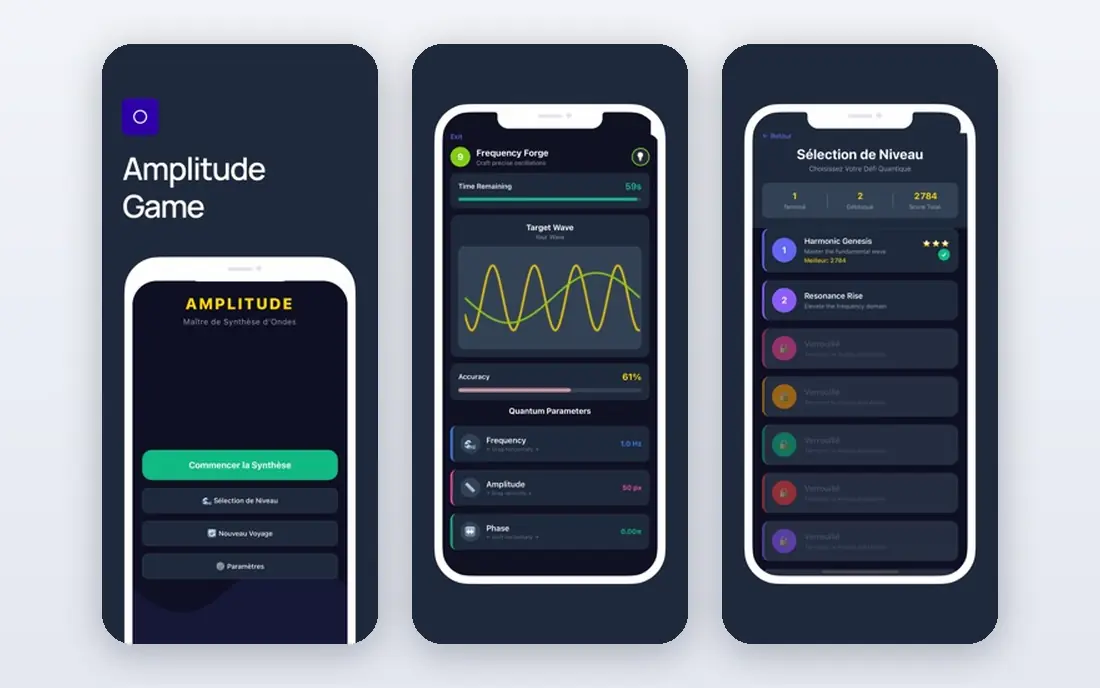
Amplitude is the best place to start if you do not yet know why users leave. Its retention charts show how many users return after day one, day seven and day thirty, and cohort views split those curves by signup source, device or first action. That helps a team find the action that predicts staying, such as completing onboarding, inviting a friend or finishing a first task, and then design the product around that action.
The catch is event design. Amplitude only answers the questions your events allow, so a messy or incomplete event plan gives messy answers. Start with a small set of core events, name them clearly, and review retention weekly with product and marketing together.
- Clear retention curves and cohort analysis
- Funnel and journey views
- Free tier for early teams
- Full power needs careful event design
- Advanced features sit on paid plans
- Learning curve for new analysts
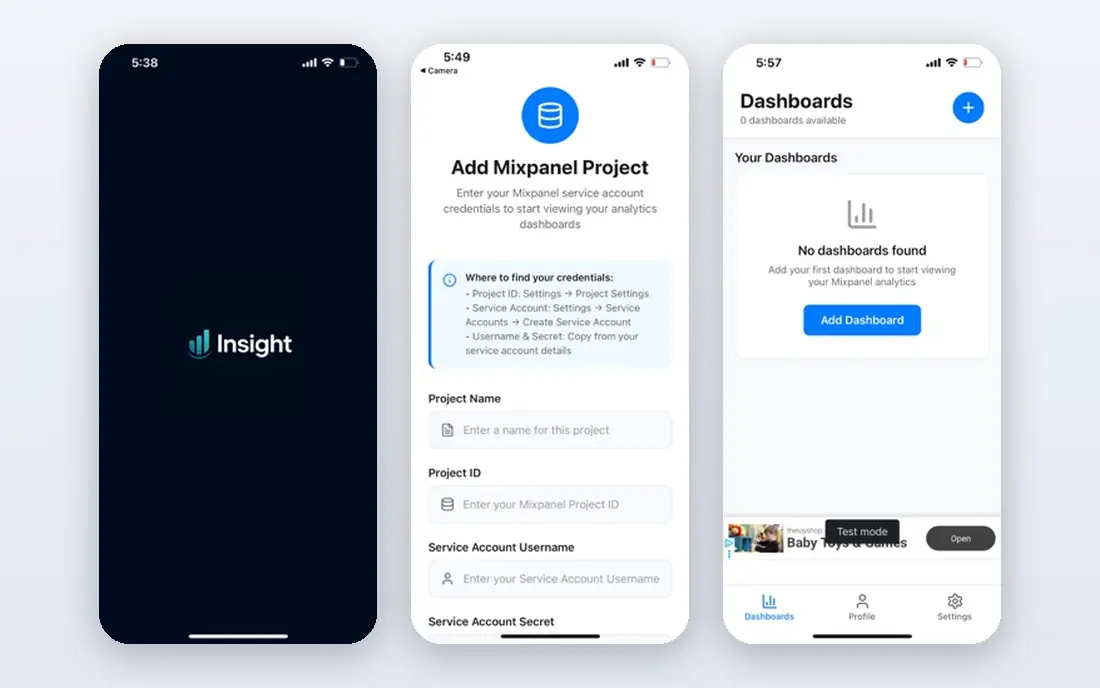
Mixpanel suits teams that think in events and funnels: a user signs up, completes a step, hits a paywall, returns next week. Its funnel views show where users drop off, its retention views show who comes back, and its profiles let you inspect a single user journey when a pattern looks odd. That combination makes it useful for both product fixes and campaign targeting.
The limit is cost at scale, because event volume drives pricing, so unused events should be removed. Mixpanel also offers messaging, but teams that need rich cross-channel journeys often pair it with a dedicated engagement tool.
- Strong funnel and retention analysis
- User profiles and cohorts
- Free tier for small volumes
- Pricing scales with event volume
- Messaging features are lighter than Braze
- Setup needs developer time
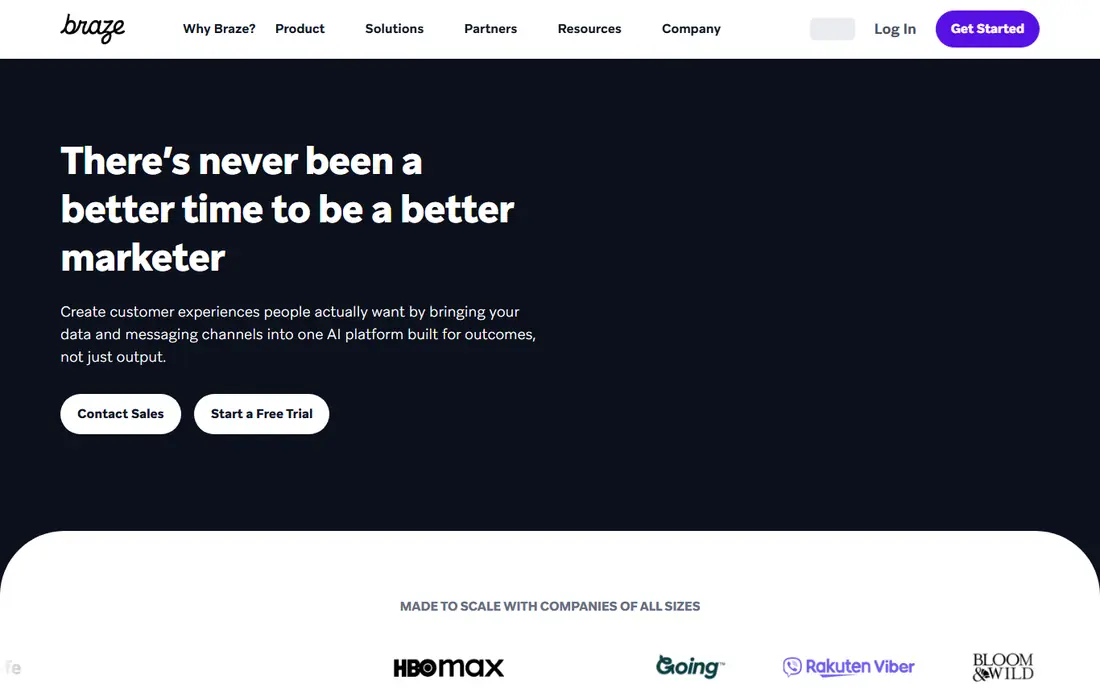
Braze is the choice for consumer brands with serious mobile audiences that need coordinated campaigns across push, in-app messages, email and SMS. Its journey builder lets a team send a welcome series, a win-back offer or a feature announcement based on behaviour, and its testing tools compare variants before a campaign goes wide. For a large app, that orchestration in one platform saves the work of stitching several vendors together.
The trade-off is scale and price. Braze does not publish pricing, and it is positioned for enterprise and mid-market teams, so a solo developer will find it heavy. Ask for a demo with your monthly active user count and message volume, and check what onboarding support is included.
- Rich push, in-app, email and SMS journeys
- Strong segmentation and testing
- Built for large consumer brands
- No public pricing
- Heavyweight for a very small team
- Implementation takes time and expertise
CleverTap is built around retention as a single problem, rather than analytics in one tool and messaging in another. It offers event analytics, cohorts and funnels alongside push, in-app and email journeys, so a team can find a drop-off segment and message that segment without exporting lists. That tight loop helps small and mid-size mobile teams move faster than a multi-tool stack.
The catch is pricing transparency: public pages focus on demos and trials, with a trial for apps up to a set monthly active user limit in some listings. Confirm the plan, user limit and message allowance for your volume before you commit.
- Combines analytics and messaging
- Retention-focused segments and journeys
- Mobile-first design
- Pricing is not fully public
- Trial limits apply
- Depth varies by plan
OneSignal is the easiest messaging start for a small app. You can add push notifications and in-app messages in days, segment by behaviour or device, and schedule or trigger sends based on events. The free tier covers small audiences, and paid growth pricing is published, which makes budgeting simpler than with enterprise-only vendors.
The limit is analysis. OneSignal shows delivery and engagement, but it will not replace a full retention analytics tool for cohort and funnel work. Pair it with Amplitude or Mixpanel for measurement, and use OneSignal for the messages that act on those findings.
- Free tier for small audiences
- Fast setup for push and in-app messages
- Segmentation and scheduled sends
- Analytics depth is lighter than Amplitude
- Paid costs rise with monthly active users
- Advanced journeys need higher tiers
Appcues suits teams that want to improve first-week retention without waiting for developer time. Product and growth teams can build tours, checklists, tooltips and announcements without code, target them to new users or a specific segment, and see which flows users complete. That speed matters when onboarding is the main drop-off point.
The trade-off is scope: Appcues focuses on in-app experience, not push or email journeys, so it pairs with a messaging tool rather than replacing one. Check mobile SDK coverage for your platforms, since Appcues started on web and mobile support differs by plan.
- No-code tours, checklists and tooltips
- Targeting by user segment
- Analytics on flow completion
- Mobile support varies by plan and SDK
- Pricing is not fully public
- Best for onboarding, not full lifecycle messaging
Userpilot is a close alternative to Appcues for teams that want no-code onboarding and feature adoption flows. It offers tours, guides, checklists, tooltips and in-app surveys, with targeting by segment and analytics on completion and adoption. That helps a team test whether a new onboarding flow actually lifts activation, rather than guessing from anecdotes.
As with Appcues, Userpilot is not a full messaging platform, so it works best alongside push or email. Confirm mobile app support and pricing for your monthly active user count, since published starting prices vary by listing. Use Userpilot when the retention problem is activation: users install, open once, and never reach the core value of the app.
- Guided tours, checklists and surveys without code
- Segmentation and analytics
- Focus on activation and adoption
- Pricing is not fully public
- Mobile coverage needs checking
- Advanced analytics are lighter than Amplitude
Pendo suits product teams that want analytics and in-app guidance together, especially for apps with a web companion or a business audience. Its analytics show feature use and retention patterns, while its guides let teams publish tours, announcements and walkthroughs without a release. The free tier gives small teams a way to start measuring before they pay.
The catch is that the most useful guide and feedback features sit on paid plans, and mobile coverage should be checked for your exact platforms. Pendo is also broader than a pure retention tool, so a team that only needs push messaging may find it more than necessary. Use Pendo when product adoption and feature guidance are the retention lever you want to pull.
- Product analytics plus in-app guides in one platform
- Free tier for small teams
- Feedback and roadmap tools on higher tiers
- Full guides and feedback features need paid plans
- Setup needs event planning
- Mobile depth varies by plan
MoEngage fits consumer brands running lifecycle programs across mobile and web, where timing and personalisation matter at scale. Its journeys cover push, in-app, email and SMS, with AI-assisted features for send time and content suggestions, and its segmentation is built around behaviour rather than only demographics. For a large app with many campaigns, that depth can lift open and return rates.
The trade-off is similar to Braze: pricing is by quote, and the platform is heavy for a very small team. Ask for a demo using your monthly active users, channels and data sources, and check what support and onboarding are included. If your team is small, prove the journey concept in OneSignal or CleverTap first, then move to MoEngage when volume and complexity grow.
- Cross-channel journeys with AI-assisted timing and content
- Strong mobile and web support
- Segmentation by behaviour
- No public pricing
- Enterprise positioning
- Implementation and data setup take time
Customer.io suits teams that want to build lifecycle journeys from real user behaviour, such as a welcome series after signup, a nudge after a week of inactivity, or a win-back flow after a cancelled subscription. Its workflow builder handles email, push and SMS in one place, and it connects to data warehouses and analytics tools for richer segments. That flexibility helps when a retention journey needs more than a single push.
The limit is that Customer.io is a messaging engine, not a full product analytics platform, so pair it with Amplitude or Mixpanel for retention measurement. Pricing depends on profiles and message volume, so model your list size and send frequency before you choose a tier. Use it when the retention gap is communication: users like the product, but they forget to return without a timely, relevant nudge.
- Flexible journey builder based on events and data
- Email, push and SMS in one workflow
- Good for lifecycle and transactional messages
- Pricing depends on profiles and messages
- Push setup needs care
- Analytics depth is lighter than a dedicated analytics tool
How we picked these
We compared vendor feature pages, pricing pages and public documentation for analytics, messaging and onboarding tools, and we kept only tools that are live and actively sold for mobile apps in October 2026. We favoured tools with a clear retention use: cohort and funnel analytics, triggered messaging, or in-app onboarding, over general marketing tools with no mobile retention focus. Where pricing was not published, we used See website and described the trial or demo route honestly, rather than repeating a third-party figure that may be out of date. We did not claim hands-on testing; our comparison is based on official features, pricing and public reviews.
How to turn these tools into a retention plan
Start with measurement, not messages. Install Amplitude or Mixpanel, define a small set of core events, and find your retention curve and the action that predicts a user returning. Then fix the biggest drop-off in the product itself, whether that is a confusing signup, a slow first task or a missing feature explanation. Only after that fix should you add messaging, because messages that bring users back to a broken first experience will not retain them.
Next, build three journeys and no more at first: a welcome flow that guides a new user to first value, a re-engagement flow for users who go quiet after a few days, and a win-back flow for users who have been gone for a month. Use Appcues or Userpilot for the in-app part, OneSignal or a lifecycle tool for the messages, and keep frequency low and timing respectful. Review retention weekly, test one change at a time, and stop any message with high opt-out or uninstall signals, even if its open rate looks good.
Frequently asked questions
What is the best mobile app retention strategy for a new app?
Focus on first value fast: a short onboarding flow, one clear core action in the first session, and a single welcome message the next day if the user does not return. Measure day one, day seven and day thirty retention in Amplitude or Mixpanel, find the action that predicts staying, and design onboarding around that action. Avoid adding many messages before the core product experience is solid.
How do I measure retention for my app?
Use cohort retention: group users by signup week, then track what share returns after one day, seven days and thirty days. Amplitude and Mixpanel both provide retention curves and cohort views, and you can split cohorts by source, device or first action. Compare cohorts over time to see whether a product or onboarding change actually lifted retention, rather than relying on total downloads.
Are push notifications enough to improve retention?
No, on their own they are not. Push can bring a user back, but if the app experience has not improved, the user will leave again and may turn notifications off. Pair push with onboarding fixes, relevant timing and a clear reason to return, such as a new feature, a saved item or a personal milestone. Keep frequency low and always offer an easy opt-out.
When should I choose Braze or MoEngage over OneSignal?
Choose an enterprise lifecycle tool when you run many cross-channel campaigns, need advanced segmentation and testing, and have the team to manage that complexity. OneSignal suits a small team that needs push and in-app messages live quickly at low cost. Move up when message volume, channel mix or journey complexity outgrows a simpler tool, not before.
How often should I message users to retain them without annoying them?
There is no single number, because it depends on your app type and user expectations. Start with one welcome message, one re-engagement message after a few days of inactivity, and occasional feature or milestone messages, then watch opt-out, uninstall and complaint signals. If opt-outs rise, reduce frequency and improve relevance before you add more campaigns.
Sources
See where you really rank - block by block
ProMapRanker scans Google Maps across a grid of your service area. Simple monthly plans from $19, white-label on every plan.
Start freeKeep reading
 zoro.to alternatives
Best Zoro.to Alternatives in 2026
We compare the best zoro.to alternatives in 2026, listing only legal licensed anime streaming services, from Crunchyroll to free options for fans today.
Read → zip alternatives
Best Zip Alternatives in 2026
We compare the best zip alternatives for buy now, pay later in 2026, covering pay-in-4 plans, fees, spending limits, and credit reporting options today.
Read → yesware alternatives
Best Yesware Alternatives in 2026
Compare the best yesware alternatives for sales email tracking, templates, and sequences, with current pricing and honest tradeoffs for small sales teams.
Read →