 ProMapRanker
Best Mobile Apps for Small HOAs in 2026

Key takeaways
- Small HOAs do best with simple, all-in-one tools priced by unit count, rather than enterprise systems built for management companies.
- Dues collection, accounting, owner portals, and communication are the core jobs, while voting and violations matter once the basics work.
- Payment processing fees sit on top of subscription prices, so confirm ACH and card fees before comparing monthly costs.
- A resident app only helps if owners actually use it, so choose a tool with a clear portal, simple payments, and plain board reports.
Quick comparison
| Pick | Great for | Pricing starts at | Free tier | |
|---|---|---|---|---|
 PayHOA | Small self-managed HOAs | $49 per month | No | Visit |
 RunHOA | Flat-fee budgeting | $399 per year | No | Visit |
 HOA Start | Small self-managed HOAs | See website | No | Visit |
 Buildium | Small HOAs with rentals nearby | $62 per month | No | Visit |
 TownSq | Resident communication first | See website | No | Visit |
 EasyHOA | Simple all-in-one pricing | See website | No | Visit |
 Condo Control | Amenity and building tools | See website | No | Visit |
 HOA Central | Free starting point | Free | Yes | Visit |
 ManageCasa | Small managers and boards | See website | No | Visit |
The best mobile apps for small HOAs
We compared official pricing pages, feature lists, and public HOA software comparisons, and kept tools that suit small associations, not only large management portfolios. Each pick below offers a resident or owner portal and a mobile workflow for boards.
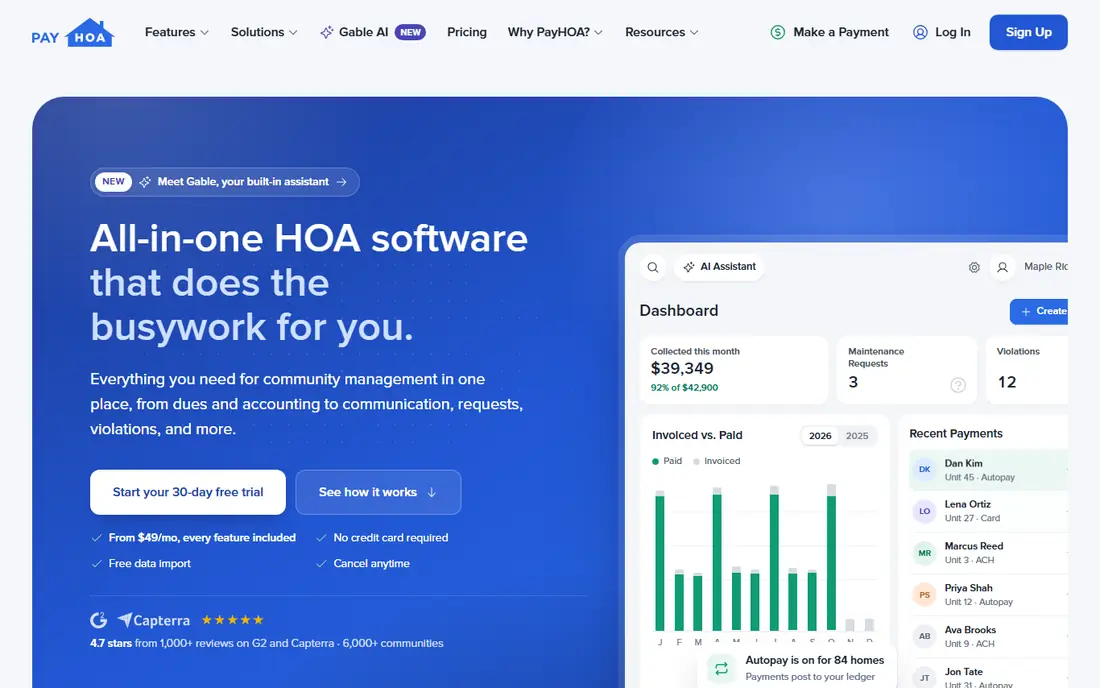
PayHOA is the most practical pick for a small self-managed board, because every feature is included at every tier and pricing scales by unit count rather than by feature. Dues, accounting, owner portals, communication, requests, and violations sit in one system, which suits volunteer boards without a bookkeeper. Onboarding help and data import also ease the move from spreadsheets or email.
The drawbacks are cost structure and payment fees. There is no permanent free plan, only a trial, and online payment fees sit on top of the subscription, so the board should decide who pays those fees. For a small HOA that wants one system without feature tiers, PayHOA still offers the clearest value.
- All features at every tier
- Dues and accounting in one place
- Free onboarding help
- No free plan
- Payment processing fees are extra
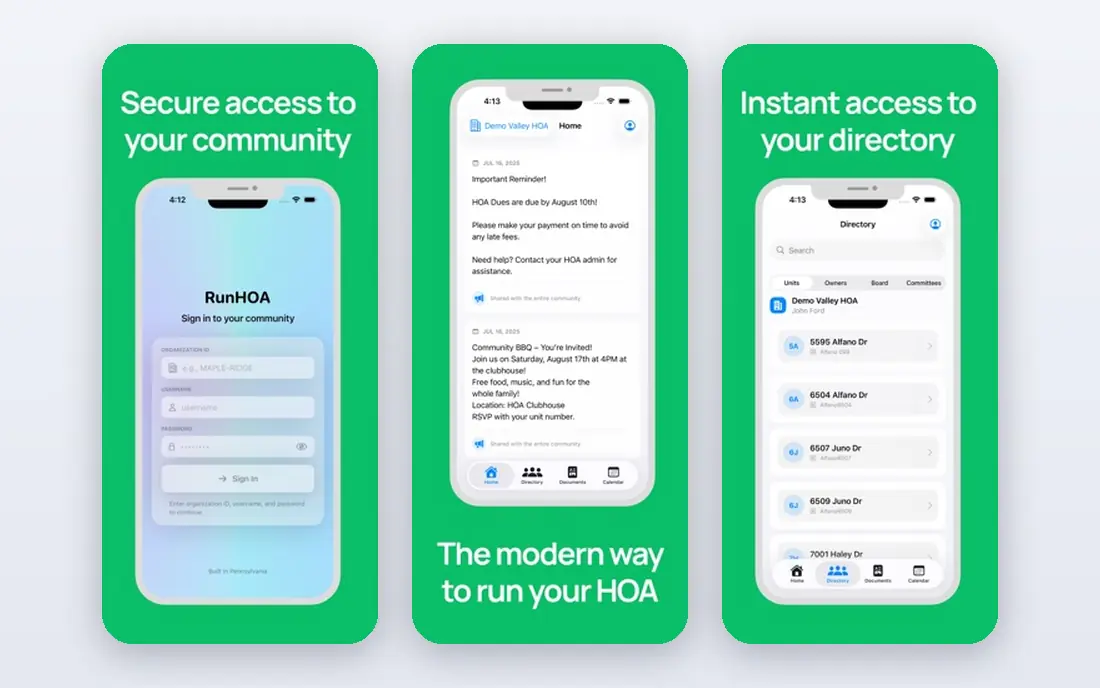
RunHOA suits boards that want predictable budgeting, since it charges a flat annual price regardless of unit count. That model can be cheaper than per-unit pricing for a larger small HOA, and it covers dues, accounting, communications, document storage, and a community website. For a board that dislikes tiered pricing, the flat fee is easy to explain at an annual meeting.
RunHOA looks less modern than PayHOA or TownSq, and setup still needs board time to enter units, owners, and balances. It is a value pick for cost control, not a design-led resident app, so boards should weigh price against the portal experience for owners.
- Flat annual price regardless of unit count
- Dues and accounting tools
- Website builder
- Interface is less modern than rivals
- Setup needs board time
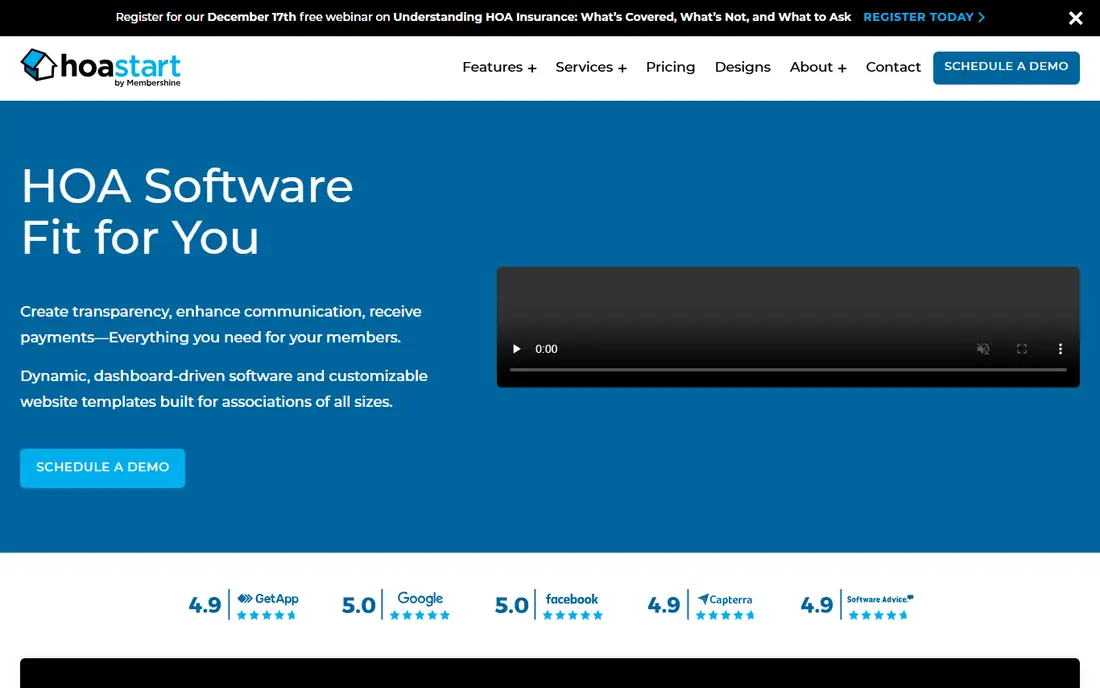
HOA Start is built for small self-managed communities, with a website, dues collection, and basic management tools in a simple package. That focus helps a volunteer board that does not need enterprise accounting or a large management workflow. Setup is simpler than a full property system, which matters when the board changes each year.
The trade-off is depth. Larger platforms offer stronger accounting, violation workflows, and integrations, so a growing HOA may outgrow HOA Start. Confirm current pricing on the official site, since published figures have varied, and test the owner portal before committing.
- Built for small self-managed HOAs
- Website plus dues tools
- Simple setup
- Feature depth is less than larger platforms
- Pricing needs a check on the site
Buildium suits small HOAs that also deal with rental units or mixed properties, since it handles association and landlord workflows in one system. Accounting, maintenance tasks, violations, and portals are included from the entry plan, which gives a small board a full back office without a separate rental tool. That breadth is useful when a community has both owners and tenants.
Pricing rises with higher tiers, and support levels vary by plan, so a small board should check what the entry plan actually includes. Buildium is a strong pick for accounting depth, but a purely self-managed HOA with no rentals may get simpler value from PayHOA or RunHOA.
- Strong accounting
- Owner and resident portals
- Maintenance and violation tools
- Higher tiers add cost
- Support level varies by plan
TownSq puts the resident experience first, with a mobile app for payments, service requests, amenity bookings, polls, and community messages. That focus helps boards that struggle with communication, since owners can pay, report an issue, and book a shared space from one app. Architectural requests and document access also sit in the same system.
TownSq pricing is tiered and, for some plans, quoted, so a very small HOA should confirm the monthly cost for its unit count before signing. It is best for communities that value resident engagement and have the budget for a polished app, rather than the cheapest possible dues tool.
- Strong resident app
- Payments and requests
- Amenity bookings and polls
- Pricing is quoted or tiered
- Less suited to tiny HOAs on a tight budget
EasyHOA offers a simple all-in-one approach for small associations, with dues, accounting, communication, and a community phone and messaging system in one place. The phone feature is a clear point of difference, since a small HOA can receive calls and texts on a shared number without using a board member's personal phone. That detail matters for volunteer boards.
EasyHOA has a smaller public footprint than PayHOA or Buildium, so boards should request a demo and check current pricing and support terms. For a board that wants simple plans and a shared contact channel, EasyHOA is worth a close look.
- All-in-one dues, accounting, and communication
- Phone and messaging tools
- Simple plans
- Smaller vendor footprint
- Feature depth varies by plan
Condo Control suits small condo and townhouse associations where amenities, packages, visitors, and building access matter as much as dues. Its resident portal, amenity bookings, and building tools cover daily life in a shared building, not just accounting. That building focus sets it apart from dues-first tools.
Pricing is quoted, which makes comparison harder, and the full toolset may be more than a tiny HOA with no amenities needs. Condo Control fits best when the building itself, with shared spaces and deliveries, is a daily management job.
- Amenity bookings and access tools
- Resident portal
- Package and visitor features
- Pricing is quoted
- May be more than a tiny HOA needs
HOA Central gives a tiny HOA a free starting point, with basic community tools that can replace scattered emails and spreadsheets. That free tier suits a very small association testing whether owners will use a portal at all, before committing to a paid system. It also helps boards with almost no budget to organise documents and messages in one place.
The free tier does not match the accounting depth of PayHOA or Buildium, and paid features are quoted rather than published in full. HOA Central is best as a low-risk first step, with a move to a fuller platform once dues, accounting, and violations need stronger controls.
- Free plan available
- Basic community tools
- Simple starting point for tiny HOAs
- Paid features are quoted
- Depth is less than full accounting platforms
ManageCasa covers HOA workflows such as architectural review, violations, payments, and resident communication, alongside rental management for mixed portfolios. That combination suits a small manager or board that handles both owners and tenants, with a shared history for requests and decisions. The resident portal keeps owners in the loop without a separate tool.
Pricing is quoted, so a small board should request a clear monthly figure for its unit count. Setup also needs care, since violation and architectural workflows work best when rules and steps are defined in advance. ManageCasa fits boards ready to standardise those workflows, not boards seeking only a dues collector.
- HOA and rental workflows
- Architectural and violation tracking
- Resident portal
- Pricing is quoted
- Setup needs care for small boards
How we picked these
We compared official pricing pages, feature lists, and public HOA software comparisons, and we kept tools that offer an owner or resident portal and cover dues, accounting, or communication for small associations. We left out enterprise-only platforms, pure accounting software with no HOA portal, and tools that only manage rentals. Prices are shown as See website where plans are quoted or vary by unit count.
Choosing for a small board
Start with unit count and who does the work. A self-managed board of volunteers needs simple dues, clear reports, and free onboarding, while a small manager needs stronger accounting and violation workflows. Count the owners who will actually pay online, since a portal only saves time if most owners use it.
Costs, payments, and records
Confirm the subscription price for your exact unit count, plus ACH and card processing fees, and decide whether owners or the HOA absorb those fees. Check also how the tool handles late fees, budgets, reserves, and year-end reports, since a dues tool that cannot produce a clean board report will create extra work. Export options matter too, so the HOA can keep its records if it ever changes systems.
Frequently asked questions
What is the best app for a small HOA?
PayHOA is a strong general pick for small self-managed HOAs, while RunHOA suits boards that want a flat annual price. The best choice depends on unit count, budget, and whether the board needs strong accounting or mainly dues and communication.
How much does HOA software cost for a small community?
Entry prices vary by unit count, with small HOA tools often starting around $49 per month and flat-fee tools charging a few hundred dollars per year. Add payment processing fees on top, and confirm the price for your exact unit count on the vendor's site.
Do HOA apps handle dues payments?
Yes, most tools here collect dues online, support autopay, track late fees, and record payments in accounting. Check whether ACH and card fees are paid by owners or the HOA, and whether checks can still be recorded for owners who do not pay online.
Can a small HOA use a free HOA app?
HOA Central offers a free starting point, but free tiers usually cover basic community tools rather than full accounting. A free tool can work for a tiny HOA, while a growing HOA often needs a paid plan for dues, reports, and violations.
What features matter most for a small HOA?
Dues collection, accounting, owner portals, communication, and document storage matter most, followed by voting, violations, and amenity bookings. Start with those core jobs, and add advanced features only when the board actually uses them.
Should a small HOA switch from spreadsheets?
A spreadsheet can work for a handful of homes, but it becomes risky as dues, late fees, and records grow. A dedicated HOA tool gives audit trails, owner portals, and clear reports, which help when board members change.
Sources
See where you really rank - block by block
ProMapRanker scans Google Maps across a grid of your service area. Simple monthly plans from $19, white-label on every plan.
Start freeKeep reading
 worlds best local seo company
8 Worlds Best Local SEO Companies for Map Pack Growth in 2026
Compare the worlds best local seo company options for Google Business Profile work, citations, reviews, and multi-location rankings and reporting in 2026.
Read → world's best web hosting company
World's Best Web Hosting Company in 2026
Searching for the world's best web hosting company? We compared 10 hosts on price, renewal rates, speed, and support to help you choose well today in 2026.
Read → who's got the best nanny tax services
Who's Got the Best Nanny Tax Services in 2026
We answer who's got the best nanny tax services, comparing full filing, back taxes, software, and pricing so families can handle nanny taxes correctly.
Read →