 ProMapRanker
Best Mobile App Development Framework in 2026

Key takeaways
- Flutter and React Native are the leading cross-platform choices, with Flutter favoring custom UI and React Native favoring web teams.
- SwiftUI and Jetpack Compose are the best native choices for Apple and Android apps that need deep platform integration.
- Kotlin Multiplatform suits teams that want shared logic with native user interfaces on each platform.
- Every framework in this list is free and open source, but App Store and Play Store fees still apply.
- The team's existing language skills matter more than small performance differences for most first apps.
Quick comparison
| Pick | Great for | Pricing starts at | Free tier | |
|---|---|---|---|---|
 Flutter | Polished cross-platform UI | Free | Yes | Visit |
 React Native | Cross-platform apps for React teams | Free | Yes | Visit |
 SwiftUI | Native Apple apps | Free | Yes | Visit |
 Kotlin Multiplatform | Shared logic with native UI | Free | Yes | Visit |
 .NET MAUI | C# teams going cross-platform | Free | Yes | Visit |
 Ionic | Web teams building mobile apps | Free | Yes | Visit |
 NativeScript | Native apps with JavaScript | Free | Yes | Visit |
 Jetpack Compose | Native Android UI | Free | Yes | Visit |
The best mobile app development framework
We compared official documentation, pricing pages, and current 2026 framework roundups, and we kept only frameworks that are live, actively maintained, and used for real production apps in October 2026. Frameworks themselves are free in this list, but distribution is not free. Apple Developer Program membership costs $99 per year, and a Google Play developer account costs a one-time $25 fee, so budget for those costs separately.
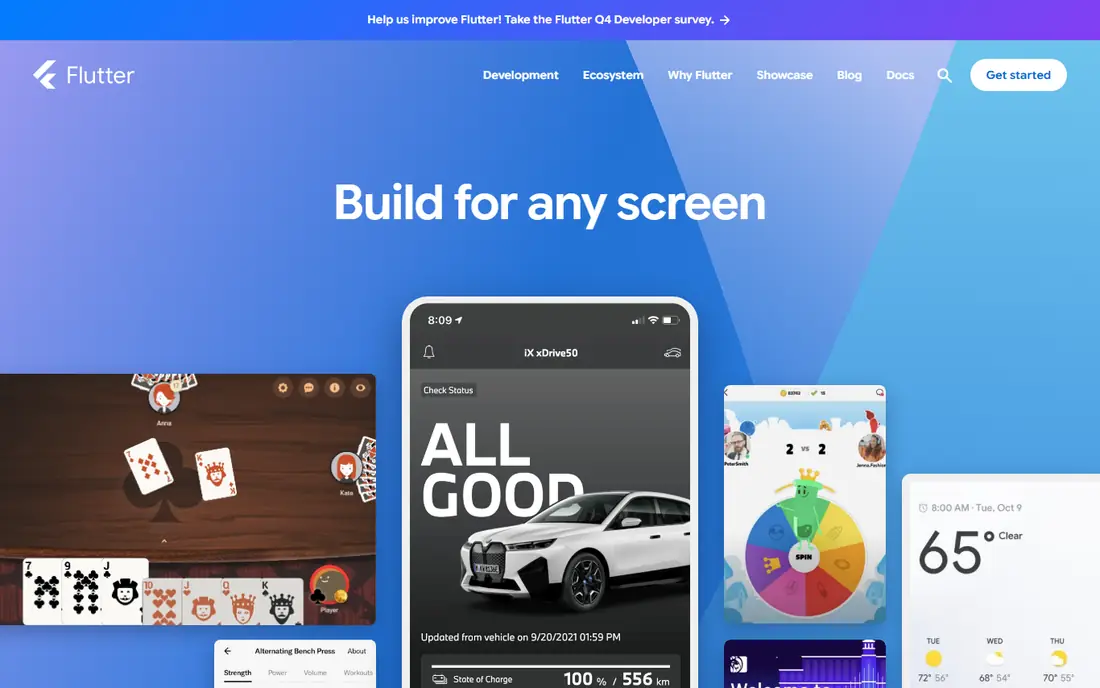
Flutter fits teams that want one codebase and a highly custom look on both stores. It renders its own widgets rather than wrapping native controls, so an app looks the same on iOS and Android, and complex animations are easier to build consistently. Hot reload lets developers see UI changes quickly without losing app state.
The trade-off is hiring and platform feel. Dart is a smaller language community than JavaScript or Swift, so finding experienced Flutter developers can take longer. Some users may also notice that Flutter apps do not always follow every platform convention, which matters more for apps that rely heavily on native patterns.
- One Dart codebase for iOS, Android, web, and desktop
- Consistent custom UI
- Fast hot reload
- Dart talent pool is smaller than JavaScript
- App sizes can be larger than native apps
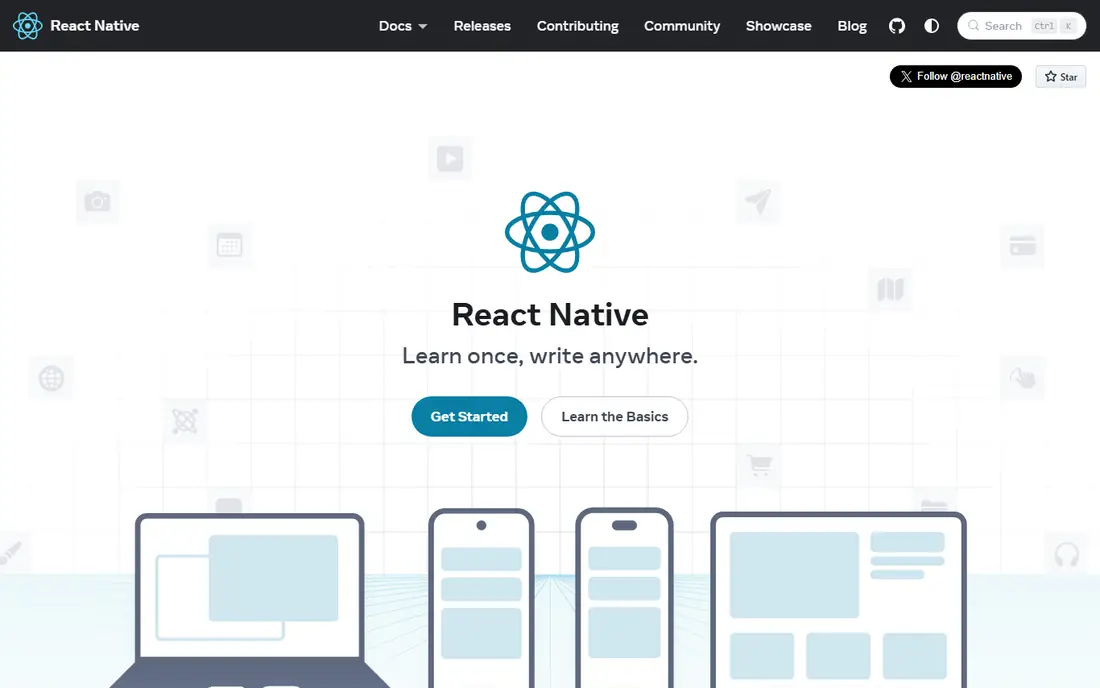
React Native is the natural pick for teams that already build with React on the web. You write in JavaScript or TypeScript, share logic and often UI code across iOS and Android, and render real native views rather than a web view. The npm ecosystem gives you a library for most common integrations, from maps to payments.
The catch is the native edge. Some features still need native modules, and debugging a crash that spans JavaScript and native code takes skill. Expo, a framework built on React Native, removes much of that pain for new apps, and it is now the recommended starting point in React Native documentation for many teams.
- One JavaScript or TypeScript codebase
- Huge npm ecosystem
- Renders real native views
- Native modules needed for some features
- Performance tuning takes care on complex screens
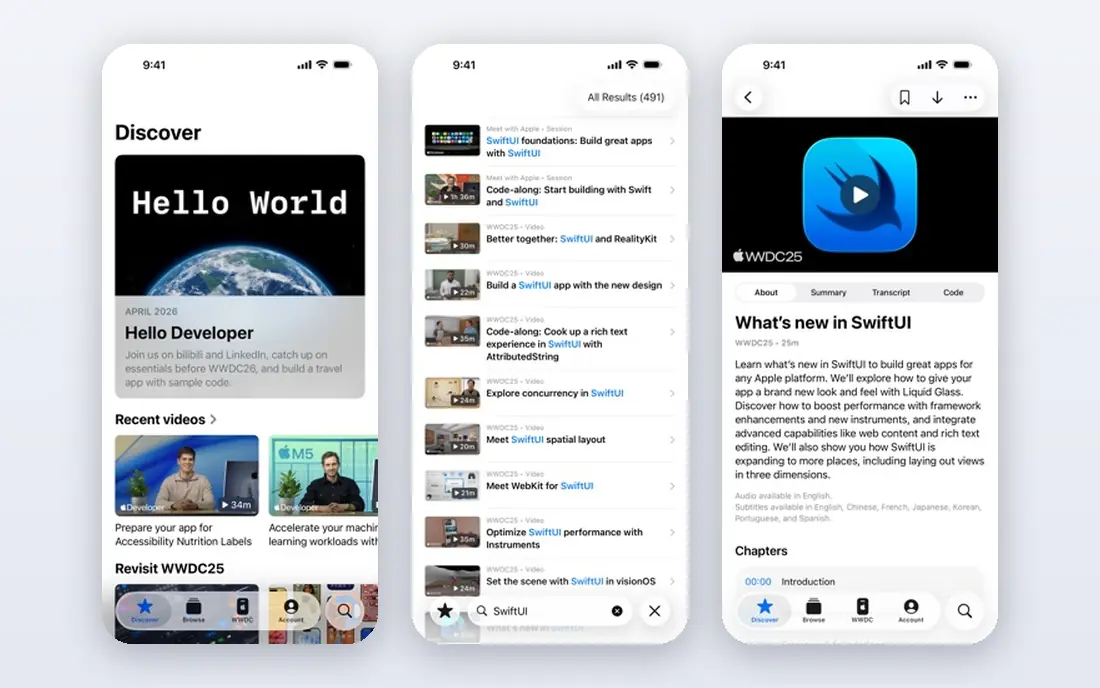
SwiftUI is the best choice when an app will live only in the Apple ecosystem. It lets developers build interfaces with less code than older Apple UI frameworks, and it integrates deeply with iOS, macOS, watchOS, and tvOS features. Xcode previews and simulators make it fast to iterate on Apple devices.
The limit is scope. SwiftUI does not build Android apps, so a team that later needs Android will need a second codebase or a cross-platform rewrite. It also requires a Mac for development and App Store submission, which is a hardware cost to factor in from the start.
- Native Apple UI with less code
- Deep integration with iOS, macOS, and watchOS
- Xcode previews
- Apple platforms only
- Needs a Mac and Xcode
- Older iOS versions limit some features
Kotlin Multiplatform suits teams that want to share logic, such as networking, data handling, and business rules, while keeping a native interface on each platform. That approach avoids the uncanny feel of a cross-platform UI, and it fits Android teams especially well, since Kotlin is Android's preferred language.
The trade-off is that UI sharing is not the main goal. Teams still build separate iOS and Android interfaces, so the savings come from logic, not from screens. That makes Kotlin Multiplatform a better fit for teams with existing native developers than for a solo founder who wants one codebase for everything.
- Shared business logic across platforms
- Native UI on each platform
- Strong Android fit
- Sharing UI code is more limited
- Setup takes more planning than a single-codebase framework
.NET MAUI is the current Microsoft framework for building apps for Android, iOS, Windows, and macOS from one C# codebase. It suits enterprise teams that already use .NET, Azure, and Visual Studio, since they can reuse skills, libraries, and backend code. A single project structure keeps shared code and platform code in one place.
The mobile community is smaller than Flutter or React Native, so finding mobile-specific libraries and answers can take longer. For a C# team, that cost is often worth it. For a team with no C# background, learning the whole .NET stack just for a mobile app is a harder sell.
- One C# codebase for mobile and desktop
- Strong Microsoft and Azure fit
- Single project structure
- Smaller mobile community than Flutter or React Native
- Some controls feel less native on mobile
Ionic fits web teams that need a mobile app fast. Developers build with HTML, CSS, and JavaScript, using a component library that adapts to iOS and Android styles, and package the result as a mobile app with Capacitor. That path reuses web skills and often reuses web code as well.
Performance is the honest limit. Because Ionic apps run in a web view, heavy animations and complex gestures can feel less smooth than native apps. For content apps, forms, dashboards, and internal tools, that rarely matters. For games or animation-heavy consumer apps, a native or Flutter approach will feel better.
- Uses HTML, CSS, and JavaScript
- Fast for web teams
- Large component library
- Web view performance can lag on heavy animations
- Native feel needs extra work
NativeScript gives JavaScript and TypeScript developers direct access to native APIs without a web view. You write in a familiar language, but the app renders native controls, so it feels closer to a native app than a hybrid web app. Support for Angular and Vue gives web teams more than one way in.
The community is smaller than React Native, which means fewer plugins, fewer tutorials, and slower answers for edge cases. For a team that already uses Angular or Vue and wants native UI without learning a new language, NativeScript is still a strong, practical choice.
- Direct native API access from JavaScript or TypeScript
- Real native UI
- Angular and Vue support
- Smaller community than React Native
- Plugin coverage varies
Jetpack Compose is Google's modern toolkit for building native Android interfaces. It uses Kotlin, reduces boilerplate compared with older Android UI code, and integrates deeply with Android features such as Material Design, navigation, and state handling. For an Android-only app, it is now the default recommendation in Android documentation.
The limit is the same as SwiftUI, in reverse. Jetpack Compose does not build iOS apps, so a team that needs both stores will need another approach for iOS. Pair it with Kotlin Multiplatform for shared logic, or accept two native codebases if Android is the clear priority.
- Modern native Android UI with less code
- Deep Android integration
- Google-supported
- Android only
- Needs Kotlin skills
- Older Android versions limit some features
How we picked these
We compared official documentation, release activity, and current 2026 roundups, and we kept only frameworks that are live, maintained, and used in production apps. We favored a mix of cross-platform, native, and web-based approaches, so readers can match a framework to their team's skills rather than chasing a single winner. We did not build a production app in each framework for this article, and we treated vendor performance claims with caution.
How to choose a framework for your first app
Start with your team, not with a feature list. If your team knows React, React Native will ship faster than Flutter, even if Flutter wins on custom UI. If your team knows C#, .NET MAUI will ship faster than learning Dart. A framework your team already understands beats a theoretically better framework they must learn under deadline pressure.
Next, decide how many platforms you truly need at launch. If you need iOS and Android on day one, a cross-platform framework saves the cost of building twice. If you need only iOS or only Android at launch, a native framework gives you deeper platform integration and a simpler hiring story for that platform.
Test the hard parts early
Build a small prototype of your hardest screen before you commit. If your app needs complex animations, test them in Flutter and React Native side by side. If it needs heavy native features such as Bluetooth, background work, or platform-specific media, test native module support early. A week of prototyping can save months of rework.
Budget beyond the framework
Frameworks are free, but apps are not. Budget for Apple Developer Program membership at $99 per year, Google Play at $25 one time, backend hosting, design, testing devices, and ongoing maintenance. Cross-platform frameworks save on initial build cost, but they do not remove maintenance, store review, or backend costs.
Frequently asked questions
What is the best mobile app development framework for beginners?
React Native with Expo is often the easiest start for beginners who know some JavaScript, because setup is fast and the community is large. Flutter is also beginner friendly if you are willing to learn Dart, and its documentation and hot reload help new developers iterate quickly. Pick the one whose language you already know, if you know one.
Is Flutter better than React Native?
Neither is better for every app. Flutter gives more consistent custom UI and animation control from one codebase, while React Native gives easier hiring, a larger JavaScript ecosystem, and native views that follow platform conventions more closely. Choose based on your team's skills and your app's UI needs, not on popularity alone.
What is the best framework for mobile app development in 2026?
For most cross-platform apps, Flutter and React Native lead the field in 2026. For Apple-only apps, SwiftUI leads, and for Android-only apps, Jetpack Compose leads. Kotlin Multiplatform leads for teams that want shared logic with native UI. The best framework is the one that fits your platforms, team, and timeline.
Are mobile app frameworks free?
The frameworks in this list are free and open source, but distribution and services are not free. Apple charges $99 per year for Developer Program membership, and Google Play charges a one-time $25 fee. Backend services, paid libraries, and cloud builds can add costs, so check pricing for any service you add.
Do I need to learn Swift or Kotlin to build a mobile app?
Not if you choose a cross-platform framework. Flutter uses Dart, React Native uses JavaScript or TypeScript, and Ionic uses web languages. You need Swift for native iOS work with SwiftUI, and Kotlin for native Android work with Jetpack Compose or Kotlin Multiplatform, but cross-platform routes avoid both.
Can one framework build for iOS, Android, and web?
Yes, Flutter, React Native with web support, and Ionic can target iOS, Android, and web from shared code, though web support varies in maturity. Flutter web support is stable for many apps, while React Native web needs extra setup. Test your web target early if web is a launch requirement, not an afterthought.
Sources
See where you really rank - block by block
ProMapRanker scans Google Maps across a grid of your service area. Simple monthly plans from $19, white-label on every plan.
Start freeKeep reading
 zscaler alternatives
Best Zscaler Alternatives in 2026
Looking for zscaler alternatives? We compare 9 SASE and zero trust platforms on architecture, data protection, pricing, and fit for your network and team.
Read → zapier alternatives free
Best Zapier Alternatives Free in 2026
Nine automation tools for zapier alternatives free in 2026, all with genuinely free tiers, plus free plan limits, starting prices and upgrade paths explained.
Read → which platform is best for online reputation
Which Platform Is Best for Online Reputation in 2026
Wondering which platform is best for online reputation? We compare 8 review, listing, and response tools for small and multi-location businesses and agencies.
Read →