 ProMapRanker
Best Mobile App Builder in 2026

Key takeaways
- FlutterFlow and Adalo are the strongest picks for true native iOS and Android apps built without code.
- Glide is fastest for simple apps from spreadsheets, but it builds web apps rather than native store apps.
- Bubble is best for complex web apps, while AppSheet suits internal tools inside Google Workspace.
- Publishing to app stores adds cost and steps, so check publishing tiers before you build.
- Most builders offer a free plan for learning, but a paid plan is usually needed to publish or remove branding.
Quick comparison
| Pick | Great for | Pricing starts at | Free tier | |
|---|---|---|---|---|
 FlutterFlow | Native apps with code export | See website | Yes | Visit |
 Adalo | Simple native apps for beginners | $36 per month | Yes | Visit |
 Glide | Fast apps from spreadsheets | $25 per month | Yes | Visit |
 Thunkable | Beginners and educators | See website | Yes | Visit |
 Bubble | Complex web apps and workflows | $29 per month | Yes | Visit |
 AppSheet | Internal apps in Google Workspace | See website | Yes | Visit |
 BuildFire | Business apps with managed help | See website | No | Visit |
 Appy Pie | Template apps by industry | See website | No | Visit |
 GoodBarber | Content and shopping apps | See website | No | Visit |
 Draftbit | Design-led native apps | See website | Yes | Visit |
The best mobile app builders
Mobile app builders differ in one key way: some publish true native apps to the App Store and Google Play, while others build web apps that run in a browser. That difference matters more than any feature list. We compared official pricing pages, feature pages, and publishing docs for builders live in October 2026.
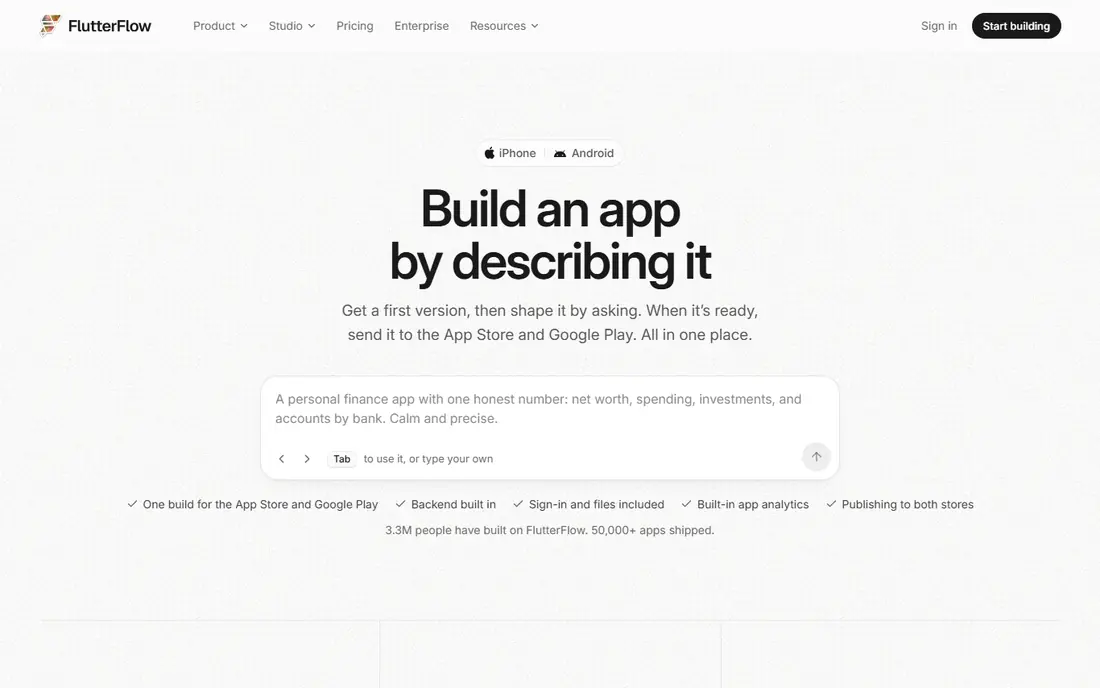
FlutterFlow is a visual builder that outputs Flutter code, so apps run natively on iOS, Android, and the web from one project. You can design screens, add logic, connect Firebase for auth and data, and export the code if you later hire developers. That code export is rare among no-code builders and reduces lock-in.
The trade-off is complexity. FlutterFlow assumes some comfort with app concepts such as data models and APIs, and beginners may need tutorials before building confidently. Paid plans are per seat on higher tiers, so team costs add up. For serious apps that may grow beyond no-code, FlutterFlow is our pick.
- True Flutter native apps
- Full code export
- Visual builder with Firebase support
- Learning curve is steeper than simpler builders
- Publishing tiers cost more
- Needs external backend setup for some features
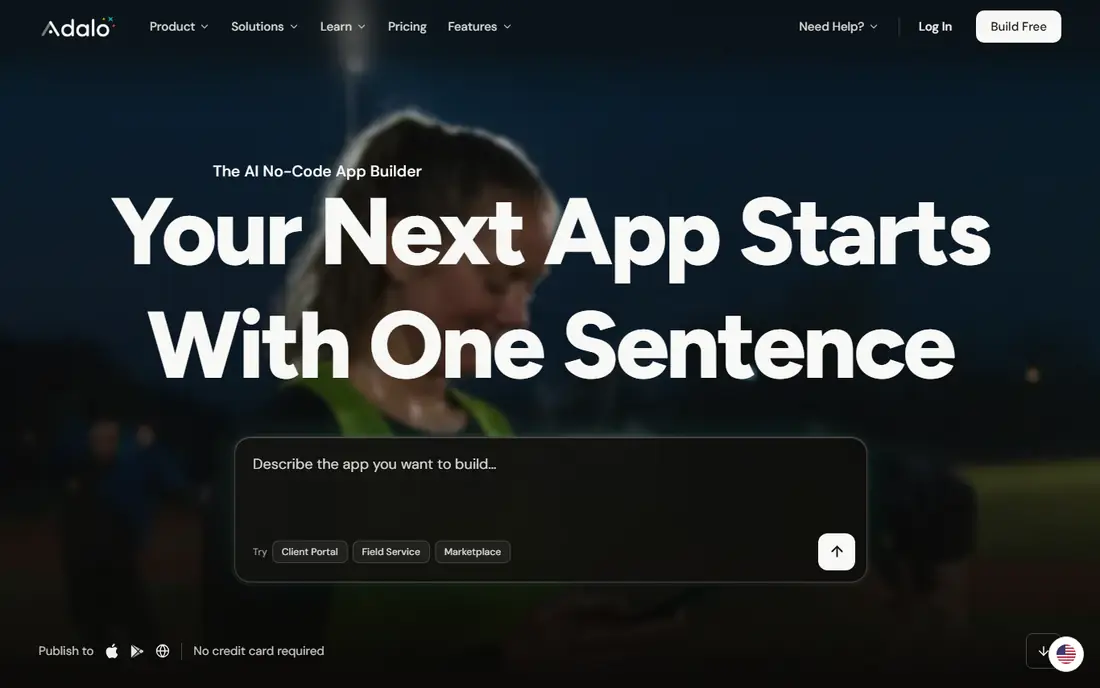
Adalo builds native apps with a drag-and-drop editor, a built-in database, and actions for navigation, forms, and payments. It suits founders and small teams who want a real store app without learning Flutter or hiring developers. The free plan lets you learn the editor and test an app before paying.
Adalo is less suited to very large or data-heavy apps, where performance and database limits can show. Code export is limited, so moving away later takes rebuild work. For a first native app, especially a simple marketplace, directory, or booking app, Adalo is the easiest strong choice.
- Native iOS and Android publishing
- Built-in database
- Simpler than FlutterFlow
- No code export on standard plans
- Performance limits for large apps
- Publishing needs a paid plan
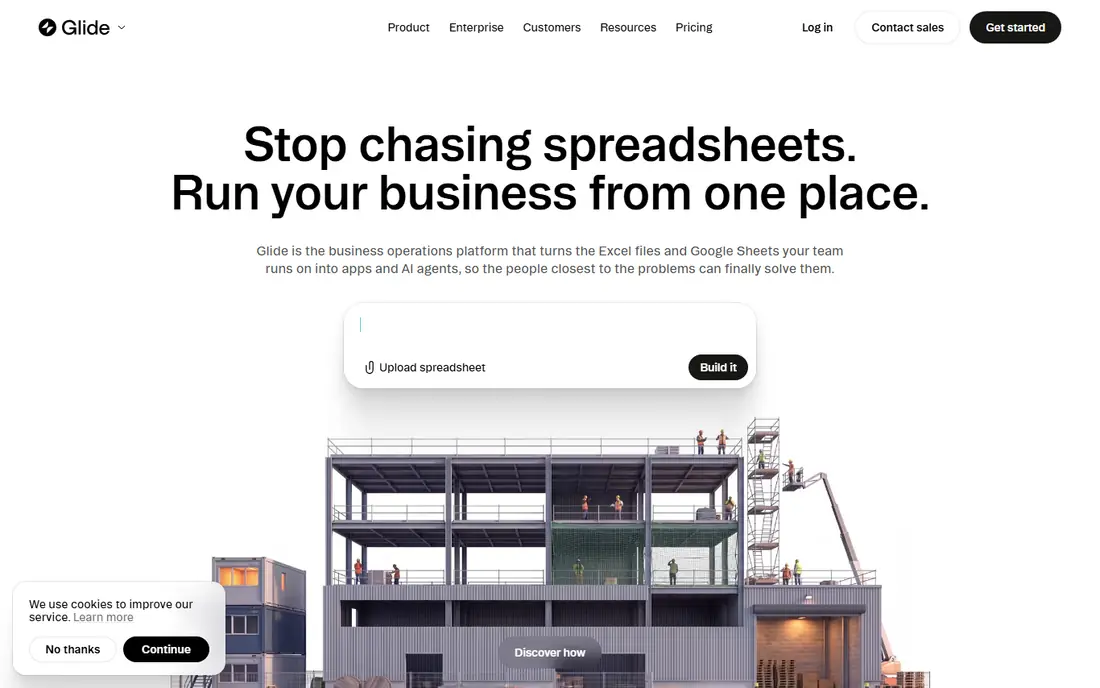
Glide turns a spreadsheet into a working app in hours, which makes it ideal for internal tools, directories, booking lists, and simple customer portals. The editor is friendly, and spreadsheet teams can update app content by editing rows. AI columns can add summaries and categorisation to data.
Glide does not publish native apps to app stores. Users open a web app link or install it as a progressive web app, which is fine for staff or a small audience but not for a store launch. If you need a store app, pick Adalo or FlutterFlow instead. If you need a fast internal tool, Glide is hard to beat.
- Builds from Google Sheets or Excel fast
- Simple editor
- Good for internal tools
- Web apps only, not native store apps
- Row and update limits
- Limited custom design
Thunkable uses block-based logic, similar to visual coding tools used in schools, and it publishes native iOS and Android apps. That makes it popular with educators, students, and first-time builders who want to learn app logic while building something real. A built-in database and API blocks cover common app needs.
Pricing for publishing is the catch, since store publishing sits on higher tiers than the free learning plan. Design control is also more basic than FlutterFlow or Draftbit. Thunkable fits learning, prototypes, and simple published apps, rather than polished commercial apps with heavy design needs.
- Block-based building
- Native iOS and Android apps
- Good for teaching app concepts
- Publishing tiers are costly
- Advanced features need higher plans
- Design options are basic
Bubble is the most capable no-code builder for complex web apps, with workflows, a built-in database, user accounts, payments, and a large plugin library. Founders use it for marketplaces, SaaS tools, dashboards, and internal platforms that would otherwise need a development team.
Bubble is not a mobile-first builder. Apps run as web apps, and reaching app stores needs a wrapper service, which adds cost and complexity and does not give true native performance. If your product is mainly web, Bubble is a strong pick. If a store app is the goal, start with a native builder instead.
- Deep workflows and database logic
- Large plugin library
- Strong for web SaaS products
- Web-first, not native mobile
- Needs a wrapper for app stores
- Workload pricing can climb
AppSheet, from Google, builds apps from spreadsheet and database sources, with forms, maps, barcode scanning, and automation for field work. It suits teams already using Google Workspace who need inspection apps, inventory tools, or approval workflows without writing code.
AppSheet apps are functional rather than beautiful, and they are built for internal or business users rather than consumer app store launches. Pricing depends on the Google plan and user count, so check the current AppSheet pricing page for your team size. For internal tools in a Google shop, it is a natural fit.
- Builds from Sheets and Drive data
- Strong for field and office workflows
- Google integration
- App design is functional rather than polished
- Pricing is tied to Google plans
- Not for consumer store apps
BuildFire targets businesses that want an app without building it alone. Templates cover restaurants, fitness, retail, churches, and other common business types, with plugins for loyalty, ordering, and bookings. BuildFire also offers managed services for teams that want help with design and launch.
The lack of a free plan and quote-based pricing for some tiers makes it harder to test cheaply than Adalo or Glide. BuildFire suits a business with a budget that values support over full creative control. Solo founders on a tight budget will find cheaper builders elsewhere on this list.
- Business app templates
- Managed build services
- Plugins for common business features
- No free plan
- Pricing is quote-based for many needs
- Less control than FlutterFlow
Appy Pie offers a large template library by industry, from restaurants and gyms to real estate and churches, with a guided setup that gets a basic app running fast. It publishes to iOS and Android, and it includes features such as push notifications, bookings, and store options depending on the plan.
Template apps can look similar to each other, and deep custom logic is limited compared with FlutterFlow or Bubble. Pricing is per app per month, so several apps cost more than on a flat-rate builder. Appy Pie fits a small business that wants a standard app quickly, without custom design work.
- Many industry templates
- Builds for iOS, Android, and web
- Simple setup flow
- Template feel can show
- No code export
- Per-app pricing adds up
GoodBarber builds native apps for content publishers and shops, with hosting, push notifications, payments, and updates included in the subscription. Content apps handle articles, video, and podcasts well, while shop apps cover products, orders, and payments. Design options are polished for these use cases.
Plans are billed yearly and split by content or shop, so a publisher pays for tools it may not use, and a shop pays separately for commerce features. There is a trial, but no permanent free plan. GoodBarber suits publishers and retailers who want a native app with hosting handled for them.
- Native iOS, Android, and web apps
- Strong for content and ecommerce
- Hosting and updates included
- Plans billed yearly
- Split by content or shop use
- Trial is time-limited
Draftbit is a design-focused builder for native apps, with a visual editor that gives more control over layout and styling than template builders. It connects to APIs and backends, and it offers code export for teams that want to own their code. That mix suits designers and small product teams building a polished app.
The community and template library are smaller than FlutterFlow or Adalo, so finding tutorials takes more effort. Draftbit fits teams that care about design detail and want native output with code ownership, rather than beginners who want the simplest editor.
- Native apps with design control
- Code export options
- API and backend connections
- Smaller community than FlutterFlow
- Some features need paid plans
- Learning curve for non-designers
How we picked these
We compared official pricing pages, publishing docs, and feature pages for builders live in October 2026. We kept builders that clearly state whether they publish native store apps, web apps, or both, and we favoured builders with a working free plan or trial. We left out builders that had closed, enterprise-only platforms with no public pricing path, and web-only tools that do not fit a mobile app brief. Prices change often in this market, so we used See website where vendor pages conflicted or hid the current tier.
What to decide before you build
First, decide where users will get the app. A store app needs a native builder such as FlutterFlow, Adalo, Thunkable, or GoodBarber, plus Apple and Google developer accounts. A staff tool or customer portal can be a web app from Glide, Bubble, or AppSheet, with no store review step.
Second, check data and scale. Spreadsheet builders are fast for small datasets but hit row limits as data grows. Database builders such as Adalo, Bubble, and FlutterFlow with Firebase handle larger apps better. If your app will hold thousands of records or handle payments, test performance early with realistic data.
Third, count the full cost. Builder fees are only part of the bill. Add developer account fees, domain and hosting costs where relevant, and any wrapper service for web-to-store publishing. A cheap builder with a costly publishing tier can end up dearer than a pricier builder with publishing included.
Frequently asked questions
What is the best mobile app builder?
FlutterFlow is best for serious native apps with code export, while Adalo is best for beginners who want a native store app quickly. Glide is best for fast internal tools from spreadsheets. The right pick depends on whether you need a store app, a web app, or an internal tool.
What is the best no code mobile app builder?
Adalo is the best no-code pick for a first native app, because the editor is simple and publishing is built in. FlutterFlow is stronger for larger apps, but it needs more learning. Thunkable is a good no-code choice for students and beginners learning app logic.
What is the best no code web app builder?
Bubble is best for complex web apps with workflows and databases, while Glide is best for simple web apps from spreadsheets. Softr and similar tools suit portals built on existing data, but Bubble gives the most depth for a web product. For a mobile store app, pick a native builder instead.
What are the best mobile app builders for small businesses?
Appy Pie and GoodBarber suit small businesses that want a standard app fast, with templates for shops, restaurants, and content. BuildFire suits businesses that want managed help. For a custom app on a budget, Adalo or Glide often cost less.
What is the best mobile app builder software for publishing to app stores?
FlutterFlow, Adalo, Thunkable, GoodBarber, and Appy Pie all publish to the App Store and Google Play. Check the publishing tier, since free plans usually do not include store publishing. Glide and Bubble need a web link or wrapper instead.
Is there a free mobile app builder?
Yes, for learning and testing. FlutterFlow, Adalo, Glide, Thunkable, Bubble, AppSheet, and Draftbit offer free plans or trials. Publishing to app stores, removing branding, and using larger data limits usually need a paid plan.
Sources
See where you really rank - block by block
ProMapRanker scans Google Maps across a grid of your service area. Simple monthly plans from $19, white-label on every plan.
Start freeKeep reading
 who has the best home internet service
Who Has the Best Home Internet Service in 2026
Who has the best home internet service in 2026? Compare fiber, cable, and 5G providers on speed, price, data caps, and availability at your address today.
Read → visio alternatives
Best Visio Alternatives in 2026
Compare 9 Visio alternatives for flowcharts, org charts, and network diagrams, with free plans, pricing, and the best pick for teams and solo users in 2026.
Read → top 10 logistics software
Top 10 Logistics Software in 2026
We compared the top 10 logistics software tools for transport, warehousing, visibility and shipping, for shippers, carriers and 3PL teams in 2026 today.
Read →