 ProMapRanker
Best Minecraft Server Hosting Services in 2026

Key takeaways
- Apex Hosting is our pick for most players who want easy modpack installs, strong support, and a clear RAM-based plan ladder.
- Shockbyte and BisectHosting offer good value at the budget and modded ends, with Shockbyte starting low and BisectHosting offering a large modpack catalog.
- For vanilla play with a few friends, 2 to 4 GB of RAM is often enough, while heavy modpacks need 6 to 8 GB or more.
- Aternos is the only genuinely free option here, but free servers come with queues and limits that paid hosts do not have.
- Check the refund window before you buy, since it ranges from 72 hours to 30 days across these hosts.
Quick comparison
| Pick | Great for | Pricing starts at | Free tier | |
|---|---|---|---|---|
 Apex Hosting | Easy modded servers | See website | No | Visit |
 Shockbyte | Budget Minecraft hosting | $3.99 per month | No | Visit |
 BisectHosting | Modpack choice | $5.99 per month | No | Visit |
 Hostinger | Game panel value | $6.99 per month | No | Visit |
 ScalaCube | Low-cost starter plans | See website | No | Visit |
 Nodecraft | Switching between games | See website | Free trial | Visit |
 Host Havoc | Support and owned hardware | $5.00 per month | No | Visit |
 PebbleHost | Budget and premium tiers | See website | No | Visit |
 Aternos | Free Minecraft servers | Free | Yes | Visit |
The best minecraft server hosting services
Minecraft server hosting removes the need to keep your own PC running all day, and it gives friends a stable address to join. The key choices are RAM, CPU speed, modpack support, server location, and support quality. We compared official host pages and current 2026 hosting guides, focusing on hosts that still offer Minecraft plans, one-click modpack installs, and DDoS protection. Prices change with promotions and billing terms, so check the host page for the plan you want before you pay.
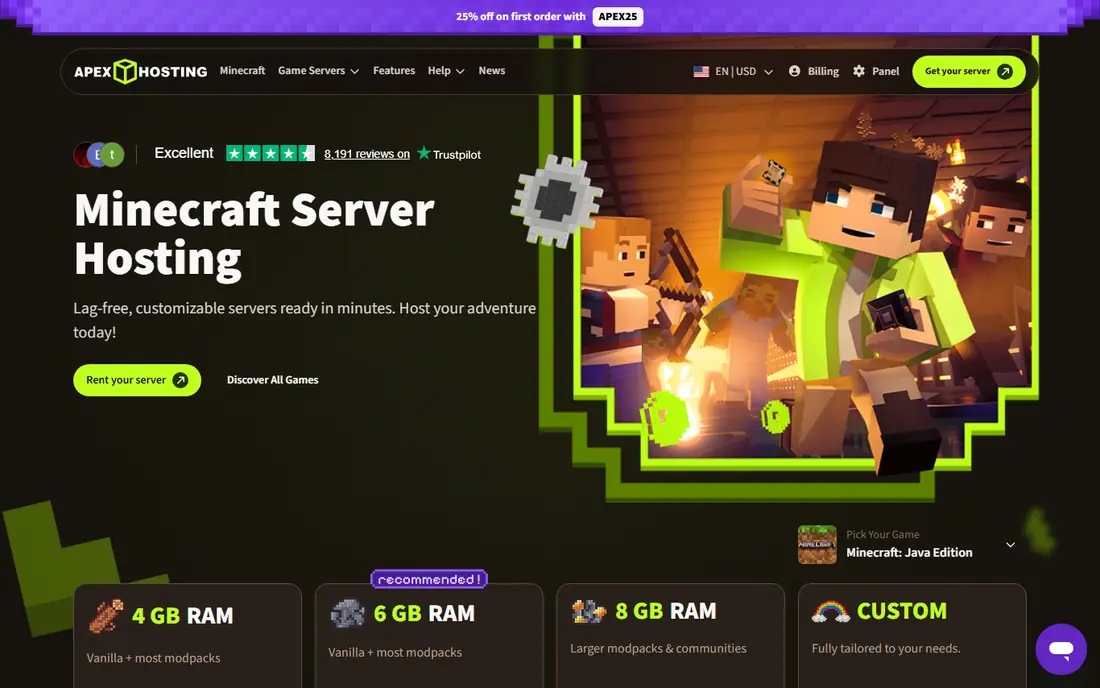
Apex Hosting is a good default for players who want a modded server without learning server administration. The panel offers one-click installs for many popular modpacks, plus support for plugins on Java and add-ons on Bedrock, depending on the version you choose. All plans include unlimited slots, a free subdomain, and automatic offsite backups, which helps when a mod update breaks a world. Support is available around the clock by live chat, and the team is used to Minecraft-specific problems rather than generic hosting tickets.
The main downside is price. Apex costs more at entry level than Shockbyte or ScalaCube, and the price you see on a promo page may differ from the renewal price, so read the checkout total. For a small vanilla server, that extra cost may not be needed. For a modded server with friends who expect it to just work, Apex earns its premium with setup ease and support.
- Large modpack installer and one-click setup
- Unlimited player slots on plans
- 24/7 live chat support and automatic backups
- Entry price is higher than the cheapest budget hosts
- Renewal and promo pricing can confuse the first bill
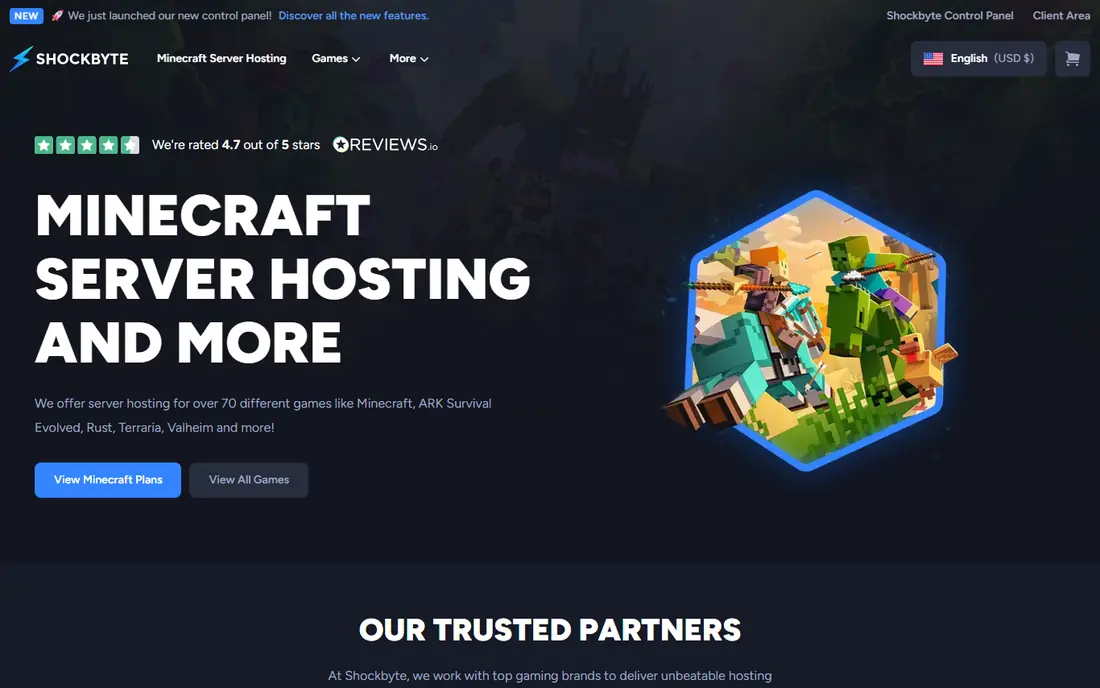
Shockbyte is one of the cheapest paid ways to get a Minecraft server online, with plans starting at $3.99 per month for a small server. That price makes it easy to try hosting without a large commitment, and the panel supports modpacks, plugins, and full file access for players who want to customize. Unlimited slots mean you do not pay extra as more friends join, though RAM still limits how many players and mods the server can handle well. DDoS protection is included, which matters for any public server.
The short refund window is the catch: you have 72 hours to test the service and ask for a refund, which is less time than hosts offering seven or 30 days. Start small, test with your actual modpack and player count, and upgrade RAM if lag appears. For budget vanilla and light modded servers, Shockbyte is a solid value pick.
- Low starting price
- Unlimited slots and unmetered storage on many plans
- One-click modpack installs
- 72-hour refund window is short
- Support quality reports vary by plan and time
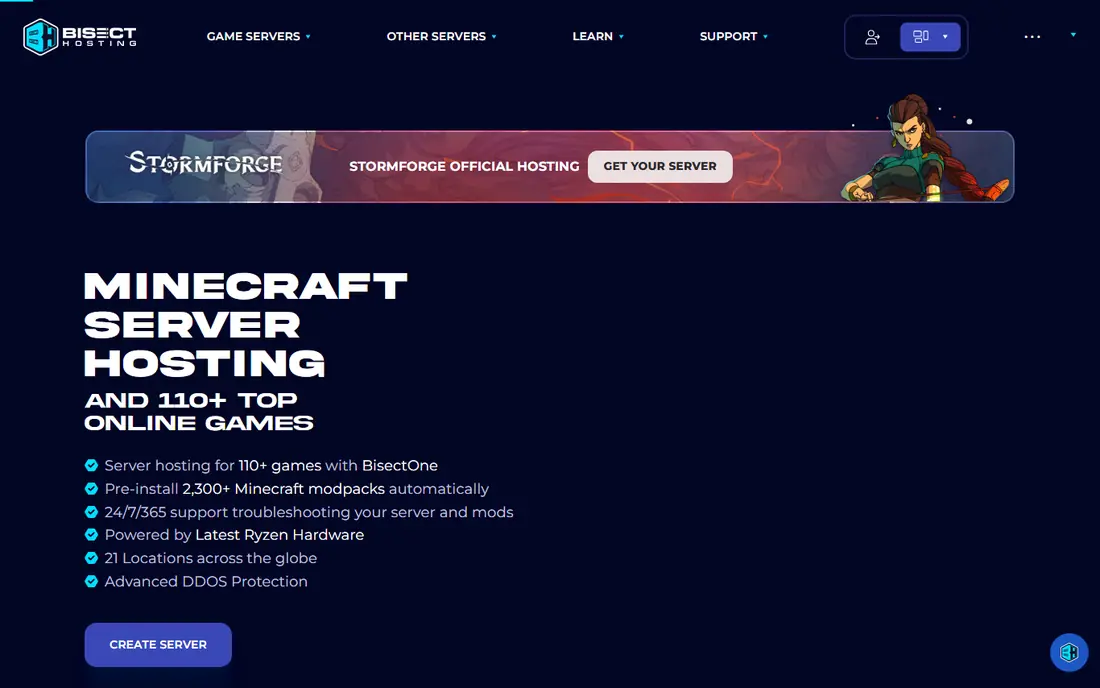
BisectHosting is the pick for modded players who want choice. Its installer covers thousands of modpacks from CurseForge, FTB, Modrinth, and Technic, which saves hours of manual file work. Server locations span many regions, so players in different countries can pick a closer node for lower latency. Daily backups on many plans give a safety net when a modpack update goes wrong, and support is available around the clock.
Prices start at $5.99 per month for a small plan, but a heavy modpack at 8 GB will cost considerably more, as it does on every host. The panel offers many options, which can overwhelm a first-time owner, though guides cover the common tasks. If your group plays a specific modpack and wants it installed correctly the first time, BisectHosting is a strong choice.
- Very large automated modpack catalog
- Many server locations
- Daily backups on many plans
- Higher tiers cost more than budget hosts
- Panel can feel busy for first-time users
Hostinger brings its general hosting experience to game servers, with a dedicated game panel for Minecraft and other titles. The panel covers setup, mod installs, backups, and player management in one place, and an AI assistant helps with common setup questions. The 30-day money-back guarantee gives more testing time than most Minecraft hosts, which is useful when you want to try a modpack with real players before committing.
The pricing needs reading: the lowest monthly figure usually requires a longer term, such as 24 months, and the renewal price is higher. If you pay month to month, the cost rises. For players who are happy to commit and want a modern panel, Hostinger offers good value. For players who want short-term flexibility, a month-to-month host may fit better.
- Modern game panel with an AI assistant
- Strong value on longer terms
- 30-day money-back guarantee
- Best prices need a longer commitment
- Renewal price is higher than the promo price
ScalaCube is a budget-friendly host that appeals to players who want a cheap server and the freedom to run more than one world. Some plans allow multiple servers, which helps a group that wants a vanilla world plus a modded world without paying twice. The launcher, control panel, and mod support are included, and setup is quick for standard Java and Bedrock servers. Prices for a 6 GB plan have been listed around $18 per month in recent guides, though you should check the current page.
The refund terms are the main warning: current guides note that ScalaCube offers no refund on some plans, so test carefully before a long commitment. Support and locations are also more limited than the largest hosts. For a low-cost starter server with a clear plan, ScalaCube is worth a look, but do not prepay for a long term until you have tested it.
- Low entry price
- Unlimited servers on some plans
- Launcher and mod support included
- No refund policy on some plans in current guides
- Fewer locations than larger hosts
Nodecraft suits players who do not only play Minecraft. Its save-and-swap system lets you switch a server to another game, such as Ark or Valheim, and switch back later without losing your Minecraft world. The mobile app makes it easy to restart, manage players, and check status away from a PC. With many locations and a friendly panel, Nodecraft is one of the easiest hosts for a group that rotates games.
Pricing works by hardware tier rather than a simple RAM ladder, which can make direct comparison harder. Budget and premium tiers differ in CPU and RAM allocation, so read the plan details for the game you play most. A short free trial helps you test the panel before paying. If Minecraft is your only game, a RAM-based host may be simpler. If you rotate games, Nodecraft is a strong pick.
- Save and swap between games without losing worlds
- Mobile app for management
- Many server locations
- Pricing by hardware tier is less simple than RAM ladders
- Premium tiers cost more
Host Havoc is known in hosting guides for owning its hardware and for quick support responses, often reported under ten minutes for common tickets. That matters when a server goes down during a planned play session. Minecraft plans start at $5.00 per month, with a panel that covers modpacks, plugins, backups, and file access. DDoS protection is included, and the company focuses on game servers rather than general web hosting.
The catalog is narrower than Nodecraft or Hostinger, so Host Havoc is less appealing if you want to swap to many other games. The refund window is also short, at 72 hours in current guides. For a Minecraft-first group that values support and stable hardware, Host Havoc is a credible choice. Test it early in the refund window with your real player count.
- Owned hardware and fast support responses in many reports
- Clear Minecraft plans
- DDoS protection included
- Smaller game catalog than multi-game hosts
- Refund window is short at 72 hours
PebbleHost offers two clear paths: a budget tier for small vanilla and light modded servers, and a premium tier with faster Ryzen CPUs and more resources for heavy modpacks. The premium installer covers thousands of modpacks, which helps modded groups get started quickly. Prices per gigabyte are competitive in recent guides, especially on the premium tier for heavy packs. The panel is familiar to Minecraft players, with file access, backups, and one-click installs.
New buyers should read the tier differences carefully, since budget and premium plans differ in CPU, storage type, and support priority, not just RAM. The refund window is also short in current guides. If you know your modpack weight, pick the tier that matches it rather than the cheapest plan and hoping it will cope. For heavy modpacks on a budget, PebbleHost Premium is a strong value option.
- Budget and premium tiers for different needs
- Fast Ryzen CPUs on premium plans
- Large modpack installer
- Tier differences can confuse new buyers
- Refund window is short at 72 hours in guides
Aternos is the free option that actually works, and it is the right pick for players who cannot pay or who want to test Minecraft hosting before spending money. It supports Java and Bedrock, mods, plugins, and custom worlds, and setup needs no payment details. For a small group of friends playing occasionally, Aternos can be enough, and it is widely used by younger players and school groups.
Free hosting has real limits. Servers can queue at busy times, they stop when no one is online, and resources are lower than paid plans, so heavy modpacks will struggle. You also share infrastructure with many other free servers, which can affect performance. If your group plays daily, or runs a heavy modpack, a paid host will be smoother. If cost is the barrier, Aternos is a genuine free start.
- Completely free for Java and Bedrock
- Supports mods, plugins, and custom worlds
- No credit card needed
- Queues at busy times
- Server sleeps when no players are online
- Fewer resources than paid hosts
How we picked these
We compared official host pages and current 2026 Minecraft hosting guides, favoring hosts with live Minecraft plans, modpack or plugin support, DDoS protection, and a clear panel for beginners. We included one free host and a mix of budget, modded, and multi-game options, so different groups can find a fit. We did not claim hands-on testing for every host, and we used recent guide prices where vendor pages were hard to pin to a single figure. Check the host page for your exact RAM plan, billing term, and refund terms before you buy.
What to check before you buy
Start with RAM, since it decides how many players and mods your server can handle. Vanilla play with a few friends often works on 2 to 4 GB, light modpacks need 4 to 6 GB, and heavy packs such as large kitchen-sink packs need 8 GB or more. CPU speed matters too, since Minecraft leans on single-core performance, so a faster modern CPU helps more than extra cores alone. Pick a server location close to most players to keep latency low.
Also check backups, refund terms, and support hours. Daily or automatic backups save a world when a mod update fails. A longer refund window gives you time to test with real players. Finally, confirm Java versus Bedrock support, since some features, mods, and plugins differ between editions. Start on a smaller plan if you are unsure, since most hosts let you upgrade RAM without starting over.
Frequently asked questions
What is the best Minecraft server hosting service?
Apex Hosting is the best all-round choice for most players, thanks to easy modpack installs and strong support. Shockbyte suits tight budgets, BisectHosting suits modpack choice, and Aternos suits free play. The best service for you depends on your modpack, player count, budget, and whether you need multi-game support.
How much RAM do I need for a Minecraft server?
For vanilla play with a few friends, 2 to 4 GB is often enough. Light modpacks usually need 4 to 6 GB, and heavy modpacks need 8 GB or more. More players, more mods, and larger worlds all raise RAM needs. Start at the level your modpack guide suggests, test with your group, and upgrade if you see lag or crashes.
Is free Minecraft server hosting good?
Free hosting from Aternos works for casual play, but it comes with queues, sleep when empty, and lower resources than paid hosts. It is good for testing, occasional play, and younger players. For daily play, heavy modpacks, or a public community, a paid host will be more stable and faster.
Can I switch hosts later without losing my world?
Yes, in most cases you can download your world files from the old host and upload them to the new host, since Minecraft worlds are portable files. Back up your world before you move, check that the new host supports your Minecraft version and modpack, and test the moved world with a small group before inviting everyone back.
What is the difference between Java and Bedrock hosting?
Java Edition supports the widest mod and plugin ecosystem and is the version most modpacks target. Bedrock Edition covers consoles, mobile, and Windows 10 and 11 players, with add-ons rather than Java mods. Some hosts support both, but you should confirm your edition, version, and mod support before you buy, since a Java modpack will not run on Bedrock.
Sources
See where you really rank - block by block
ProMapRanker scans Google Maps across a grid of your service area. Simple monthly plans from $19, white-label on every plan.
Start freeKeep reading
 who has the best home internet service
Who Has the Best Home Internet Service in 2026
Who has the best home internet service in 2026? Compare fiber, cable, and 5G providers on speed, price, data caps, and availability at your address today.
Read → visio alternatives
Best Visio Alternatives in 2026
Compare 9 Visio alternatives for flowcharts, org charts, and network diagrams, with free plans, pricing, and the best pick for teams and solo users in 2026.
Read → top 10 logistics software
Top 10 Logistics Software in 2026
We compared the top 10 logistics software tools for transport, warehousing, visibility and shipping, for shippers, carriers and 3PL teams in 2026 today.
Read →