 ProMapRanker
Best Mileage Tracking App in 2026

Key takeaways
- MileIQ and Everlance lead for solo drivers who want automatic tracking, with free tiers covering 40 and 30 trips a month in many listings.
- TripLog and Timeero suit teams, with admin controls, reimbursement workflows, and per user pricing.
- Driversnote and MileageWise focus on audit ready logs, including reconstruction help for drivers who missed past trips.
- Hurdlr and Zoho Expense bundle mileage into wider tax and expense workflows, which suits freelancers already using those apps.
- Count your monthly business drives before you pay, because free tiers are capped and the gap to unlimited tracking is the main cost decision.
Quick comparison
| Pick | Great for | Pricing starts at | Free tier | |
|---|---|---|---|---|
 MileIQ MileIQ | automatic tracking for solo drivers | $5.99 per month | Yes | Visit |
 Everlance Everlance | mileage plus expense tracking | $8 per month | Yes | Visit |
 TripLog TripLog | team reimbursement programs | $8 per month | Yes | Visit |
 Hurdlr Hurdlr | self-employed tax estimates | $9.99 per month | Yes | Visit |
 Driversnote Driversnote | simple compliant logs | $11 per month | Yes | Visit |
 Stride Stride | free tracking for gig workers | Free | Yes | Visit |
 Zoho Expense Zoho Expense | businesses already using Zoho | $3 per month | Yes | Visit |
 Timeero Timeero | field teams with GPS time tracking | $6 per month | Free trial | Visit |
 MileageWise MileageWise | audit proof logs and reconstruction | $6.99 per month | No | Visit |
The best mileage tracking app
Mileage tracking only works if it happens without thinking. The best apps detect drives automatically, let you swipe to classify business and personal trips, and export a log your accountant or employer can accept. The picks below cover solo drivers, gig workers, and teams.
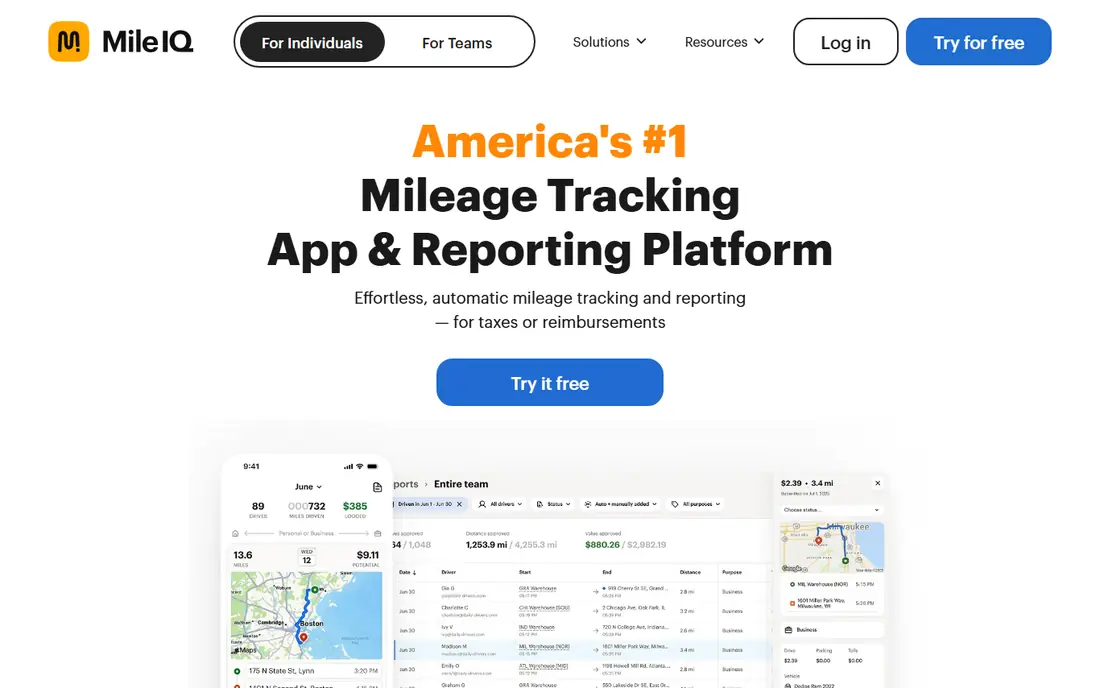
MileIQ is the simplest set and forget option for a solo driver. Once enabled, it detects drives in the background and lets you swipe left or right to mark them as business or personal. That small interaction replaces a notebook, a spreadsheet, and the end of month scramble to recall where you went. The app is narrower than Everlance or Zoho Expense, because it does not try to manage all expenses or taxes. For a consultant, salesperson, or small business owner whose main need is a clean mileage log, that focus is a benefit. Check the current plan price in your app store, because MileIQ pricing has changed over time.
- Automatic drive detection with swipe classification
- Simple reports
- Free tier covers 40 drives a month in many listings
- Focused on mileage rather than full expenses
- Pricing has varied by plan and region
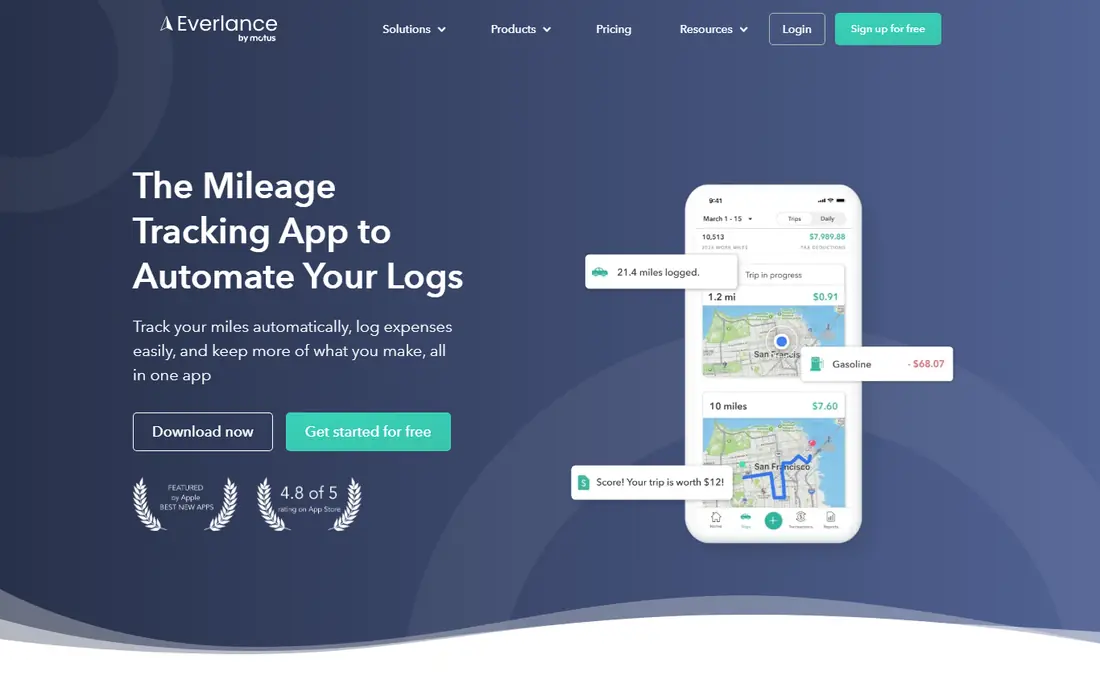
Everlance suits self-employed workers who want mileage and expenses in one place. Automatic trip detection covers drives, while receipt capture and bank connections on paid plans help track deductible spending alongside mileage. Reports can be exported for taxes or reimbursement without rebuilding a log from receipts. The free tier caps automatic trips at 30 a month in many listings, so frequent drivers will need Premium. That upgrade is worth it if you already track expenses separately and want one app for both. If you only need mileage, MileIQ may be simpler and cheaper.
- Automatic trips plus expense tracking
- Bank sync on paid plans
- Tax ready reports
- Free tier caps automatic trips
- Paid price rises with premium features
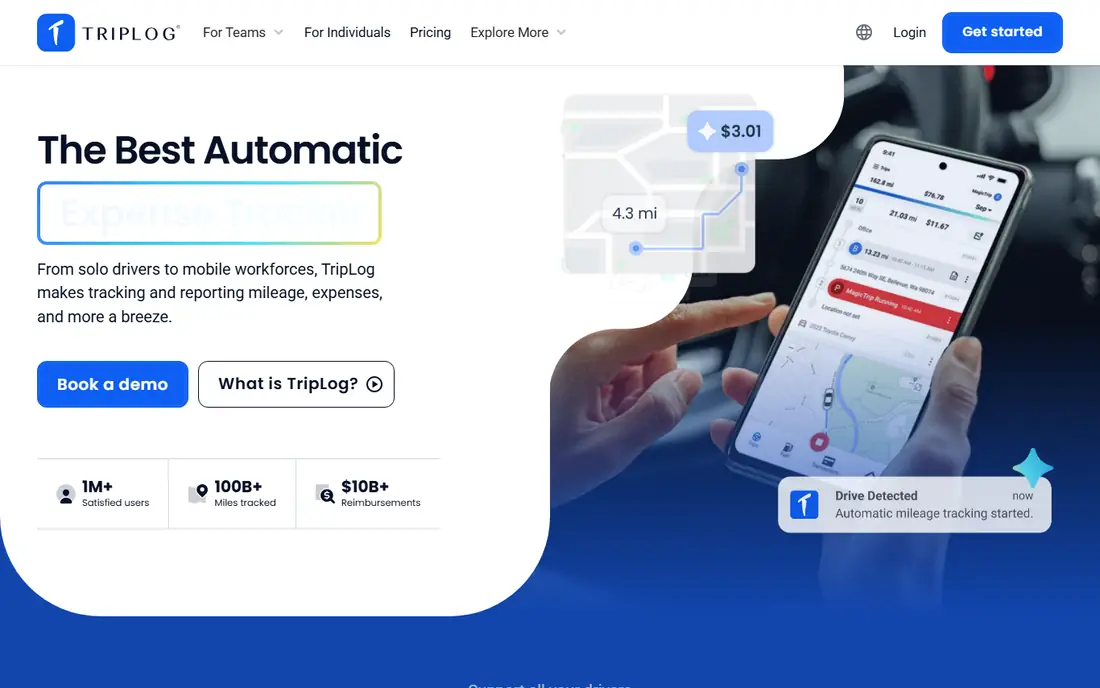
TripLog is built for employers who reimburse drivers. Individual drivers can track with GPS, while teams get admin controls, approval workflows, and reimbursement rules, including cents per mile and fixed allowance programs. That structure helps companies stay consistent across many drivers and locations. Solo drivers may find the team features more than they need, and setup takes longer than a simple swipe app. For a business with several mobile workers, though, TripLog balances driver simplicity with the controls finance teams require.
- Multiple tracking modes including GPS and Bluetooth
- Team admin controls
- Reimbursement workflows
- Team setup takes more configuration
- Per user pricing adds up for large teams
Hurdlr helps freelancers see tax impact as they drive and earn, not just at year end. Mileage, income, and expenses feed a running estimate of taxes owed, which helps self-employed workers set money aside during the year. Manual mileage tracking is available on the free tier, with automatic tracking on paid plans. Drivers who want only a mileage log may prefer a narrower app. Hurdlr earns its place for gig workers and freelancers who want mileage, income, and tax estimates together, and who value a live tax picture over a simple end of year export.
- Running tax estimates alongside mileage
- Manual mileage tracking on free tier
- Income and expense views
- Automatic tracking limits differ by plan
- App focus is broader than mileage alone
Driversnote focuses on a compliant logbook that works across countries and tax systems. Automatic tracking records start, end, distance, and route, and reports are formatted for tax filing or employer reimbursement. An optional iBeacon device can improve vehicle detection for drivers who share cars or switch vehicles. The free tier covers a limited number of trips per month, so regular business drivers will need Pro. The monthly price is higher than MileIQ or Everlance entry plans, but drivers who need a log that holds up across borders or audits may find the extra structure worth it.
- Automatic GPS logging
- Tax ready reports for several countries
- Optional iBeacon for vehicle detection
- Free tier caps trips per month
- Higher monthly price than some rivals
Stride is the best starting point for gig workers who drive occasionally and do not want a subscription. The app tracks mileage for free, helps estimate deductions, and covers common gig platforms. That simplicity suits delivery drivers, rideshare drivers, and part time couriers who need a log without paying each month. It lacks the team controls, advanced reimbursement programs, and detailed audit tools of paid apps. For a solo gig driver, that gap rarely matters. If you later need employer reimbursement workflows or reconstruction help, a paid app below will be a better fit.
- Free mileage tracking with no subscription
- Simple for gig and delivery drivers
- Tax deduction views
- Fewer team and reimbursement features
- Less detailed reporting than paid apps
Zoho Expense makes sense when a business already runs on Zoho. Mileage tracking sits alongside receipt capture, approvals, and accounting integrations, so finance teams can manage travel costs in the same system as other expenses. The free tier for up to three users is a useful entry point for very small teams. Solo drivers who only need mileage will find the wider system heavier than MileIQ or Driversnote. For a small business that already uses Zoho Books, CRM, or other Zoho apps, the integration value outweighs that extra setup.
- Mileage inside a full expense system
- Free tier for up to three users
- Integrations with Zoho apps
- Mileage is one feature inside a larger system
- Setup is heavier for solo drivers
Timeero suits field teams whose work mixes time on site with driving between stops. Segmented tracking splits a route into stops, so managers can see time and mileage per location rather than one long drive. Offline mode helps in low signal areas, and commute rules keep personal travel out of business logs. There is no ongoing free plan, only a trial, and pricing is per user. That makes Timeero a team purchase rather than a casual solo app. For service, delivery, and field sales teams, the combined time and mileage view can replace two separate tools.
- Segmented trip tracking for multi-stop routes
- GPS time tracking plus mileage
- Offline mode
- No free plan, only a trial
- Per user pricing for teams
MileageWise targets drivers who need a log that can stand up to scrutiny, including drivers who missed months of tracking. Its reconstruction tools help rebuild past mileage from calendars, maps, and other records, then format the result into an audit ready log. That focus is rare among mileage apps. The app is less polished than MileIQ or Everlance, and there is no free tier. Drivers who tracked consistently all year may not need reconstruction. Drivers facing an audit, a tax review, or a large gap in records will find MileageWise worth the cost for that specific job.
- Reconstruction tools for past mileage
- Audit focused reports
- Web based log management
- No free plan
- Interface is more functional than polished
How we picked these
We compared official feature pages, pricing pages, app store listings, privacy policies, and public reviews for mileage apps available in October 2026. We looked for automatic detection, classification, report quality, tax and reimbursement support, team controls, and the real caps on free tiers. We included solo, gig, and team apps so different driver types could find a fit. We did not claim hands-on testing for this list. Tax rules and mileage rates vary by country and change over time, so check current rates and your local requirements, and confirm pricing in your app store before subscribing.
How to choose a mileage app for your work
Count drives before you choose a plan
Free tiers cap automatic trips per month, often at 15, 30, or 40 drives. Count a typical month, including short business trips you might forget. If you exceed the cap regularly, an unlimited plan will save more in deductions than it costs.
Decide if you need expenses and taxes too
Mileage only apps are simpler and cheaper. Apps such as Everlance, Hurdlr, and Zoho Expense add expense tracking and tax estimates, which helps freelancers but adds complexity for drivers who only need a log. Choose the scope that matches your actual admin work.
Check report quality early
Export a sample report in your first week and show it to your accountant or manager. Check that it includes dates, start and end points, distance, purpose, and totals in the format they accept. A pretty app with a weak export will cause problems at tax time.
Protect privacy with work hours and controls
Automatic tracking should stop outside work hours if you use a personal phone. Look for work hour settings, pause controls, and clear privacy policies, especially for team apps where managers can view routes. Good tracking respects the boundary between business and personal travel.
Frequently asked questions
What is the best app for mileage tracking?
MileIQ is the best app for mileage tracking for most solo drivers because automatic detection and swipe classification keep the log up to date with little effort. Everlance is better if you also want expense tracking, while TripLog and Timeero suit teams. The best app depends on how many drives you make and who needs the report.
What is the best app to track mileage for business?
For business use, MileIQ, Everlance, and Driversnote all produce tax ready logs, while TripLog adds reimbursement workflows for employers. Check that the app exports dates, distances, and purposes in a format your accountant accepts. Team businesses should also check admin controls and approval flows.
What are the best mileage tracking apps for teams?
TripLog and Timeero lead for teams, with per user pricing, admin controls, and reimbursement or time tracking features. Zoho Expense also works for small teams already using Zoho. Solo apps can work for very small teams, but they lack approvals and central reporting.
What is the best mileage tracking software for taxes?
Driversnote and MileageWise focus most on audit ready logs, while Hurdlr adds live tax estimates for self-employed workers. MileIQ and Everlance also export tax ready reports. For past gaps, MileageWise reconstruction tools are a specific strength.
Is there a free mileage tracking app?
Yes, Stride offers free mileage tracking for gig workers, and MileIQ, Everlance, Driversnote, and Zoho Expense offer free tiers with caps. Free plans suit occasional drivers, while frequent drivers usually need a paid unlimited plan to capture every business drive.
How many free trips do mileage apps allow?
Caps vary by app and plan. In many current listings, MileIQ covers 40 drives a month, Everlance covers 30 automatic trips a month, and Driversnote covers 15 trips a month on its free tier. Check the current app store listing, because caps and prices change.
Sources
See where you really rank - block by block
ProMapRanker scans Google Maps across a grid of your service area. Simple monthly plans from $19, white-label on every plan.
Start freeKeep reading
 zendesk alternatives
Best Zendesk Alternatives in 2026
Compare the best Zendesk alternatives in 2026, from budget help desks to AI-first support tools, with current pricing, free plans, and honest trade-offs.
Read → wordpress alternatives
Best WordPress Alternatives in 2026
Looking for the best WordPress alternatives? We compare 8 free and paid options for blogs, business sites, stores, and developer-led projects in 2026.
Read → which real estate company has the best training
Best Real Estate Company Training in 2026
Compare which real estate company has the best training, from Keller Williams and eXp to Compass and Coldwell Banker, by program, mentor, and fit in 2026.
Read →