 ProMapRanker
Best Meme Maker Apps in 2026: 9 Apps Compared

Key takeaways
- Imgflip leads for classic template memes, with a very large template library and a fast workflow.
- Canva and Adobe Express offer watermark-free free exports and stronger design control for branded posts.
- Kapwing is the best pick for video and GIF memes, with timeline editing and multi-format exports.
- Mematic suits phone-first creators who want a simple app for quick image memes.
- Free watermarks are the main trap, so check export rules before making memes for a business account.
Quick comparison
| Pick | Great for | Pricing starts at | Free tier | |
|---|---|---|---|---|
 Imgflip | Classic template memes fast | Free | Yes | Visit |
 Canva | Branded memes and social posts | Free | Yes | Visit |
 Adobe Express | Polished memes with strong typography | Free | Yes | Visit |
 Kapwing | Video and GIF memes | Free | Yes | Visit |
 Mematic | Phone-first quick image memes | Free | Yes | Visit |
 Picsart | Photo memes with stickers and text | Free | Yes | Visit |
 Clipchamp | Video memes in a browser editor | Free | Yes | Visit |
 Fotor | Meme edits with photo tools | Free | Yes | Visit |
 PhotoDirector | Photo-based memes with effects | Free | Yes | Visit |
The best meme maker apps
A good meme maker does one job well: it gets a joke from your head to a finished image or video before the moment passes. Some tools focus on classic templates with top and bottom text, some focus on video and GIF memes, and some are full design tools that happen to make memes well. The right pick depends on which kind you make most.
We compared meme makers that are live in October 2026, using official product pages and pricing pages. We focused on template libraries, watermark rules on free exports, video support, text controls and how fast a first meme can be made. We left out sites that no longer load reliably, because a meme tool that fails on export is not useful.
Our pick for classic memes is Imgflip, for branded and polished posts it is Canva or Adobe Express, and for video memes it is Kapwing. Phone-first creators should try Mematic, while people who want photo-based memes with stickers can use Picsart without signing up for a full design suite.
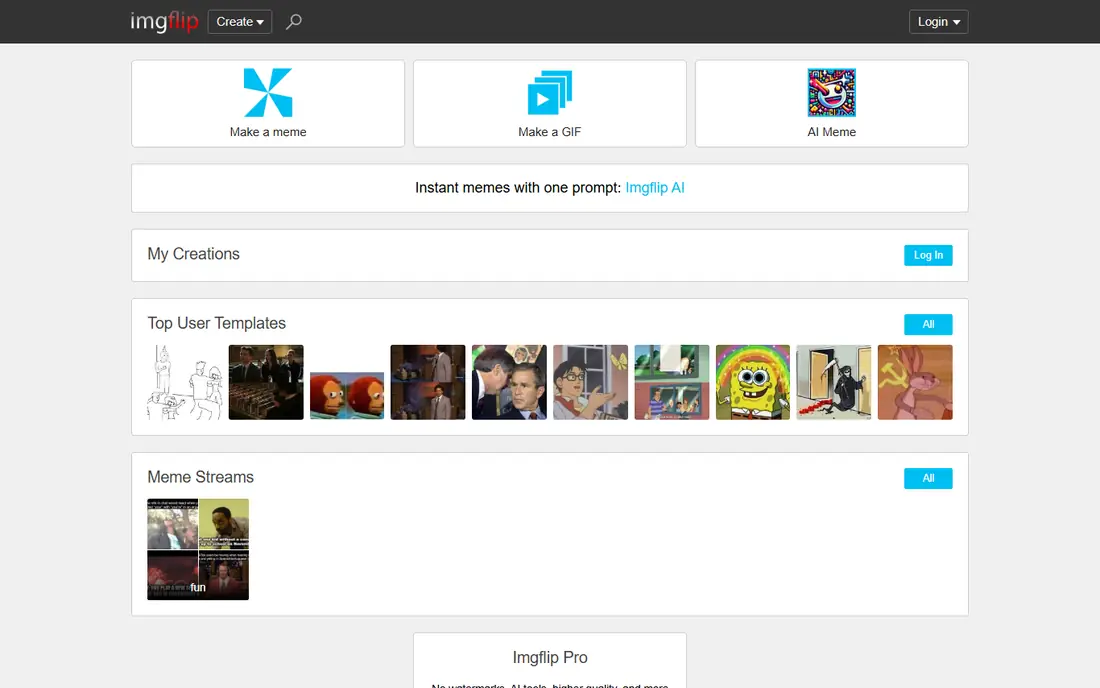
Imgflip is the classic meme maker. Pick a template, add top and bottom text, and export in under a minute. The library covers well-known formats and user uploads, and the GIF maker and animated templates extend the same workflow to moving memes. It works in a browser without a design learning curve.
The free export carries a watermark, which matters for business posts but rarely matters for casual sharing. Paid Imgflip Pro removes the watermark and adds features, at a monthly price listed on its pricing page. For pure template speed, Imgflip remains hard to beat, even if it lacks the polish of a design tool.
- Very large template library
- Fast no-frills workflow
- GIF and animated templates
- Free exports carry a watermark
- Design control is limited
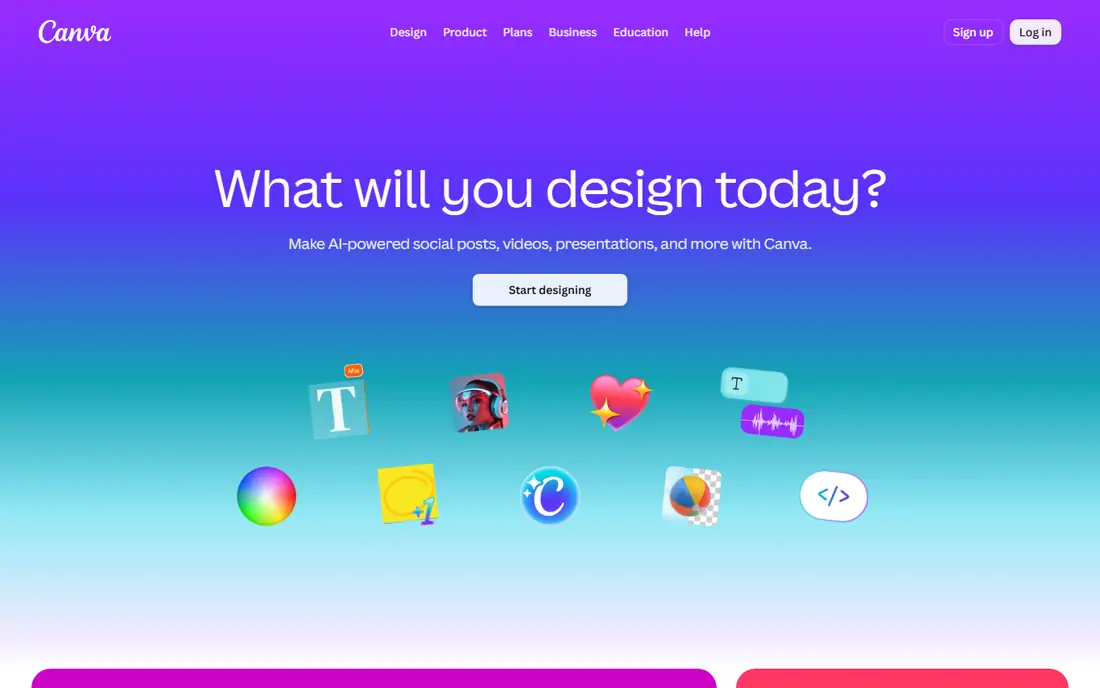
Canva is a full design tool with a strong meme maker inside it. Users can start from a meme template or a blank social post, add text, stickers, photos and brand colors, and resize for different feeds. Free exports do not carry a Canva watermark, which makes it a strong pick for small businesses and creators.
The trade is speed. Canva takes longer to open and set up than Imgflip, and many premium templates and stock items need a paid Pro plan. For one quick classic meme, that extra setup feels heavy. For a series of on-brand memes, Canva is the better tool, because brand kits and saved designs keep posts consistent.
- Huge template and stock library
- No watermark on free exports
- Brand tools on paid plans
- Many premium templates need Pro
- Meme workflow is slower than Imgflip
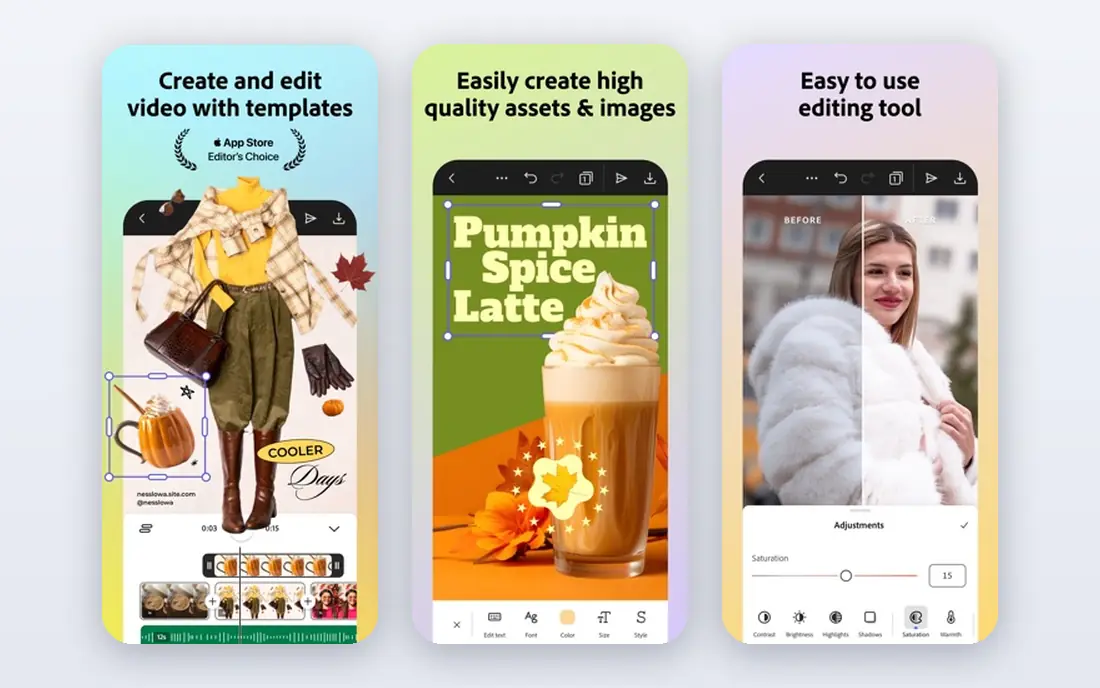
Adobe Express offers meme templates with strong typography, text effects and one-click resize for social platforms. Free exports do not carry a watermark, which is a clear advantage over Imgflip and Kapwing for business use. The editor feels polished without demanding design skill, and AI tools can suggest ideas and layouts.
Adobe Express needs an account, so it is not a no-signup quick tool like Imgflip. Video meme editing is also lighter than Kapwing, so creators who mainly make video memes should compare both. For polished image memes with clean text, Adobe Express is one of the best free meme maker apps in this list.
- Watermark-free free exports
- Strong fonts and effects
- One-click resize
- Needs an Adobe account
- Video meme tools are lighter than Kapwing
Kapwing is built for video memes. Users can trim a clip, add captions and text overlays, layer images and audio, and export as MP4, GIF or image. That timeline workflow suits Reels, Shorts and reaction memes far better than a static template tool. The template library covers video and image formats, and collaboration tools help small teams.
Free exports carry a watermark, and free video exports are limited in length and quality, so professional use needs the paid Pro plan. Kapwing also takes longer to learn than Imgflip, because it is a video editor first. For moving memes, though, that extra power is the point.
- Timeline video editing
- GIF and MP4 exports
- Many text styles
- Free exports carry a watermark
- Free video length is limited
Mematic is a mobile meme maker app for iOS and Android that keeps the workflow simple: pick a template or a photo, add text, and share. It suits phone-first creators who make memes on the go and do not want to open a desktop design tool. Custom images and basic text controls cover most classic meme formats.
Mematic is not a design suite, so brand controls, layers and video editing are limited compared with Canva or Kapwing. Some features and watermark removal need a paid upgrade, depending on the platform. For quick image memes from a phone, it remains one of the easiest apps to use.
- Simple mobile app
- Fast template workflow
- Custom image support
- Design features are basic
- Some features need a paid upgrade
Picsart is a photo and design app that works well for photo-based memes, with text, stickers, filters and collage tools in one editor. It suits creators who start from their own photo and want to add a caption, a sticker and a quick edit before sharing. The mobile app covers most of that workflow on a phone.
Picsart is a broad creative app, so classic template browsing is less focused than on Imgflip or Mematic. Some stickers, fonts and export options need a paid plan. For photo-first memes with a playful look, it is a flexible choice.
- Photo editing plus stickers and text
- Large template range
- Mobile app
- Some features need a paid plan
- Template browsing is less focused than Imgflip
Clipchamp is a browser video editor from Microsoft that suits video memes, with trimming, captions, text overlays and templates for social formats. It works well for creators who film or download a clip and want to turn it into a short meme with captions and music, without installing desktop software.
Clipchamp is a video editor first, so making a single classic image meme takes longer than on Imgflip or Mematic. Some templates, stock items and export options need a paid plan. For video memes with captions, it is a strong browser alternative to Kapwing.
- Browser video editing
- Captions and templates
- Stock library
- Some features need a paid plan
- Learning curve is higher than Imgflip
Fotor combines photo editing with meme templates, so users can fix a photo, add text and build a collage in one place. It suits creators who start from their own photos rather than a known template, because cropping, filters and text tools sit in the same editor. The browser version and mobile app cover most everyday needs.
Fotor is a photo editor first, so its meme workflow is less focused than Imgflip or Mematic. Some templates, effects and export options need a paid plan. For photo-based memes that need a quick edit before the caption, Fotor is a useful all-in-one choice.
- Photo editing plus meme templates
- Collage and text tools
- Browser and app
- Some features need a paid plan
- Meme workflow is less focused than Imgflip
PhotoDirector is a photo editor with text, sticker and effect tools that can turn a photo into a meme, and it offers a mobile app for on-the-go edits. It suits creators who start from a camera photo and want to adjust light, add a caption and share, rather than picking a known template first.
PhotoDirector is not a template-first meme maker, so classic format browsing is weaker than on Imgflip. Full features and some effects need a paid plan. For photo-based memes that need a proper edit first, it is a solid choice.
- Photo editing and effects
- Text and sticker tools
- Mobile app
- Full features need a paid plan
- Meme templates are not the focus
How we picked these
We compared official product and pricing pages for meme tools that are live in October 2026, and we kept only tools with a working meme maker, not just a photo editor with no templates. We checked free export rules, watermark policy, template libraries, video support and mobile availability, because those decide whether a free meme is actually usable.
We weighed speed for a first meme, text control, export formats and design depth. We did not claim hands-on testing. Instead we compared published features and pricing, and we flagged where free exports carry a watermark or where premium templates need a paid plan. That watermark check matters most for business accounts.
Choosing the right option for you
Start with the meme type you make most. For classic image macros, Imgflip or Mematic will be fastest. For video memes, Kapwing or Clipchamp is the clear pick, because static tools cannot trim clips or add timed captions well. For branded posts, Canva or Adobe Express give cleaner text and watermark-free free exports, which matter on a business feed.
Check export rules before you build a series. A watermark on a free export can make a business post look unfinished, while a paid plan may be worth it if you publish daily. Keep text short, use readable fonts, and export at a size that stays sharp on phones. Respect copyright and privacy: do not use a private photo of someone else, and do not use copyrighted images in paid ads without permission.
For most people, two tools cover everything: Imgflip for fast classic memes and Kapwing or Canva for video and branded posts. Try the free tier of each, make three real memes, and keep the one whose export you would actually post. That short test beats a long feature list, because meme tools live or die on speed.
Frequently asked questions
What is the best meme maker app for free?
Imgflip is the best free meme maker app for classic templates, because it is fast and has a very large library. Canva and Adobe Express are better free picks for business posts, because their free exports do not carry a watermark. Kapwing is the best free start for video memes, with a watermark on free exports.
What is the best free meme maker app without a watermark?
Adobe Express and Canva offer watermark-free exports on their free tiers, which makes them strong picks for business accounts. Imgflip and Kapwing add watermarks to free exports, removed by paid plans. Check the current terms, because free plan rules can change.
Which app is best for video memes?
Kapwing is our pick for video memes because it offers timeline editing, captions, GIF and MP4 exports in one browser tool. Clipchamp is a strong browser alternative for captioned clips. For timed captions and clip trimming, Kapwing leads.
What is the best meme generator app for iPhone and Android?
Mematic is a simple phone-first meme maker app for quick image memes on both platforms. Canva and Adobe Express also offer strong mobile apps with more design control. Imgflip and Kapwing work well in a mobile browser for creators who do not want another app.
Can I make memes for my business with these apps?
Yes, but use watermark-free exports and respect image rights. Canva and Adobe Express suit branded posts, while Kapwing suits video ads and social clips. Avoid private photos of other people and copyrighted images in paid ads without permission.
Sources
See where you really rank - block by block
ProMapRanker scans Google Maps across a grid of your service area. Simple monthly plans from $19, white-label on every plan.
Start freeKeep reading
 zoho inventory alternatives
6 Alternatives to Zoho Inventory, Compared on Price and Fit
Zoho Inventory alternatives: 6 tools compared on price, free plans and fit. Katana leads the list for manufacturers. Fit and flaws are laid out for each entry.
Read → zoho crm alternatives
Best Zoho CRM Alternatives (2026)
Need Zoho CRM alternatives? We compare 7 tools on cost, free access and who each suits. Every pick gets a straight assessment. Built for quick decisions.
Read → zelle alternatives
Best Zelle Alternatives in 2026
Compare the best Zelle alternatives for sending money to friends, paying sellers and moving funds abroad, with honest notes on fees, speed and safety in 2026.
Read →