 ProMapRanker
Best Meeting Room Booking Software in 2026

Key takeaways
- Skedda and Officely offer the clearest published pricing for smaller offices, while Robin and Condeco suit large enterprises.
- Calendar sync with Google Workspace or Microsoft 365 matters more than any single feature, since booking fails when calendars disagree.
- Room displays and check-in rules cut no-shows, so check whether those features need extra hardware or higher tiers.
- Per-room pricing suits offices with many rooms and few bookers, while per-user pricing suits offices with many staff and few rooms.
- Trial the tool with real meeting patterns, including recurring meetings, buffers and cancellations, before signing.
Quick comparison
| Pick | Great for | Pricing starts at | Free tier | |
|---|---|---|---|---|
 Skedda | Booking rules and fairness | Free | Yes | Visit |
 Robin | Large hybrid workplaces | See website | No | Visit |
 Envoy | Visitor management plus rooms | $5 per bookable resource per month | Free trial | Visit |
 OfficeRnD Workplace | Hybrid teams priced by size | $99 per month | Free trial | Visit |
 deskbird | Microsoft 365 teams | See website | Free trial | Visit |
 Officely | Small teams in Slack or Teams | $2.50 per user per month | Yes | Visit |
 Yarooms | Multi-site room booking | See website | Free trial | Visit |
 Joan | Hardware-led room displays | See website | No | Visit |
 Condeco | Enterprises on Microsoft Outlook | See website | No | Visit |
The best meeting room booking software
We compared official product and pricing pages for tools that book rooms, show availability and connect to office calendars. These nine cover small hybrid teams, multi-site companies and large enterprises with complex workplace needs.
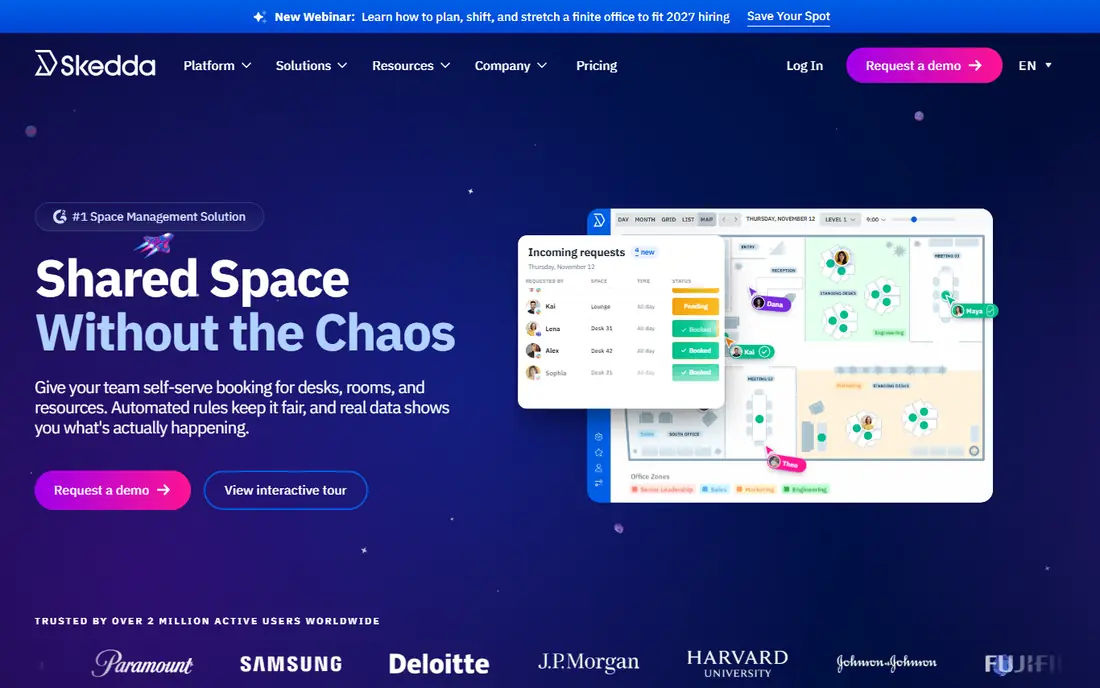
Skedda stands out for offices where fairness matters as much as availability. Admins can set booking conditions, buffers between meetings, quotas and approval rules, so one team cannot block the best rooms all week. Interactive floor plans show spaces clearly, and booking works from a browser without forcing every employee into a new app habit.
The free Core plan covers small setups, while larger offices move to paid tiers priced by spaces rather than users. That model suits offices with many employees but a modest number of rooms. Check which rules sit on each tier before buying, since the most useful controls may not be on the entry plan.
- Strong booking rules, buffers and quotas
- Visual floor plans
- Free Core plan for small spaces
- Advanced rules and reports need paid tiers
- Hardware displays are a separate consideration
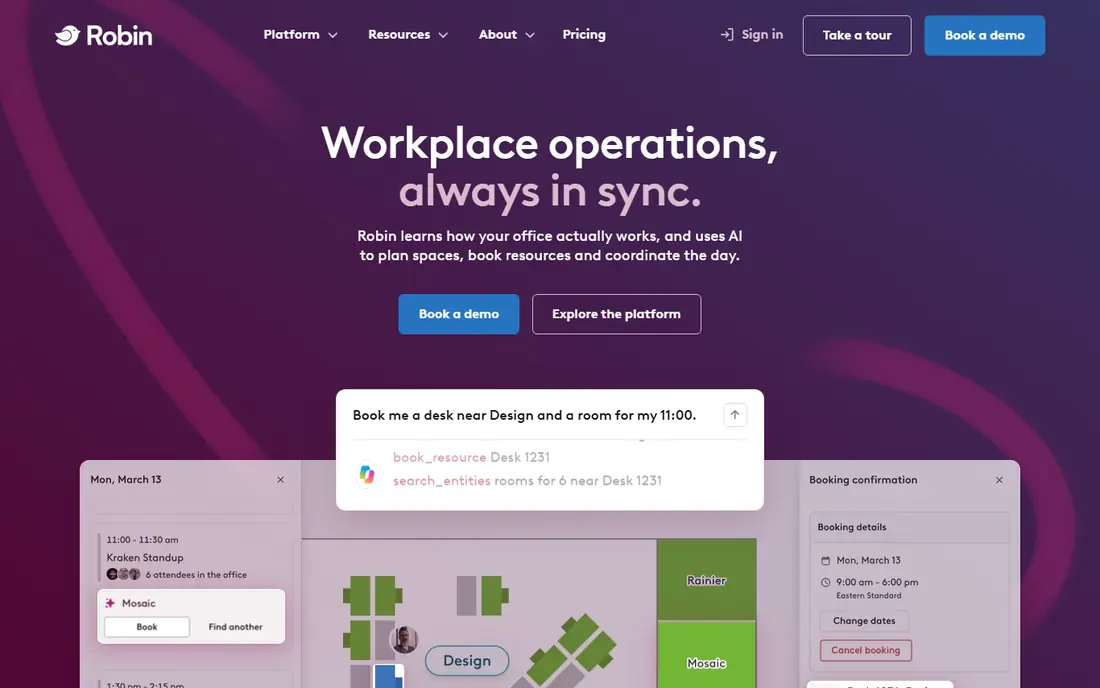
Robin fits large organizations running multi-floor or multi-building offices. Rooms, desks and maps live in one system, and analytics show which spaces sit empty and which are always full. Calendar integrations with Microsoft and Google tools keep bookings in the calendars people already use, which helps adoption across a large workforce.
The drawback is scale and price transparency. Robin is sold by quote, and its broader workplace scope may be more than a small office needs. Large teams should ask for a quote tied to room count, buildings and analytics needs, and trial the map and booking flow with real floor plans.
- Desks, rooms and maps in one workplace platform
- Analytics on space use
- Strong calendar integrations
- Pricing is quote-based
- Scope suits larger organizations better than small offices
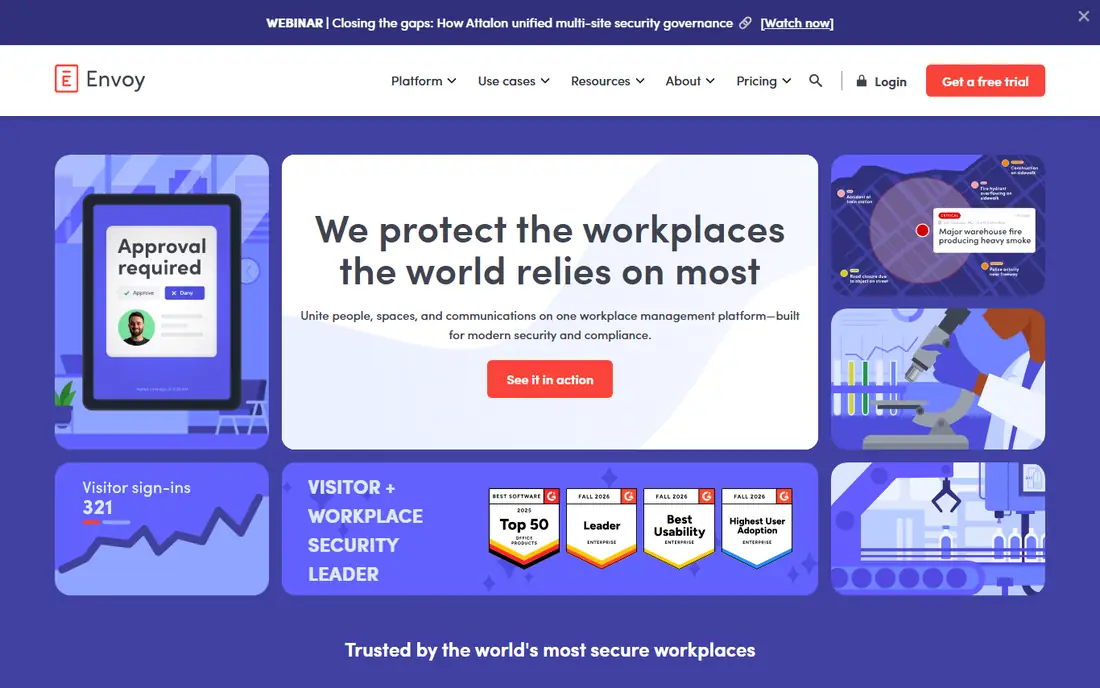
Envoy suits workplaces that need visitor management as well as room booking. Reservations start at $5 per bookable resource per month when billed annually, plus a platform fee that is not published. Visitors, desks, rooms and deliveries can be managed in one workplace system, which helps front-of-house teams and security staff work from the same data.
Room-only buyers should price the whole package, not just the per-resource rate. Ask what the platform fee covers, which visitor features are included, and how room displays are priced. For offices where visitor compliance is a hard requirement, Envoy is hard to beat.
- Rooms alongside visitors, desks and deliveries
- Polished workplace experience
- Strong enterprise controls
- Platform fee is not published
- Full scope can be more than a room-only buyer needs
OfficeRnD Workplace fits hybrid teams and flexible workspaces that want rooms and desks in one account. The Start plan costs $99 per month when billed annually for up to 150 users, which gives smaller teams a predictable figure. Booking, floor plans and member management sit together, so a coworking operator or a growing company can run spaces without several separate tools.
The trade-off is tier depth. Advanced reporting, integrations and workplace features sit higher up the plan ladder. List the must-have features first, then confirm the tier that includes them, rather than assuming the entry plan covers the full demo.
- Room and desk booking in one tool
- Pricing tied to team size
- Visitor and member features
- Depth varies by tier
- Larger portfolios need higher plans
deskbird suits offices that already live in Microsoft 365. Employees book rooms and desks from Teams or the web, managers see office attendance patterns, and hybrid policies can be tied to booking. That fit matters, since adoption rises when booking lives where people already plan their week.
Google-first offices should test the integration carefully before committing, since the product is strongest in Microsoft environments. Pricing is published by plan and region, so confirm the rate for your location and user count during a trial rather than relying on a single headline figure.
- Strong Microsoft 365 and Teams fit
- Room and desk booking together
- Office-day coordination
- Pricing varies by region and plan
- Best fit is Microsoft-first offices
Officely is a good pick for small hybrid teams that live in Slack or Microsoft Teams. Basic plans start at $2.50 per user per month when billed annually, and a free plan is available for smaller use. Booking a room or desk from chat removes the friction of opening another system, which is often the difference between a tool people use and one they ignore.
It is not a full facilities platform. Space planning, move management and deep analytics are thinner than in Robin, OfficeSpace or Condeco. For a small office that mainly needs reliable booking and check-ins, that simplicity is a strength. For a large estate, it may be too narrow.
- Booking inside Slack or Microsoft Teams
- Simple setup
- Free plan available
- Broader facilities features are thinner than enterprise suites
- Per-user cost grows with headcount
Yarooms fits companies with several offices that need one booking system across sites. Floor plans, room booking, desk booking and utilization reports sit in one platform, and multi-site admins can manage locations centrally. That central view helps workplace teams compare use across offices instead of guessing from local spreadsheets.
Pricing is quote-based for many deployments, so small teams should ask for a clear tier breakdown early. Test booking across time zones and sites during the trial, since multi-site quirks only appear when real offices use the tool together.
- Room and desk booking across multiple sites
- Floor plans and analytics
- Teams-friendly options
- Pricing is quote-based for many plans
- Some features need higher tiers
Joan is built around room displays that sit outside meeting rooms and show availability at a glance. Employees can book, extend or release a room from the panel, and calendar sync keeps the display aligned with Google or Microsoft calendars. For offices where walk-up booking and no-show release matter, a visible panel solves problems that a phone app alone does not.
Hardware is the catch. Panels cost extra on top of software, so budget for devices, mounting and replacement over time. Count the rooms that truly need a panel, since not every small room justifies one, and confirm which calendar features work without the top tier.
- Dedicated room display panels
- Clear in-person availability
- Calendar integration
- Hardware adds upfront cost
- Software and device costs must be priced together
Condeco, now part of Eptura, suits large enterprises standardized on Microsoft Outlook and Exchange. Room booking, panels, visitor handling and analytics are built for that environment, and scheduling depth covers complex rules across many buildings. For a 5,000-person Microsoft estate, that maturity can outweigh a simpler tool.
Smaller or Google-first offices will find it heavy and expensive, with quote-based pricing and a longer rollout. If Microsoft is the standard and scale is large, shortlist Condeco. If not, Skedda, Envoy or Officely will move faster and cost less to run.
- Deep Microsoft Outlook and Exchange fit
- Enterprise scheduling depth
- Room panels and analytics
- Pricing is quote-based
- Implementation suits large Microsoft estates
How we picked these
We compared official product and pricing pages, plan details and calendar integration claims for room booking tools current in October 2026. To qualify, a product had to book meeting rooms, show availability and sync with Google Workspace or Microsoft 365. We favored tools with published pricing where available and kept quote-based products as See website rather than guessing a figure.
How to choose room booking software
Start with your calendar system. If the tool cannot sync cleanly with Google Workspace or Microsoft 365, double bookings will follow no matter how good the interface looks. Test sync in both directions during a trial, including cancellations, recurring meetings and room changes.
Rooms, rules and displays
Count rooms, desks and sites, then compare per-room and per-user pricing at those counts. Decide which rules you need: buffers, booking limits, approvals, check-in release and no-show handling. Then decide which rooms need a physical display and which can rely on a phone or web view, since hardware changes the budget fast.
Adoption and reporting
Pick the booking path employees will actually use: calendar, chat app, mobile app or room panel. Run a two-week pilot with one floor or team, track no-shows and double bookings, and check utilization reports before rollout. A tool that looks good in a demo but sits unused will not fix a crowded meeting schedule.
Frequently asked questions
What is the best meeting room booking software?
Skedda is a strong all-round pick for rule-driven booking, while Robin suits large hybrid workplaces and Envoy suits offices that also need visitor management. The best choice depends on office size, calendar system and whether displays or visitor controls matter.
What is the best room scheduling software for Microsoft Teams?
Officely, deskbird and Yarooms all work well in Microsoft environments, with booking inside Teams or alongside it. deskbird is the strongest Microsoft 365 fit, while Officely is simpler and cheaper for small teams. Test Teams booking during a trial, since depth varies by plan.
What is the best conference room scheduling software for a small office?
Skedda and Officely lead for small offices, thanks to free plans and clear published pricing. Skedda suits offices that need booking rules, while Officely suits teams that book from Slack or Teams. Both can start small and grow without a large upfront contract.
Do I need room display panels?
Not for every room. Panels help for busy rooms with walk-up traffic, since staff can see availability and release no-shows on the spot. Small or rarely contested rooms work fine with web and mobile booking. Start panels on high-demand rooms and expand only where no-shows persist.
How does meeting room booking software reduce no-shows?
Check-in rules release a room if nobody checks in within a set time, and calendar sync keeps bookings accurate. Some tools also send reminders before meetings. The biggest gain usually comes from pairing check-in release with clear booking limits, so rooms return to the pool quickly.
Sources
See where you really rank - block by block
ProMapRanker scans Google Maps across a grid of your service area. Simple monthly plans from $19, white-label on every plan.
Start freeKeep reading
 who has the best home internet service
Who Has the Best Home Internet Service in 2026
Who has the best home internet service in 2026? Compare fiber, cable, and 5G providers on speed, price, data caps, and availability at your address today.
Read → visio alternatives
Best Visio Alternatives in 2026
Compare 9 Visio alternatives for flowcharts, org charts, and network diagrams, with free plans, pricing, and the best pick for teams and solo users in 2026.
Read → top 10 logistics software
Top 10 Logistics Software in 2026
We compared the top 10 logistics software tools for transport, warehousing, visibility and shipping, for shippers, carriers and 3PL teams in 2026 today.
Read →