 ProMapRanker
Best Meeting Collaboration Software in 2026


Video meetings with external guests · Pricing starts at: $14.16 per user per month
Key takeaways
- Zoom Workplace and Microsoft Teams cover most meeting needs, with Zoom stronger for external guests and Teams stronger inside Microsoft 365.
- Google Meet and Webex suit teams already invested in Google Workspace or Cisco, while GoTo Meeting and Zoho Meeting offer simpler, lower-cost video.
- Miro adds visual collaboration that video alone cannot provide, and Slack huddles suit quick audio check-ins between scheduled meetings.
- Meeting recordings, transcripts, and AI summaries contain personal data, so get consent, check retention settings, and tell participants when recording starts.
Quick comparison
| Pick | Great for | Pricing starts at | Free tier | |
|---|---|---|---|---|
| Zoom Workplace | Video meetings with external guests | $14.16 per user per month | Yes | Visit |
 Microsoft Teams | Teams inside Microsoft 365 | $4 per user per month | Yes | Visit |
 Google Meet | Teams inside Google Workspace | $7 per user per month | Yes | Visit |
 Webex | Secure enterprise video meetings | See website | Yes | Visit |
 Miro | Visual workshops and whiteboarding | $8 per user per month | Yes | Visit |
 Slack | Quick huddles and team chat between meetings | $7.25 per user per month | Yes | Visit |
 GoTo Meeting | Simple reliable video meetings | See website | No | Visit |
 Zoho Meeting | Low-cost meetings for small teams | $1 per user per month | Yes | Visit |
The best meeting collaboration software
Meeting collaboration software covers more than video calls. It includes chat before and after the call, shared documents, whiteboards, recordings, and notes that keep decisions visible. We compared official pricing pages, feature pages, and public reviews for tools that work in October 2026, and we favored tools that guests can join without friction.
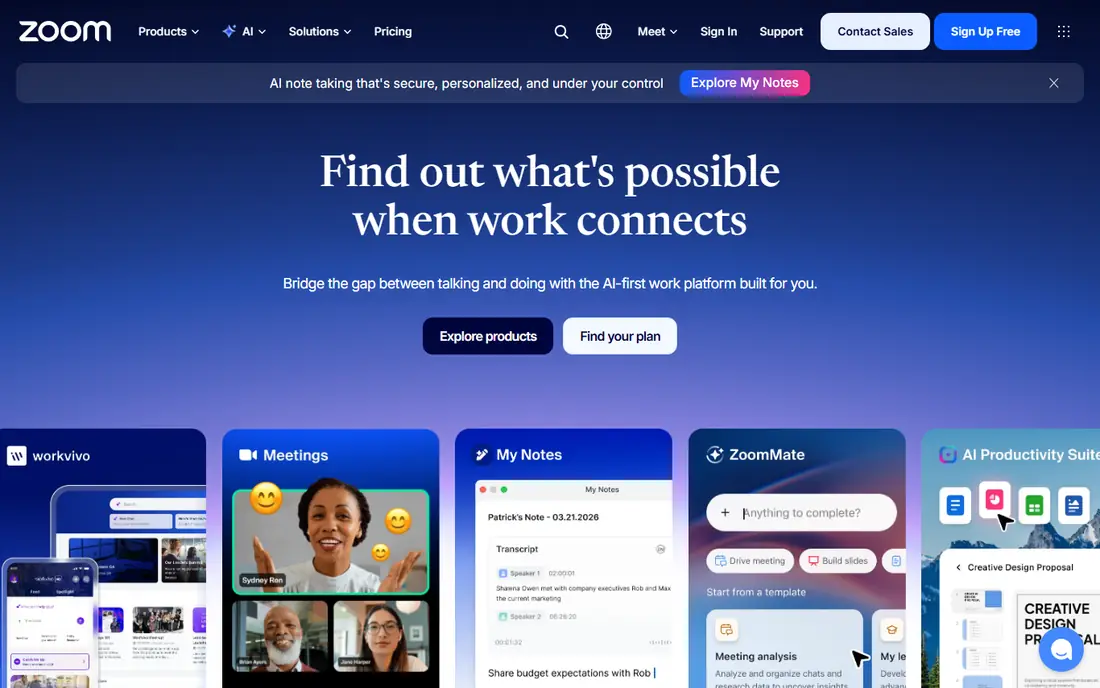
Zoom Workplace remains the easiest meeting tool for mixed groups of staff, clients, and partners. A guest can join from a browser link without installing much, and hosts get breakout rooms, polls, whiteboard, and chat without switching apps. That simplicity is why so many external meetings default to Zoom, even when a company uses another tool internally. Paid plans lift the time limit and add cloud recording and AI summaries.
The catch is the free limit and the settings. Group meetings on the free plan end after 40 minutes, which interrupts longer workshops, and AI features should be reviewed for data handling before they are turned on for sensitive calls. Zoom is our pick when you meet outsiders often and need a tool everyone already knows. If your whole team lives in Microsoft 365, Teams may save you a second subscription.
- Guests join easily from a link
- Breakout rooms, whiteboard, and chat in one place
- AI Companion summaries on paid plans
- Free meetings cap group calls at 40 minutes
- Paid features are spread across add-ons
- Recording and AI settings need careful privacy review
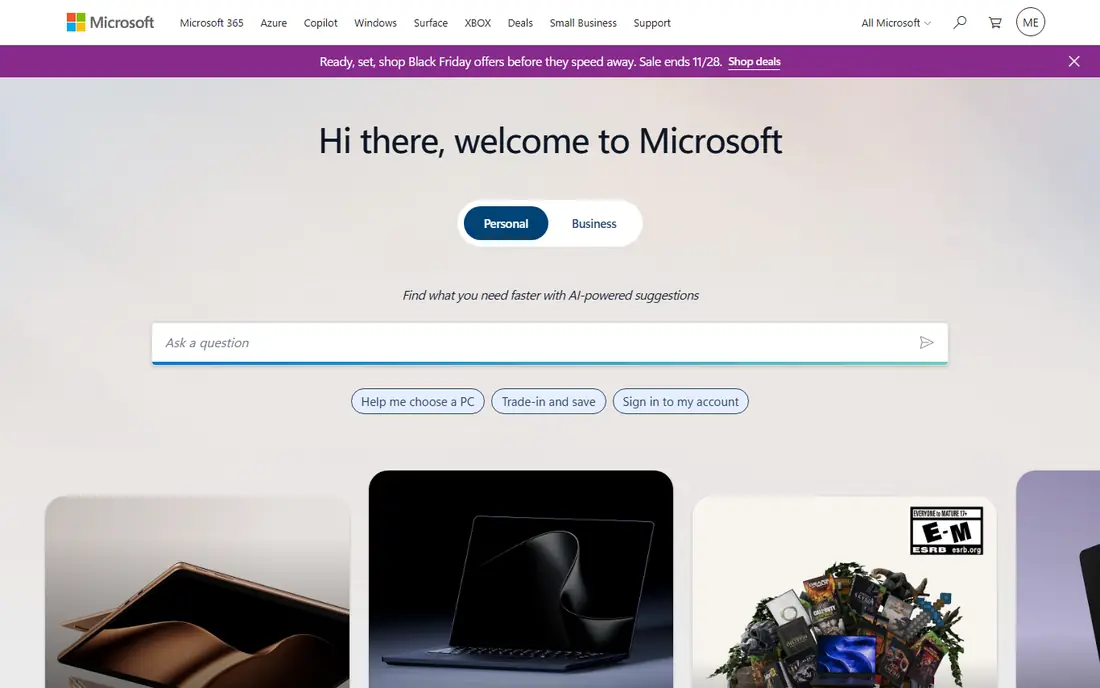
Microsoft Teams makes sense when your documents already live in Microsoft 365. Meetings, chat, file sharing, and co-authoring sit in one place, so a decision made on a call can turn into an edited document without a new link or login. Channels keep project discussion organized, and enterprise plans add compliance, retention, and security controls that regulated teams need. The standalone Essentials plan at $4 per user per month offers a lower-cost entry.
The weakness is external meetings. Guests can join, but the experience is less smooth than Zoom, and some features assume everyone has a Microsoft account. Small teams that only need video may also find Teams heavier than necessary. Choose Teams when your team already pays for Microsoft 365 and collaboration means documents as much as calls. Choose Zoom when most meetings involve people outside your company.
- Deep integration with Word, Excel, SharePoint, and OneDrive
- Chat, meetings, and channels in one app
- Strong enterprise compliance options
- Guest experience is heavier than Zoom for outsiders
- Best value requires Microsoft 365
- Interface can feel busy for small teams

Google Meet is the calm option for Google Workspace teams. Meetings start from Calendar or Gmail, guests join from a browser, and shared Docs and Drive files sit one click away. The interface stays simple, which helps teams that do not want to train everyone on a new app. Noise cancellation and live captions help on real calls, and the Business Starter price keeps the entry point modest.
The limits are depth and storage. Breakout rooms, polls, and advanced moderation need higher Workspace tiers, and recordings use Drive space, so long-term storage needs a plan. Meet is best when your team already uses Google Workspace and wants meetings that just work. If you run large workshops with complex facilitation, pair it with Miro or consider Zoom for the session itself.
- Browser-based joining with no install for most guests
- Tight integration with Gmail, Calendar, and Drive
- Simple interface that needs little training
- Advanced features require a Workspace plan
- Whiteboarding and breakout depth trail Zoom and Teams
- Recording storage counts against Drive limits
Webex suits organizations where security review comes before convenience. Cisco positions it for enterprises that need compliance controls, large meeting capacity, and webinar tooling in one platform. The free plan covers basic calls, which lets a team test reliability before committing, and paid plans add advanced hosting, transcription, and integrations. For regulated industries, that pedigree carries weight with IT and legal reviewers.
The trade-off is everyday feel. Webex can feel more formal than Zoom or Meet, and pricing requires checking the current plan page for your region and seat count. It is less likely to be the tool your clients already have open. Choose Webex when security, large events, and enterprise administration matter most. For a small team that just needs fast video, a simpler tool will feel lighter.
- Strong enterprise security and compliance story
- Reliable large meetings and webinars
- Free plan for basic video calls
- Paid pricing is not a single simple published figure for every plan
- Interface feels more corporate than rivals
- Smaller everyday user base than Zoom or Teams
Miro changes what a meeting can do, because it gives everyone a shared visual space instead of just a video grid. Teams can brainstorm on sticky notes, map a process, run a retrospective, or plan a quarter on one board, with voting and timers keeping the session moving. Templates cover common workshops, so a facilitator does not start from a blank canvas. It works alongside video tools rather than replacing them, and integrations let you present a board inside Zoom or Teams.
The free plan is a real limit for active teams, with three editable boards, and private mode, voting, and timers sit on paid plans. Miro also takes a little learning, since its breadth can overwhelm a first-time user. Use Miro when your meetings involve planning, design, or group decisions that need to stay visible. For a simple status call, video alone is enough, and Miro would only add noise.
- Large template library for workshops and planning
- Sticky notes, voting, and timers for facilitation
- Integrates with Zoom, Teams, and Slack
- Free plan limits editable boards to three
- Facilitation features such as private mode need a paid plan
- Broad feature set takes time to learn
Slack earns its place here for the meetings that should never have been scheduled. Huddles let two or more people start an audio conversation instantly, share a screen, and drop back to chat, which suits quick questions and unblocking work. Channels then preserve the decision, so the next person does not need a second meeting to catch up. For teams that already live in Slack, this flow replaces many short calls entirely.
The limit is scale and formality. Slack is not the best host for a large client presentation or a formal webinar, and the free plan limits searchable history. It also needs channel discipline, or important decisions get buried in chatter. Use Slack huddles for fast internal collaboration, and keep Zoom, Teams, or Meet for scheduled, external, or recorded meetings where structure matters.
- Huddles offer instant audio and screen sharing without scheduling
- Channels keep decisions searchable
- Huge integration library
- Not a full scheduled meeting replacement for large external calls
- Message history limits on the free plan
- Can become noisy without channel discipline
GoTo Meeting appeals to teams that want video without a platform decision. Scheduling, joining, screen sharing, and recording work in a predictable way, and the interface does not demand training. That reliability suits professional services firms, training sessions, and client calls where the meeting itself matters more than chat channels or whiteboards. Paid plans add transcription and drawing tools for presenters.
The catch is value against bundled rivals. With no free plan, GoTo must justify itself against Zoom and Meet, which many teams already have, and its integration range is narrower. Check current pricing carefully, since plans and terms change. GoTo is a good fit when you want a dedicated, dependable meeting tool and do not need a full collaboration suite wrapped around it.
- Straightforward scheduling and joining
- Reliable audio and screen sharing
- Meeting recording and transcription on paid plans
- No free plan for ongoing use
- Smaller collaboration ecosystem than Zoom or Teams
- Pricing requires checking the current plan page
Zoho Meeting is the budget pick for small teams that need reliable video without a large subscription. The entry price is far below most rivals, and browser joining keeps guest friction low. For a small business already using Zoho Mail, CRM, or other Zoho apps, meetings fit naturally into the same account and calendar flow. The free plan lets a tiny team test it before paying anything.
The limits are breadth and scale. Advanced webinar features, larger meeting capacities, and deeper collaboration tools sit on higher plans or in other products, and the ecosystem is smaller than Zoom or Microsoft. Zoho Meeting suits cost-conscious teams with simple meeting needs. If you run complex workshops or meet large external audiences weekly, a larger platform will serve you better.
- Very low entry price
- Browser-based joining
- Integrates with Zoho apps and calendars
- Smaller feature set than Zoom or Teams
- Webinar and advanced tools cost more
- Best value requires the Zoho ecosystem
How we picked these
We compared official pricing pages, feature descriptions, and public reviews for meeting tools that work in October 2026. We favored tools with easy guest joining, a real free plan or low entry price, and collaboration features beyond video alone, such as chat, whiteboarding, or shared documents. We left out pure phone conferencing and tools that only record meetings without hosting them.
What to check before you roll one out
Test the guest experience, not just the host experience, because your clients will judge the tool by how easily they join. Run a real call with an outsider, share a document, try a breakout or whiteboard if you need one, and check how the recording is stored. Also confirm limits that matter to you: free meeting duration, participant caps, and whether AI summaries or transcripts are included or an add-on.
Privacy deserves a deliberate decision. Meeting recordings, transcripts, and AI summaries contain personal data, so get consent before recording, tell participants when recording starts, and check retention and sharing settings before you turn on AI features. Decide who can download recordings, how long they are kept, and whether summaries are shared beyond attendees. A tool that makes collaboration easy should also make those controls easy to find, and your team should know the policy before the first sensitive call.
Frequently asked questions
What is the best meeting collaboration software for most teams?
Zoom Workplace is the best general pick for mixed internal and external meetings, while Microsoft Teams is best inside Microsoft 365 and Google Meet is best inside Google Workspace. Pick the tool your guests and your documents already favor, not just the longest feature list.
Is Zoom or Teams better for external clients?
Zoom is usually easier for external clients, because guests join from a link with minimal setup. Teams works well for guests too, but the experience is smoother when everyone already uses Microsoft accounts and apps.
Do I need a whiteboard tool as well as video?
Not for status calls, but yes for workshops, planning, and retrospectives. Miro adds a shared visual space that video alone cannot provide, and it works inside Zoom or Teams sessions when you need both.
How do I handle recording consent?
Tell participants before the meeting that it will be recorded, announce it again when recording starts, and get consent in line with your local rules and company policy. Limit who can access the recording, set a retention period, and avoid recording sensitive personal discussions unless you have a clear reason and permission.
What is the cheapest good meeting tool?
Zoho Meeting starts at $1 per user per month, and Zoom, Teams, Meet, Webex, Miro, and Slack all offer free plans with limits. Compare free meeting duration, participant caps, and recording limits, since the cheapest paid plan is not always the cheapest total cost.
Sources
See where you really rank - block by block
ProMapRanker scans Google Maps across a grid of your service area. Simple monthly plans from $19, white-label on every plan.
Start freeKeep reading
 worlds best local seo company
8 Worlds Best Local SEO Companies for Map Pack Growth in 2026
Compare the worlds best local seo company options for Google Business Profile work, citations, reviews, and multi-location rankings and reporting in 2026.
Read → world's best web hosting company
World's Best Web Hosting Company in 2026
Searching for the world's best web hosting company? We compared 10 hosts on price, renewal rates, speed, and support to help you choose well today in 2026.
Read → who's got the best nanny tax services
Who's Got the Best Nanny Tax Services in 2026
We answer who's got the best nanny tax services, comparing full filing, back taxes, software, and pricing so families can handle nanny taxes correctly.
Read →