 ProMapRanker
Best Medical Billing Software for Small Practices in 2026


Independent practices wanting billing plus EHR · Pricing starts at: See website
Key takeaways
- Most small practice billing tools are quote based, so a demo and a written quote matter more than a headline price, and the total often depends on providers, claims and services.
- Tebra, AdvancedMD and DrChrono bundle billing with scheduling and charting, while CollaborateMD style billing focused tools suit practices that only need revenue work.
- athenahealth prices as a share of collections, which aligns vendor and practice on getting paid but makes monthly costs harder to predict.
- CharmHealth is the clearest low cost start in this list, with a free entry tier, while RXNT publishes a full suite price for small teams.
- This article is general information only. Software alone does not make a practice HIPAA compliant, and no tool can guarantee reimbursement.
Quick comparison
| Pick | Great for | Pricing starts at | Free tier | |
|---|---|---|---|---|
| Tebra | Independent practices wanting billing plus EHR | See website | No | Visit |
 AdvancedMD | Growing practices wanting deep workflows | See website | No | Visit |
 athenahealth | Percentage of collections pricing | See website | No | Visit |
 DrChrono | iPad first practices | See website | No | Visit |
 CareCloud | Analytics with billing | See website | No | Visit |
 PracticeSuite | Budget conscious modular billing | See website | No | Visit |
 CharmHealth | Starting free and adding modules | Free | Yes | Visit |
 RXNT | Integrated EHR and billing suite | $335 per provider per month | No | Visit |
The best medical billing software for small practices
We compared official product pages and recent vendor comparisons for eight billing tools, focusing on claim handling, eligibility checks, patient billing and the real cost for a practice with a small provider count.
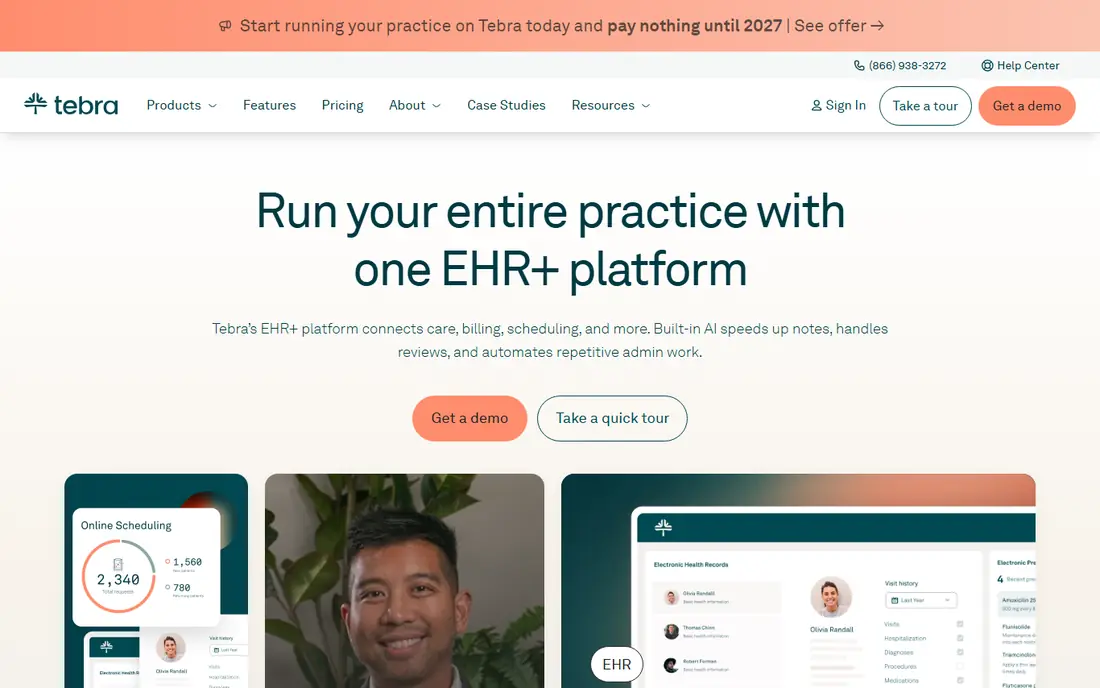
Tebra, formerly Kareo, is the all in one pick for independent practices that want billing to sit beside charting and scheduling rather than in a separate system. Claims, eligibility checks, patient billing and reporting run from the same patient record, which cuts duplicate entry and makes it easier to spot a denied claim early. Its patient tools also help with reminders and online payments.
The drawback is pricing clarity. Tebra publishes a range rather than a single starting price, and the final figure depends on which modules and provider types you choose. Get a quote for your exact provider mix, and ask what claim scrubbing, clearinghouse and patient payment features are included before you compare it with a billing only tool.
- Billing, EHR, scheduling and patient tools in one system
- Real time eligibility checks
- Claim tracking and patient statements
- Pricing is modular and quote based
- Full platform can be more than a billing only practice needs
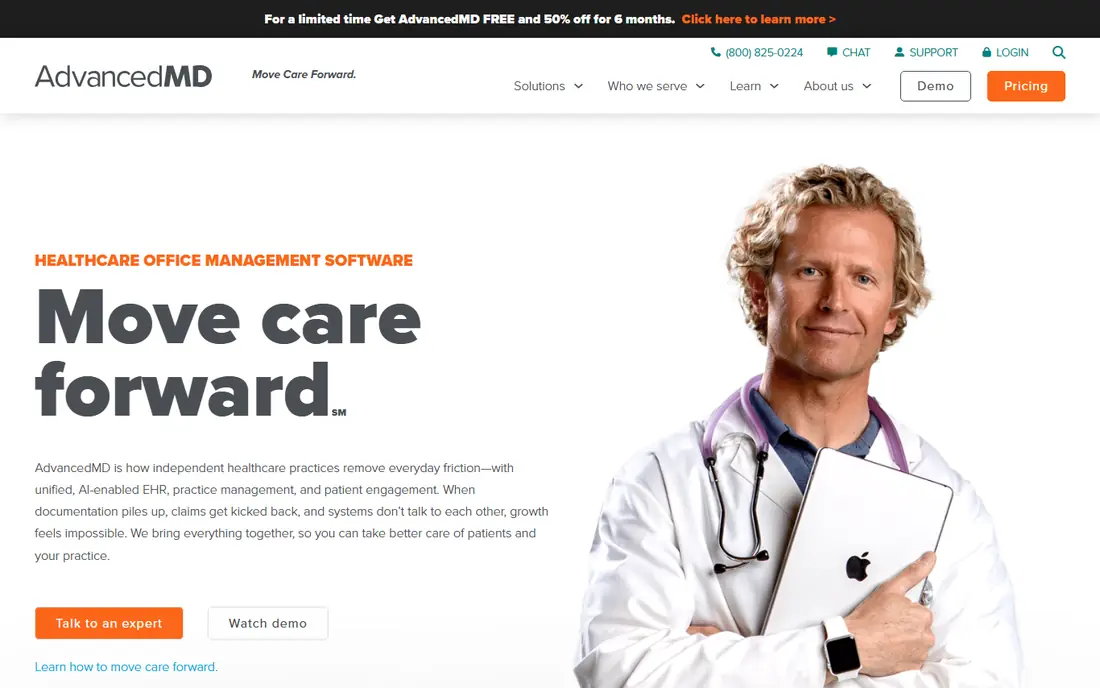
AdvancedMD suits a growing practice that needs more than basic claim submission. Its billing tools cover centralised claims, an integrated clearinghouse, patient payments and accounts receivable control, with analytics that show where revenue stalls. For a practice adding providers or locations, that depth helps keep billing consistent as volume grows.
The trade-off is complexity and cost opacity. Pricing is custom, and the platform takes longer to learn than a simpler billing tool. Solo practices with low claim volume should trial it against a cheaper modular option and check whether the extra workflow tools will actually be used week to week.
- Integrated clearinghouse and claim workflows
- Strong reporting and accounts receivable tools
- Modular bundles
- Quote based pricing
- Learning curve is steeper than simpler tools
- Small solo practices may pay for depth they do not use
athenahealth, through athenaOne and athenaCollector, is the revenue focused pick for practices with meaningful claim volume. Its claim scrubbing, eligibility checks and managed billing services aim for high first pass acceptance, and pricing as a percentage of collections means the vendor earns more when the practice collects more. That alignment appeals to practices tired of fixed fees for poor results.
The same model is the catch. A percentage fee is hard to budget in a slow month, and the platform is a bigger change than a billing only add-on. Practices with low volume should model the fee against a fixed price tool at their actual collections, not at an optimistic forecast.
- Strong claim scrubbing and managed revenue services
- Vendor incentive aligns with collections
- Large payer network
- Percentage pricing makes monthly costs unpredictable
- Onboarding can be longer
- Smaller solo offices may find it heavy
DrChrono is the mobile first pick, built around iPad charting with billing attached. Clinicians can chart, create superbills and manage claims from the same device, and electronic remittance advice posts automatically to reduce manual payment work. For a practice that already works on Apple devices, that flow feels natural.
The limits are platform fit and price transparency. Pricing is by quote, and teams on Android or Windows will not get the same experience as iPad users. Confirm claim, clearinghouse and patient payment costs in the quote, and trial the mobile billing flow with your own payer mix before signing.
- Strong iPad and mobile charting beside billing
- Superbills and claim management
- ERA auto posting
- Custom quote only
- Apple focused workflow suits iPad teams best
- Pricing is not published
CareCloud pairs billing with analytics, which helps a small practice see denial patterns, payer performance and patient balances without exporting data to a spreadsheet. Claims, patient statements and payment tools sit beside scheduling and practice management, so the front desk and billing staff share one record.
As with most tools here, pricing is quoted, so the comparison depends on the bundle you are offered. Ask which analytics reports are included at your tier, how claim denials are worked, and what support is provided during the first billing cycles, since those details decide whether the analytics actually change collections.
- Billing with analytics and reporting
- Patient billing and payment tools
- Practice management in the same platform
- Quote based pricing
- Feature depth varies by bundle
- Implementation time needs planning
PracticeSuite is the modular budget option for a practice that wants billing without paying for a full suite it will not use. You can start with billing and scheduling and add modules as the practice grows, which keeps the early bill lower than an all in one bundle. That flexibility suits small practices with a clear, narrow need.
The drawback is that modular pricing needs careful quoting, and the interface is less modern than newer competitors. List the modules you need, get a written total, and trial the claim submission and denial workflow, since a low entry price helps little if denials take longer to work.
- Modular pricing lets practices buy only what they need
- Billing, scheduling and EHR modules available
- Lower cost entry for small teams
- Pricing is not published in a single starting figure
- Interface feels older than newer rivals
- Module choices need care
CharmHealth is the easiest low risk start in this list. A free tier covers low encounter volumes, and practices can add billing, scheduling and patient modules as they grow, rather than committing to a large contract on day one. That makes it a sensible trial for a new or very small practice testing electronic billing.
The free tier is not a full enterprise billing service, and encounter limits mean a busy practice will move to a paid tier quickly. Compare the paid module total with a bundled tool once your volume is known, and check clearinghouse and claim costs, since those can sit outside the headline module price.
- Free entry tier for low volume practices
- Modular EHR, billing and patient tools
- Patient portal app
- Free tier has encounter limits
- Billing depth is thinner than enterprise revenue tools
- Add-on costs grow with modules
RXNT stands out here for publishing a full suite price, $335 per provider per month in recent vendor comparisons, which makes budgeting easier than with quote only rivals. The suite covers EHR, billing, scheduling and e-prescribing, with a patient app, so a small practice can replace several separate tools with one contract.
The price is higher than a free start or a modular billing only tool, and a practice that only needs billing may pay for clinical features it does not use. If you want one integrated system and a published price you can plan around, RXNT is worth a demo, but confirm what claim and clearinghouse fees, if any, sit outside that monthly figure.
- Published full suite price
- Integrated EHR, billing, scheduling and e-prescribing
- Patient app included
- Higher published price than free or modular starts
- Suite approach may exceed a billing only need
- Contract terms need checking
How we picked these
We compared official product pages and recent vendor comparisons for each tool, and checked that every product is still sold in October 2026. We favoured tools that handle real billing work, claim submission, scrubbing, eligibility, denials and patient payments, rather than scheduling only tools with a billing label. Prices are starting prices where published, and See website where pricing is quoted, since inventing a figure for a medical practice would be misleading. We also covered best medical billing services for small practices in the FAQ, since some practices prefer a managed service to software alone.
What to check before you choose a billing tool
Start with your payer mix and claim volume, not the feature list. A practice with a few payers and low volume needs clean claim submission and fast denial handling, while a high volume practice needs scrubbing depth, analytics and managed follow up. Ask each vendor for first pass acceptance, denial rates and average days in accounts receivable for practices like yours, and treat any figure without a clear definition with care.
Software, service, or both
Some practices buy software and run billing in house, while others buy a managed billing service that works claims for them. Software gives you control and lower fees at low volume, while a service can help when staff time is short or denials are high. If you choose a service, confirm who owns payer enrolment, who works denials, and how fees are calculated, since percentage fees and per claim fees behave very differently.
Compliance is a practice job, not a software promise
Billing software can support HIPAA safeguards, access controls and audit trails, but software alone does not make a practice HIPAA compliant. Policies, staff training, business associate agreements and secure handling of patient data still sit with the practice. Ask vendors for their security documentation and agreements, and review them with your compliance adviser before you migrate patient data.
Trial with real claims, not a demo script
Run a trial with your own codes, payers and patient types, and work a denied claim end to end. Check eligibility response time, how ERA payments post, how patient statements look, and how long support takes to answer a billing question. A tool that handles your hardest payer well in a trial is more valuable than one that demos smoothly on a simple case.
Frequently asked questions
What is the best medical billing software for a small practice?
There is no single winner, since the fit depends on volume, payer mix and whether you want billing alone or billing with an EHR. Tebra and AdvancedMD suit practices wanting an integrated system, CharmHealth suits a low cost start, and athenahealth suits high volume practices that prefer percentage pricing.
What are the best medical billing services for small practices?
A billing service, as opposed to software alone, handles claim submission, denial follow up and patient billing for you, often for a percentage of collections or a monthly fee. Managed options from vendors like athenahealth and Tebra, plus independent billing companies, can suit practices short on billing staff, but check fee structure, contract length and who works denials.
How much does medical billing software cost for a small practice?
Most tools here are quote based, so costs vary by providers, modules and services. Published examples include RXNT at $335 per provider per month for a full suite and CharmHealth with a free entry tier, while athenahealth prices as a percentage of collections. Always get a written quote that lists clearinghouse and claim fees.
Does billing software guarantee I will get paid?
No. Software improves claim accuracy, eligibility checks and follow up, but reimbursement depends on payer contracts, coding, medical necessity, timely filing and patient responsibility. No vendor can guarantee payment, and any promise that sounds like one should be treated with care.
Can small practices use billing software and stay HIPAA compliant?
Software can help with safeguards, access controls and audit trails, but compliance also needs practice policies, training and signed business associate agreements. Review vendor security terms and your own procedures together, and do not rely on a marketing claim alone.
Sources
See where you really rank - block by block
ProMapRanker scans Google Maps across a grid of your service area. Simple monthly plans from $19, white-label on every plan.
Start freeKeep reading
 worlds best local seo company
8 Worlds Best Local SEO Companies for Map Pack Growth in 2026
Compare the worlds best local seo company options for Google Business Profile work, citations, reviews, and multi-location rankings and reporting in 2026.
Read → world's best web hosting company
World's Best Web Hosting Company in 2026
Searching for the world's best web hosting company? We compared 10 hosts on price, renewal rates, speed, and support to help you choose well today in 2026.
Read → who's got the best nanny tax services
Who's Got the Best Nanny Tax Services in 2026
We answer who's got the best nanny tax services, comparing full filing, back taxes, software, and pricing so families can handle nanny taxes correctly.
Read →