 ProMapRanker
Best Medical Billing Software for Home Based Business in 2026


Solo practices wanting billing plus practice management · Pricing starts at: See website
Key takeaways
- Solo and home based billers need claim scrubbing, eligibility checks, and denial tracking more than a large hospital system does.
- Published per provider pricing is rare in this market, so a written quote that lists clearinghouse and add on fees matters.
- Tebra and PracticeSuite suit smaller budgets, while AdvancedMD and athenahealth suit higher claim volumes and deeper reporting.
- This article is general information only, not medical or billing advice, and software alone does not make a practice HIPAA compliant.
Quick comparison
| Pick | Great for | Pricing starts at | Free tier | |
|---|---|---|---|---|
| Tebra | Solo practices wanting billing plus practice management | See website | No | Visit |
 AdvancedMD | Claim accuracy and modular pricing | $429 per provider per month | No | Visit |
 athenahealth | High claim volumes with managed billing help | See website | No | Visit |
 DrChrono | Mobile first practices | See website | No | Visit |
 CareCloud | Practices wanting a single cloud system | See website | No | Visit |
 CollaborateMD | Small practices wanting a clear billing focus | See website | No | Visit |
 PracticeSuite | Low cost billing for many specialties | See website | No | Visit |
 RXNT | Budget conscious cloud billing | See website | No | Visit |
 CharmHealth | Small practices wanting a free starting tier | Free | Yes | Visit |
The best medical billing software for home based business
We looked at official pricing pages, feature pages, and public reviews to compare tools that a home based biller or solo provider can run without an office IT team. The picks below cover claim submission, payment posting, and denial follow up, with different trade offs on price and depth.
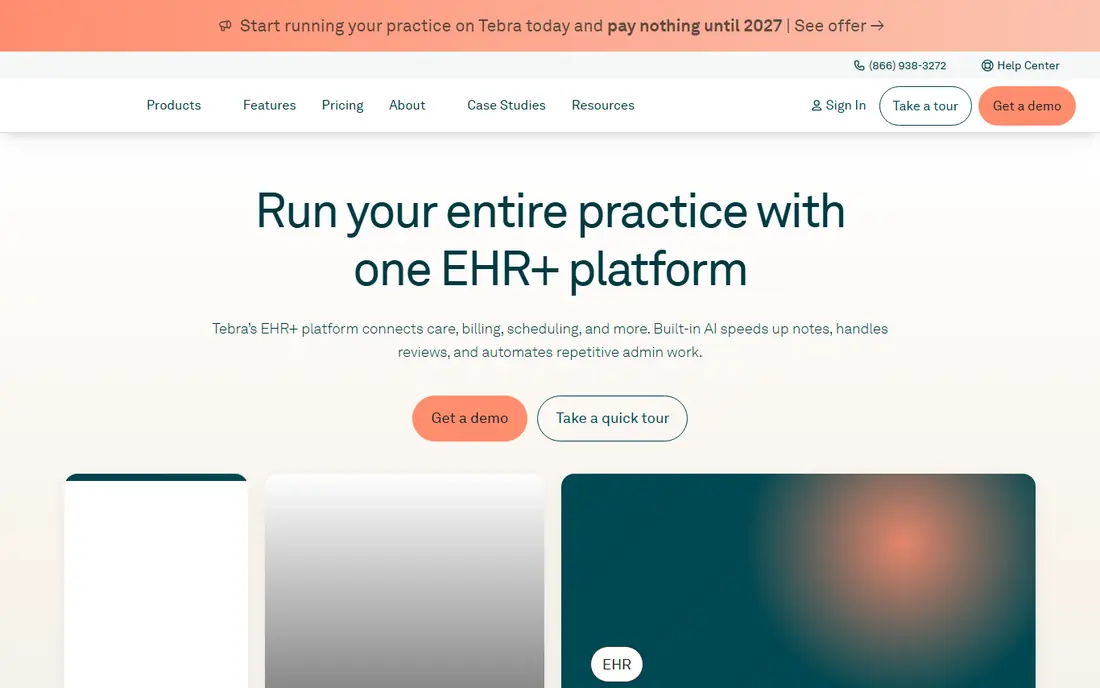
Tebra, formerly Kareo, is the pick we would show first to a solo provider who wants one login for scheduling, billing, and patient messages. That matters at home, where switching between four tools eats the time you would otherwise spend on claims. Its billing workflow covers claim creation, submission, and payment tracking, and the practice management side keeps the schedule and the ledger in the same record.
The catch is pricing transparency. You will need a quote to know the monthly cost for your specialty and claim volume, and you should ask in writing what is included and what is billed as an add on. If you already use another EHR, check the integration list before you commit, because a billing tool that does not talk to your charting system creates manual work.
- Billing, scheduling, and patient tools in one place
- Per provider pricing model
- Patient engagement tools included in bundles
- No published list price on the main pricing page
- Support quality is mixed in public reviews
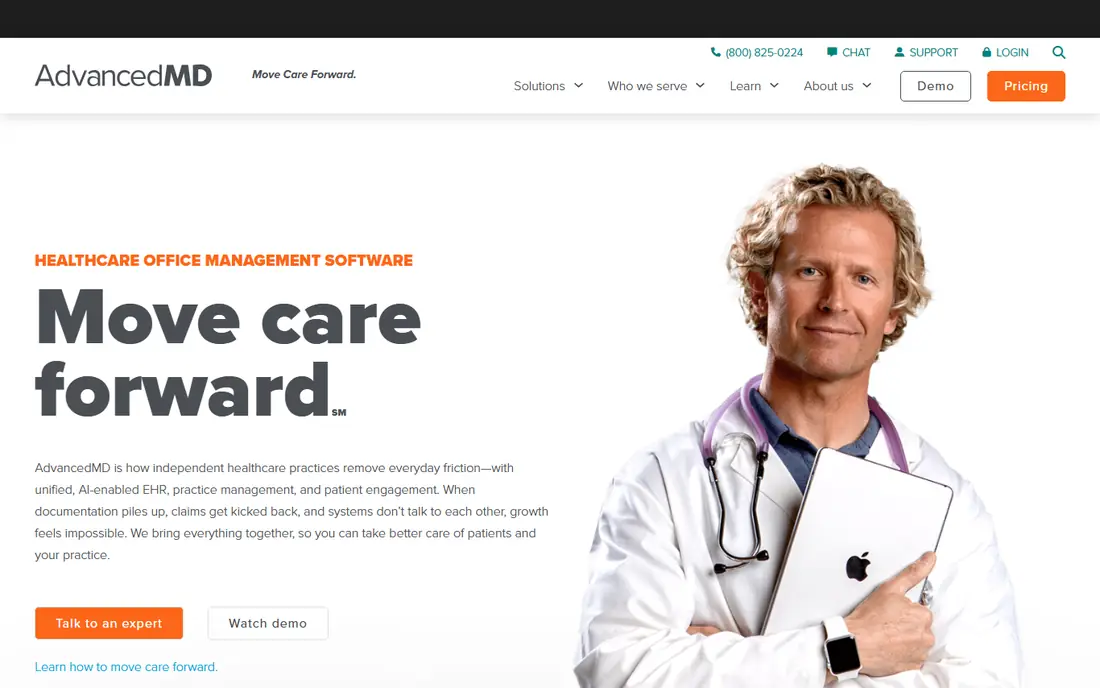
AdvancedMD stands out because it publishes prices, which is rare here. Practice management with billing starts at $429 per provider per month, with higher bundles that add EHR and patient engagement. For a home based practice, that published floor makes budgeting possible before a sales call, even if the final quote is higher once add ons are counted.
Claim accuracy is the other reason to look at it. Its pre submission checks aim to catch errors that cause denials, and the reporting tools help you see which payers and codes are slowing payment. The honest downside is that the starting price is a floor, not a total. List every add on you need, from eligibility checks to payment processing, and get the combined monthly figure in writing.
- Published modular pricing for practice management with billing
- Claim scrubbing before submission
- Managed revenue cycle option priced as a share of collections
- Add on fees for eligibility, fax, and e-prescribing stack up
- Onboarding can take time
athenahealth, through athenaOne, suits a home based practice that has grown past the point where the owner can chase every denial. Its network handles a large share of payer connections, and its managed service can take on billing work rather than leaving it all to you. That can be a real help when claim volume rises but you do not want office staff.
The trade off is cost structure. When billing is priced as a percentage of collections, a good month costs more than a slow month, and that is fair only if the service is actually improving collections. Ask what denial follow up, patient billing, and reporting are included, and compare the percentage against a flat monthly fee at your current volume before you sign.
- Large payer network and clearinghouse connections
- Managed billing service option
- Reporting across claims and collections
- Pricing is typically a share of collections, so costs rise with revenue
- May be more than a very small practice needs
DrChrono appeals to providers who chart on a tablet and bill from the same workflow, which fits a home office or a practice that moves between rooms and sites. Custom forms let different specialties shape notes and billing fields to their work, rather than forcing every visit into one generic template. Its integration options also help if you already use separate scheduling or payment tools.
Billing support is where you should do extra homework. Read recent reviews for your specialty, ask how denials are worked, and test the claim workflow during a demo with a real example from your practice. A good charting tool with weak billing follow up will still leave you chasing payments by hand.
- Strong mobile and tablet charting alongside billing
- Customisable forms and templates
- API and integration options
- Pricing requires a quote
- Public reviews are mixed on billing support
CareCloud is a sensible shortlist pick for a home based practice that wants billing, scheduling, and clinical notes under one vendor. Having one support team and one data record reduces the handoffs that cause errors, and its reporting can show collections, ageing claims, and payer performance in one place. Patient payment tools also help small practices collect balances without a separate vendor.
Because pricing is quote based, treat the first quote as a starting point. Confirm the number of users included, the clearinghouse arrangement, and the cost of training and data migration. Small practices should also ask how long support tickets typically take, since a home based biller cannot walk down the hall to fix a claim problem.
- Cloud based billing, practice management, and EHR in one system
- Centralised reporting
- Patient payment tools
- No published starting price
- Implementation and training time varies by practice size
CollaborateMD keeps the focus on billing rather than trying to be every part of a practice at once. That focus shows in a cloud interface that centres on claims, payments, and follow up, which is exactly the daily work of a home based biller. It also works for billing companies that manage several small clients, so a solo biller who plans to grow a client list has room to expand.
The limit is breadth. If you also need deep EHR charting, telehealth, and patient engagement in the same system, you may need a second tool. Weigh that against the benefit of a billing first design, and check that its clearinghouse and payer list covers the payers your clients actually use.
- Cloud based billing with a straightforward interface
- Claim tracking and reporting
- Suitable for billing companies and small practices
- Less full practice depth than larger suites
- Pricing requires a quote
PracticeSuite is worth a look when budget is the binding constraint and you still need real billing depth. It covers a wide range of specialties, which helps a home based biller who serves more than one type of provider. Scheduling and EHR options sit alongside billing, so you can start with billing and add other modules later rather than buying a full suite on day one.
The honest weakness is polish. The interface is more functional than modern, and new users should allow time to learn where claim, payment, and reporting screens live. Book a demo with your own claim examples, and confirm which features sit in the base plan and which need a higher tier.
- Broad specialty coverage
- Billing, scheduling, and EHR options
- Lower cost positioning than larger suites
- Interface feels older than newer rivals
- Pricing and plan details require a quote
RXNT positions itself for smaller practices that want cloud billing without enterprise complexity. Its billing tools cover claims and payments, and its wider suite adds scheduling and e-prescribing for practices that want those in the same account. For a home based practice, that keeps the vendor count low and the monthly bill easier to predict.
Depth is the trade off to check. Very complex billing rules, multi location reporting, or unusual payer requirements may stretch it. List your must have claim edits, reports, and payer connections before a demo, and ask for a written list of what is included at the quoted price.
- Cloud based billing with e-prescribing options
- Straightforward pricing conversations for small practices
- Integrated practice tools
- Smaller feature depth than enterprise suites
- Add on pricing varies
CharmHealth is the low risk starting point on this list, because a small practice can begin on a free tier and learn the system before paying. Billing sits next to EHR and practice management tools, so a home based provider can test whether one system fits daily work without a large upfront commitment. Telehealth options add value for practices that see patients remotely.
Free does not mean complete. Expect limits on users, features, or claim volume, and check the paid plan price before you build your whole workflow around the free tier. If your claim volume is already steady, compare the paid tier directly with PracticeSuite and RXNT rather than judging CharmHealth on the free plan alone.
- Free starter tier for small practices
- Billing alongside EHR and practice management
- Telehealth options
- Free tier has limits that growing practices will outgrow
- Advanced billing features sit in paid plans
How we picked these
We compared official feature and pricing pages, app and vendor documentation, and public reviews for tools that exist and work in October 2026. We favoured tools with claim submission, eligibility checks, denial tracking, and payment posting, and we gave weight to options a solo or home based practice can run without dedicated IT staff. Prices shown are the ones we could verify from vendor pages or reliable pricing summaries; where a vendor does not publish a price, we wrote See website rather than guessing.
What to check before you buy
Start with your payer mix, because a tool that lacks your top payers will create manual work no feature list can fix. Ask for the clearinghouse arrangement, the claim scrubbing rules, and how denials are assigned and followed up, then test that workflow with a denied claim example. Check the total monthly cost, including clearinghouse fees, eligibility checks, payment processing, and training, and get it in writing.
Privacy and compliance need the same care. Confirm the vendor signs a business associate agreement, offers access controls and audit logs, and explains how patient data is stored and backed up. Remember that this article is general information only, not medical or billing advice, and that software alone does not make a practice HIPAA compliant. Your policies, staff training, and contracts matter as much as the tool you pick.
Frequently asked questions
Can I run medical billing software from home?
Yes, most tools on this list are cloud based and work from a home office with a secure internet connection. Use a private network, strong passwords, multi factor authentication, and a device policy that keeps patient data off shared family computers.
Do I need an EHR as well as billing software?
Not always. Some practices bill from a standalone tool and keep clinical notes elsewhere, while others prefer one system for both. A combined system reduces duplicate entry, but a billing first tool can work well if your EHR already covers charting.
How are most of these tools priced?
Many use per provider monthly pricing or a share of collections, and some add clearinghouse and eligibility fees. Published prices are uncommon, so request a written quote that lists every included service and every add on fee.
What causes most claim denials?
Common causes include eligibility errors, coding mistakes, missing authorisations, and incomplete patient details. Good software checks claims before submission and tracks denials so the same error is not repeated.
Is this software enough for HIPAA compliance?
No. Software can support compliance with access controls, encryption, and audit logs, but compliance also depends on your policies, training, contracts, and handling of patient data. Confirm the vendor offers a business associate agreement and review your own processes with a qualified adviser.
Sources
See where you really rank - block by block
ProMapRanker scans Google Maps across a grid of your service area. Simple monthly plans from $19, white-label on every plan.
Start freeKeep reading
 what’s the best risk software for enterprises
What Is the Best Risk Software for Enterprises in 2026
We compared what’s the best risk software for enterprises on risk registers, controls, third-party risk, and reporting, with pricing notes for large teams.
Read → what's the best pam software for enterprises
What is the Best PAM Software for Enterprises in 2026
Find what's the best pam software for enterprises, with vaulting, session recording, just in time access and pricing compared for large enterprise IT teams.
Read → what’s the best grc software
What Is the Best GRC Software in 2026
We compared what’s the best grc software on risk, compliance, audit and vendor risk, so teams can pick a platform that fits their frameworks and budget.
Read →