 ProMapRanker
Best Mechanical Design Software in 2026


Industry-standard mechanical CAD · Pricing starts at: $2,820 per year
Key takeaways
- SOLIDWORKS remains the industry default for mechanical CAD, but its annual cost and Windows focus rule it out for some small teams.
- Autodesk Fusion at 680 dollars per year is the value benchmark for small manufacturers that need CAD, CAM, and simulation together.
- Onshape suits teams that want browser-based collaboration and version control without managing desktop installs.
- FreeCAD is a real free option for learning and simpler parts, but it is not a drop-in replacement for a paid mechanical CAD suite.
Quick comparison
| Pick | Great for | Pricing starts at | Free tier | |
|---|---|---|---|---|
| SOLIDWORKS | Industry-standard mechanical CAD | $2,820 per year | No | Visit |
 Autodesk Fusion | Design plus manufacturing | $680 per year | Yes | Visit |
 Onshape | Cloud collaboration | $1,500 per user per year | Yes | Visit |
 PTC Creo | Parametric engineering | $2,480 per year | No | Visit |
 Autodesk Inventor | Autodesk mechanical teams | See website | Free trial | Visit |
 Solid Edge | Mid-market mechanical CAD | See website | Free trial | Visit |
 CATIA | Complex surfacing and large assemblies | See website | No | Visit |
 AutoCAD | 2D drafting and documentation | $2,095 per year | No | Visit |
 FreeCAD | Free open-source CAD | Free | Yes | Visit |
The best mechanical design software
Mechanical design software must handle parametric parts, assemblies, drawings, and often simulation or manufacturing. We compared vendor pricing pages, feature pages, and public pricing roundups checked in October 2026, and we focused on tools that are still sold and supported for mechanical work.
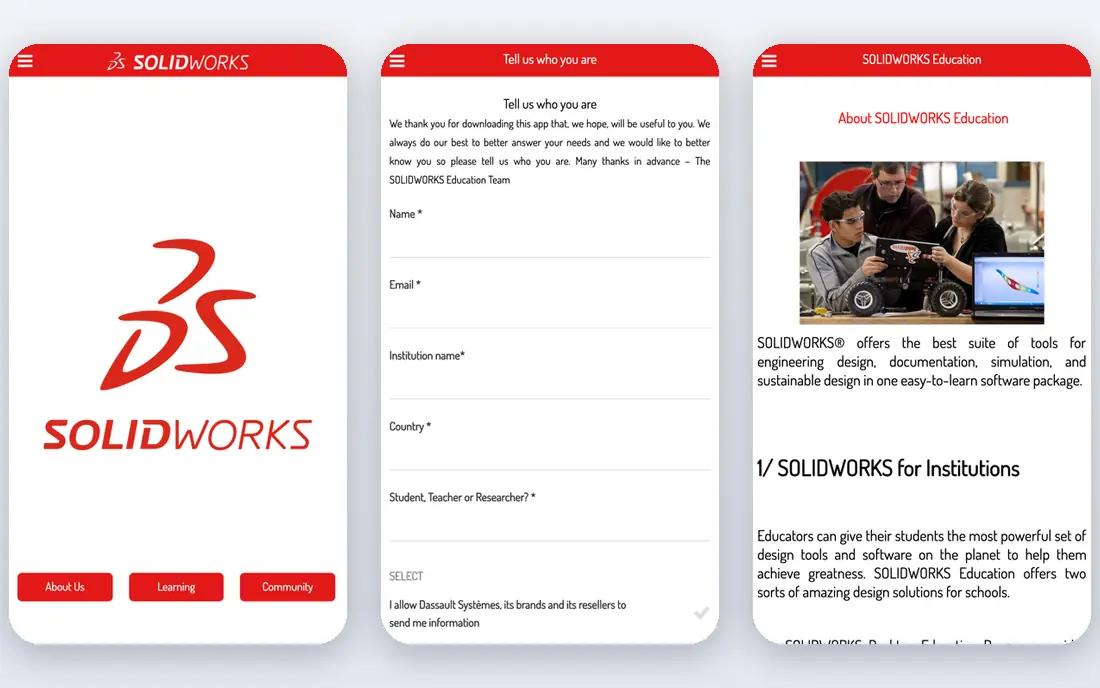
SOLIDWORKS is the pragmatic default when your industry, suppliers, and customers already speak its file language. Parametric parts, large assemblies, drawings, and simulation tools cover most mechanical work, and finding trained engineers or compatible vendors is easier than with a niche tool. For a manufacturing team, that shared ecosystem is a working advantage, not just a brand name.
The price and platform shape the decision. Standard term pricing is listed at 2,820 dollars per year, and higher tiers add simulation, data management, and other modules. You also need a capable Windows workstation. If your team already works in SOLIDWORKS, staying put is usually cheaper in training and rework than switching.
- Parametric modeling, assemblies, drawings, and simulation in one package
- Huge ecosystem of trained users, suppliers, and tutorials
- Strong data management options
- Priced for professional teams and often sold through resellers
- Windows-focused and hardware hungry
- Learning curve for new users

Fusion gives small manufacturers and startups an integrated design-to-manufacturing platform at a price far below legacy CAD suites. At 680 dollars per year, or 57 dollars per month billed annually, you get parametric modeling, simulation, and CAM toolpaths in one cloud workspace, with version control that helps small teams avoid file chaos. For product teams that design and make parts, that breadth is hard to match.
Limits show up at scale. Very large assemblies can slow down, and teams that need strict offline work or deep enterprise data management may prefer a desktop suite. The personal-use tier is limited and non-commercial, so treat it as a learning and hobby path, not as a free commercial license.
- CAD, CAM, simulation, and PCB tools in one subscription
- Cloud collaboration and version control built in
- Personal-use tier for non-commercial work
- Cloud dependence for full collaboration
- Very large assemblies can strain it
- Some advanced manufacturing features need extensions
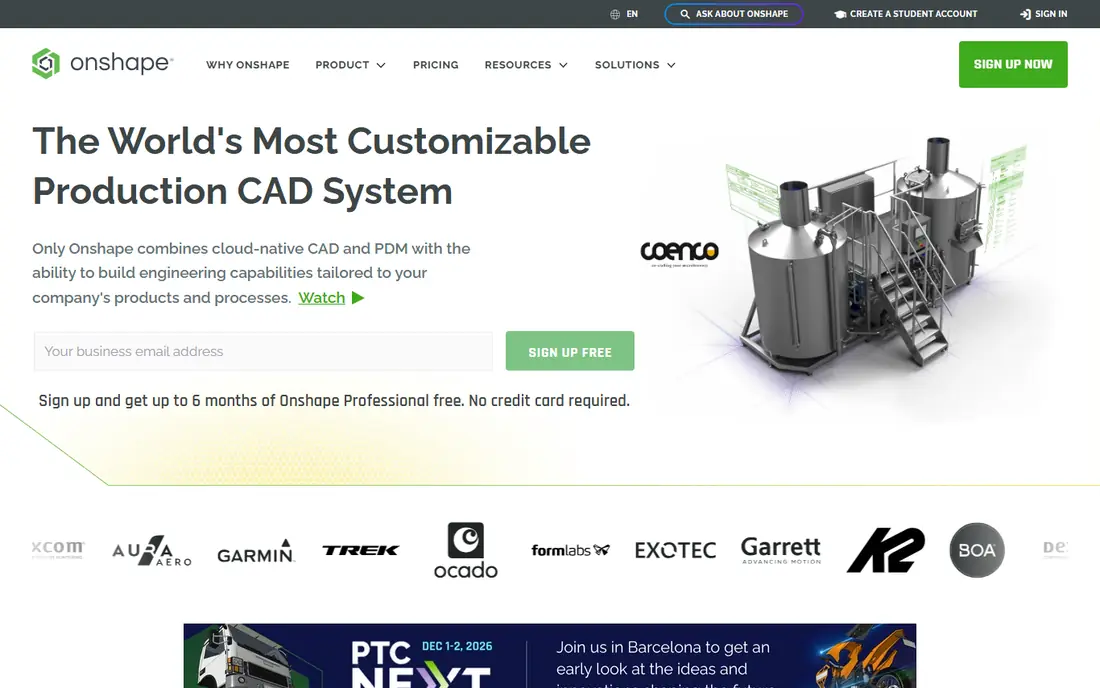
Onshape suits distributed teams that want to design together without passing files around. Because it runs in a browser, engineers on different machines can work on the same model, branch a design to test an idea, and roll back to an earlier version without a separate data management system. That workflow feels closer to modern software tools than to classic desktop CAD.
The free plan is public-only, so commercial teams should budget for Standard at 1,500 dollars per user per year or Professional at a higher price. Internet dependence is also real: offline work is limited. If your team values collaboration and version control above offline desktop power, Onshape earns its place.
- Browser-based CAD with real-time collaboration
- Built-in version control and branching
- No desktop install or file syncing to manage
- Annual cost adds up for larger teams
- Free plan makes designs public
- Needs a solid internet connection for daily work
Creo is a serious engineering tool for teams that build complex, parametric products and need tight control over design intent. Its modeling, assembly, and manufacturing tools suit industrial, automotive supplier, and machinery work, where a change in one part must flow through drawings and downstream tools in a controlled way. For that kind of work, Creo is a credible rival to SOLIDWORKS.
New users should expect training time. The interface packs many functions into dense menus, and the 2,480 dollar per year design package price puts it firmly in professional territory. Shortlist Creo when your engineering complexity justifies that depth, not when a simpler CAD tool would cover your parts.
- Strong parametric modeling for complex engineering
- Good for large assemblies and manufacturing integration
- Long history in industrial engineering
- Higher learning curve
- Annual cost is professional-grade
- Interface feels dense for new users
Inventor fits mechanical teams already invested in Autodesk, especially where AutoCAD drawings and Vault data management sit alongside 3D design. It covers parametric parts, assemblies, sheet metal, and detailed drawings, with tools aimed at machinery, equipment, and product manufacturing. For an Autodesk shop, it keeps file and workflow friction low.
Standalone pricing varies by subscription and bundle, so use See website and get a quote tied to your user count and term. Teams with no Autodesk history should compare Inventor against SOLIDWORKS and Fusion on total cost, including any Vault or AutoCAD seats you would also need.
- Mechanical design inside the Autodesk ecosystem
- Strong assemblies, sheet metal, and drawing tools
- Works well with AutoCAD and Vault workflows
- Pricing is not always published as a single simple figure
- Windows-focused
- Best value when you already use Autodesk tools
Solid Edge from Siemens gives mid-market mechanical teams a flexible way to model, with both direct editing and parametric history in the same tool. Sheet metal, assemblies, and drawings are strong, and the community edition lets individuals learn the tool without a commercial license. For a team that values direct editing for imported geometry, that mix is useful.
Pricing spans a wide range by tier, from design and drafting up to premium packages, so a headline figure does not tell the full story. Get a tier-by-tier quote and check which simulation, data management, and manufacturing features your team actually needs. The ecosystem is smaller than SOLIDWORKS, which matters for hiring and supplier file exchange.
- Mix of direct and parametric modeling
- Good sheet metal and assembly tools
- Community edition for learning and evaluation
- Pricing varies widely by tier
- Smaller ecosystem than SOLIDWORKS
- Some advanced features sit in higher tiers
CATIA is the tool behind much of aerospace and automotive design, where complex surfaces, large assemblies, and strict lifecycle control matter. It handles Class-A surfacing and full vehicle or aircraft development in a way that mid-market CAD tools cannot match. If your customer or OEM requires CATIA, there is little debate.
For almost everyone else, CATIA is too much. Pricing is quote-based and enterprise-grade, training takes time, and simple parts do not need its depth. Shortlist it only when your industry, assembly size, or customer requirements demand it, and budget for implementation and lifecycle integration alongside the license.
- Industry standard for aerospace and automotive surface work
- Handles very large, complex assemblies
- Deep integration with product lifecycle tools
- Quote-only enterprise pricing
- Steep learning curve
- Overkill for simple parts and small teams
AutoCAD still belongs in a mechanical list because so much mechanical work ends as 2D drawings, schematics, and documentation. It remains the standard for precise DWG drafting, and suppliers, fabricators, and clients often expect DWG files. For a shop whose main output is drawings rather than complex 3D assemblies, AutoCAD covers the core job well.
Do not buy AutoCAD as your main 3D mechanical design tool. Its 3D tools are basic next to SOLIDWORKS, Creo, or Fusion, and the 2,095 dollar per year price is high if you only need occasional drafting. AutoCAD LT, at a lower price, covers 2D drafting only, which suits drafting-only seats.
- Industry standard for 2D drafting and DWG workflows
- Precise documentation and detailing tools
- Huge library of existing drawings and blocks
- 3D mechanical modeling is limited next to dedicated 3D CAD
- Annual cost is high for drafting alone
- AutoCAD LT is cheaper but 2D only
FreeCAD is the best free starting point for mechanical design, and it is a real tool, not a viewer. It offers parametric modeling, assemblies through workbenches, drawings, and a range of extensions, all without a license fee. For students, makers, and small shops with simpler parts, it can carry genuine work.
The gap shows in polish, large assemblies, and file exchange with commercial customers. Support comes from the community, and some workflows need add-ons or manual steps that paid tools handle natively. Use FreeCAD to learn, to prototype, or to keep costs at zero, and move to a paid tool when customer file requirements or assembly size demand it.
- Free and open source parametric 3D modeling
- Runs on Windows, macOS, and Linux
- Good for learning, hobby work, and simpler parts
- Interface and workflow feel less polished than paid CAD
- Support is community based
- Large or complex assemblies can be harder to manage
How we picked these
We compared vendor pricing pages, feature pages, and pricing roundups checked in October 2026, and we favored tools with current parametric modeling, assemblies, and drawing support for mechanical work. Where a vendor did not publish a simple starting price, we used See website rather than repeating a reseller estimate as fact. Annual prices are listed per user where the vendor states them that way.
How to choose by team and output
Start with your output, not the feature list. If customers require a specific CAD format, that requirement narrows the list fast. If you manufacture parts in-house, CAM and simulation matter more than pure modeling polish. If you collaborate across sites, cloud version control may matter more than any single modeling feature.
Next, test with a real part from your own work, not a demo model. Model it, change a key dimension, produce a drawing, and export the files your supplier needs. That short test reveals assembly handling, drawing quality, and file exchange problems that a feature page hides. Finally, price the workstation, training, and any data management seats alongside the license, because those costs shape the first-year total.
Frequently asked questions
What is the best mechanical design software?
For most professional mechanical teams, SOLIDWORKS is the safest default because of its ecosystem and depth. For small manufacturers and startups, Autodesk Fusion at 680 dollars per year is the better value pick. Teams that prize cloud collaboration should test Onshape, and learners on a zero budget should start with FreeCAD.
Is FreeCAD good enough for mechanical design?
FreeCAD handles parametric parts, assemblies, and drawings for many simpler jobs, and it is free on major desktop systems. It falls short of paid suites in polish, large assembly handling, and commercial file exchange. Use it for learning, hobby work, and simpler commercial parts, and switch when customer requirements demand a paid tool.
How much does mechanical design software cost?
Prices range from free for FreeCAD to several thousand dollars per user per year for professional suites. Fusion starts at 680 dollars per year, Onshape Standard at 1,500 dollars per user per year, SOLIDWORKS Standard at 2,820 dollars per year, and PTC Creo at 2,480 dollars per year. Enterprise tools such as CATIA are quote-based and higher.
Do I need a powerful computer for mechanical design software?
Yes, for most paid 3D CAD tools. A modern multi-core processor, ample memory, and a workstation graphics card make a clear difference with large assemblies and simulation. Check the vendor system requirements before you buy licenses, because a weak machine can make even a good tool feel slow.
What is the best design software for mechanical engineering students?
FreeCAD and Fusion personal use are strong student paths, because both cost nothing for eligible non-commercial use and teach parametric modeling. Many schools also offer education licenses for SOLIDWORKS, Inventor, and other commercial tools, so check your institution before you pay for a personal license.
Can mechanical design software also handle manufacturing?
Some tools can, and some cannot. Fusion includes CAM toolpaths, and SOLIDWORKS, Creo, and CATIA offer manufacturing modules or partner tools. AutoCAD alone does not cover CAM well. If you machine parts in-house, check CAM, simulation, and post-processor support before you pick a CAD tool.
Sources
- https://www.solidworks.com
- https://www.autodesk.com/products/fusion-360
- https://www.onshape.com
- https://www.ptc.com/en/products/creo
- https://www.autodesk.com/products/inventor
- https://www.siemens.com/software/solid-edge
- https://www.3ds.com/products/catia
- https://www.autodesk.com/products/autocad
- https://www.freecad.org
See where you really rank - block by block
ProMapRanker scans Google Maps across a grid of your service area. Simple monthly plans from $19, white-label on every plan.
Start freeKeep reading
 zscaler alternatives
Best Zscaler Alternatives in 2026
Looking for zscaler alternatives? We compare 9 SASE and zero trust platforms on architecture, data protection, pricing, and fit for your network and team.
Read → zapier alternatives free
Best Zapier Alternatives Free in 2026
Nine automation tools for zapier alternatives free in 2026, all with genuinely free tiers, plus free plan limits, starting prices and upgrade paths explained.
Read → which platform is best for online reputation
Which Platform Is Best for Online Reputation in 2026
Wondering which platform is best for online reputation? We compare 8 review, listing, and response tools for small and multi-location businesses and agencies.
Read →