 ProMapRanker
Best MDM Software in 2026: 10 Tools Compared


Microsoft 365 and mixed fleets · Pricing starts at: $8 per user per month
Key takeaways
- Microsoft Intune fits mixed fleets and Microsoft 365 teams, while Jamf and Iru lead for Apple only fleets.
- Mosyle, Miradore, and ManageEngine offer the lowest cost paths for small fleets, including free tiers up to 25 or 30 devices.
- Hexnode and Scalefusion give strong value for mixed fleets, kiosks, and frontline devices.
- Per device and per user pricing are not the same, so count the metric your vendor bills before you compare prices.
Quick comparison
| Pick | Great for | Pricing starts at | Free tier | |
|---|---|---|---|---|
| Microsoft Intune | Microsoft 365 and mixed fleets | $8 per user per month | No | Visit |
 Jamf | Apple fleets at scale | $4 per device per month | Yes | Visit |
 Iru | Apple automation and compliance | See website | No | Visit |
 Mosyle | Low cost Apple management | $1 per device per month | Yes | Visit |
 Hexnode UEM | Best value mixed fleets | $2.20 per device per month | No | Visit |
 Scalefusion | Kiosks and frontline devices | $2 per device per month | No | Visit |
 ManageEngine Mobile Device Manager Plus | On premises or small fleets | See website | Yes | Visit |
 Miradore | Free mixed fleets | See website | Yes | Visit |
 JumpCloud | Identity plus device management | $9 per user per month | No | Visit |
 Omnissa Workspace ONE UEM | Large enterprise fleets | See website | No | Visit |
The best MDM software
We compared official feature and pricing pages and public review material for tools live in October 2026. We judged each tool on platform coverage, enrollment options, security policies, and price, with a focus on what small and mid size IT teams actually need.
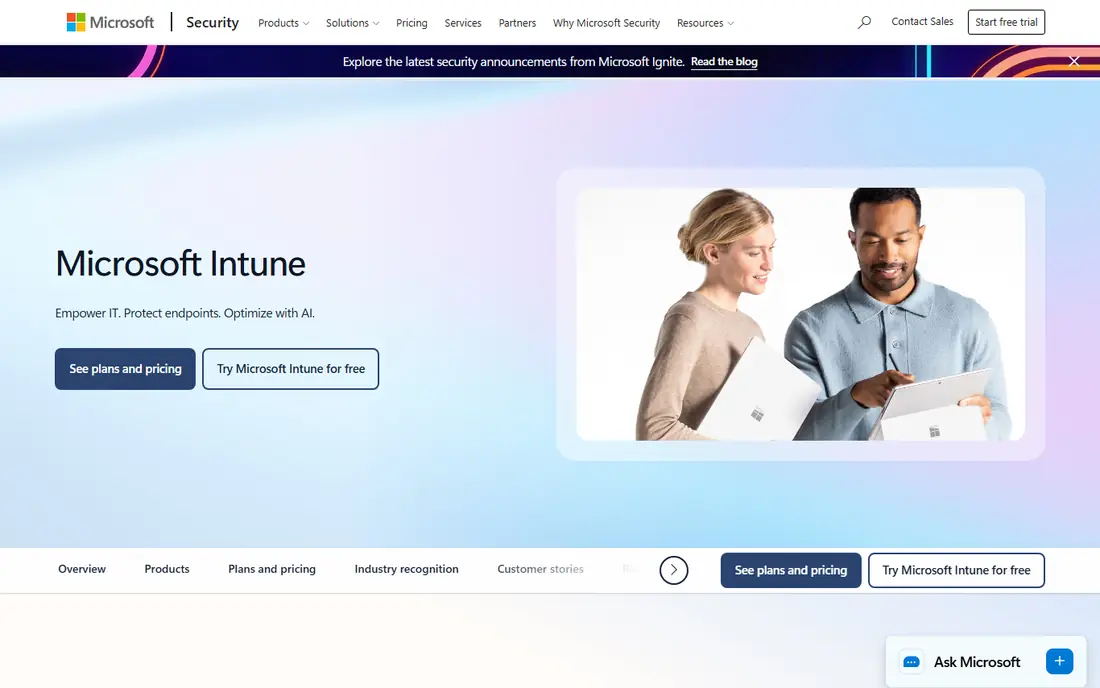
Intune is the natural choice for teams already paying for Microsoft 365. It manages Windows, macOS, iOS, and Android from one cloud console, and it ties into Entra ID for identity and conditional access. For many teams, Intune Plan 1 is already included in Business Premium, E3, or E5, which makes the added cost zero.
The main drawback is the Apple experience. It works, but Apple focused teams often find Jamf or Iru smoother for Mac and iPhone policy depth and day one OS support. Intune also takes time to learn, so plan for training and a staged rollout rather than a single big switch.
- Deep Microsoft 365 integration
- Covers Windows, macOS, iOS, and Android
- Included in some Microsoft 365 plans
- Apple management is less polished than Apple specialists
- Admin interface can feel complex
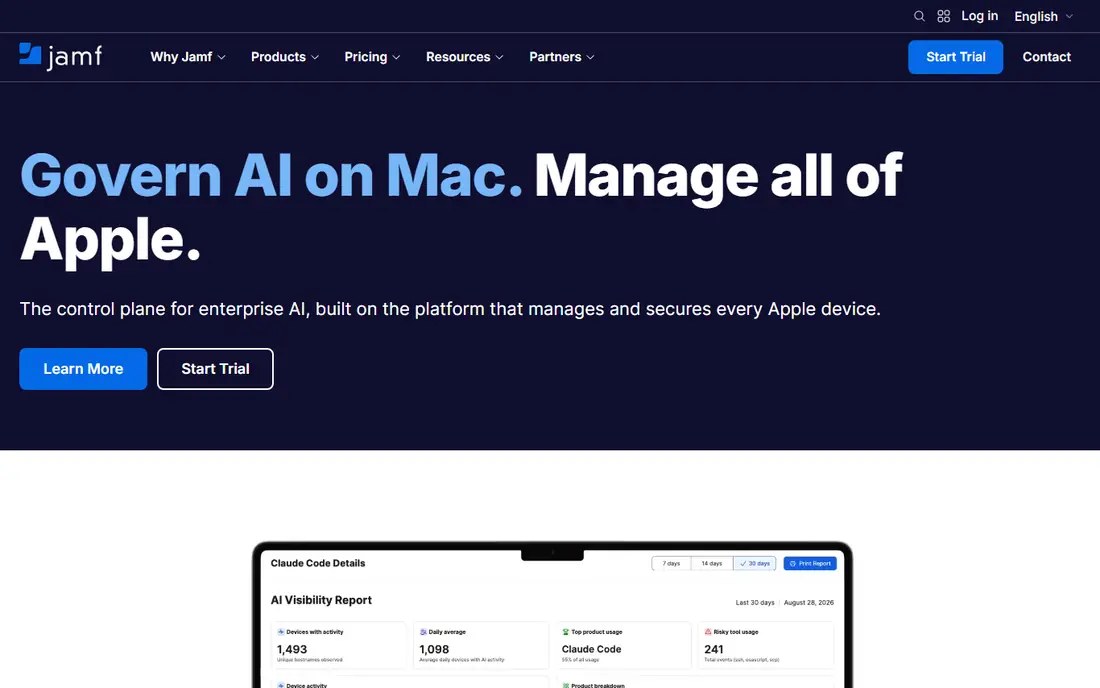
Jamf is the standard for Apple only fleets, with deep support for macOS, iOS, iPadOS, and tvOS. Zero touch enrollment through Apple Business Manager lets new devices configure themselves, and app deployment, patching, and compliance checks are built for Apple workflows. Jamf Now offers a low cost entry point, with a free tier for up to three devices.
Cost rises on full Mac plans, and Jamf does not manage Windows devices, so mixed fleets need a second tool. Teams should also confirm the device minimum for their chosen plan, since small fleets may fit Jamf Now better than a full Jamf Pro contract.
- Deep Apple device support
- Zero touch enrollment
- Strong app and patch management
- No Windows management
- Higher cost on full Mac plans
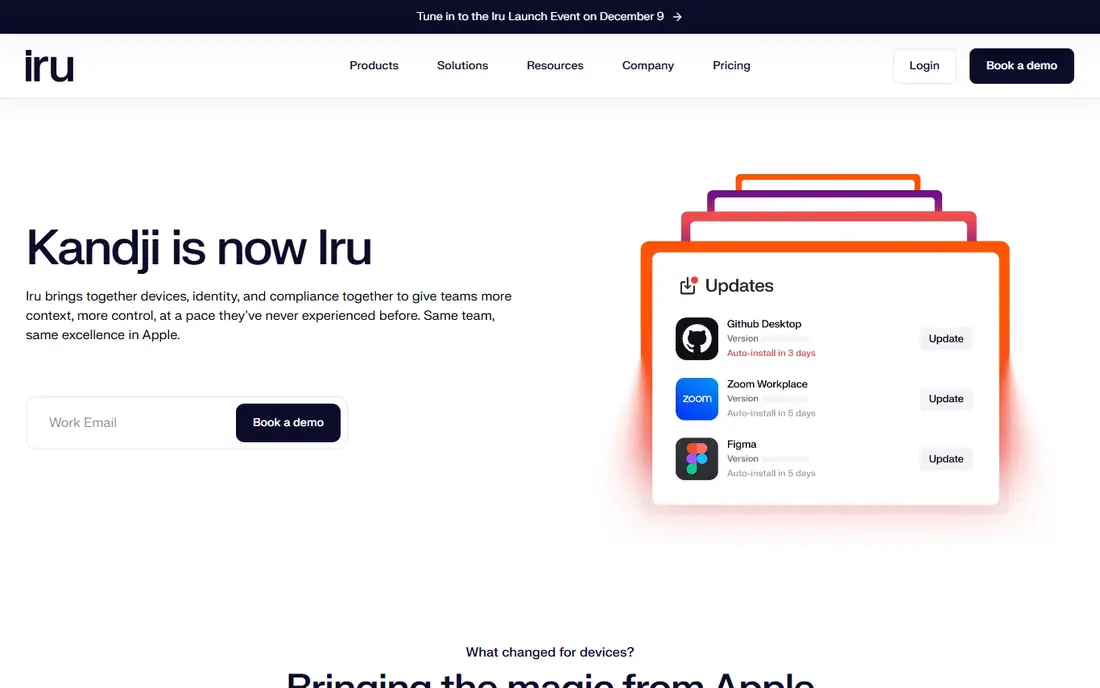
Iru is the new name for Kandji, and it brings together device management, identity, and compliance in one platform. Its Apple core is known for automated remediation and compliance templates that fix common issues without manual tickets. Same day support for new Apple OS releases is a real benefit for teams that need to update quickly.
Pricing is quote based, so small teams cannot judge cost from a public tier list. The expanded Windows and Android coverage is also newer than the Apple core, so mixed fleet teams should test those platforms in a trial before relying on them.
- Automated remediation
- One click compliance templates
- Fast Apple OS support
- Quote based pricing
- Broader platform is newer than the Apple core
Mosyle is the budget pick for Apple fleets. Business plans start at a low per device price, and a free tier covers up to 30 devices, which suits schools, small businesses, and startups. Setup is straightforward, and the console covers enrollment, app deployment, and security policies without a steep learning curve.
Mosyle does not manage Windows or Android, and it lacks some of the deeper enterprise features of Jamf or Iru. For an Apple only team on a tight budget, that trade off is easy to accept, but mixed fleets will need another tool.
- Very low price
- Free tier up to 30 devices
- Clean Apple focused console
- Apple only
- Fewer enterprise features than Jamf
Hexnode covers Windows, macOS, iOS, Android, tvOS, and more at a low entry price, which makes it a strong value pick for mixed fleets. It supports BYOD enrollment, kiosk mode, and app management, and its console is easier to learn than some enterprise tools. A trial lets teams test enrollment and policies before buying.
The entry tier is MDM focused, so teams that need full unified endpoint management features should price the UEM tier. Support and documentation are solid for standard use, but very large or highly regulated fleets may want a more enterprise focused vendor.
- Covers many platforms
- Low entry price
- Kiosk and BYOD support
- Trial only, no free tier
- Higher tiers needed for full UEM features
Scalefusion is built for devices that are shared, locked down, or used in the field. Kiosk mode, app lockdown, and remote troubleshooting suit retail, logistics, healthcare, and education fleets. It covers Windows, macOS, iOS, Android, Linux, and ChromeOS, so one console can manage a varied estate.
Entry pricing covers Android and iOS, while broader desktop support sits on higher tiers, so buyers should price their exact platform mix. A device minimum also applies, which small teams should confirm before they start a trial.
- Strong kiosk and lockdown modes
- Covers many platforms
- Good for frontline fleets
- Minimum device count
- Higher tiers for full desktop support
ManageEngine Mobile Device Manager Plus
Great for: On premises or small fleets
ManageEngine Mobile Device Manager Plus suits teams that want an on premises option or a free start for a small fleet. The free tier covers up to 25 devices, and paid editions add app management, security policies, and remote troubleshooting. Scripting and automation help IT teams handle repeat tasks across many devices.
The interface is more functional than polished, and pricing varies between cloud and on premises editions, so buyers should get a quote for their exact setup. For teams already using ManageEngine tools, integration is a further benefit.
- Free tier up to 25 devices
- On premises option
- Strong scripting and remote tools
- Interface feels dated to some users
- Cloud pricing varies by edition
Miradore offers one of the most generous free tiers in MDM, covering up to 50 devices across Windows, macOS, iOS, and Android. That makes it a good first step for small businesses that need basic enrollment, security policies, and inventory without a contract. Setup is quick, and the console stays readable as a fleet grows.
Paid tiers add automation, reporting, and deeper security features, so growing teams should price the premium tier early. Miradore is not a full enterprise UEM replacement, but for basic to mid level needs it offers strong value.
- Free tier up to 50 devices
- Covers major platforms
- Simple setup
- Premium features are paid
- Smaller feature set than enterprise UEM tools
JumpCloud combines directory services, identity, and device management, which suits teams that want one place for users and devices. It manages Windows, macOS, iOS, and Linux, with policies, patching, and access controls tied to user identity. That link between user and device helps with zero trust access and offboarding.
Per user pricing means costs grow with headcount, not only device count, so teams with many devices per person should model the total. Android coverage is also more limited than some rivals, so Android heavy fleets should test it first.
- Combines identity and devices
- Cross platform support
- Zero trust access controls
- Per user pricing can rise fast
- Android support is more limited
Workspace ONE UEM, formerly VMware Workspace ONE, is built for large, complex fleets. It covers Windows, macOS, iOS, Android, Linux, and ChromeOS, with deep integrations into enterprise identity, apps, and compliance systems. Large teams value its scale, reporting, and policy depth across many device types and regions.
Setup and pricing are enterprise grade, which means a sales conversation and implementation planning. Small teams will find simpler and cheaper tools a better fit, but large teams with complex needs get a platform that can grow with them.
- Very broad platform coverage
- Deep enterprise integrations
- Strong compliance tools
- Quote based enterprise pricing
- Complex setup for small teams
How we picked these
We compared official feature and pricing pages and public review material for MDM and UEM tools live in October 2026. We favored tools with clear platform coverage, enrollment options, and current pricing or a clear quote model, and we noted free tiers where they exist. We did not claim hands on testing.
What to check before you buy
Start by listing every platform in your fleet, including shared and frontline devices, then check each vendor against that list. A tool that covers laptops but not kiosks, or phones but not tablets, will leave gaps. Test enrollment on a real device for each platform, not only on a demo video.
Enrollment and security
Confirm support for Apple Business Manager, Android Enterprise, and Windows Autopilot if you use them. Check encryption, passcode, app, and remote wipe policies, and confirm how lost or stolen devices are handled.
Pricing metric
Ask whether you pay per device, per user, or per seat, and whether shared devices count once or per user. That single detail can change the annual total by a large amount, so model it with your real fleet numbers.
Frequently asked questions
What is MDM software?
MDM software lets IT teams enroll, configure, secure, and manage phones, tablets, and computers from one console. It handles app deployment, security policies, updates, and remote lock or wipe for lost devices.
What is the difference between MDM and UEM?
MDM focuses on mobile devices, while UEM covers mobile plus desktops, laptops, and sometimes IoT devices in one platform. Many modern tools are UEM tools, but they are still sold and compared as MDM software.
Which MDM is best for a small business?
Mosyle suits Apple only small teams, Miradore and ManageEngine suit small mixed fleets with free tiers, and Hexnode suits small mixed fleets that can pay a low per device price. Start with a free tier or trial on your real devices.
Do I need MDM if my team uses personal devices?
Yes, if those devices access company email, files, or apps. MDM can separate work and personal data, enforce passcodes and encryption, and remove company data when someone leaves, without wiping personal photos or apps.
How long does MDM setup take?
A small fleet can be enrolled in days with automated enrollment, while a large fleet with custom policies, apps, and compliance rules can take weeks. Start with a pilot group, test policies, then roll out in stages.
Sources
- https://www.spotsaas.com/blog/mobile-device-management-software
- https://cirasync.com/blog-articles/mobile-device-management-software/
- https://www.siit.io/blog/best-mdm-software
- https://www.microsoft.com/en-us/security/business/microsoft-intune
- https://www.jamf.com
- https://www.kandji.io
- https://mosyle.com
- https://www.hexnode.com
- https://scalefusion.com
- https://www.manageengine.com/mobile-device-management/
- https://www.miradore.com
- https://jumpcloud.com
- https://www.omnissa.com
See where you really rank - block by block
ProMapRanker scans Google Maps across a grid of your service area. Simple monthly plans from $19, white-label on every plan.
Start freeKeep reading
 zscaler alternatives
Best Zscaler Alternatives in 2026
Looking for zscaler alternatives? We compare 9 SASE and zero trust platforms on architecture, data protection, pricing, and fit for your network and team.
Read → zapier alternatives free
Best Zapier Alternatives Free in 2026
Nine automation tools for zapier alternatives free in 2026, all with genuinely free tiers, plus free plan limits, starting prices and upgrade paths explained.
Read → which platform is best for online reputation
Which Platform Is Best for Online Reputation in 2026
Wondering which platform is best for online reputation? We compare 8 review, listing, and response tools for small and multi-location businesses and agencies.
Read →