 ProMapRanker
Best MDM Platforms for BYOD Policies in 2026


Microsoft 365 shops · Pricing starts at: $8 per user per month
Key takeaways
- Microsoft Intune is the natural first check for companies already on Microsoft 365, because Plan 1 is included in several Microsoft bundles.
- Mosyle, Miradore, and ManageEngine offer free tiers that suit small fleets and pilots, though paid tiers add the controls larger policies need.
- Iru, Jamf, and Workspace ONE suit Apple-first or mixed fleets that need deeper device controls and enterprise support.
- A good BYOD policy protects work apps and data without wiping personal photos, so check selective wipe and work profiles before you buy.
Quick comparison
| Pick | Great for | Pricing starts at | Free tier | |
|---|---|---|---|---|
| Microsoft Intune | Microsoft 365 shops | $8 per user per month | Free trial | Visit |
 Jamf | Apple-first fleets | See website | No | Visit |
 Mosyle | Low-cost Apple management | Free | Yes | Visit |
 Hexnode | Cross-platform policy control | $2.20 per device per month | Free trial | Visit |
 Scalefusion | Mixed device fleets | $2 per device per month | No | Visit |
 Iru | Apple devices with security built in | See website | No | Visit |
 ManageEngine Mobile Device Manager Plus | Free start for small fleets | Free | Yes | Visit |
 Miradore | Simple cross-platform MDM | Free | Yes | Visit |
 Omnissa Workspace ONE | Large mixed fleets | $5.25 per device per month | No | Visit |
The best MDM platforms for BYOD policies
Bring your own device policies live or die on trust. Staff will accept work controls on a personal phone only if personal apps, photos, and messages stay private. The tools below let IT manage work apps, enforce passcodes, and remove work data without taking over the whole device.
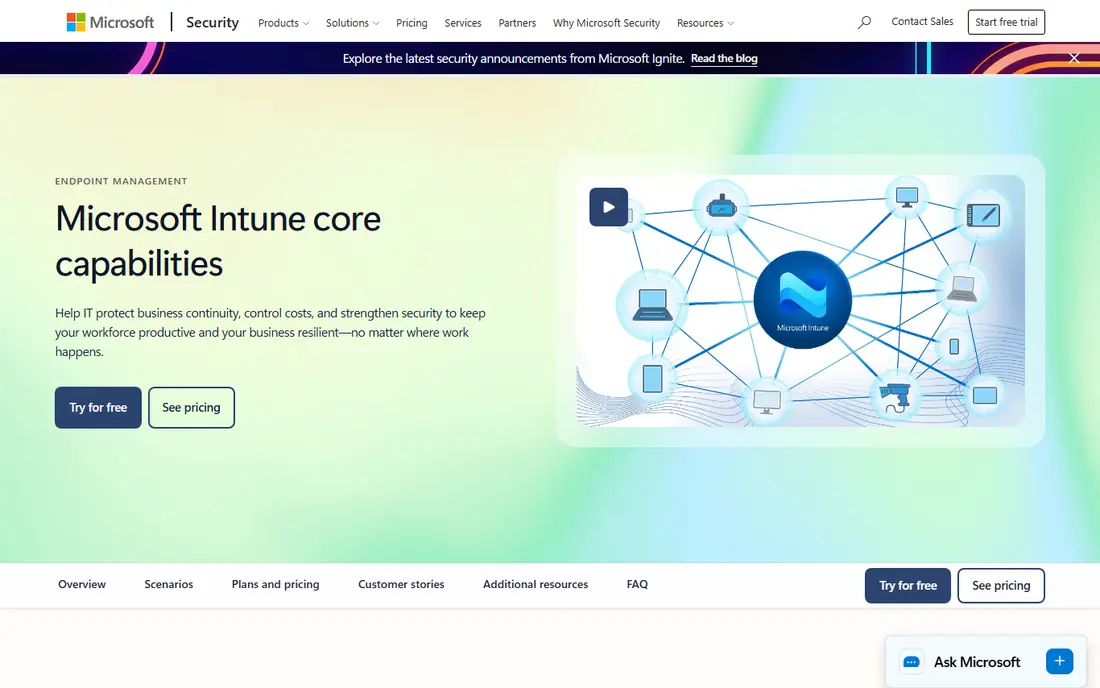
Intune lets IT push work apps, require a passcode or biometric lock, and set compliance rules that gate access to email and files. On a personal device, app protection policies can keep work data inside managed apps and block copying it to personal apps. When someone leaves, IT can remove work data without wiping the whole phone.
The main watch point is licensing. Plan 1 is included in Microsoft 365 E3, E5, Business Premium, and several other bundles, so many companies already own it. Standalone Plan 1 costs $8 per user per month on an annual commitment, and Plan 2 and the Intune Suite are paid add-ons.
- Included in several Microsoft 365 and Enterprise Mobility bundles
- Selective wipe for work data
- App protection policies for personal devices
- Per-user pricing can add up for staff with several devices
- Setup takes care in a mixed fleet
- Advanced tiers cost extra
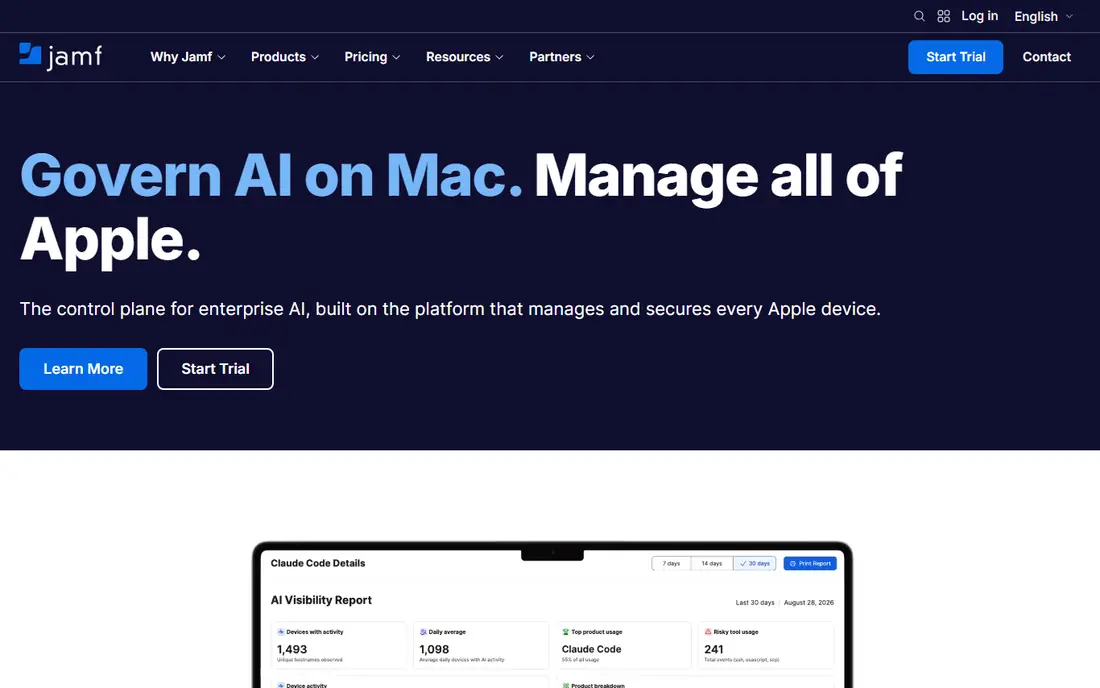
Jamf is the specialist choice when most BYOD devices are iPhones, iPads, or Macs. It handles enrollment, app deployment, configuration profiles, and compliance checks with Apple-specific controls that general tools sometimes lack. For a personal iPhone, managed work apps and accounts can sit apart from personal use.
The cost and scope need a careful look. Jamf is quote-based for its main business plans, and companies with a large Android population will need a second tool or a different platform. It fits best where Apple devices dominate and IT wants detailed control.
- Deep Apple device management
- Zero-touch enrollment through Apple Business Manager
- Strong security and identity add-ons
- Pricing is quote-based
- Android coverage is limited
- Depth can be more than a small team needs
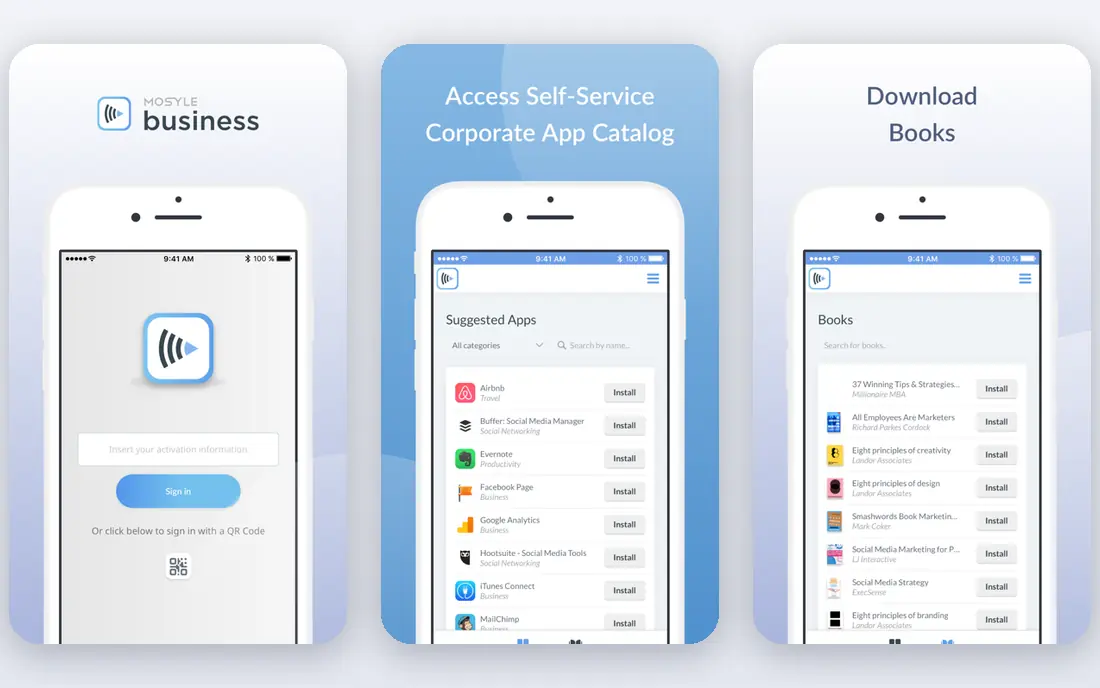
Mosyle is a practical way to test BYOD management without a large contract. Its free tier covers up to 30 devices, and paid plans start at around $1 per device per month for business tiers. IT can push apps, set restrictions, and check compliance on Macs, iPhones, and iPads.
The limit is platform scope. Mosyle does not manage Windows or Android fleets in the same way, so mixed-device companies will need another tool. For an Apple-only BYOD policy, though, its price and simplicity are hard to beat.
- Free tier for up to 30 devices
- Low paid per-device prices
- Apple-focused enrollment and profiles
- Apple only
- Paid plans carry device minimums on some tiers
- Security bundles cost more
Hexnode suits companies that need one console for many device types. Android Enterprise work profiles keep work apps in a separate, managed space on a personal Android phone, while iOS managed apps serve a similar role on iPhones. IT can also set location, app, and web controls where policy allows.
Entry pricing starts at $2.20 per device per month billed yearly, with higher tiers adding desktop management, remote control, and scripting. Check which tier includes the BYOD features you need, because the cheapest plan does not include everything.
- Covers Android, iOS, Windows, macOS, and more
- Granular policy and kiosk controls
- Android Enterprise work profiles
- Pricing rises with higher tiers
- Interface has a learning curve
- Some advanced features sit on upper plans
Scalefusion manages a wide mix of devices from one dashboard, which helps companies that let staff bring almost any phone or laptop. IT can enroll devices, push apps, enforce passcodes, and set compliance rules, and work profiles help keep personal data separate on supported platforms.
Pricing starts at $2 per device per month, billed yearly in most published comparisons. There is no permanent free tier, so use the trial to confirm enrollment and work-profile behavior on the exact phone models your staff use.
- Covers Windows, Android, iOS, macOS, Linux, and ChromeOS
- Per-device pricing
- Device and app policies in one console
- No permanent free tier
- Some features need higher tiers
- Support response varies by plan
Iru is the current name for the product formerly known as Kandji, which rebranded in late 2025. It manages Macs, iPhones, iPads, and Apple TV, with added Windows and Android support, and it pairs device management with security checks that flag devices drifting out of compliance. Automated remediation can fix common issues without an IT ticket.
The buying process is sales-led and quote-based, and the product is priced for larger organizations. Small Apple-only teams may find Mosyle cheaper, while larger Apple-first companies that want management and security in one vendor should put Iru on the shortlist.
- Apple-first management with endpoint security features
- Automated compliance checks
- Zero-touch deployment
- Pricing is quote-based
- Aimed at larger organizations
- Windows and Android coverage is newer
ManageEngine Mobile Device Manager Plus
Great for: Free start for small fleets
ManageEngine Mobile Device Manager Plus covers iOS, Android, Windows, macOS, and ChromeOS, with a free cloud tier for up to 25 devices. That makes it a low-risk pilot for a small BYOD program. IT can enroll personal devices, distribute work apps, and apply passcode, encryption, and restriction policies.
The free tier will not suit a large fleet, and some automation and security features sit on paid tiers. Still, for a company testing whether staff will accept managed work profiles, starting free and upgrading only when the policy is proven is a sensible path.
- Free tier for up to 25 devices
- Broad platform coverage
- App and profile management for BYOD
- Interface can feel busy
- Higher tiers needed for advanced automation
- On-premises setup adds work for some buyers
Miradore keeps BYOD management simple. Staff enroll a personal phone, IT applies a policy and work apps, and compliance status is visible from the dashboard. The free tier covers core management, and paid tiers start at around $4 per device per month for advanced profiles and priority support.
Simplicity is both the strength and the limit. Companies that need deep automation, scripting, or large-scale reporting may outgrow Miradore. For a small or mid-sized team that wants clear, basic controls without a heavy rollout, it is a good fit.
- Free tier for core MDM
- Simple enrollment and policy setup
- Covers iOS, Android, Windows, and macOS
- Advanced configuration sits on paid tiers
- Smaller vendor footprint
- Reporting is basic on the free tier
Workspace ONE, from Omnissa, manages Windows, macOS, iOS, Android, and rugged devices from one platform. For BYOD, it supports work profiles, app-level controls, and conditional access so that only compliant devices reach work resources. Per-app VPN can protect work traffic without routing personal traffic through the company network.
Published entry pricing for Workspace ONE UEM Essentials sits at $5.25 per device per month, with higher editions adding experience analytics, remote support, and vulnerability tools. Get a written quote for the edition that includes your BYOD controls, because the entry price does not include every module.
- Broad device and app coverage
- Per-app VPN and access controls
- Cloud, on-premises, and hybrid deployment
- Licensing grows with added modules
- Reporting can take work to tune
- Setup suits teams with IT capacity
How we picked these
We compared official product pages, pricing pages, and current BYOD feature descriptions for MDM tools live in October 2026. We favored tools with work-profile or managed-app support, selective wipe for work data, and published or clearly quote-based pricing. Where a vendor does not publish a price, we wrote See website rather than estimating a figure.
How to write a BYOD policy that staff will accept
A tool alone does not make a BYOD policy fair. Staff need to know, in plain language, what IT can see, what IT can wipe, and what stays private. Put those answers in the policy itself, not only in a help article.
Separate work from personal use
Use work profiles on Android and managed apps and accounts on iOS wherever possible. Require a device passcode, keep work data inside managed apps, and use selective wipe when someone leaves. Avoid full device wipe on personal phones except where a clear security incident requires it, and say so in advance.
Set minimums and exceptions
List supported operating system versions, required security updates, and what happens when a device falls out of compliance. Give staff a grace period to update, and offer a company device or a web-only option for anyone who does not want management on a personal phone. A policy with no alternative will push people toward workarounds.
Test on real phones
Pilot with a small group using the phone models staff actually own, including older Android phones and older iPhones. Check enrollment time, app access, battery impact, and what happens when a work app is removed. If enrollment feels intrusive, staff will resist it no matter how strong the security case is.
Frequently asked questions
What is the best MDM platform for BYOD policies?
It depends on your fleet. Microsoft Intune fits Microsoft 365 companies, Mosyle fits Apple-only teams on a budget, and Hexnode or Workspace ONE fit mixed fleets. Start from the devices staff already own, then shortlist tools that support work profiles on those devices.
Can MDM see personal photos and messages on a BYOD phone?
A properly set up BYOD enrollment should not give IT access to personal photos, messages, or personal apps. IT can usually see device model, operating system version, compliance status, and managed work apps. Ask each vendor to confirm exactly what is visible, and put that answer in your policy.
What is selective wipe, and why does it matter for BYOD?
Selective wipe removes only work apps and work data from a personal device, leaving personal content untouched. Full wipe erases the whole device and should be reserved for company-owned devices or a serious incident. For BYOD, selective wipe is the feature staff care about most.
Do I need MDM if staff only use web email?
Web-only access with multi-factor sign-in and conditional access can be enough for low-risk email use. MDM becomes important when staff download work files, use work apps, or access sensitive systems from personal devices. Match the control to the data risk, not to a generic checklist.
How much does BYOD MDM cost?
Entry prices on this list range from free tiers for small fleets to $8 per user per month for Intune Plan 1 and quote-based enterprise plans. Per-device and per-user pricing are not directly comparable, so calculate the total for your actual device count and user count before comparing.
Should BYOD be mandatory?
We recommend offering BYOD as a choice with a company-device or web-only alternative. Mandatory management of personal phones creates privacy concerns and can drive staff to use unmanaged personal accounts instead. A voluntary program with clear privacy limits usually gets higher adoption and better security.
Sources
See where you really rank - block by block
ProMapRanker scans Google Maps across a grid of your service area. Simple monthly plans from $19, white-label on every plan.
Start freeKeep reading
 worlds best local seo company
8 Worlds Best Local SEO Companies for Map Pack Growth in 2026
Compare the worlds best local seo company options for Google Business Profile work, citations, reviews, and multi-location rankings and reporting in 2026.
Read → world's best web hosting company
World's Best Web Hosting Company in 2026
Searching for the world's best web hosting company? We compared 10 hosts on price, renewal rates, speed, and support to help you choose well today in 2026.
Read → who's got the best nanny tax services
Who's Got the Best Nanny Tax Services in 2026
We answer who's got the best nanny tax services, comparing full filing, back taxes, software, and pricing so families can handle nanny taxes correctly.
Read →