 ProMapRanker
Best Math Learning Apps in 2026

Key takeaways
- Khan Academy is the best free starting point for full math courses, from early math through calculus.
- Prodigy, SplashLearn, and DreamBox suit younger learners who need games or adaptive lessons to stay engaged.
- IXL and Zearn suit families who want curriculum coverage and clear progress tracking across grades.
- Brilliant, Photomath, and Desmos suit older students who need problem solving, step-by-step help, or visual graphing.
- Solvers help most when a student studies the steps and then reworks the problem without the app, rather than copying an answer.
Quick comparison
| Pick | Great for | Pricing starts at | Free tier | |
|---|---|---|---|---|
 Khan Academy | Free full math courses | Free | Yes | Visit |
 Prodigy Math | Game-based practice grades 1 to 8 | Free | Yes | Visit |
 IXL Math | Skill coverage pre-K to grade 12 | $9.95 per month | No | Visit |
 DreamBox Math | Adaptive lessons K to 8 | $12.95 per month | No | Visit |
 Zearn Math | Classroom-style lessons K to 8 | Free | Yes | Visit |
 Brilliant | Visual problem solving | See website | No | Visit |
 Photomath | Step-by-step homework help | Free | Yes | Visit |
 SplashLearn | Game practice pre-K to grade 5 | See website | No | Visit |
 Desmos | Graphing and visualization | Free | Yes | Visit |
The best math learning apps
Math apps split into three jobs: teaching a concept, practicing a skill, and helping with a stuck homework problem. The apps below cover all three, so pick based on the job your child or you need most right now, not on which app looks most fun in an ad.
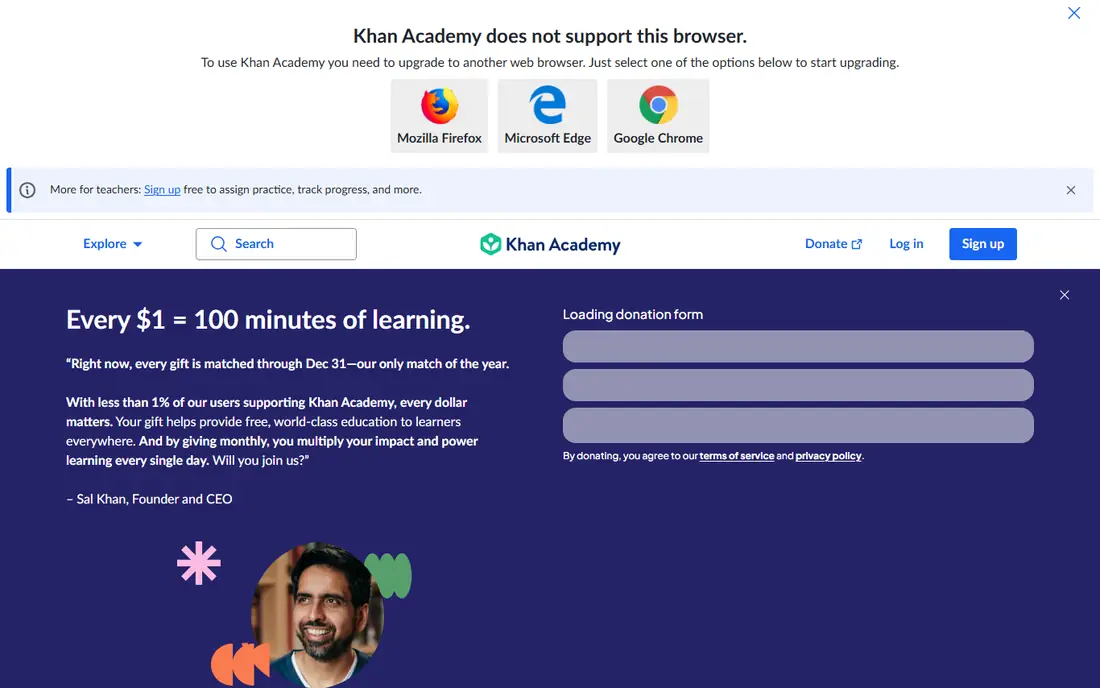
Khan Academy is the backbone of this list because it teaches math as a course, not as a set of disconnected games. Lessons explain a concept with video, then move to practice problems and quizzes that check understanding before moving on. Coverage runs from counting and early arithmetic through algebra, geometry, trigonometry, and calculus, with college-level material as well.
The format is the main trade-off. Children who need game rewards may find Khan Academy plain, and parents may need to help younger learners stay on track. For older students and adults returning to math, though, the free, complete curriculum is hard to beat, and it pairs well with a game app for practice.
- Complete free courses from early math to calculus
- Video lessons plus practice and quizzes
- Progress tracking for learners and parents
- Video and practice format can feel like schoolwork
- Less game motivation than Prodigy or SplashLearn for younger children
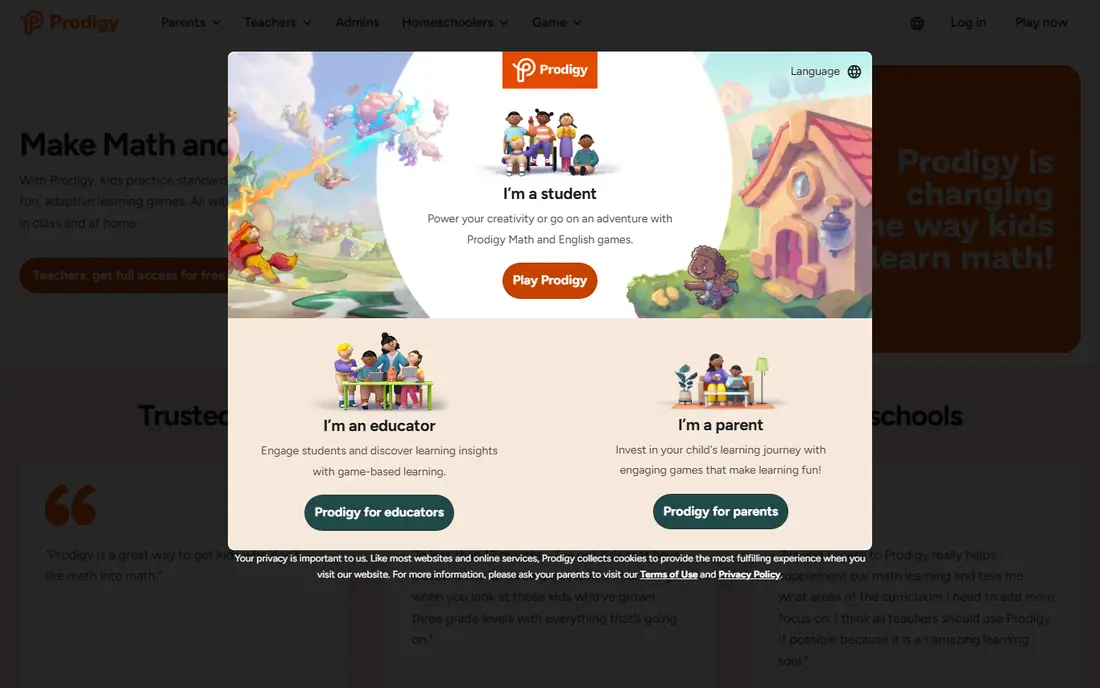
Prodigy Math turns practice into a game where solving math problems powers battles, earns pets, and opens new areas. That structure motivates many children who resist worksheets, and the difficulty adapts as the player answers, so stronger students face harder problems while struggling students get support. Teachers and parents can set grade levels and track progress.
The risk is focus: some children chase game rewards more than math understanding, and parents should check that play time includes real problem solving. Used in short, regular sessions, Prodigy is a strong practice partner to a teaching app such as Khan Academy or Zearn.
- Math practice inside a role-playing game
- Adaptive difficulty that adjusts to the player
- Core math content free, with membership for game extras
- Game rewards can distract from math itself
- Premium membership adds game perks rather than core math content
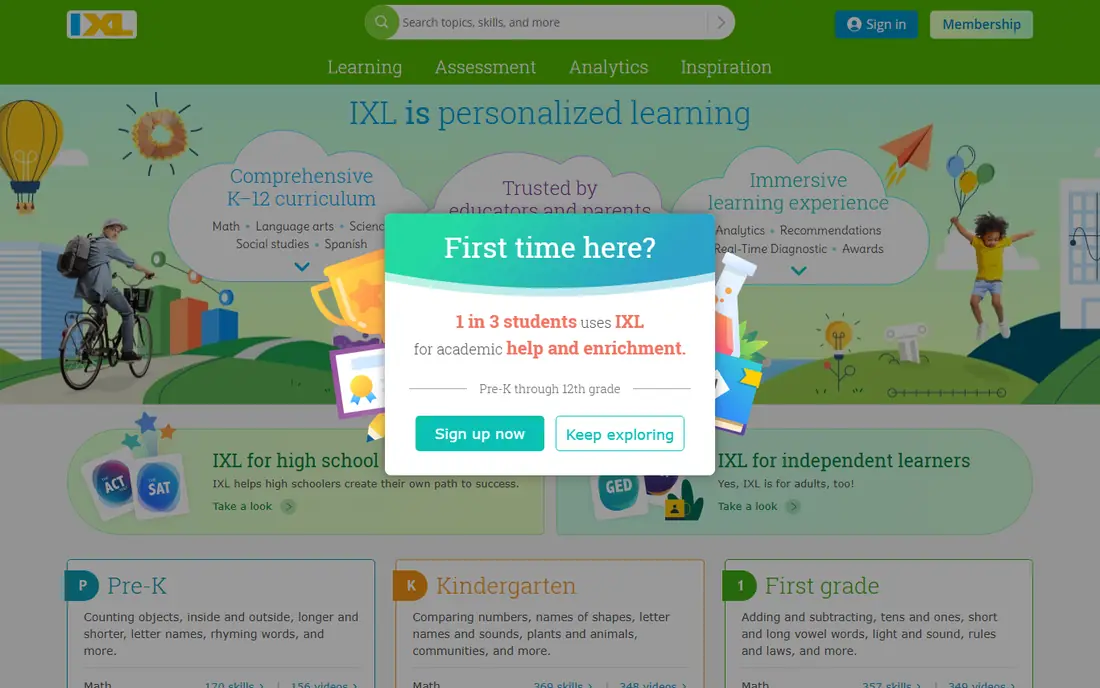
IXL Math is the reference shelf of math apps: if a topic exists in the school curriculum, IXL likely has practice for it, organized by grade and skill. That breadth makes it useful for filling gaps, since a diagnostic can show exactly which skills need work rather than guessing from a test score. Parents get reports that show time, accuracy, and skill mastery.
The style is practice first, teaching second, so IXL works best alongside a teaching resource that explains new concepts. Children who need a concept explained from scratch may do better starting with Khan Academy or Zearn, then using IXL to lock in the skill.
- Very broad skill coverage by grade and topic
- Diagnostic tools that point to gaps
- Detailed progress reports for parents
- Practice-heavy format can feel repetitive
- Paid plan is per child, so costs rise with more children
DreamBox Math adapts as a child plays, changing hints, difficulty, and lesson path based on how the child answers in the moment. That in-lesson adaptation helps children who get stuck halfway through a concept, since the program can offer a different visual model instead of simply repeating the same problem. Coverage focuses on kindergarten through grade 8, with strong work on number sense and fractions.
The price is the main barrier, since families pay monthly without a free tier. Schools often provide DreamBox, so check whether your child's school already offers access before buying a family plan. For a child who needs patient, adaptive teaching, the cost can be worth it.
- Lessons adapt within the activity, not just between levels
- Visual models for concepts such as fractions
- Progress data for parents and teachers
- Paid subscription with no free tier for families
- Game style may not appeal to older students in grades 7 and 8
Zearn Math follows a classroom lesson structure, with short teaching videos, guided practice, and independent work in each session. That routine helps children who do well with a predictable pattern, and the free family access makes it an easy first choice for kindergarten through grade 8. Lessons align with school math, so Zearn practice usually matches what a child sees in class.
Advanced learners may find the pace slow, since Zearn does not rush ahead as quickly as a game app might. For most families, though, that steady pace is a strength: it builds understanding step by step instead of jumping to harder problems before the basics are firm.
- Structured daily lessons with video teaching
- Free core curriculum for families
- Built-in checks that catch misunderstandings early
- Lesson pace is fixed and classroom-like, which may feel slow for advanced learners
- Less game excitement than Prodigy
Brilliant teaches math by asking you to solve problems with interactive visuals, rather than watching a lecture and then doing drills. That approach suits teens and adults who already know basic arithmetic and want to understand algebra, geometry, probability, and calculus more deeply. Lessons are short, visual, and designed to be worked through actively.
Younger children and learners who need basic fact practice will find Brilliant a poor fit, since it assumes comfort with core skills. As a second app for an older student who finds school math too passive, Brilliant adds thinking practice that drill apps do not provide.
- Interactive, visual lessons for math and science
- Problem-first approach that builds thinking skills
- Good for teens and adults
- Less suited to young children or to drilling basic arithmetic
- Paid subscription required for full access
Photomath helps when a student is stuck on a specific problem, not when they need a full course. Point the camera at a problem, and the app shows the answer with steps that explain how to get there, covering topics from arithmetic through algebra and calculus. That instant check can unblock homework and show where a method went wrong.
The honest risk is misuse. If a student copies steps without reworking the problem, Photomath becomes a shortcut that hides gaps until test day. The best routine is to study the steps, close the app, and solve a similar problem from memory. Used that way, Photomath is a useful tutor on demand.
- Camera scan for printed and handwritten problems
- Step-by-step explanations for many topics
- Free tier covers basic solving
- Easy to copy answers without learning the method
- Deeper tutorials and extra explanations sit behind Photomath Plus
SplashLearn is built for young learners, with colorful games that teach counting, addition, subtraction, fractions, and early geometry through play. The learning path adapts to the child's level, and parents can see which skills have been practiced and mastered. That combination suits pre-K through grade 5, especially for children who need practice to feel like play.
Older students will find the content too easy and the style too young, so SplashLearn is a stage, not a long-term home. For early elementary practice, though, it is one of the most focused game options, and it pairs well with Khan Academy Kids or classroom teaching.
- Adaptive games for early math and reading
- Learning path that follows grade-level skills
- Parent reports on progress
- Focus is early grades, so older children outgrow it
- Full family access requires a paid plan after any trial
Desmos is the free graphing calculator that many teachers now use in class, and it earns its place here as a visualization tool. Type an equation, drag a slider, and watch the graph change, which turns abstract algebra into something a student can see and test. The calculator also handles tables, statistics, and geometry tools, all free in a browser.
Desmos does not teach a curriculum, so it works best alongside a course such as Khan Academy or Brilliant. When a student wonders what a function actually looks like, or why changing one number shifts a graph, Desmos answers that question faster than any worksheet.
- Free graphing calculator that runs in a browser
- Visual sliders and tables that show how equations change
- Classroom activities for teachers
- A tool, not a course, so it does not teach topics in sequence
- Younger children need guidance to use it well
How we picked these
We compared official feature and pricing pages, plus recent math app guides, and we kept only apps that are live and maintained in 2026. We excluded Microsoft Math Solver, which Microsoft shut down in July 2025, and we favored a mix of free courses, games, adaptive lessons, and homework tools across ages. Prices vary by billing period and platform, so we used See website where vendor pricing was not consistent, and we noted where a free tier covers core content versus game extras only.
How to choose the right math app
Start with age and goal, then add only one new app at a time. A child in grade 2 needs different tools from a teen studying algebra, and an adult refreshing math for work needs different tools again. Adding three apps at once usually leads to none of them being used well.
Separate teaching from practice
If a child does not understand a concept, a practice app will only drill the confusion. Start with a teaching app such as Khan Academy, Zearn, or DreamBox, and use practice apps such as Prodigy, IXL, or SplashLearn after the concept makes sense. That order saves frustration and makes practice time actually count.
Use solvers as a check, not a first step
Photomath and similar tools help most after a student has tried the problem alone. Set a simple rule: try first, check the steps second, then rework a similar problem without help. Parents can support this by asking the student to explain one step aloud, which quickly shows whether the method stuck.
Keep sessions short and regular
Fifteen to twenty minutes, three or four times a week, beats a long weekend session for most learners. Put the app session at the same time each day, track streaks lightly, and stop when focus drops. A math app should build confidence over months, not win a single afternoon.
Frequently asked questions
What is the best math learning app?
Khan Academy is the best free all-round math learning app, since it offers full courses from early math to calculus. For game-based practice, Prodigy suits grades 1 to 8, while IXL suits families who want the broadest skill coverage.
What are the best math game apps?
Prodigy Math and SplashLearn are the strongest math game apps on this list, with Prodigy covering grades 1 to 8 and SplashLearn focusing on pre-K to grade 5. Both adapt to the player, but parents should still check that game time includes real problem solving.
What is the best maths learning platform for school-age children?
Zearn and DreamBox suit school-age children who need structured, adaptive lessons, while IXL suits families who want to find and fill specific skill gaps. The best platform depends on whether the child needs teaching, practice, or both, and on the grade range covered.
Is Khan Academy really free for math?
Yes, Khan Academy math courses are free, with video lessons, practice, and quizzes available without a paid tier. That makes it a strong base app, even if you later add a paid game or adaptive app for motivation.
Can Photomath help a student learn, or does it just give answers?
Photomath can help learning when a student studies the steps and then reworks a similar problem without the app. It hurts learning when answers are copied without that second step, so set a try-first rule before using it for homework.
Should younger children use a solver app?
Younger children usually gain more from teaching and game apps than from solvers, since solvers assume the child can follow multi-step algebra. Save Photomath for older students, and use Khan Academy, Zearn, Prodigy, or SplashLearn for early grades.
Sources
- https://www.khanacademy.org
- https://www.prodigygame.com
- https://www.ixl.com
- https://www.dreambox.com
- https://www.zearn.org
- https://www.brilliant.org
- https://www.photomath.com
- https://www.splashlearn.com
- https://www.desmos.com
- https://www.prodigygame.com/main-en/blog/best-math-apps-for-kids
- https://cuemath.com/blog/best-math-websites-in-usa/
See where you really rank - block by block
ProMapRanker scans Google Maps across a grid of your service area. Simple monthly plans from $19, white-label on every plan.
Start freeKeep reading
 zscaler alternatives
Best Zscaler Alternatives in 2026
Looking for zscaler alternatives? We compare 9 SASE and zero trust platforms on architecture, data protection, pricing, and fit for your network and team.
Read → zapier alternatives free
Best Zapier Alternatives Free in 2026
Nine automation tools for zapier alternatives free in 2026, all with genuinely free tiers, plus free plan limits, starting prices and upgrade paths explained.
Read → which platform is best for online reputation
Which Platform Is Best for Online Reputation in 2026
Wondering which platform is best for online reputation? We compare 8 review, listing, and response tools for small and multi-location businesses and agencies.
Read →