 ProMapRanker
Best Mass Job Application Software in 2026

Key takeaways
- Simplify and Teal are the safest starting points, because you review and submit applications yourself, with autofill doing the repetitive work.
- LazyApply, JobCopilot, Sonara, LoopCV and AIApply offer higher volume, but volume alone does not guarantee interviews.
- Tailor honestly for each role and check employer rules before using auto-apply, because some employers and platforms limit automated submissions.
- Track every application, including the exact resume version sent, so you can answer recruiter questions and avoid duplicate submissions.
Quick comparison
| Pick | Great for | Pricing starts at | Free tier | |
|---|---|---|---|---|
 Simplify | Autofill plus tracking, free core | Free | Yes | Visit |
 LazyApply | High-volume browser applying | $99 per year | No | Visit |
 Sonara | AI-matched applying | See website | No | Visit |
 LoopCV | Campaigns across job boards | Free | Yes | Visit |
 JobCopilot | Daily matches and auto-apply | See website | No | Visit |
 AIApply | Tailored documents plus auto-apply | $49 per month | Free trial | Visit |
 Tsenta | End-to-end ATS applying | $19 per month | Yes | Visit |
 FastApply | Reviewed auto-apply in Copilot mode | $14 per month | Yes | Visit |
 Teal | Manual control with autofill | Free | Yes | Visit |
The best mass job application software
We compared mass application tools on how they apply, which boards and employer systems they cover, resume tailoring, review controls and pricing. A note that matters for every tool here: tailor honestly and check employer rules. Automated mass applying is not a guaranteed route to interviews, and sending the same generic resume to hundreds of roles can hurt your chances with roles you truly want.
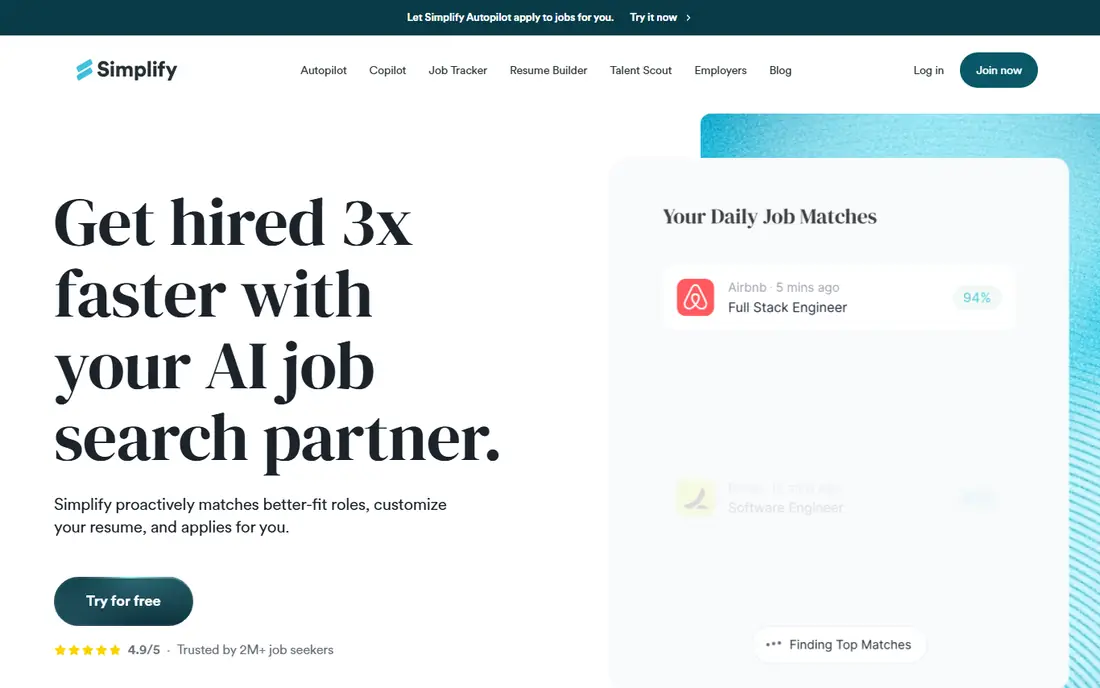
Simplify is the safest starting point for most job seekers. Its free core fills forms and tracks applications across many boards and portals, including Workday and Greenhouse, while you keep the submit click. That control matters, because you can check each application before it goes out.
The paid Simplify+ plan adds tailoring and Autopilot features, but Autopilot beta changes the review step, so use it with care. For most people, Simplify Copilot plus honest tailoring for target roles beats blind volume, and the free core makes it easy to test.
- Free core with autofill and tracking
- Covers many job boards and portals
- Copilot lets you review before submit
- Autopilot beta submits without the same review step
- Tailoring is limited on free plans
- Paid plan costs $39.99 per month
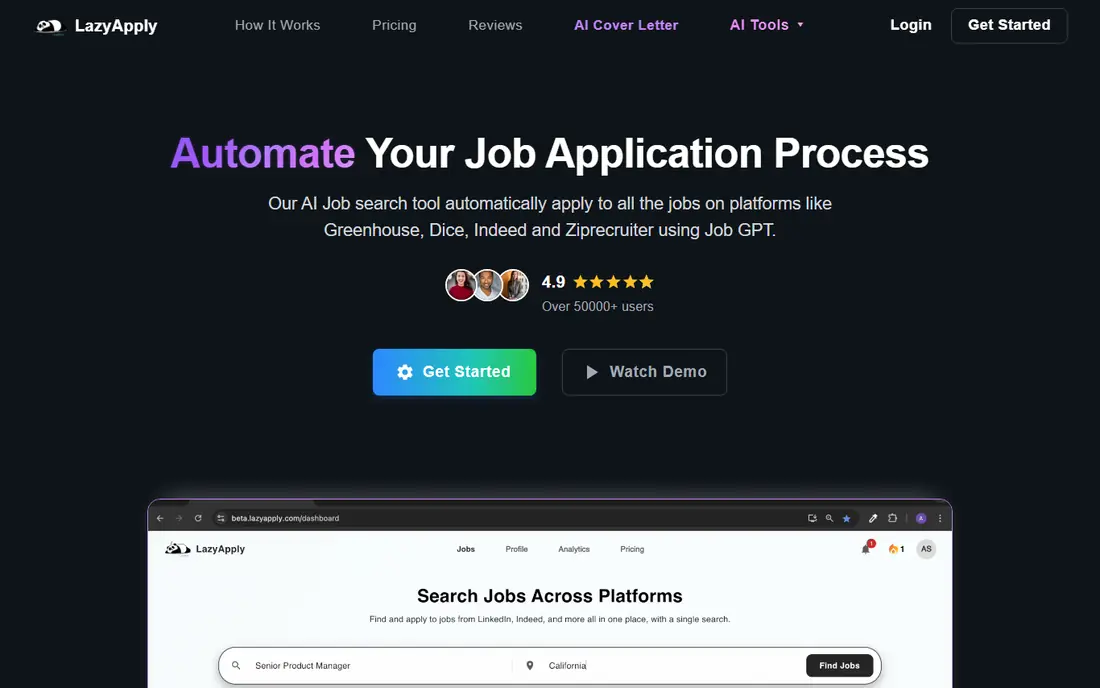
LazyApply is built for volume. Its Chrome extension applies on LinkedIn, Indeed, ZipRecruiter, Dice and Greenhouse, with daily caps that rise by plan. For a job seeker who wants to cover many listings fast, that browser workflow is straightforward and cheap per year.
The risk is quality. LazyApply does not tailor resumes per role in the way some rivals do, so a generic resume goes to many employers. Use it for roles that are a close match, customize your base resume for each job family, and review listings before you let it apply.
- High daily caps on higher plans
- Works on LinkedIn, Indeed, Greenhouse and other boards
- Simple Chrome extension workflow
- No free trial in public notes
- Limited resume tailoring
- Same resume risk if you do not customize per role
Sonara matches your profile to roles and runs an apply flow at scale, which saves search time for job seekers open to many similar roles. Its appeal is the match-first approach: you set preferences, and Sonara surfaces roles that fit, rather than asking you to hunt through boards all day.
The downside is transparency. Pricing is not published in public notes, and the exact review step before each submission is less clear than tools that show you the filled form. Ask Sonara for pricing, review controls and a list of boards covered before you pay, and test it on a small set of roles first.
- AI matching to relevant roles
- Apply flow built for scale
- Reduces time spent searching listings
- Pricing is not published on its site in public notes
- Review control is less clear than Copilot tools
- Tailoring details are limited
LoopCV runs job search as campaigns, or loops, across LinkedIn, Indeed, Glassdoor and other boards. You set criteria, LoopCV finds matches and applies or emails recruiters, and you track results in one dashboard. The free tier lets you test the model with a small monthly volume before paying.
LoopCV does not rewrite your resume per role automatically, so you need multiple resume versions for different job families. Also note that One-Click Apply reviews the matched job, not the filled form, so check your profile and documents carefully before starting a loop.
- Free tier with monthly applications
- Campaign loops across many boards
- Recruiter email features
- No automatic resume rewrite per role
- Paid plans start in euros
- Review is of the matched job, not the filled form, on One-Click Apply
JobCopilot sends daily matched roles and can apply automatically or fill forms for your review, depending on the mode you choose. That choice is useful: use reviewed autofill for target roles, and automatic mode only for close matches where you accept less control. Its career-page focus goes beyond LinkedIn Easy Apply.
Pricing needs checking, because public notes quote a per-day figure rather than a clear monthly total. Also confirm which employer systems it covers and whether tailoring is included on your plan, since per-role tailoring sits on higher tiers in public notes.
- Daily match feeds
- Choice of automatic applying or reviewed autofill
- Career-page coverage
- Pricing is billed per day in public notes, with totals not always public
- Tailoring is limited to higher plans
- No published ATS list
AIApply stands out for tailoring, because it rewrites resume and cover letter content per role before applying. That step matters more than raw volume, since a tailored application is more likely to pass screening and to read well if a human reviews it. It also offers interview prep tools, which help after you get a response.
The cost model needs care. Auto-apply sits in credit packs, with a public figure of $49 per month for 100 applications, and unused credits roll over only while subscribed in public notes. Budget by applications per month, and review tailored documents before they are sent, to keep every claim honest.
- Tailors resume and cover letter per role
- Auto-apply credit packs
- Interview prep tools on the platform
- Auto-apply is a paid add-on in some notes
- Credit packs need careful budgeting
- Pricing varies by plan and pack size
Tsenta positions itself as an end-to-end auto-apply tool across employer systems such as Workday, Greenhouse and Lever, not just job boards. It prepares tailored materials with a draft to review, and it gives a receipt for successful submissions, so you know what was sent. Its free start of 25 applications makes it easy to test.
As a newer tool, its coverage and reliability vary by employer system, so test it on your target companies first. Also keep the review habit: a tailored draft still needs your check for honest claims, dates and skills before submission.
- Free start with 25 applications
- End-to-end submission across many employer systems
- Tailored drafts to review
- Newer vendor than Simplify or LazyApply
- Coverage varies by employer system
- Review the draft before each submission
FastApply is useful because its Copilot mode shows you the filled form before submission, which gives you a real review step. That control helps you catch errors, wrong answers and mismatched resumes before an employer sees them. Its free start and $14 monthly entry price also make it cheap to test.
Other FastApply modes submit without that pause, so choose Copilot mode for roles you care about. Tailoring sits on higher plans, so budget for Pro or Elite if you want per-role resume changes, and track which mode was used for each application.
- Free start with 5 applications
- Copilot mode lets you review the filled form
- Covers many platforms and employer systems
- Other modes submit without the same pause
- Resume tailoring is limited to higher plans
- Pricing varies by application count
Teal is the control option on this list. It does not auto-apply, but it builds resumes, tracks applications and autofills forms, while you click submit. That manual step is a strength for target roles, because you review every answer and every document before an employer sees them.
Teal will not match the volume of LazyApply or Tsenta, and that is the point. Use Teal for roles you truly want, where a tailored resume and a careful application matter, and use a volume tool only for close-match roles where you accept less control.
- Free tracker and resume builder
- AI autofill on any site
- You submit every application yourself
- Does not auto-apply
- Paid Teal+ is weekly priced
- Best as a control tool, not a volume tool
How we picked these
We compared vendor pages and public pricing comparisons checked in October 2026, and we favored tools that state how they apply, which boards they cover and whether you review before submit. We included both auto-apply and autofill tools, because many job seekers need control for target roles and volume for broader searches. Where pricing was not published, we wrote See website.
How to use mass application tools without hurting your search
Start by splitting roles into two groups: target roles and broader matches. For target roles, tailor your resume honestly, write a specific cover note if asked, and submit yourself or use a reviewed autofill mode. For broader matches, a volume tool can help, but only for roles where your skills and experience are a real fit.
Check employer rules and platform rules before auto-applying. Some employers ask applicants to apply directly, and some platforms limit automated activity. Avoid duplicate submissions to the same employer, keep a log of every application and resume version, and never claim skills, degrees or jobs you do not have. Honest tailoring means highlighting relevant true experience, not inventing it.
Frequently asked questions
Is mass job application software allowed?
It depends on the employer and the platform. Some employers accept applications from any source, while others expect direct applications or limit automated submissions. Check the job posting, the employer career page and the platform terms before using auto-apply. When in doubt, apply directly for roles you care about most.
Does mass applying guarantee interviews?
No, mass applying does not guarantee interviews. Volume can increase exposure, but employers still screen for fit, skills and honest tailoring. A smaller set of well-matched, tailored applications often beats hundreds of generic ones, especially for skilled roles.
What is the best software for mass job applications?
Simplify is a strong free starting point for autofill and tracking, while LazyApply and Tsenta suit higher-volume searches. AIApply suits seekers who want per-role tailoring, and Teal suits seekers who want full control. The best pick depends on how much review control you want and which boards your target roles use.
Should I tailor my resume for every application?
Tailor honestly for roles you truly want, by highlighting relevant experience and matching keywords from the posting without inventing skills. For broader volume searches, use a strong resume per job family, rather than one generic resume for every role. Always review tailored text before it is sent.
How many jobs should I apply to per day?
There is no safe number that works for every search, because quality, fit and employer rules matter more than a daily count. A mix of a few tailored target applications plus a controlled volume batch is more sustainable than hundreds of generic submissions. Track responses by resume version and channel, and adjust based on what gets replies.
Sources
See where you really rank - block by block
ProMapRanker scans Google Maps across a grid of your service area. Simple monthly plans from $19, white-label on every plan.
Start freeKeep reading
 zscaler alternatives
Best Zscaler Alternatives in 2026
Looking for zscaler alternatives? We compare 9 SASE and zero trust platforms on architecture, data protection, pricing, and fit for your network and team.
Read → zapier alternatives free
Best Zapier Alternatives Free in 2026
Nine automation tools for zapier alternatives free in 2026, all with genuinely free tiers, plus free plan limits, starting prices and upgrade paths explained.
Read → which platform is best for online reputation
Which Platform Is Best for Online Reputation in 2026
Wondering which platform is best for online reputation? We compare 8 review, listing, and response tools for small and multi-location businesses and agencies.
Read →