 ProMapRanker
6 Best Marketing Workflow Automation Software for 2026
Direct answer
For email campaigns for small lists, Mailchimp is where this list starts. Listed starting prices: ClickUp from $9 per user a month, Asana from $10.99 per user a month and Zapier from $19.99 per month. Make is the stronger choice for visual multi-step app automation, while ClickUp suits all-in-one work and campaign management. All 6 tools are compared below on price, free plan and limits.
If you are comparing marketing workflow automation software, this page covers 6 tools in one place: what each is best for, what it costs to start, whether it has a free plan, and the main limit to know about.
Key takeaways
- The list opens with Mailchimp, aimed at email campaigns for small lists.
- For connecting apps with no-code workflows, Zapier is worth a look.
- ClickUp is the lowest-priced starter here at $9 per user per month.
- The main caution on Asana: personal plan is restricted to 2 users.
- 6 of the 6 tools have a free plan, including Mailchimp, Make, ClickUp and Asana.
Quick comparison
| Pick | Great for | Pricing starts at | Free tier | |
|---|---|---|---|---|
 Mailchimp | Email campaigns for small lists | Quote only | Yes | Visit |
 Make | Visual multi-step app automation | Quote only | Yes | Visit |
 ClickUp | All-in-one work and campaign management | $9 per user a month (billed yearly) | Yes | Visit |
 Asana | Project and campaign task automation | $10.99 per user a month (billed yearly) | Yes | Visit |
 HubSpot Marketing Hub | Inbound campaigns and CRM automation | Quote only | Yes | Visit |
 Zapier | Connecting apps with no-code workflows | $19.99 per month | Yes | Visit |
6 options for marketing workflow automation software in detail
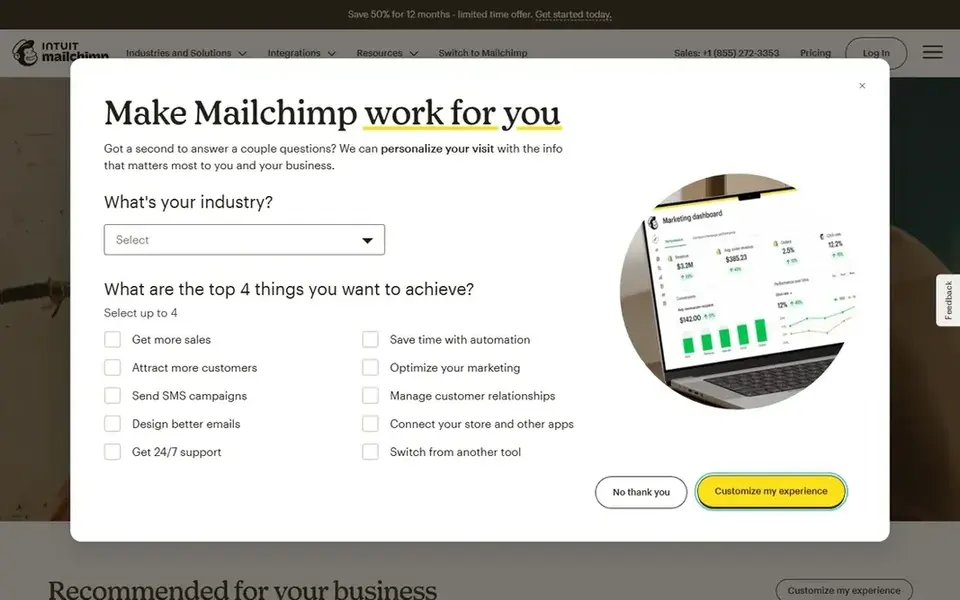
Mailchimp was built for email campaigns for small lists. Teams that require plenty of users, plenty of audiences, or advanced testing will need a higher level.
Mailchimp does not show a fixed starting price, so you request a quote. Free access exists with Mailchimp.
Where it falls short: price is shown by contact count and changes as the list grows.
- Free plan includes up to 250 contacts
- Templates and pre-built flows help new users start quick
- Marketing automation flows are restricted on lower levels

Make is a good fit for visual multi-step app automation. A scenario starts with a trigger, like a new row in a sheet or a new form entry, and then runs modules that read, search, build, update, or delete records. The visual layout makes it simpler to follow branches, filters, and error handling than a plain list of steps, and the product supports more than 1,000 external apps.
Teams should count the expected runs a month and start with one or two high-value flows before they automate everything. More specifically, the pricing model is based on credits. The pricing page explains that each action a scenario performs uses credits, with most actions using 1 cred There is no list price for Make, so a quote is the way in. Make includes a free tier.
Honest limits: Pricing is shown by credits, so costs rely on how each scenario runs.
- Free plan comes with 1,000 credits a month
- Visual scenario builder displays each step and data flow
- Advanced features need a higher level
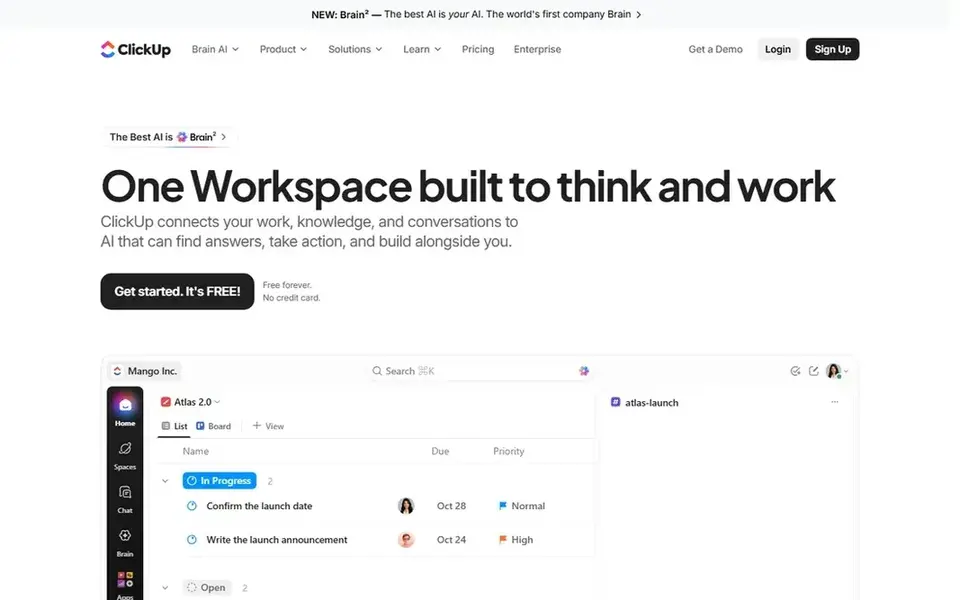
ClickUp is built with all-in-one work and campaign management in mind. ClickUp merges tasks, docs, chat, goals, and time tracking in one workspace, and marketing teams use it to plan campaigns, write briefs, track assets, and automate handoffs.
The main drawbacks: Feature list is wide, so setup takes time.
More specifically, the Free Forever plan costs $0, with no credit card required. It contains unlimited tasks and subtasks, unlimited free members, collaborative docs, Kanban boards, calendar view, and time tracking. Entry price for ClickUp: $9 per user per month. A free plan is available with ClickUp.
- Core plan layers on unlimited storage, forms
- Gantt charts
- Automation allowance is capped at 1,000 a month on Core and 10,000 on Business
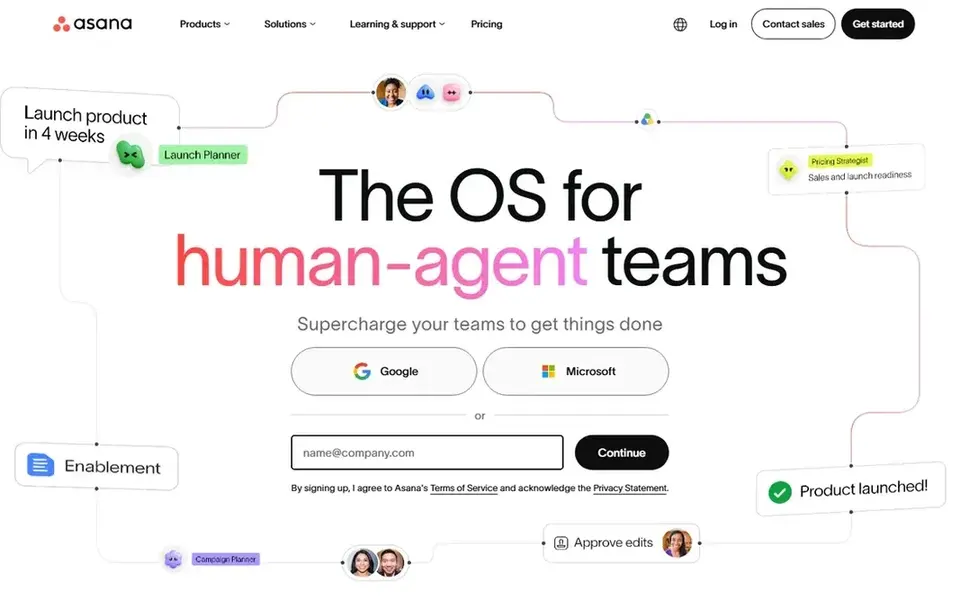
For project and campaign task automation, Asana is a natural candidate. Asana is a work management tool that helps marketing teams plan campaigns, assign tasks, track deadlines, and automate routine steps.
In daily use, the Personal plan is free forever for up to 2 users, with unlimited tasks and projects and list, board, and calendar views. The Advanced plan costs $24.99 per user a month billed yearly and layers on portfolios, goals, resource management, approvals, and time tracking. Price to start with Asana: $10.99 per user per month. Asana has a free plan.
What to check first: approvals need the Advanced plan.
- Unlimited automations on the Starter plan
- Dashboards support campaign planning
- Personal plan is restricted to 2 users
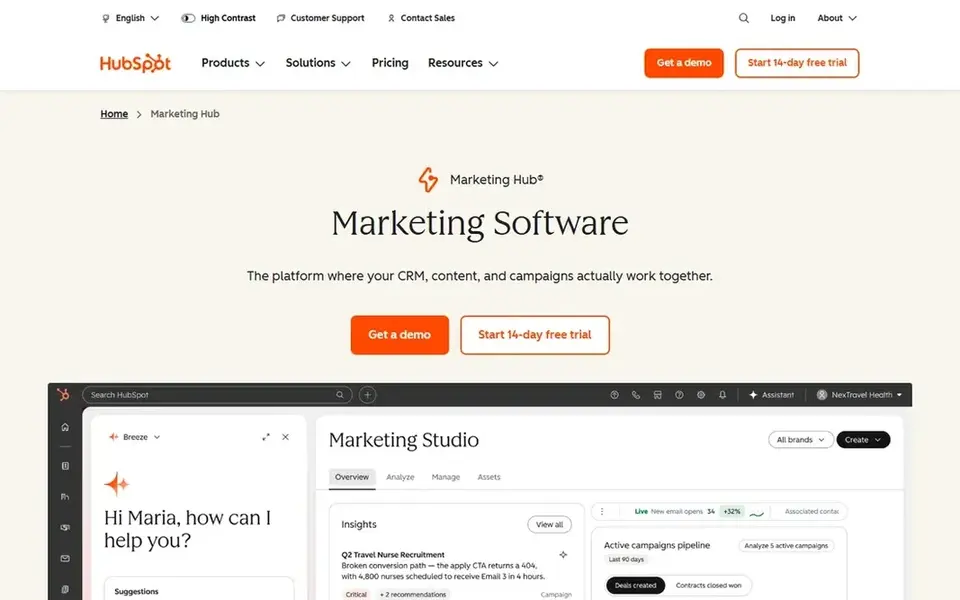
Think of HubSpot Marketing Hub for inbound campaigns and CRM automation. Teams can build nurture sequences, score leads, split audiences, and send follow-up messages based on contact properties and behavior. Beyond that, the Starter level contains 1,000 marketing contacts, Professional bundles 2,000, and Enterprise bundles 10,000, and the email send limit is tied to t That structure is clear.
The main drawbacks: Full automation features sit in higher levels.
But an expanding list can push a team into a higher level sooner than expected. Beyond that, the central trade-off is cost and complexity at scale. There is no list price for HubSpot Marketing Hub, so a quote is the way in. HubSpot Marketing Hub offers a free plan.
- Workflow limits grow with the plan level
- Reporting sit in one system
- Contact-based pricing can rise as your list grows
Choose Zapier for connecting apps with no-code workflows. A Zap starts with a trigger, for example a new form entry or a new lead, and then runs one or more actions, like adding a contact, sending a message, or updating a sheet.
On top of that, the free plan includes 100 tasks a month and two-step Zaps. Price to start with Zapier: $19.99 per month. A free plan is available with Zapier.
Drawbacks to consider: the free plan is restricted to two-step Zaps and 100 tasks a month.
- Multi-step Zaps, webhooks
- AI fields are included on the Professional plan
- Costs are based on tasks, so busy workflows can use the monthly allowance quick
How these tools were picked
Selection started from tools commonly considered for marketing workflow automation software, then narrowed to 6 that have clear pricing information or a clear quote process. Prices and plan limits come from vendor pages and can change, so confirm them on the vendor site before you buy. Position on the page reflects fit for a typical buyer first, with price clarity and free access breaking ties. Treat it as a guide, not a ruling.
What to confirm before you sign up
- Ask Mailchimp, Make and HubSpot Marketing Hub for a written quote, since no starting price is shown.
- Check what the free option really includes: Mailchimp, Make, ClickUp and others offer a free plan, and usage caps differ.
- Read the limits listed for Mailchimp first: Marketing automation flows are restricted on lower levels.
- Get the contract term, renewal terms and any onboarding fees from Make in writing.
- See whether Asana offers onboarding or training, and whether it is included in the price.
Frequently asked questions
What is the cheapest option for marketing workflow automation software in this list?
On published monthly entry prices, ClickUp is the lowest here at $9 per user per month. Entry price is only part of the cost, because seats, add-ons and billing terms can change the total.
Do I need Zapier or Make if I already use HubSpot?
You may still need a connector if your team uses apps that HubSpot does not link to straight, or if you need a custom multi-step flow across multiple tools.
What is marketing workflow automation software?
Marketing workflow automation software runs repeatable marketing steps without manual work for each one. It can send a welcome email after a signup, assign a task when a brief is approved, move a result in sales after a form fill, or post a campaign update to chat.
Do these tools publish their prices?
Not all of them. Mailchimp, Make and HubSpot Marketing Hub publish no starting price, so expect a quote request for those. The rest, ClickUp included, show a starting price, though seats and billing terms still change the final cost.
How are the tools for marketing workflow automation software ordered?
The order follows typical fit for marketing workflow automation software, with Mailchimp first and Zapier last, then price clarity and free access. It is editorial judgement, not a score, so another team could rank the tools differently.
Can I try these options before paying?
Often, yes. Mailchimp, Make, ClickUp and others have a free plan. Use your own data and a real task during the test, and check what the free tier or trial limits before you rely on it.
Sources
See where you really rank - block by block
ProMapRanker scans Google Maps across a grid of your service area. Simple monthly plans from $19, white-label on every plan.
Start freeBrowse all guides
← Marketing Automation Software for Small Businesses (2026)Best Service for Mobile Marketing: 2026 Prices and Picks →
 best inventory management software for bakery brands
6 Best Inventory Management Software for Bakery Brands for 2026
Best inventory management software for bakery brands: 6 contenders ranked by fit, with entry costs and free tiers. Pros and cons for every tool. Decide faster.
Read → best fleet management software for delivery brands
7 Best Fleet Management Software for Delivery Brands in 2026
Best fleet management software for delivery brands in 2026: 7 contenders with entry costs and free tiers. Every profile names its biggest catch. Numbers first.
Read → best erp software for ecommerce brands
8 Best ERP Software for Ecommerce Brands in 2026
8 best ERP software for ecommerce brands, compared on pricing, free plans and best-fit use. Honest caveats for every entry. Built for quick decisions.
Read → printify alternatives
Printify Alternatives in 2026
We compared alternatives to Printify for print on demand on quality, base costs, shipping, branding, and integrations, so sellers can pick a better fit.
Read → best chiropractic marketing companies
Best Chiropractic Marketing Companies in 2026
We compared the best chiropractic marketing companies for clinics that need local search, websites, ads, and reviews, with notes on fit and scope today.
Read → best wifi marketing software
WiFi Marketing Software
Need the best WiFi marketing software? We compare 7 tools on cost, free access and who each suits. With pricing notes and limits. Read before you buy.
Read →More in Marketing Software · All guides A to Z by date · Latest guides