 ProMapRanker
Best Marketing Video Companies in 2026

Key takeaways
- Hosting, creation and personal sales video are different jobs, so pick a tool for the job you do most.
- Wistia and Vimeo suit branded hosting with lead capture, while Animoto, Promo and Biteable suit fast template creation.
- Vidyard suits sales teams that send personal video, with analytics tied to outreach.
- Free plans are useful for testing, but branding removal, storage and integrations usually sit on paid plans.
Quick comparison
| Pick | Great for | Pricing starts at | Free tier | |
|---|---|---|---|---|
 Wistia | Branded video hosting | $79 per month | Yes | Visit |
 Vidyard | Sales and personal video | See website | Yes | Visit |
 Vimeo | Professional hosting | See website | Yes | Visit |
 Animoto | Fast template videos | See website | Yes | Visit |
 Promo | Social video ads | See website | Yes | Visit |
 Biteable | Simple animated videos | See website | Yes | Visit |
 Vyond | Animated explainer videos | See website | No | Visit |
 Lumen5 | Blog to video creation | See website | Yes | Visit |
 Wave.video | Social and live video | See website | Yes | Visit |
The best marketing video companies
We compared official pricing pages, hosting features and creation tools to find platforms that marketing teams can use for hosting, ads and sales outreach.
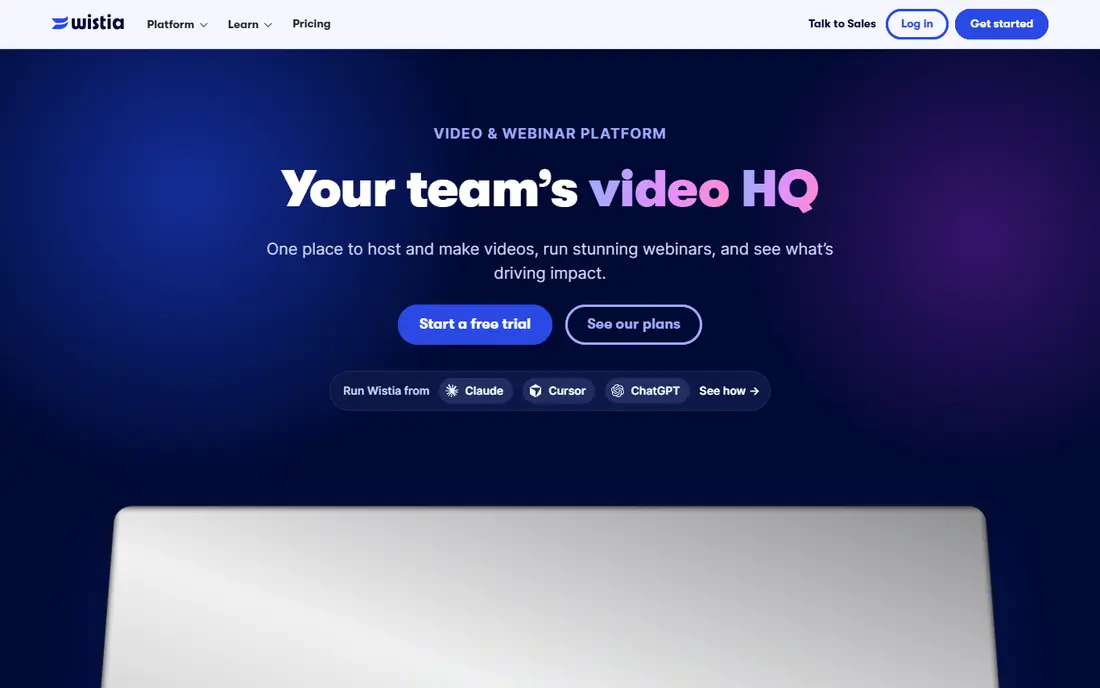
Wistia is our pick for marketing teams that want video hosted on their own site without ads or suggested videos from other brands. The player can carry your colours and logo, and you can add email capture forms and calls to action inside the video. Heatmaps show which parts viewers rewatch or skip, which helps a team improve a product video or a landing page video.
Pricing needs care. The free plan includes limited storage and bandwidth, and the Business plan starts at 79 dollars per month on annual billing, with extra users charged separately. Webinars and automation suites are add-ons on top of that base price. If your main need is clean branded hosting with lead capture, Wistia is strong, but budget for the add-ons you will actually use.
- Branded player with no third party ads
- Lead capture forms and calls to action
- Heatmaps and viewer analytics
- Paid Business plan is priced per account with storage limits
- Webinars and automation are costly add-ons
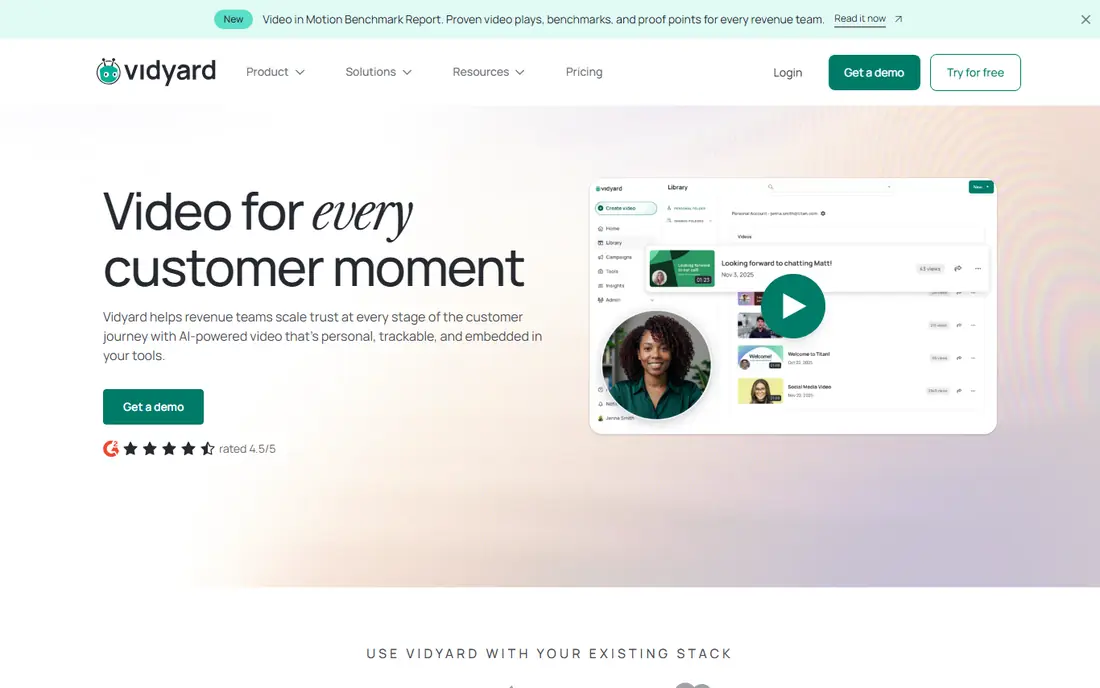
Vidyard suits sales and marketing teams that send personal video to prospects rather than only publishing polished brand films. A rep can record a short screen or webcam video, share a link, and see who watched and for how long. Calls to action inside the video can point a viewer to a booking page or a product page.
The free plan is a good test, with a small monthly recording limit. Paid plans add unlimited recording, analytics and calls to action, while CRM and marketing automation integrations arrive on Teams and above. That tiering matters for budgeting. If you need Salesforce or HubSpot sync from day one, price the Teams plan, not the entry paid plan.
- Easy recording for sales outreach
- Viewer analytics and calls to action
- CRM integrations on higher plans
- CRM integrations sit on higher priced plans
- Free plan limits recordings per month
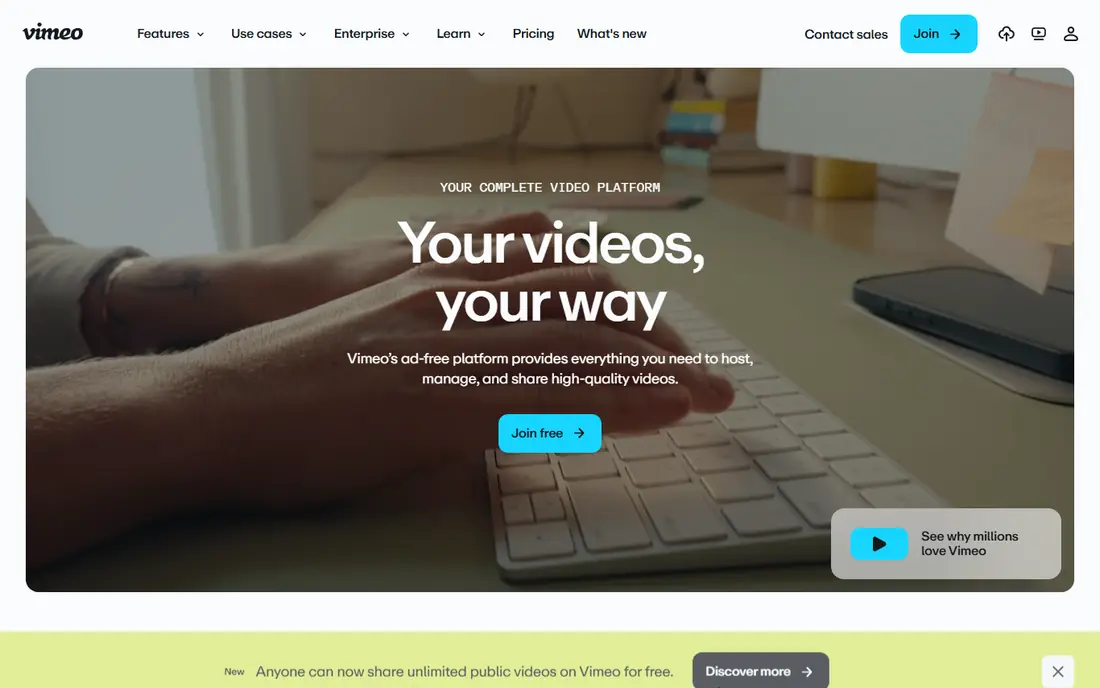
Vimeo is a solid host for agencies, production teams and brands that want a professional player without ads. Privacy controls let you limit who can view or embed a video, which helps for client previews and gated content. The platform also handles live streaming and video management, so a team can keep a full library in one place.
Marketing depth grows with plan level. Basic hosting is affordable, but lead capture, advanced analytics and team workflows sit higher up. For a team that mainly needs a trusted, good looking host, Vimeo is easy to recommend. For a team that needs deep lead scoring, compare Wistia or Vidyard before you commit.
- Clean, ad free player
- Strong privacy and embedding controls
- Good for portfolios and client work
- Advanced marketing features sit on higher plans
- Per seat pricing can add up for large teams
Animoto is for marketers who need a finished social video in an hour, not a week. Pick a template, drop in photos or clips, add text and music, and export for social, web or ads. The stock library helps when you have no footage of your own, and the editor is simple enough for a non specialist to use.
Control is the trade off. You will not get the frame level editing of a professional tool, and complex brand animation is out of reach. The free plan also carries Animoto branding. For social posts, slideshows and quick product promos, Animoto is fast and practical. For a flagship brand film, use a production team or a deeper editor.
- Very fast template based creation
- Large stock library
- Simple drag and drop editing
- Less control than a full editor
- Branding removal requires a paid plan
Promo, formerly Promo.com, focuses on video ads and social content for small businesses and marketing teams. Templates cover sales, product launches, holidays and local services, and exports are sized for feeds, stories and other social formats. That saves a team from resizing the same video by hand for each channel.
The risk with any template library is sameness. If many businesses use the same template, your ad can look generic, so change the text, colours and opening clip to fit your brand. Paid plans allow full downloads and branding removal, so price the plan that lets you publish clean ads, not just preview them.
- Large template and stock library for ads
- Formats sized for each social channel
- Quick editing for campaigns
- Paid plans needed for full downloads without branding
- Template look can feel familiar
Biteable suits teams that need a short explainer, a social clip or an internal update without hiring an animator. Animated scenes, text and stock footage combine in a simple timeline, and the result is clean enough for a landing page or a social post. Small businesses use it for product explainers, hiring posts and event promos.
The editor is not a full animation studio, so complex character animation or detailed motion design will need another tool. Branding removal and higher quality exports sit on paid plans. For fast, clear explainers, Biteable is a good value choice. For a hero animation, budget for specialist help.
- Simple animated and live action templates
- Quick explainer videos
- Easy sharing and export
- Free plan carries branding
- Deeper animation control is limited
Vyond is the step up when a team needs animated characters, scenes and voiceover for training, explainers or internal communications. You can build a consistent character style, reuse scenes, and create a series of videos that look like they belong together. That consistency helps for onboarding, compliance training and product education.
There is no free plan, and Vyond takes longer to learn than Animoto or Biteable. A first video will take a few hours, not a few minutes. If your team will make animated video regularly, that investment pays off. If you need one quick social clip, a simpler tool will be faster and cheaper.
- Character animation and business templates
- Good for training and explainer videos
- Consistent brand styles
- No free plan
- Learning curve is steeper than simple template tools
Lumen5 helps content teams turn written work into video. Paste a blog post or a script, and the tool matches text to scenes, stock footage and music. That makes it practical to repurpose a strong article into a social video, a short summary clip or a newsletter video without starting from a blank timeline.
Automation is both the strength and the weakness. An untouched Lumen5 video can look like many others, so edit the scenes, swap weak clips and tighten the text before you publish. The free plan is useful for testing the workflow, while paid plans remove branding and allow more formats. For teams with a large blog archive, Lumen5 is a smart repurposing tool.
- Turns blog posts and text into video
- Automatic scene matching
- Useful for repurposing content
- Automated videos can feel generic without manual editing
- Branding removal needs a paid plan
Wave.video combines a social video editor with live streaming, which suits small teams that publish clips and run live sessions from the same tool. Templates, stock footage and text tools cover social posts, while the live studio lets a host stream to several channels at once. Cloud editing means no software install and easy sharing with a team.
Hosting and analytics are not as deep as Wistia or Vimeo, so a team that needs detailed viewer data or gated hosting should pair Wave.video with a dedicated host. For social first teams that want one tool for clips and live video, Wave.video is a practical all rounder with a free plan to test.
- Social editing plus live streaming in one tool
- Templates for many channels
- Cloud editing with no install
- Feature depth varies by plan
- Advanced hosting and analytics lag behind Wistia and Vimeo
How we picked these
We compared official pricing pages, feature lists and public reviews for hosting, creation and sales video tools. We favoured platforms with a live product in 2026, a clear official homepage, and a free plan or trial where possible, so readers can test before paying. We mixed hosts, template creators and animation tools because marketing video covers all three jobs.
We did not treat a single score as the answer, since a sales team, a social team and a brand team need different tools. Use the best for notes to match the tool to your main job, then test the free plan or trial with a real video before you buy a yearly plan.
How to choose a marketing video platform
Start by naming the job. If you need to host videos on your site with lead capture, shortlist Wistia or Vimeo. If you need to create social ads fast, shortlist Animoto, Promo or Biteable. If you need personal sales video, shortlist Vidyard. Buying a host when you need a creator, or a creator when you need a host, wastes budget and time.
Next, check the limits that matter in practice. Storage, bandwidth, video count, seat count and branding removal all sit on different plans, and add-ons can change the total price sharply. Make one test video, publish it where your audience will see it, and check the player, the mobile view and the analytics before you commit to a yearly plan.
Finally, check integrations. A video tool that connects to your email platform, CRM or website forms will turn views into follow ups. A tool that sits apart will give you view counts but no pipeline. Ask for the integration list for the exact plan you will buy, not for the platform in general.
Frequently asked questions
What are the best video advertising companies for small businesses?
Animoto, Promo and Biteable suit small businesses for fast template ads, while Vimeo and Wistia suit brands that need polished hosting. Pick based on whether you need creation speed or hosting depth.
What are the best video marketing companies for sales teams?
Vidyard suits sales teams for personal video outreach with viewer analytics, while Wistia suits marketing teams for branded hosting with lead capture. Many teams use both for different stages of the funnel.
Is there a free video marketing platform?
Wistia, Vidyard, Vimeo, Animoto, Promo, Biteable, Lumen5 and Wave.video all offer free plans, but branding removal, storage and integrations usually require paid plans. Test the free plan with a real project before you pay.
Do I need hosting and creation tools?
Many teams need both, since creation tools make the video and hosting tools publish it with branding and analytics. Some platforms combine both jobs, but a dedicated host usually gives deeper analytics and lead capture.
How much does video marketing software cost?
Costs range from free plans to a Business plan at 79 dollars per month for Wistia on annual billing, with add-ons for webinars and automation. Other tools in this guide use See website pricing, so check the official pricing page for the plan you need.
Sources
See where you really rank - block by block
ProMapRanker scans Google Maps across a grid of your service area. Simple monthly plans from $19, white-label on every plan.
Start freeKeep reading
 zscaler alternatives
Best Zscaler Alternatives in 2026
Looking for zscaler alternatives? We compare 9 SASE and zero trust platforms on architecture, data protection, pricing, and fit for your network and team.
Read → zapier alternatives free
Best Zapier Alternatives Free in 2026
Nine automation tools for zapier alternatives free in 2026, all with genuinely free tiers, plus free plan limits, starting prices and upgrade paths explained.
Read → which platform is best for online reputation
Which Platform Is Best for Online Reputation in 2026
Wondering which platform is best for online reputation? We compare 8 review, listing, and response tools for small and multi-location businesses and agencies.
Read →