 ProMapRanker
Best Marketing Strategies for Construction Company Owners in 2026

Key takeaways
- Local search and review profiles do much of the early selling for construction firms, because homeowners check reputation before they call.
- Project photos and clear estimates turn interest into booked work, especially for remodelers and custom builders.
- Referrals still matter, but they work best when a firm follows up promptly and stays in touch after the job ends.
- We compared official feature pages, pricing pages, app store listings, and public reviews, and we did not claim hands-on testing we did not do.
Quick comparison
| Pick | Great for | Pricing starts at | Free tier | |
|---|---|---|---|---|
 Houzz Pro | Remodelers who sell with photos | See website | Free trial | Visit |
 Buildertrend | Builders who want sales plus project tracking | See website | Free trial | Visit |
 Google Business Profile | Local search visibility | Free | Yes | Visit |
 Yelp | Review-driven local leads | Free | Yes | Visit |
 Angi | Home-service lead matching | Free | Yes | Visit |
 Jobber | Small trade firms that need quotes and scheduling | See website | Free trial | Visit |
 HubSpot | Firms that need a simple CRM and follow-up | Free | Yes | Visit |
 Mailchimp | Email follow-up and past-client contact | See website | Yes | Visit |
 Canva | Project photos, flyers, and social posts | Free | Yes | Visit |
The best marketing strategies for construction company owners
Construction marketing works when a homeowner can find you, trust you, and picture the finished job. The tools below cover those three jobs in different ways, and most firms will need more than one of them.
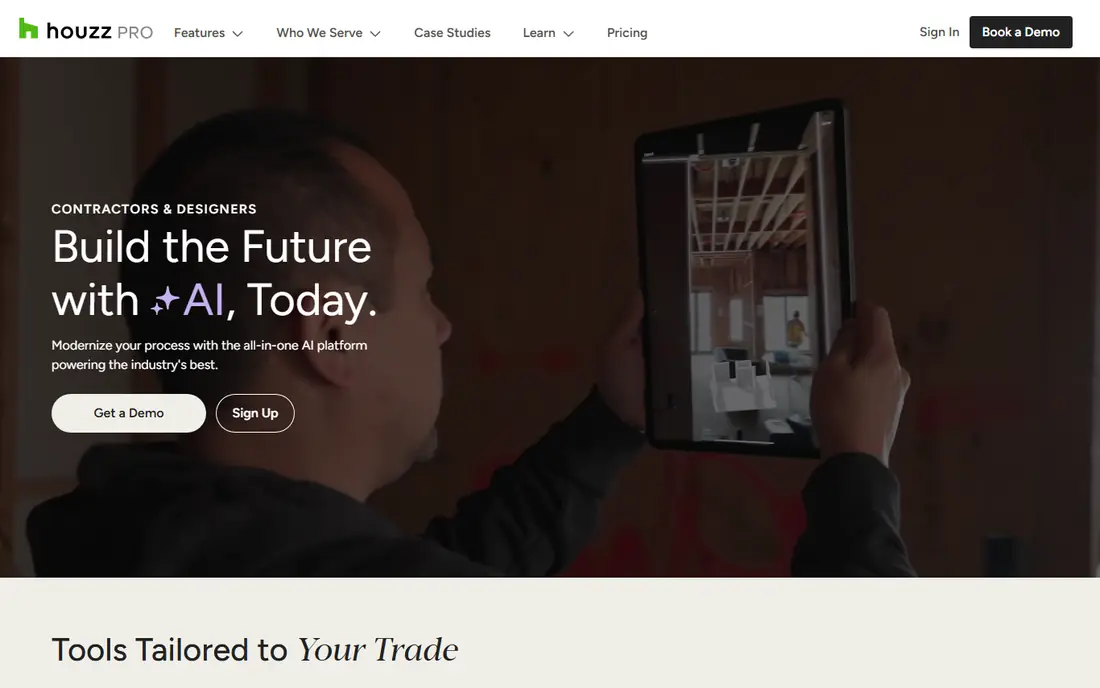
Houzz Pro suits a remodeler or design-build firm whose work photographs well and whose clients browse ideas before they buy. Its profile, project photos, and review collection give a homeowner a clear sense of style and finish quality before the first call. The proposal and website tools also help a small firm look organized without hiring a separate design agency.
The catch is fit. A firm that mainly does urgent repair work may get less value from a browsing audience than from search ads or local listings. Check the contract length, the local lead volume, and the cost per booked job before committing, not just the cost per lead.
- Homeowner marketplace and lead tools
- Custom websites and proposal templates
- 3D planning and visualization tools for design-led work
- Monthly cost can be high for a small firm
- Lead quality varies by market and trade
Buildertrend helps a builder sell the process, not just the price. In a sales meeting, showing a client portal, a schedule, and a clear estimate can calm the worry that a project will drift. After the sale, the same system keeps messages, files, and change orders in one place, which reduces disputes.
That breadth is also the trade-off. A one-person firm may use only a fraction of the system at first, so the monthly cost needs to be judged against the tools it replaces. Firms with regular new-home or remodel volume tend to get more from it than firms with occasional small jobs.
- Lead tracking, estimates, and client communication in one place
- Scheduling and document sharing for the build
- Client portal that shows progress
- Price and setup time are higher than a simple CRM
- Some features suit home builders more than small repair firms
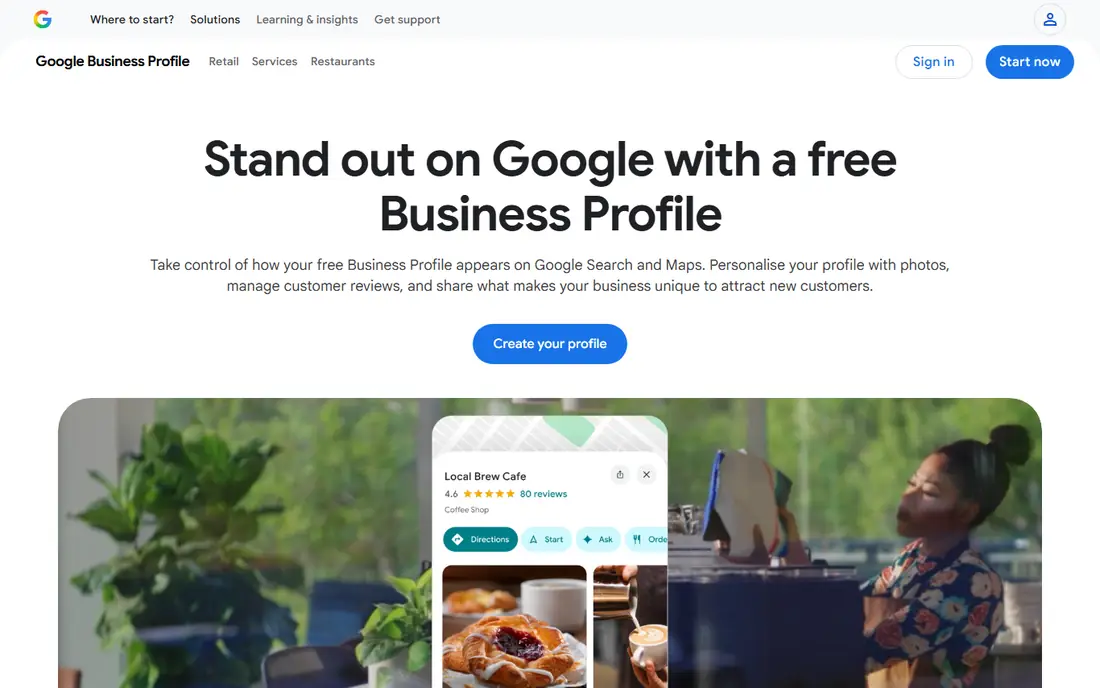
For most local builders, this free profile is the first marketing asset to get right. Homeowners searching for a builder near them often see this listing before they see a website. Complete services, a real service area, recent photos, and steady review replies all help a firm look active and trustworthy.
The limit is control. Google decides how listings rank, and a firm cannot buy its way to the top of the local map pack with this tool alone. Treat it as the foundation, then add paid search or referrals for markets where competition is heavy.
- Free listing in Google Search and Maps
- Review collection and owner replies in one place
- Photos, services, and service areas are easy to update
- Ranking depends on reviews, distance, and profile completeness
- No built-in lead management beyond messages and calls
Yelp matters because many homeowners treat its reviews as a second opinion after Google. A complete page with recent photos, clear services, and prompt replies to quote requests can turn a browser into a caller. It also helps firms that serve a defined city or neighborhood rather than a wide region.
Paid placement is where costs need care. Start with the free profile, track how many quote requests turn into site visits, and only expand spending if the booked-job cost makes sense. A thin profile with no replies will do less good than no profile at all in a review-led market.
- Strong review presence for home services
- Quote request flow for some trades
- Business page can show photos, services, and hours
- Paid advertising costs add up
- Review filtering can frustrate owners who lose a positive review
Angi fits a firm that wants a steady flow of homeowner requests without building its own ad campaigns. Homeowners post a project, and matched pros can respond with a quote. For remodelers, handyman firms, and specialty trades, that matching can fill gaps between referral jobs.
The risk is buying leads that do not fit. Set a clear service area, job-size range, and response time, and review lead quality weekly. A fast, specific first reply often matters more than a low quote, because homeowners use responsiveness as a proxy for reliability.
- Large homeowner audience looking for pros
- Lead matching by trade and location
- Review and profile tools for pros
- Lead costs and competition vary by market
- Some leads may be shared or outside the ideal job size
Jobber helps a small construction or trade firm look prompt and organized from the first quote onward. A homeowner who gets a clear quote quickly, a booked visit, and an automated reminder is less likely to call a competitor. The invoicing and payment tools also shorten the gap between finished work and paid work.
Its marketing strength is follow-through rather than lead generation. Pair it with Google Business Profile or Angi for new leads, and use Jobber to convert and retain them. Firms that already have a separate project system may find some overlap, so compare features before adding another subscription.
- Quotes, scheduling, invoicing, and client reminders in one app
- Online booking for some services
- Mobile app for field teams
- Less suited to large custom-home builds
- Marketing features are lighter than a full CRM suite
HubSpot is a good fit once leads arrive from several places and follow-up starts to slip. A shared pipeline shows who called, who got a quote, and who needs a second touch, so good leads do not sit in one person's inbox. Email templates and task reminders make that follow-up repeatable without sounding canned.
The weakness is adoption. A CRM only helps if the team logs calls and updates deal stages, and a free plan can still fail if no one maintains it. Start small with one pipeline and a weekly review, then add paid features only when the team actually uses the free ones.
- Free CRM for contacts, deals, and tasks
- Email templates and follow-up reminders
- Forms and landing pages for website leads
- Paid tiers get expensive as contacts and features grow
- Setup takes time if no one owns the CRM
Mailchimp turns past work into future work. A short seasonal email, a finished-project photo, or a reminder about maintenance can bring back a client who would otherwise forget the firm's name. It also gives a firm a direct channel that does not depend on a marketplace algorithm.
Keep the emails short and useful. Homeowners respond to a real project photo and a clear next step more than to a long newsletter. Clean the list regularly, since paying for inactive contacts wastes money and hurts delivery.
- Email campaigns, signup forms, and simple automation
- Audience segments for past clients and prospects
- Reporting on opens and clicks
- Pricing rises with audience size
- Design and automation options can feel limited on lower tiers
Canva helps a builder post consistently without a designer on staff. Before-and-after photos, a job-site update, or a simple service flyer can be made in minutes and reused across social channels and email. That steady presence supports referrals, since past clients see the firm still active.
The limit is image quality. A template cannot fix a dark, cluttered project photo, so invest in good phone or professional photos first. Use Canva to present strong photos well, not to hide weak ones.
- Easy templates for social posts, flyers, and before-and-after graphics
- Photo editing and brand colors on paid plans
- Team sharing for small firms
- Not a substitute for professional photography on high-end work
- Template-heavy posts can look alike if used without care
How we picked these
We compared official feature pages, pricing pages, app store listings, and public reviews for tools that construction firms actually use for lead generation, sales, and follow-up. We favored tools with a clear construction or home-service fit, a current website, and a pricing model a small firm can check before buying. We left out tools that had shut down or that served only a narrow niche with no public pricing or support.
What to do first, in order
Start with the free foundation, then add paid channels one at a time. Claim and complete a Google Business Profile, add recent project photos, and ask every satisfied client for a review. Add a Yelp or Angi profile only for the markets and trades where homeowners actually use those sites, and track booked jobs, not just leads.
Next, fix follow-up. Use a simple CRM or Jobber to log every quote, set a next step, and send a prompt reply. Add email for past clients after the pipeline is steady, since repeat and referral work is often cheaper than new leads. Finally, review results monthly: cost per booked job, review count, and response time. Drop a channel that produces leads but no booked work, even if its lead price looks low.
A note on photos and trust
Project photos are marketing evidence, not decoration. Show the work a new client is likely to buy, label the project type, and avoid stock images that misrepresent the firm's work. Ask permission before posting a client's home, and keep the best photos current. A small set of honest, well-lit photos will beat a large set of generic images.
Frequently asked questions
What is the best first marketing step for a new construction company?
Claim and complete a Google Business Profile, add real project photos, and collect reviews from early clients. That free foundation helps local homeowners find and trust the firm before any paid advertising starts.
How much should a small builder spend on marketing?
There is no single right budget, since it depends on job size, margins, and local competition. Start with free listings and referral follow-up, then test one paid channel at a time and judge it by cost per booked job, not cost per click or lead.
Do construction companies need social media?
Social media helps when it shows real work and keeps past clients in touch, but it is not a replacement for search visibility and referrals. A few strong project posts each month usually beat daily generic posts that no one remembers.
Are lead marketplaces worth it for builders?
They can be, if the firm sets a tight service area, a clear job range, and a fast response process. Track how many leads become site visits and signed jobs, and pause a marketplace that sends many unqualified requests.
How long does construction marketing take to work?
Referrals and reviews can help within weeks, while search visibility and a strong photo portfolio often take months to build. Firms should plan for steady effort rather than a single campaign, and review results monthly.
Sources
See where you really rank - block by block
ProMapRanker scans Google Maps across a grid of your service area. Simple monthly plans from $19, white-label on every plan.
Start freeKeep reading
 worlds best local seo company
8 Worlds Best Local SEO Companies for Map Pack Growth in 2026
Compare the worlds best local seo company options for Google Business Profile work, citations, reviews, and multi-location rankings and reporting in 2026.
Read → world's best web hosting company
World's Best Web Hosting Company in 2026
Searching for the world's best web hosting company? We compared 10 hosts on price, renewal rates, speed, and support to help you choose well today in 2026.
Read → who's got the best nanny tax services
Who's Got the Best Nanny Tax Services in 2026
We answer who's got the best nanny tax services, comparing full filing, back taxes, software, and pricing so families can handle nanny taxes correctly.
Read →