 ProMapRanker
Marketing Dashboard Software


Teams that want to model and blend data before visualizing it · Pricing starts at: See website
Key takeaways
- This list starts with Klipfolio, which is built for teams that want to model and blend data before visualizing it.
- What to know about DashThis first: reports present each system's numbers as that product reports them, with little data transformation.
- For the cheapest start, look at AgencyAnalytics: $20/client/month.
- Looker Studio suits Google-centric teams that want dashboards at no cost.
- Only 3 of the 7 tools have a free plan (Databox, Improvado, Looker Studio), so check the caps.
Direct answer
Klipfolio comes first here, mainly for teams that want to model and blend data before visualizing it. DashThis fits Marketers and freelancers wanting client-ready reports with minimal setup; Databox fits small and mid-sized teams tracking KPIs against goals. The remaining 4 options are covered below with prices and limits.
Quick comparison
| Pick | Great for | Pricing starts at | Free tier | |
|---|---|---|---|---|
| Klipfolio | Teams that want to model and blend data before visualizing it | See website | Free trial (14 days) | Visit |
 DashThis | Marketers and freelancers wanting client-ready reports with minimal setup | $44/month (Individual plan, billed annually) | Free trial (15 days) | Visit |
 Databox | Small and mid-sized teams tracking KPIs against goals | $71/month (Analyst plan, billed annually) | Yes | Visit |
 AgencyAnalytics | Marketing agencies standardizing client reporting | $20/client/month (Core plan, billed yearly) | Free trial (14 days) | Visit |
 Funnel | Businesses centralizing marketing data for BI tools and warehouses | See website | No | Visit |
 Improvado | Mid-market and enterprise teams that require governed, AI-ready marketing data | $0 (Free limited plan) / $100/month (MCP Only plan) | Yes | Visit |
 Looker Studio | Google-centric teams that want dashboards at no cost | $0 (free; Pro tier premium) | Yes | Visit |
Marketing Dashboard Software, one by one
If you are comparing marketing dashboard software, this page covers 7 tools in one place: what each is best for, what it costs to start, whether it has a free plan, and the main limit to know about.
Klipfolio
Great for: Teams that want to model and blend data before visualizing it
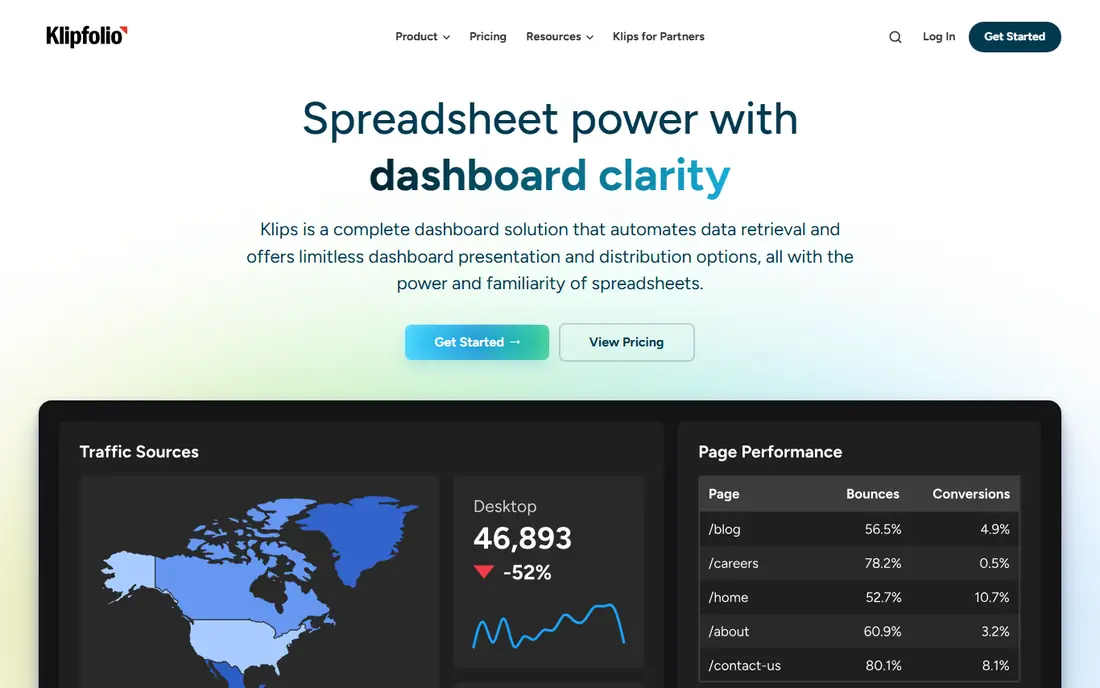
Klipfolio makes the most sense for teams that want to model and blend data before visualizing it. Dashboard limits and refresh rates are the levers that push you to the next plan, and white-label depth and live refresh arrive as extras or higher levels.
For straightforward KPI tracking, Databox is more straightforward and typically less expensive. Pricing for Klipfolio is not stated here, so ask the vendor for current figures. Free access: Free trial (14 days).
Honest limits: No permanent free plan.
- 130-plus integrations and unlimited users
- Real data modelling with joins between sources on every plan
- Refresh-rate limits on lower plans are a typical upgrade driver
DashThis
Great for: Marketers and freelancers wanting client-ready reports with minimal setup
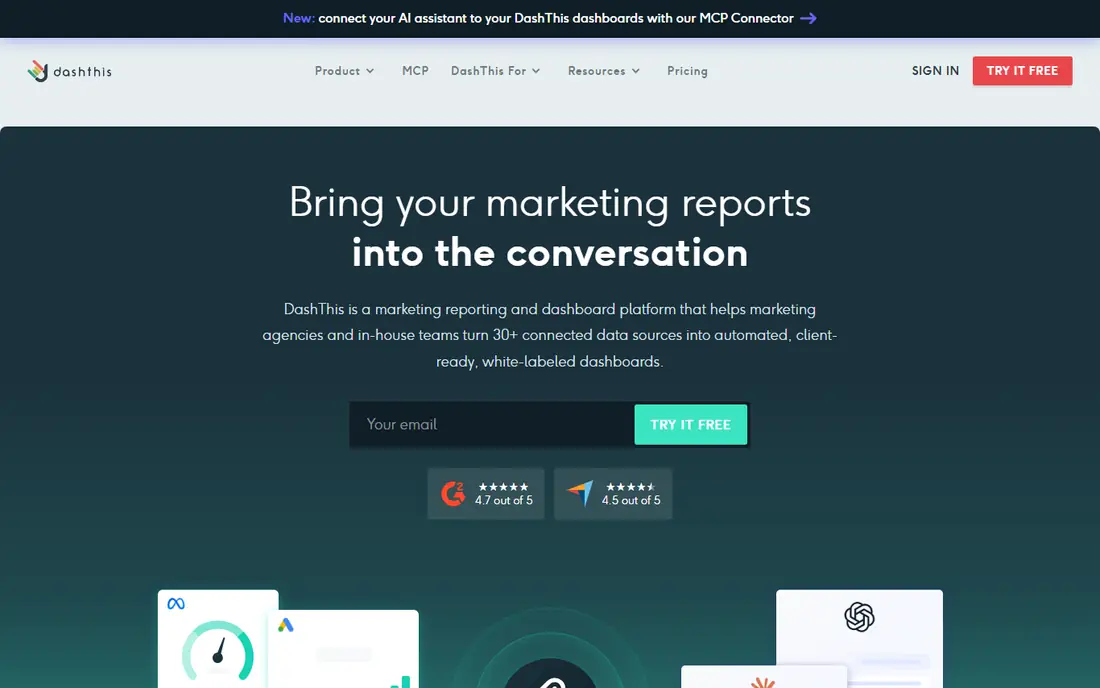
In short, DashThis is for Marketers and freelancers wanting client-ready reports with minimal setup. Individual at $44 a month billed yearly handles three dashboards and fifteen sources, which suits a freelancer or a small in-house team. On top of that, DashThis is the least-setup choice here.
The main drawbacks: Source limits were added to plans in March 2026.
In daily use, for clean monthly client reports with no ramp-up time, nothing else here is this quick. Agencies should model sources, not just dashboards, since the March 2026 repricing added source ceilings that can force a level jump. What you pay to start with DashThis: $44/month. As for free access: Free trial (15 days).
- Preset templates that fill themselves each reporting period
- Unlimited users and white-label basics on every plan
- Per-dashboard pricing escalates as client count grows
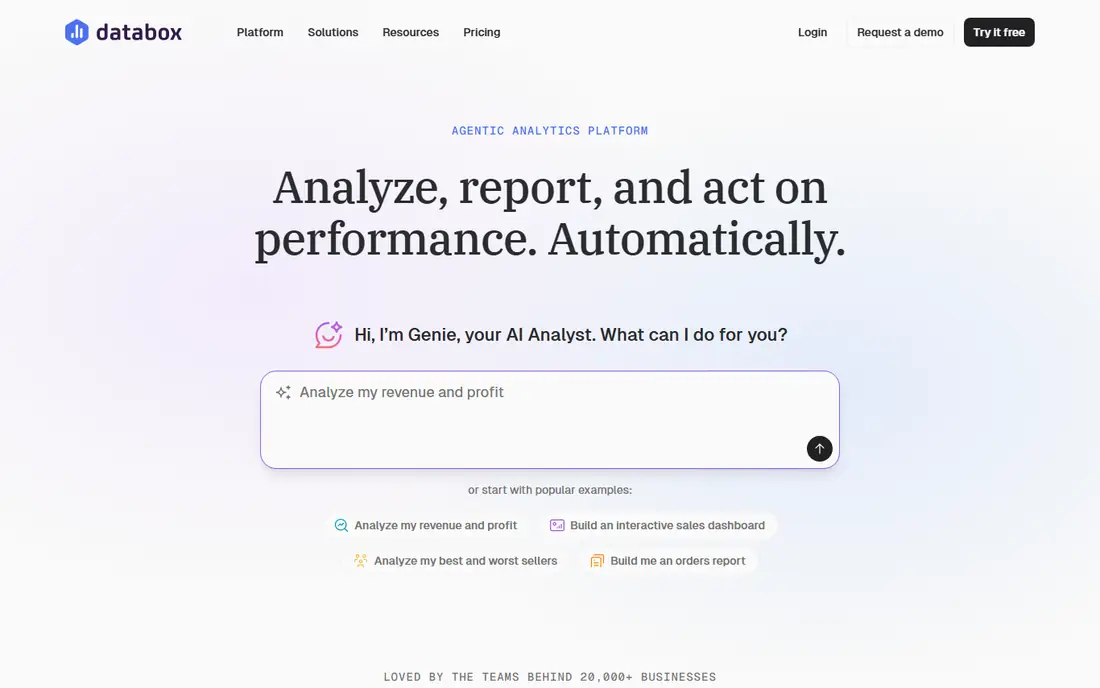
Databox is aimed squarely at small and mid-size teams tracking KPIs against goals. Databox is the goal-tracking dashboard. Also, link your products, set targets, and it flags what moved and why, with AI-written summaries you can hand to a client.
The math to watch is the source count. On top of that, the free plan (one user, three sources) is genuinely usable for a solo marketer, and premium plans keep unlimited users whereas charging for sources: Analyst at $71 a month for one user and five sources, Team Core at $199 for three users and ten sources. Eight to twelve connected sources across premium, analytics and CRM pushes mid-sized teams toward Team Core or higher rapidly. On cost, Databox starts like this: $71/month. Databox includes a free tier.
Drawbacks to consider: White-labeling is a $200 a month add-on; an expanding stack hits the caps quick. Highlights: Real free plan and published pricing with a 14-day trial.
- 130-plus integrations with unlimited users on premium plans
- Goal tracking and anomaly detection built in
- AI usage draws from a metered monthly credit allowance
AgencyAnalytics
Great for: Marketing agencies standardizing client reporting
In short, AgencyAnalytics is for marketing agencies standardizing client reporting. Everything is included: unlimited sources, reports, dashboards, staff and client users, white-label branding, a custom domain, AI summaries, benchmarks and anomaly detection. If you run an agency, this is the pricing model to beat.
Watch-outs: Rank tracker and AI tracker are premium add-ons; 25-plus clients move to a custom Enterprise quote.
The math is straightforward and that is the point. As for the details, AgencyAnalytics repriced in 2026 to a single Core plan: $20 per client a month billed yearly, where a client is a business, not a campaign. So one client with Google Ads, Meta and GA4 counts once. Agencies with simple clients frequently pay less than on source-metered tools, and the old level minimums and white-label upsells are gone. Price to start with AgencyAnalytics: $20/client/month. Free plan details: Free trial (14 days).
- Dashboards and users plus white-label and custom domain
- Per-client pricing is ample compared to per-source tools
- Overkill for in-house teams reporting on one business
Think of Funnel for firms centralizing marketing data for BI tools and warehouses. Funnel is the heavyweight pipeline. The honest catch is predictability.
Points against: Built-in dashboards are functional but not client-report quality.
And since December 2025 there is no free plan, so evaluation starts with a sales conversation. In daily use, Funnel earns its price when marketing data feeds measurement models, MMM or a warehouse. For everyday use, if you just need dashboards, buy a dashboard tool instead. No starting price is listed for Funnel here; confirm pricing on the vendor site. Funnel has no free plan.
- Keeps and models data as one source of truth
- 600-plus connectors with a data guarantee (they build missing ones)
- No free plan and no self-service signup: pricing comes through a demo
Improvado
Great for: Mid-market and enterprise teams that require governed, AI-ready marketing data
Improvado targets mid-market and enterprise teams that require governed, AI-ready marketing data. The free restricted level provides a workspace with the AI Agent and MCP server; MCP Only at $100 a month layers on connections, modelling and daily syncs inside your own AI assistant; Advanced and Enterprise are custom-quoted with governance, creative analytics and professional services.
Honest limits: Dashboards are AI-generated instead of hand-crafted BI.
From a buyer's view, the main limit is positioning. On cost, Improvado starts like this: $0. Improvado has a free plan.
- Free limited level and a $100 a month MCP Only plan are published
- Currency and timezone handling
- Full product pricing is custom and historically enterprise-grade
Looker Studio
Great for: Google-centric teams that want dashboards at no cost
Looker Studio is designed for Google-centric teams that want dashboards at no cost. Google connectors are free and solid; everything else goes through partner connectors that normally cost money.
Reports share by link, embed anywhere and refresh on schedule. For agencies reporting across dozens of non-Google systems, the connector bills and maintenance normally push them to a premium tool. Looker Studio starts at: $0. Free access exists with Looker Studio.
Highlights: Native Google connectors for Analytics. Honest limits: Non-Google products need premium partner connectors.
- Filter controls and scheduled delivery built in
- Calculated fields
- Expect 15 to 30 hours of initial setup and continuing connector maintenance
Our selection method
The comparison looks at four things: starting price, free access, how well the feature set matches marketing dashboard software, and the main limit of each tool. Prices and plan limits come from vendor pages and can change, so confirm them on the vendor site before you buy. The order reflects how well each tool fits the most common buying scenario for marketing dashboard software, then price clarity, then free plan access. It is a starting point, not a verdict.
Before you commit
- Confirm the entry price on the vendor page. For Klipfolio and Funnel that means a quote rather than a fixed price.
- Look at free plan limits closely: Databox, Improvado and Looker Studio have one, and the caps decide whether it is usable for real work.
- Use real work to test the free trial from Klipfolio, DashThis and AgencyAnalytics, rather than a demo project.
- Read the limits listed for Klipfolio first: dashboard caps per level push expanding teams upward quick.
- Ask the daily users to test Funnel on a live task before you roll it out to everyone.
- Check how data leaves Databox: formats, limits and whether exports are available on every plan.
Frequently asked questions
Is Klipfolio the right pick for everyone comparing marketing dashboard software?
No single tool suits every team. Klipfolio comes first because it fits teams that want to model and blend data before visualizing it, while DashThis suits Marketers and freelancers wanting client-ready reports with minimal setup and Databox suits small and mid-size teams tracking KPIs against goals. Match the tool to your own size, budget and workflow before deciding.
How are the tools for marketing dashboard software ordered?
Klipfolio sits first and Looker Studio last because the order follows typical fit for marketing dashboard software, then price clarity and free access. It is a judgement call, so read each profile for fit and limits.
What is the cheapest option for marketing dashboard software in this list?
On published monthly entry prices, AgencyAnalytics is the lowest here at $20/client/month. Entry price is only part of the cost, because seats, add-ons and billing terms can change the total.
Do these tools publish their prices?
Not all of them. Klipfolio and Funnel publish no starting price, so expect a quote request for those. The rest, DashThis included, show a starting price, though seats and billing terms still change the final cost.
Is Looker Studio really free?
The catches: non-Google systems normally need premium partner connectors, setup takes live, and Google now sells a premium Pro level for team and enterprise features. For Google-heavy stacks it is still the best free choice.
Which marketing dashboard tool is a good match for agencies?
Klipfolio is the pick this page puts first, mainly for teams that want to model and blend data before visualizing it. If your situation differs, DashThis suits Marketers and freelancers wanting client-ready reports with minimal setup, and Databox suits small and mid-sized teams tracking KPIs against goals. Compare price and limits before you decide.
Sources
See where you really rank - block by block
ProMapRanker scans Google Maps across a grid of your service area. Simple monthly plans from $19, white-label on every plan.
Start freeKeep reading
 zoho inventory alternatives
6 Alternatives to Zoho Inventory, Compared on Price and Fit
Zoho Inventory alternatives: 6 tools compared on price, free plans and fit. Katana leads the list for manufacturers. Fit and flaws are laid out for each entry.
Read → zoho crm alternatives
Best Zoho CRM Alternatives (2026)
Need Zoho CRM alternatives? We compare 7 tools on cost, free access and who each suits. Every pick gets a straight assessment. Built for quick decisions.
Read → zelle alternatives
Best Zelle Alternatives in 2026
Compare the best Zelle alternatives for sending money to friends, paying sellers and moving funds abroad, with honest notes on fees, speed and safety in 2026.
Read →