 ProMapRanker
Best Marketing Automation Platform for Startups in 2026


Startups that want CRM and marketing in one place · Pricing starts at: Free, paid from $20 per month
Key takeaways
- ActiveCampaign and HubSpot lead for startups that need real automation, while Brevo leads on price for teams sending a lot of email.
- Free plans are useful for testing, but most startups will hit a contact or send limit within the first few months.
- Klaviyo and Omnisend make the most sense for online stores, while Kit fits creators and newsletter-led startups better.
- Price should be judged on contacts and sends together, because a low monthly fee can rise fast as a list grows.
Quick comparison
| Pick | Great for | Pricing starts at | Free tier | |
|---|---|---|---|---|
| HubSpot Marketing Hub | Startups that want CRM and marketing in one place | Free, paid from $20 per month | Yes | Visit |
 ActiveCampaign ActiveCampaign | Startups that want deep email automation | $15 per month | No, free trial | Visit |
 Mailchimp Mailchimp | Beginners who want a simple start | Free, paid from $13 per month | Yes | Visit |
 Brevo Brevo | Budget teams with large lists | Free, paid from $9 per month | Yes | Visit |
 Klaviyo Klaviyo | Online stores focused on repeat sales | Free, paid from $20 per month | Yes | Visit |
 Kit Kit | Creators and newsletter startups | Free, paid from $25 per month | Yes | Visit |
 Omnisend Omnisend | Small online stores using email and SMS | Free, paid from $16 per month | Yes | Visit |
 GetResponse GetResponse | Startups that want email, funnels, and webinars | $15 per month | No, free trial | Visit |
The best marketing automation platforms for startups
A startup does not need every feature on day one. It needs a tool that captures leads, follows up without manual work, and still makes sense when the list doubles. The eight tools below cover that range, from free starting points to automation-heavy platforms.
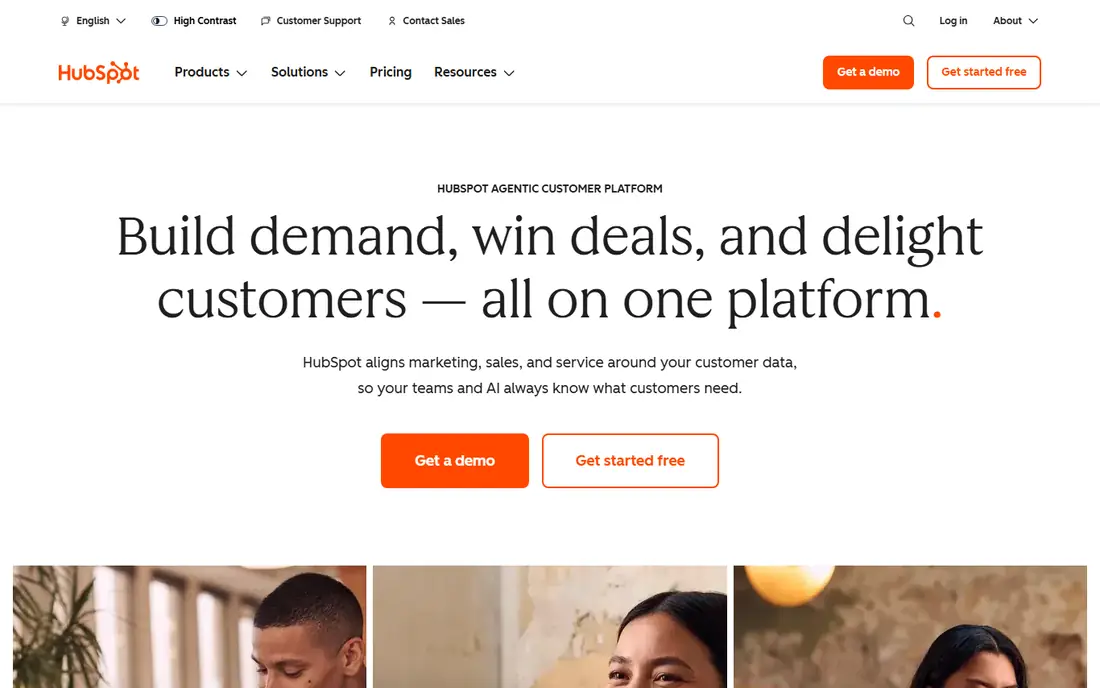
HubSpot suits a startup that wants one record for each contact, from first form fill to first sale. The free tools cover forms, email, landing pages, and basic reporting, which is enough for many early teams. Paid Starter adds more automation and removes some limits, without forcing a jump to enterprise pricing at once.
The catch is the upgrade path. As contacts grow and the team wants branching workflows, scoring, and deeper reporting, the price rises in steps that can surprise a small budget. Startups should map their contact count for the next year before committing, and keep an eye on which features are tied to each tier.
- Free CRM included, forms and landing pages built in, wide integration library
- Higher tiers get expensive fast, some automation features sit behind paid plans
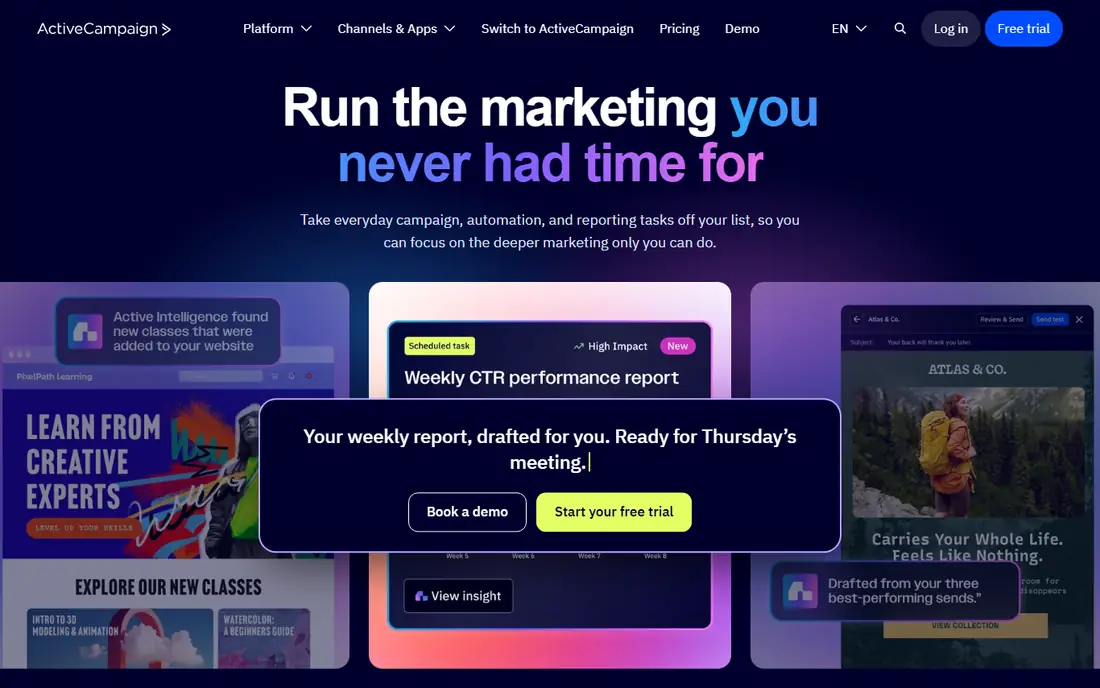
ActiveCampaign is the pick for teams that already know what journey they want to build. Its automation builder handles branching paths, tags, site visits, and purchase events with more control than most tools at this price. That control helps a startup send different follow-ups to trial users, webinar attendees, and paying customers.
New users should expect a learning curve in the first week. The menus hold a lot of options, and it is easy to build a workflow that is more complex than needed. Starting with two or three simple automations, then adding branches only where the data supports them, keeps the setup manageable.
- Flexible automation builder, site tracking and event triggers, built-in CRM tools
- Interface can feel busy for beginners, no permanent free plan
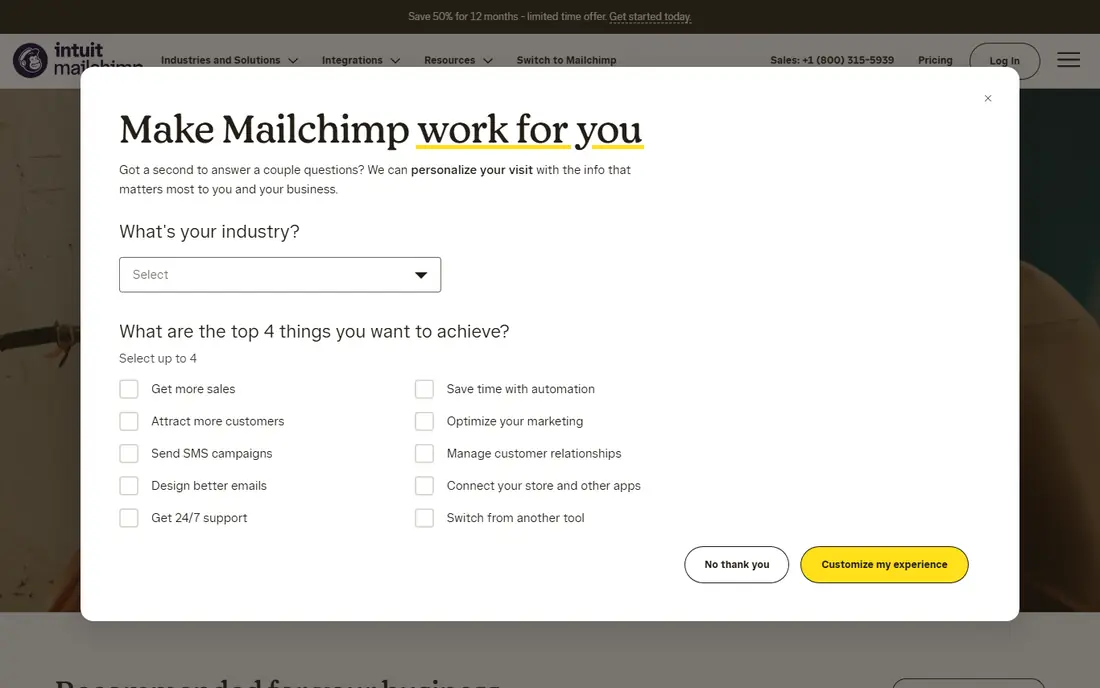
Mailchimp remains a sensible first step for a founder sending a newsletter and a few welcome emails. The editor is straightforward, templates look clean without design help, and the free plan lets a tiny list get started at no cost. For a startup that mainly needs regular campaigns, that simplicity is a real advantage.
Growth is where Mailchimp gets harder to defend. Multi-step journeys, detailed segmentation, and behaviour-based triggers are stronger in rivals at similar prices. A team that plans to build complex onboarding or retention flows should test those flows on a paid plan before moving a full list over.
- Easy editor and templates, simple audience setup, good for basic campaigns
- Advanced automation is limited on lower plans, pricing rises with contacts
Brevo stands out because it charges mainly for email volume, not for how many contacts sit in the database. That structure helps a startup with a large but quiet list, or a team that sends in bursts rather than every week. The free plan, with 300 emails per day, is enough to test deliverability and basic campaigns.
The trade-off is depth. Brevo covers core automation well, including welcome series and transactional email, but it does not match the branching logic of the leaders here. Teams that need event-based journeys across many channels may outgrow it, while teams that need affordable sending will find it hard to beat.
- Low starting price, pricing based on sends rather than contacts, email and SMS in one tool
- Automation depth is lighter than ActiveCampaign, templates are less polished
Klaviyo was built around store data, and that focus shows in its flows. Abandoned cart, post-purchase, win-back, and browse abandonment campaigns can pull directly from order and product data. For a startup selling online, that connection between a campaign and revenue is easier to see than in a general email tool.
The cost model needs care. Klaviyo pricing scales with active profiles, so a store that collects many profiles through popups can see the bill rise before those profiles buy. Cleaning inactive profiles and setting clear list growth rules helps keep the plan tied to real buyers rather than raw signups.
- Strong store integrations, revenue reporting per flow, detailed segmentation
- Price climbs with list size, less useful for non-store startups
Kit, formerly ConvertKit, treats subscribers as the centre of the system rather than campaigns. That approach suits a startup built on a newsletter, course, or content audience, where the goal is to move readers toward a paid offer over time. Sequences, tags, and simple visual automations cover most creator journeys without extra tools.
Stores and sales-led startups may find Kit too narrow. It lacks the deep order data and product flows that Klaviyo offers, and its reporting leans toward audience growth rather than revenue by campaign. For a content-led business, that focus is a strength. For a store, it is a reason to look elsewhere.
- Subscriber-centred setup, visual automation builder, good landing pages and forms
- Store features are thinner than Klaviyo, paid plans start higher than some rivals
Omnisend gives a small store a practical mix of email, SMS, and web push without buying three tools. Its prebuilt workflows for welcome, cart recovery, and post-purchase save setup time, and the store integrations keep product and order data close to the message. That combination works well for a team of one or two people.
Larger stores may want deeper segmentation and revenue analysis, where Klaviyo pulls ahead. Omnisend also limits the free plan to a small contact count, so a growing store should expect to move to a paid plan early. The value case is clearest when SMS is part of the plan from the start.
- Email, SMS, and push in one place, store-ready automation templates, simple setup
- Free plan is small, reporting is lighter than Klaviyo
GetResponse appeals to startups that want more than email in one subscription. Landing pages, funnels, autoresponders, and webinar hosting sit alongside campaigns, which can replace two or three separate tools for a small team. That breadth matters for a startup running lead magnets, live sessions, and email follow-up together.
The downside is that breadth comes with an older interface in some areas, and the free trial is the only no-cost way to test it. Teams that only need email will find simpler tools cheaper and easier. Teams that will actually use funnels and webinars get better value here than from an email-only plan plus separate tools.
- Funnels and landing pages included, webinar tools on higher plans, autoresponders built in
- No permanent free plan, interface feels dated in places
How we picked these
We compared official feature pages, pricing pages, app store listings, privacy policies, and public reviews for tools that serve startups and small businesses. We kept only tools that are live in October 2026, offer email automation as a core feature, and publish clear starting prices or free plans. We favoured a mix of general platforms, store-focused tools, and creator tools, so different startup models can find a fit. We did not run paid campaigns through each tool, and we did not claim hands-on testing that did not happen.
What to check before you buy
Start with the journey, not the feature list
Write down the three automations that matter most in the first 90 days. A welcome series, a trial follow-up, and a cart or demo reminder cover most startups. If a tool handles those three well, extra features can wait. If it struggles with one of them, a longer feature list will not fix the gap.
Price the list you will have, not the list you have now
Ask each vendor what the plan costs at double the current contact count, and at double the send volume. Some tools charge by contacts, some by sends, and some by both. A tool that looks cheap at 500 contacts can become the most expensive option at 5,000 contacts.
Check deliverability basics and data control
Look for custom domain authentication, easy unsubscribe handling, and clear export options. A startup should be able to take its list elsewhere without a long support process. Privacy policies and data processing terms matter too, especially if the startup serves customers in Europe or handles sensitive data.
Test the editor with a real campaign
Build one full campaign during a trial, including a form, a landing page, and a three-step automation. That test reveals more than a demo video. Pay attention to how long setup takes, how reporting reads, and whether support answers quickly when a step is unclear.
Frequently asked questions
What is the best marketing automation software for startups on a tight budget?
Brevo is a strong low-cost starting point because its entry plan is $9 per month and its free plan covers 300 emails per day. Mailchimp and Klaviyo also offer free plans, but their paid prices rise with contacts, so a team should compare the cost at its expected list size. For a very small list, a free plan from any of these tools can cover the first months.
What is the best marketing automation tool for a small business that sells online?
Klaviyo is the strongest fit for most online stores because its flows use order, product, and browsing data directly. Omnisend is a good lower-cost option for small stores that want email and SMS together. A store that only sends a weekly newsletter may not need either one, and a simpler tool like Mailchimp or Brevo could be enough.
Is HubSpot worth it for a startup?
HubSpot is worth it when the startup wants CRM, forms, landing pages, and email in one system, and when the team will use the free tools heavily before paying. It becomes harder to justify if the startup only needs email, because the higher tiers cost more than specialist email tools. Startups should use the free plan first and upgrade only when a specific paid feature is needed.
Do I need marketing automation if I only send a newsletter?
A newsletter alone does not require full automation. A simple email tool with scheduling, templates, and basic segmentation will do the job. Automation becomes useful when follow-up depends on behaviour, such as a trial signup, a download, or a cart, because manual follow-up does not scale. In that case, ActiveCampaign or HubSpot offer a clearer step up.
How many contacts can I have on a free plan?
It varies by tool and changes over time, so check the vendor pricing page before signing up. Brevo limits daily sends rather than contacts on its free plan, while Mailchimp, Klaviyo, and Omnisend limit contacts or profiles. A free plan works best as a test period, not as a long-term home for a growing list.
Sources
- https://www.hubspot.com/products/marketing
- https://www.activecampaign.com/pricing
- https://mailchimp.com/pricing/
- https://www.brevo.com/pricing/
- https://www.klaviyo.com/pricing
- https://kit.com/pricing
- https://www.omnisend.com/pricing/
- https://www.getresponse.com/pricing
- https://technologyadvice.com/marketing-automation/
- https://kite.ai/blog/the-best-ai-marketing-automation-tools-for-small-teams
See where you really rank - block by block
ProMapRanker scans Google Maps across a grid of your service area. Simple monthly plans from $19, white-label on every plan.
Start freeKeep reading
 youtube alternatives
Best YouTube Alternatives in 2026
Looking for youtube alternatives in 2026? We compare Vimeo, Dailymotion, Twitch, Rumble, and more on price, audience, monetization, control and privacy.
Read → what's the best ai tool for photo editing
What Is the Best AI Tool for Photo Editing in 2026
What is the best AI tool for photo editing? We compare ten tools for 2026, from Photoshop and Lightroom to Luminar, Topaz, Canva and mobile editors today.
Read → twitter alternatives
Best Twitter Alternatives in 2026
Compare the best twitter alternatives for 2026, from Bluesky, Threads, and Mastodon to Reddit, Tumblr, and Micro.blog, with free plans and audience notes.
Read →