 ProMapRanker
Best Manufacturing Maintenance Software in 2026


Mobile-first plant teams · Pricing starts at: $20 per user per month
Key takeaways
- Mobile use decides adoption on the plant floor, so a tool technicians avoid on a phone will fail even with strong desktop reports.
- Per user pricing adds up fast on a large crew, so count every technician who needs a paid seat before comparing headline rates.
- Preventive scheduling, asset history and parts tracking are the core jobs; advanced analytics and integrations should be priced as a second step.
- Free plans help small plants leave paper behind, but reporting depth, offline access and support often sit on paid tiers.
Quick comparison
| Pick | Great for | Pricing starts at | Free tier | |
|---|---|---|---|---|
| MaintainX | Mobile-first plant teams | $20 per user per month | Yes | Visit |
 UpKeep | Small teams starting on mobile | $24 per user per month | Free trial | Visit |
 Limble | Teams that value easy adoption | See website | Free trial | Visit |
 Fiix | Multi-site plants in a larger ecosystem | See website | Free trial | Visit |
 eMaint | Regulated and multi-site plants | $69 per user per month | No | Visit |
 Fracttal | Connected maintenance and predictive work | See website | Free trial | Visit |
 eWorkOrders | CMMS plus asset management in one system | See website | Free trial | Visit |
 MPulse | Plants wanting deep, familiar CMMS control | See website | Free trial | Visit |
 Brightly Asset Essentials | Multi-site estates and public sector teams | See website | No | Visit |
The best manufacturing maintenance software
These tools handle work orders, preventive maintenance, assets and parts for factories and plants. The right pick depends on crew size, mobile needs and how much reporting your operation requires.
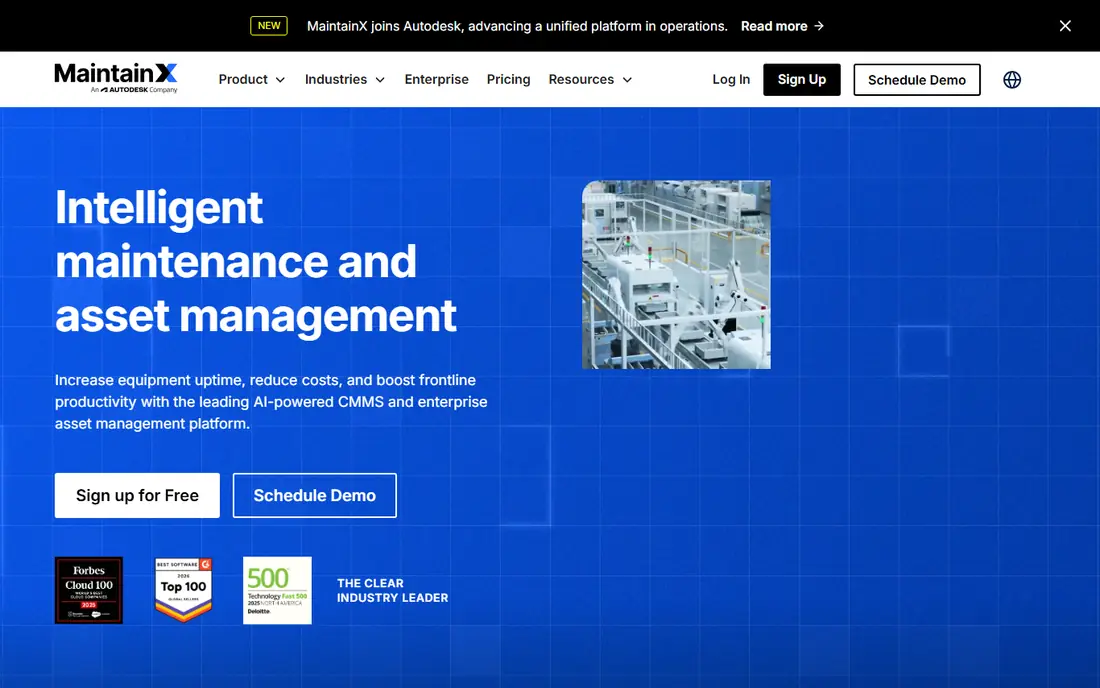
MaintainX is built around the phone first, which matches how maintenance actually happens on a plant floor. Technicians can open work orders, add photos, follow procedures and close jobs without returning to a desk. The free Basic plan covers small teams with work orders and unlimited requesters, while Essential at $20 per user per month on annual billing adds repeating work orders for preventive work. That published pricing makes early budgeting simpler than with quote only rivals. The catch is tiering. Parts inventory, purchase orders, meter based maintenance and deeper reporting live on Premium and above, so a growing plant should price the tier it will need in year two, not just the entry tier. Per user billing also means a 40 person crew costs far more than a five person team, even if only some staff use advanced features. Still, for a plant moving off paper, MaintainX offers the shortest path to daily use.
- Free Basic plan with work orders
- Clear published pricing
- Mobile app built for technicians
- Advanced reporting and inventory sit on higher tiers
- Per user pricing grows with crew size
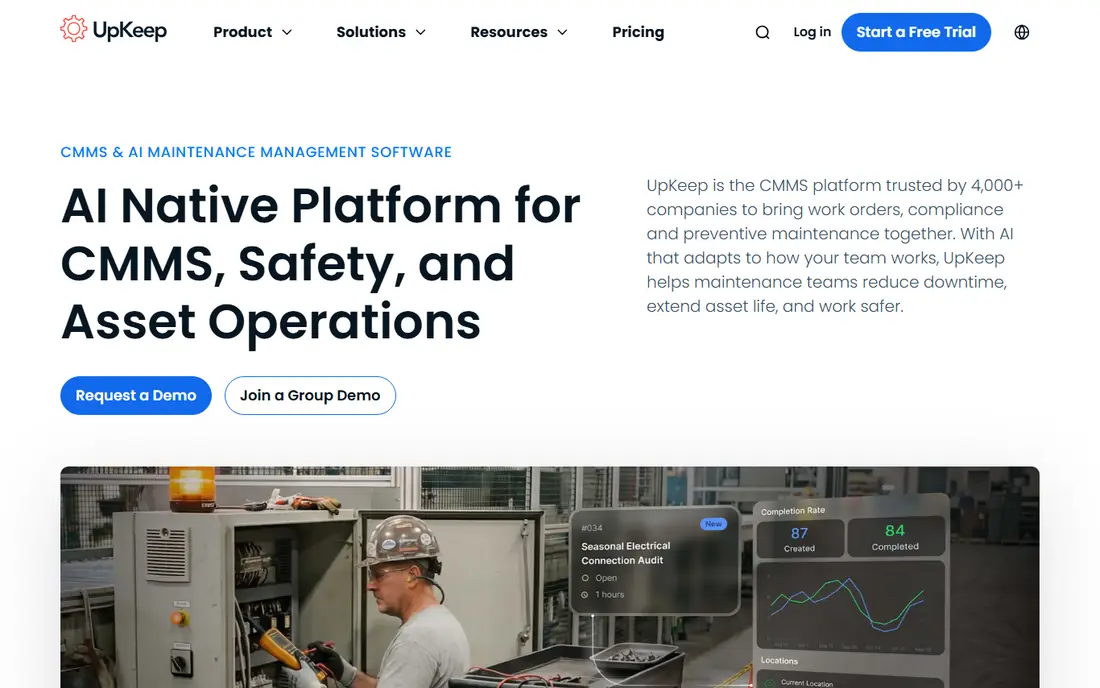
UpKeep suits a small maintenance team that wants to organise work orders quickly without a long implementation project. The mobile app covers the daily jobs, asset records and requests, and the interface is easy to explain to a new technician. Essential pricing starts at $24 per user per month, which places it near the lower end of paid CMMS pricing for small teams. A trial lets a plant test the workflow before paying. The limit is depth. Asset performance reporting, downtime tracking and cost per asset analysis become more useful on higher tiers, so a team that needs to justify spend with data should check what each tier includes. UpKeep is a strong starter, but a plant with complex compliance or multi-site reporting needs should compare its higher tiers against eMaint or Fiix before committing.
- Fast setup
- Mobile work orders
- Asset performance views on higher tiers
- Useful reporting sits on higher tiers
- No free plan, only a trial
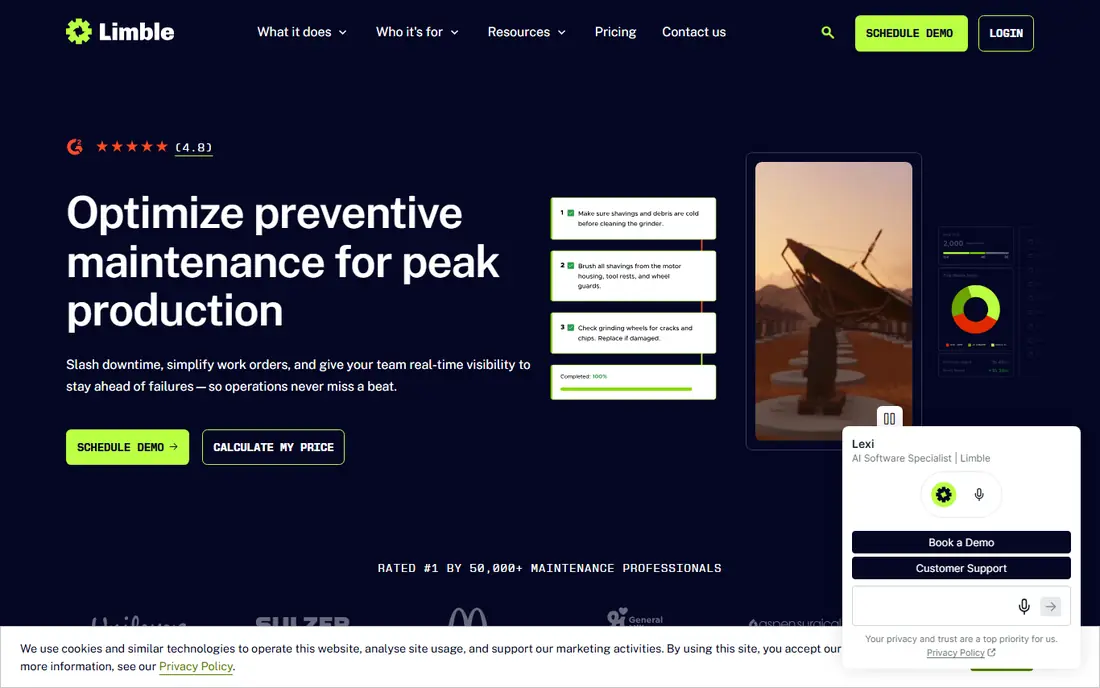
Limble has a reputation for ease of use, and that matters when a CMMS rollout depends on technicians actually logging work. Asset hierarchies, preventive schedules and parts inventory are present without the heavy configuration of enterprise systems. Recent changes moved pricing to a calculator rather than a single published rate, with a trial available, so buyers need a quote for their seat count. That is less transparent than before, but the product itself remains a practical mid-market choice. The trade is cost control. Without a published entry rate, comparing Limble against MaintainX or UpKeep takes a sales conversation and a careful check of which features sit on each tier. Teams with multiple sites and complex assets often get good value from its reporting, while very small teams may prefer a tool with a free plan. Ask for tier details in writing before judging the total.
- Easy setup and asset hierarchies
- Strong preventive scheduling
- Helpful reporting
- Pricing now runs through a calculator, not a published rate
- Offline mobile sits on higher tiers
Fiix is a long standing CMMS choice for manufacturers that need asset tracking, preventive scheduling and work order control across sites. Its strength is a mature feature set and integrations with plant and business systems, which helps larger operations connect maintenance data to purchasing and inventory. A trial is available, and pricing is confirmed through the vendor, so buyers should request a quote for their user count and modules. The honest catch is transparency. Fiix has published different entry rates over time, so older guides should not be trusted for a 2026 budget. Small plants may also find the depth more than they need, while multi-site teams gain from its structure. Check mobile offline behaviour, reporting tiers and integration costs during a pilot, since those details decide the real price.
- Established CMMS with asset intelligence
- Integrations for plant systems
- Mobile work orders
- Published pricing is less clear than in past years
- Advanced features need higher tiers
eMaint, from Fluke, suits plants where maintenance records must stand up to audits and compliance checks. Workflows can be shaped to plant processes, calibration records can be tracked, and reporting covers costs, downtime and asset history in more depth than starter tools. Team pricing starts at $69 per user per month, with Professional and Enterprise tiers above it for wider reporting and control. That price reflects its mid-market and enterprise focus. The downside is entry cost and effort. There is no free plan, and a plant should allow time for configuration rather than expecting a same day rollout. Smaller teams that only need basic work orders will find cheaper options, but a regulated plant that needs consistent records across sites often finds eMaint worth the spend. Compare total seats, not just the headline rate, before signing.
- Configurable workflows
- Calibration and compliance reporting
- Multi-site support
- Higher entry price
- No free plan
- Setup takes more planning than simpler tools
Fracttal targets plants that want to move beyond scheduled work toward condition based and predictive maintenance. It connects asset data, work orders and sensor inputs, and offers AI assisted planning features that can help prioritise jobs. That angle suits operations already collecting machine data or planning to add sensors. A trial is available, with pricing confirmed through the vendor. The catch is data quality. Predictive suggestions are only as good as the asset history and sensor feeds behind them, so a plant with patchy records should fix basic work order habits first. Quote only pricing also makes early comparison harder, and support coverage should be checked for US plants. Fracttal is a forward looking pick, not a shortcut around basic maintenance discipline.
- IoT and sensor friendly design
- AI assisted planning features
- Strong presence outside the US
- Quote only pricing
- Predictive features need good asset and sensor data to be useful
eWorkOrders covers work orders, preventive maintenance, asset management and inventory in a single system, with an emphasis on enterprise asset workflows. Its pricing model can appeal to larger teams, since some plans avoid strict per user billing, but exact terms depend on the quote. A trial lets teams test the workflow and reporting before committing. For organisations that also need broader asset management, that breadth is a real advantage. The trade is modern feel. The interface is more traditional than MaintainX or UpKeep, and mobile adoption should be tested with real technicians rather than assumed from a demo. Implementation and training also deserve a budget line, since deeper asset features take time to set up well. It suits teams that value depth over a slick mobile first start.
- Flat style pricing can suit larger teams
- Asset and work order depth
- Configurable workflows
- Pricing is quote based
- Interface feels more traditional than mobile first rivals
MPulse is a long running CMMS for manufacturing and facilities teams that need detailed asset hierarchies, complex work orders and inventory control. It handles multi-site structures and purchase workflows that simpler tools leave out, which helps plants with large asset estates. Pricing is confirmed through the vendor, with a trial available, and some buyers value its purchase options in a market that has moved almost entirely to subscriptions. The honest weakness is presentation and mobile polish. MPulse feels more traditional than newer rivals, so a pilot with floor technicians is essential before rollout. Teams that prioritise depth and control over a modern mobile app will be comfortable here, while teams that need fast adoption may prefer MaintainX or Limble. Check upgrade, support and hosting terms in the quote.
- Deep asset hierarchies and work order control
- Purchase and inventory options
- Long track record
- Quote based pricing
- Older interface style
- Mobile experience needs pilot testing
Brightly Asset Essentials
Great for: Multi-site estates and public sector teams
Brightly Asset Essentials, formerly part of the Dude Solutions family, serves schools, municipalities, healthcare estates and other multi-site operations that need consistent asset and work order records. It covers preventive maintenance, asset tracking and reporting across many locations, with vendor support for larger rollouts. Pricing is quote based, and there is no free plan, so buyers should expect a sales process and an implementation plan. The limit for a small factory is scope and cost. A single site plant may pay for multi-site structure it never uses, while a portfolio operator gains from standard records and central reporting. Test the mobile app and reporting exports during evaluation, and confirm which modules are included in the quote. For estates, that central view is the main reason to choose it.
- Strong for multi-site asset portfolios
- Work order and preventive tools
- Established vendor support
- Quote only pricing
- No free plan
- Scope can exceed small plant needs
How we picked these
We compared official product pages, pricing pages and public documentation for CMMS and maintenance tools that serve manufacturing in October 2026. We favoured tools with current work order, preventive scheduling and asset features, and we noted where pricing is published and where it requires a quote. Mobile use, reporting depth and multi-site support weighed heavily, since those factors decide daily adoption in a plant. We did not claim hands-on testing that did not happen. Our findings come from vendor pages and published plan details, and prices for quote based tools should be confirmed for your seat count. A pilot with real technicians, real assets and a full preventive schedule gives a far better verdict than a feature list alone.
Choosing the right maintenance system for your plant
Start by listing the jobs that must work every day: raising a work order, assigning it, recording parts used, closing it with photos or notes, and scheduling the next preventive task. If a tool makes those jobs harder on a phone, it will not survive contact with the plant floor. Test those five jobs in a pilot, with the technicians who will use them, before judging dashboards or analytics. Next, count total cost honestly. Add every paid seat, any required modules, implementation help and training, then compare that total across tools. A low headline rate with per user billing can cost more than a higher flat style quote for a large crew. Also check offline behaviour, since plant areas with poor signal need work orders that still open and save. A tool that fails offline will create paper workarounds within weeks. Finally, plan the data move. Import asset lists, preventive schedules and open work orders in a test run, and check that history, parts and costs carry over cleanly. Agree who owns asset records, who approves schedule changes, and how downtime is recorded, before rollout. A clear owner for each asset group prevents the slow drift back to spreadsheets that kills many CMMS projects.
Frequently asked questions
What is manufacturing maintenance software?
It is software, often called a CMMS, that manages maintenance work in a plant. It tracks assets, schedules preventive tasks, manages work orders, records parts used and reports on downtime and costs. The goal is fewer breakdowns, clearer records and better planning than paper or spreadsheets allow.
How much does CMMS software cost?
Published entry rates in this list run from free plans to $69 per user per month, while several tools are quote based. Total cost depends on paid seats, modules, implementation and support, so a quote for your crew size matters more than a headline rate. Always model the full crew, not just managers.
Do we need a free plan to start?
No, but a free plan or trial helps a small plant prove the workflow before paying. Free plans usually limit reporting, inventory or user roles, so treat them as a starting step. A trial with real assets and schedules gives a better test than a demo with sample data.
Can CMMS software predict breakdowns?
Some tools offer condition monitoring and AI assisted planning, but predictions depend on asset history and sensor data quality. A plant should first record work orders, parts and failures consistently, then add predictive features. No software can predict failures from patchy records alone.
How long does implementation take?
Simple tools can run in days or weeks for one site, while configurable enterprise tools can take months. Data quality, asset count, integrations and training decide the timeline more than the software itself. A phased rollout, site by site, usually works better than a single big launch.
Sources
See where you really rank - block by block
ProMapRanker scans Google Maps across a grid of your service area. Simple monthly plans from $19, white-label on every plan.
Start freeKeep reading
 what’s the best risk software for enterprises
What Is the Best Risk Software for Enterprises in 2026
We compared what’s the best risk software for enterprises on risk registers, controls, third-party risk, and reporting, with pricing notes for large teams.
Read → what's the best pam software for enterprises
What is the Best PAM Software for Enterprises in 2026
Find what's the best pam software for enterprises, with vaulting, session recording, just in time access and pricing compared for large enterprise IT teams.
Read → what’s the best grc software
What Is the Best GRC Software in 2026
We compared what’s the best grc software on risk, compliance, audit and vendor risk, so teams can pick a platform that fits their frameworks and budget.
Read →