 ProMapRanker
Best Managed Service Provider Software in 2026


Fast, modern remote monitoring at scale · Pricing starts at: See website
Key takeaways
- NinjaOne is our pick for most MSPs that want a fast, modern remote monitoring tool, while Atera suits smaller MSPs that prefer flat per-technician pricing.
- ConnectWise Manage and Datto Autotask suit larger MSPs that need a mature professional services automation platform, but both need more setup time.
- Syncro and SuperOps offer all-in-one remote monitoring plus ticketing for small and mid-size MSPs, with different pricing models to compare.
- HaloPSA suits MSPs that want deep ticketing customization, while N-able N-central suits teams with hybrid and on-premises environments.
- Compare per-device and per-technician pricing at your real endpoint and technician counts, since the cheaper model flips as either number grows.
Quick comparison
| Pick | Great for | Pricing starts at | Free tier | |
|---|---|---|---|---|
| NinjaOne | Fast, modern remote monitoring at scale | See website | Free trial | Visit |
 Atera | Small to mid-size MSPs on per-tech pricing | $129 per technician per month | Free trial | Visit |
 ConnectWise Manage | Large MSPs needing full PSA plus RMM | See website | No | Visit |
 Datto Autotask | Mature standalone PSA for MSPs | See website | No | Visit |
 Kaseya VSA | MSPs standardizing on the Kaseya stack | See website | No | Visit |
 Syncro | Small MSPs wanting RMM plus PSA | $129 per technician per month | Free trial | Visit |
 HaloPSA | Deep PSA customization | See website | Free trial | Visit |
 N-able N-central | Hybrid and on-premises environments | See website | Free trial | Visit |
 SuperOps | Modern all-in-one RMM plus PSA | See website | Free trial | Visit |
The best managed service provider software
Managed service provider software usually means two linked jobs: remote monitoring and management of client devices, and professional services automation for tickets, billing and contracts. We compared official pricing pages, feature pages and public product descriptions, and focused on monitoring, patching, automation, ticketing, billing and pricing model.
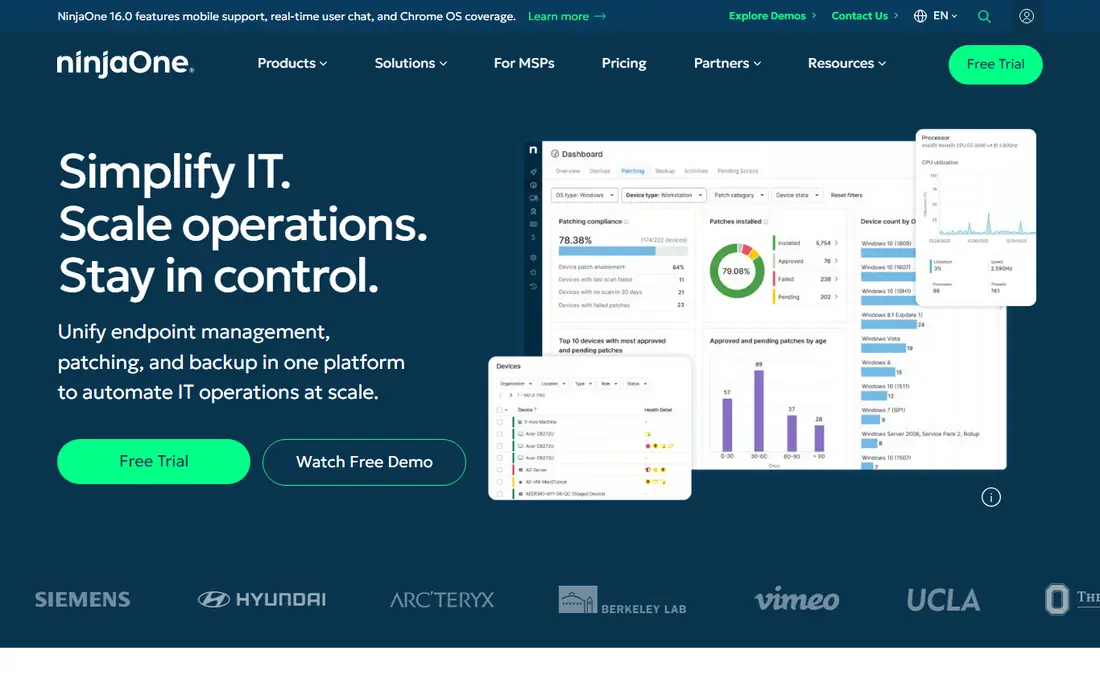
NinjaOne built its reputation on being easy for technicians to open every day. The console is quick, patching for operating systems and third-party apps is automated, and auto-remediation can fix common issues before they become tickets. It also integrates with major PSA tools, so MSPs can keep NinjaOne for monitoring while using a separate ticketing system if they prefer.
The main cost question is per-device pricing. Published estimates have put NinjaOne around $3.75 per device per month for smaller fleets, falling with volume, but exact pricing is quoted by the vendor. Backup, mobile device management and vulnerability features are separate modules, so teams should confirm what is included. For MSPs that value speed and simplicity, NinjaOne is the easiest recommendation.
- Fast modern console
- Automated patching and remediation
- Broad PSA integrations
- Per-device pricing rises with large fleets
- Backup and some modules are paid add-ons
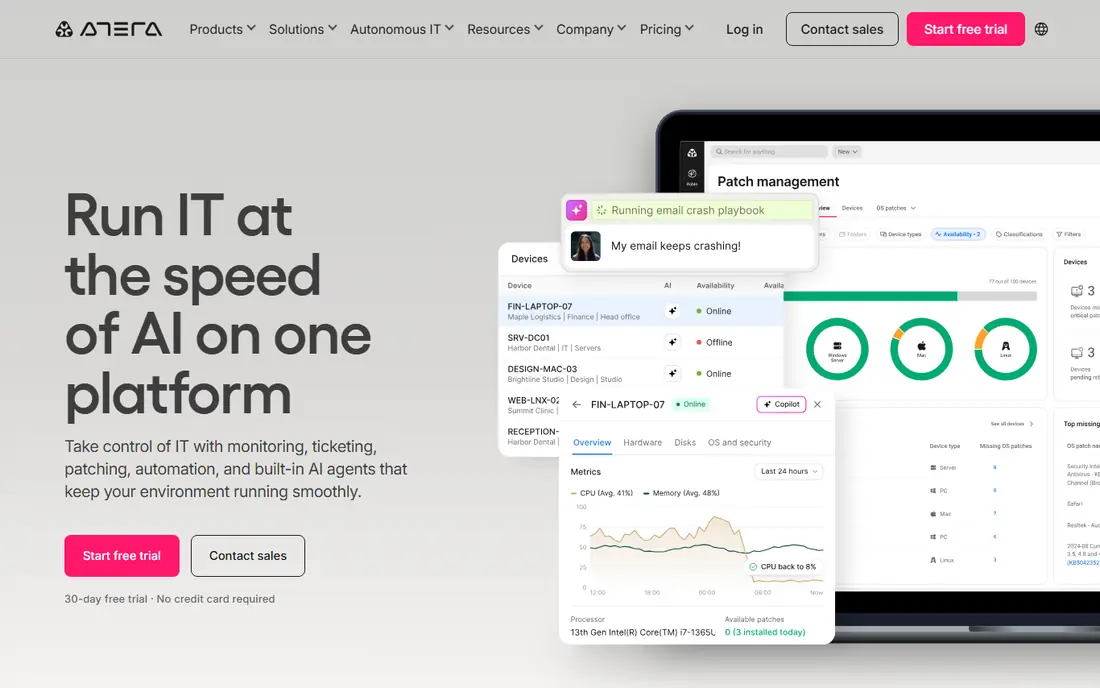
Atera charges per technician rather than per device, which changes the math for MSPs with many endpoints per technician. One technician price covers unlimited endpoints on the plan, plus remote access, patching, automation, ticketing and billing in a single platform. That simplicity appeals to small and mid-size MSPs that want one system without managing several vendors.
Atera is less suited to very large MSPs with complex automation or deep integration needs, where specialist tools may offer more depth. Backup and recovery features are also tied to higher tiers, so teams should check plan details. For growing MSPs with high endpoint counts relative to headcount, Atera is a strong value choice.
- Per-technician pricing with unlimited endpoints
- All-in-one RMM plus PSA
- AI-assisted ticketing features
- Feature depth can strain at very large technician counts
- Integrations are less extensive than some rivals
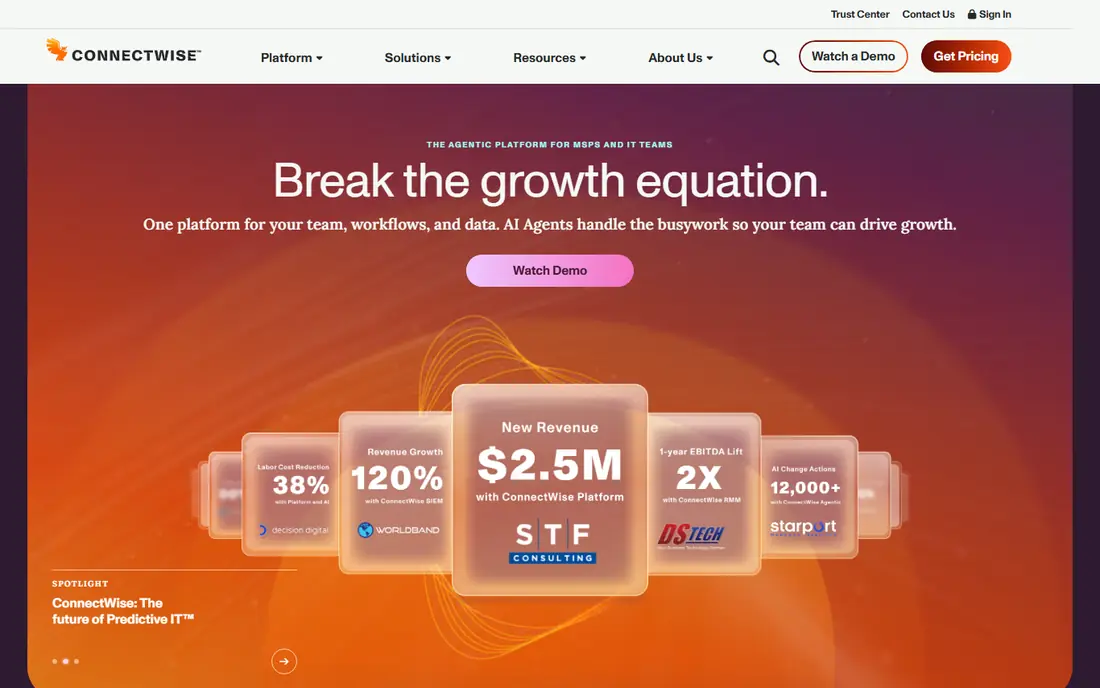
ConnectWise Manage is the professional services automation side of the ConnectWise platform, often paired with ConnectWise Automate or ConnectWise RMM for device monitoring. It covers service tickets, projects, time tracking, agreements, procurement and invoicing in one system, which suits larger MSPs with formal service delivery processes. Its ecosystem also includes documentation, backup and security products.
Setup is the trade-off. ConnectWise Manage needs configuration, training and often a dedicated administrator to get full value, and pricing is custom. Smaller MSPs may find it heavy for their needs. For larger MSPs that want a mature, integrated PSA and RMM stack under one vendor, ConnectWise remains a leading choice.
- Mature PSA for tickets, projects and billing
- Deep ConnectWise ecosystem
- Wide integration library
- Custom pricing
- Setup and learning curve are significant
Datto Autotask is a long-standing PSA for MSPs, covering service desk, projects, contracts, time and billing. It pairs naturally with Datto RMM and Datto backup products, which are now part of Kaseya, giving MSPs a unified operations stack. Teams that already use Datto backup often find Autotask a logical ticketing and billing choice.
Autotask pricing is custom, and some users find the interface less modern than HaloPSA or SuperOps. Value also weakens outside the Datto and Kaseya ecosystem, since integrations and bundled workflows matter most there. For MSPs that want a proven PSA and already use Datto tools, Autotask is a solid option.
- Mature PSA workflows
- Contract and billing depth
- Strong fit with Datto RMM and backup
- Custom pricing
- Interface feels dated to some users
- Best value inside the Kaseya and Datto stack
Kaseya VSA is a remote monitoring and management platform for MSPs and IT teams, now part of the broader Kaseya IT Complete stack. It offers patching, scripting, remote control, automation and multi-tenant management for many clients, plus integrations with documentation, backup and security products in the same family. Large MSPs that standardize on Kaseya can run much of their stack under one vendor.
VSA pricing is custom, and the platform benefits from a dedicated administrator, especially for complex automation. Smaller MSPs may find it more complex than NinjaOne or Atera. For teams already committed to Kaseya products, VSA is the natural RMM choice.
- Deep automation and remote management
- IT Complete ecosystem breadth
- Multi-tenant design
- Custom pricing
- Interface and setup need dedicated administration
Syncro combines remote monitoring, patching, scripting and remote access with ticketing, billing and a client portal, all on per-technician pricing. That all-in-one design suits small MSPs that want one bill and one console, rather than separate RMM and PSA contracts. Integrations with QuickBooks and Xero help with invoicing, and the client portal gives customers a place to raise tickets and view invoices.
Syncro is less deep than NinjaOne, ConnectWise or Kaseya for very large or complex environments, and its reporting is simpler than enterprise tools. For small MSPs that need a practical, affordable all-in-one platform, Syncro is a strong contender alongside Atera and SuperOps.
- RMM plus PSA on flat per-tech pricing
- Client portal
- Billing and QuickBooks integration
- Less depth than enterprise RMM tools for very large fleets
- Reporting is simpler than some rivals
HaloPSA is a PSA platform known for deep customization. MSPs can tailor ticket workflows, service level agreements, billing rules, client portals and reporting to match their exact service model, rather than adapting to a fixed workflow. That flexibility appeals to MSPs with varied clients, contracts and service levels.
Customization is also the cost. HaloPSA needs setup time and skill to configure well, and pricing is quoted by the vendor, with published estimates around $109 per agent per month. Teams that want a simple out-of-the-box PSA may prefer Syncro or Atera. For MSPs that need a PSA shaped around their processes, HaloPSA is one of the most flexible options.
- Highly customizable ticketing and workflows
- Per-agent pricing
- Strong integration options
- Pricing is quoted
- Customization takes setup time and skill
N-able N-central is a remote monitoring and management platform that supports cloud, hybrid and on-premises environments, which matters for MSPs with clients that still run local servers and networks. It covers device and network monitoring, patching, automation, backup integration and remote access, with multi-tenant management for many clients.
Pricing is custom, and setup can be complex for small teams without dedicated RMM administration. N-central also pairs with N-able PSA and security products, so full value may require more of the N-able stack. For MSPs managing mixed cloud and on-premises estates, N-central is a strong specialist choice.
- Strong hybrid and on-premises support
- Network and device monitoring
- Automation and patching
- Custom pricing
- Setup can be complex for small teams
SuperOps is a modern all-in-one platform that combines remote monitoring, patching, asset management, ticketing, billing and client portals. Its interface is cleaner than many legacy tools, and its AI-assisted features aim to speed up ticket triage and technician workflows. Small and mid-size MSPs often choose SuperOps for that modern experience plus a single vendor for RMM and PSA.
As a newer vendor, SuperOps has less long-term enterprise depth than ConnectWise, Datto or Kaseya, and very large MSPs should test complex automation and reporting during a trial. Pricing is quoted, with published estimates for entry tiers. For MSPs that want a fresh, unified platform without legacy complexity, SuperOps is worth a trial.
- Modern interface
- RMM plus PSA in one platform
- AI-assisted ticketing and workflows
- Newer vendor than ConnectWise or Kaseya
- Enterprise depth still growing for very large MSPs
How we picked these
We compared official pricing pages, feature pages and public product descriptions, and kept only tools that are currently available for MSP remote monitoring, PSA or both. We included per-device and per-technician pricing models, mature enterprise platforms and modern all-in-one tools, so different MSP sizes are covered. We did not claim hands-on testing, and where pricing is quoted we wrote See website rather than guessing a rate.
What to check before you choose
Start with your pricing model. Count endpoints and technicians, then compare per-device and per-technician costs at current numbers and at expected growth. A per-technician tool can be cheaper when endpoints per technician are high, while a per-device tool can be cheaper for small fleets with many technicians. Include add-on modules for backup, security and mobile management in that total.
Next, test the daily workflow. Have technicians handle a real ticket, patch a test device, run a script and generate an invoice during the trial. Check remote access speed, alert quality, automation limits and how easily tickets move between RMM alerts and PSA billing. A tool that looks good in a demo can still slow technicians down in daily use.
PSA, billing and client experience
Check how contracts, recurring billing, time tracking and client portals work, since these affect cash flow and client trust. Confirm integrations with accounting tools, documentation platforms and security products you already use. Ask how data can be exported if you later switch vendors, since MSP tools hold years of client history.
Security and onboarding
Review access controls, multi-factor authentication, audit logs and how technician access is revoked when staff leave. Confirm onboarding support, migration help and support hours, since a slow migration can disrupt client service. Pilot with one or two clients first, then expand once technicians are confident.
Frequently asked questions
What is the best managed service provider software overall?
NinjaOne is a strong overall pick for remote monitoring, while Atera suits smaller MSPs that prefer per-technician pricing. Larger MSPs that need a full PSA often choose ConnectWise Manage or Datto Autotask, so the best pick depends on size and whether PSA depth matters most.
What is the difference between RMM and PSA software?
RMM software monitors and manages client devices, including patching, remote access and automation. PSA software manages service delivery, including tickets, projects, contracts and billing. Many modern tools combine both, but some MSPs still pair a specialist RMM with a separate PSA.
How much does MSP software cost?
Pricing varies by model. Per-technician tools such as Atera and Syncro start around $129 per technician per month, while per-device tools such as NinjaOne are quoted by volume. Enterprise PSA and RMM platforms such as ConnectWise, Datto and Kaseya use custom pricing.
Which MSP software is best for small MSPs?
Atera, Syncro and SuperOps are strong small-MSP choices because they combine RMM and PSA in one platform with simpler pricing. NinjaOne is also a good choice if the MSP already has a PSA and only needs modern remote monitoring.
Do MSP tools include backup and security?
Some include backup, antivirus or security features, but many sell them as paid modules or integrations. Check exactly what is included in the base plan, and confirm whether backup, endpoint security and vulnerability scanning are bundled or billed separately.
Can I switch MSP software later?
Yes, but migration takes planning. Export tickets, client records, contracts and device history before switching, and run a pilot with a few clients first. Choose tools with clear export options and migration support to reduce lock-in risk.
Sources
See where you really rank - block by block
ProMapRanker scans Google Maps across a grid of your service area. Simple monthly plans from $19, white-label on every plan.
Start freeKeep reading
 zoro.to alternatives
Best Zoro.to Alternatives in 2026
We compare the best zoro.to alternatives in 2026, listing only legal licensed anime streaming services, from Crunchyroll to free options for fans today.
Read → zip alternatives
Best Zip Alternatives in 2026
We compare the best zip alternatives for buy now, pay later in 2026, covering pay-in-4 plans, fees, spending limits, and credit reporting options today.
Read → yesware alternatives
Best Yesware Alternatives in 2026
Compare the best yesware alternatives for sales email tracking, templates, and sequences, with current pricing and honest tradeoffs for small sales teams.
Read →