 ProMapRanker
Best Malware Software in 2026

Key takeaways
- Malwarebytes Free is our pick for a second-opinion scan, since it runs beside most antivirus programs and costs nothing for on-demand checks.
- Bitdefender and Norton 360 suit people who want one suite for real-time protection, web safety, and extra tools in a single subscription.
- Microsoft Defender is a solid free baseline on Windows, and it makes sense to keep it updated even if you add another scanner.
- Free plans vary a lot: some give ongoing real-time protection, while others only scan on demand, so check that detail before you rely on one.
- No tool replaces careful habits, such as avoiding suspicious downloads and keeping your system and browser updated.
Quick comparison
| Pick | Great for | Pricing starts at | Free tier | |
|---|---|---|---|---|
 Malwarebytes | Second-opinion scans | Free | Yes | Visit |
 Bitdefender Antivirus Plus | All-round paid protection | See website | Free trial | Visit |
 Norton 360 | Full security suite | See website | Free trial | Visit |
 McAfee+ | Many devices | See website | Free trial | Visit |
 Avast One | Free ongoing protection | Free | Yes | Visit |
 AVG AntiVirus Free | Simple free protection | Free | Yes | Visit |
 Avira Free Security | Light free protection | Free | Yes | Visit |
 Microsoft Defender | Windows baseline | Free | Yes | Visit |
 ESET NOD32 Antivirus | Low-impact paid protection | See website | Free trial | Visit |
The best malware software
Malware software covers two jobs that are easy to confuse. Some tools scan on demand and remove infections that are already present, while others watch in real time and block threats before they run. The best setup for most home users pairs a real-time program with an occasional second-opinion scan. We compared official product pages, pricing pages, and public lab summaries, and we listed only legitimate security products from known vendors.
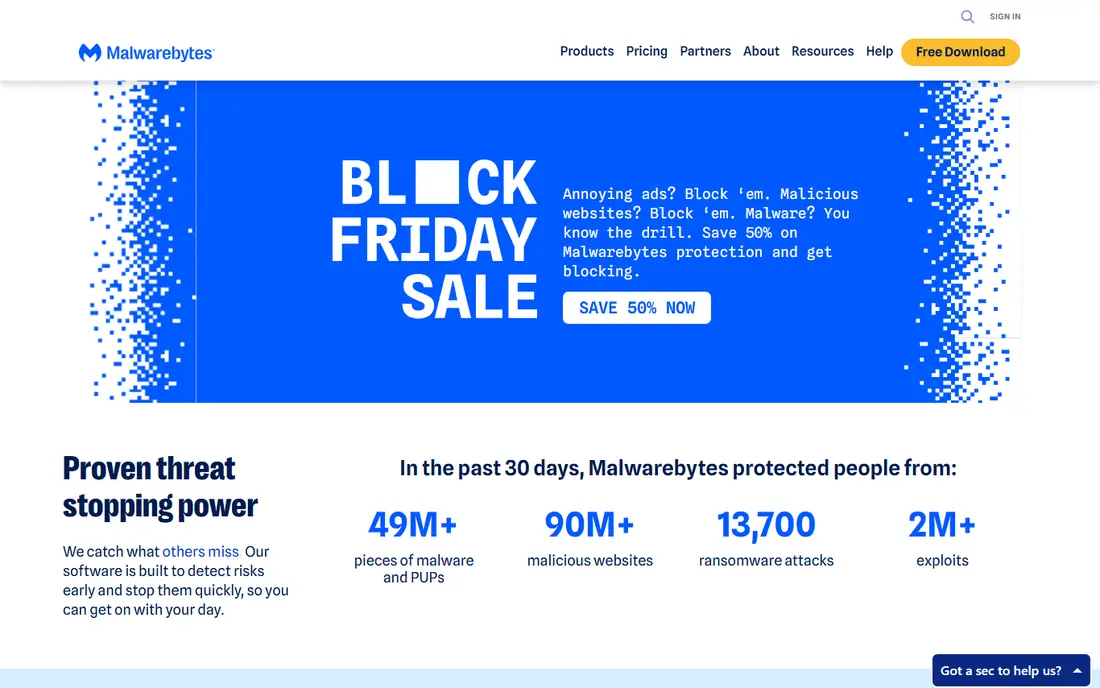
Malwarebytes Free is the tool many support guides reach for when a computer behaves oddly. It scans for malware, adware, and potentially unwanted programs, then removes what it finds, and it can run on a machine that already has another antivirus installed. That second-opinion role matters, because a single scanner can miss a new or unusual infection. The interface is plain, scans are quick to start, and the free version does not push you into a paid plan for a basic check.
The limit is clear: the free version scans only when you ask it to. Real-time web protection, ransomware protection, and continuous monitoring sit in Malwarebytes Premium, so the free tool should not be your only defense. Use it as a regular checkup tool, keep your main antivirus updated, and upgrade only if you want one product to cover both jobs. For cleanup work, it remains our first suggestion.
- Free on-demand scanner
- Works beside many antivirus programs
- Strong record on adware and unwanted programs
- Real-time protection needs the paid plan
- Free version does not watch continuously
Bitdefender Antivirus Plus is a good default paid choice for Windows users who want strong protection without constant pop-ups. It combines real-time scanning, behavior checks, ransomware protection, and web filtering in one program, and it is known for keeping system slowdowns modest during everyday use. The setup is simple: install, sign in, and let it update itself. Higher tiers add a VPN, password manager, and multi-device cover, so you can grow the plan if your household needs it.
Check the renewal price before you buy, since first-year discounts are common across this market and the second year can cost more. Also check how many devices your plan covers, since the base tier is more limited than the family tiers. Those are pricing details, not flaws in protection. For a set-and-forget paid program, Bitdefender is easy to recommend.
- Real-time protection with low system impact
- Ransomware and web protection included
- Good lab results in public tests
- Some extra features need higher tiers
- Renewal price can differ from the first-year price
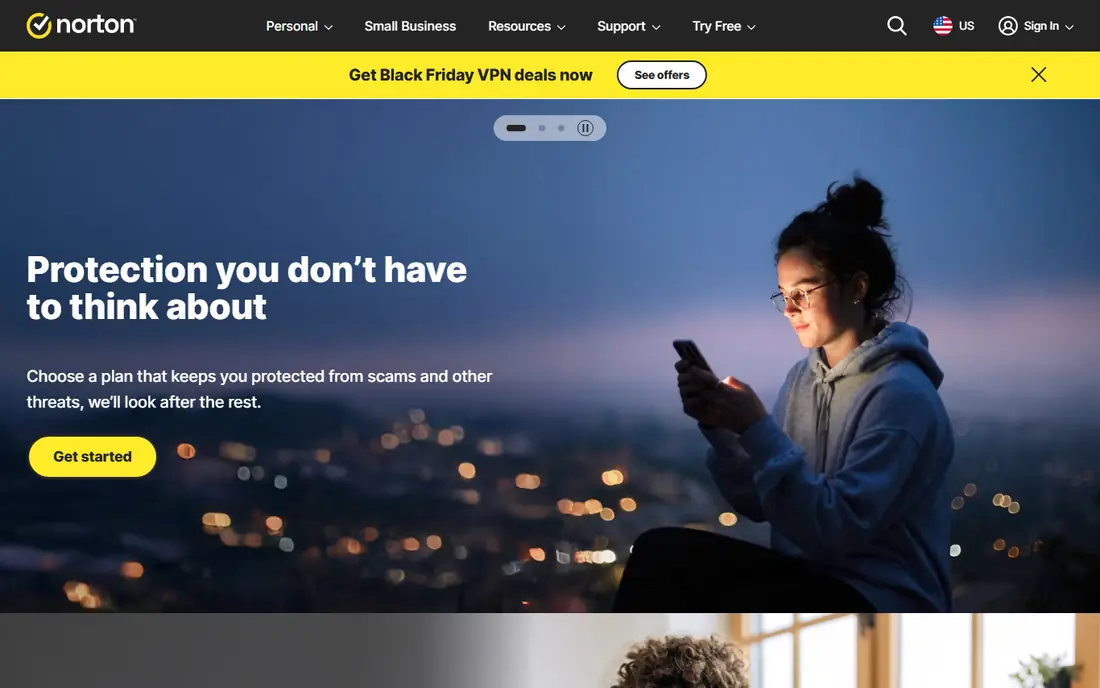
Norton 360 suits people who want one subscription to cover several security jobs at once. Beyond antivirus and firewall protection, many tiers include a VPN, a password manager, cloud backup, parental controls, and dark web monitoring. That bundle helps a household that would otherwise juggle several separate subscriptions. Device support covers Windows, Mac, Android, and iOS, and the plan tiers scale from a single device to a family setup.
The downside is scope: if you only want antivirus, the extra tools may feel like clutter, and some users prefer a leaner program. Renewal pricing also deserves a check, since introductory offers are common. If you will actually use the VPN, backup, and password manager, the bundle can be good value. If you will not, a simpler antivirus tier will cost less and do the core job just as well.
- Antivirus plus VPN, password manager, and cloud backup on many tiers
- Parental controls available
- Broad device support
- Suite can feel heavy with extras
- Renewal pricing needs checking
McAfee+ is built for households with many phones, laptops, and tablets. The Premium plan covers an unlimited number of devices in many regions, which removes the usual counting problem when a family adds a new phone or a child gets a laptop. Identity monitoring, a VPN, and scam protection sit beside the core antivirus, so the plan covers more than file scanning alone. Setup across devices is handled through one account, which helps when you manage protection for other family members.
The program can feel busy, with several features competing for attention in the dashboard. Full scans can also take longer than the quick scans on some rivals, so schedule them overnight if that matters. For a large household, the unlimited-device model is the main reason to pick McAfee+. For a single device, a cheaper single-device plan from another vendor may make more sense.
- Unlimited device cover on Premium plans
- Identity monitoring and VPN included
- Scam protection tools
- Interface can feel busy
- Full scans can take longer than some rivals
Avast One stands out among free options because its free tier offers ongoing protection, not just an on-demand scan. That makes it a practical choice for someone who cannot pay for a suite but still wants a program watching in the background. The free version includes core antivirus, web protection, and network checks, and the paid tiers add a VPN, cleanup tools, and more devices. The interface is modern and the setup steps are clear.
Take care during setup, since free products often show upgrade prompts and optional features that collect more data than you may want. Review the privacy settings and decline extras you do not need. If you accept those prompts as the price of a free program, Avast One gives a stronger free baseline than a scanner-only tool. If you dislike upsell prompts, a paid plan or Microsoft Defender may feel calmer.
- Free tier includes real-time protection
- Web and Wi-Fi checks included
- Available on Windows, Mac, Android, and iOS
- Paid extras are promoted inside the free product
- Privacy settings need review during setup
AVG AntiVirus Free is a straightforward free program for Windows users who want basic real-time protection without paying. It scans files, checks web links and email attachments, and updates itself in the background. The interface avoids jargon, which helps people who do not want to manage security settings every week. AVG and Avast share a parent company, so the underlying approach is similar, though the branding and feature mix differ slightly.
As with other free antivirus products, expect prompts for paid upgrades covering VPN, cleanup, and multi-device cover. Those prompts do not stop the free protection from working, but they can annoy. Review privacy options during install, and keep the program updated. For a single Windows PC on a tight budget, AVG is a fair and honest free option.
- Free real-time protection on Windows
- Simple interface
- Web and email checks included
- Upgrade prompts for paid features
- Fewer extras than full suites
Avira Free Security combines a free antivirus with a small set of useful extras, including a limited VPN and a password manager. That bundle suits a user who wants basic protection plus a taste of privacy tools without paying. The program is light on system resources in everyday use, and the dashboard makes it easy to see whether protection is active. It covers Windows, Mac, Android, and iOS, so one account can cover a mixed household at the free level.
The free VPN limit is the main catch: it is fine for occasional use on public Wi-Fi, but not for daily streaming or large downloads. Full VPN, cleanup, and priority support sit in the paid Prime plan. If you want a free antivirus that feels light and includes a few extras, Avira is worth trying. If you need unlimited VPN use, buy a separate VPN or a suite that includes one without a cap.
- Free antivirus with a light feel
- Includes VPN with limits and a password manager
- Works on several platforms
- Free VPN has a data limit
- Some features need the paid Prime plan
Microsoft Defender is the antivirus already built into modern Windows, and for many users it is enough as a baseline. It offers real-time protection, a firewall, SmartScreen web checks, and controlled folder access for ransomware defense, all without a separate install or subscription. Because it is part of Windows, updates arrive through Windows Update, and it rarely conflicts with the system. If you keep Windows updated and avoid risky downloads, Defender covers the core job well.
It does not bundle a VPN, password manager, or identity monitoring in the same way paid suites do, though Microsoft offers separate products for some of those jobs. Users on Mac, Android, or iOS need a different setup, since Defender for those platforms is a separate product with a different feature set. Still, do not disable Defender unless you install a replacement, and do not pay for a suite you do not need just because a pop-up told you to.
- Built into Windows at no extra cost
- Real-time protection, firewall, and ransomware controls
- Low friction for most users
- Fewer bundled extras than paid suites
- Best on Windows, with a different app on other platforms
ESET NOD32 Antivirus appeals to users who notice slowdowns and want a paid program that stays out of the way. It focuses on core antivirus, anti-phishing, and device control, without piling on a VPN or backup tool that you may not use. Gamer mode quiets notifications during full-screen use, and scheduled scans can run when the machine is idle. That focus makes it a good pick for older PCs, work machines, and anyone who values speed.
The interface is more technical than the friendliest suites, and the feature list is shorter. If you want an all-in-one bundle, Norton 360 or McAfee+ will give you more extras for a similar price. If you want a lean, capable antivirus and you will handle VPN and password management separately, ESET is a strong choice.
- Light on system resources
- Strong detection in lab tests
- Gamer mode limits interruptions
- Interface feels technical
- Fewer bundled extras than larger suites
How we picked these
We compared official product pages and pricing pages for legitimate anti-malware and antivirus products that work in October 2026, and we favored tools with clear free or trial terms, broad platform support, and a public record in independent lab tests. We did not list piracy tools, fake cleaners, or programs that claim to remove malware but install it instead. We also avoided invented detection rates, since lab results change with each test round and vendor pages do not always show the same figures. Check the vendor page for your exact plan before you buy, since prices and device limits change.
What to look for before you pay
Start by asking what job you need done. If your computer is already infected, run a free second-opinion scan first, then decide on ongoing protection. If you need ongoing protection, choose between a free program with real-time cover and a paid suite with extras you will use. A paid suite is only good value if the VPN, password manager, or backup actually replaces a separate subscription you would buy anyway.
Check four details on the vendor page. First, confirm real-time protection is included, since some free tools only scan on demand. Second, count the devices and platforms covered. Third, read the renewal price, not just the first-year offer. Fourth, review privacy settings during setup, especially on free products. Keep one real-time program active at a time, since two can conflict, and keep a second-opinion scanner for occasional checks.
Frequently asked questions
What is the best free malware software?
Malwarebytes Free is the best free choice for on-demand cleanup, while Avast One and AVG AntiVirus Free offer free real-time protection. Microsoft Defender is also free on Windows and works well as a baseline. For ongoing safety, pick a real-time program as your main defense and keep Malwarebytes Free for occasional second-opinion scans.
What is the best malware app for a phone?
For Android, Malwarebytes, Bitdefender, Norton 360, McAfee+, and Avast One all offer mobile apps with scanning and web protection, though features vary by platform. For iOS, antivirus apps cannot scan the whole system in the same way, so they focus on web protection, VPN, and scam checks. Download security apps only from the official app store and the vendor site, never from a pop-up link.
Is free anti-malware software enough?
Free software can be enough if it includes real-time protection, stays updated, and is paired with careful habits. Free on-demand scanners alone are not enough as a main defense, since they do not block threats as they arrive. Paid suites add convenience and extras, but they do not make unsafe downloads safe. Update your system, use strong passwords, and back up important files.
Do I need both antivirus and anti-malware software?
In most cases, one good real-time antivirus program plus an occasional second-opinion anti-malware scan is enough. Modern suites already cover both viruses and other malware types, so the old split between the two terms matters less than it once did. Running two real-time programs at once can cause conflicts, so keep one as the main guard and use the other only for manual scans.
How do I remove malware that keeps coming back?
Start with a full scan in safe mode if your system allows it, then run a second-opinion scanner such as Malwarebytes Free. Remove suspicious browser extensions, check startup programs, and update your browser and operating system. If the infection returns after clean scans, back up your personal files, consider a full system reset from official media, and change passwords for important accounts from a clean device.
Sources
See where you really rank - block by block
ProMapRanker scans Google Maps across a grid of your service area. Simple monthly plans from $19, white-label on every plan.
Start freeKeep reading
 who has the best home internet service
Who Has the Best Home Internet Service in 2026
Who has the best home internet service in 2026? Compare fiber, cable, and 5G providers on speed, price, data caps, and availability at your address today.
Read → visio alternatives
Best Visio Alternatives in 2026
Compare 9 Visio alternatives for flowcharts, org charts, and network diagrams, with free plans, pricing, and the best pick for teams and solo users in 2026.
Read → top 10 logistics software
Top 10 Logistics Software in 2026
We compared the top 10 logistics software tools for transport, warehousing, visibility and shipping, for shippers, carriers and 3PL teams in 2026 today.
Read →