 ProMapRanker
Best Malware Removal Tools in 2026


On-demand cleanup and second opinions · Pricing starts at: Free
Key takeaways
- Malwarebytes Free plus Microsoft Defender is the best free pairing for most Windows users, with one tool for cleanup and one for real-time cover.
- Free tools remove most home infections, but they do not replace backups, updates, and careful browsing.
- Avast One Free adds real-time cover after cleanup, while Emsisoft Emergency Kit works well as a portable second opinion.
- If a device may have stolen passwords or bank details, change passwords from a clean device and check accounts after cleanup.
Quick comparison
| Pick | Great for | Pricing starts at | Free tier | |
|---|---|---|---|---|
| Malwarebytes | On-demand cleanup and second opinions | Free | Yes | Visit |
 Microsoft Defender | Built-in real-time protection on Windows | Free | Yes | Visit |
 Bitdefender Antivirus Plus | Paid protection with strong lab results | See website | Free trial | Visit |
 Avast One | Free all-in-one protection | Free | Yes | Visit |
 Norton Power Eraser | Deep scans for stubborn threats | Free | Yes | Visit |
 Emsisoft Emergency Kit | Portable second-opinion scanning | Free | Yes | Visit |
 Kaspersky | Advanced paid protection | See website | Free trial | Visit |
 McAfee Stinger | Free targeted threat removal | Free | Yes | Visit |
 Sophos Scan and Clean | Free second-opinion cleanup | Free | Yes | Visit |
The best malware removal tools
Removal tools fall into two groups. Some scan on demand when you suspect a problem, while others run all the time to block threats before they install. Most home users need both kinds, and the free pairing below covers that need without paying. We list tools that are live in October 2026 and that fit home use, not enterprise endpoint suites.
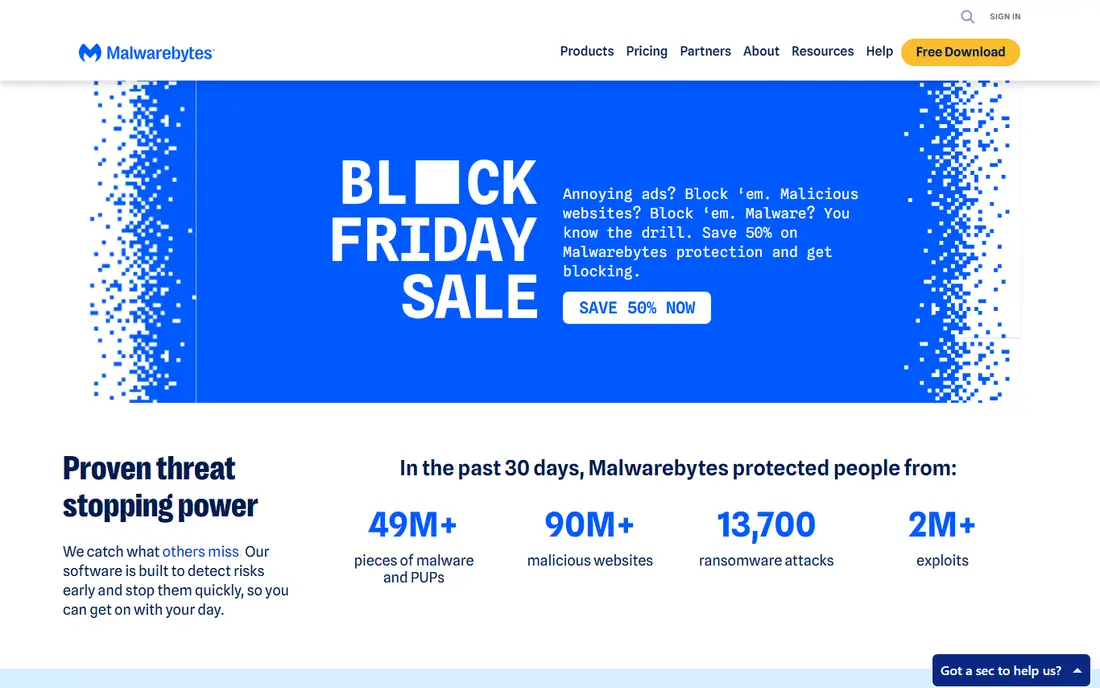
Malwarebytes Free is our first pick for cleanup. Install it, run a scan, and it finds and removes adware, unwanted programs, and many malware traces that a main antivirus may miss. It is designed to sit next to another antivirus, so you can keep Microsoft Defender for real-time cover and use Malwarebytes as a second opinion when something feels wrong, such as a changed browser homepage or new toolbars.
The limit is that the free version only scans when you run it. It will not block a threat in real time, and it will not run scheduled scans on its own. Paid Malwarebytes plans add that cover, starting at about $44.99 per year for one device in recent pricing guides, though you should check the current price on the vendor site. For most home users, the free scanner plus Defender is enough, with paid cover as an option for higher-risk use.
- Strong cleanup for adware, ransomware traces, and unwanted programs
- Works alongside most antivirus tools
- Simple interface for non-experts
- Free version has no real-time protection or scheduled scans
- Paid plans needed for continuous cover
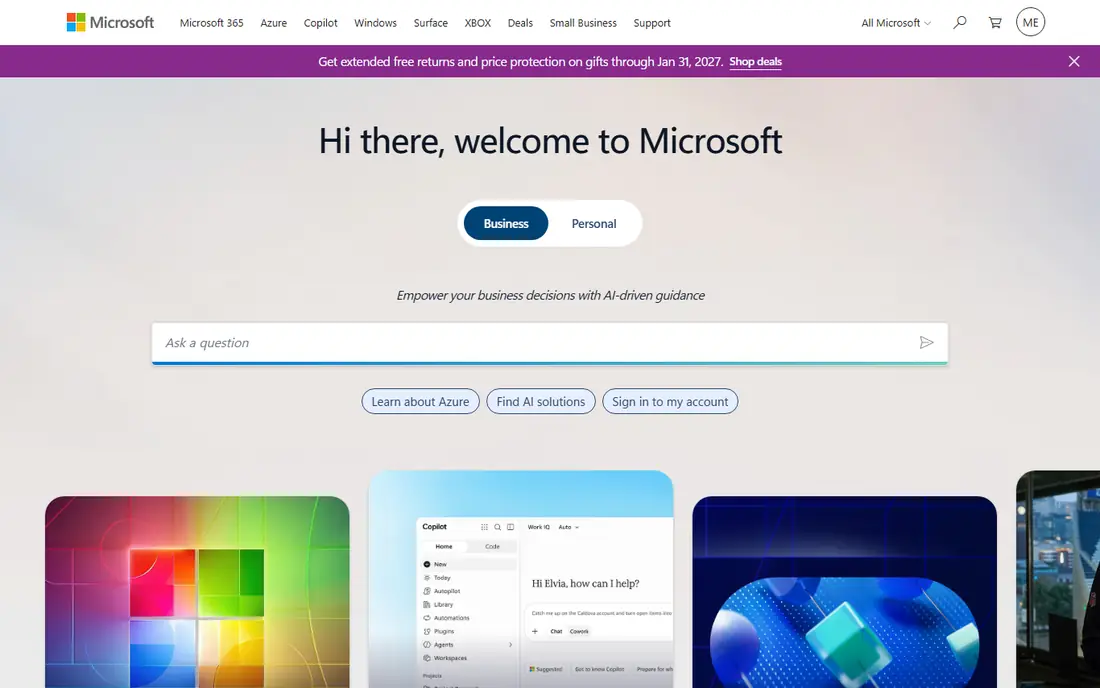
Microsoft Defender is the baseline every Windows user already has, and in 2026 it is a solid one. It runs in real time, includes a firewall, offers an offline scan for stubborn threats, and adds ransomware protection through controlled folder access. Because it is built in, there is nothing to install and no renewal to forget, which helps people who would otherwise run with no protection at all.
The catch is that Defender is Windows only, and its detection relies in part on cloud lookups, so a device with no internet connection will not get its full strength. That is why pairing it with Malwarebytes Free makes sense. Defender guards the device day to day, and Malwarebytes checks it when you suspect a problem. Keep Windows updated, since Defender improves with system updates.
- Built into Windows at no extra cost
- Real-time protection, firewall, and offline scan
- Low impact on most modern PCs
- Windows only, so Mac users need another tool
- Cloud lookups mean offline detection is weaker
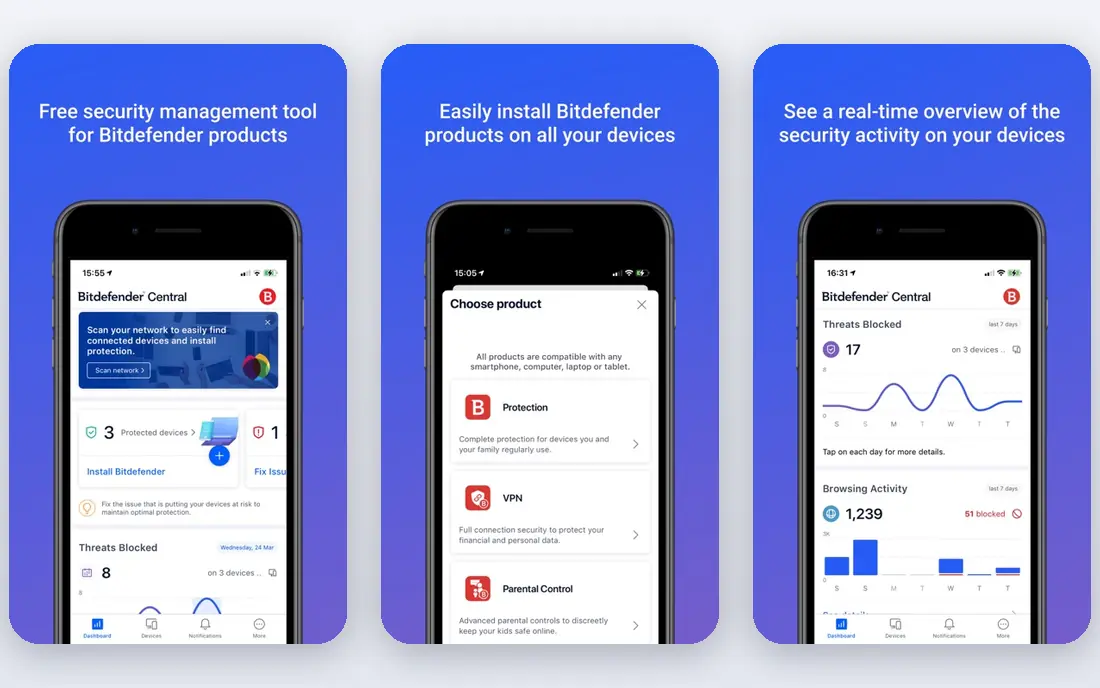
Bitdefender Antivirus Plus is a good paid choice when you want one suite to handle both removal and ongoing protection. It scores well in independent lab tests, runs with low impact on most PCs, and adds web protection and ransomware remediation in its paid plans. For a user who wants to pay once and stop thinking about separate scanners, Bitdefender is a clean, well-tested option.
The drawback is price and renewal terms. There is no ongoing free suite, and renewal prices can be higher than first-year offers, so check the renewal figure before you buy. Bitdefender also offers a free antivirus for Windows in some markets, but the full suite is paid. If you are happy with free tools, the Malwarebytes plus Defender pairing covers most needs without a subscription.
- Strong results in independent lab tests
- Low system impact for a paid suite
- Covers Windows and Mac in many plans
- No ongoing free suite, only trials
- Paid plans renew at higher rates in some cases
Avast One Essential, the free version of Avast One, is the best free all-in-one pick. Unlike Malwarebytes Free, it keeps protecting the PC after cleanup, with real-time scanning included free. That makes it a good choice for a user who wants one free tool rather than a pairing, or for a Mac or mobile device where Defender is not available. The dashboard is simple enough for everyday use.
The trade-off is upselling. The free app will prompt you to upgrade for VPN, cleanup, and other paid features, which some users find annoying. Performance impact is low to moderate, depending on the PC. If you can ignore the upsells, Avast One Free is a strong free suite, and it pairs well with an occasional Malwarebytes scan for a second opinion.
- Free plan includes real-time protection
- Covers Windows, Mac, Android, and iOS
- Simple dashboard for everyday users
- Free plan includes upsells to paid features
- Some users find the interface busy
Norton Power Eraser is a free standalone tool for the hard cases. When a normal scan does not remove a threat, or when a PC shows signs of a deep infection, Power Eraser runs a more aggressive scan to find and remove stubborn malware. It does not need a full Norton suite install, which makes it useful as a rescue tool on a device you are trying to clean.
The warning is important. Aggressive scans can flag safe programs, so you should review each result before removing it, and avoid deleting files you do not recognize. Use Power Eraser after a normal scan, not as a daily tool, and back up important files first if you can. For most infections, Malwarebytes or Defender will be enough, but Power Eraser is a useful next step.
- Free standalone tool for deep scans
- Targets stubborn threats that resist normal removal
- No full suite install needed
- Aggressive scans can flag safe programs, so review results carefully
- Windows only
Emsisoft Emergency Kit is a portable scanner you can run from a USB drive without installing it on the infected PC. That portability helps when malware blocks new installs, since you can run the kit from external media. It works well as a second opinion after a main scan, and it is free for home use. Support staff often keep it in a toolkit for this reason.
The limit is that it is a scanner, not a full protection suite. It will not guard the PC in real time, and the interface is more technical than Malwarebytes. For a home user, that is fine if you use it as a second check. Download it from the official Emsisoft site only, since fake security tools are a common malware trick.
- Free portable scanner with no install needed
- Good second-opinion tool for infected PCs
- Dual-engine scanning in the full Emsisoft products
- Windows only and portable, with no real-time cover
- Interface feels technical for beginners
Kaspersky is a long-standing paid antivirus with strong detection results in independent labs. Its paid plans add web protection, firewall controls, and tools for safe banking and privacy, which suit users who want a full suite. It covers Windows, Mac, and mobile devices, so one plan can cover a household with mixed devices.
The drawbacks are practical. Pricing varies by region and plan, so check the current price on the Kaspersky site for your country. Some users also have policy concerns about vendor location, and they may prefer Bitdefender, Norton, or Avast instead. If detection strength is your main test and you are comfortable with the vendor, Kaspersky remains a capable paid option.
- Strong lab results for detection
- Wide feature set in paid plans
- Covers Windows, Mac, and mobile
- Pricing and plan names vary by region
- Some users prefer a vendor based elsewhere for policy reasons
McAfee Stinger is a free standalone scanner that targets specific, widespread threats. It is useful when you suspect a known infection or when a main antivirus cannot run, since it is small and does not need a full install. Think of it as a targeted rescue tool, not a replacement for a full antivirus suite.
The limit is scope. Stinger covers a defined list of threats, so it will not catch every infection, and it offers no real-time cover. Use it as one check among others, after Malwarebytes or Defender, and keep a full protection tool installed for ongoing cover. Download Stinger only from the official McAfee site.
- Free standalone tool for specific threats
- No install needed for a quick scan
- Useful when a main antivirus is blocked
- Targets a set list of threats, not every infection
- No real-time protection on its own
Sophos Scan and Clean, formerly Sophos Home free scan tools in some listings, is a free second-opinion scanner for Windows. It scans for malware and unwanted programs and removes what it finds, without needing a full suite install. That makes it a handy extra check when you want a second view after your main antivirus.
The catch is that it is a scanner only. It will not protect the PC in real time, and its feature set is smaller than a paid suite. Use it as a second opinion, not as your only protection, and pair it with Defender or Avast for ongoing cover. As with all security tools, download it only from the official Sophos site.
- Free second-opinion scanner
- No install needed for a quick check
- Simple scan and remove workflow
- Limited features compared with a full suite
- Home tool only, with business features in paid products
How we picked these
We compared vendor pages, pricing notes, and independent lab summaries, and we favored tools that are live in October 2026 with a clear free or trial option. We looked for a mix of on-demand scanners and real-time suites, and for tools that work alongside another antivirus without conflict. We left out enterprise-only suites, tools that had shut down, and fake or bundled cleaners with poor reputations. We did not claim hands-on testing, and we based our view on vendor pages and public lab and review summaries.
What to do when you suspect an infection
Start by disconnecting from the internet if you suspect data theft, then run a full scan with Defender and a second scan with Malwarebytes Free. Do not enter passwords or bank details on the suspect device until it is clean. If a scan finds a threat, remove it, restart, and scan again to check that it is gone. For stubborn infections, try Emsisoft Emergency Kit or Norton Power Eraser, reviewing results carefully before removal.
Next, protect your accounts. Change passwords from a clean device, starting with email and banking, and turn on two-factor sign-in where offered. Check bank and email accounts for unknown activity, and tell your bank promptly if you see fraud. Back up important files to a clean drive after cleanup, and keep Windows and browsers updated, since outdated software is a common entry point.
Finally, prevent the next infection. Keep real-time protection on, avoid downloading software from unknown sites, and be wary of pop-ups that claim your PC is infected and offer a paid fix. Those pop-ups are often scams themselves. A free pairing of Defender and Malwarebytes, plus updates and backups, covers most home needs without a paid suite.
Frequently asked questions
What is the best free malware removal tool?
Malwarebytes Free is the best free malware removal tool for on-demand cleanup, especially when paired with Microsoft Defender for real-time cover. Avast One Free is the best free all-in-one option if you want real-time protection in a single free tool.
What is the best malware removal software overall?
For most home users, the best setup is Microsoft Defender for daily protection plus Malwarebytes Free for cleanup and second opinions. Paid suites like Bitdefender and Kaspersky add stronger lab-tested protection and extra features, but free tools remove most home infections.
Which malware removal tool is best for a stubborn infection?
For stubborn threats, try Norton Power Eraser or Emsisoft Emergency Kit after a normal scan. Both run deeper or portable scans that can catch threats a standard scan misses. Review results carefully, since aggressive scans can flag safe programs.
Can free tools remove ransomware?
Free scanners can remove many ransomware traces and unwanted programs, but they cannot always recover files encrypted by ransomware. Backups are the real protection against ransomware, since a clean backup lets you restore files without paying. Keep backups offline or in a separate cloud account.
Do I need paid antivirus if I have Defender?
Most home users do not need paid antivirus if Defender is on, Windows is updated, and Malwarebytes Free is used for occasional checks. Paid suites add convenience, extra features, and support, but they are not required for basic protection on a well-maintained Windows PC.
Sources
See where you really rank - block by block
ProMapRanker scans Google Maps across a grid of your service area. Simple monthly plans from $19, white-label on every plan.
Start freeKeep reading
 zoho inventory alternatives
6 Alternatives to Zoho Inventory, Compared on Price and Fit
Zoho Inventory alternatives: 6 tools compared on price, free plans and fit. Katana leads the list for manufacturers. Fit and flaws are laid out for each entry.
Read → zoho crm alternatives
Best Zoho CRM Alternatives (2026)
Need Zoho CRM alternatives? We compare 7 tools on cost, free access and who each suits. Every pick gets a straight assessment. Built for quick decisions.
Read → zelle alternatives
Best Zelle Alternatives in 2026
Compare the best Zelle alternatives for sending money to friends, paying sellers and moving funds abroad, with honest notes on fees, speed and safety in 2026.
Read →