 ProMapRanker
Best Maintenance Software in 2026

Key takeaways
- MaintainX and Fiix offer free plans, so a small team can move work orders off paper before paying anything.
- UpKeep and Limble suit teams that need fast mobile adoption, while eMaint and Hippo suit larger facilities with more structure.
- Most tools price per user per month, so count every technician and manager who needs a login before you compare headline prices.
- Preventive maintenance scheduling is the feature that saves the most money over time, since it catches small faults before they become breakdowns.
Quick comparison
| Pick | Great for | Pricing starts at | Free tier | |
|---|---|---|---|---|
 MaintainX | Mobile-first frontline teams | Free | Yes | Visit |
 Fiix | Manufacturers with asset data | $45 per user per month | Yes | Visit |
 UpKeep | Small teams going mobile fast | $24 per user per month | Free trial | Visit |
 Limble | Fast preventive maintenance setup | See website | Yes | Visit |
 eMaint | Regulated multi-site programs | $69 per user per month | Free trial | Visit |
 Hippo CMMS | Facilities in health and education | $39 per user per month | Free trial | Visit |
 FMX | Schools and multi-site facilities | $35 per user per month | Free trial | Visit |
 Fracttal | AI-assisted maintenance planning | See website | Free trial | Visit |
 MicroMain | Plants with deep asset control | See website | Free trial | Visit |
The best maintenance software
Maintenance software, often called CMMS software, turns work orders, preventive schedules, assets and parts into one system. The best tool is usually the one your technicians will actually use on the floor, not the one with the longest feature list.
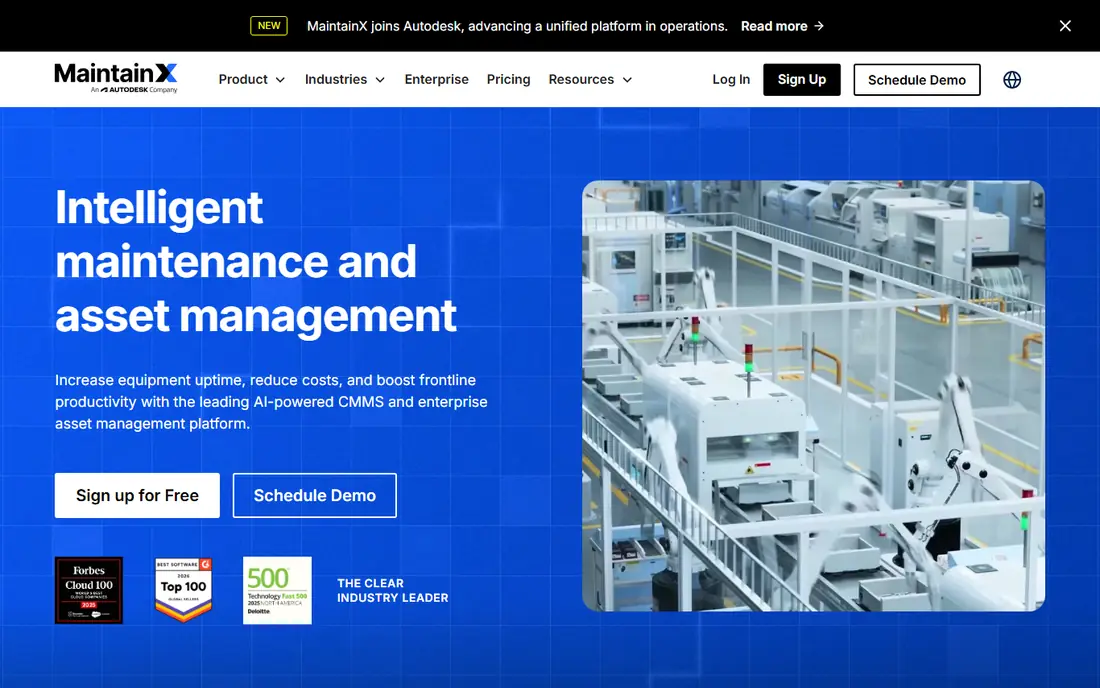
MaintainX is our pick for teams that need adoption first. Technicians get work orders, checklists, photos and messages in a mobile app that feels closer to a messaging app than to old enterprise software. Managers can create preventive schedules, track assets and see open work without chasing paper forms.
The free Basic plan is genuinely useful for a small team, and the Essential plan starts at $20 per user per month on annual billing, with Premium at $65 per user per month in recent pricing summaries. That per-user model still adds up as a team grows, so count licenses carefully. For a first CMMS, MaintainX is the easiest place to start.
- Free Basic plan for small teams
- Simple mobile work orders and chat
- Unlimited free requesters on paid plans in recent summaries
- Advanced reporting and integrations need higher plans
- Less deep on complex asset hierarchies than enterprise tools
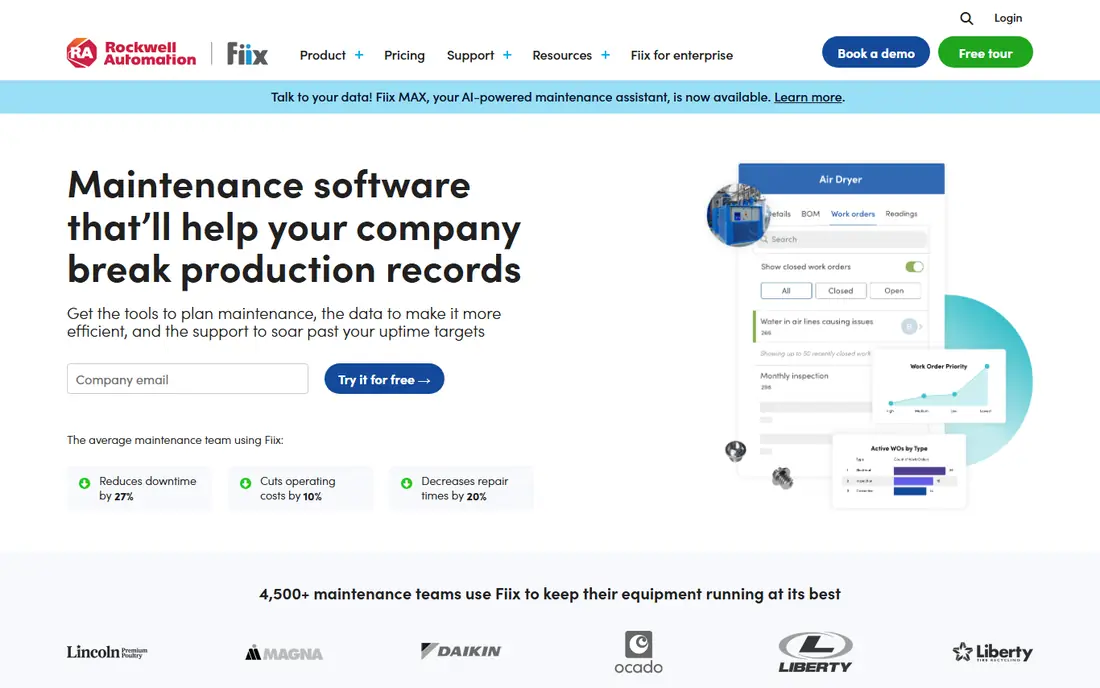
Fiix, now part of Rockwell Automation, suits manufacturers that want asset intelligence alongside work orders. You can track assets, schedule preventive work by time or meter, manage parts and connect to other plant systems. Its free plan gives a small team a way to test the core workflow before paying.
Paid plans start at $45 per user per month for Basic, with Professional at $75 per user per month in recent pricing summaries. That transparency helps budgeting, since many rivals hide prices behind a sales call. Fiix is a strong pick when you need a proven manufacturing CMMS with room to grow.
- Free CMMS plan for basic use
- Clear published pricing
- Asset, work order and preventive tools with integrations
- Higher plans cost $75 per user per month for Professional features
- Implementation takes planning for large plants
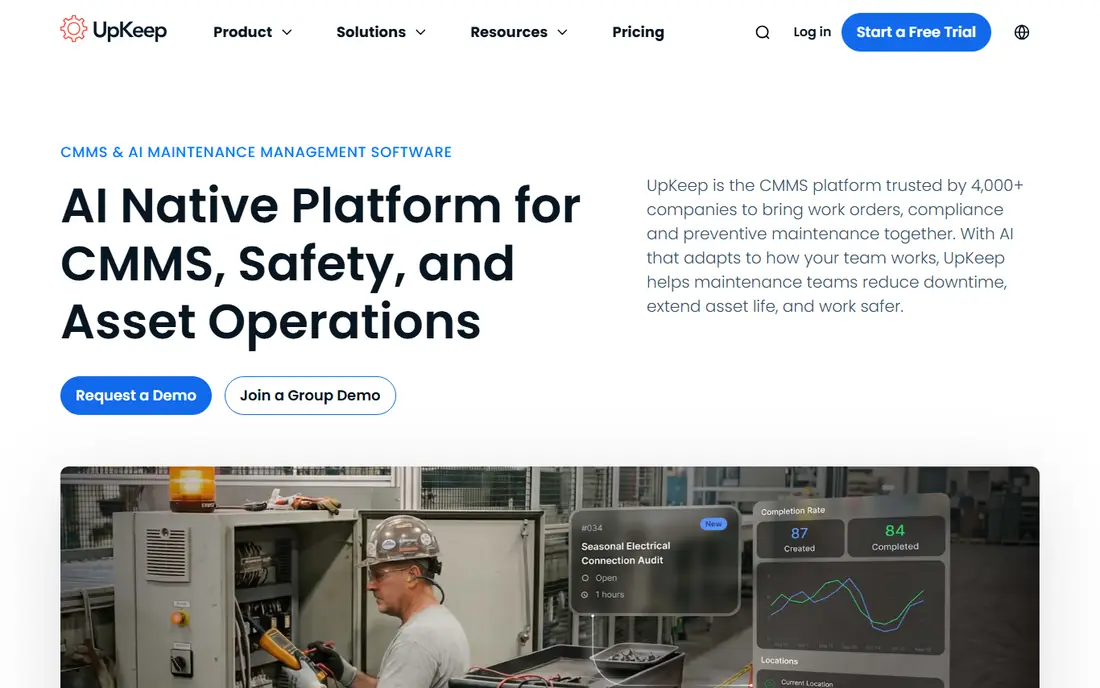
UpKeep is built for teams that live on work orders from a phone. Technicians can accept jobs, add photos and notes, log time and close work from the field, while managers schedule preventive tasks and track assets. The Essential plan starts at $24 per user per month, with Premium at $55 per user per month in recent pricing summaries.
UpKeep also offers safety, fleet and sensor features on higher plans, which can suit a team that wants more than a basic CMMS. The main catch is that there is no free plan, so use the trial on real work orders before you buy. If your team adopts mobile tools easily, UpKeep will feel natural from day one.
- Fast mobile work order setup
- Preventive scheduling, parts and reporting
- Wide range of plans for growing teams
- No free plan, only a trial
- Higher plans are needed for advanced features and integrations
Limble is known for getting a CMMS running fast. Its preventive maintenance tools let you schedule work by date, meter or condition, assign it to technicians, and track completion without a long setup project. The mobile app is simple enough for teams that have never used maintenance software before.
Pricing is the main uncertainty. Limble previously published per-user prices, but its current pricing page directs buyers to a calculator or sales step, so we list See website rather than an outdated figure. A free plan is listed in several recent roundups, though limits vary. Book a demo with your asset list ready, and ask for the full per-user total before you compare it with MaintainX or UpKeep.
- Easy preventive scheduling and work orders
- Mobile app technicians adopt fast
- Asset and parts tracking
- Pricing now sits behind a calculator or sales step
- Advanced integrations may cost extra
eMaint, from Fluke, suits larger operations that need structure, governance and audit trails. It handles assets, preventive schedules, work orders, inventory and reporting across sites, and it links to Fluke condition monitoring tools for teams that track machine health. That depth helps in manufacturing, utilities and other regulated settings.
Entry pricing starts at $69 per user per month for Team in recent summaries, with Professional at $85 and Enterprise at $120 per user per month. A three-user minimum applies on some plans, so small teams will pay more than the headline rate suggests. Choose eMaint when control and reporting matter more than the lowest entry price.
- Deep asset and preventive tools for multi-site teams
- Condition monitoring links through Fluke
- Audit trails for regulated work
- Higher entry price than small-team tools
- A three-user minimum applies on some plans
Hippo CMMS, now part of Eptura Asset, is a straightforward facilities tool used in healthcare, education, government and hospitality. Staff can submit requests through a portal, technicians get work orders on mobile, and managers track preventive schedules and parts. The clean layout is a real advantage for teams with many non-technical requesters.
Pricing starts at $39 per user per month for Starter in recent summaries, with Plus at $69 and Pro at $99 per user per month. Lower plans limit requesters and equipment items, and a two-user minimum applies. If your facility needs a simple, readable system rather than a manufacturing suite, Hippo is a strong fit.
- Simple interface for facilities teams
- Maintenance request portal for staff
- Work orders, preventive work and parts in one place
- Requester and equipment limits apply on lower plans
- A minimum user count applies
FMX suits organizations that run many buildings from one system, such as school districts, churches, cities and multi-location businesses. It covers work requests, preventive schedules, assets and reporting, with a portal that lets staff and occupants report issues without a license. That portal model helps adoption across a large organization.
Entry pricing starts at $35 per user per month in recent summaries, with a free trial offered. FMX is less focused on factory-floor asset hierarchies than Fiix or eMaint, so a plant team may prefer those tools. For facilities and public-sector teams, FMX balances price, simplicity and multi-site control well.
- Built for schools, municipalities and multi-site teams
- Request portal and scheduling tools
- Clear entry pricing in recent summaries
- Less manufacturing depth than Fiix or eMaint
- Some features need higher plans
Fracttal is a cloud CMMS with AI-assisted planning features that help teams prioritize work, spot patterns in asset data and plan preventive schedules. It integrates with systems such as SAP, Oracle and Microsoft Dynamics, which helps larger companies that already run those platforms. It is also a strong choice for teams in Latin America and Europe.
Pricing is not published as a simple per-user plan, so we list See website. Ask for pricing by user count and site count, and confirm support hours for your time zone before you sign. Fracttal suits a team that wants AI help with planning and already runs a wider business system it must connect to.
- AI-assisted planning and asset insights
- Strong presence in Latin America and Europe
- Integrations with major business systems
- Pricing is quote-based
- US support and partner coverage vary by region
MicroMain is a long-running CMMS for manufacturing plants that need detailed asset records, complex preventive plans and tight control over maintenance history. It handles work orders, assets, parts and reporting at a depth that simpler mobile tools do not reach. That depth suits plants with many asset types and strict maintenance records.
The trade-off is style and pricing. MicroMain pricing is quote-based, and its interface feels more traditional than MaintainX or UpKeep. A plant team that values depth over mobile polish will find it a good fit, while a small facilities team may prefer a simpler tool. Request a demo with your asset hierarchy in hand to judge the fit.
- Deep asset hierarchies and maintenance control
- Preventive and predictive features
- Long history in manufacturing maintenance
- Pricing is quote-based
- Interface feels more traditional than mobile-first rivals
How we picked these
We compared official pricing pages and recent pricing summaries for CMMS tools that are live in October 2026 and cover work orders, preventive maintenance and asset tracking. We kept a mix of free, low-cost and enterprise options, and we left out tools that only handle tickets or only handle fleet tracking. Where pricing had changed or moved behind a sales step, we wrote See website rather than repeat an outdated figure.
How to choose maintenance software without overspending
Start with a pilot on one site or one asset group. Enter your real assets, set up five preventive schedules, and run work orders for two weeks. That pilot will show you whether technicians use the mobile app, whether managers trust the reports, and where the workflow breaks. A tool that fails a pilot will fail at full rollout too.
Next, count total cost, not just seat price. Add requester limits, implementation, training, integrations and any data migration work. A cheap per-user price can become expensive if every requester needs a paid seat, while a tool with free requesters can save money across a large building. Ask each vendor for a total for your exact user mix.
Finally, protect your data before you sign. Check how you export work history, asset records and parts data if you leave, and who owns that history. Maintenance history is valuable for safety and resale decisions, so a tool that locks it away is a poor long-term choice, even if the first year looks cheap.
Frequently asked questions
What is the best maintenance software for a small team?
MaintainX is the easiest small-team start because it offers a free plan and a simple mobile app. UpKeep is a strong paid alternative if you want fast mobile work orders and are happy to pay from $24 per user per month. Start free where you can, and pay only when the team uses the tool daily.
What is the best preventive maintenance software?
Limble, MaintainX, Fiix and UpKeep all handle preventive scheduling well, with date, meter and condition triggers. Limble is known for fast setup, while Fiix and eMaint add depth for plants. Pick the tool whose scheduling model matches how your assets actually wear, by time, by use or by condition.
Is there a best maintenance app for technicians in the field?
MaintainX and UpKeep are the strongest mobile-first options here, with simple work orders, photos and offline-friendly workflows. Hippo and FMX also offer mobile apps for facilities teams. Test the app on a real job, in a real building, before you judge it from a demo video.
What are the best maintenance software tools for multi-site teams?
eMaint, FMX, Hippo and Fracttal suit multi-site work, with asset, request and reporting tools across locations. eMaint adds the most governance for regulated teams, while FMX suits schools and public facilities. Compare site limits and reporting depth, not just seat price, for multi-site use.
How much does maintenance software cost?
Free plans exist, and paid entry prices in this list range from about $20 to $69 per user per month, depending on the tool and plan. Quote-based tools such as Fracttal and MicroMain vary by users and sites. Always ask for a total for your user mix, including any minimums.
Can maintenance software replace spreadsheets?
Yes, for most teams, once assets and schedules are entered correctly. A CMMS adds reminders, mobile work orders, history and reporting that a spreadsheet cannot maintain at scale. Keep the spreadsheet as a backup during migration, and retire it only after the new system has run for a full preventive cycle.
Sources
See where you really rank - block by block
ProMapRanker scans Google Maps across a grid of your service area. Simple monthly plans from $19, white-label on every plan.
Start freeKeep reading
 zoho inventory alternatives
6 Alternatives to Zoho Inventory, Compared on Price and Fit
Zoho Inventory alternatives: 6 tools compared on price, free plans and fit. Katana leads the list for manufacturers. Fit and flaws are laid out for each entry.
Read → zoho crm alternatives
Best Zoho CRM Alternatives (2026)
Need Zoho CRM alternatives? We compare 7 tools on cost, free access and who each suits. Every pick gets a straight assessment. Built for quick decisions.
Read → zelle alternatives
Best Zelle Alternatives in 2026
Compare the best Zelle alternatives for sending money to friends, paying sellers and moving funds abroad, with honest notes on fees, speed and safety in 2026.
Read →