 ProMapRanker
Best Maintenance Management Software in 2026


Mobile-first frontline teams · Pricing starts at: $20 per user per month
Key takeaways
- MaintainX and Fiix both offer free plans, so a small team can move work orders off paper and spreadsheets without paying first.
- Paid pricing is mostly per user per month, which means your total bill rises with every technician and manager who needs a full login.
- UpKeep and MaintainX lead on mobile use, while eMaint and Fiix suit plants that need deeper asset records and integrations.
- Before you buy, count requester accounts separately, since some tools let anyone report a fault for free while others charge for each seat.
Quick comparison
| Pick | Great for | Pricing starts at | Free tier | |
|---|---|---|---|---|
| MaintainX | Mobile-first frontline teams | $20 per user per month | Yes | Visit |
 UpKeep | Small teams getting organised on mobile | $24 per user per month | Free trial | Visit |
 Fiix | Manufacturers that want clear pricing | $45 per user per month | Yes | Visit |
 Limble | Teams that need fast adoption | See website | Yes | Visit |
 eMaint | Multi-site and regulated operations | See website | Free trial | Visit |
 FMX | Schools and multi-site facilities | $35 per user per month | Free trial | Visit |
 Fracttal | International and IoT-connected operations | See website | No | Visit |
 MicroMain | Plants that want deep control | See website | Free trial | Visit |
The best maintenance management software
These tools replace paper work orders, shared spreadsheets and inbox requests with one place to assign jobs, track assets and plan preventive work. We compared official feature pages, pricing pages and public documentation, and we favoured tools with a clear mobile app and a plan a small team can actually start on.
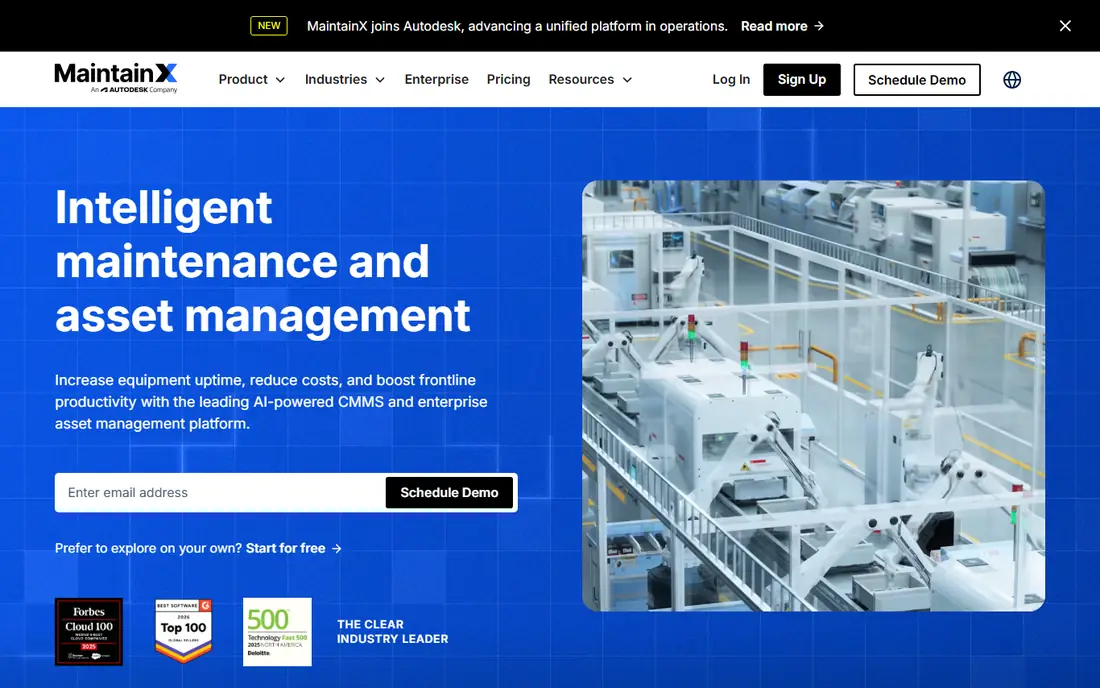
MaintainX is the easiest starting point on this list for a team that works away from a desk. Technicians can open a work order, add photos, follow a checklist and close the job from a phone, which matters when most maintenance happens on the shop floor or out in a building. The free Basic plan gives a small team a real way to test that workflow before paying.
The catch is scope. MaintainX covers work orders, preventive schedules and asset records well, but a large plant that needs complex reporting or heavy customisation may outgrow the lower tiers. Our pick for most small teams is to start on the free plan, count how many full users you truly need, and only then move to Essential at $20 per user per month when billed annually.
- Usable free Basic plan
- Strong mobile app for technicians
- Free requester accounts for reporting issues
- Reporting is lighter than enterprise tools
- Higher tiers are needed for deeper analytics
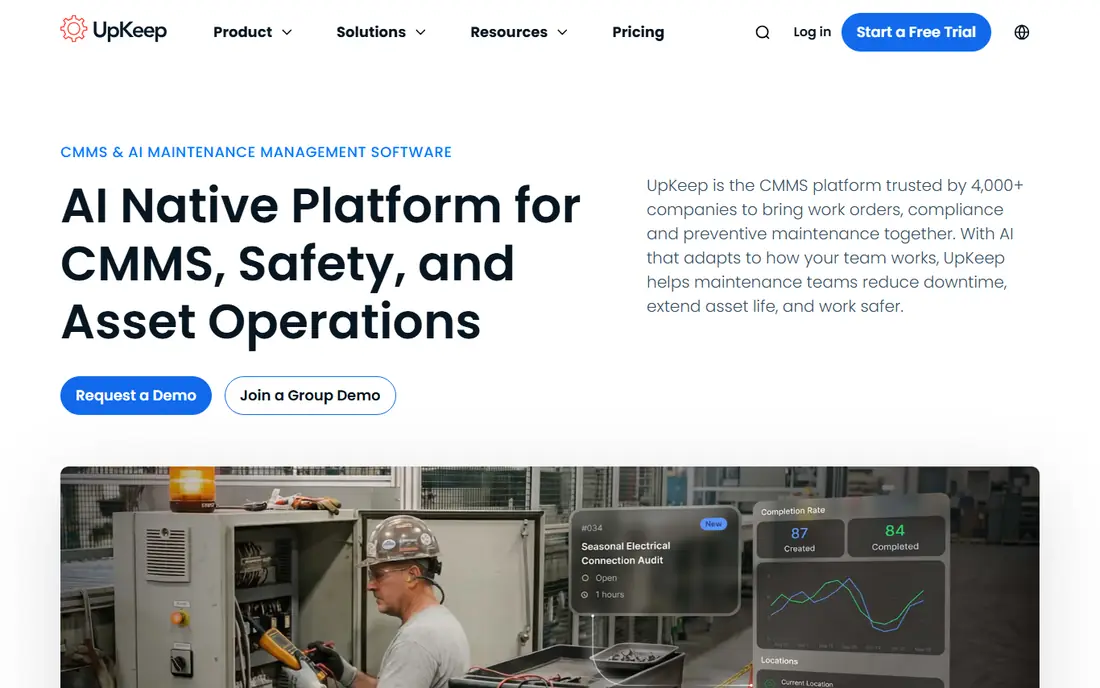
UpKeep suits a team that wants to get organised quickly without a long setup project. Work orders, preventive maintenance and asset records sit in one system, and the mobile app is central to how technicians receive and complete jobs. Essential pricing starts at $24 per user per month, which makes the entry cost easy to budget.
The trade-off is that the most useful reporting and automation tend to live above the entry tier. If your main goal is simply to stop losing work orders and to see what was done on each asset, Essential may be enough. If you need to justify budgets with downtime and cost per asset, price the higher tier before you commit.
- Clear Essential pricing
- Good mobile work order flow
- Asset performance reporting on higher tiers
- No permanent free plan
- Useful reporting sits on higher tiers
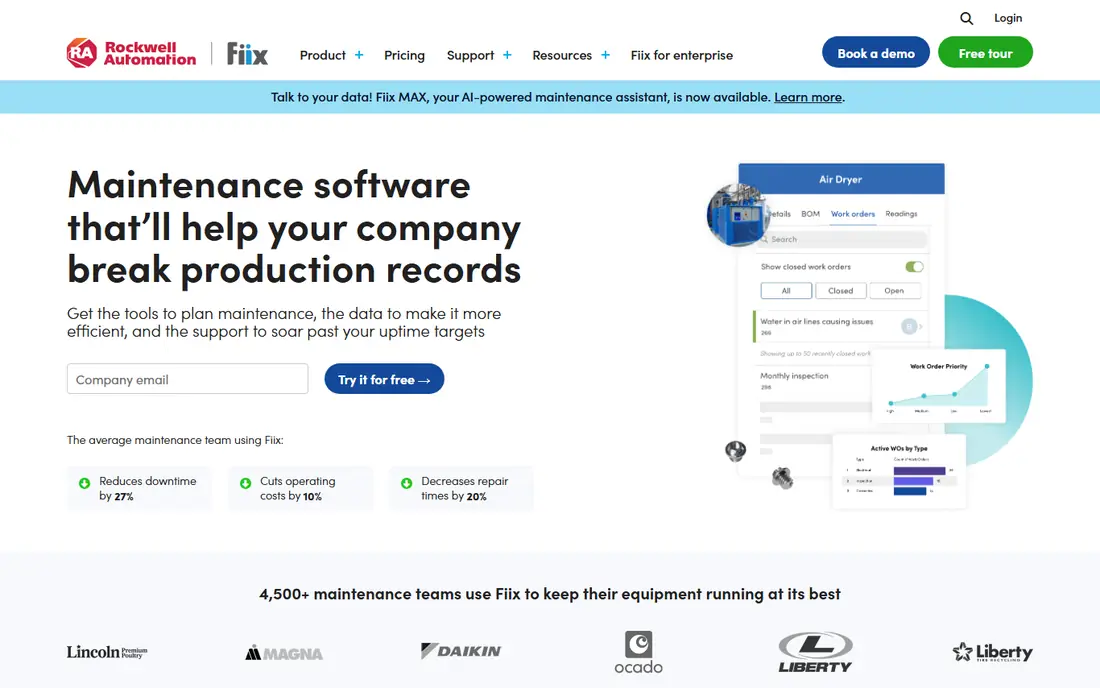
Fiix appeals to buyers who dislike quote-only pricing. Basic is listed at $45 per user per month, Professional at $75 per user per month, and a free plan is available for smaller teams. That transparency makes it easier to compare Fiix against other tools without booking a sales call first.
Fiix also fits manufacturing teams that already use Rockwell Automation controls, since its integrations connect maintenance work with machine data. The downside is cost at scale, because $45 per user adds up fast across a large technician group. Fiix is a strong choice when asset intelligence and clear pricing matter more than the lowest possible seat price.
- Published per-user pricing
- Free plan available
- Integrations for manufacturing environments
- Higher entry price than MaintainX or UpKeep
- Enterprise features require a quote
Limble is built around one practical idea: a system only helps if technicians actually use it. Setup is measured in days rather than months for many teams, and preventive maintenance scheduling, asset hierarchies and parts tracking are present without a heavy configuration project. That makes Limble a good fit for operations teams that have been burned by software nobody opened.
Pricing is the main unknown. Limble offers a free plan, but paid pricing is handled through its site and sales process, so you will need a quote to budget accurately. Ask for the per-user cost at your real headcount, including managers and planners, before you judge Limble against the published prices of MaintainX, UpKeep and Fiix.
- Reputation for ease of use
- Strong preventive maintenance scheduling
- Asset hierarchies and parts inventory
- Pricing is not published on a simple rate card
- Costs can rise quickly per user
eMaint, from Fluke, suits organisations that need maintenance shaped to their own processes rather than a fixed template. Multi-site teams can standardise work orders, assets and reporting across locations, and condition monitoring links sensor alarms to automatic work orders in some setups. Regulated sites that need audit trails and consistent documentation will find that depth useful.
That depth comes with effort. eMaint is not the fastest tool to configure, and pricing is quote-based, so a small team that just needs basic work orders may find it heavier than necessary. Choose eMaint when your maintenance program spans sites, needs formal controls, or relies on condition data rather than calendar dates alone.
- Highly configurable for complex operations
- Condition monitoring support
- Multi-site structure
- Quote-only pricing
- Setup takes more effort than simpler tools
FMX fits facilities teams more than factory floors. Schools, churches, municipalities and other multi-location organisations use it to take work requests from occupants, assign them to technicians and track buildings and equipment in one place. The request portal matters here, because teachers, tenants or staff can report a problem without needing a full technician login.
Pricing starts at $35 per user per month, with a free trial available, which sits between UpKeep and Fiix. FMX is less convincing for a plant that needs machine integrations and condition monitoring. It is a sensible pick when the job is keeping buildings running, not running a production line.
- Published starting price
- Suited to facilities and community buildings
- Work request portal for occupants
- Less manufacturing depth than Fiix or eMaint
- Higher tiers needed for wider features
Fracttal stands out for teams with sites outside the United States or with connected assets that feed data into maintenance planning. Its platform covers work orders, preventive maintenance and asset management, with AI-assisted planning features that help teams prioritise jobs. Companies operating across regions may also value its language and regional coverage.
The main drawback is pricing transparency, since plans are quote-based and there is no free plan listed. Fracttal is worth a demo if you run an international operation or want IoT data tied to maintenance decisions. For a single-site United States team, the simpler and cheaper tools above will usually be enough.
- AI-assisted maintenance planning features
- Strong presence in Latin America and Europe
- IoT-connected asset support
- Quote-only pricing
- Less mainstream in the United States than the leaders above
MicroMain is for plants that want detailed control over assets, work orders and preventive programs, and are willing to accept a more traditional interface to get it. It handles complex facilities and deep asset hierarchies, which suits established maintenance teams with formal routines. A free trial lets you check whether that depth fits your team before talking price.
The honest catch is style. MicroMain does not feel as phone-first as MaintainX or UpKeep, so adoption may need more training for technicians used to consumer apps. Pick MicroMain when control and depth matter more than a slick mobile experience, and price it against Fiix and eMaint rather than against free plans.
- Deep asset hierarchies and maintenance control
- Long track record in manufacturing
- Free trial available
- Quote-only pricing
- Interface feels more traditional than mobile-first tools
How we picked these
We compared official pricing pages, feature pages and public documentation for tools that are live in October 2026, and we kept only products that truly cover maintenance management, including work orders, assets and preventive schedules. We favoured tools with a mobile app, a usable entry plan and clear evidence of current operation. Where a vendor does not publish pricing, we wrote See website rather than repeating a third-party estimate as fact.
What to check before you choose
Start by listing who actually needs a full login. Technicians, planners and managers usually need one, while anyone who only reports a fault may be covered by a free requester account on some tools. That single count often decides whether a $20 tool or a $45 tool is cheaper in practice.
Next, test the mobile app with a real job, not just a demo. Create a work order, add a photo, complete a checklist and close it from a phone, because that is the workflow your team will repeat every day. Also check how preventive schedules handle overdue jobs, parts and asset history, since those details separate a simple ticketing tool from a maintenance system.
Finally, confirm the total cost beyond the seat price. Ask about onboarding, integrations, multi-site fees and what happens to your asset history if you leave. A tool that exports work history cleanly is worth more than a slightly cheaper tool that locks your records inside its own system.
Frequently asked questions
What is the best maintenance management software?
For most small teams, MaintainX is the safest starting point because it has a free plan, a strong mobile app and Essential pricing at $20 per user per month. Larger manufacturers should also look at Fiix for published pricing and integrations, and eMaint for multi-site control.
What is a CMMS?
A CMMS, or computerised maintenance management system, is software that organises work orders, assets, preventive schedules, parts and maintenance history in one place. It replaces paper forms and spreadsheets, and it helps teams see what was fixed, when it is due again and what it cost.
What is the best maintenance management software for a small team?
MaintainX and UpKeep are the most practical small-team options, since both are mobile-first and have clear entry pricing. MaintainX has the advantage of a free plan, while UpKeep starts at $24 per user per month and suits teams that want a guided setup.
How much does maintenance management software cost?
Entry prices on this list run from free plans up to $45 per user per month for Fiix Basic, with several vendors using quote-only pricing. Your total depends on how many full users you need, which tier holds the reporting you want, and whether requesters are free.
Is there free maintenance management software?
Yes. MaintainX and Fiix both offer free plans, and Limble also offers a free tier, though paid features and limits vary. Free plans suit a single site with basic work orders, but larger teams usually need a paid tier for reporting, inventory and multi-site support.
How do I switch from spreadsheets to a CMMS?
Start with your asset list, your recurring preventive jobs and your open work orders, and import those three sets first. Run the new tool alongside spreadsheets for two to four weeks, train technicians on the mobile app, and only retire the old sheets once work orders are being closed in the new system every day.
Sources
See where you really rank - block by block
ProMapRanker scans Google Maps across a grid of your service area. Simple monthly plans from $19, white-label on every plan.
Start freeKeep reading
 zoho inventory alternatives
6 Alternatives to Zoho Inventory, Compared on Price and Fit
Zoho Inventory alternatives: 6 tools compared on price, free plans and fit. Katana leads the list for manufacturers. Fit and flaws are laid out for each entry.
Read → zoho crm alternatives
Best Zoho CRM Alternatives (2026)
Need Zoho CRM alternatives? We compare 7 tools on cost, free access and who each suits. Every pick gets a straight assessment. Built for quick decisions.
Read → zelle alternatives
Best Zelle Alternatives in 2026
Compare the best Zelle alternatives for sending money to friends, paying sellers and moving funds abroad, with honest notes on fees, speed and safety in 2026.
Read →