 ProMapRanker
Best Maid Service Software in 2026


Residential maid services on a budget · Pricing starts at: $19 per month
Key takeaways
- ZenMaid is the lowest cost specialist start for residential cleaning, while Jobber and Housecall Pro suit teams that also take other home service work.
- BookingKoala and Launch27 put online booking first, which helps owners who get most jobs through a website form.
- MaidCentral and Swept fit larger or commercial operations, but their pricing and setup need a closer look before signing.
- Always test the sick day problem before you buy: move one cleaner off a full route and see how fast the rest of the schedule repairs itself.
Quick comparison
| Pick | Great for | Pricing starts at | Free tier | |
|---|---|---|---|---|
| ZenMaid | Residential maid services on a budget | $19 per month | Free trial (14 days) | Visit |
 Jobber | Small teams wanting an all-in-one field tool | $29 per month | Free trial (14 days) | Visit |
 Housecall Pro | Booking, payments and financing in one place | $59 per month | Free trial (14 days) | Visit |
 BookingKoala | Online booking-led cleaning businesses | $27 per month | Free trial | Visit |
 Launch27 | Cleaning businesses built around online booking | See website | Free trial | Visit |
 MaidCentral | Growing multi-team operations | $450 per month | No | Visit |
 Swept | Commercial janitorial teams across sites | $30 per month | No | Visit |
 Maidily | Small maid services wanting simple scheduling | See website | Free trial | Visit |
The best maid service software
We compared official feature pages, pricing pages and public reviews for tools that handle recurring home cleaning. Our pick for most small residential teams is ZenMaid for its low starting price and cleaning-first schedule, with Jobber as the stronger choice for mixed home service work.
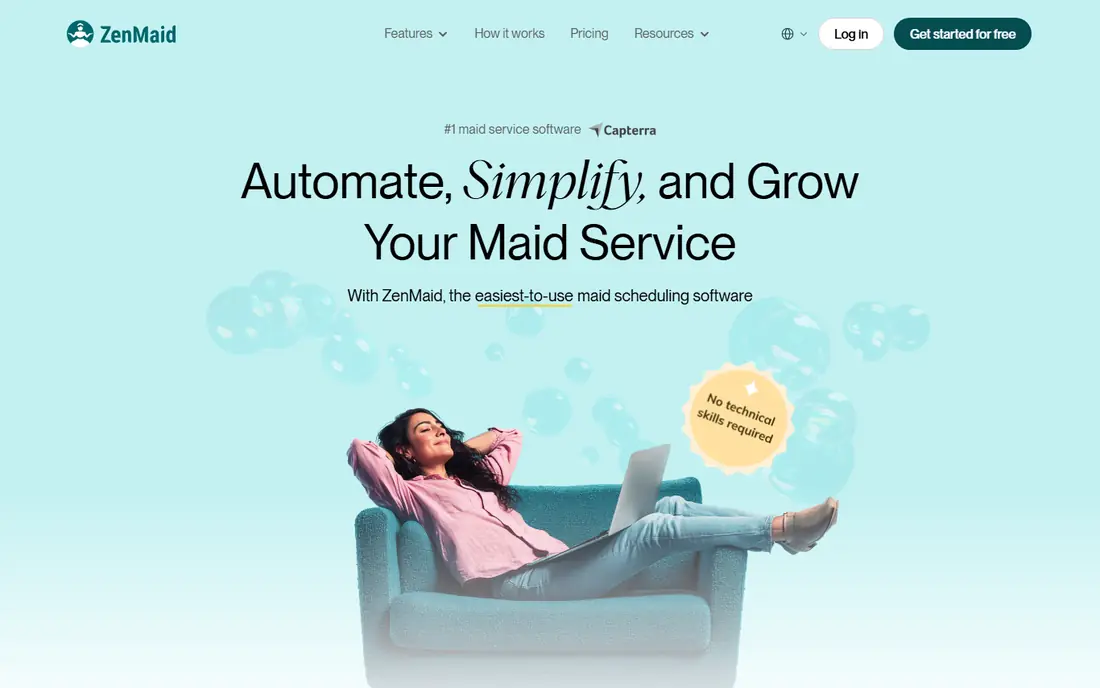
ZenMaid is built around repeat home cleanings rather than one-off trade jobs. Scheduling, client records, automated reminders and cleaner routes sit in one place, and invoicing follows completed appointments. That focus matters for a maid service owner who spends the day juggling recurring clients, access notes and cleaner availability. The Starter plan covers up to 40 appointments a month, which suits a solo cleaner or a very small team.
The catch is growth. A busy team outgrows Starter quickly, and per-user charges add up on higher plans, so price the team you expect in six months rather than the team you have today. Payroll sits on the Pro plan and above, and data export needs the top tier. Still, for a residential service that wants a simple start with no long contract, ZenMaid is the easiest first trial on this list.
- Built for recurring residential cleaning
- Automated reminders
- Online booking forms
- Starter plan caps appointments at 40 per month
- SMS costs are separate

Jobber suits a cleaning business that also handles other home services, or plans to. Quotes, jobs, scheduling, invoicing and card payments live in one system, and the mobile app lets cleaners see job details and collect payment on site. That breadth saves a small owner from stitching together separate booking, billing and payment tools. The Core plan, billed annually, is the entry point for one user.
The trade-off is fit. Jobber is a general field service tool first, so recurring maid routes and cleaner checklists need more setup than in a cleaning specialist. Teams that grow into larger crews should check which plan includes the automation and user counts they need, since the headline price is only the start. For a mixed service business, though, that breadth is a real advantage.
- Quoting, scheduling, invoicing and payments in one system
- Polished mobile app
- Wide integrations
- Maid-specific workflows are adapted from general field service
- Higher plans get costly

Housecall Pro takes a customer from online booking to payment without leaving the system, and it adds consumer financing for larger jobs. That matters less for a standard weekly clean and more for deep cleans, move-out jobs and add-on services where a client may want to spread the cost. The booking flow, dispatch and invoicing are polished, and the app is built for staff in the field.
The entry plan, billed annually, costs more than ZenMaid or BookingKoala, so a solo cleaner may not get value from it on day one. QuickBooks sync and some automation sit on higher plans, so check the plan table before assuming a feature is included. For a growing home service team that wants payments and booking handled well, it earns its place.
- Strong booking and payment flow
- Consumer financing options
- Solid mobile app
- Entry price is higher than cleaning specialists
- Some features need higher tiers
BookingKoala is built for cleaning companies that win work through their own website. Customers pick services, times and extras through a booking form, and the system handles recurring appointments, provider assignment and reminders. Flat tiers tied to provider numbers make the bill predictable for a team of a known size, and the entry tier is priced for small businesses.
The work is in the setup. Forms, services and pricing rules need careful configuration before the booking page goes live, and costs step up as providers, contacts or storage grow. Owners who book mainly by phone may not use its best features. Owners who want the website to do the selling and scheduling will find it a strong fit.
- Booking-first design
- Flat tiers by provider count
- Recurring scheduling
- Costs rise with providers and storage
- Setup takes care with forms and pricing rules
Launch27 has served cleaning businesses for years with a booking-first approach. Customers book online, the system assigns teams, and staff manage their schedules through the platform. Customer accounts, recurring bookings and service pricing are core to the design rather than add-ons. That history shows in workflows that match how cleaning companies actually take and staff jobs.
The main drawback is pricing clarity. We list it as See website because the vendor does not publish one simple starting figure that we could verify cleanly, so get a written quote for your team size. Teams that want dozens of third-party integrations may also prefer a general platform. For a booking-led cleaning business, Launch27 still deserves a demo.
- Booking and dispatch built for cleaning
- Team scheduling tools
- Customer accounts
- Pricing is not published as a simple headline figure
- Smaller ecosystem than general tools
MaidCentral is the step up when spreadsheets and simple schedulers start breaking. It is designed for maid services running several teams, with automation that handles scheduling, communication and job tracking at volume. The per-completed-job logic in its model appeals to larger operators who think in jobs completed rather than seats alone, though the headline monthly figure is the number to budget around.
Small teams should not start here. At $450 a month it is a serious commitment, and the absence of a free trial means the demo has to do real work: run your actual routes, your cancellation rules and your cleaner substitution cases through it. For a multi-team company that has outgrown simpler tools, that depth is the point.
- Deep automation for multi-team operations
- Per-job pricing model in some plans
- Cleaning-specific workflows
- High starting price for small teams
- No free trial, only a demo
Swept fits commercial cleaning better than residential maid work. It organises cleaners by location, with messaging, checklists and timekeeping that keep a supervisor in touch with crews across many sites. Pricing by location band, starting with a Launch tier for a small number of locations, suits janitorial firms whose headcount changes while their site list stays steadier.
Residential maid services will find booking and quoting thinner here than in ZenMaid or BookingKoala, and features such as geofenced timekeeping and inspections sit on higher tiers. If your work is offices, schools and multi-site contracts, Swept is a strong shortlist pick. If your work is weekly home cleans, start elsewhere.
- Priced by location rather than per cleaner
- Crew messaging and checklists
- Site inspections
- Residential booking and quoting are thinner
- Higher tiers needed for geofencing and inspections
Maidily aims at the smallest maid services: a simple schedule, online booking and recurring appointments without a long learning curve. For an owner moving off paper or a shared calendar, that simplicity is a virtue. Staff can see their jobs, clients can book repeat cleans, and the owner keeps one central schedule instead of scattered messages.
The limits are scale and pricing clarity. We list pricing as See website because we could not verify a single clean starting figure from the vendor, so confirm the total for your team before committing. Larger teams that need payroll, deep automation or wide integrations will outgrow it. For a small team that wants the basics done well, it is worth a trial.
- Simple scheduling and online booking
- Easy for small teams to learn
- Recurring appointments
- Pricing is not published clearly
- Fewer advanced features than larger platforms
How we picked these
We compared official feature and pricing pages, app store listings and public reviews, and kept only tools that still serve cleaning businesses in October 2026. We favoured tools with a real booking, scheduling or crew management function for cleaning work, and we left out general project tools that do not handle recurring cleaning jobs. Prices shown are starting figures from vendor pages or recent vendor-checked comparisons, and plans change, so confirm the checkout total before you buy.
What to check before you pay
Start with your booking source. If most jobs arrive through your website, a booking-first tool such as BookingKoala or Launch27 will save more time than a general scheduler. If most jobs arrive by phone or referral, a schedule-first tool such as ZenMaid may fit better. Map one real week of jobs into the trial, including a cancellation, a reschedule and a cleaner calling in sick.
Next, price the whole bill. Count every cleaner who needs login access, add SMS charges where the vendor charges separately, and check whether payroll, QuickBooks sync or data export sits on a higher tier. A low headline price can double once those items are added. Also check the appointment or record cap on the entry plan, since a cap that looks generous in week one can block a busy month.
Finally, test the cleaner experience. Cleaners work from phones, often with poor signal, so the mobile app, checklists and offline behaviour matter more than a polished desktop dashboard. Ask how clients get reminders, how access notes are stored, and how you export your client list if you leave. A tool that holds your customer data hostage is a poor long-term choice even at a low price.
Frequently asked questions
What is the best maid service app for a solo cleaner?
ZenMaid is our first suggestion for a solo residential cleaner because its Starter plan is low cost and its schedule is built for repeat home cleans. Test the 40 appointment cap against your real monthly volume first, since a busy solo cleaner can pass it. If you also take trade or handyman work, Jobber may be the better single system.
What is the best app for maid service booking?
BookingKoala and Launch27 lead for booking-led businesses, since customers can book, pick extras and set recurring cleans online. ZenMaid also offers booking forms, but its strength is the recurring schedule behind the form. Choose based on how customers actually reach you, not on the booking page alone.
How much does maid service software cost?
Entry prices on this list run from $19 a month for ZenMaid to $450 a month for MaidCentral, with most small-team options between $27 and $59 a month. Per-user charges, SMS bundles and higher-tier features can add to the headline figure. Always price your full team and your expected appointment volume before signing.
Does maid service software handle payments?
Most tools here handle invoicing, and Jobber, Housecall Pro and ZenMaid support card payments through payment partners such as Stripe or Square. Check which payment partner your plan uses, what the processing fee is, and whether card-on-file billing is included. Payment processing fees sit outside the subscription price.
Can I switch tools later without losing client data?
It depends on the export tools on your plan. Some vendors reserve full data export for top tiers, so check that detail before you import years of client history. Export a sample during the trial, and keep a separate backup of client names, addresses and access notes outside the system.
Sources
See where you really rank - block by block
ProMapRanker scans Google Maps across a grid of your service area. Simple monthly plans from $19, white-label on every plan.
Start freeKeep reading
 zscaler alternatives
Best Zscaler Alternatives in 2026
Looking for zscaler alternatives? We compare 9 SASE and zero trust platforms on architecture, data protection, pricing, and fit for your network and team.
Read → zapier alternatives free
Best Zapier Alternatives Free in 2026
Nine automation tools for zapier alternatives free in 2026, all with genuinely free tiers, plus free plan limits, starting prices and upgrade paths explained.
Read → which platform is best for online reputation
Which Platform Is Best for Online Reputation in 2026
Wondering which platform is best for online reputation? We compare 8 review, listing, and response tools for small and multi-location businesses and agencies.
Read →