 ProMapRanker
Macro Software Compared


Mac users who want to automate everything · Pricing starts at: $36 (one-time)
Key takeaways
- Number one here is Keyboard Maestro, a fit for Mac users who want to automate everything.
- AutoHotkey suits anyone who wants unlimited free automation on Windows.
- Only 3 of the 6 tools have a free plan (PhraseExpress, Pulover's Macro Creator, AutoHotkey), so check the caps.
- Expect to ask for a quote from Jitbit Macro Recorder and Macro Scheduler; the other tools show a starting price.
Direct answer
Keyboard Maestro is the first pick on this list for Mac users who want to automate everything. Alternatives: PhraseExpress for automating repetitive typing with text expansion, and Jitbit Macro Recorder for Windows users who want recording without programming. The full list of 6 tools follows, with prices and free plan facts.
Quick comparison
| Pick | Great for | Pricing starts at | Free tier | |
|---|---|---|---|---|
| Keyboard Maestro | Mac users who want to automate everything | $36 (one-time) | Free trial | Visit |
 PhraseExpress | Automating repetitive typing with text expansion | Free (personal use); premium licenses for commercial use | Yes | Visit |
 Jitbit Macro Recorder | Windows users who want recording without programming | See website (commercial license) | Free trial | Visit |
 Macro Scheduler | Firms automating Windows processes dependably | See website (tiered commercial licensing) | Free trial | Visit |
 Pulover's Macro Creator | Free macro recording with AutoHotkey power underneath | Free | Yes | Visit |
 AutoHotkey | Anyone who wants unlimited free automation on Windows | Free | Yes | Visit |
Macro Software, one by one
If you are comparing Macro software, this page covers 6 tools in one place: what each is best for, what it costs to start, whether it has a free plan, and the main limit to know about.
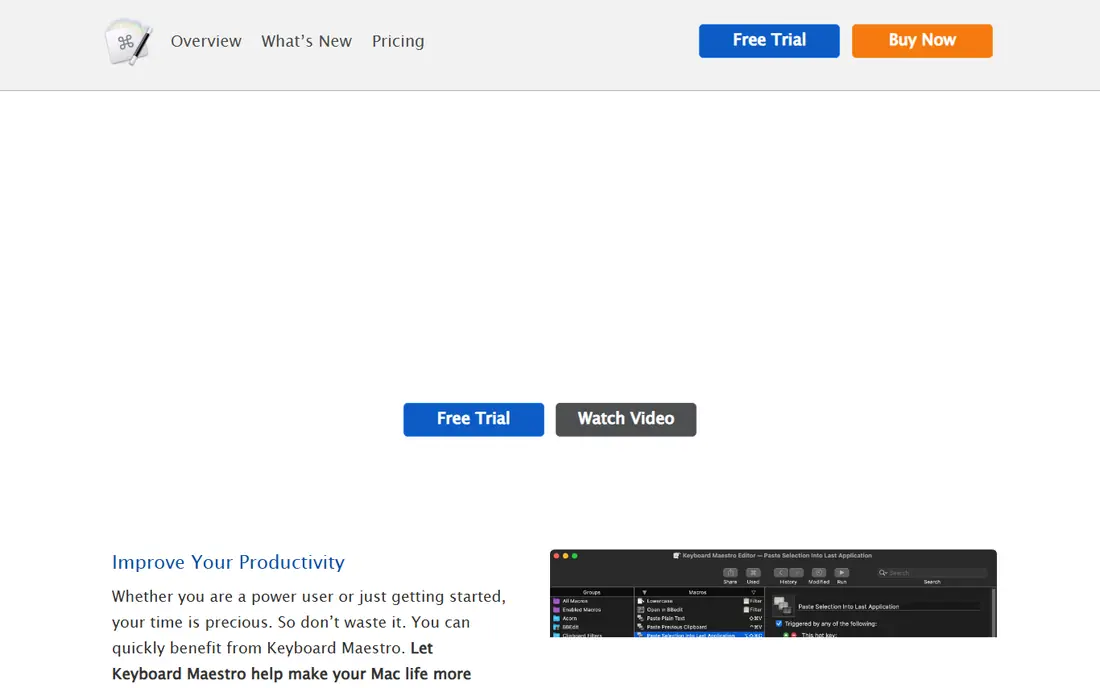
Choose Keyboard Maestro for Mac users who want to automate everything. Keyboard Maestro is what Mac automation should be.
The $36 one-time price has held for years. But the trial is ample and the community useful. Keyboard Maestro pricing: $36. Trial and free access: Free trial.
What Keyboard Maestro does well: Huge action library with variables and logic; schedules and system events.
What to check first: No Windows version; Mac-only.
- The Mac automation standard: macros triggered by hotkeys
- Typed strings
- The interface packs enormous depth that takes time to learn
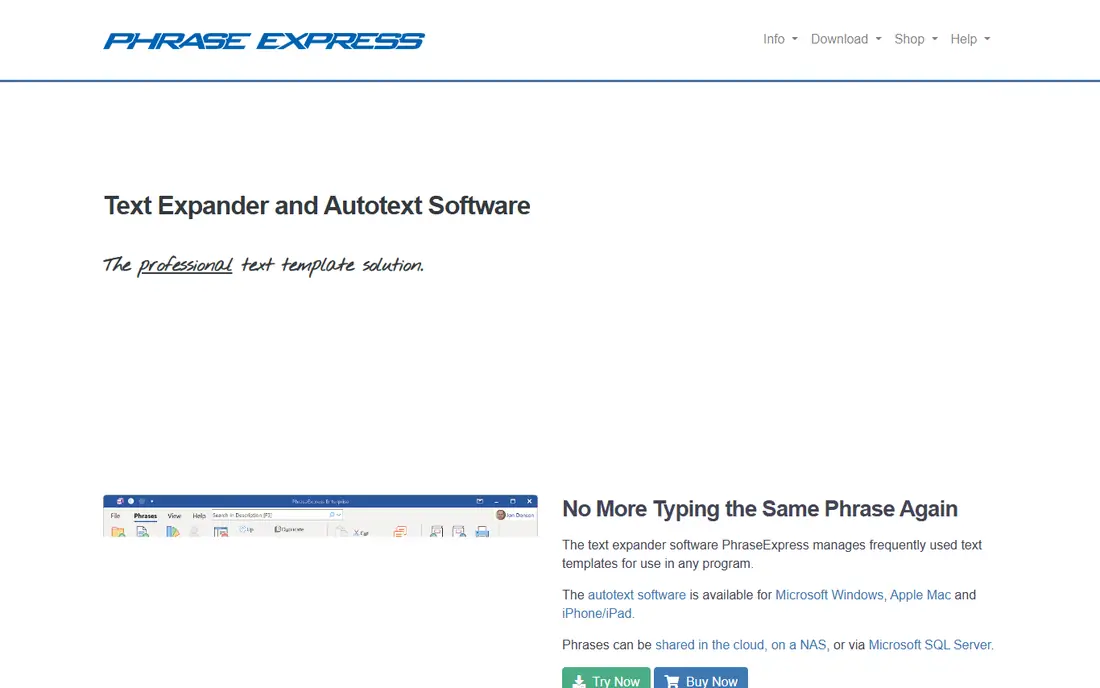
In short, PhraseExpress is for automating repetitive typing with text expansion. Define abbreviations that expand into full text: email signatures, support replies, code snippets, form boilerplate, with variables and formatting. It is free for personal use, with premium licensing for commercial environments.
Honest limits: not full macro recording; The feature set is narrower than general macro tools.
What PhraseExpress does well: Works across applications. It does not record mouse actions or drive applications the way the macro tools above do. But a huge share of "repetitive computer work" is repetitive typing, and for that PhraseExpress is the precise tool. Entry price for PhraseExpress: Free. PhraseExpress includes a free tier.
- Templates and boilerplate
- The text-expansion specialist: abbreviations expand to full text
- It is text automation
Jitbit Macro Recorder
Great for: Windows users who want recording without programming
Jitbit Macro Recorder serves Windows users who want recording without programming. Jitbit Macro Recorder is the friendly commercial recorder. Beyond that, press record, perform the task, stop, and you have a replayable macro with an editor for adjusting delays, loops and conditions.
Where it is weaker: No published price found on the vendor's product page.
Recordings can be compiled to standalone EXE files, which is handy for distributing a fixed automation to colleagues. Beyond that, we could not verify a published price on Jitbit's product page, so check before budgeting. No starting price is listed for Jitbit Macro Recorder here; confirm pricing on the vendor site. As for free access: Free trial.
- From an established software vendor
- Records mouse and keyboard with an approachable editor for tweaks
- Complicated logic needs the pricier automation tools
Macro Scheduler is aimed squarely at companies automating Windows processes steadily. Pricing is tiered by edition without a clean published figure in our check, so get the quote for your use case.
Where it falls short: Windows-only.
Highlights: Business-grade macro language with scheduling. For the business standardizing desktop automation with support contracts, it suits. Macro Scheduler does not show a starting price in this comparison, so check the vendor site for current pricing. Free access: Free trial.
- Error handling and compiled EXEs
- Capable documentation
- The scripting language is proprietary
Pulover's Macro Creator
Great for: Free macro recording with AutoHotkey power underneath
Think of Pulover's Macro Creator for free macro recording with AutoHotkey power underneath. It is free and runs portably without installation. Worth adding: for most Windows users, this is where to start.
What to check first: Very complicated projects still benefit from learning AutoHotkey directly.
The interface will not win design awards, and it is Windows-only. But the combination of free, visual and genuinely feature-rich is unmatched: beginners record and replay, and as needs grow, the generated code teaches them AutoHotkey. Starting cost for Pulover's Macro Creator: Free. You can start on Pulover's Macro Creator without paying.
- Variables and conditions without hand-writing scripts
- Loops
- Windows-only
AutoHotkey targets anyone who wants unlimited free automation on Windows. The documentation is thorough, the forum answers are quick, and most typical automations already exist as community scripts you can adapt in minutes. From a buyer's view, the community has published scripts for nearly every typical task, so most users start by adapting someone else's code.
Upsides: Tiny footprint.
From a buyer's view, the cost is learning. There is no friendly recorder in the core product (that is what Pulover's Macro Creator below is for), and writing scripts takes an afternoon of investment. In daily use, AutoHotkey is the most capable free automation tool on Windows. Entry price for AutoHotkey: Free. You can start on AutoHotkey without paying.
Trade-offs to know: No built-in recorder in the classic workflow.
- GUI automation
- Scripting logic
- The ramp-up time is real for non-programmers
How we chose
The comparison looks at four things: starting price, free access, how well the feature set matches Macro software, and the main limit of each tool. Where a price is missing, the vendor does not list one publicly or ties it to a quote. Always confirm before budgeting. We ordered the tools by general fit, then by how clearly pricing is shown, then by free access. A buyer with unusual needs may reorder them.
Things to verify first
- Confirm the entry price on the vendor page. For Jitbit Macro Recorder and Macro Scheduler that means a quote rather than a fixed price.
- Check what the free option really includes: PhraseExpress, Pulover's Macro Creator and AutoHotkey offer a free plan, and usage caps differ.
- Run a trial of Keyboard Maestro, Jitbit Macro Recorder and Macro Scheduler with real work before paying for a year; your own workflow is the best test.
- Before choosing Keyboard Maestro, weigh its main limit: Mac-only.
- Get the contract term, renewal terms and any onboarding fees from Keyboard Maestro in writing.
- Price Macro Scheduler for your actual team size; headline prices rarely include add-ons or overage.
Frequently asked questions
Which macro software works on Mac?
Keyboard Maestro ($36 one-time) is the standard and the clear pick. Between the built-in tools and Keyboard Maestro, Mac users have the most solid free-to-cheap automation story of any product.
Is macro software safe to use?
Reputable macro tools are safe, but macros themselves deserve caution: a macro that types passwords or takes care of sensitive data should be stored securely, and compiled macros from untrusted sources should never be run.
Is Keyboard Maestro the right pick for everyone comparing Macro software?
No single tool suits every team. Keyboard Maestro comes first because it fits Mac users who want to automate everything, while PhraseExpress suits automating repetitive typing with text expansion and Jitbit Macro Recorder suits Windows users who want recording without programming. Match the tool to your own size, budget and workflow before deciding.
Can I try these options before paying?
Often, yes. PhraseExpress, Pulover's Macro Creator and AutoHotkey have a free plan and Keyboard Maestro, Jitbit Macro Recorder and Macro Scheduler offer a free trial. Use your own data and a real task during the test, and check what the free tier or trial limits before you rely on it.
Do these tools publish their prices?
Not all of them. Jitbit Macro Recorder and Macro Scheduler publish no starting price, so expect a quote request for those. The rest, Keyboard Maestro included, show a starting price, though seats and billing terms still change the final cost.
Which options for Macro software have a free plan?
PhraseExpress, Pulover's Macro Creator and AutoHotkey offer a free plan in this list. Free plans usually cap users, projects or features, so check the limits on the vendor page. Several others offer a trial instead.
Sources
See where you really rank - block by block
ProMapRanker scans Google Maps across a grid of your service area. Simple monthly plans from $19, white-label on every plan.
Start freeKeep reading
 zscaler alternatives
Best Zscaler Alternatives in 2026
Looking for zscaler alternatives? We compare 9 SASE and zero trust platforms on architecture, data protection, pricing, and fit for your network and team.
Read → zapier alternatives free
Best Zapier Alternatives Free in 2026
Nine automation tools for zapier alternatives free in 2026, all with genuinely free tiers, plus free plan limits, starting prices and upgrade paths explained.
Read → which platform is best for online reputation
Which Platform Is Best for Online Reputation in 2026
Wondering which platform is best for online reputation? We compare 8 review, listing, and response tools for small and multi-location businesses and agencies.
Read →