 ProMapRanker
Best Machine Vision Software in 2026


PC-based inspection in electronics and manufacturing · Pricing starts at: See website
Key takeaways
- Hardware independence matters: some tools work with many cameras, while others favour one vendor ecosystem.
- Deep learning tools help with variable defects, but they still need good labelled images and validation.
- A simple inspection job does not need a full programming library, and a complex line should not be forced into a drag-and-drop tool.
- Runtime licensing, camera support and support terms often matter more than the headline development price.
- Test with your own parts, lighting and line speed before committing, because a lab demo hides real variation.
Quick comparison
| Pick | Great for | Pricing starts at | Free tier | |
|---|---|---|---|---|
| Cognex VisionPro | PC-based inspection in electronics and manufacturing | See website | Free trial | Visit |
 MVTec HALCON | Hardware-independent library work and 3D vision | See website | Free trial | Visit |
 MVTec MERLIC | Engineers wanting HALCON power without heavy coding | See website | Free trial | Visit |
 Keyence CV-X Series | Factory teams wanting an integrated vision system | See website | No | Visit |
 Zebra Aurora | Teams moving from Matrox tools to a modern platform | See website | Free trial | Visit |
 Basler pylon | Camera-first teams building custom applications | See website | Yes | Visit |
 IDS peak | IDS camera users needing a modern SDK | See website | Yes | Visit |
 SICK SOPAS and AppSpace | Sensor-led inspection and identification | See website | No | Visit |
The best machine vision software
Machine vision software turns camera images into decisions: pass or fail, present or missing, correct code or wrong code, and measured size within tolerance. The right choice depends on your cameras, your line speed, how much variation your parts show, and who will maintain the system. We compared established industrial tools that are in use today.
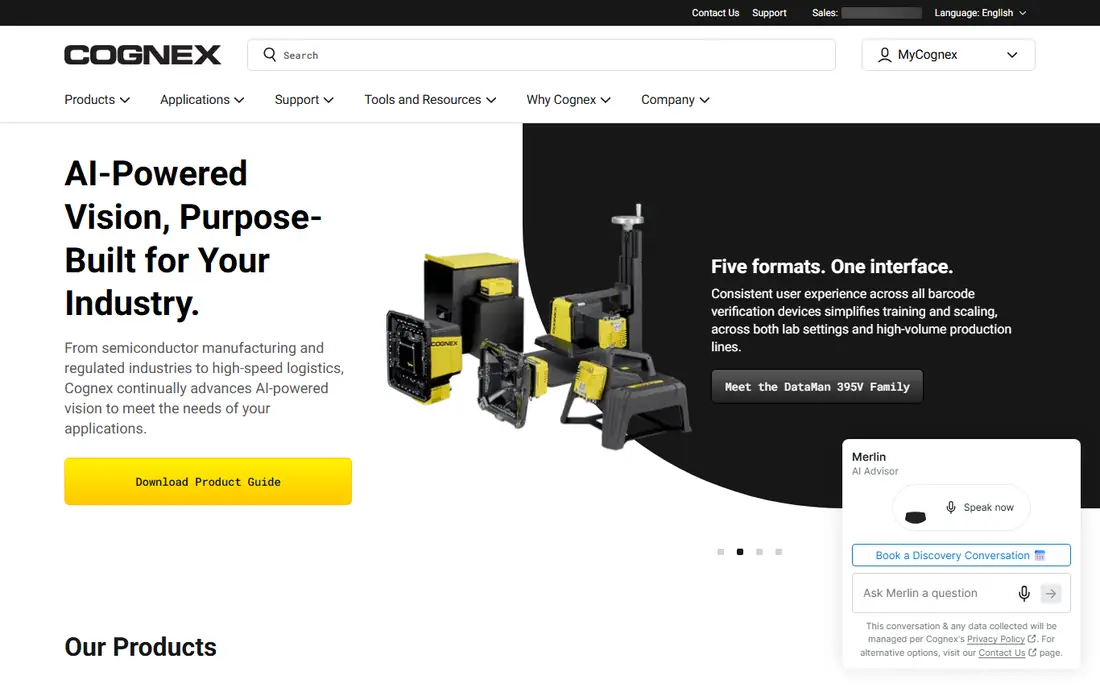
VisionPro is a PC-based vision platform for teams that need a wide set of tools in one environment. It covers geometric location, inspection, barcode and code reading, measurement and alignment, with specialised tools for semiconductor and electronics applications. That breadth makes it a safe shortlist choice when one line must handle several different inspection jobs.
The cost of that breadth is complexity and quoted pricing. VisionPro is not a casual purchase, and deployment quality depends on lighting, optics, camera choice and application design. Budget for engineering time and runtime licences, not only the development package.
- Broad tool set for location, inspection, identification and measurement
- Strong in electronics and semiconductor work
- Mature support ecosystem
- Pricing is quoted
- Full value needs trained vision engineers
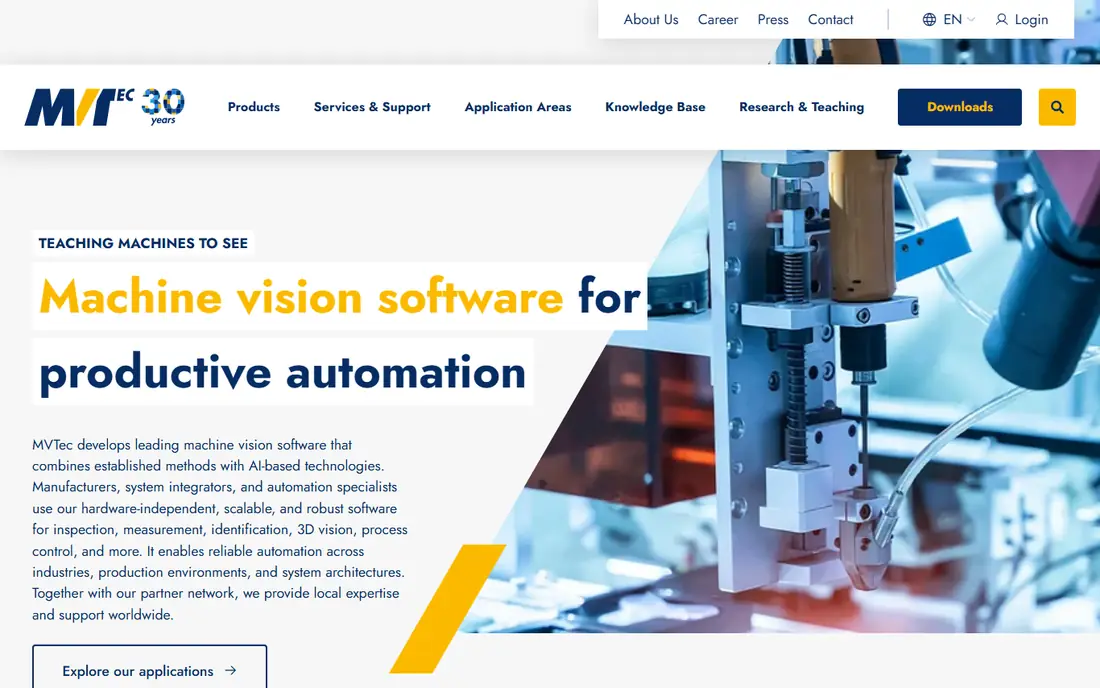
HALCON is a library-first choice for integrators and OEMs that build custom vision applications. Its strength is depth: a large set of operators for image processing, matching, measurement, code reading, 3D vision and deep learning, with hardware independence across many GigE Vision and USB3 Vision cameras. That independence helps when a project must avoid being locked to one camera vendor.
It is less friendly for a first-time user who only wants a quick inspection job. HALCON rewards programming skill and careful application design, and simpler jobs can take longer to build than in a guided tool. Choose it when your team can maintain code and needs that depth over time.
- Very large 2D, 3D and deep learning library
- Works with many camera brands
- Windows, Linux and embedded options
- Steeper learning curve for non-programmers
- Licence structure needs careful checking
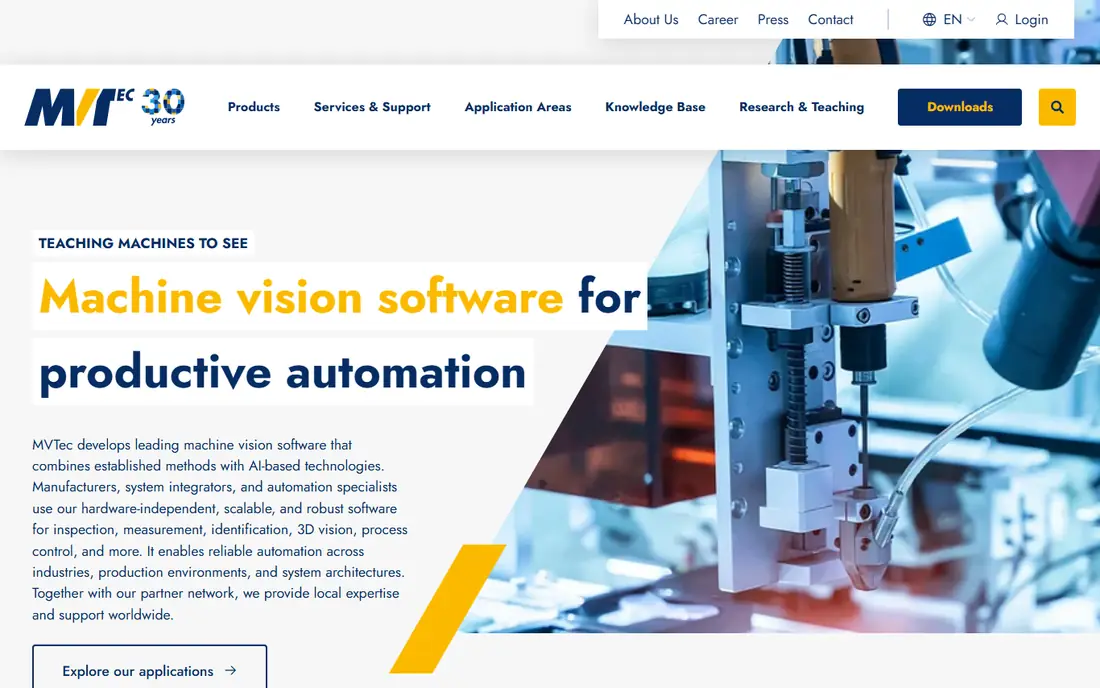
MERLIC is the practical middle path inside the MVTec family. It uses HALCON technology but presents application building through a guided interface, so engineers can build inspection, measurement and code-reading jobs without writing large amounts of code. That makes it easier for a plant team to adjust a job after the integrator leaves.
The trade-off is flexibility. A highly unusual algorithm or custom interface may still need HALCON code. For standard inspection work, however, MERLIC often gets a line running sooner and makes later changes less dependent on one specialist.
- Guided, no-code style application building
- Built on HALCON technology
- Easier handover to plant staff
- Less flexible than raw HALCON for unusual applications
- Pricing is quoted
Keyence CV-X is a system approach rather than a standalone PC library. The controller, cameras and software are designed to work together, which can shorten setup for standard inspection, measurement and code-reading jobs on a factory floor. Teams that want one vendor to support the whole vision setup often value that simplicity.
That integration is also the limit. If you later want a different camera brand or a custom PC application, the system approach is less open than HALCON or VisionPro. Check camera, lighting and communication options against your line before you standardise on it.
- Integrated controller and camera approach
- Fast setup for common inspection tasks
- Strong factory support network
- Tied closely to Keyence hardware
- Pricing is quoted
Aurora is Zebra's vision software platform, building on the Matrox Imaging Library heritage. It is aimed at developers and integrators who need to build inspection, guidance, measurement and identification applications, with deep learning tools for variable defects. Its design environment suits teams that want a structured project rather than raw code alone.
If you have older Matrox projects, do not assume a direct, effort-free migration. Plan a test conversion, check tool behaviour on your own images, and confirm runtime licensing for deployment. For new projects, Aurora is a credible alternative to the larger library platforms.
- Modern design environment for vision applications
- Deep learning and code reading options
- Broad camera support
- Migration from older Matrox projects needs planning
- Pricing is quoted
Basler pylon is best understood as a camera software suite, not as a complete inspection product. It gives developers reliable camera acquisition, control and image handling for Basler cameras, with support for common programming languages. Teams building a custom application around Basler hardware often start here because it removes camera-integration friction.
The honest catch is scope. Pylon does not replace inspection tools, measurement libraries or deep learning frameworks. You will still need OpenCV, HALCON, Aurora or another vision library for the decision logic, unless your job is only acquisition and display.
- Free SDK for Basler cameras
- Good camera control and acquisition features
- C, C++ and Python support
- It is a camera SDK, not a full inspection suite
- You still need your own vision logic
IDS peak is the software development kit for IDS industrial cameras, replacing older IDS software for newer camera lines. It handles acquisition and camera control in a modern, GenICam based way, and it suits developers who have standardised on IDS hardware. For a team already using IDS cameras, it is the natural starting point.
Like pylon, it is not a complete inspection solution. Pair it with a vision library or your own image-processing code for inspection decisions. Its value is clean camera integration, not ready-made pass and fail logic.
- Modern SDK for IDS cameras
- GenICam based acquisition
- Available for IDS camera owners
- Limited to IDS cameras in practice
- Not a full inspection suite on its own
SICK is known for sensors, safety and identification, and its software follows that strength. SOPAS is used to configure and work with SICK devices, while AppSpace lets developers build custom applications for programmable SICK sensors and cameras. That combination fits logistics, packaging and factory identification jobs where a sensor-led device is the right hardware.
It is not the best first choice for a general PC-based vision project with many camera brands. Choose SICK software when the SICK device itself is the right sensor for the job, and confirm which device models, licences and development tools your application needs.
- Strong sensor and code-reading heritage
- AppSpace allows custom sensor apps
- Good for logistics and factory identification
- Sensor-first focus, not a general PC vision library
- Pricing and licensing vary by device
How we picked these
We compared official product pages and documentation for established industrial vision tools, favouring products that are sold and supported today for inspection, measurement, guidance or identification. We included camera SDKs only where they are a real part of a vision build, and we marked that limit clearly. Where pricing was not published, we wrote See website.
What to check before you buy
Bring your own parts and images to any trial. Test under real factory lighting, with dust, vibration and the line speed you actually run, because clean lab images hide the variation that causes false rejects. Check camera compatibility, trigger and communication options, and how the software handles a missed read or a borderline part.
Also confirm the full licence picture: development licences, runtime licences per PC or camera, deep learning add-ons, and support terms. Ask who will maintain the application in two years, and whether that person can adjust thresholds and retrain models without calling the original integrator every time.
Frequently asked questions
What is machine vision software?
It is software that analyses camera images to inspect, measure, guide or identify products on a production line or in a logistics process. It turns pixels into a pass, fail, measurement or code result.
Do I need deep learning for inspection?
Not always. Rule-based tools work well for stable parts with clear defects. Deep learning helps when defects vary in appearance, but it needs good labelled examples and careful validation.
Can one tool work with any camera?
Some tools, such as HALCON and Aurora, support many camera brands through standard interfaces. Others, such as Keyence CV-X, are designed around one vendor system. Check compatibility before buying cameras.
What costs should I budget for besides software?
Budget for cameras, lenses, lighting, PCs or controllers, runtime licences, integration time and ongoing maintenance. Lighting and optics often decide success more than software choice alone.
Is a free SDK enough for inspection?
A free camera SDK handles acquisition and control, but not full inspection logic. You still need vision tools or custom code for measurement, defect detection and decision making.
How do I validate a vision system?
Test with a large set of good and bad parts from real production, track false accepts and false rejects separately, and retest after lighting or part changes. A system that only passes in a demo has not been validated.
Sources
See where you really rank - block by block
ProMapRanker scans Google Maps across a grid of your service area. Simple monthly plans from $19, white-label on every plan.
Start freeKeep reading
 what’s the best risk software for enterprises
What Is the Best Risk Software for Enterprises in 2026
We compared what’s the best risk software for enterprises on risk registers, controls, third-party risk, and reporting, with pricing notes for large teams.
Read → what's the best pam software for enterprises
What is the Best PAM Software for Enterprises in 2026
Find what's the best pam software for enterprises, with vaulting, session recording, just in time access and pricing compared for large enterprise IT teams.
Read → what’s the best grc software
What Is the Best GRC Software in 2026
We compared what’s the best grc software on risk, compliance, audit and vendor risk, so teams can pick a platform that fits their frameworks and budget.
Read →