 ProMapRanker
Best Low Code Web App Builders in 2026

Key takeaways
- Bubble is the most capable builder for full web apps with complex logic, databases and user accounts.
- Glide and Softr are the fastest routes when your data already lives in a spreadsheet or Airtable.
- Retool suits internal tools for teams that already have databases and want to build dashboards fast.
- FlutterFlow and Adalo suit builders who also want mobile apps or code they can export.
- Webflow suits design-led websites and portals, but it needs extra tools for full app logic.
- Check usage pricing, data export and custom domain costs before you build, since those costs grow with success.
Quick comparison
| Pick | Great for | Pricing starts at | Free tier | |
|---|---|---|---|---|
 Bubble | Full web apps with complex logic | See website | Yes | Visit |
 Glide | Apps from spreadsheets | See website | Yes | Visit |
 Softr | Portals from Airtable or Sheets | See website | Yes | Visit |
 Retool | Internal dashboards and tools | See website | Yes | Visit |
 FlutterFlow | Apps with code export | See website | Yes | Visit |
 Adalo | Web and native mobile apps | See website | Yes | Visit |
 Webflow | Design-led websites and portals | See website | Yes | Visit |
 OutSystems | Enterprise low-code apps | See website | Free trial | Visit |
The best low code web app builders
Low-code builders let you build a working web app with visual tools and a small amount of code, rather than writing everything from scratch. Some are built for full products, some for internal tools, and some for portals on top of data you already have. We compared them on that fit, not just on price.
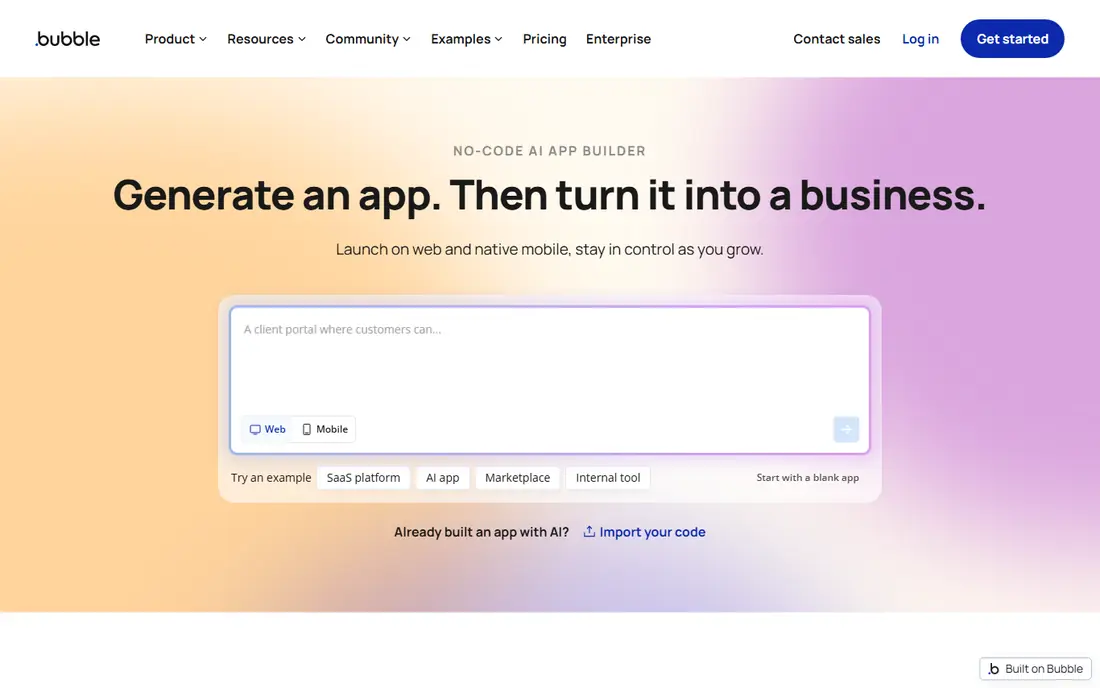
Bubble is the most capable low-code builder on this list for a full web app. You design pages visually, define your own database, and build workflows for sign-up, payments, messaging and other app logic, all without writing a traditional back end. That depth lets you build marketplaces, SaaS products, booking apps and client portals that would be hard to build in a simpler tool.
The trade-off is complexity and cost control. Bubble takes longer to learn than Glide or Softr, and its workload-based pricing means inefficient searches and workflows can raise your bill. Build with pagination, narrow searches and careful workflow design, and test on the free plan before you launch. For a founder building a real product, Bubble offers the highest ceiling here.
- Visual editor with a real database and workflow engine
- Handles user accounts, payments and multi-role apps
- Large plugin and template library
- Steep learning curve
- Usage-based workload pricing can rise with inefficient workflows
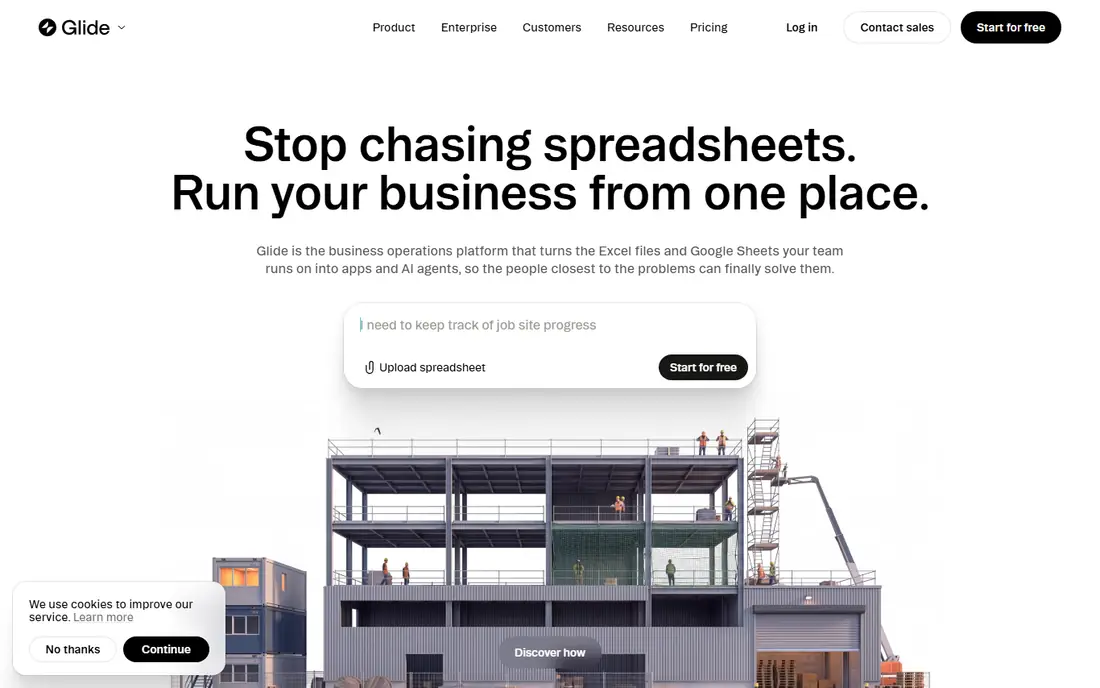
Glide turns a spreadsheet into a working app in hours, not weeks. You connect a sheet, pick a layout, add forms and actions, and share the app with your team or customers. That speed makes it ideal for inventory trackers, field service tools, employee directories and simple customer portals, where the data already exists and the app just needs to make it usable.
It is not the right tool for a complex SaaS product with deep custom logic, since you will hit its limits sooner than with Bubble. Pricing also scales with users, rows and updates, so a large app can become costly. If your goal is a useful internal tool fast, Glide is one of the best places to start, and its free plan is enough to prove the idea.
- Very fast to build from Google Sheets, Excel or Airtable
- Clean mobile-friendly design
- Good for internal tools and portals
- Less suited to complex custom logic
- Costs rise with users and data rows
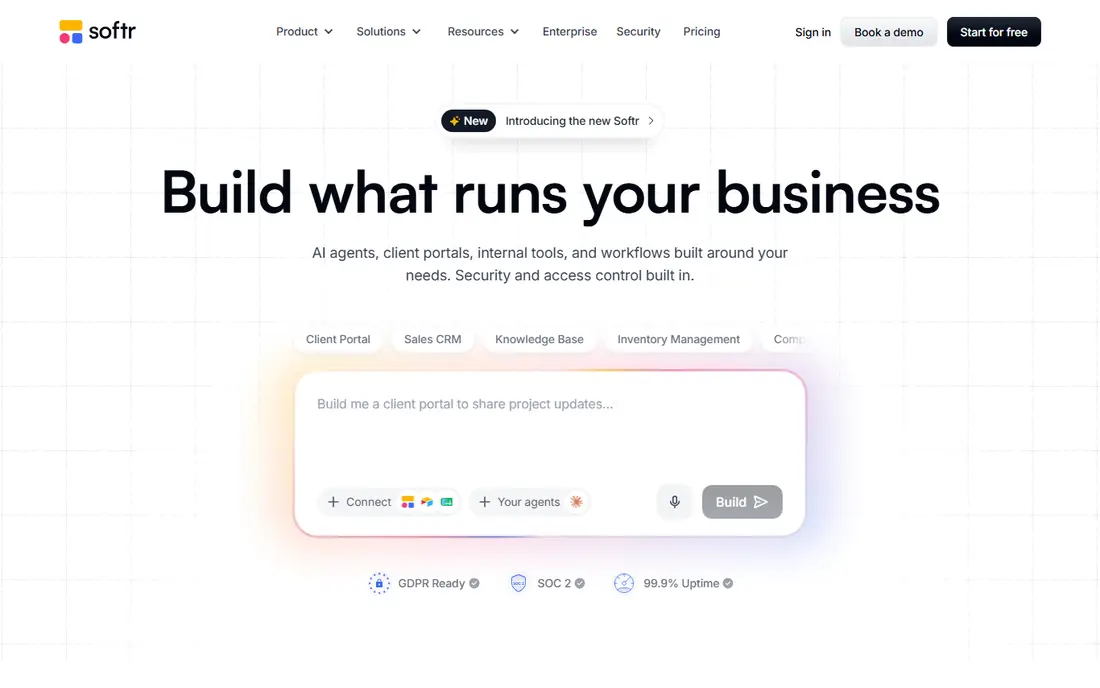
Softr is built for a specific job, which is turning data in Airtable or Google Sheets into a polished portal. You can build a client portal, a membership site, an internal dashboard or a directory, with sign-in and role-based access so different users see different data. Pre-built blocks for lists, forms and profiles make the build fast, even for a non-technical team.
The limit is that Softr leans on your data source. If Airtable or Sheets grows very large or needs complex logic, you may need another tool. For agencies, coaches and small businesses that already keep data in Airtable, Softr is a fast and attractive way to give clients a proper portal instead of a shared spreadsheet.
- Fast portals and membership sites from Airtable or Google Sheets
- Role-based access for clients and staff
- Pre-built blocks for common pages
- Depends on your data source for scale
- Custom logic is more limited than Bubble
Retool is the builder for internal work. It connects to databases, APIs and tools your team already uses, and it lets you drag together tables, forms, charts and buttons into an admin panel or dashboard. Developers can add JavaScript where needed, so it sits clearly in low-code territory, with visual building plus real code for the hard parts.
It is not aimed at public customer-facing apps, so a founder building a consumer product should look at Bubble or FlutterFlow instead. For an operations team that needs a tool to manage orders, support tickets or internal data, Retool can cut build time from months to days. A free plan lets you test it with your own data before you pay.
- Connects to databases, APIs and common tools
- Fast to build admin panels and dashboards
- Supports JavaScript for custom logic
- Built for internal tools, not public customer apps
- Needs some technical skill to get the most from it
FlutterFlow is a strong choice if you want a web app now and the option of a real mobile app later, with code you can take with you. You build visually, add logic and integrations, and you can export Flutter code, which matters if you later hire developers or want to leave the platform. That export option is a real advantage over builders that lock you in.
The learning curve is steeper than a spreadsheet-to-app tool, and you will need to understand app structure, data and logic to use it well. Paid plans add more features and remove limits, so check the plan that matches your project. For a builder who cares about owning the code and reaching both web and mobile, FlutterFlow is a strong pick.
- Builds web and mobile apps from one project
- Exports Flutter code you can own
- Strong design and logic tools
- Learning curve is higher than Glide or Softr
- Some features need a paid plan
Adalo suits a solo builder or small business that wants one app on web, iPhone and Android without managing three projects. You design screens once, add a database, user accounts, payments and push notifications, and publish to the web and app stores. That breadth is useful for restaurants, salons, coaches and small services that need a simple customer app.
Complex web logic is not Adalo's strength, and very large or data-heavy apps may feel slower than a Bubble or Retool build. The free plan lets you learn the tool and build a prototype, and paid plans add publishing and higher limits. If your priority is a simple app on every platform from one build, Adalo is a practical choice.
- Builds web, iOS and Android apps from one canvas
- Native app publishing
- Built-in database and user accounts
- Less powerful for complex web logic than Bubble
- Performance can suffer on very large apps
Webflow is best known as a visual website builder, and it earns a place here for design-led portals and content sites that need app-like pages. You get precise control over layout, animations and responsive design, plus a CMS for blogs, directories and listings. For a marketing site, a portfolio or a simple member portal, Webflow produces a polished result that many low-code builders cannot match on design.
It is not a full app builder by itself. User accounts, payments, complex workflows and database logic usually need third-party tools, which adds cost and complexity. If your project is mainly a beautiful website with some portal features, Webflow is excellent. If your project is mainly an app with complex logic, Bubble or FlutterFlow will serve you better.
- Excellent visual design control
- Strong CMS for content sites
- Clean hosting and custom domains
- Not a full app builder on its own
- Complex app logic needs third-party tools and extra cost
OutSystems is aimed at larger organisations that need to build and govern many apps with proper security, testing and deployment controls. It supports web and mobile apps, complex integrations and large data models, and it is used for systems that must meet enterprise standards. That depth makes it a serious choice for a company replacing legacy software or building a core business system.
For a small startup, OutSystems is usually too much. Pricing, setup and the skills needed are enterprise-scale, and a simpler builder will get a first product live faster and cheaper. If you work in a large company and need a governed low-code platform for several teams, OutSystems belongs on your shortlist, and a trial or demo is the right next step.
- Enterprise-grade low-code platform
- Builds web and mobile apps with strong governance
- Handles large, complex systems
- Enterprise pricing and setup
- Overkill for a small startup or a simple internal tool
How we picked these
We compared official product pages, pricing pages and public platform guides, and we kept builders that let you create a working web app with visual tools and limited code. We weighed app complexity, data handling, mobile support, code export, pricing model and free access, and we left out pure website builders with no app logic and pure code generators with no visual builder. Prices are shown as See website because low-code pricing varies by users, usage, rows and plan, and vendors change those details often. Always check the current pricing page and the limits that apply to your data size.
How to pick a low-code builder for your project
Start with the job, not the tool. If you are building a product with accounts, payments and complex rules, Bubble gives you the most room to grow. If you are building an internal tool from a spreadsheet, Glide will get you live fastest. If you are building a client portal on Airtable, Softr is the most direct route. If you are building an internal dashboard on a database, Retool is the natural fit.
Next, check three costs that catch builders out. First, usage pricing, since users, rows, workflow runs and data updates can raise the bill as you grow. Second, data export, since you should be able to take your data with you if you leave. Third, custom domain and publishing costs, since a free plan often keeps your app on a provider subdomain. Build a small version first, measure those costs with real data, and only then commit to a paid plan.
Build for change
Low-code apps change fast, which is a strength, but it also means you should keep your data model simple at first. Define your core tables, user roles and key workflows before you add extra features, and test with real users early. A simple app that people actually use is worth more than a complex app that nobody finishes, and a low-code builder makes it cheap to learn that lesson early.
Frequently asked questions
What is the best low code web app builder for beginners?
Glide is the easiest starting point if your data is in a spreadsheet, and Softr is easiest if your data is in Airtable. Bubble is more powerful but takes longer to learn, so start simple and move up only if you need the extra power.
Is low-code the same as no-code?
No-code builders aim to need no code at all, while low-code builders let you add code for custom logic, integrations and edge cases. Retool and FlutterFlow sit clearly in low-code territory, while Glide and Softr lean closer to no-code for simple apps.
Can I build a real business on a low-code platform?
Yes, many startups and internal tools run on low-code platforms, and Bubble in particular supports full products with payments and user accounts. Check usage pricing, data export and performance for your expected size before you scale.
Do low-code apps work on mobile phones?
Most builders produce web apps that work well in a mobile browser, and Adalo and FlutterFlow also support native mobile apps. Test your app on a real phone early, since a desktop layout does not always translate well to a small screen.
Can I export my data and code from a low-code builder?
Data export is usually possible, but code export varies. FlutterFlow offers Flutter code export, while many other builders do not offer full code export. Check the vendor's export and exit terms before you build a core business system.
Which builder is best for internal tools?
Retool is best for internal dashboards and admin tools on existing databases, while Glide suits simpler internal tools from spreadsheets. Pick Retool for data-heavy internal work and Glide for fast, simple team tools.
Sources
See where you really rank - block by block
ProMapRanker scans Google Maps across a grid of your service area. Simple monthly plans from $19, white-label on every plan.
Start freeKeep reading
 worlds best local seo company
8 Worlds Best Local SEO Companies for Map Pack Growth in 2026
Compare the worlds best local seo company options for Google Business Profile work, citations, reviews, and multi-location rankings and reporting in 2026.
Read → world's best web hosting company
World's Best Web Hosting Company in 2026
Searching for the world's best web hosting company? We compared 10 hosts on price, renewal rates, speed, and support to help you choose well today in 2026.
Read → who's got the best nanny tax services
Who's Got the Best Nanny Tax Services in 2026
We answer who's got the best nanny tax services, comparing full filing, back taxes, software, and pricing so families can handle nanny taxes correctly.
Read →